How do I use the Vintage Florist in Velvet template?
Choose the primary action to open PicX Studio with the available template settings. Review the model and format, personalize the creative direction, and generate when ready.
A detailed scene prompt featuring a woman arranging a bouquet in a classic library setting with rich textures and atmospheric lighting.
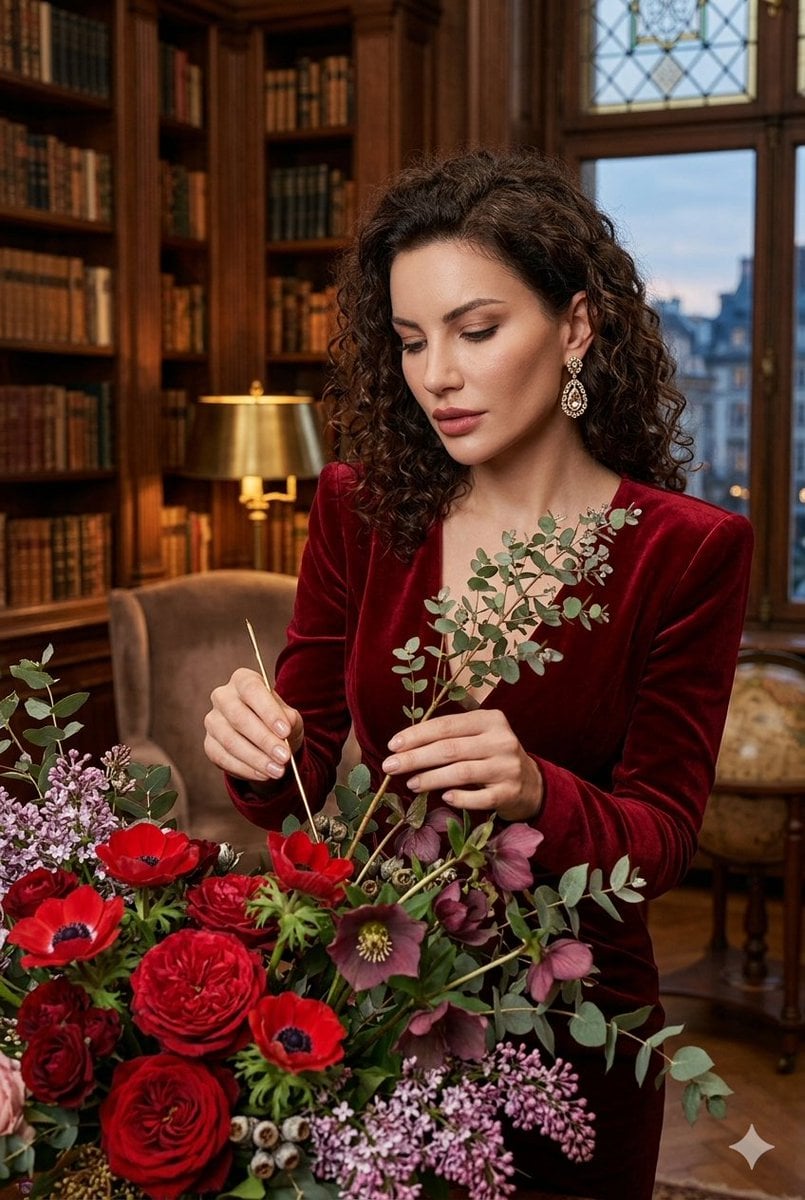
A curly-haired woman in a {argument name="dress material" default="deep red velvet"} dress meticulously crafts a lush bouquet in a lavish, wood-paneled library. Surrounded by red roses, anemones, and eucalyptus, she uses fine tools to arrange the flowers, her diamond earring catching the light from a table lamp. The backdrop includes bookshelves and a window showing a city at dusk.
Choose the primary action to open PicX Studio with the available template settings. Review the model and format, personalize the creative direction, and generate when ready.
Yes. You can change the subject, setting, lighting, mood, format, and available model controls before creating your image.
This template is free to open and customize. Generation usage is shown in PicX Studio before you create.
Start with Nano Banana 2, which is the model associated with this template. You can compare another compatible model for a different finish.
Follow a topic to a crawlable collection of related PicX Studio templates.