How do I use the Avant-Garde White Couture Portrait template?
Choose the primary action to open PicX Studio with the available template settings. Review the model and format, personalize the creative direction, and generate when ready.
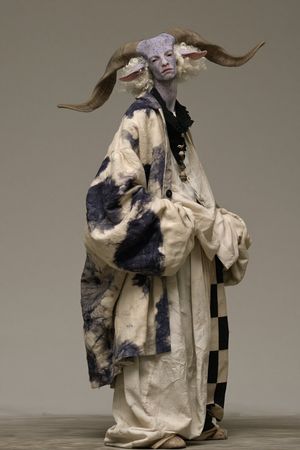
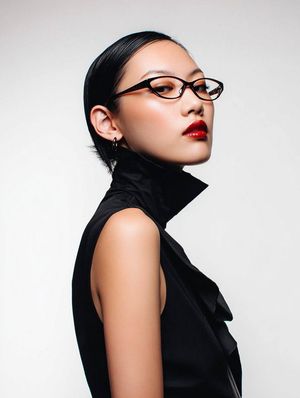
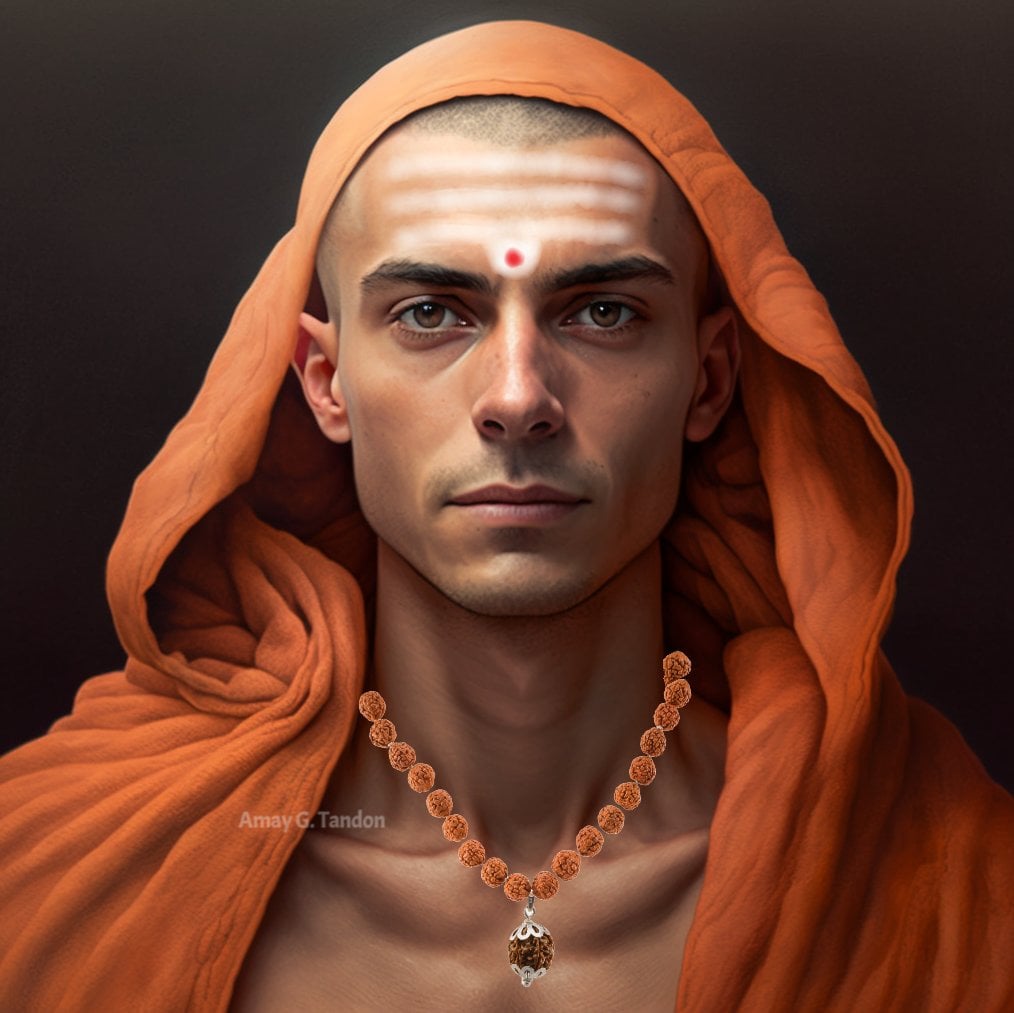
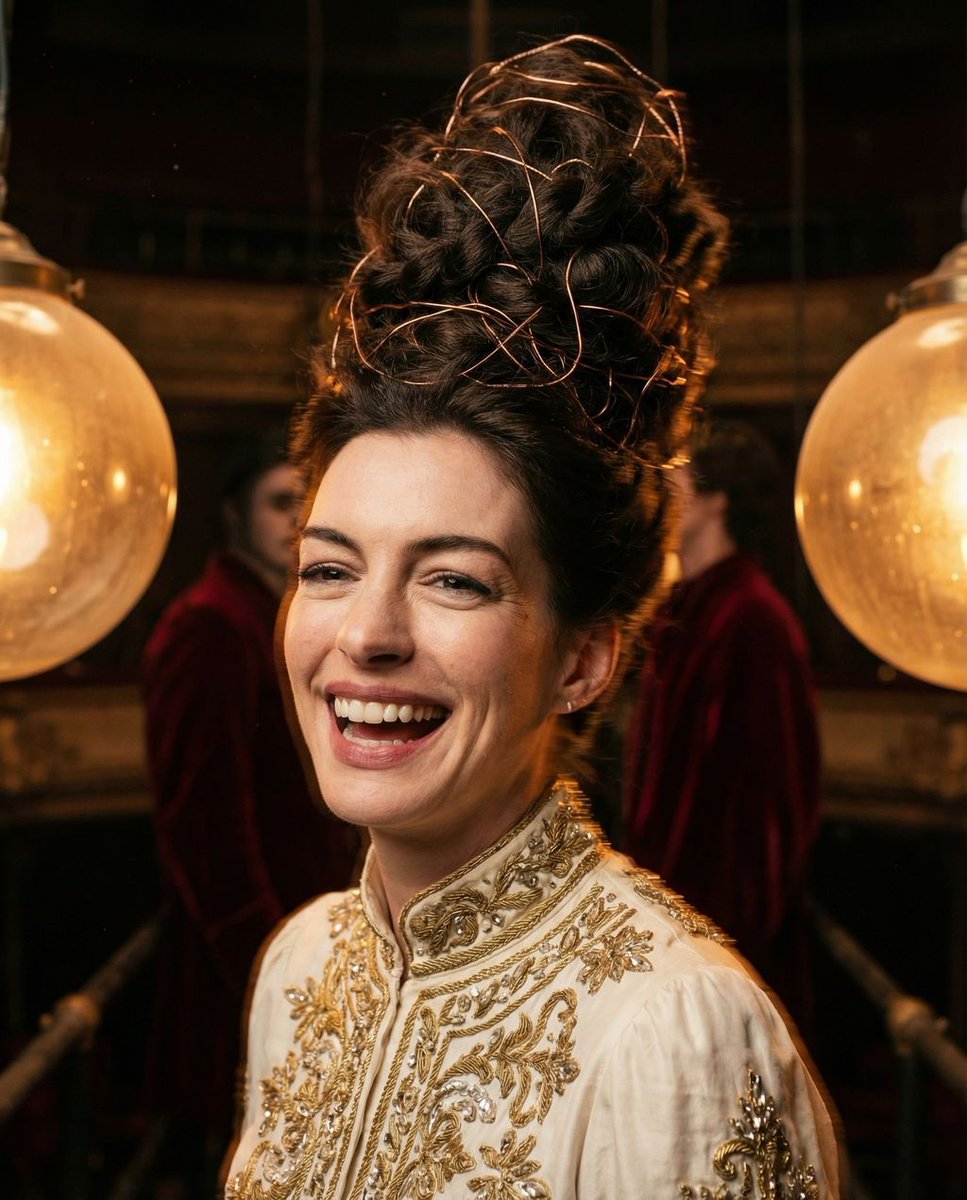
A high-fashion editorial portrait of a man in avant-garde white couture with technical UI overlays and magazine layout elements.
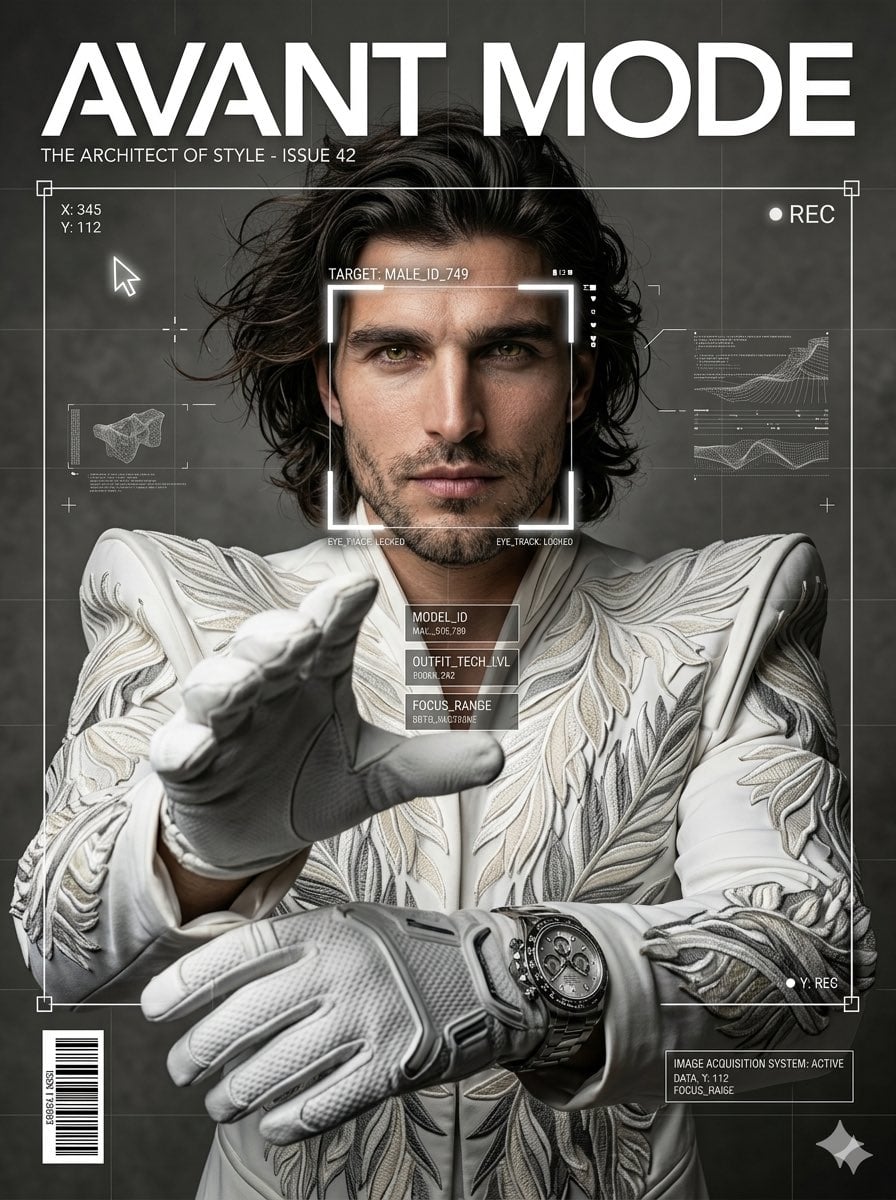
Ultra-realistic fashion editorial portrait of a confident man in {argument name="couture color" default="avant-garde white couture"} with dramatic structured shoulders, hands reaching toward camera (perspective distortion), intense gaze, long wind-blown messy hair, studio soft lighting, {argument name="background texture" default="grey textured background"}, high contrast, Vogue-style. Add overlays: face detection box centered on face, thin white frame with corner handles, subtle grid, UI markers, cursor, tracking points, experimental tech overlay, magazine layout with bold text “{argument name="magazine text" default="AVANT MODE"}”, barcode. Ultra-sharp, cinematic lighting, 8K, professional fashion photography, --ar 3:4 --v 6 --style raw
Choose the primary action to open PicX Studio with the available template settings. Review the model and format, personalize the creative direction, and generate when ready.
Yes. You can change the subject, setting, lighting, mood, format, and available model controls before creating your image.
This template is free to open and customize. Generation usage is shown in PicX Studio before you create.
Start with Nano Banana 2, which is the model associated with this template. You can compare another compatible model for a different finish.
Follow a topic to a crawlable collection of related PicX Studio templates.