How do I use the High Speed Action Editorial template?
Choose the primary action to open PicX Studio with the available template settings. Review the model and format, personalize the creative direction, and generate when ready.
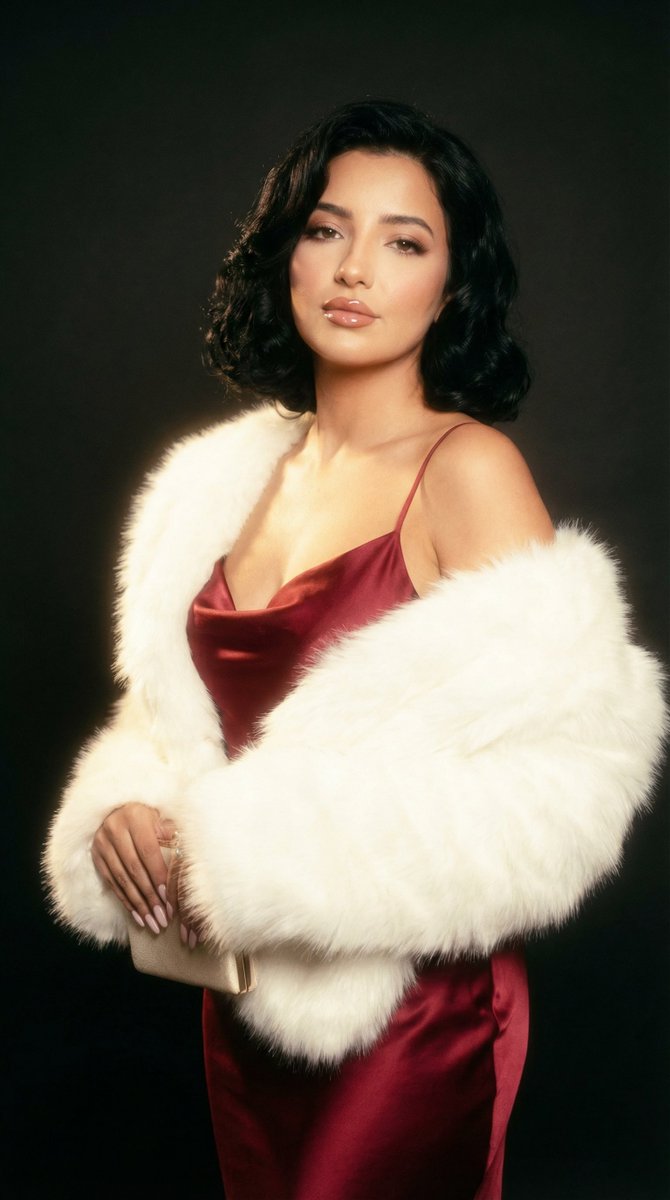
A hyper-dynamic fashion editorial prompt featuring a model in a sprint with an exploding iced coffee spill, shot at an ultra-wide angle.
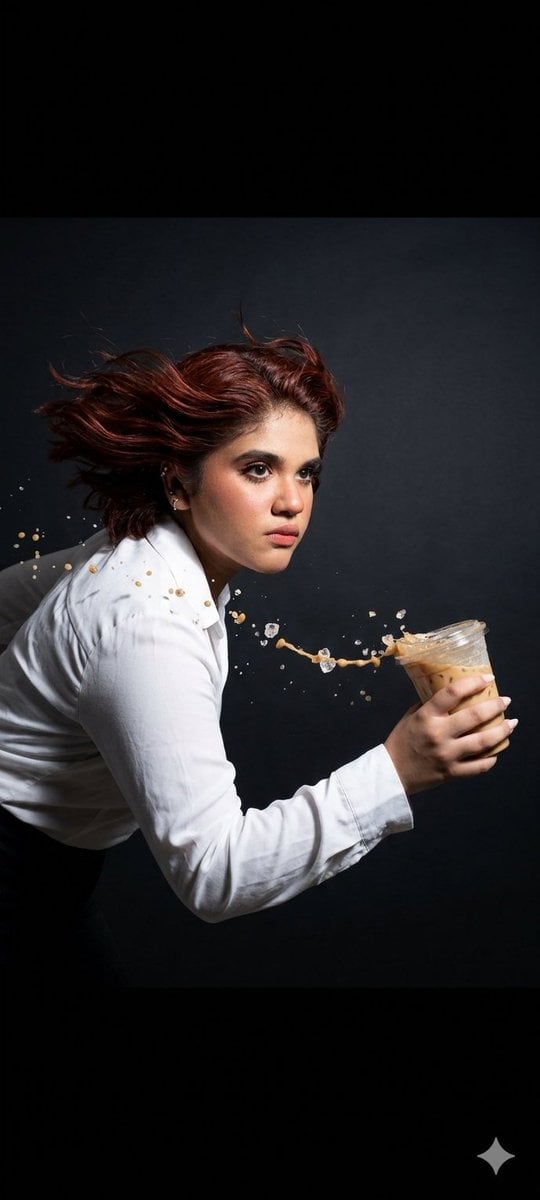
A high fashion studio action shot designed with a cinematic, hyper dynamic editorial approach that captures movement, tension, and frozen energy in a single frame. The scene is set against a dark, solid seamless background that absorbs light and enhances contrast, creating a dramatic void-like environment that isolates the subject and emphasizes form, motion, and lighting precision. The lighting setup is a hard strobe configuration, engineered to produce crisp, sculptural highlights and deep, defined shadows with razor sharp edges. Every contour of the model, fabric, and airborne particles is sharply defined through high intensity flash timing combined with a high shutter speed freeze, ensuring that even the fastest motion appears suspended in time with absolute clarity. The camera is positioned at a {argument name="focal length" default="SUPER ultra wide 12mm"} focal length, exaggerating perspective and adding immersive distortion that enhances speed and impact. A side tracking angle is used, following the model’s motion laterally to intensify the feeling of acceleration and directional force. This perspective makes the scene feel as if the viewer is moving alongside the subject in real time. The model is captured mid action, {argument name="action" default="lunging aggressively into a full sprint"} with powerful athletic energy. The body posture conveys urgency and momentum, with forward drive clearly visible in the stride, shoulders angled into motion, and core engaged. Hair whips violently backward due to rapid acceleration, forming fluid arcs that contrast with the sharp frozen lighting style. In the foreground and motion path, {argument name="liquid effect" default="an iced coffee is captured mid spill, exploding into a long, elegant arc of liquid suspended in mid air"}. Droplets are individually visible, frozen at different distances from the cup, creating a sense of chaotic precision. Crushed ice fragments scatter outward, each piece sharply defined and glinting under the strobe light, enhancing texture and realism. The composition emphasizes controlled chaos, balancing fashion editorial aesthetics with raw kinetic energy. The wardrobe is sleek and high fashion, designed to complement motion without cluttering the visual narrative. Fabric reacts naturally to speed, creating flowing trails and subtle tension folds. Overall, the image blends luxury fashion photography with extreme motion capture techniques, resulting in a visually striking moment that feels both cinematic and impossible, as if time itself has been stopped at the peak of action.
Choose the primary action to open PicX Studio with the available template settings. Review the model and format, personalize the creative direction, and generate when ready.
Yes. You can change the subject, setting, lighting, mood, format, and available model controls before creating your image.
This template is free to open and customize. Generation usage is shown in PicX Studio before you create.
Start with Nano Banana 2, which is the model associated with this template. You can compare another compatible model for a different finish.
Follow a topic to a crawlable collection of related PicX Studio templates.