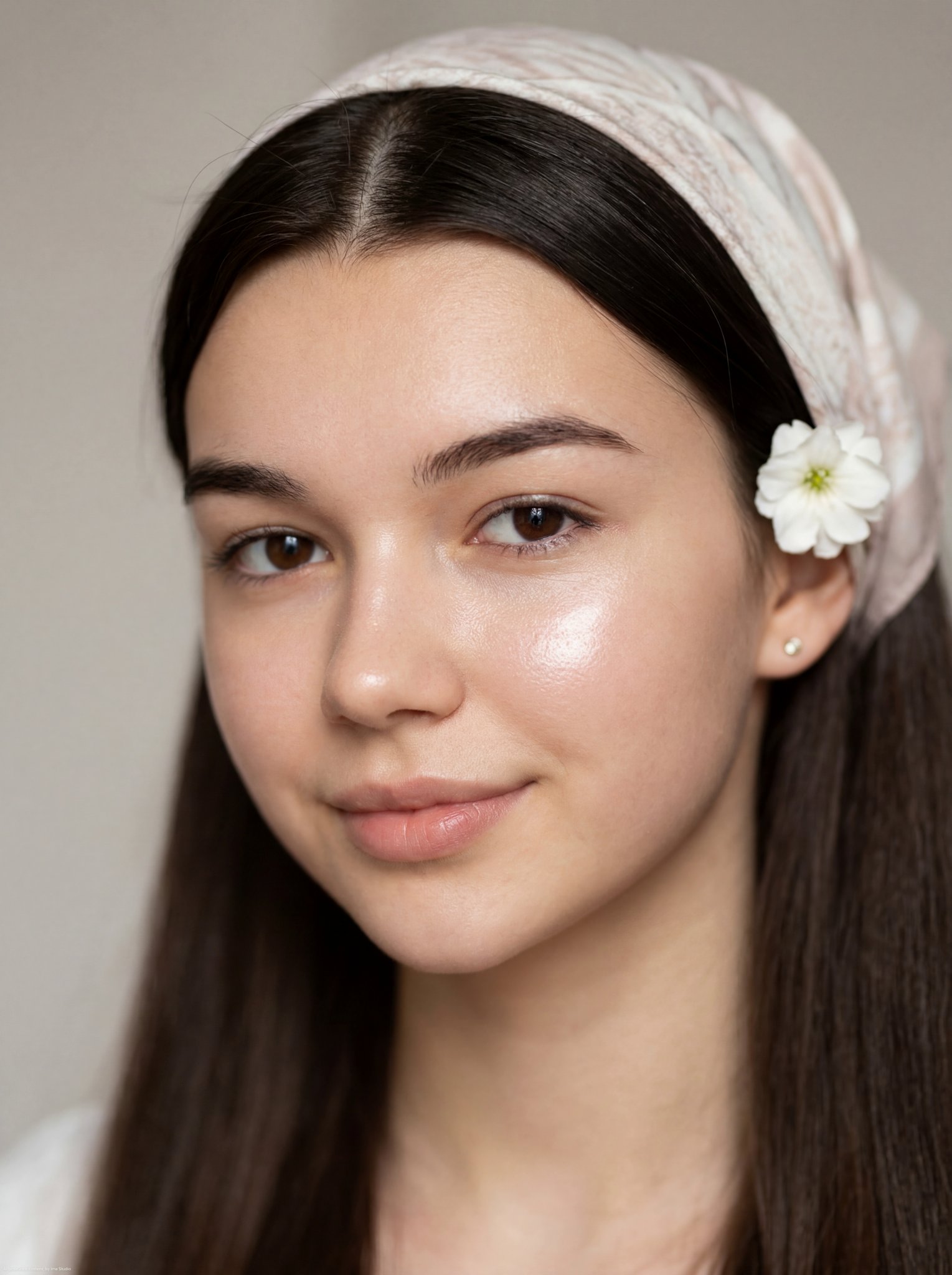
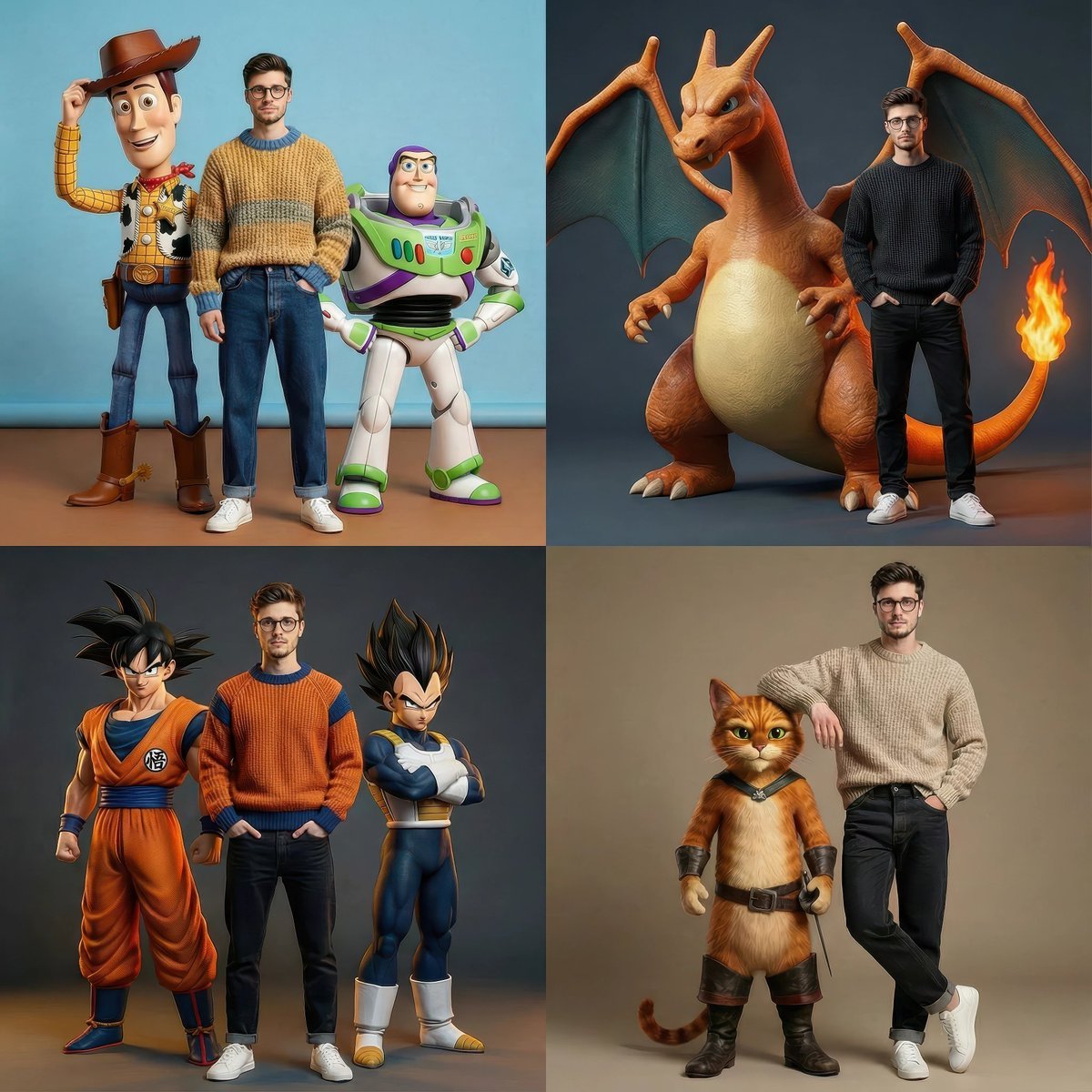
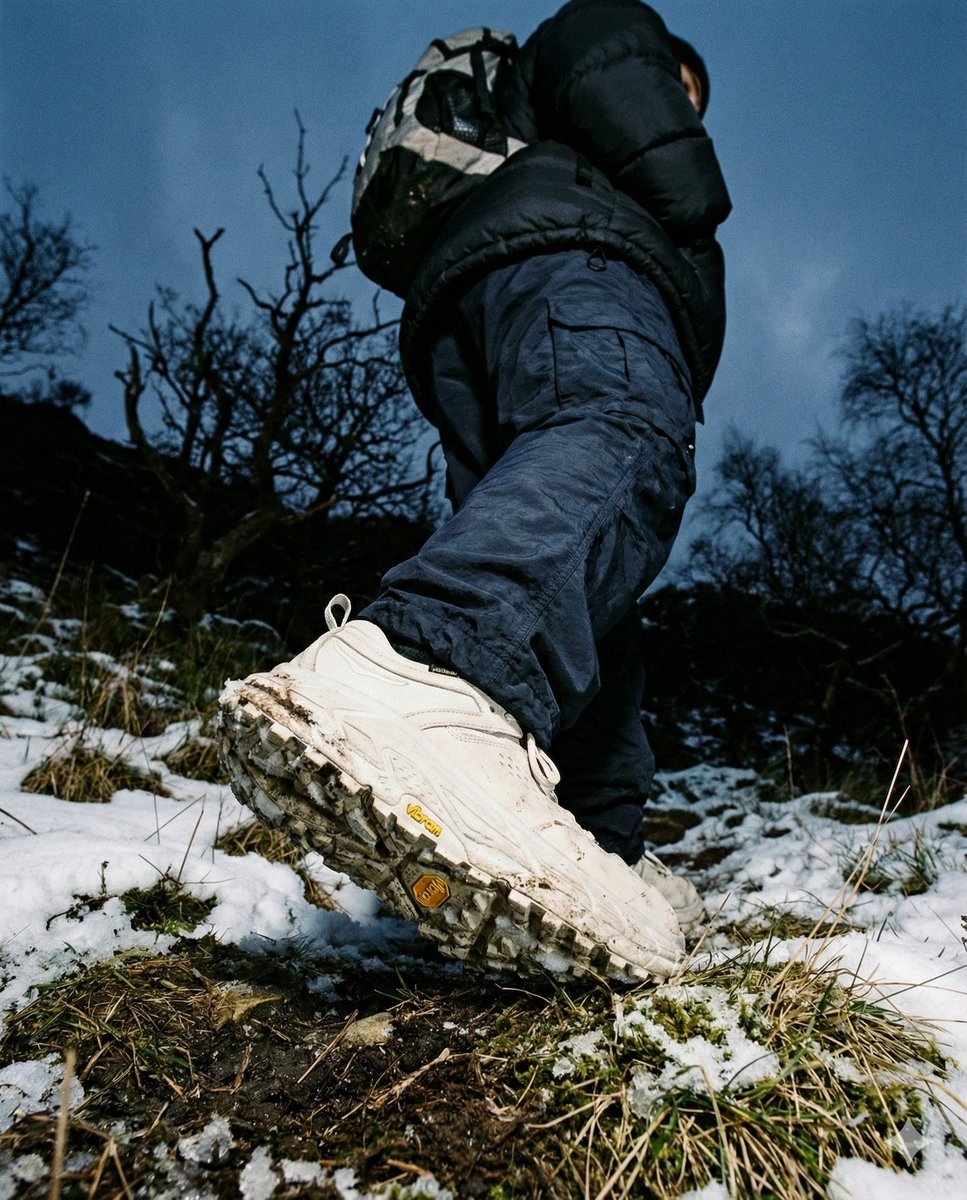
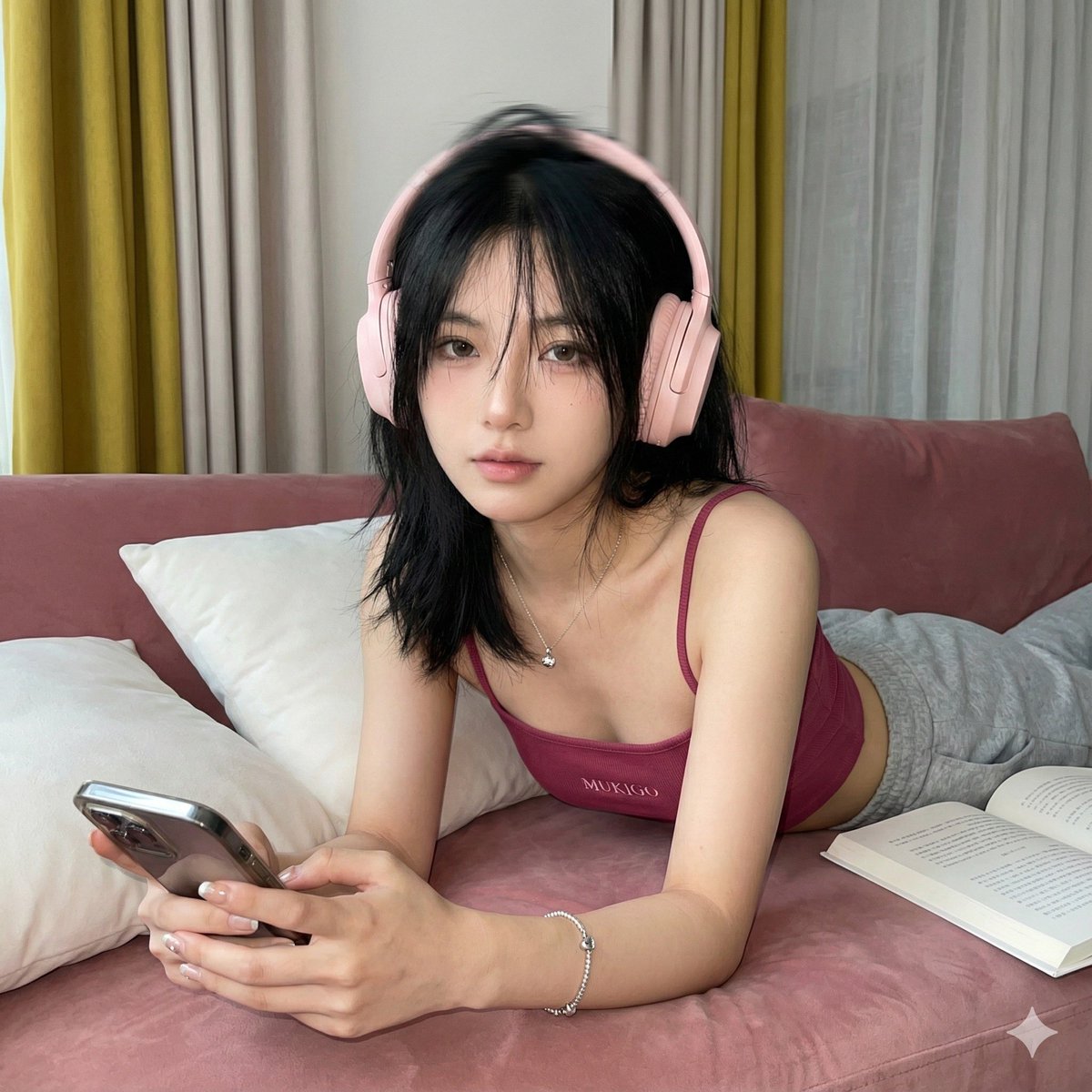
How do I use the Photorealistic Vitiligo Skin Portrait template?
Edit the prompt in the box under the preview — the template's model and format are already selected — and press Generate. Your version appears right on this page.
A technical prompt for generating highly realistic skin textures with organic vitiligo-style depigmentation patterns.

Use case: photorealistic-natural Asset type: portrait or lifestyle photo Input images: Image 1: skin-pattern reference Primary request: create a photorealistic woman with skin matching the {argument name="depigmentation style" default="vitiligo-style depigmentation pattern"} from the reference image. Preserve the natural irregular patch distribution, organic asymmetry, and realistic skin texture. Subject: adult woman with a {argument name="skin tone" default="warm medium skin tone base"} and extensive vitiligo-style depigmentation across the face, neck, chest, stomach, and body. The lighter areas should be pale ivory and cream rather than pure white. The depigmented patches should vary in size, with both small islands and larger merged shapes, and have natural soft-to-defined edges. Style/medium: ultra realistic photography, natural skin detail, visible pores, believable body shading, no beauty filter Composition/framing: realistic natural framing, no distortion, anatomically correct proportions Lighting/mood: {argument name="lighting" default="soft natural daylight"}, realistic contrast, true-to-life skin rendering Materials/textures: real skin texture, subtle pores, natural folds and contours, no painted-on effect Constraints: keep the vitiligo pattern realistic, organic, and medically believable; maintain natural variation across the body; do not smooth over the skin texture Avoid: airbrushed skin, makeup-like patches, symmetrical spot patterns, pure white blotches, plastic skin, glam retouching, distorted anatomy, fake body paint look
Use case: photorealistic-natural Asset type: portrait or lifestyle photo Input images: Image 1: skin-pattern reference Primary request: create a photorealistic woman with skin matching the {argument name="depigmentation style" default="vitiligo-style depigmentation pattern"} from the reference image. Preserve the natural irregular patch distribution, organic asymmetry, and realistic skin texture. Subject: adult woman with a {argument name="skin tone" default="warm medium skin tone base"} and extensive vitiligo-style depigmentation across the face, neck, chest, stomach, and body. The lighter areas should be pale ivory and cream rather than pure white. The depigmented patches should vary in size, with both small islands and larger merged shapes, and have natural soft-to-defined edges. Style/medium: ultra realistic photography, natural skin detail, visible pores, believable body shading, no beauty filter Composition/framing: realistic natural framing, no distortion, anatomically correct proportions Lighting/mood: {argument name="lighting" default="soft natural daylight"}, realistic contrast, true-to-life skin rendering Materials/textures: real skin texture, subtle pores, natural folds and contours, no painted-on effect Constraints: keep the vitiligo pattern realistic, organic, and medically believable; maintain natural variation across the body; do not smooth over the skin texture Avoid: airbrushed skin, makeup-like patches, symmetrical spot patterns, pure white blotches, plastic skin, glam retouching, distorted anatomy, fake body paint look
Edit the prompt in the box under the preview — the template's model and format are already selected — and press Generate. Your version appears right on this page.
Yes. You can change the subject, setting, lighting, mood, format, and available model controls before creating your image.
Opening and editing this template is free. Generating uses credits, shown on the Generate button when you are signed in.
Start with Nano Banana 2, which is the model associated with this template. You can compare another compatible model for a different finish.
Follow a topic to a crawlable collection of related PicX Studio templates.