
Realistic Outdoor Low Angle Sky Selfie
A prompt for generating a raw smartphone-style selfie of a young woman from a low angle against a clear blue sky, emphasizing natural textures and lighting.
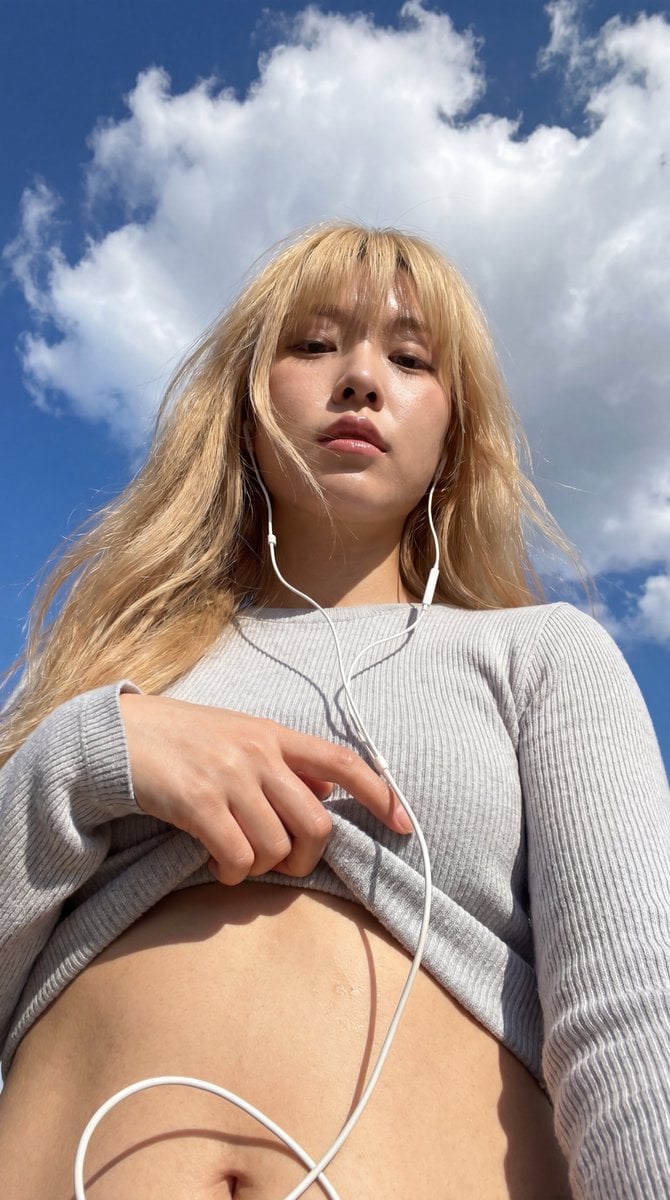
- Prompt included
- Model and format preset
- Free template
The prompt behind this image
Copy the exact prompt behind Realistic Outdoor Low Angle Sky Selfie, or open it in the studio and make it yours.
A realistic outdoor low-angle smartphone selfie. The subject is a {argument name="subject" default="young adult Korean woman"} standing beneath a clear blue sky filled with large white clouds. The camera is positioned below her waist and angled upward, creating a strong wide-angle perspective. She looks down at the lens with a calm, detached, and relaxed expression, her lips slightly parted in a natural way, without an intentional smile. She has striking, refined beauty that effortlessly draws attention. Her hair is long and {argument name="hair color" default="light blonde"}, with thick bangs covering her forehead. A few loose strands are blown by the wind, catching subtle highlights in the sunlight. She has large double eyelids, a well-defined nose bridge, and slightly glossy lips. She is wearing a {argument name="outfit" default="light gray ribbed knit long-sleeve top"}, with one hand lifting the hem upward. The fabric forms realistic diagonal folds and layered bunching across the chest. The visual focus is on the close-up view of her abdomen, waistline, and the skin below the ribcage, while the lower edge of the chest is partially obscured by the clothing and camera angle. Her skin has a light warm tone, with peach-pink and golden highlights under strong natural sunlight. Visible details include realistic pores, a slight sheen of sweat, subtle navel detail, and soft natural skin texture, giving the impression of sun-warmed skin with a faintly moist surface. The edge of the clothing and the white earphone cable cast thin, hard-edged shadows across her abdomen. White wired earphones hang down from her ears, forming a large curved line in the foreground, with part of the cable passing across the abdominal area. Small silver earrings are also visible. The background contains only a bright blue sky, white clouds, thin cloud streaks, and a few distant dark specks, creating the feeling of a casual snapshot taken outdoors on a summer afternoon. The photography style is raw smartphone photography, a low-angle sky selfie, in a vertical 3:4 composition, shot with a smartphone wide-angle lens and a relatively deep depth of field, keeping the subject, hand, cable, and sky all mostly in clear focus.
How to use Realistic Outdoor Low Angle Sky Selfie in 3 steps
- 1
Open
The prompt is already in the box next to the preview, with the template's model and format selected.
- 2…a portrait of your subject in softgolden-hour light, 85mm…
Personalize
Edit the subject and creative details for your destination.
- 3Generate
Generate
Press Generate — your image is created in PicX Studio, so you can compare it with the original and refine one variable at a time.
More like this
Templates with the same subject, style or setup. Open one to see its prompt.
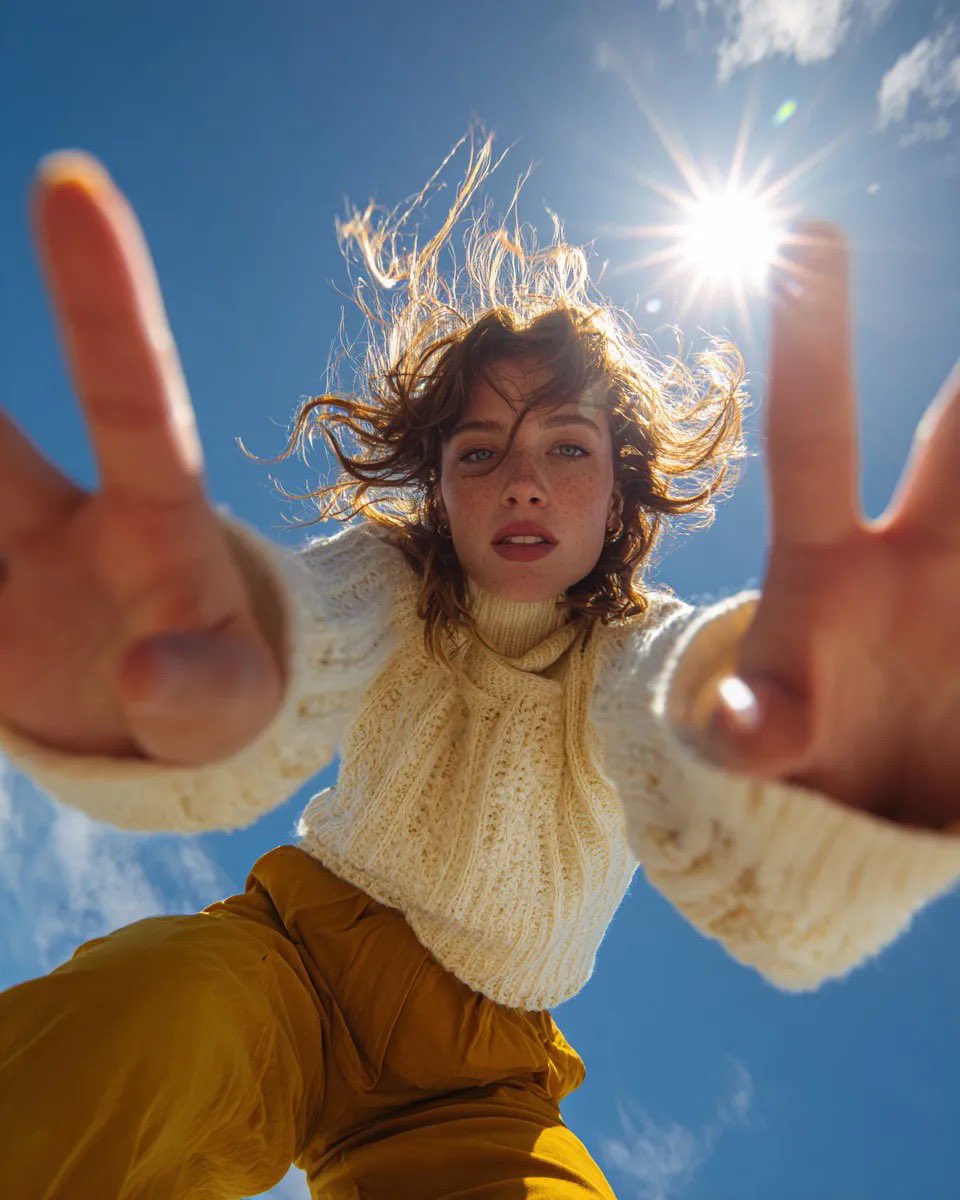
Ultra Wide Low-Angle Portrait — Sairah (Nano Banana)
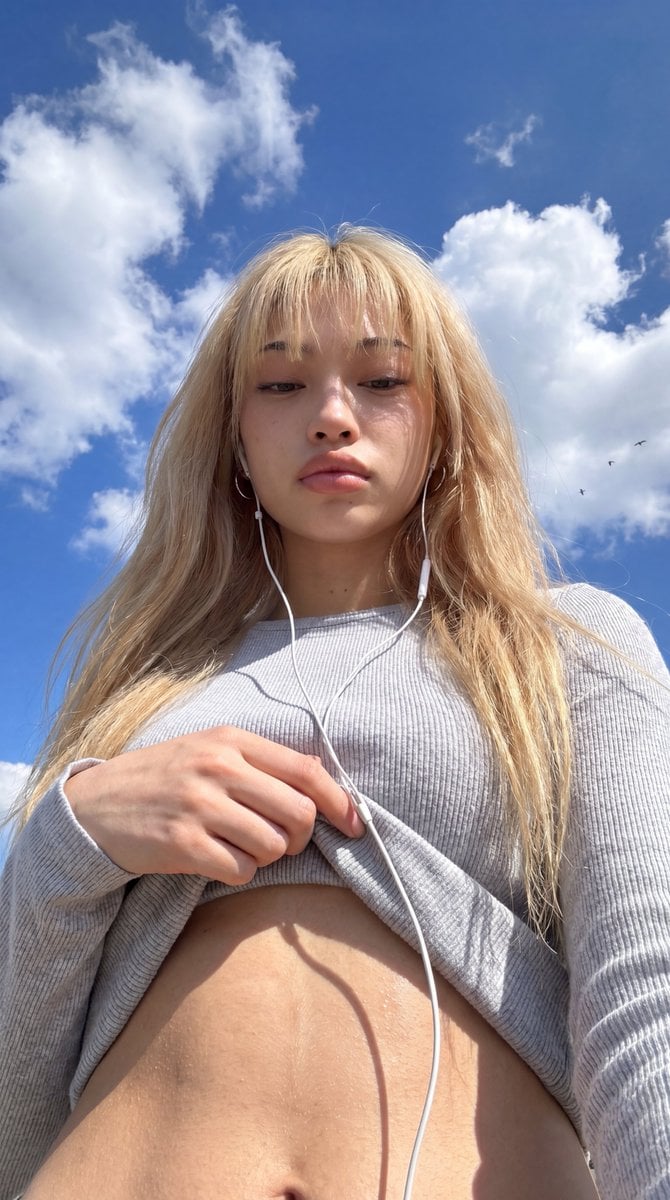
Low-Angle Wide-Sky Smartphone Selfie
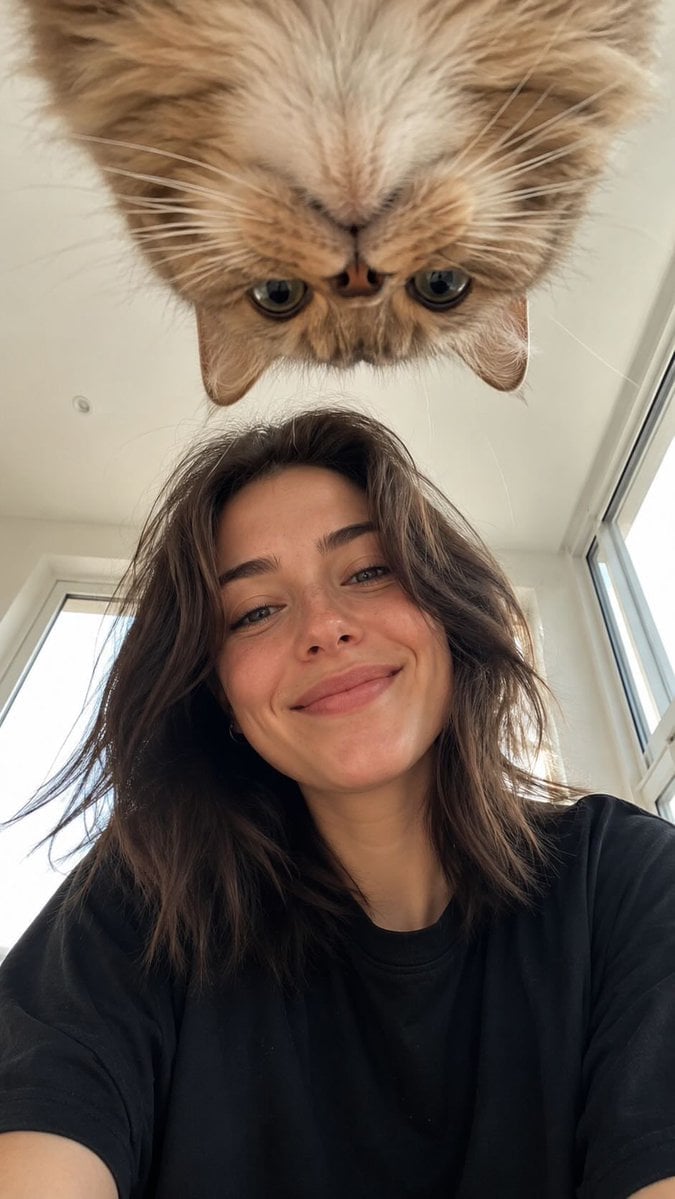
Low Angle Floor Selfie With Upside Down Cat
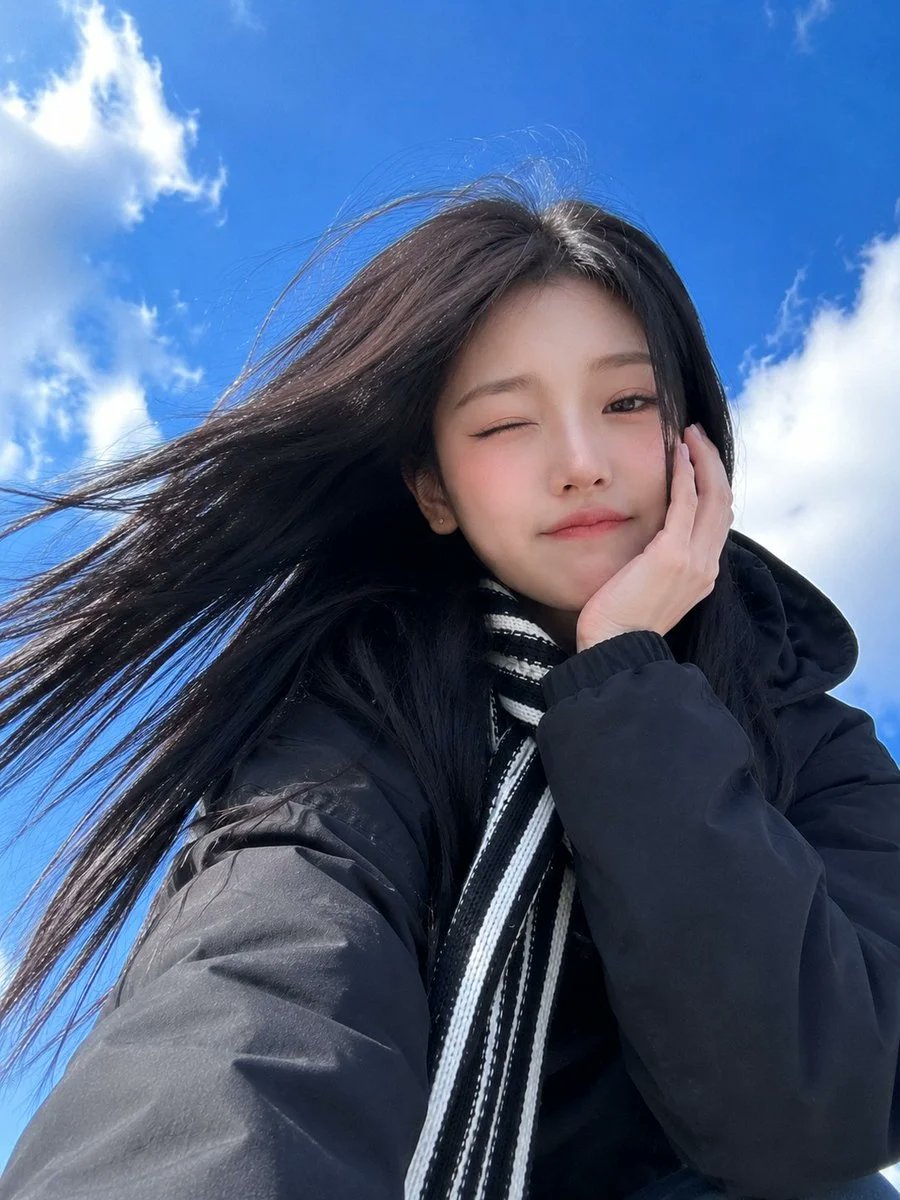
Low-Angle Winter Scarf Selfie
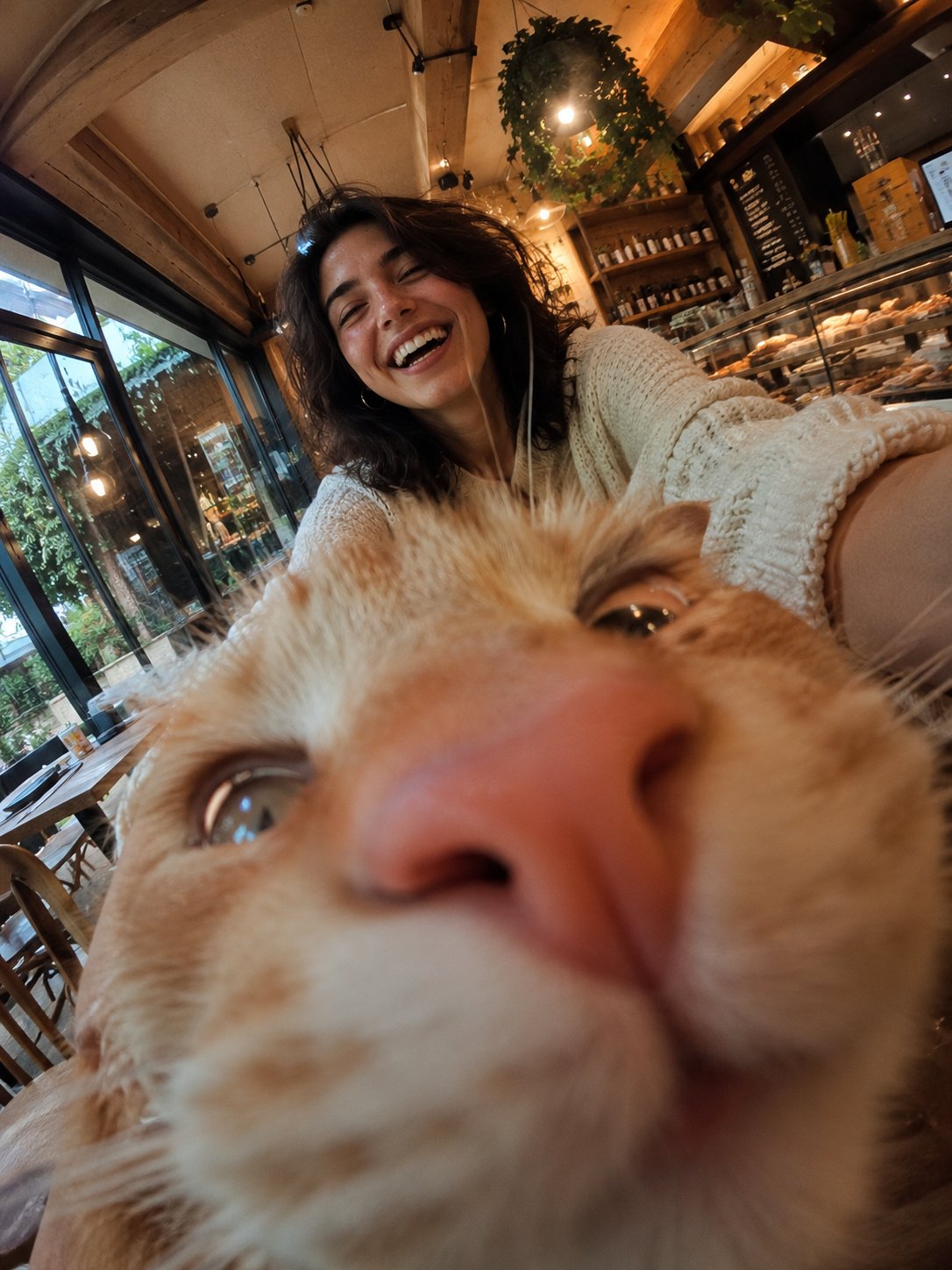
Cat Photobomb Selfie — 0.5x Wide Angle Café Chaos
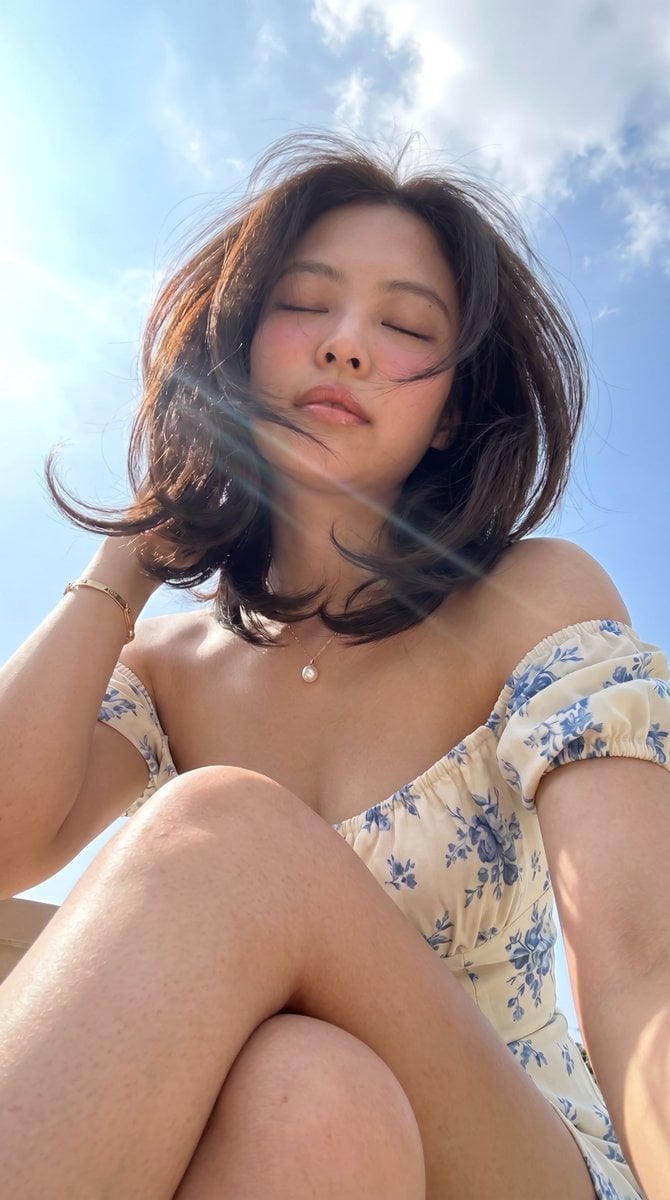
Low-Angle Summer Sky Portrait
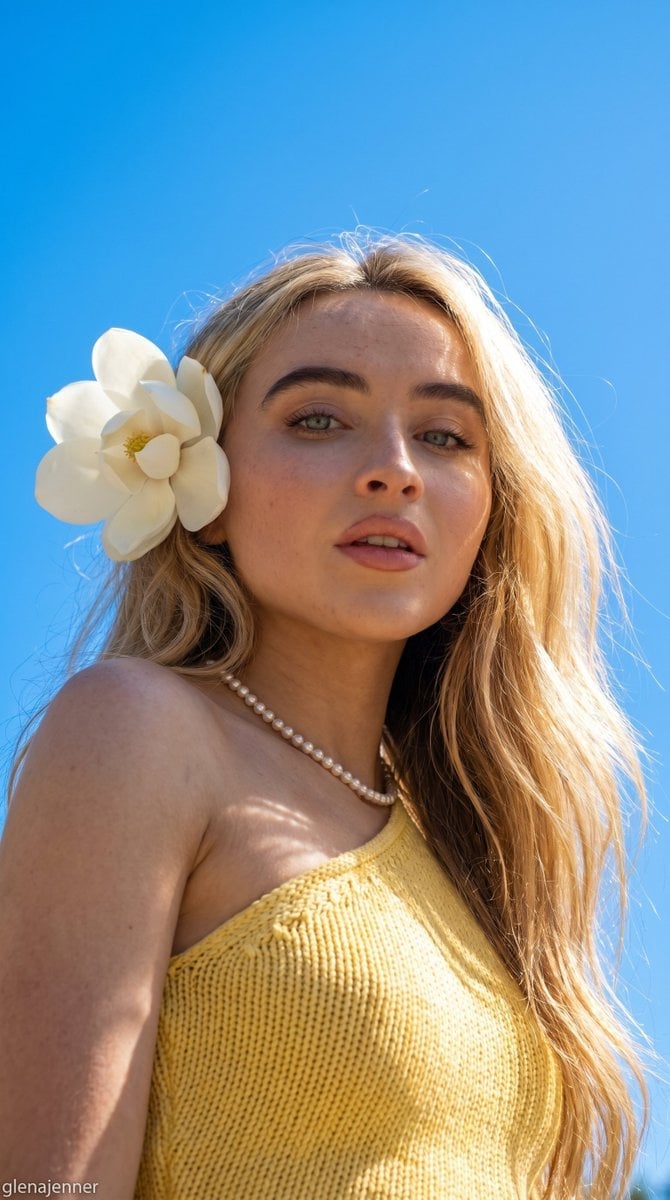
Low-Angle Summer Sky Portrait
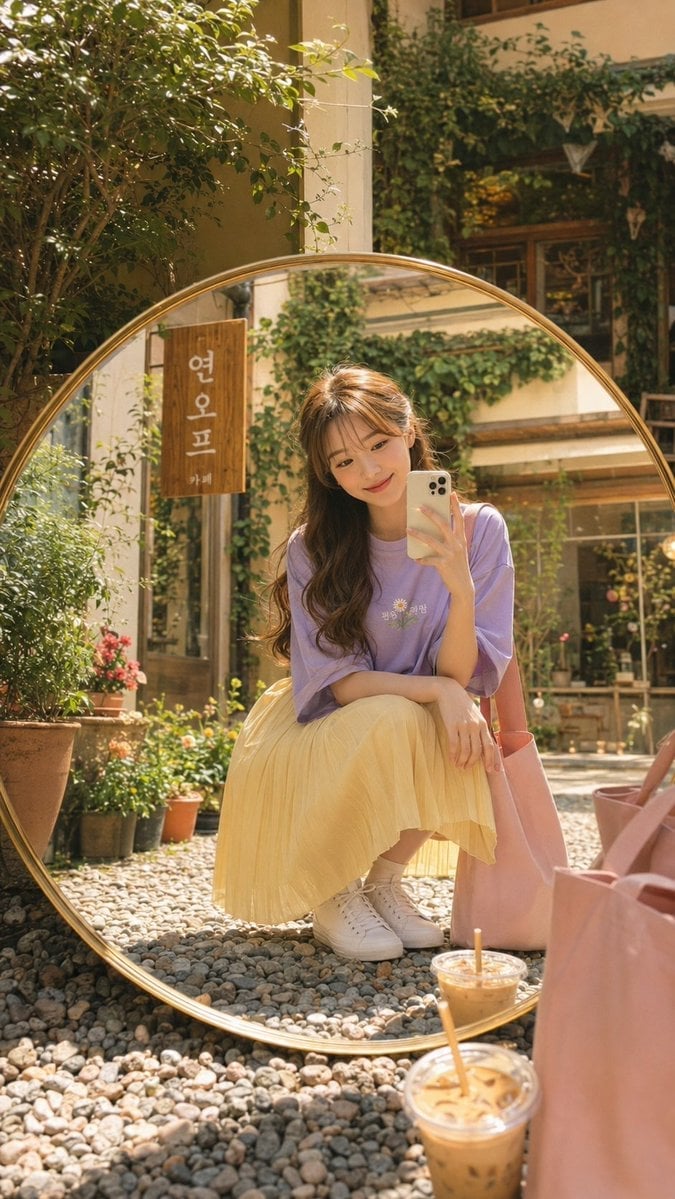
Korean Cafe Courtyard Gold Frame Mirror Selfie
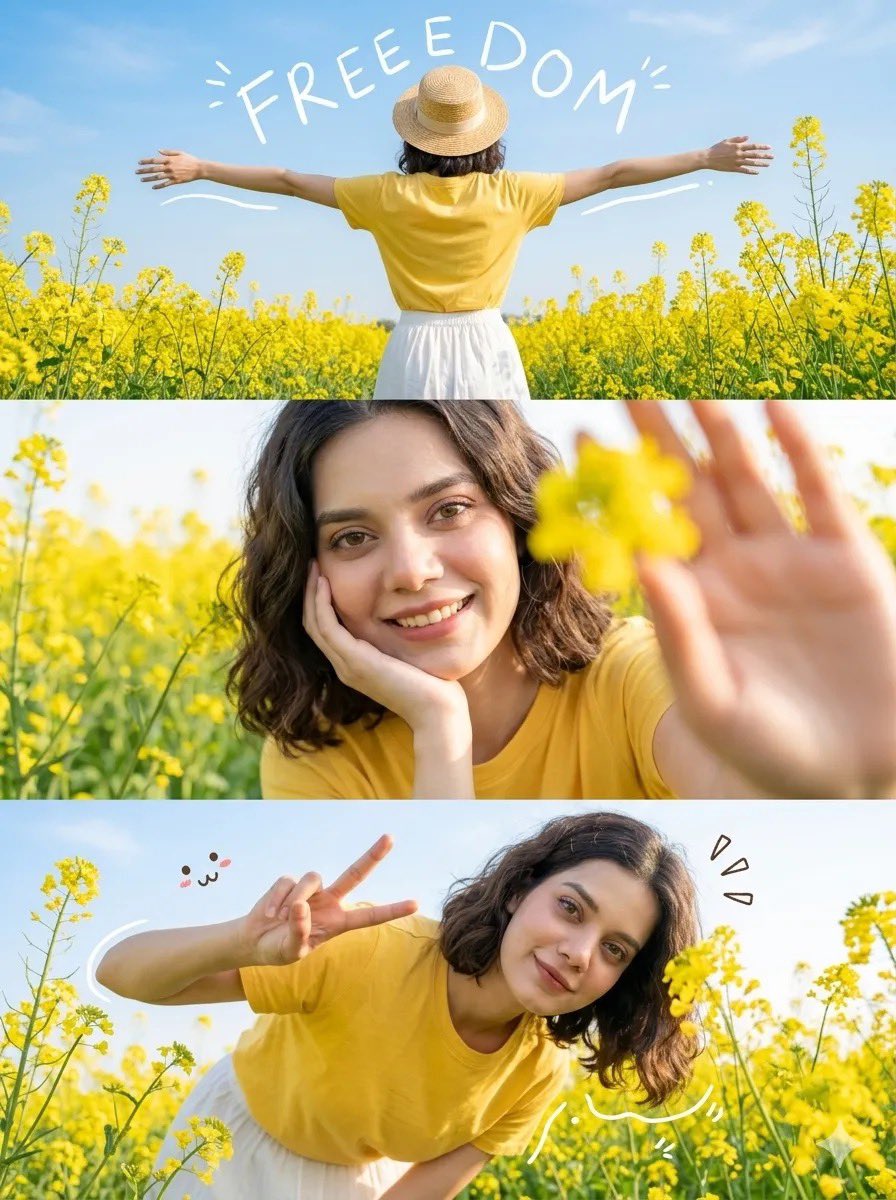
Mustard Flower Field Summer

White Lace Low-Angle Editorial

Rooftop Fisheye — Cat-Ear Balaclava at Golden Hour

Felt & Knit 3D Character — Photo-Exact Face, Pixar-Quality Plush Figurine
Make it yours
Realistic Outdoor Low Angle Sky Selfie works as-is. These are the safest ways to change it without losing the look.
Change one field
Copy a single group, rewrite it, and generate again so you can see what that field is doing.
Keep the frame, change the subject
Hold the composition and light of Realistic Outdoor Low Angle Sky Selfie, then swap wardrobe, props or the person for a new take.
| If the result… | Why | Fix |
|---|---|---|
| The result drifts from the preview | Too many fields changed at once. | Reuse Realistic Outdoor Low Angle Sky Selfie as-is first, then change one group — subject, light, or setting. |
| The model over-stylizes the scene | The prose prompt leaves finish and camera underspecified. | Add one camera or lighting sentence and stay on Nano Banana 2. |
More Nano Banana 2 templates
Other prompts made for Nano Banana 2.

Photorealistic Leaf Shaped Like a Dragon

K-Pop Idol Portrait Grid for Rapid Selection

Poetic Rain Forest Portrait During Golden Hour

Urban Street Portrait with Cartoon Inner Self Duo

Candid Nighttime Photo with Cat Prompt

High-Concept 3D Diorama Generation Prompt

Cinematic Futuristic Studio Portrait Template

Skincare Editorial Photography Collage Prompt

Hyper-Realistic Commercial Product Photography (Splash Effect)

Hyper-Realistic Nightclub Portrait Prompt
More image prompts
Fresh picks from across the catalog.

Bauhaus Functional Identity Brand Logo Generation

Anime Football Legend Poster
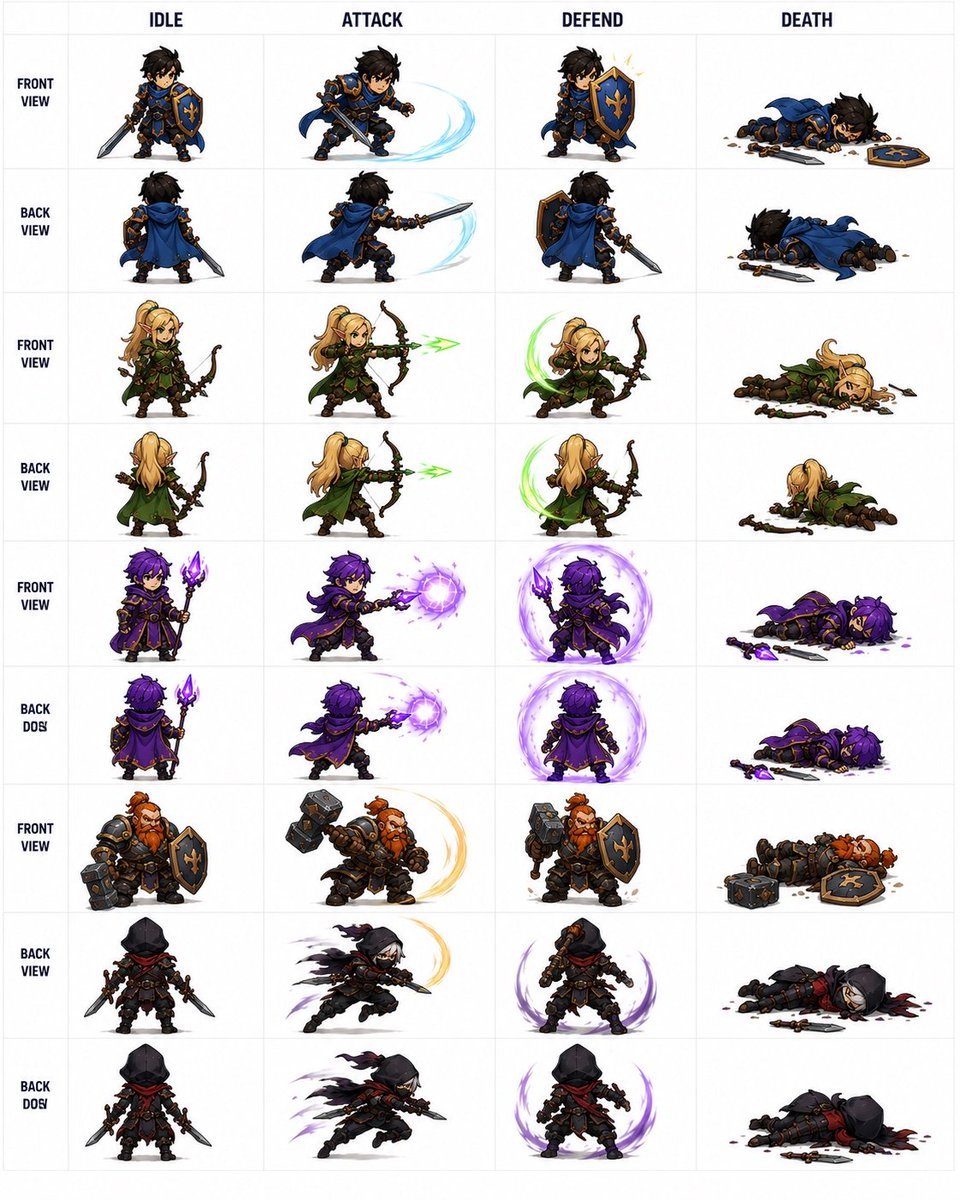
Fantasy Auto-Battler Spritesheet
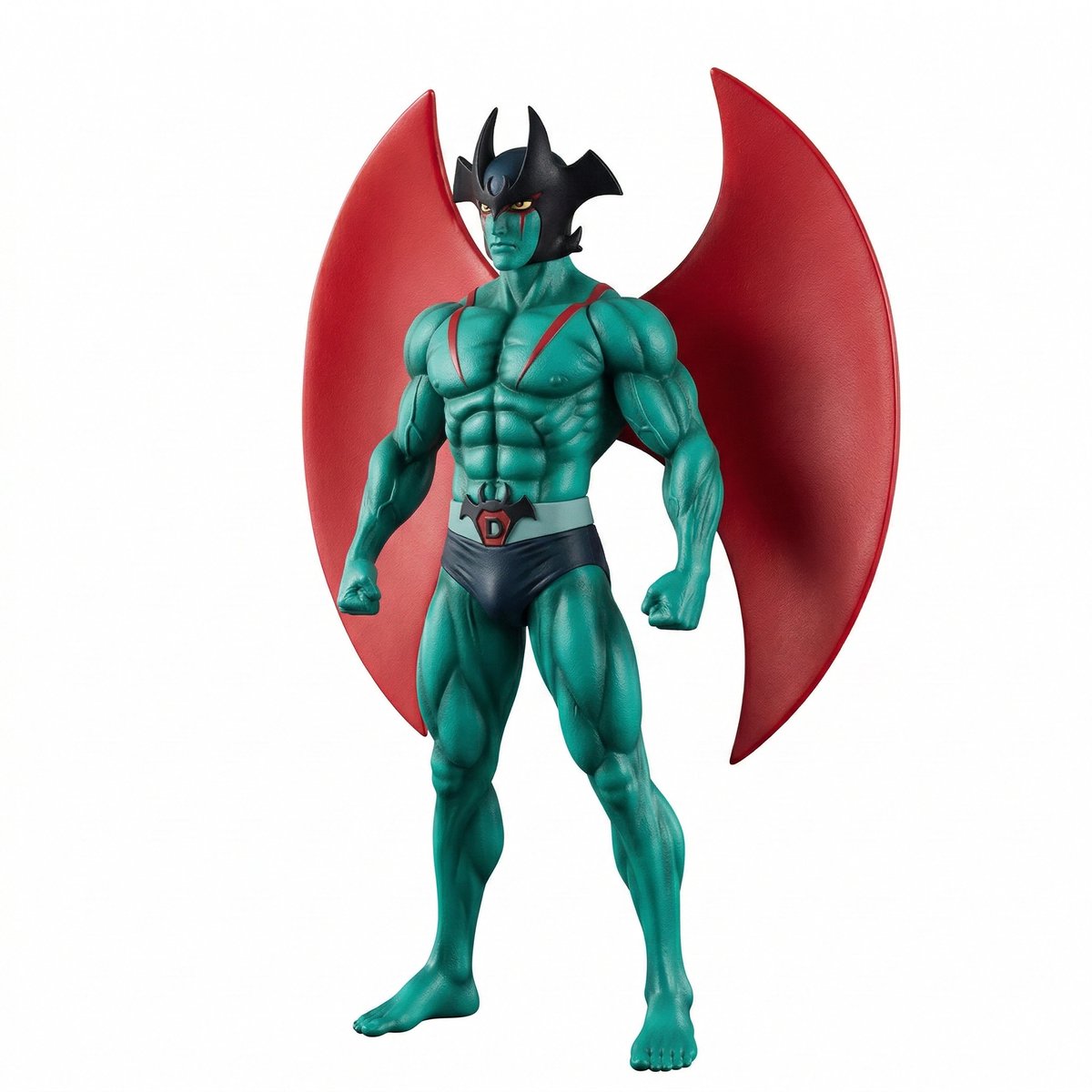
Comparing ChatGPT 5.2 and Nano Banana 2 for Devilman modeling
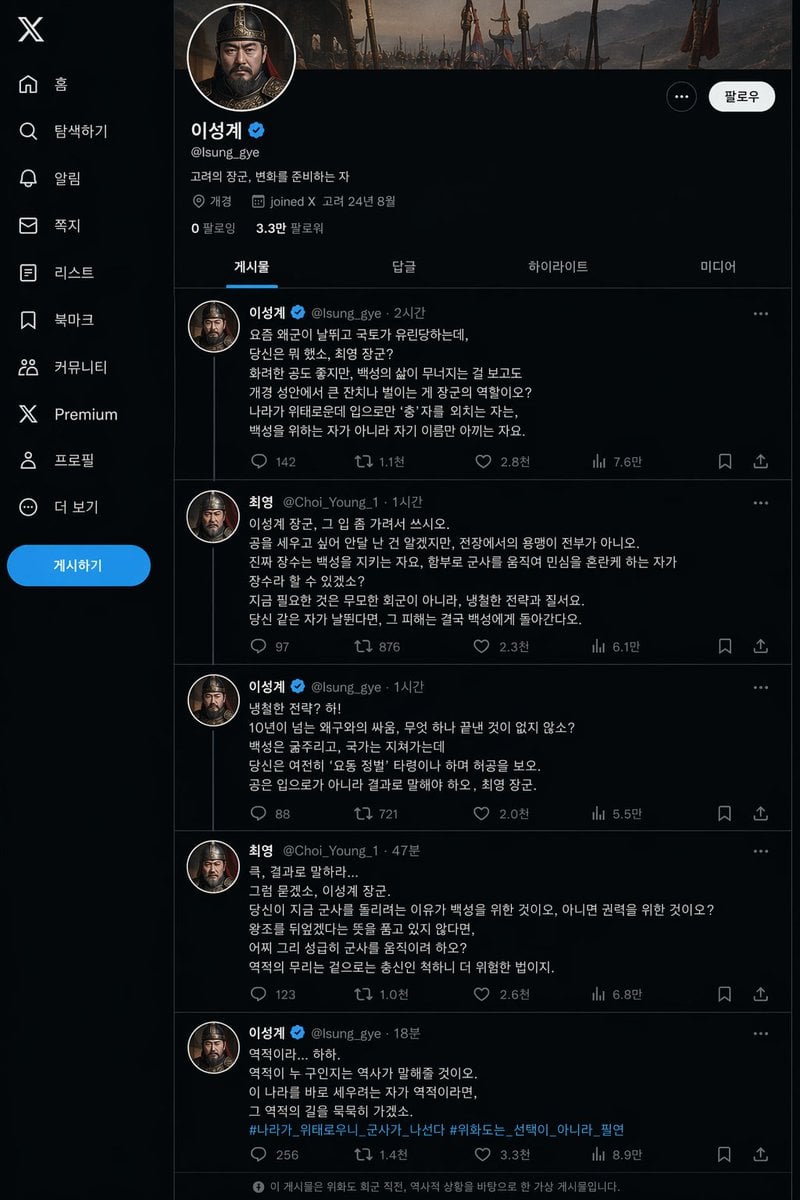
Historical Social Media Feed Mockup

Elegant Fantasy Girl in Violet Garden
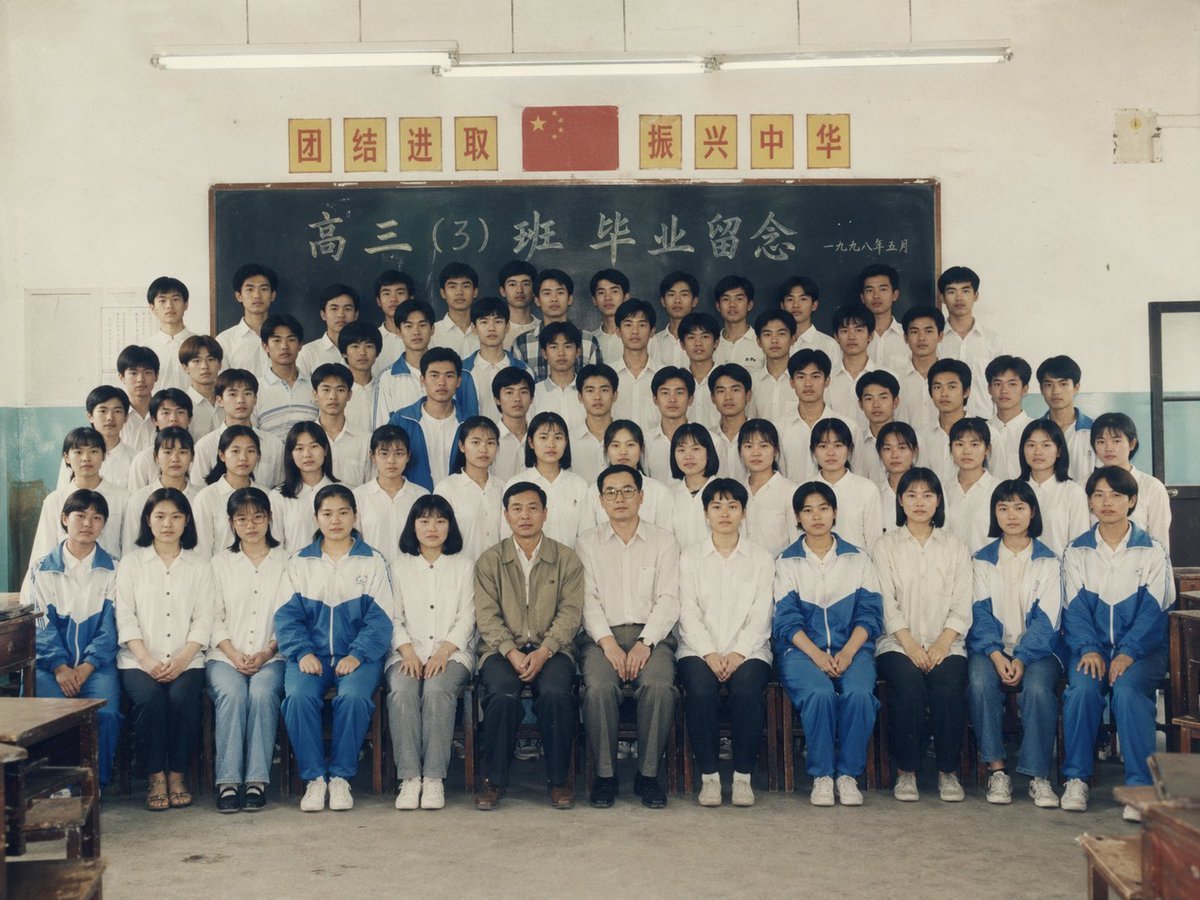
90s Chinese Graduation Photo Prompt
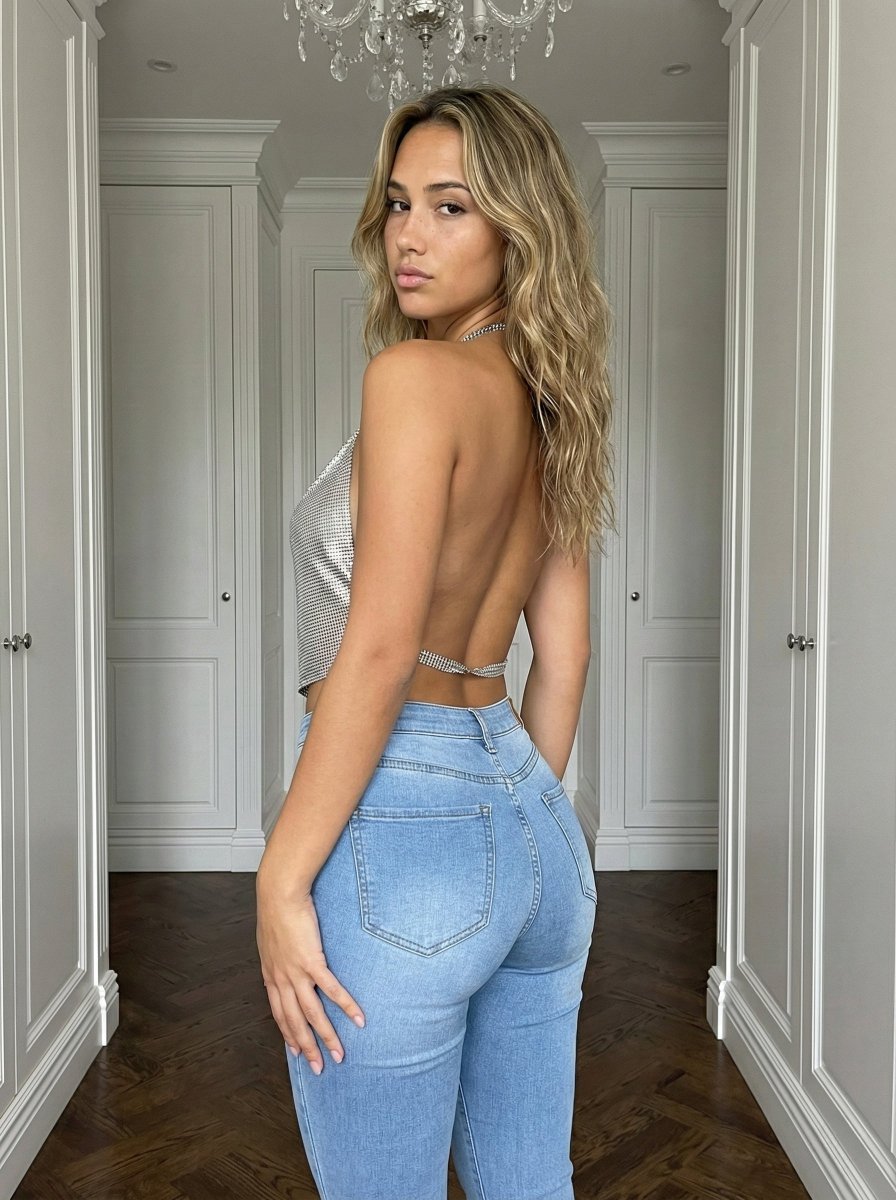
Curvy Influencer Aesthetic Back-View Portrait
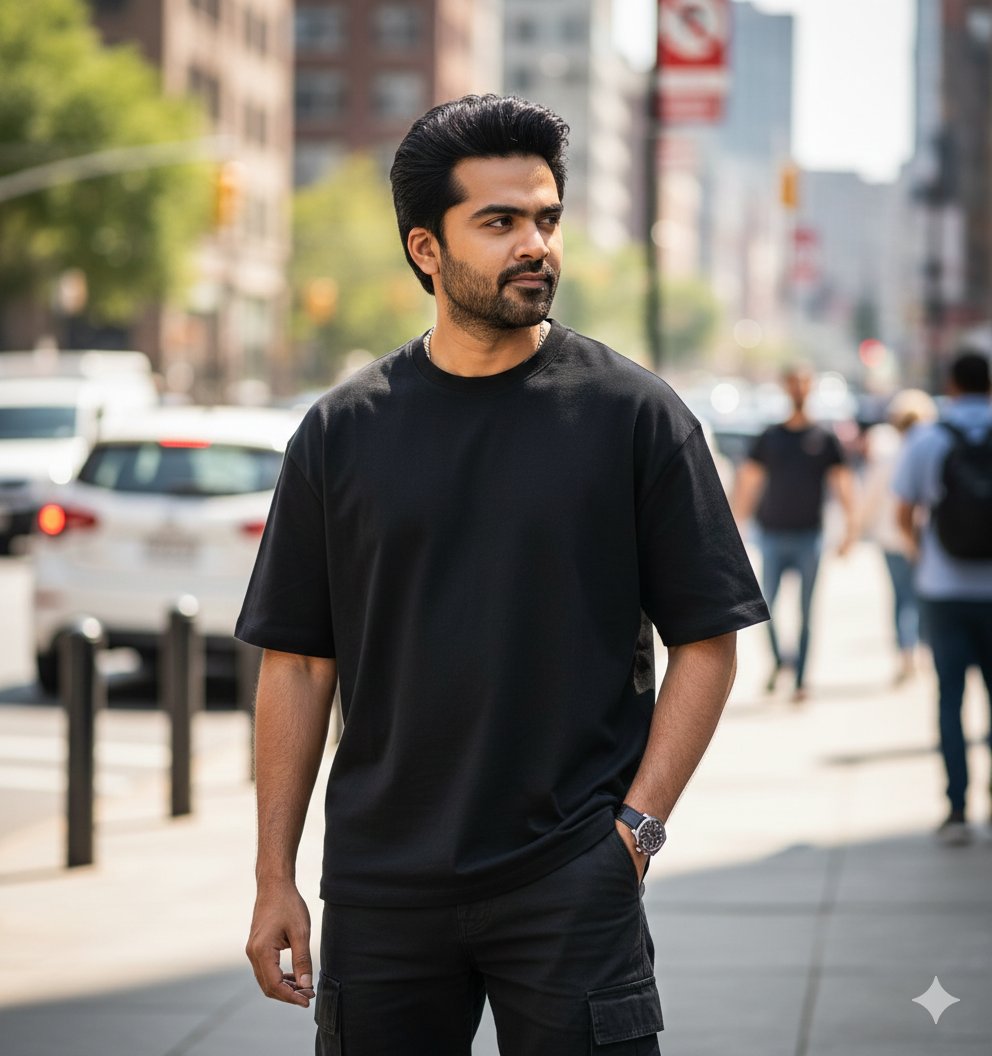
Ultra-Realistic Street Portrait with Identity Lock
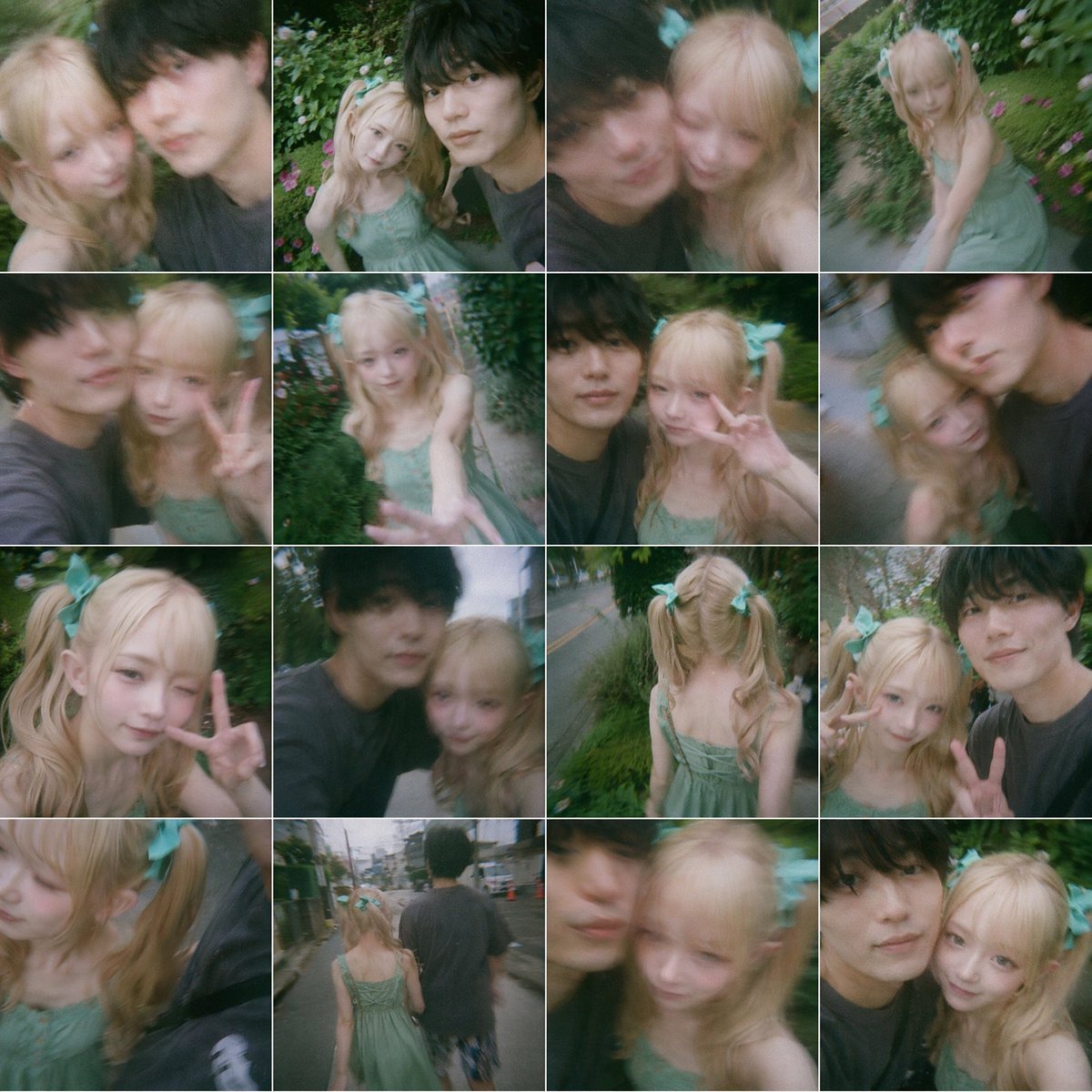
Dreamy 16-Photo Couple Walk Collage
Browse template categories
Realistic Outdoor Low Angle Sky Selfie questions
How do I use the Realistic Outdoor Low Angle Sky Selfie template?
Add your photo if the template asks for one, edit the prompt if you like — the template's model and format are already selected — and press Generate. Your version opens in PicX Studio.
Can I customize the Realistic Outdoor Low Angle Sky Selfie template?
Yes. You can change the subject, setting, lighting, mood, format, and available model controls before creating your image.
Is the Realistic Outdoor Low Angle Sky Selfie template free?
Opening and editing this template is free. Generating uses credits, shown on the Generate button when you are signed in.
Which AI model should I use?
Start with Nano Banana 2, which is the model associated with this template. You can compare another compatible model for a different finish.
Looking for something else? Browse all templates.

Your photo, any look
Thousands of ready templates for every top image and video model, from one credit balance.