How do I use the Surreal Desert DJ with Snakes template?
Choose the primary action to open PicX Studio with the available template settings. Review the model and format, personalize the creative direction, and generate when ready.
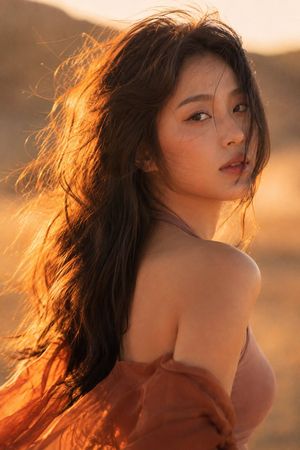
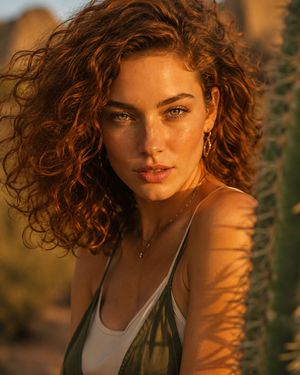
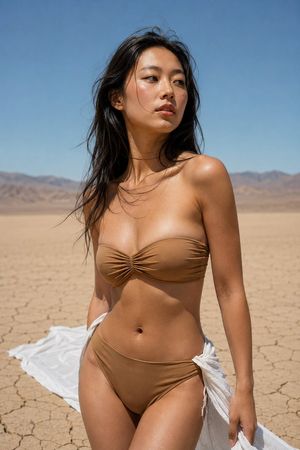
A surreal, editorial-style prompt featuring a woman DJing in a minimalist desert surrounded by seven slithering snakes, captured with a point-and-shoot camera l
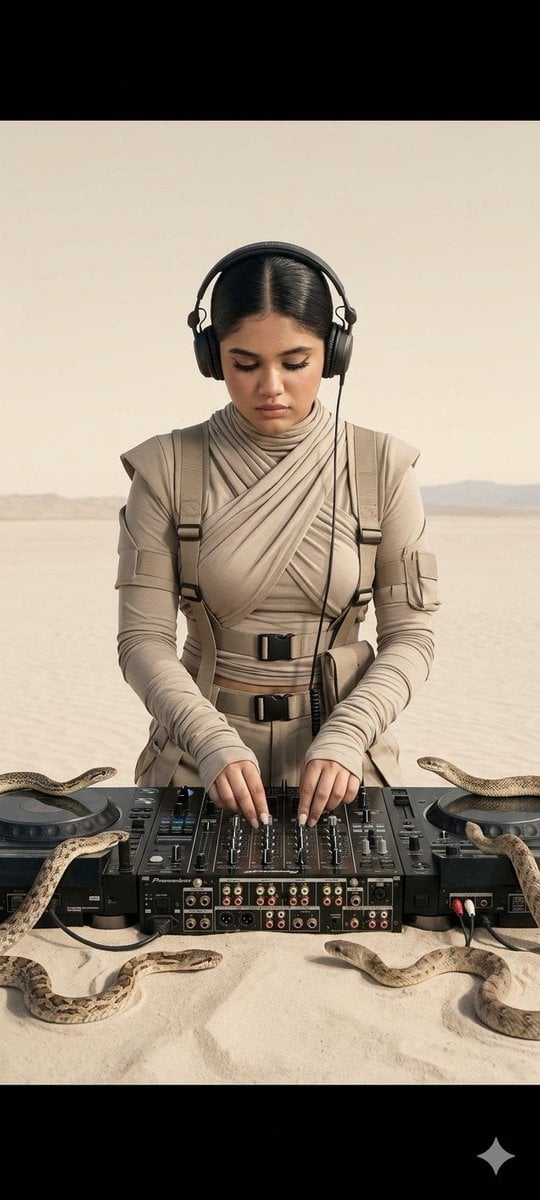
A medium straight-on shot of a {argument name="subject" default="young woman DJing"} in a {argument name="environment" default="minimalist desert"}, surrounded by {argument name="creatures" default="7 snakes"} slithering around her equipment on a sandy table. She wears sculptural sand-toned technical desert clothing with wrapped layers and utility straps. Outfit: sculptural desert tech-wear in sand tones, multi-layered, wrapped neckline, draped sleeves, utility straps and buckles, thick opaque fabric. The outfit has a feminine yet strong silhouette with cinched waist details and flowing draped elements. Pose: relaxed yet focused, looking down at the mixer, both hands on the controls, headphones on. Snakes: seven snakes coiled and slithering around the DJ gear and table, adding a surreal, hypnotic element. Setting: minimalist barren desert, flat pale sand, no vegetation, soft beige sky, distant horizon. Lighting: bright on-camera flash, hard shadows with clean pops and subtle specular highlights, even exposure, no vignette. Camera: point-and-shoot digital camera look, straight-on angle, deep focus, clean and unmanipulated. Mood: surreal, hypnotic, editorial, grounded. Color Palette: sand, taupe, stone, muted browns, off-white neutrals. HEX VALUES: #e9e2d8, #d7cec0, #c6b9a7, #a79a86, #8f8473, #7a7061, #645c4f, #616f4ef, #bdb2a1, #9c927e, #71695a, #5b5346, #d2c9b9, #a49882 Image Labels (for reference): headphones on focused, looking down sculptural desert outfit minimalist desert background hands on the mixer professional DJ setup 7 snakes around equipment bright flash hard shadows full outfit in frame straight-on angle
Choose the primary action to open PicX Studio with the available template settings. Review the model and format, personalize the creative direction, and generate when ready.
Yes. You can change the subject, setting, lighting, mood, format, and available model controls before creating your image.
This template is free to open and customize. Generation usage is shown in PicX Studio before you create.
Start with Nano Banana 2, which is the model associated with this template. You can compare another compatible model for a different finish.
Follow a topic to a crawlable collection of related PicX Studio templates.