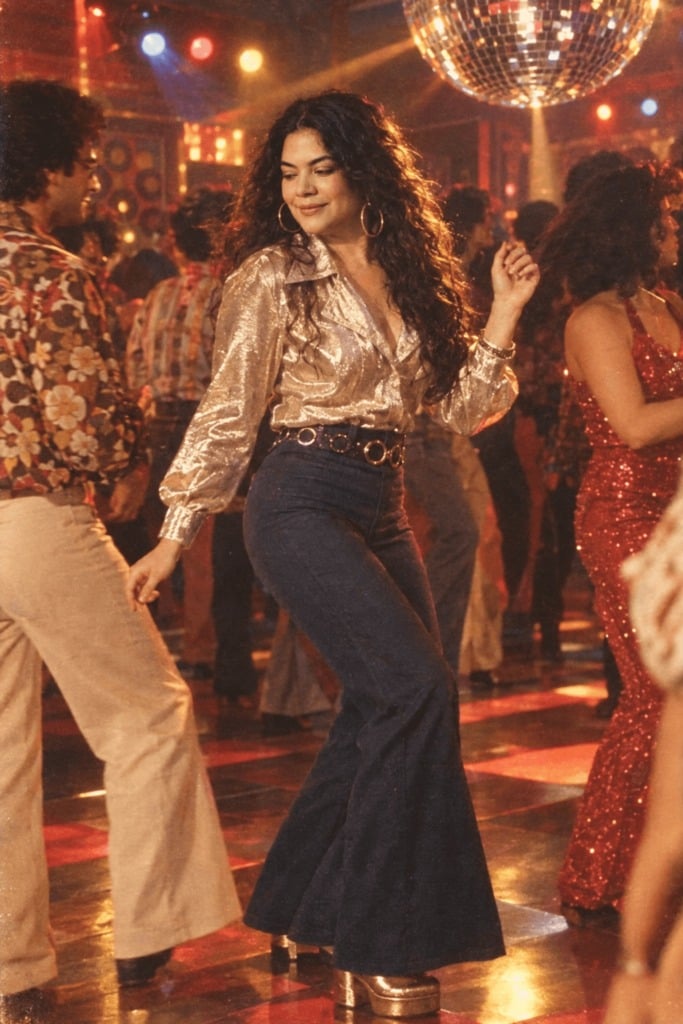
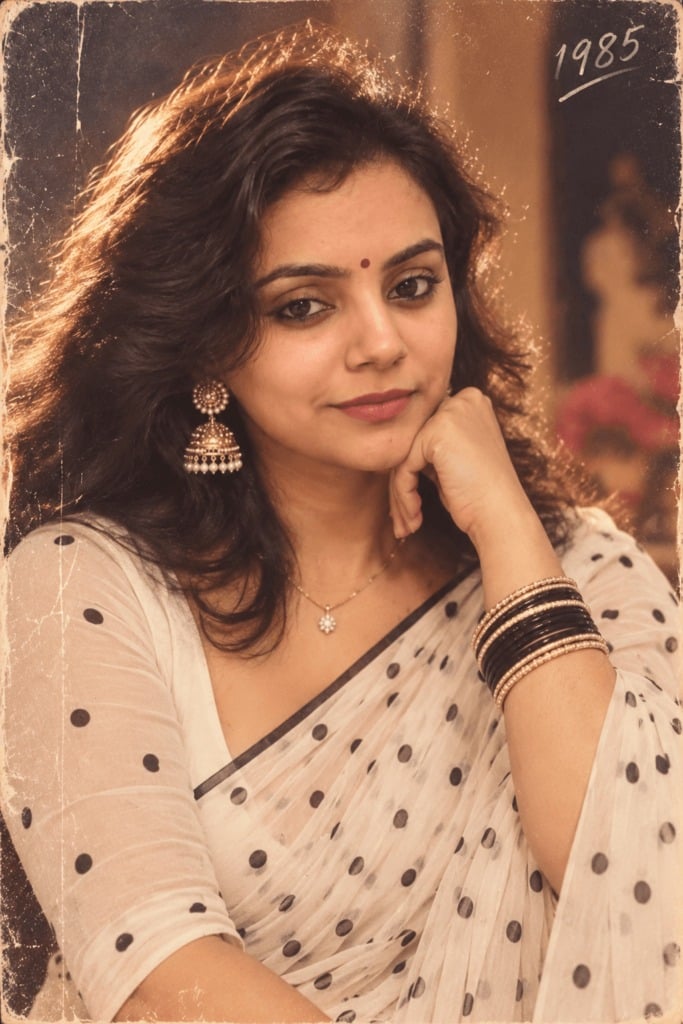
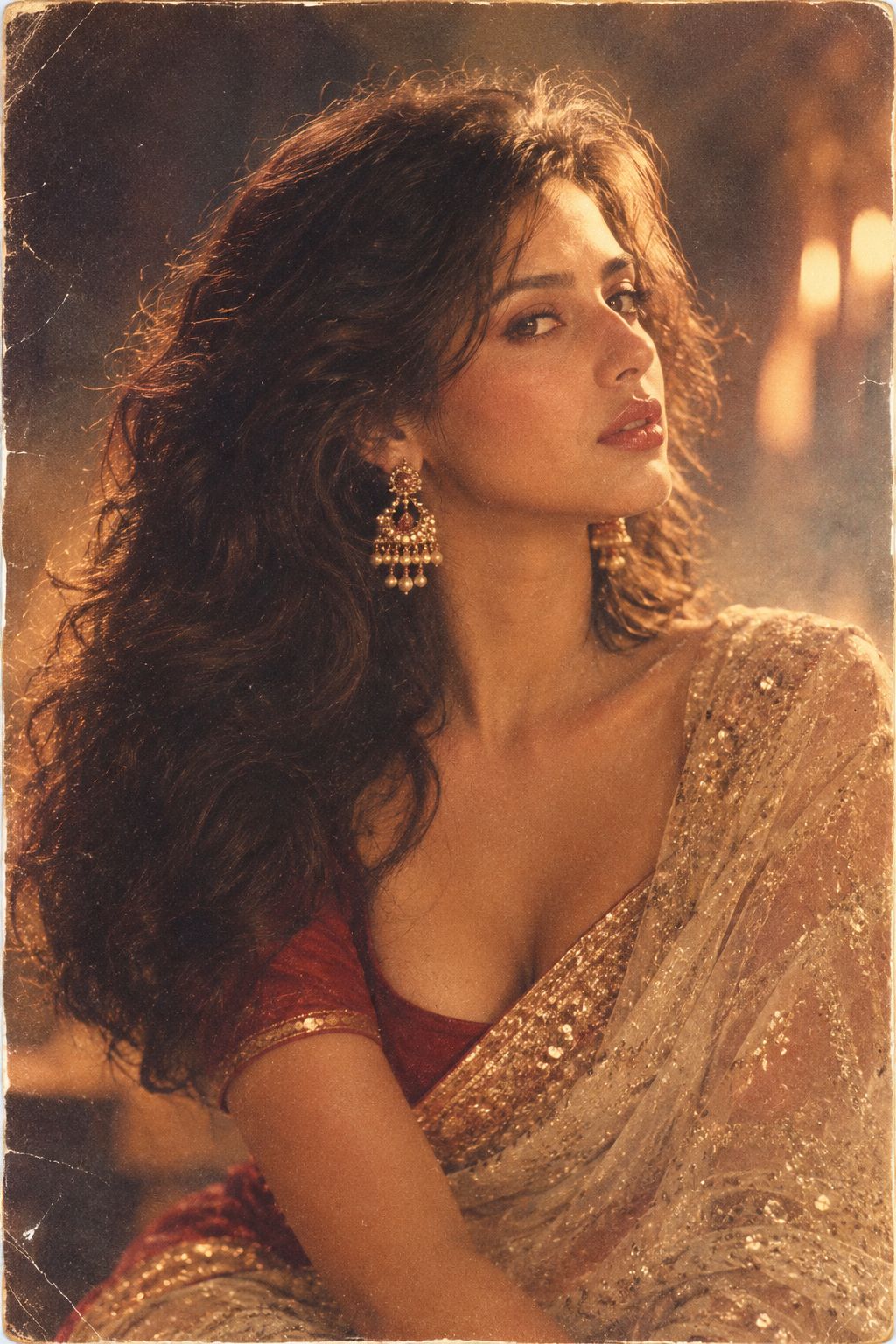
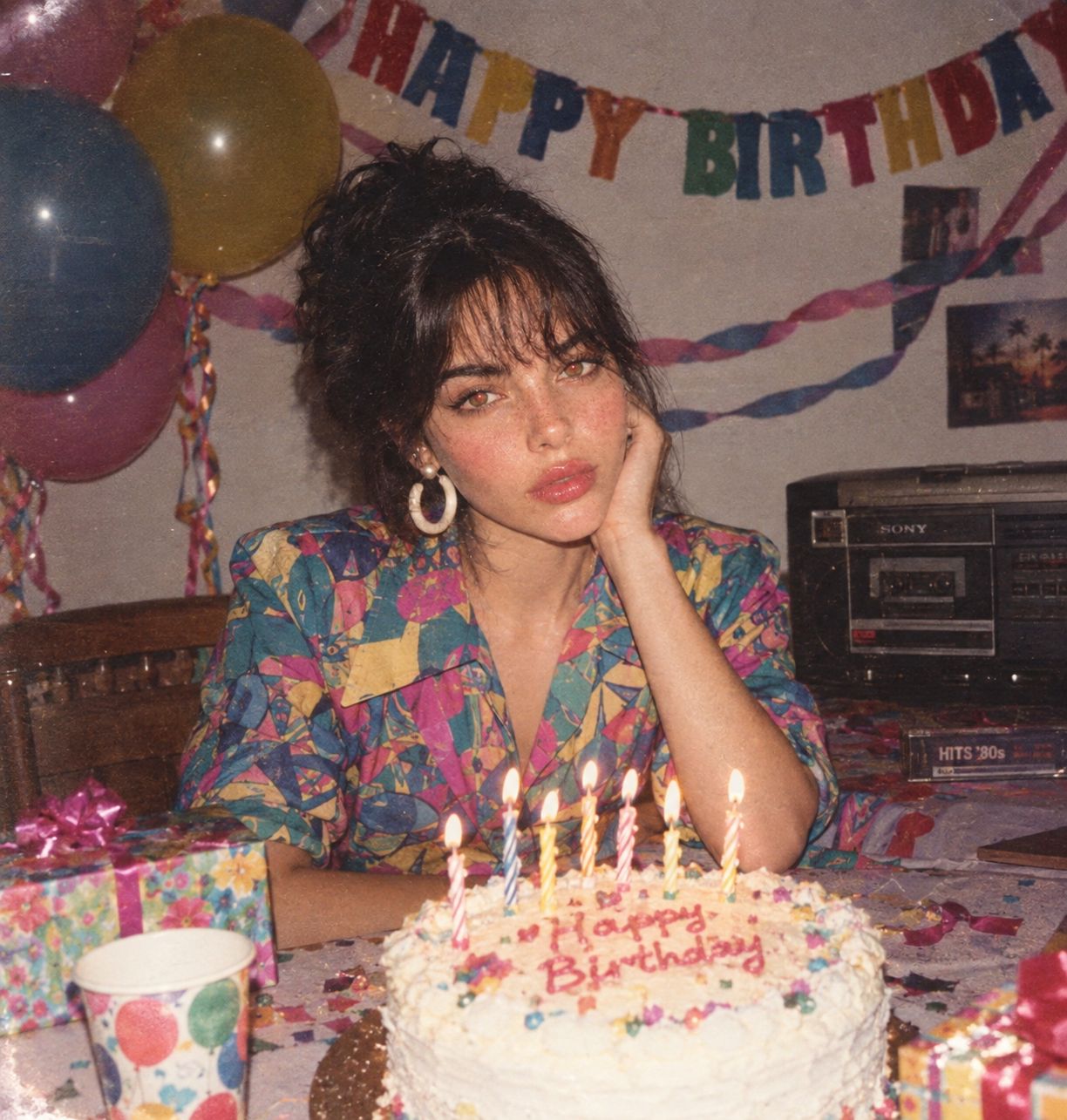
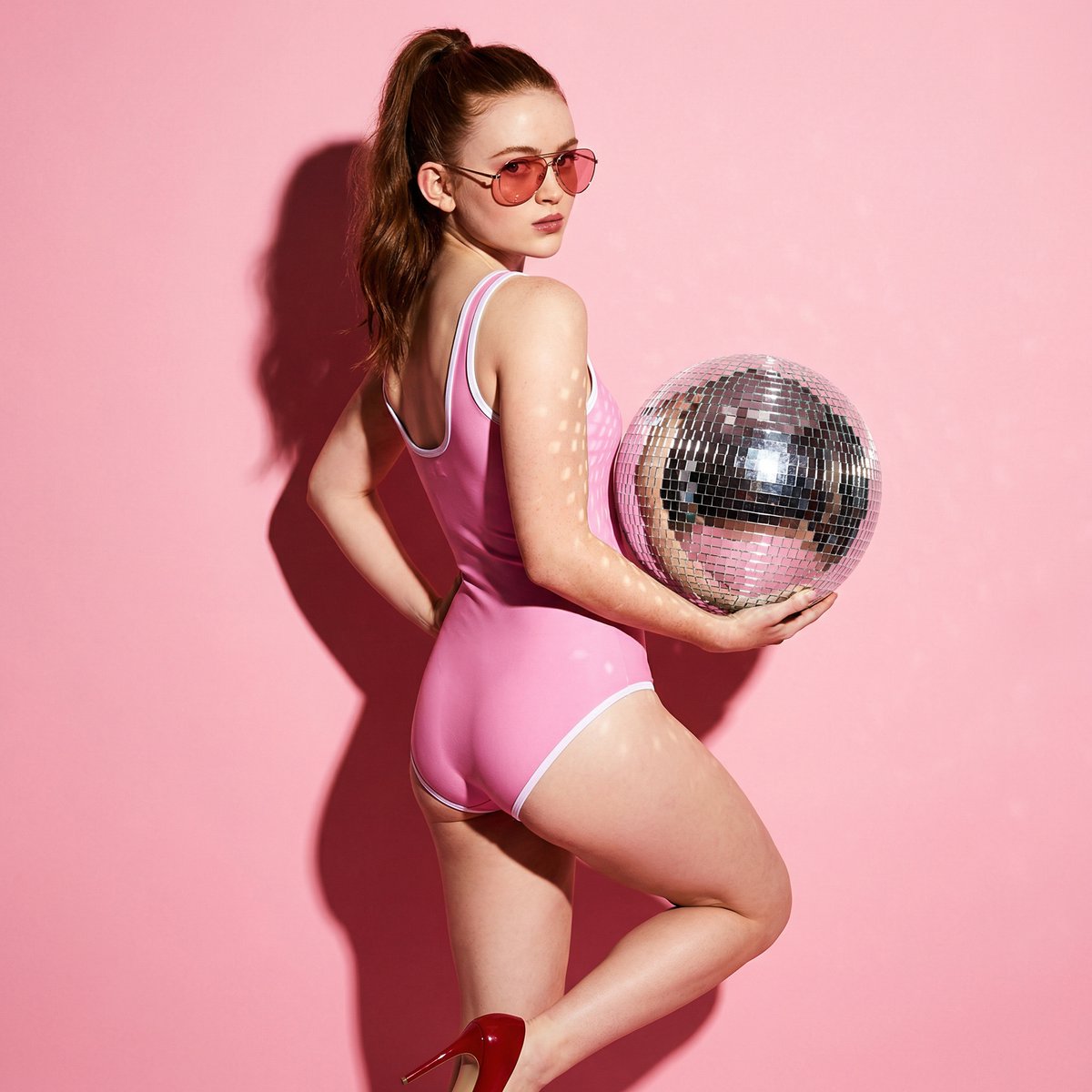
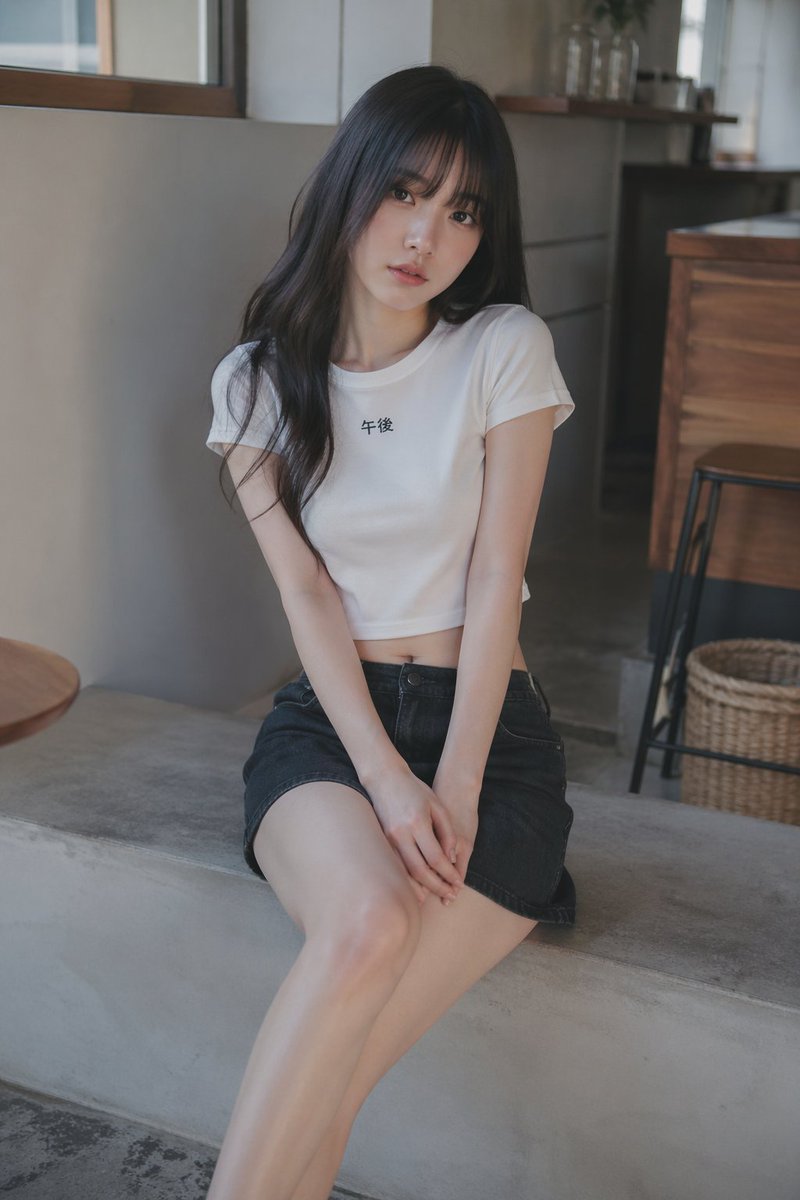
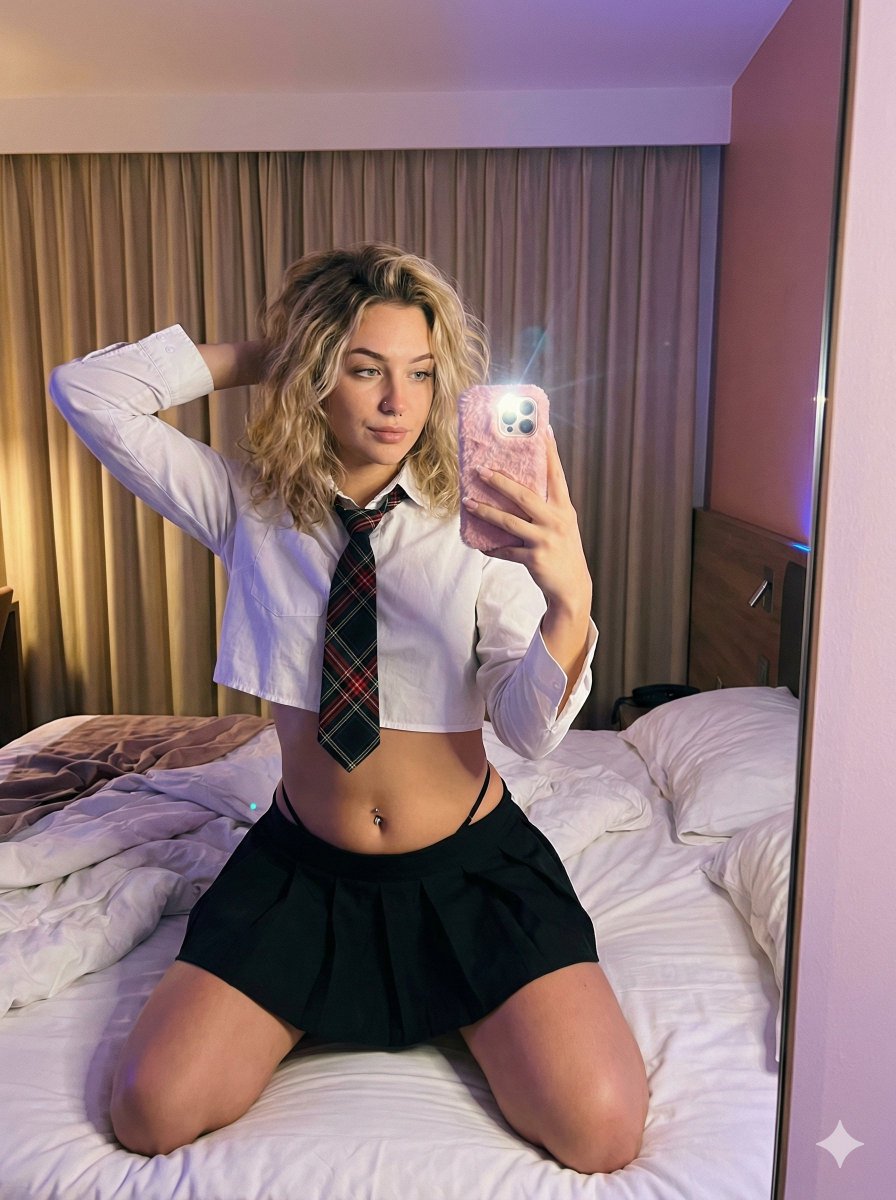
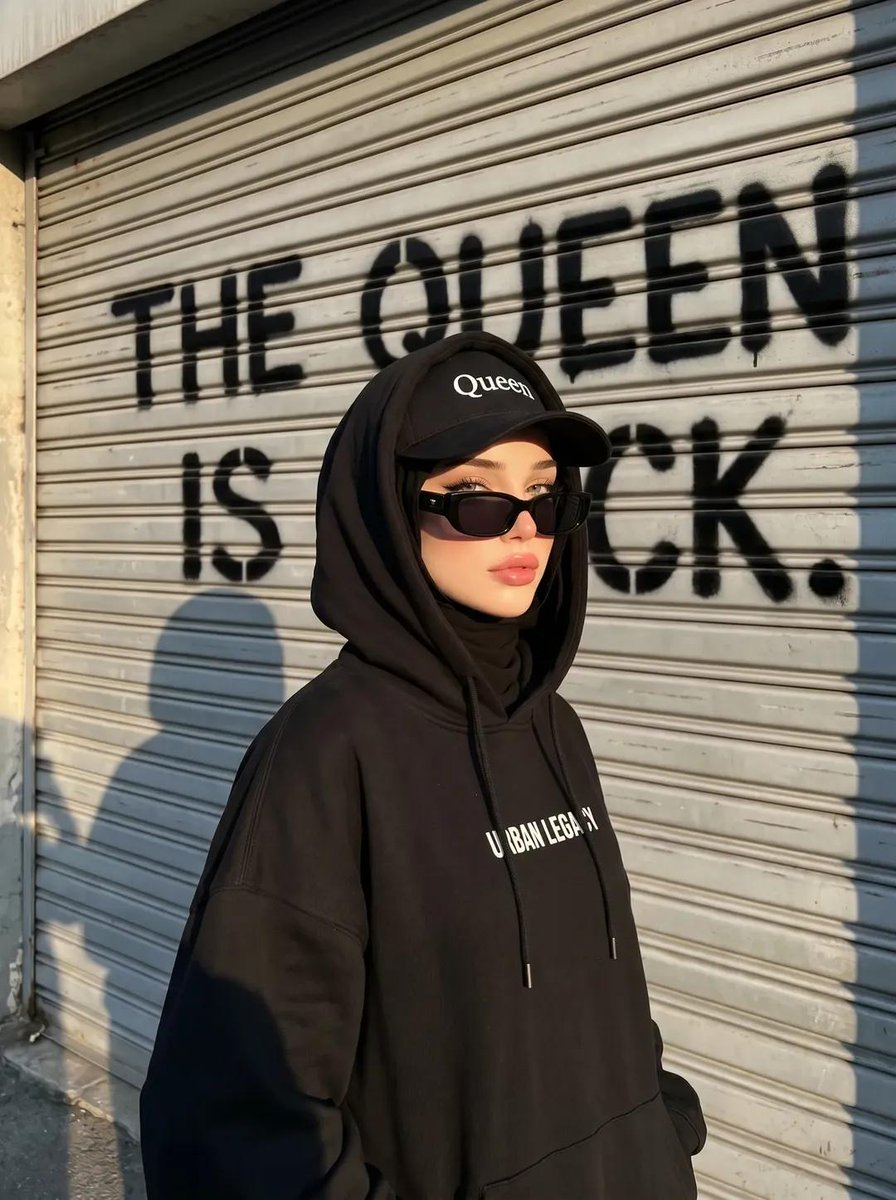
How do I use the 1980s Bar Counter Flash Photo template?
Choose the primary action to open PicX Studio with the available template settings. Review the model and format, personalize the creative direction, and generate when ready.
Recreates a candid 1980s flash photograph at a bar counter with authentic period styling, lighting artifacts, and aged photo textures.
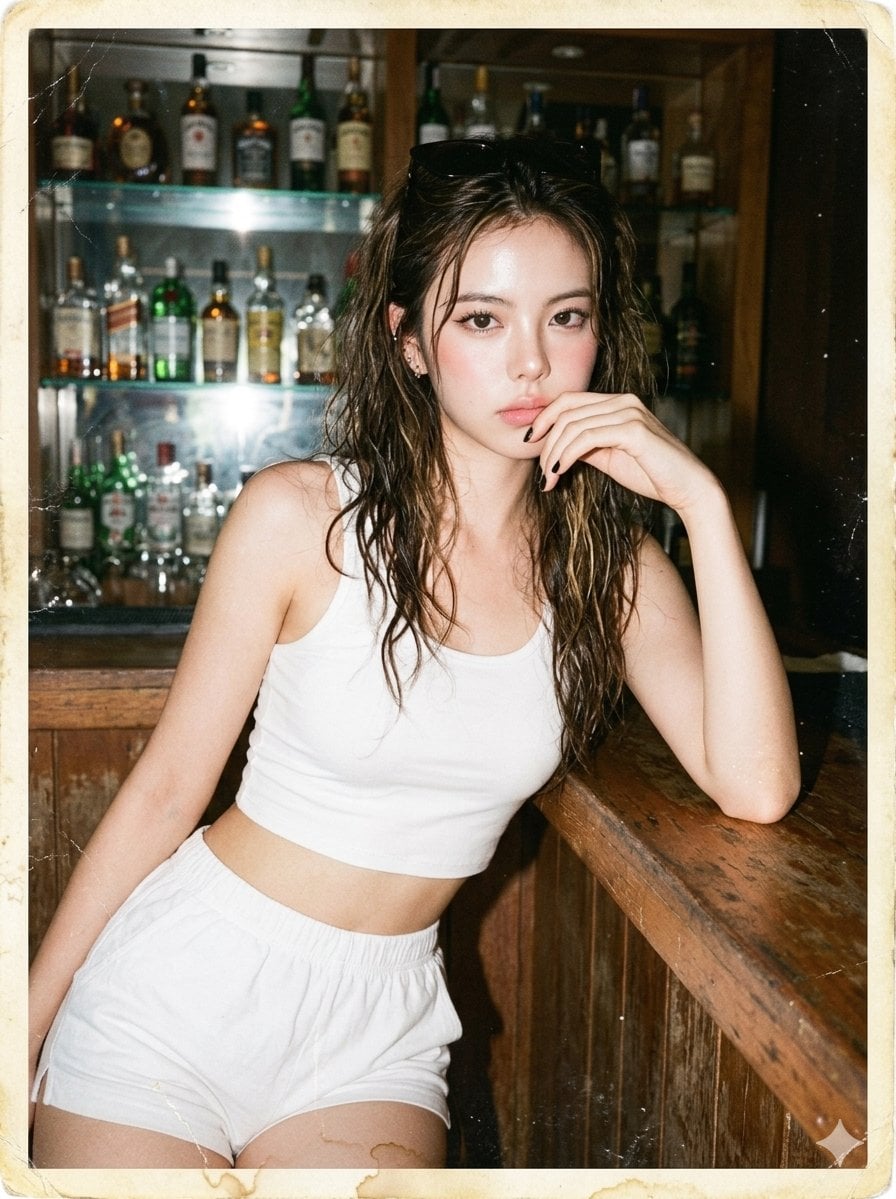
Create image: A hyper-realistic {argument name="setting" default="1980s bar counter"} snapshot of the same subject leaning on a wooden counter in front of glass shelves with bottles, resting one hand near her mouth, looking directly at the camera with a bored candid expression. Outfit: {argument name="clothing" default="plain white cropped tank top"}, white high-waist cotton shorts, sunglasses resting on head, simple black nail polish, small earrings. Hair: {argument name="hairstyle" default="messy 1980s beachy waves"}, slightly damp texture, loose blonde-brown highlights, natural frizz. Makeup: minimal 1980s daytime makeup, soft blush, thin eyeliner, pale pink lipstick, natural skin texture. Camera / era look: late-1980s point-and-shoot flash photo, direct flash, bright skin highlights, darkened background falloff, warm beige wood tones, faded colors, soft focus, uneven exposure, visible grain. Old damage artifacts: scanned aged photo print with paper fibers, small vertical crease near the subject, subtle glossy cracks around bright areas, dust specks, faint coffee stain near bottom border, worn corners, yellowed edge discoloration, tiny scratches, scanner noise, mild color fading, imperfect old-photo surface. Negative prompt: modern cocktail bar, clean digital photo, DSLR sharpness, HDR, cinematic lighting, flawless retouch, modern outfit, perfect composition, AI smoothness.
Choose the primary action to open PicX Studio with the available template settings. Review the model and format, personalize the creative direction, and generate when ready.
Yes. You can change the subject, setting, lighting, mood, format, and available model controls before creating your image.
This template is free to open and customize. Generation usage is shown in PicX Studio before you create.
Start with Nano Banana 2, which is the model associated with this template. You can compare another compatible model for a different finish.
Follow a topic to a crawlable collection of related PicX Studio templates.