How do I use the Precision Photo Transformation Portrait template?
Choose the primary action to open PicX Studio with the available template settings. Review the model and format, personalize the creative direction, and generate when ready.
A photographic transformation prompt designed to maintain exact facial features from a source image.
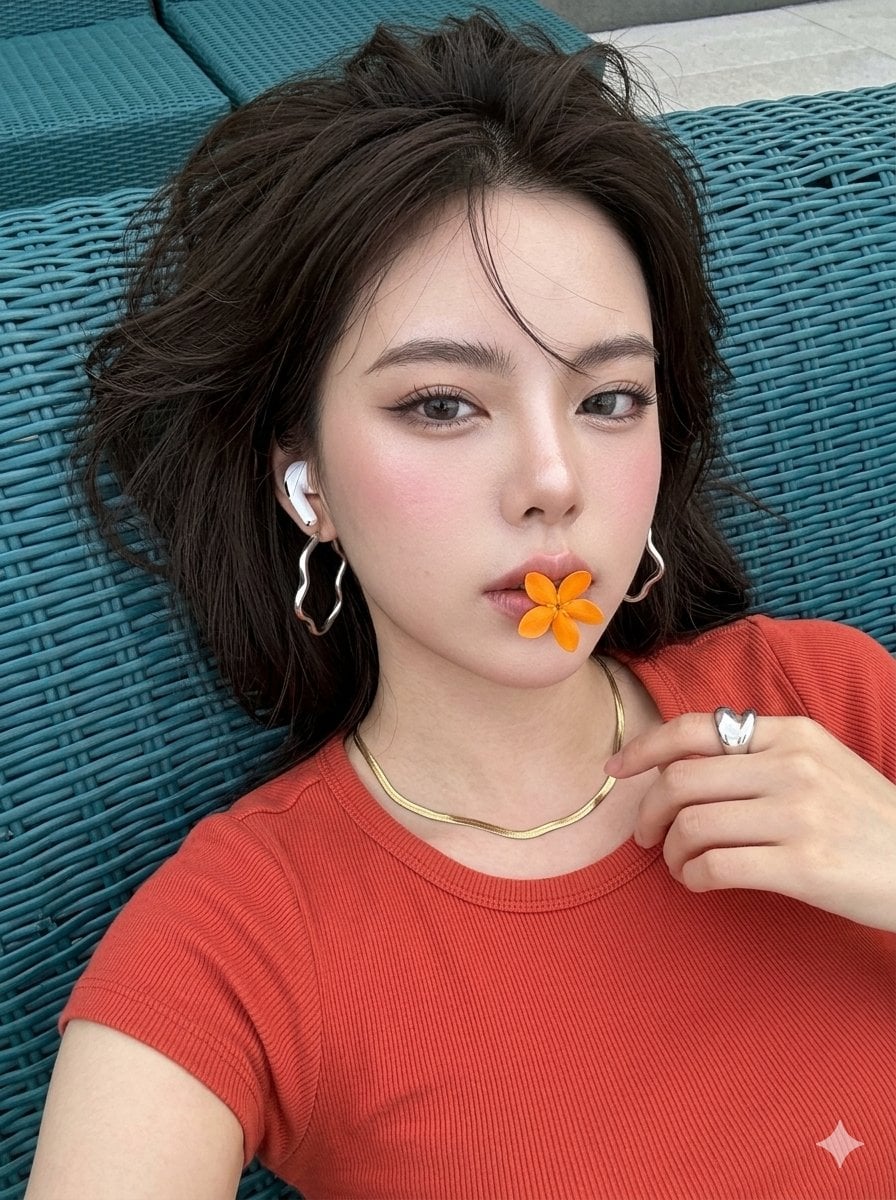
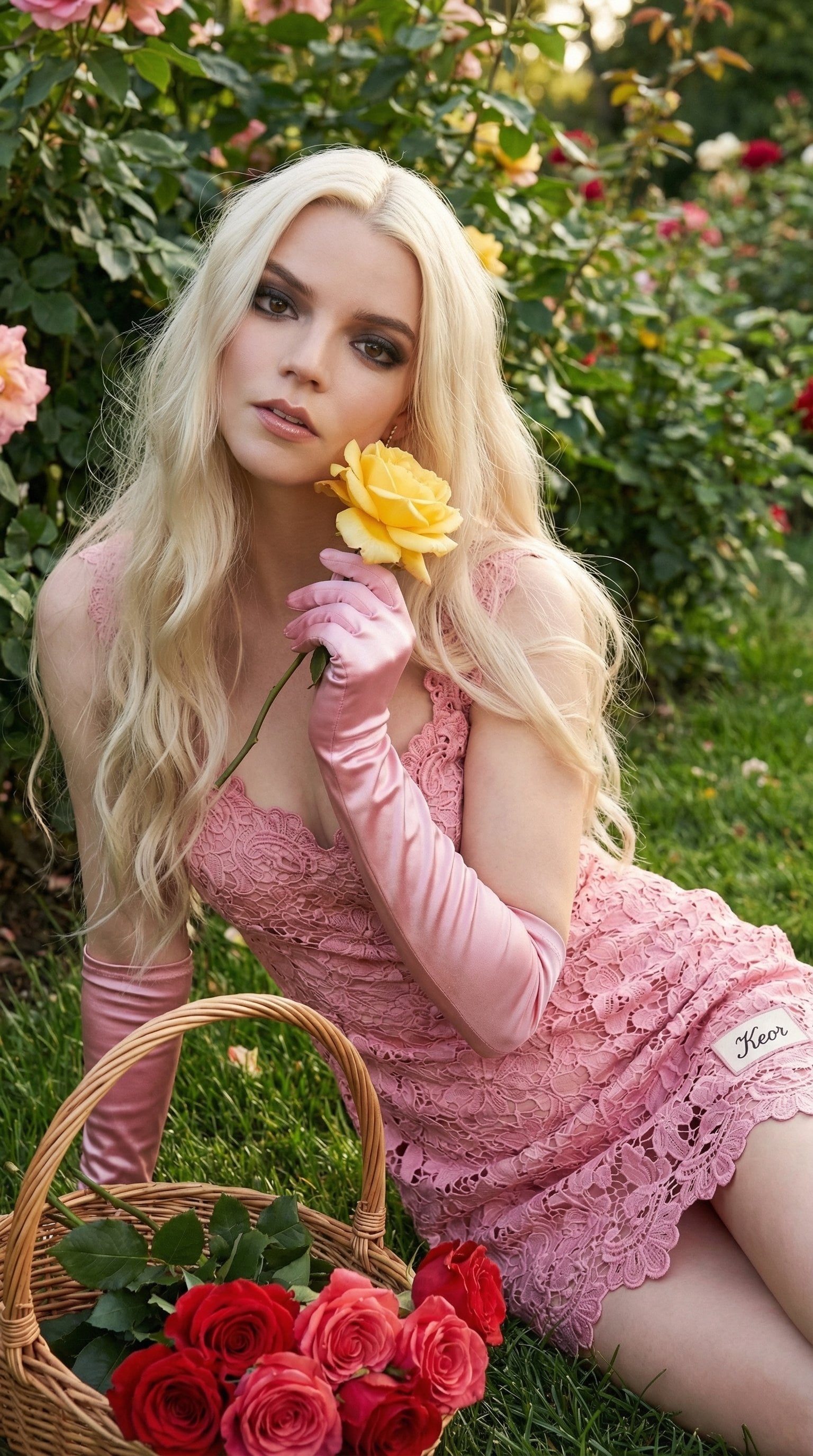
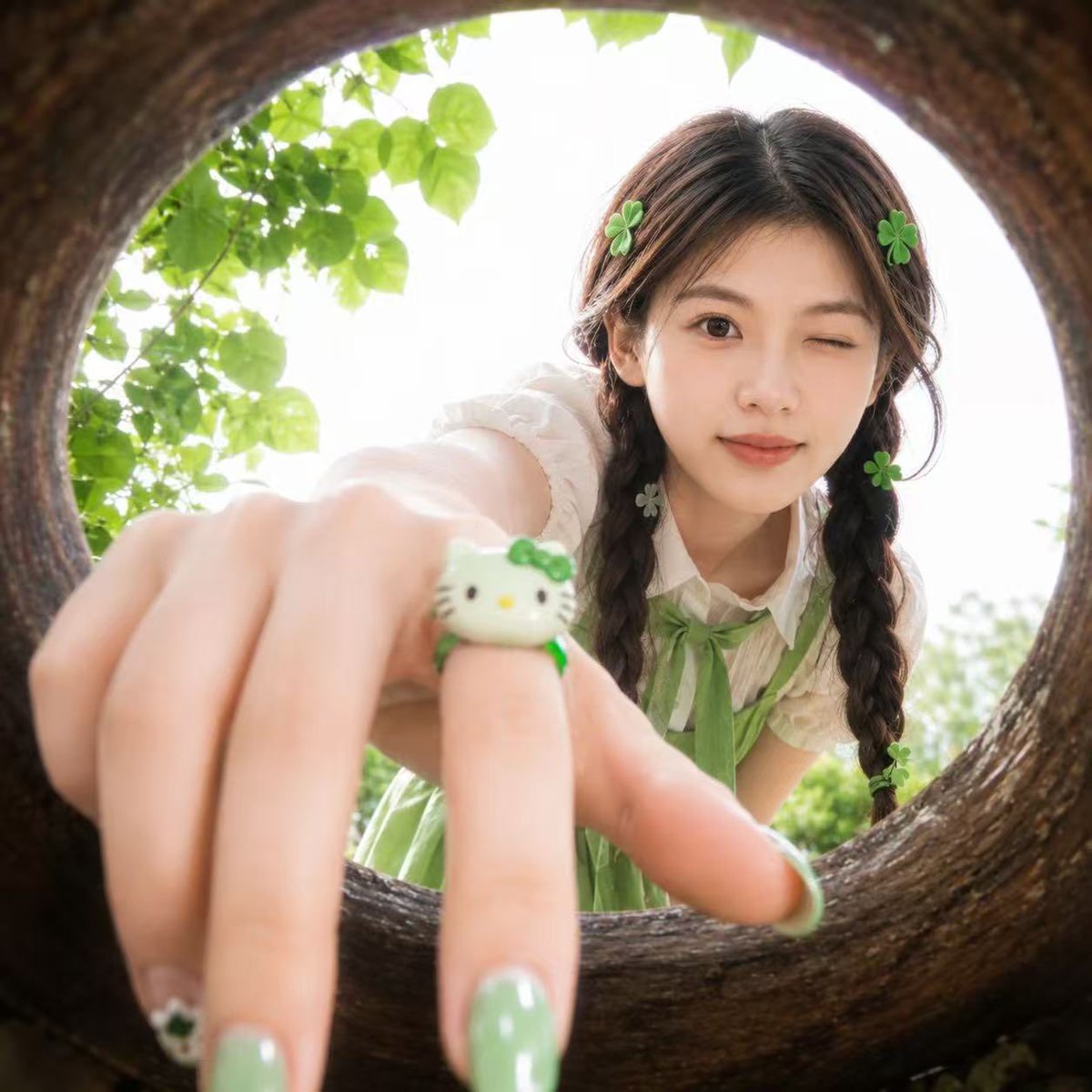
Create a high-fidelity photographic transformation. Maintain the exact facial features from the provided source image with absolute precision and zero alteration. [COMPOSITION]: Close-up portrait with a sharp diagonal head tilt, subject lying back against a {argument name="background" default="deep teal wicker texture"}, head filling the frame, holding a small {argument name="prop" default="vibrant orange flower"} between the lips while looking softly into the lens with subtle squint. [LIGHTING]: Natural daylight, clean white balance, soft highlights reflecting on the skin. [ENVIRONMENT]: Modern outdoor patio setting, deep teal wicker furniture, sharp focus across the entire depth of the frame, no background blur. [SUBJECT]: Fair complexion, flawless glass skin, dark brown hair windswept messy, grey contact lenses, wispy eyelashes, thin wing eye liner, brushed-up brows, soft blush pink lip gloss, gold snake chain necklace, large silver wavy hoop earrings, and a white wireless earbud. Clothing: {argument name="outfit" default="Red-orange cropped top"} [AESTHETIC]: Shot on a high-end smartphone, digital clarity, high-resolution detail, modern aesthetic, vivid color contrast. 4k rendered, high quality HD, sharp face details --ar 3:4
Choose the primary action to open PicX Studio with the available template settings. Review the model and format, personalize the creative direction, and generate when ready.
Yes. You can change the subject, setting, lighting, mood, format, and available model controls before creating your image.
This template is free to open and customize. Generation usage is shown in PicX Studio before you create.
Start with Nano Banana 2, which is the model associated with this template. You can compare another compatible model for a different finish.
Follow a topic to a crawlable collection of related PicX Studio templates.