How do I use the Vintage Luxury Motel Portrait template?
Choose the primary action to open PicX Studio with the available template settings. Review the model and format, personalize the creative direction, and generate when ready.
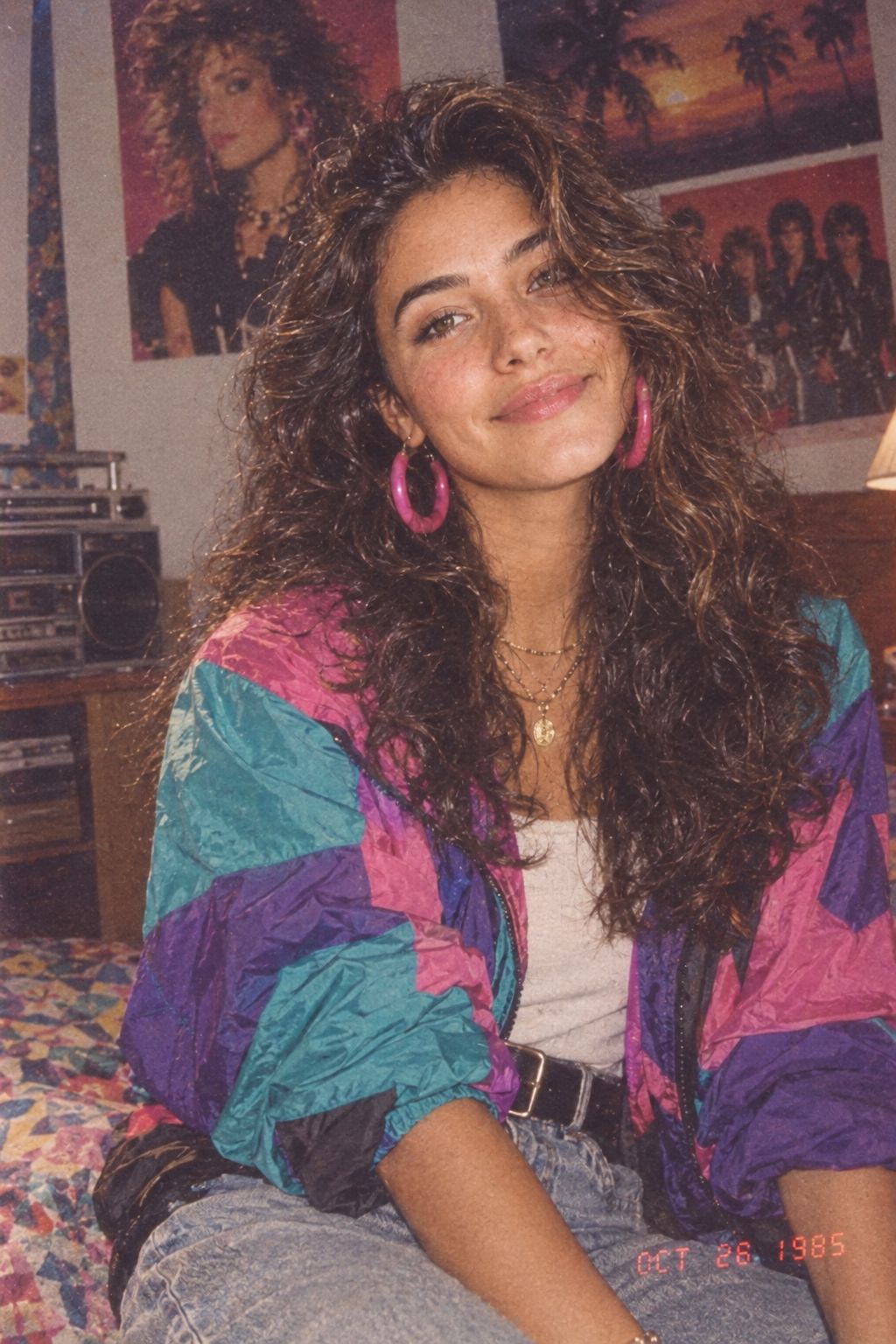
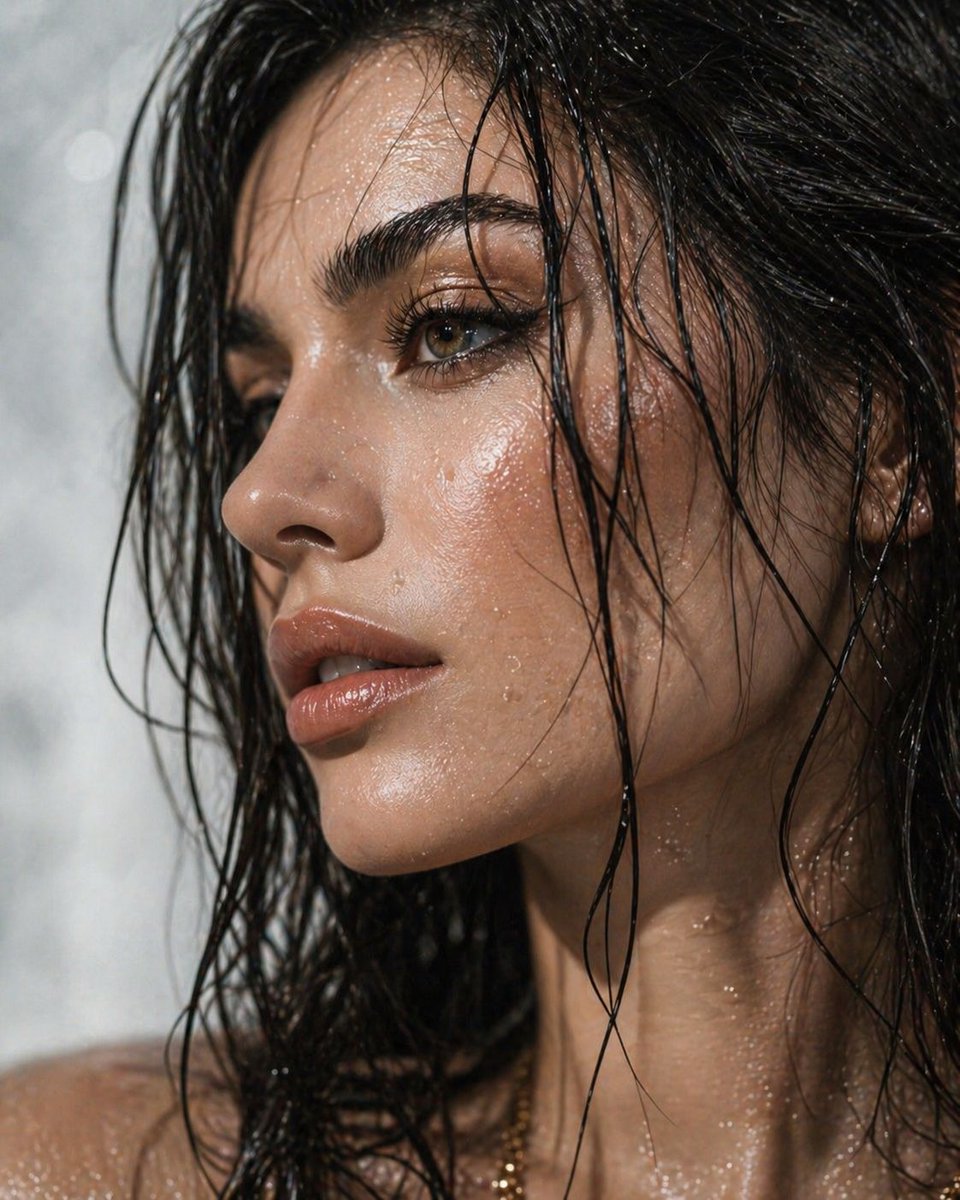
A cinematic flash photography prompt for a wealthy South Asian woman in a nostalgic hotel setting.

use reference image for face, do not alter the face details, A confident beautiful {argument name="ethnicity" default="South Asian woman"} sitting relaxed in a {argument name="setting" default="vintage hotel armchair"}, leaning back casually with a wide charismatic smile, holding a retro corded telephone receiver to her ear/neck while {argument name="action" default="fanning stacks of Indian rupee notes"} in one hand, playful wealthy expression, looking directly at camera, elbows raised naturally, expressive relaxed posture, wearing a stylish elegant traditional-modern fusion outfit featuring a designer blouse with intricate embroidery and flowing drape/saree or modern tailored co-ord set, layered gold chains, statement earrings, bangles and luxury jewelry, warm tungsten lamp beside her, vintage patterned wallpaper, retro curtains and wooden hotel furniture in background, nostalgic luxury motel suite aesthetic, cinematic flash photography, rich warm tones, editorial fashion photoshoot, ultra realistic, shallow depth of field, premium lifestyle aesthetic, highly detailed skin and fabric textures, symmetrical composition, professional photography, 35mm flash portrait style
Choose the primary action to open PicX Studio with the available template settings. Review the model and format, personalize the creative direction, and generate when ready.
Yes. You can change the subject, setting, lighting, mood, format, and available model controls before creating your image.
This template is free to open and customize. Generation usage is shown in PicX Studio before you create.
Start with Nano Banana 2, which is the model associated with this template. You can compare another compatible model for a different finish.
Follow a topic to a crawlable collection of related PicX Studio templates.