How do I use the Post-Workout Fitness Portrait template?
Choose the primary action to open PicX Studio with the available template settings. Review the model and format, personalize the creative direction, and generate when ready.
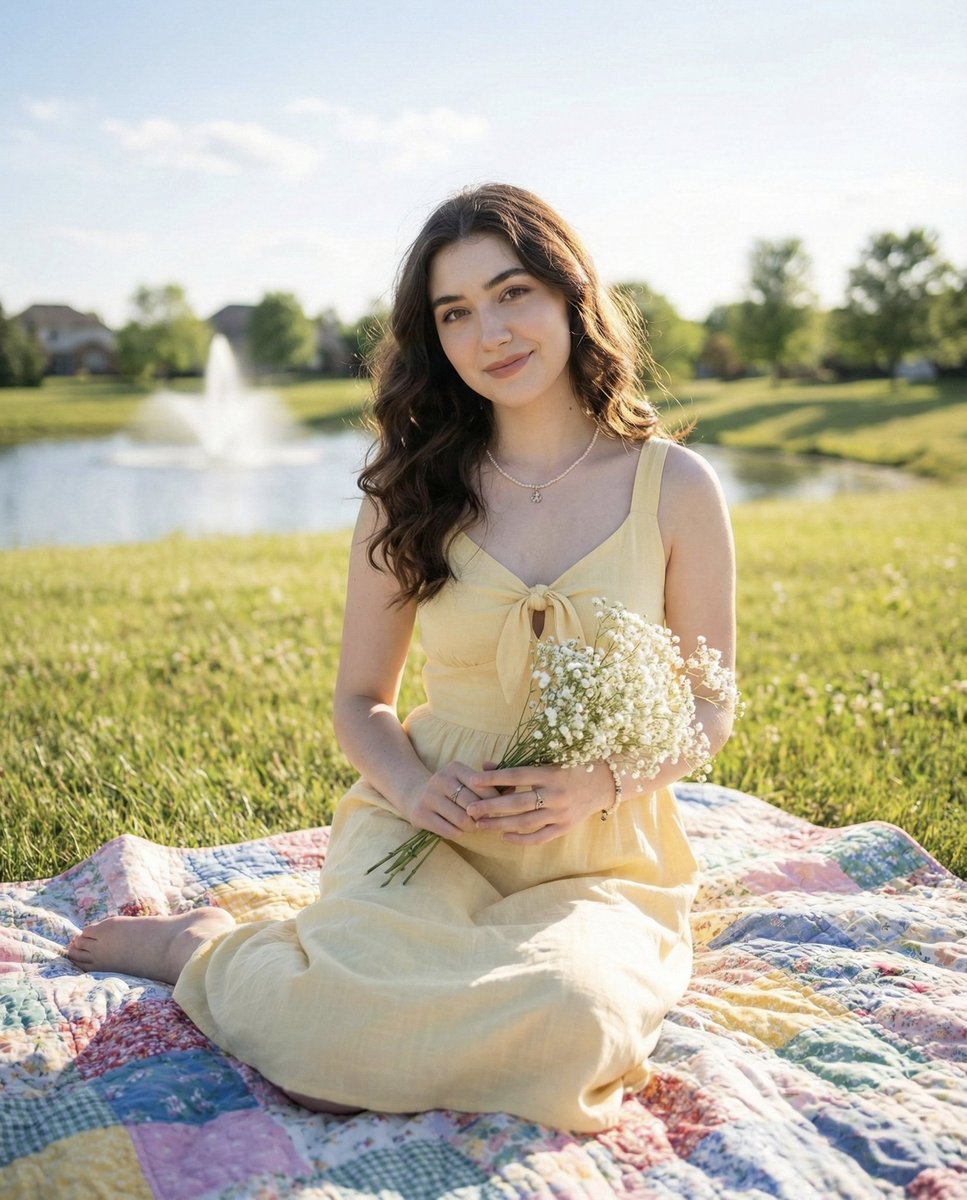
A JSON-structured prompt for generating a photorealistic image of a female subject in a luxury gym environment after a workout.
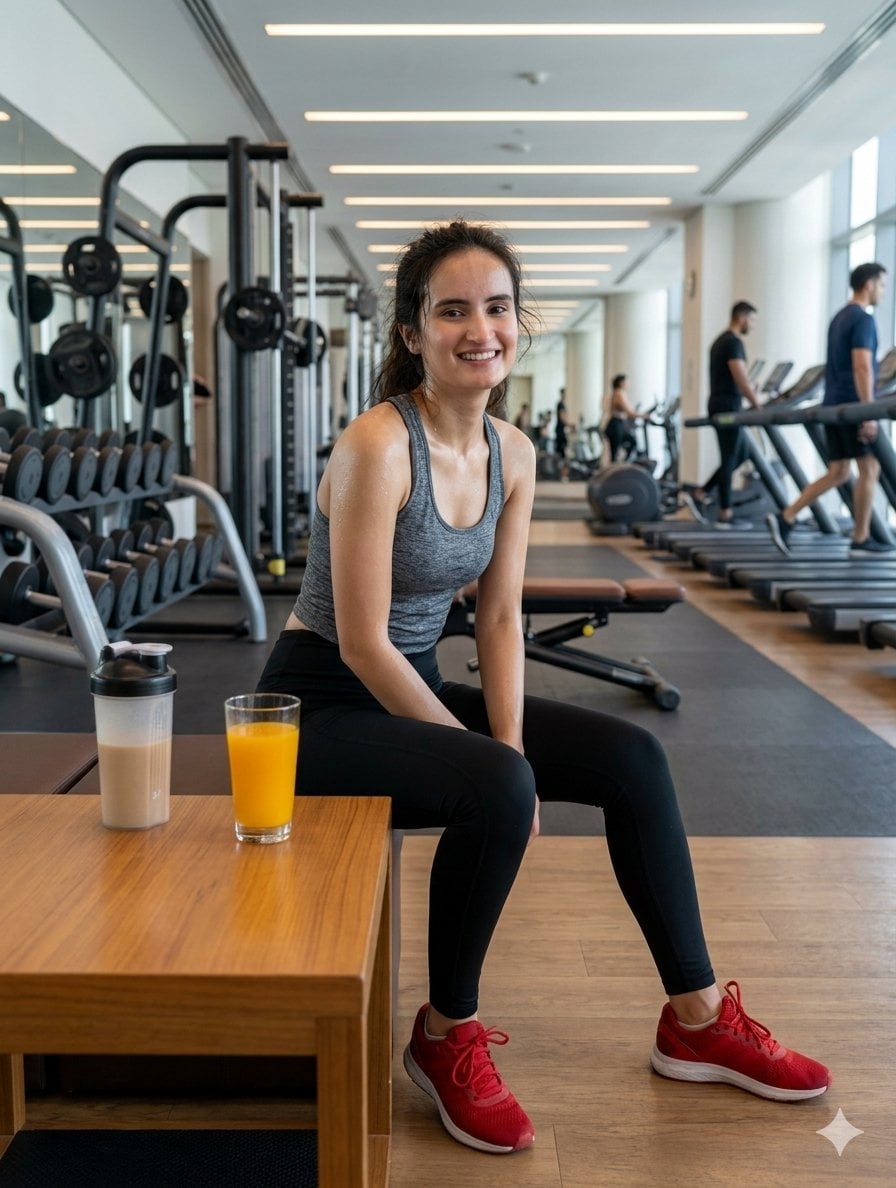
{ "subject_parameters": { "identity": "female, consistent facial features from reference", "expression": "natural smile, glowing skin, radiant beauty", "physical_state": "visibly sweaty, post-workout sheen, athletic posture", "attire": { "top": "{argument name="clothing top" default="grey heathered racerback crop top"}", "bottom": "{argument name="clothing bottom" default="black high-waisted leggings"}", "footwear": "bright red athletic sneakers" } }, "environment_logic": { "location": "{argument name="setting" default="modern luxury gym interior"}", "lighting": "bright, overhead linear LED strips, natural window light", "background_elements": [ "treadmills with blurred motion", "weight racks and smith machines", "reflective mirrors", "wooden flooring" ] }, "foreground_objects": { "table": "minimalist wooden coffee table", "drinks": [ "glass of vibrant orange juice", "protein shaker bottle with beige liquid" ] }, "technical_directives": [ "8k resolution", "photorealistic", "shallow depth of field", "highly detailed skin texture", "sharp focus on subject", "hyper-realistic lighting" ] }
Choose the primary action to open PicX Studio with the available template settings. Review the model and format, personalize the creative direction, and generate when ready.
Yes. You can change the subject, setting, lighting, mood, format, and available model controls before creating your image.
This template is free to open and customize. Generation usage is shown in PicX Studio before you create.
Start with Nano Banana 2, which is the model associated with this template. You can compare another compatible model for a different finish.
Follow a topic to a crawlable collection of related PicX Studio templates.