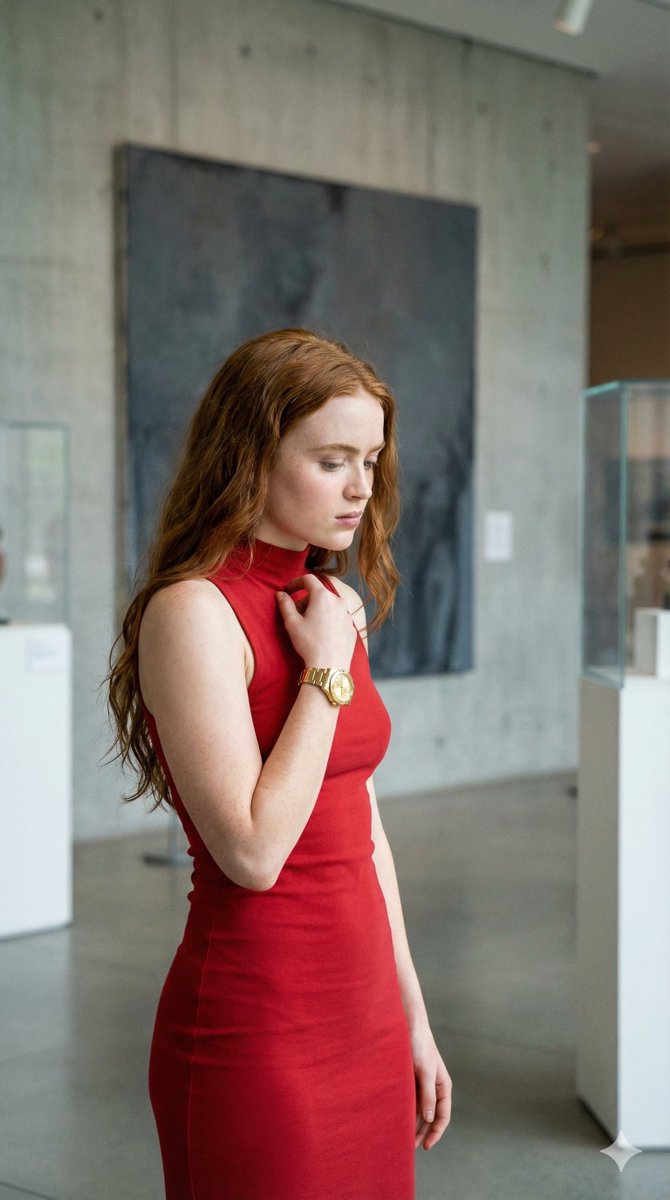
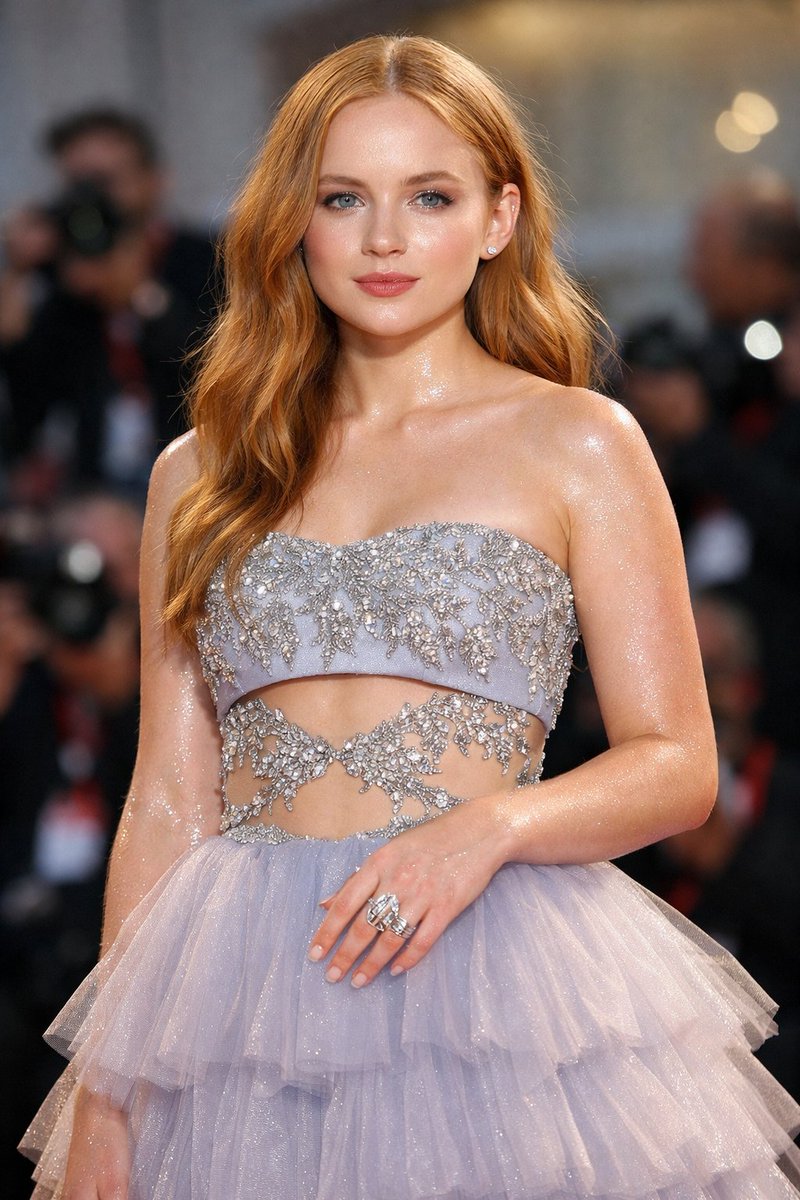
How do I use the High-Fashion Portrait of Sadie Sink template?
Choose the primary action to open PicX Studio with the available template settings. Review the model and format, personalize the creative direction, and generate when ready.
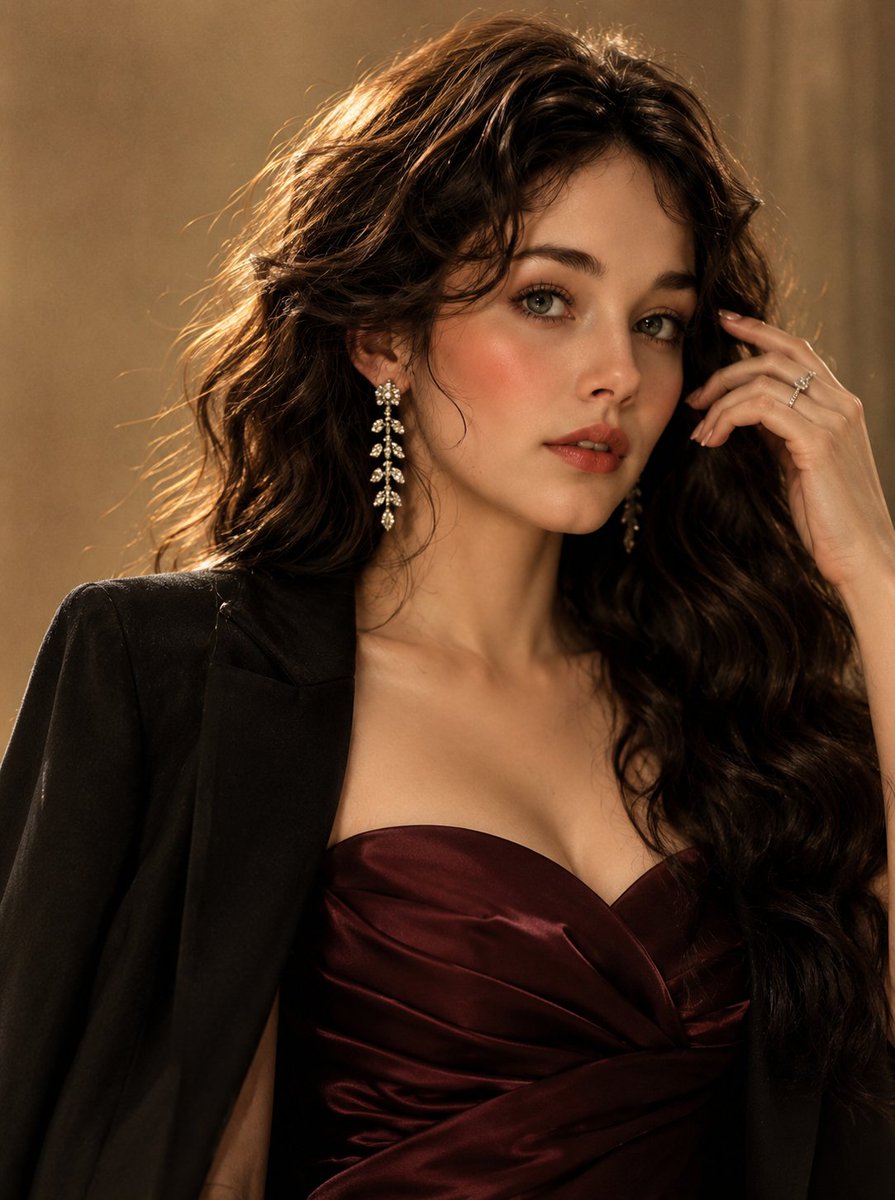
A structural JSON prompt for a high-fashion portrait of Sadie Sink in a metallic outfit at an upscale bar.
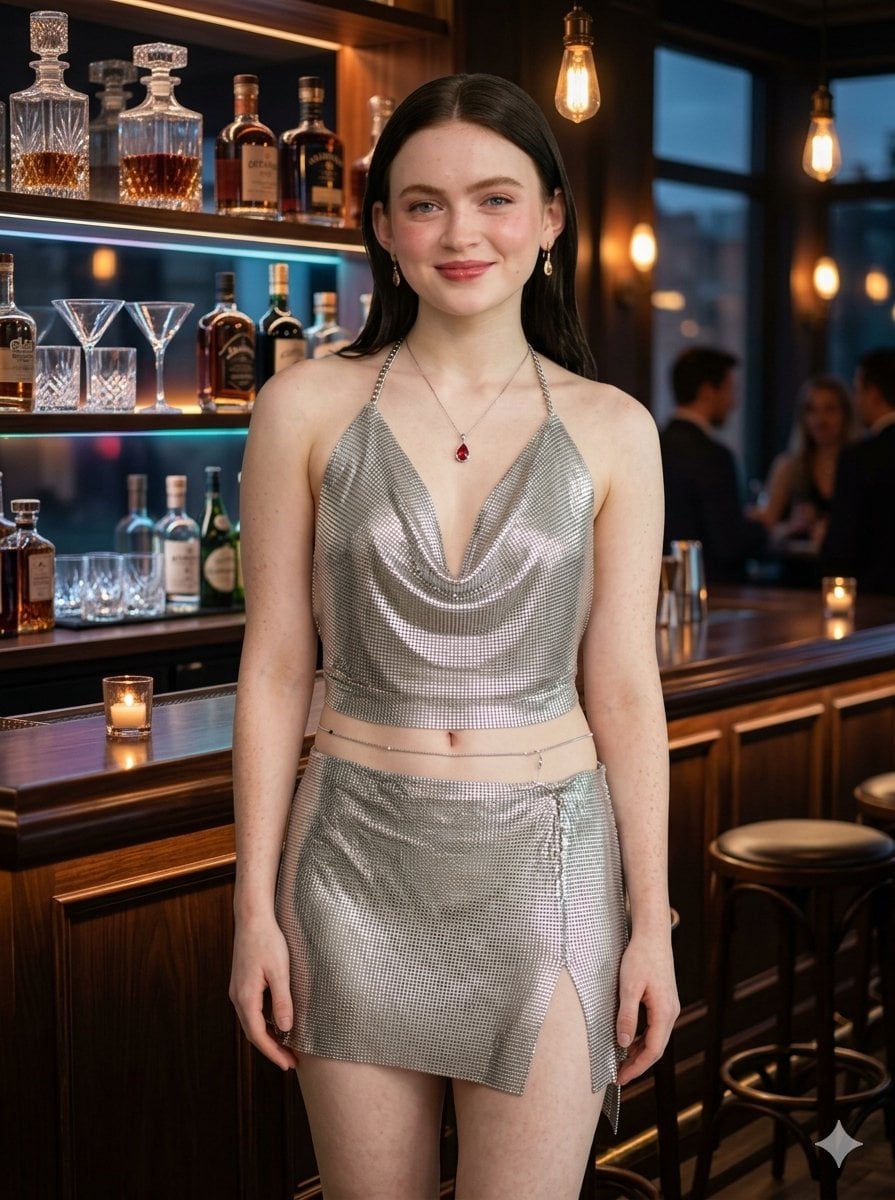
{ "subject": { "description": "A high-fashion portrait of {argument name="subject name" default="Sadie Sink"}", "appearance": { "expression": "Subtle, confident smile with a direct gaze", "hair": "Sleek, straight dark auburn hair tucked behind ears", "makeup": "Natural 'clean girl' aesthetic with a soft rose lip" }, "attire": { "top": "Silver metallic chainmail halter top with a deep cowl neckline", "bottom": "Matching silver chainmail mini skirt with a side slit", "accessories": [ "Delicate silver necklace with a teardrop ruby pendant", "Thin silver waist chain", "Small gold drop earrings" ] } }, "environment": { "location": "{argument name="location" default="Sophisticated upscale cocktail bar"} with dark wood textures", "background_details": [ "Backlit glass shelves with artisanal crystal decanters and amber spirits", "Blurred patrons in evening wear in the background", "Classic wooden bar counter with candlelight" ] }, "cinematography": { "lighting": { "primary": "Warm, cinematic key light illuminating the subject's face", "accents": "Soft amber glow from Edison bulbs and flickering candlelight", "highlights": "Specular reflections on the metallic mesh fabric" }, "camera_specs": { "lens": "35mm prime lens", "aperture": "f/1.8 for shallow depth of field and creamy bokeh", "shot_type": "Medium full shot, eye-level composition" }, "style": "Candid editorial photography, photorealistic, 8k resolution, raw lifestyle aesthetic" } }
Choose the primary action to open PicX Studio with the available template settings. Review the model and format, personalize the creative direction, and generate when ready.
Yes. You can change the subject, setting, lighting, mood, format, and available model controls before creating your image.
This template is free to open and customize. Generation usage is shown in PicX Studio before you create.
Start with Nano Banana 2, which is the model associated with this template. You can compare another compatible model for a different finish.
Follow a topic to a crawlable collection of related PicX Studio templates.