
Smartphone Home Video Montage
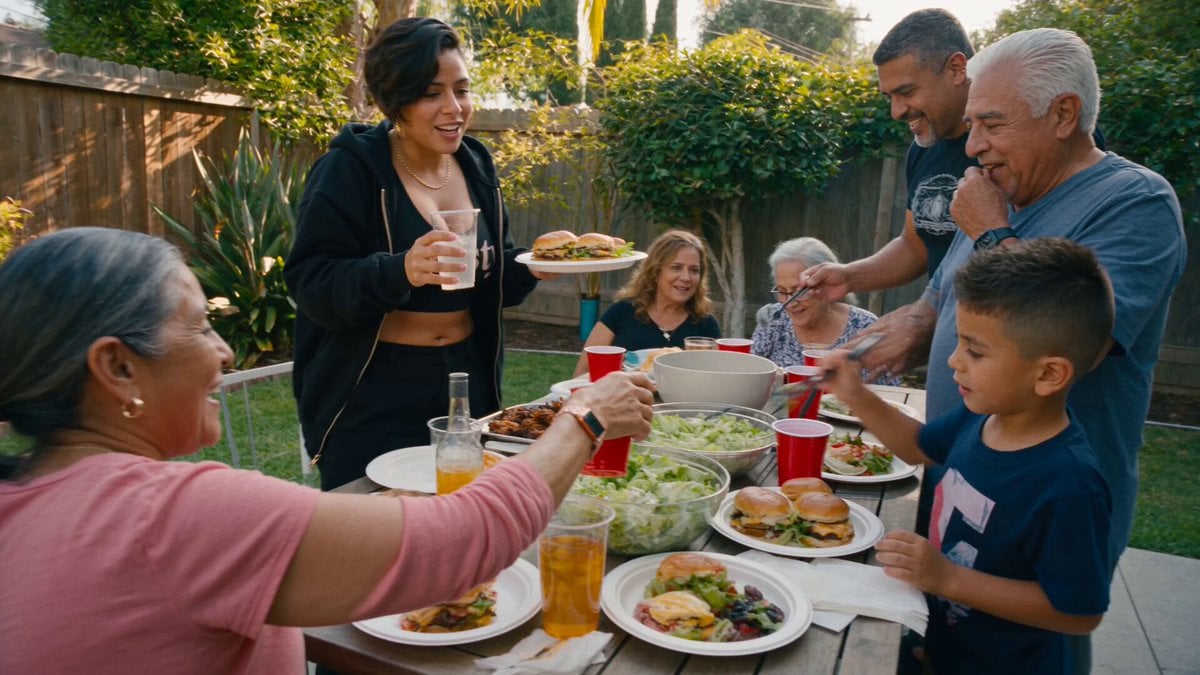
A complex video prompt designed to simulate unpolished, authentic smartphone footage of a backyard gathering with realistic handheld motion and rapid jump cuts.
- Prompt included
- Model and format preset
- Premium template
The prompt behind this video
Copy the exact prompt behind Smartphone Home Video Montage, or open it in the studio and make it yours.
Super casual real smartphone home video footage, backyard family and friends gathering, natural mobile phone camera with slight authentic handheld shake, normal frame rate with smooth natural motion, rapidfire montage with constant quick jump cuts every 1-2 seconds like scrolling through phone memories, unpolished authentic phone recording of mixed ages people eating, drinking and chatting, pure raw home video feel, no cinematic polish or heavy effects. Use the provided reference photo as the strict ONLY visual reference for the main woman. Maintain her exact appearance with zero deviation: short dark hair with undercut, gold hoop earrings, black zip-up hoodie over black "nasty" crop top, black cargo pants, pink sneakers, body type, face and proportions. Generate a mixed group of family and friends of all ages (men, women, grandparents, young adults) around her in the backyard. Perfect character consistency on the main woman only. 0-2.5s: [Shaky smartphone handheld rapid cuts] Main woman laughing with family and friends in sunny backyard, holding drink and plate, quick flashes of casual eating and chatting near the table. 2.5-5s: [Abrupt jump cuts] Close-up flashes of her taking a sip and smiling, then group passing food and drinks, grandparents laughing with younger family members. 5-7.5s: [Fast shaky] She chats animatedly while eating with friends and relatives, expressive happy face, natural backyard table full of food and drinks visible. 7.5-10s: [Quick cut close-up] Warm big smile looking toward the person filming, friendly gesture, then jump to her laughing with a grandparent and friends while holding a drink. 10-12.5s: [Abrupt edit] Group moment around the table, family and friends eating, drinking and toasting casually, mixed ages having fun together. 12.5-15s: [Final rapid transition] Main woman centered with the group, soft happy smile and relaxed pose next to grandparents and friends, calm casual backyard memory ending, slight natural phone sway. Natural smartphone video quality, slight real handheld shake, smooth normal frame rate motion with no low fps or choppy artifacts, authentic casual family interactions and physics, stable main character consistency, charming unpolished home phone recording, no pro stabilization or effects.
How to use Smartphone Home Video Montage in 3 steps
- 1Upload ImagePNG, JPG or paste
Add your photo
Upload the photo the template builds on. The prompt, model and format are already set.
- 2…a portrait of your subject in softgolden-hour light, 85mm…
Personalize
Edit the subject and creative details for your destination.
- 3Generate
Generate
Press Generate — your video is created in PicX Studio, so you can compare it with the original and refine one variable at a time.
More like this
Templates with the same subject, style or setup. Open one to see its prompt.
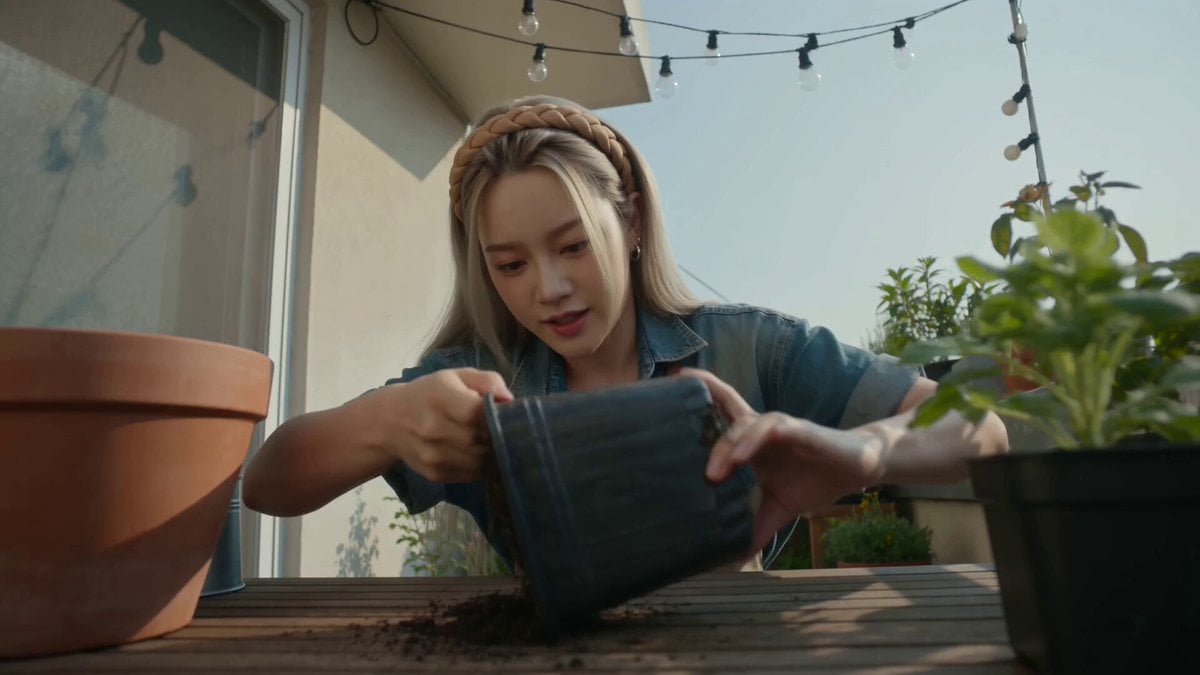
Handheld Home Video Gardening Montage

Mysterious Home Exploration Vlog - Seedance 2.5
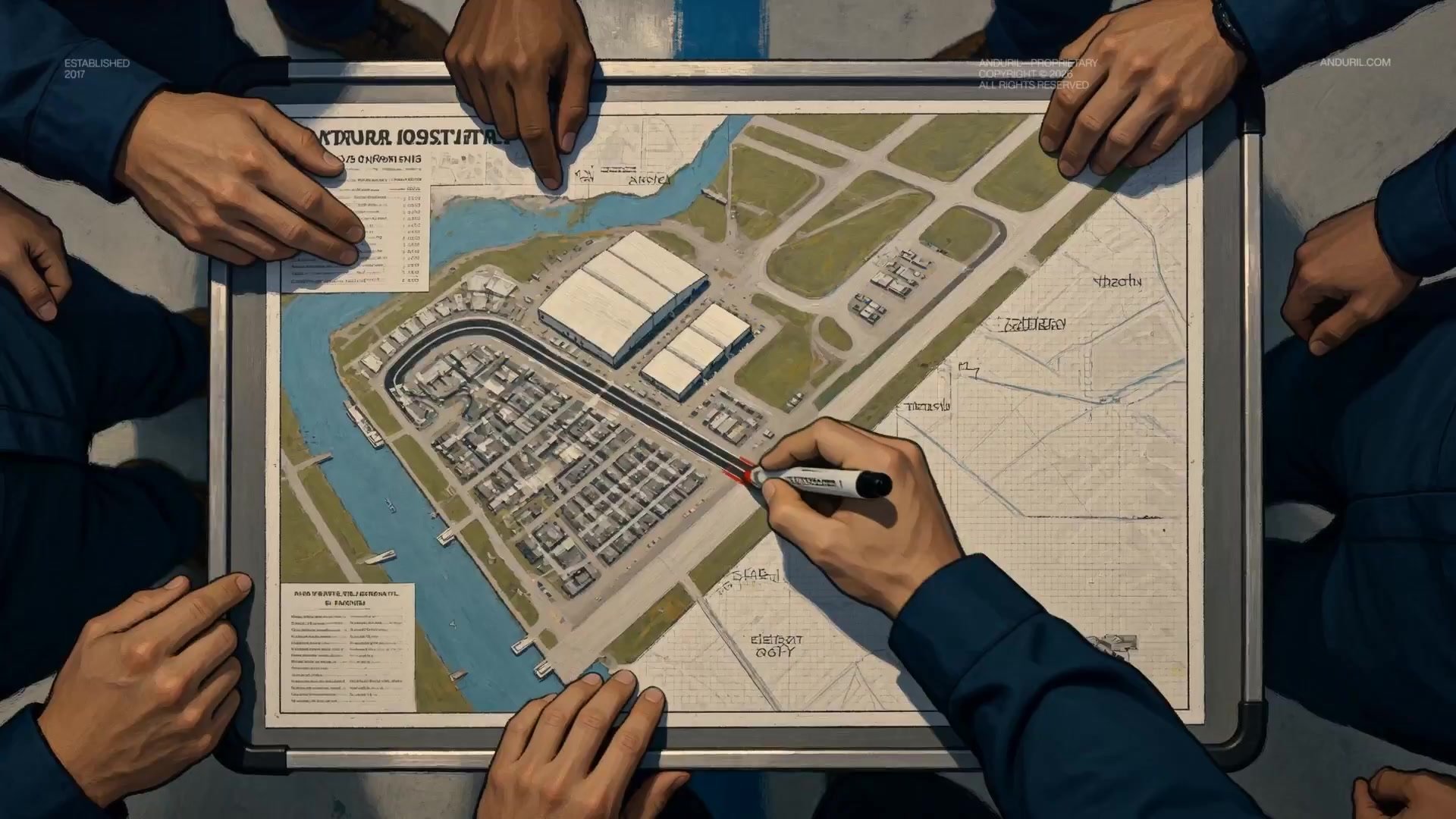
Fighter Jet Aerial Combat Montage — Seedance 2.5
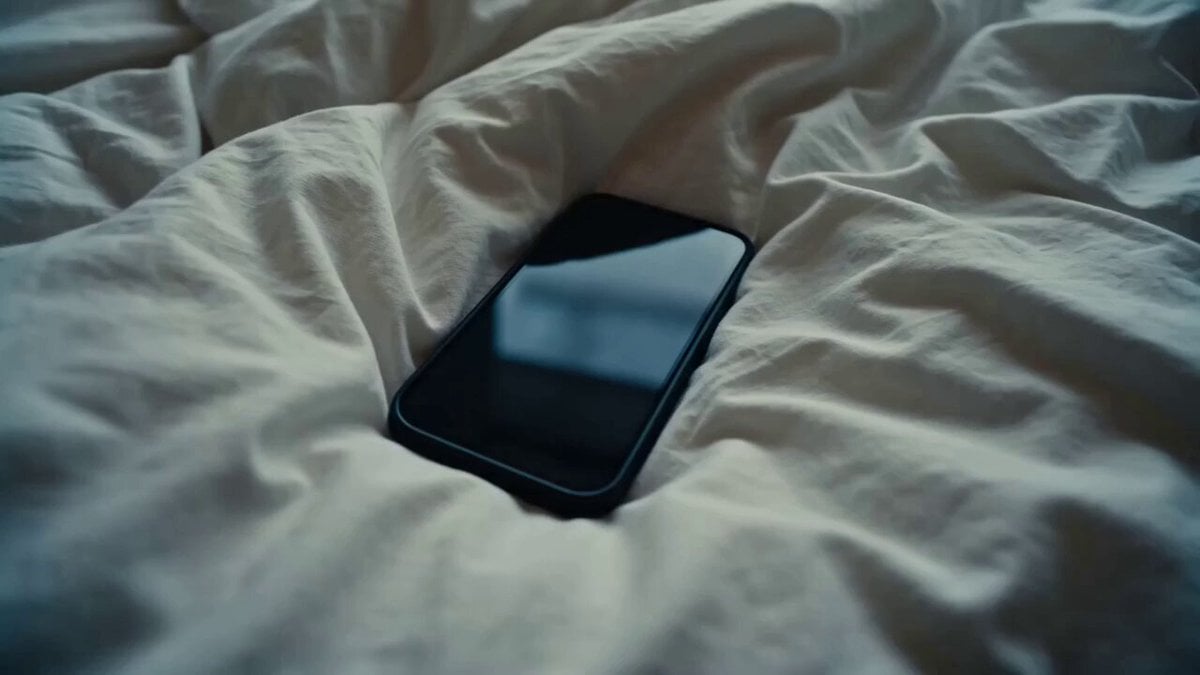
Rushed Morning Routine Montage
Green Dragon Training Short
DV Camcorder POV Gym Montage — Seedance 2.5
DV Camcorder POV Gym Montage — Seedance 2.5
Smartphone Travel Vlog Tokyo Trip Identity Preserved
Smartphone Home Video Beach Day
Handheld Smartphone Road Trip Montage
Smartphone Camping Montage
Luxury Handbag Commercial — Hollywood VFX Ad
Make it yours
Smartphone Home Video Montage works as-is. These are the safest ways to change it without losing the look.
Change one field
Copy a single group, rewrite it, and generate again so you can see what that field is doing.
Keep the frame, change the subject
Hold the composition and light of Smartphone Home Video Montage, then swap wardrobe, props or the person for a new take.
| If the result… | Why | Fix |
|---|---|---|
| The result drifts from the preview | Too many fields changed at once. | Reuse Smartphone Home Video Montage as-is first, then change one group — subject, light, or setting. |
| The model over-stylizes the scene | The prose prompt leaves finish and camera underspecified. | Add one camera or lighting sentence and stay on Seedance 2.0. |
More Seedance 2.0 templates
Other prompts made for Seedance 2.0.

Comical Martial Arts Punch Scene

Maglev Train Action Sequence

Martial Arts Fight Sequence

Wuxia Protection and Trust Script

Vintage Korean Arcade MiniDV Vlog

Mercedes 190 SL Luxury Ad

Rainy Night Supernatural Reverse Comedy Video Script

Amazon Civilization Discovery

Futuristic South Asian City Transformation

Cozy Luxury Cafe Commercial
More video prompts
Fresh picks from across the catalog.

Tropical Seaplane Aerial Adventure

Cinematic Soccer Goal Sequence
Animation transfer and camera tracking prompt
Seedance 2.0 Hammer Throw Prompt

Cinematic Ink Library Storyboard
Realistic Wireless Earbuds Commercial
Cinematic Cliff Trail Motorcycle Action
Alien UFO Comedy Scene
Uncanny Rural Road Cinematic Video

Grok Imagine Prompt: Render two kids outside dressed in winter coats and toques in traditional Easte
Browse template categories
Smartphone Home Video Montage questions
How do I use the Smartphone Home Video Montage template?
Add your photo if the template asks for one, edit the prompt if you like — the template's model and format are already selected — and press Generate. Your version opens in PicX Studio.
Can I customize the Smartphone Home Video Montage template?
Yes. You can change the subject, setting, lighting, mood, format, and available model controls before creating your video.
Is the Smartphone Home Video Montage template free?
Opening and editing this template is free. Generating uses credits, shown on the Generate button when you are signed in.
Which AI model should I use?
Start with Seedance 2.0, which is the model associated with this template. You can compare another compatible model for a different finish.
Looking for something else? Browse all templates.

Your photo, any look
Thousands of ready templates for every top image and video model, from one credit balance.