
Cyberpunk Rollerblade Character Sheet
A detailed prompt for generating a neon punk anime character concept sheet with turnaround views, weapon specs, and nine action storyboard panels.
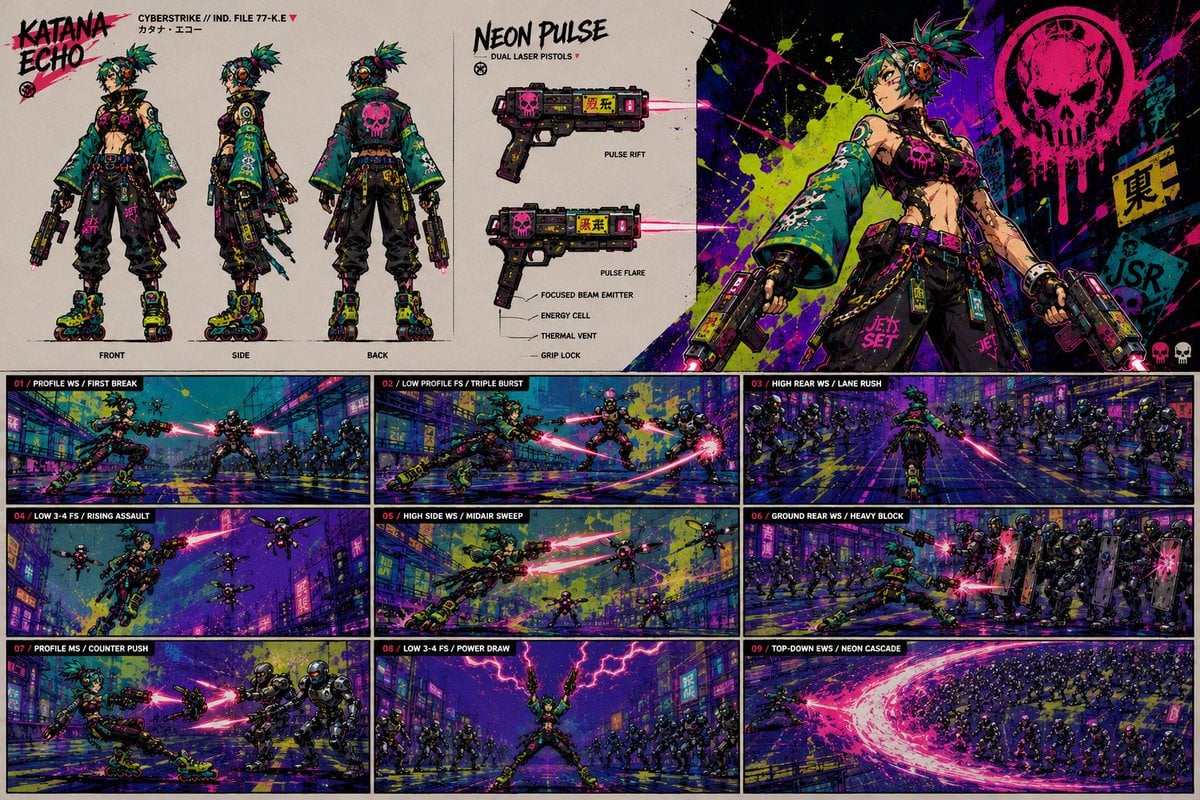
- Prompt included
- Model and format preset
- Premium template
The prompt behind this image
Copy the exact prompt behind Cyberpunk Rollerblade Character Sheet, or open it in the studio and make it yours.
Goal: Create a highly detailed cyberpunk anime character sheet and action-board poster for {argument name="character name" default="Katana Echo"}, a rebellious rollerblading dual-pistol fighter in a neon-drenched Japanese street-war setting. Canvas: Wide 16:9 landscape presentation board, off-white technical concept-sheet background on the upper left, black panel borders, gritty comic/anime rendering, saturated teal, magenta, yellow, violet, and black ink splatter. Overall style is punk cyberstrike concept art mixed with manga action storyboard panels. Top layout: Divide the upper half into 3 main zones. Left zone is a full character turnaround labeled with the title “KATANA ECHO” in rough graffiti lettering and small tech text “CYBERSTRIKE // IND. FILE 77-K.E” plus Japanese kana beneath it. Middle zone is a weapon spec sheet titled “NEON PULSE” with subtitle “DUAL LASER PISTOLS.” Right zone is a large hero splash illustration of the character posing confidently against chaotic neon paint splashes, a large dripping pink skull emblem, warning decals, and Japanese signage. Character design: Female-presenting cyberpunk punk fighter, athletic build, tan skin, exposed midriff, confident smirk, messy spiked {argument name="hair color" default="teal and purple"} hair with neon accents, large orange-black headphones, black crop top with a hot-pink skull, oversized cropped teal kimono-style jacket with yellow markings and black graffiti symbols, loose black cargo pants with straps, chains, dangling tags, magenta belt, fingerless gloves, cyber accessories, and chunky neon roller skates with green/yellow wheels. She carries two compact futuristic laser pistols emitting hot-pink beams. Use scuffed textures, stickers, bolts, straps, pouches, and graffiti decals throughout. Counted character turnaround elements: Show exactly 3 full-body standing views in the top-left sheet, labeled “FRONT,” “SIDE,” and “BACK.” In the back view, include a large pink skull graphic on the jacket. Keep the silhouette consistent across all 3 views. Counted weapon spec elements: Show exactly 2 pistol diagrams in the top-middle sheet, one labeled “PULSE RIFT” and one labeled “PULSE FLARE.” Add exactly 5 callout labels around the lower weapon: “FOCUSED BEAM EMITTER,” “ENERGY CELL,” “THERMAL VENT,” “GRIP LOCK,” and one small label near the beam emitter. Both pistols should be black with magenta skull panels, yellow hazard text, red-pink laser beams, and compact industrial details. Hero illustration details: On the top-right, show the character from thighs-up, leaning back with attitude, one pistol down at her side and the other ready, neon splatter behind her. Include exactly 1 giant dripping skull emblem in hot pink, exactly 1 yellow vertical sign with dark Japanese characters, and exactly 2 small skull icons near the bottom-right edge. Bottom layout: Fill the lower half with a storyboard grid of exactly 9 horizontal action panels arranged in 3 columns by 3 rows, each with a narrow black header strip and red panel number. Each panel shows the same character rollerblading through a futuristic rainy neon city, fighting armored cyber police or drones with pink laser trails and motion streaks. Use comic-panel composition, cinematic perspective, heavy ink outlines, chromatic splatter, and dense city signage. Counted action panels and visible labels: Panel 01 label “PROFILE WS / FIRST BREAK,” showing her skating forward while firing at enemies in a street. Panel 02 label “LOW PROFILE FS / TRIPLE BURST,” showing a low skating slide with three burst shots. Panel 03 label “HIGH REAR WS / LANE RUSH,” showing her charging away down a lane toward a crowd. Panel 04 label “LOW 3-4 FS / RISING ASSAULT,” showing an aerial rising attack against drones. Panel 05 label “HIGH SIDE WS / MIDAIR SWEEP,” showing a midair sweep with laser fire and multiple drones. Panel 06 label “GROUND REAR WS / HEAVY BLOCK,” showing her blocking or bracing against heavy armored enemies. Panel 07 label “PROFILE MS / COUNTER PUSH,” showing a side-view counterattack against close armored foes. Panel 08 label “LOW 3-4 FS / POWER DRAW,” showing her centered with both arms raised under magenta lightning, surrounded by enemies. Panel 09 label “TOP-DOWN EWS / NEON CASCADE,” showing a top-down massive crescent wave of pink energy cutting through a large crowd. Text style: Use rough hand-painted uppercase lettering for major titles, tiny technical uppercase labels for annotations, and red numeric tags for panel headers. Preserve legibility of main English labels but allow small cyberpunk microtext to be decorative. Visual style constraints: No photorealism. Keep it as a polished anime concept art sheet with punk graffiti energy, intense magenta laser effects, teal clothing, yellow-green paint splashes, black grunge textures, and dynamic speed lines. Maintain the exact counts: 3 turnaround views, 2 weapon diagrams, 5 weapon callouts, 1 hero splash, 9 action panels.
How to use Cyberpunk Rollerblade Character Sheet in 3 steps
- 1Upload ImagePNG, JPG or paste
Add your photo
Upload the photo the template builds on. The prompt, model and format are already set.
- 2…a portrait of your subject in softgolden-hour light, 85mm…
Personalize
Edit the subject and creative details for your destination.
- 3Generate
Generate
Press Generate — your image is created in PicX Studio, so you can compare it with the original and refine one variable at a time.
More like this
Templates with the same subject, style or setup. Open one to see its prompt.

Rainy Night Android Cyberpunk Portrait

Korean Idol Partial Shadow Editorial Portrait

Cinematic Sci-Fi Interface Side Profile

Cyberpunk Neon Profile Fashion Portrait

Cinematic Neon Light Strip Studio Portrait

Futuristic Studio Neon Ring Minimalist Portrait

Neon Violet Streetwear Fashion Portrait

Neon Night Crosswalk Candid Portrait

Red Futuristic Sport Motorcycle POV
Rainy Night Android Cyberpunk Portrait
Cinematic Sci-Fi Commander Side Profile Portrait
Low-Angle Cyberpunk Neon Profile Portrait
Make it yours
Cyberpunk Rollerblade Character Sheet works as-is. These are the safest ways to change it without losing the look.
Change one field
Copy a single group, rewrite it, and generate again so you can see what that field is doing.
Keep the frame, change the subject
Hold the composition and light of Cyberpunk Rollerblade Character Sheet, then swap wardrobe, props or the person for a new take.
| If the result… | Why | Fix |
|---|---|---|
| The result drifts from the preview | Too many fields changed at once. | Reuse Cyberpunk Rollerblade Character Sheet as-is first, then change one group — subject, light, or setting. |
| The model over-stylizes the scene | The prose prompt leaves finish and camera underspecified. | Add one camera or lighting sentence and stay on GPT Image 2. |
More GPT Image 2 templates
Other prompts made for GPT Image 2.

Six VTuber Japanese Logo Sheet

Realistic Portrait of Woman and Deer

The Vista Modular Condo Poster

AI Model Routing Comparison Infographic

2.5D Anime Art Board

Isometric Productivity Desk Scene

New York Double Exposure Poster

Four-Panel AI Landscape Comparison

Japanese Tatami Lifestyle Magazine Cover

NESCAFÉ Coffee Map Poster
More image prompts
Fresh picks from across the catalog.

Luxurious Winter Portrait in Red and White
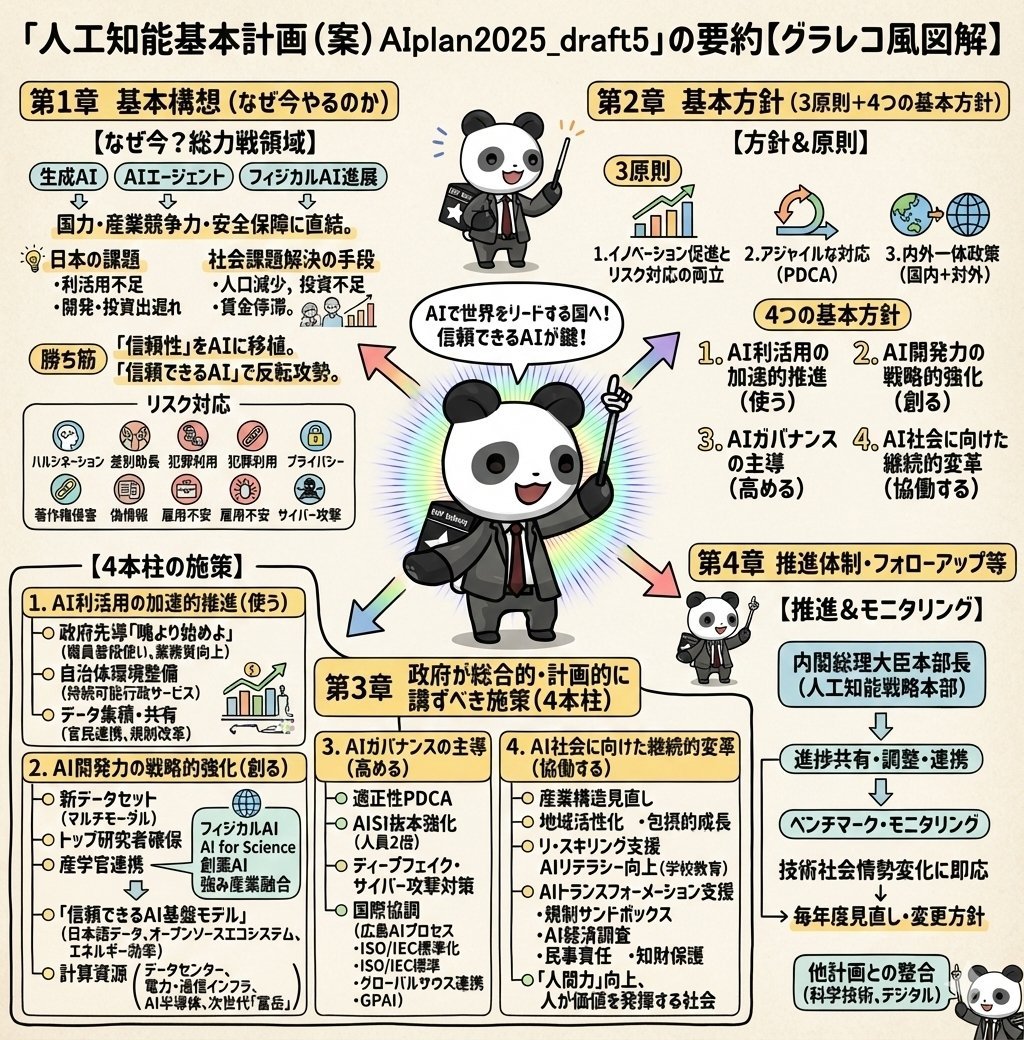
Detailed Japanese Graphic Recording Summary

Nano Banana Pro Chibi Snow Globe Prompt
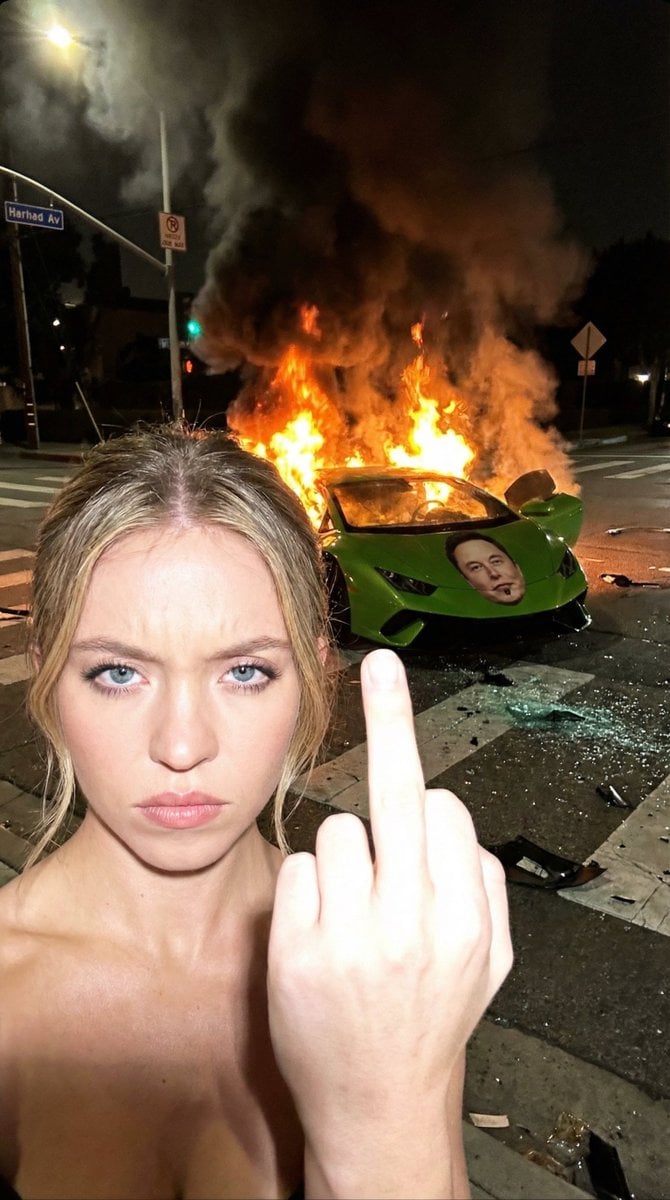
Gritty Night Photo of Woman Flipping Off Camera with Burning Lamborghini
Panel Manga Generation from a Scene Description
Splash Hero Beverage Photography
Monochrome Mountain Warrior Portrait
Snow Flower Hashira Diagnosis Poster
Cinematic Chiaroscuro Portrait
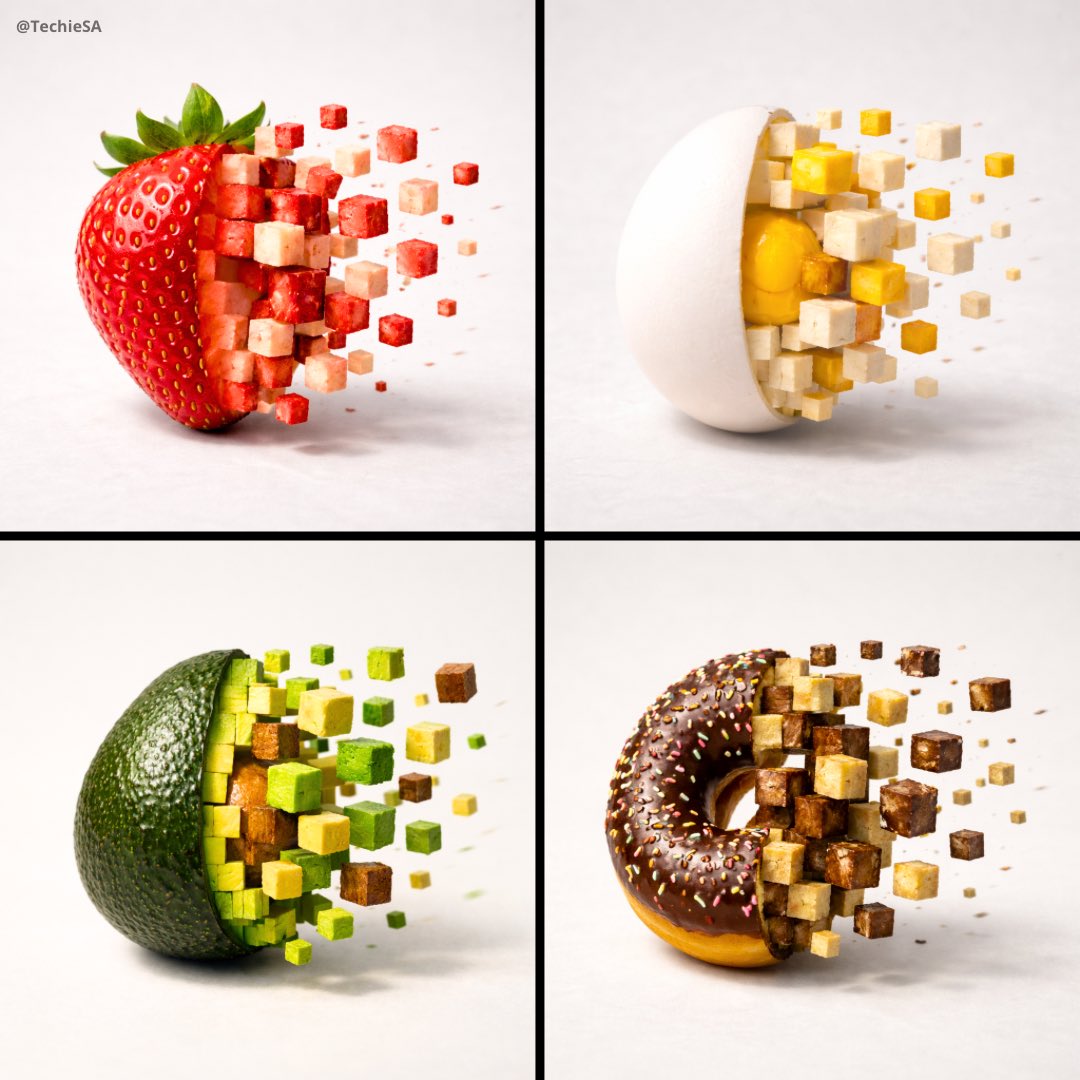
3D Pixel Food Disintegration
Browse template categories
Cyberpunk Rollerblade Character Sheet questions
How do I use the Cyberpunk Rollerblade Character Sheet template?
Add your photo if the template asks for one, edit the prompt if you like — the template's model and format are already selected — and press Generate. Your version opens in PicX Studio.
Can I customize the Cyberpunk Rollerblade Character Sheet template?
Yes. You can change the subject, setting, lighting, mood, format, and available model controls before creating your image.
Is the Cyberpunk Rollerblade Character Sheet template free?
Opening and editing this template is free. Generating uses credits, shown on the Generate button when you are signed in.
Which AI model should I use?
Start with GPT Image 2, which is the model associated with this template. You can compare another compatible model for a different finish.
Looking for something else? Browse all templates.

Your photo, any look
Thousands of ready templates for every top image and video model, from one credit balance.