
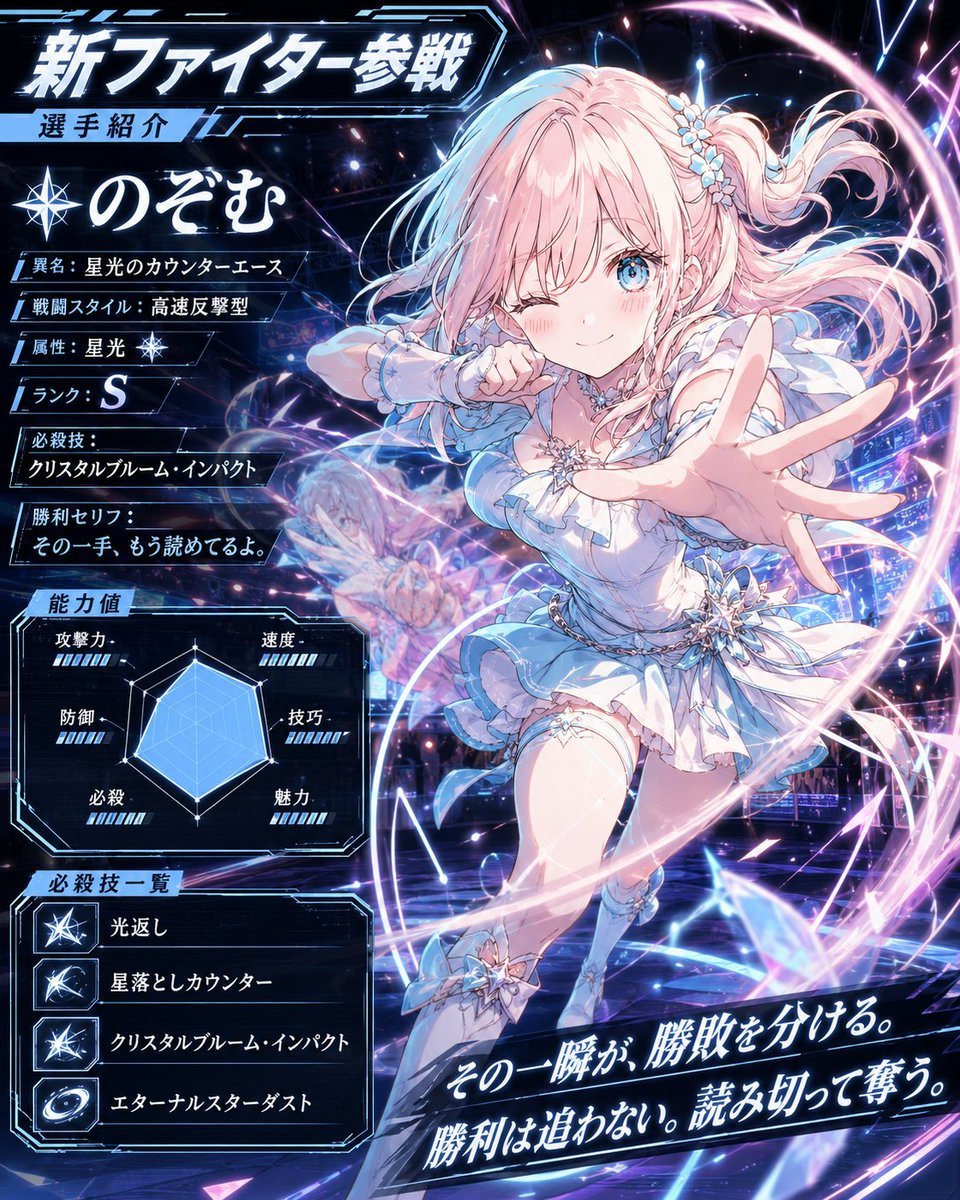
Anime Fighter Introduction Card
Generates a neon sci-fi Japanese gacha fighter profile card with a dynamic magical-girl character, stats, skills, and promotional UI text.
- Prompt included
- Model and format preset
- Premium template
The prompt behind this image
Copy the exact prompt behind Anime Fighter Introduction Card, or open it in the studio and make it yours.
Goal: Create a high-energy anime mobile-game fighter introduction card for a new magical idol-style combatant named {argument name="character name" default="のぞむ"}, with a futuristic neon sci-fi UI and Japanese game text. Canvas: Square 1:1 promotional character sheet, packed with glowing HUD panels, dark navy and black cyber arena background, electric blue, white, pink, and violet light effects, crystalline sparkles, motion trails, and lens flares. Layout: Put the main character on the right two-thirds in a dynamic forward-lunging pose, winking, one hand stretched toward the viewer with strong foreshortening, the other arm bent near her face. Fill the left third with stacked information panels and a stat chart. Add a large diagonal slogan banner across the lower right. Use sharp angular frames, glowing cyan borders, metallic UI accents, and dense particles throughout. Main headline text: At the top left, large bold Japanese title 「新ファイター参戦」 with a smaller label below 「選手紹介」. Beneath it, show a compass/star icon and the character name 「のぞむ」 in large white brush-style Japanese lettering. Character details: The fighter is a cute anime girl with long pastel pink hair, blue eyes, soft blush, and a playful confident smile while winking. Her hair is tied into a high side ponytail with small pale blue and white flower accessories, with loose flowing strands swept by motion. Outfit: white and pale ice-blue frilly magical-girl battle dress with short layered skirt, ruffled sleeves, crystal star brooch at the chest, silver chain belt, star-shaped crystal ornaments at the waist and ankle, thigh-high stockings, and light blue boots. Her theme is starlight, crystal, and speed counterattacks. Left information panels: Include exactly 6 profile rows under the name, each in its own glowing rectangular label: 1) 「異名:星光のカウンターエース」, 2) 「戦闘スタイル:高速反撃型」, 3) 「属性:星光」 with a small star icon, 4) 「ランク:S」, 5) 「必殺技:クリスタルブルーム・インパクト」, 6) 「勝利セリフ:その一手、もう読めてるよ。」. Stats panel: Add a boxed section titled 「能力値」 with a light-blue radar chart in the center and exactly 5 labeled stat categories around it: 「攻撃力」, 「防御」, 「必殺」, 「速度」, 「技巧」, 「魅力」. Use white labels, small blue segmented bars, and a translucent cyan filled polygon. Special move list: At the lower left, create a boxed section titled 「必殺技一覧」 containing exactly 4 rows with square icons and Japanese skill names: 1) starburst icon 「光返し」, 2) comet slash icon 「星落としカウンター」, 3) crystal impact icon 「クリスタルブルーム・インパクト」, 4) galaxy swirl icon 「エターナルスターダスト」. Action effects: Surround the character with spiraling pink-white energy rings, blue lightning arcs, glasslike crystal shards, star particles, and a faint ghosted afterimage of the character behind her to show speed. Make the arena background look like a holographic tournament stage with abstract panels and glowing rails. Bottom slogan: On the lower right, place a dramatic angled black-and-cyan banner with large italic glowing Japanese text: 「その一瞬が、勝敗を分ける。勝利は追わない。読み切って奪う。」. Visual style: Ultra-polished Japanese gacha game key art, crisp cel-shaded anime illustration, glossy futuristic UI, high contrast, extremely detailed lighting, sharp typography, luminous outlines, no watermark. Keep the text legible and preserve the exact Japanese strings.
How to use Anime Fighter Introduction Card in 3 steps
- 1Upload ImagePNG, JPG or paste
Add your photo
Upload the photo the template builds on. The prompt, model and format are already set.
- 2…a portrait of your subject in softgolden-hour light, 85mm…
Personalize
Edit the subject and creative details for your destination.
- 3Generate
Generate
Press Generate — your image is created in PicX Studio, so you can compare it with the original and refine one variable at a time.
More like this
Templates with the same subject, style or setup. Open one to see its prompt.












Make it yours
Anime Fighter Introduction Card works as-is. These are the safest ways to change it without losing the look.
Change one field
Copy a single group, rewrite it, and generate again so you can see what that field is doing.
Keep the frame, change the subject
Hold the composition and light of Anime Fighter Introduction Card, then swap wardrobe, props or the person for a new take.
| If the result… | Why | Fix |
|---|---|---|
| The result drifts from the preview | Too many fields changed at once. | Reuse Anime Fighter Introduction Card as-is first, then change one group — subject, light, or setting. |
| The model over-stylizes the scene | The prose prompt leaves finish and camera underspecified. | Add one camera or lighting sentence and stay on GPT Image 2. |
More GPT Image 2 templates
Other prompts made for GPT Image 2.

Six VTuber Japanese Logo Sheet

Realistic Portrait of Woman and Deer

The Vista Modular Condo Poster

AI Model Routing Comparison Infographic

2.5D Anime Art Board

Isometric Productivity Desk Scene

New York Double Exposure Poster

Four-Panel AI Landscape Comparison

Japanese Tatami Lifestyle Magazine Cover

NESCAFÉ Coffee Map Poster
More image prompts
Fresh picks from across the catalog.
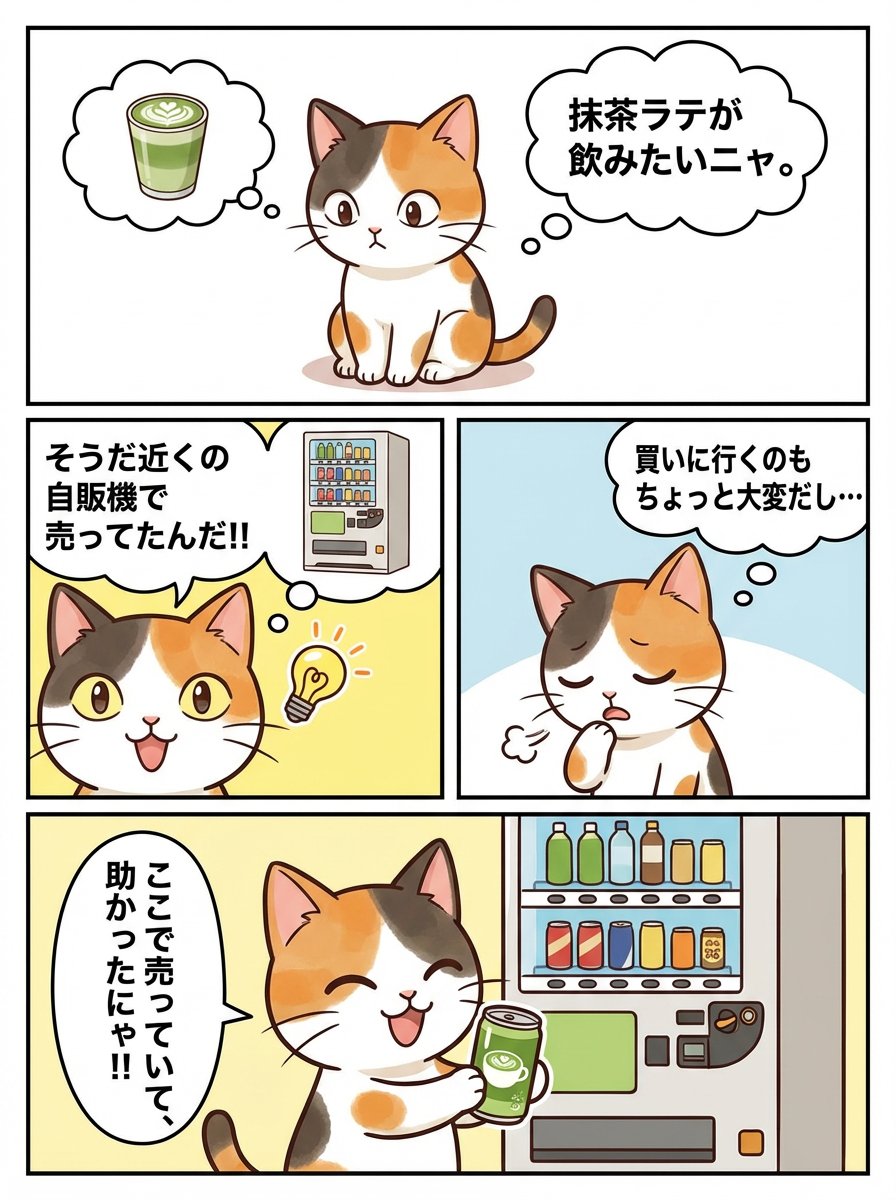
Panel Manga Story Generator (Cat Character)
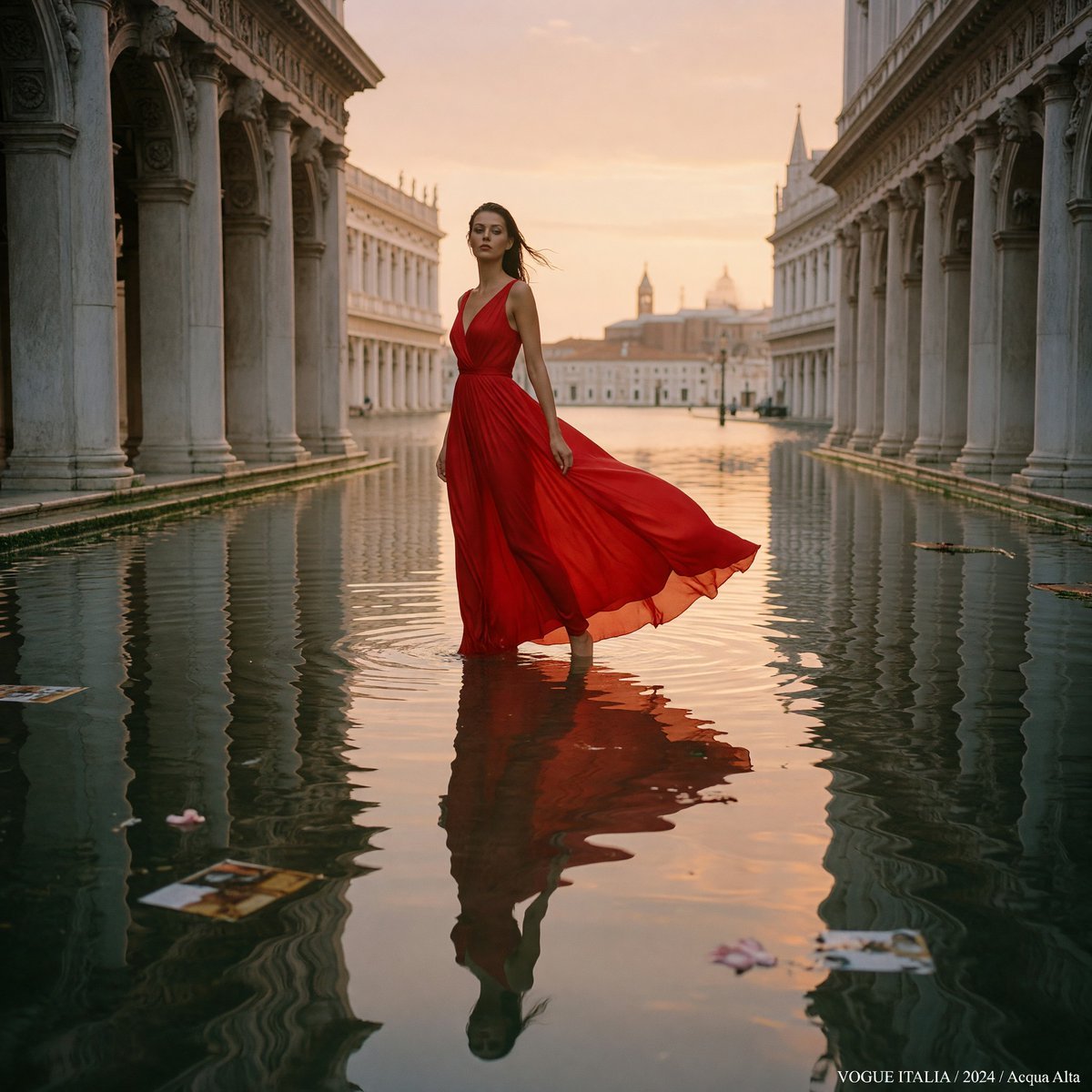
Crimson Gown in Flooded Venice
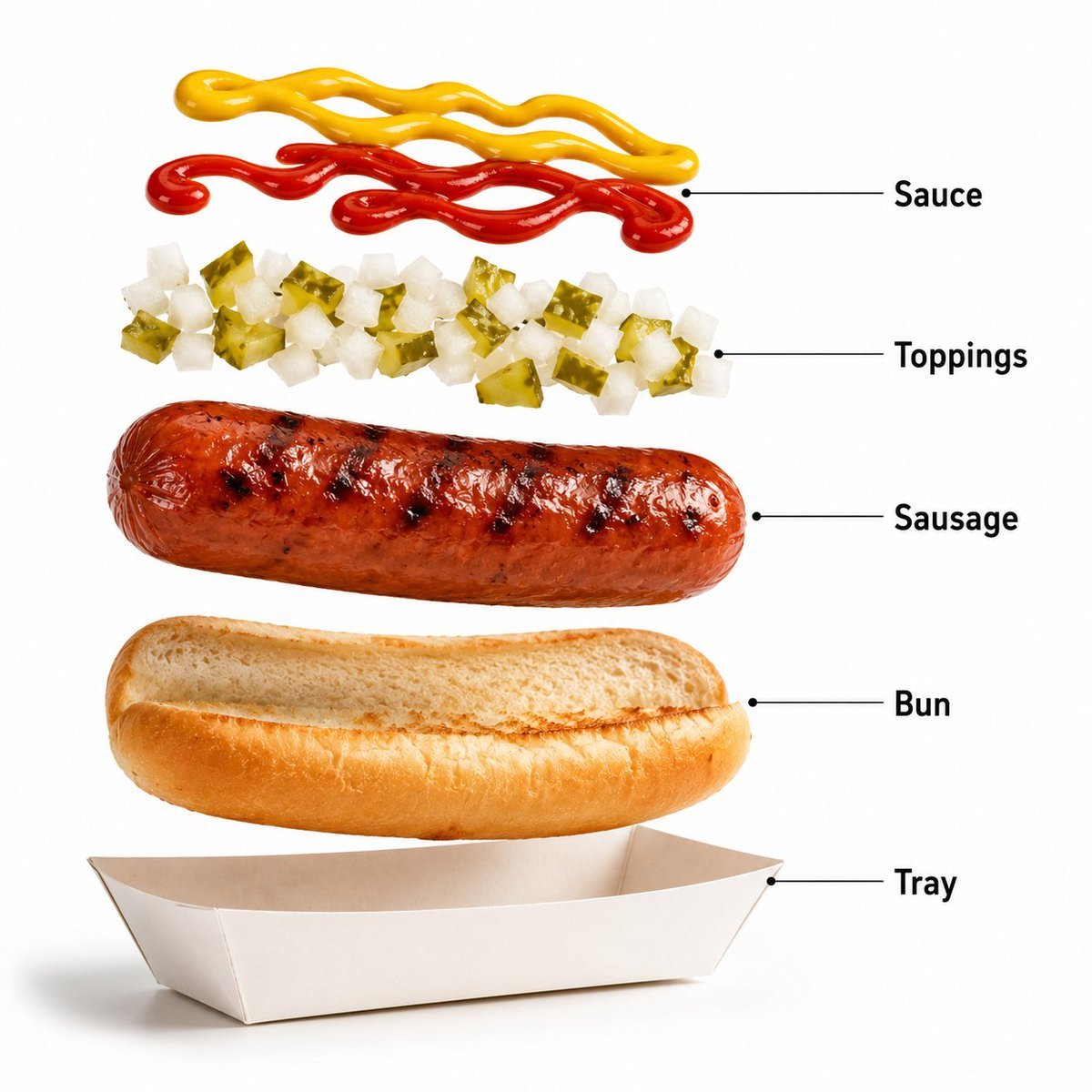
Premium Fast-Food Product Shot
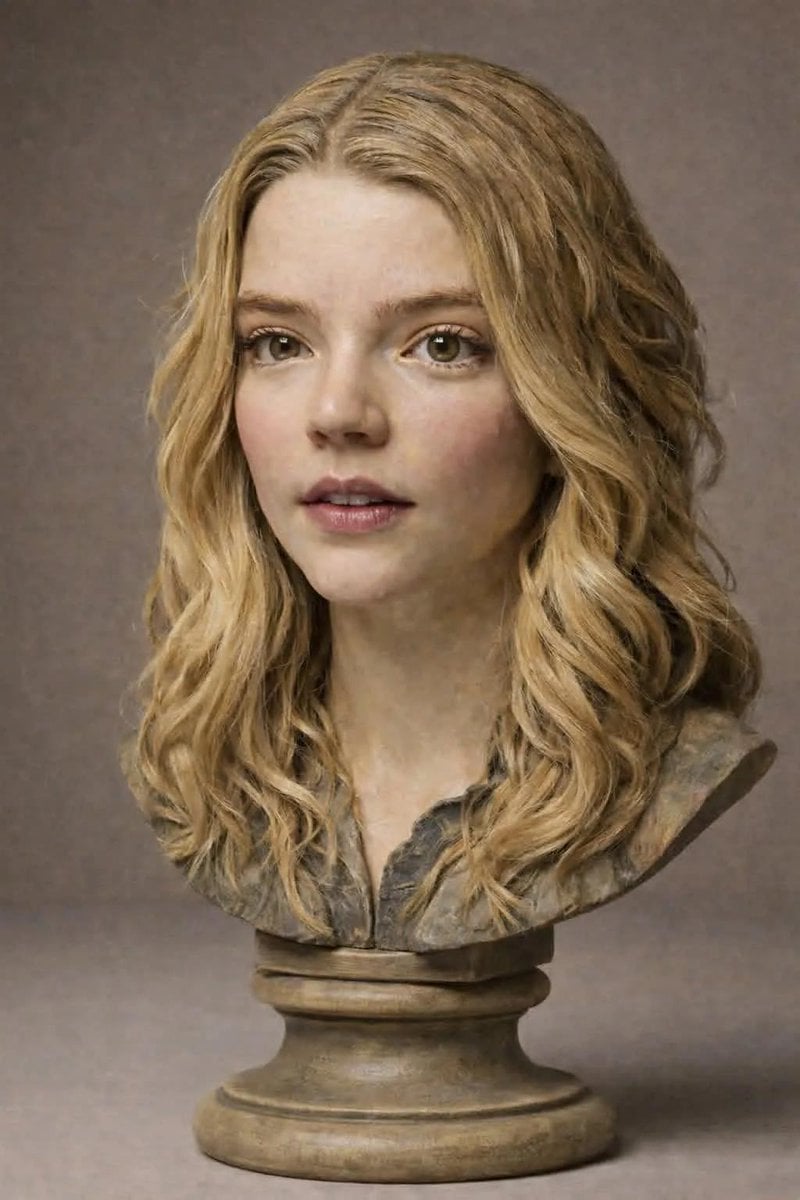
Polychrome Carved Wooden Sculpture Portrait

Realistic Candid Portrait Comparison Prompt

Candid Travel-Lifestyle Photograph: Monaco Terrace

Stunning Photo Prompt for Gemini Nano Banana
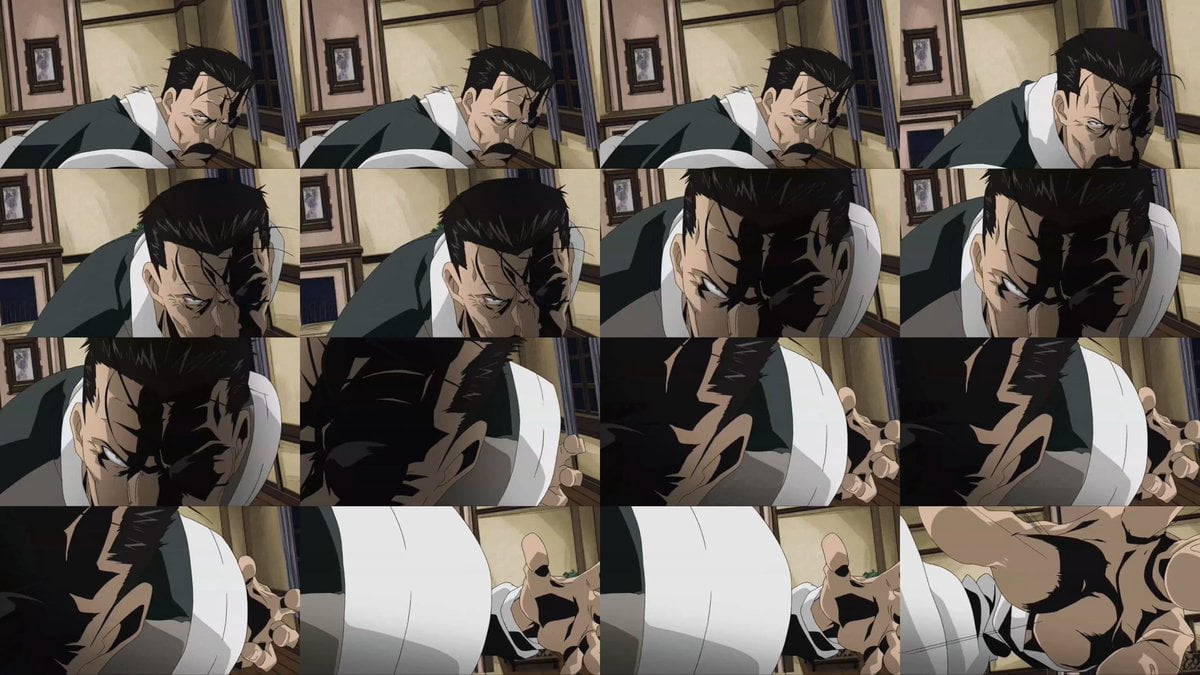
Style Transfer for Cinematic Live-Action Keyframes
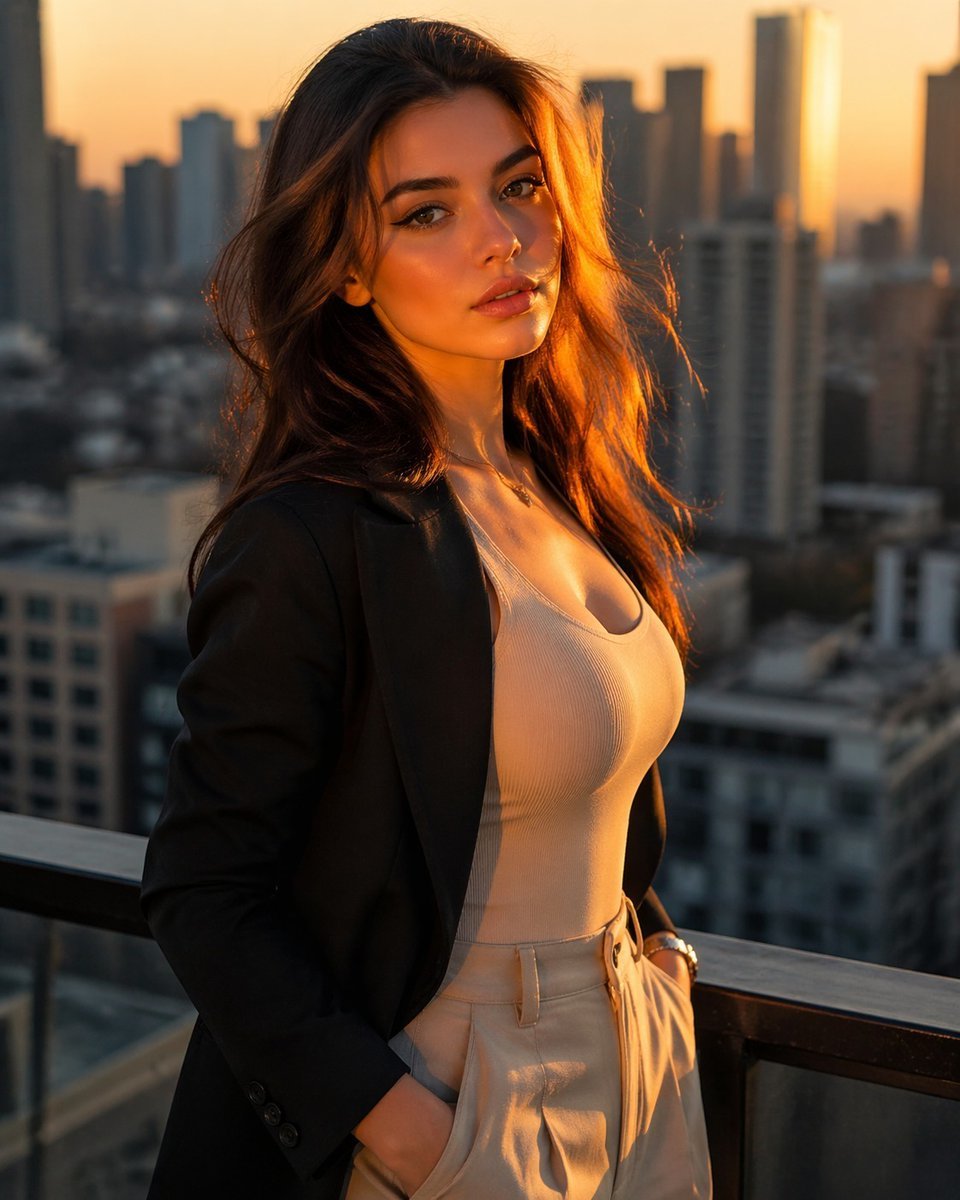
Golden Hour Rooftop Fashion Portrait
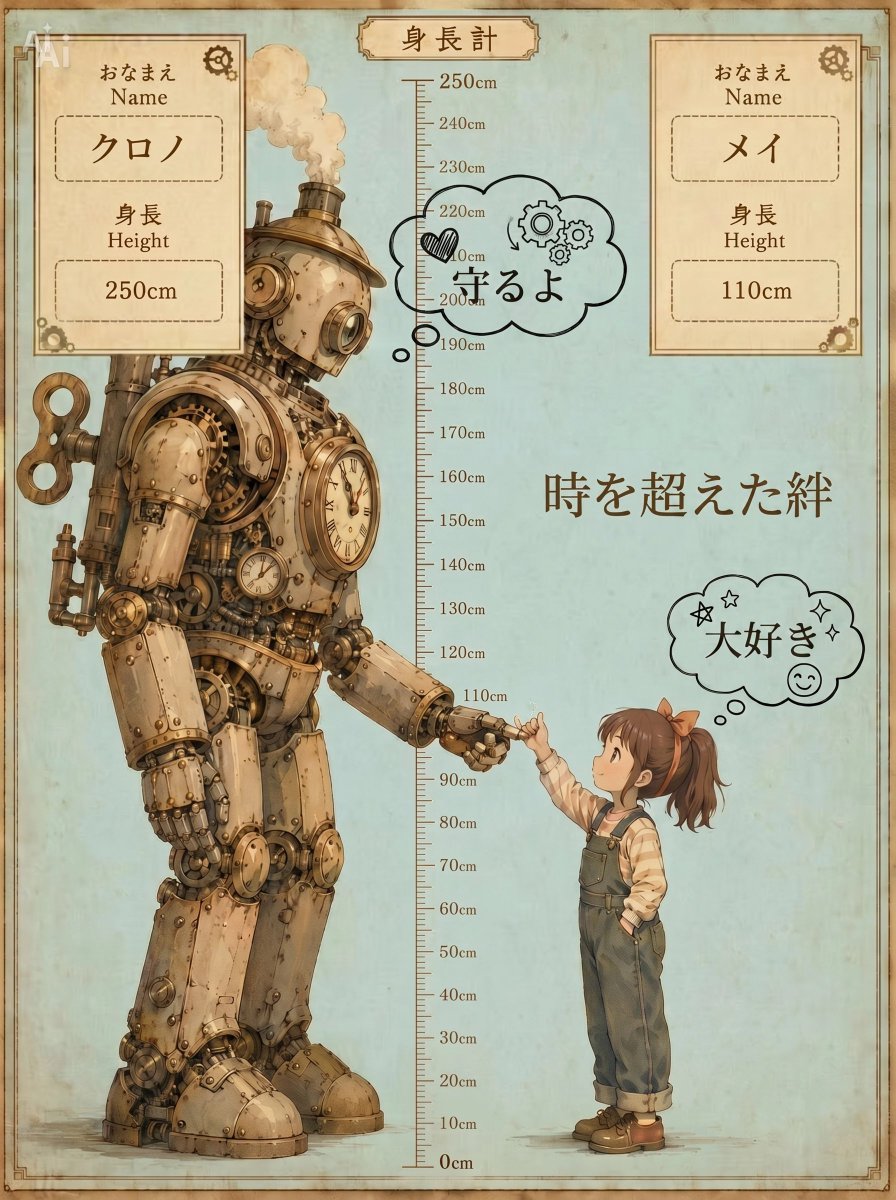
Steampunk Height Difference Poster
Browse template categories
Anime Fighter Introduction Card questions
How do I use the Anime Fighter Introduction Card template?
Add your photo if the template asks for one, edit the prompt if you like — the template's model and format are already selected — and press Generate. Your version opens in PicX Studio.
Can I customize the Anime Fighter Introduction Card template?
Yes. You can change the subject, setting, lighting, mood, format, and available model controls before creating your image.
Is the Anime Fighter Introduction Card template free?
Opening and editing this template is free. Generating uses credits, shown on the Generate button when you are signed in.
Which AI model should I use?
Start with GPT Image 2, which is the model associated with this template. You can compare another compatible model for a different finish.
Looking for something else? Browse all templates.

Your photo, any look
Thousands of ready templates for every top image and video model, from one credit balance.