
Anime Paparazzi Press Scrum
Generates a dense vertical anime illustration of reporters and photographers crowding the viewer with cameras, microphones, flashes, and blue-toned press energy.
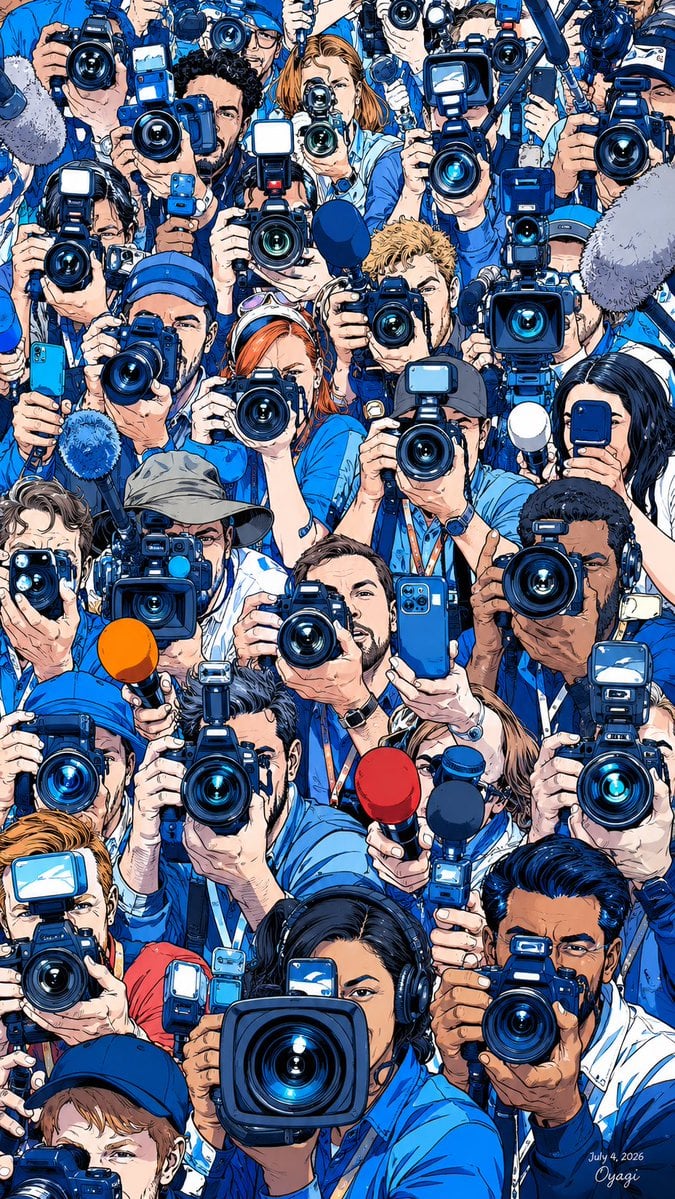
- Prompt included
- Model and format preset
- Premium template
The prompt behind this image
Copy the exact prompt behind Anime Paparazzi Press Scrum, or open it in the studio and make it yours.
Goal: Create a packed editorial anime illustration of a paparazzi press scrum, as if the viewer is the subject being swarmed by reporters and photographers. Canvas: Tall vertical 2:3 composition, edge-to-edge crowd filling the entire frame, no empty background. Use a crisp modern Japanese manga/anime rendering style with detailed ink outlines, saturated cobalt blues, bright white flash reflections, and high-contrast cel shading. Main subject layout: Show exactly {argument name="number of journalists" default="24"} visible journalists and photographers tightly stacked in rows from top to bottom, mostly wearing blue shirts, blue jackets, press lanyards, caps, and headphones. Use diverse faces: men and women, varied skin tones, different hair colors including black, brown, blond, red, and gray. Most faces are partially hidden behind cameras, hands, phones, microphones, and flash units. Equipment count and placement: Include exactly {argument name="number of cameras" default="29"} visible professional cameras aimed directly toward the viewer, dominated by large black DSLR and broadcast lenses with glowing blue glass. Include exactly 5 visible microphones: 2 large fuzzy gray boom mics entering from the left and right edges, 1 bright orange handheld mic in the lower-left center, 1 red handheld mic near the lower center-right, and 1 dark navy handheld mic beside it. Include exactly 3 smartphones: one turquoise phone at the left edge, one blue phone held vertically near the center, and one dark phone at the right edge. Include many rectangular flash units, but keep them attached to the counted cameras. Composition details: The largest lens is a rectangular broadcast camera in the bottom center foreground, pointed straight at the viewer and partially covering a female reporter wearing black headphones. Surround it with overlapping hands, wrists, lanyards, camera straps, and flash reflections. Make the lens circles and blue highlights the strongest visual rhythm. Add intense foreshortening so cameras and microphones feel very close to the viewer. Color and lighting: Overall palette is {argument name="dominant color palette" default="electric blue, white, black, and skin tones"}. Use bright camera flashes, glossy lens reflections, and small white specular highlights. Keep the scene busy, energetic, slightly chaotic, but cleanly readable. Text/signature: Add a small handwritten signature and date in the bottom-right corner reading {argument name="signature text" default="July 4, 2026 Oyagi"}. No other readable text, logos, watermarks, or speech bubbles. Constraints: Do not show the person being photographed. Do not include a background environment. Avoid photorealism; keep it as polished detailed anime/manga line art with dense crowd composition and dramatic press-conference energy.
How to use Anime Paparazzi Press Scrum in 3 steps
- 1Upload ImagePNG, JPG or paste
Add your photo
Upload the photo the template builds on. The prompt, model and format are already set.
- 2…a portrait of your subject in softgolden-hour light, 85mm…
Personalize
Edit the subject and creative details for your destination.
- 3Generate
Generate
Press Generate — your image is created in PicX Studio, so you can compare it with the original and refine one variable at a time.
More like this
Templates with the same subject, style or setup. Open one to see its prompt.












Make it yours
Anime Paparazzi Press Scrum works as-is. These are the safest ways to change it without losing the look.
Change one field
Copy a single group, rewrite it, and generate again so you can see what that field is doing.
Keep the frame, change the subject
Hold the composition and light of Anime Paparazzi Press Scrum, then swap wardrobe, props or the person for a new take.
| If the result… | Why | Fix |
|---|---|---|
| The result drifts from the preview | Too many fields changed at once. | Reuse Anime Paparazzi Press Scrum as-is first, then change one group — subject, light, or setting. |
| The model over-stylizes the scene | The prose prompt leaves finish and camera underspecified. | Add one camera or lighting sentence and stay on GPT Image 2. |
More GPT Image 2 templates
Other prompts made for GPT Image 2.

Six VTuber Japanese Logo Sheet

Realistic Portrait of Woman and Deer

The Vista Modular Condo Poster

AI Model Routing Comparison Infographic

2.5D Anime Art Board

Isometric Productivity Desk Scene

New York Double Exposure Poster

Four-Panel AI Landscape Comparison

Japanese Tatami Lifestyle Magazine Cover

NESCAFÉ Coffee Map Poster
More image prompts
Fresh picks from across the catalog.
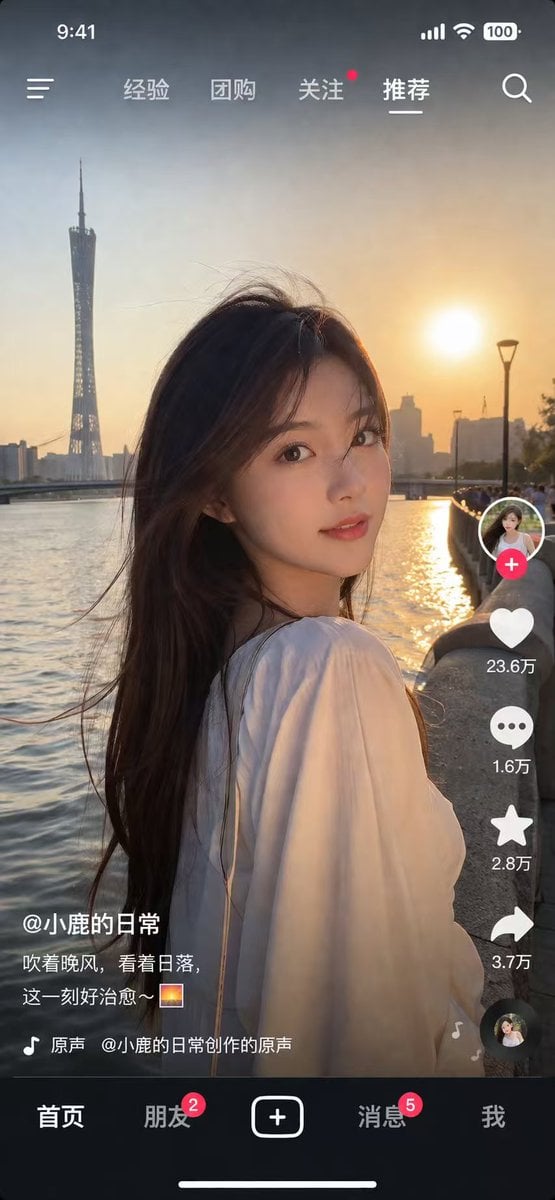
Social Media App Interface Mockup
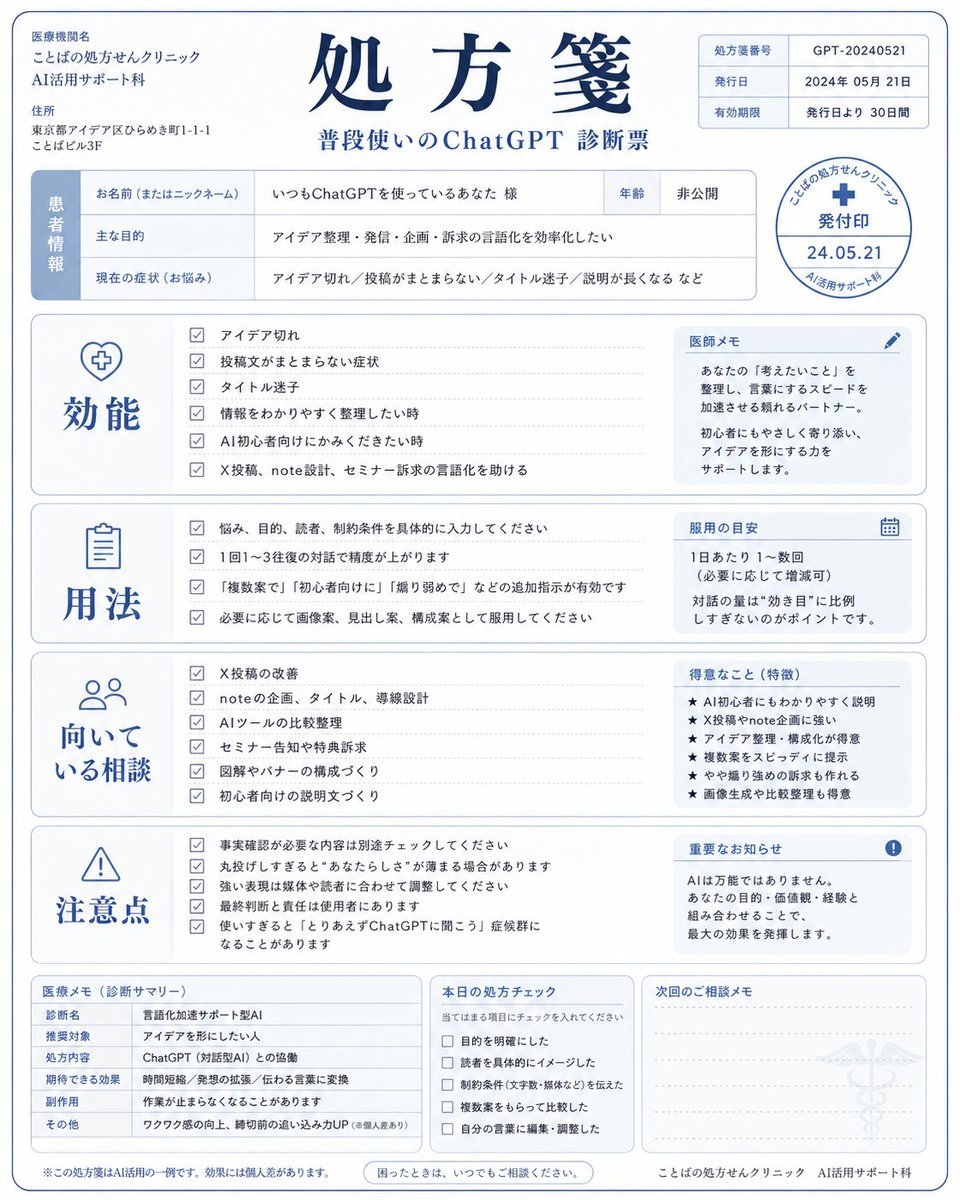
Humorous AI Medical Prescription Design
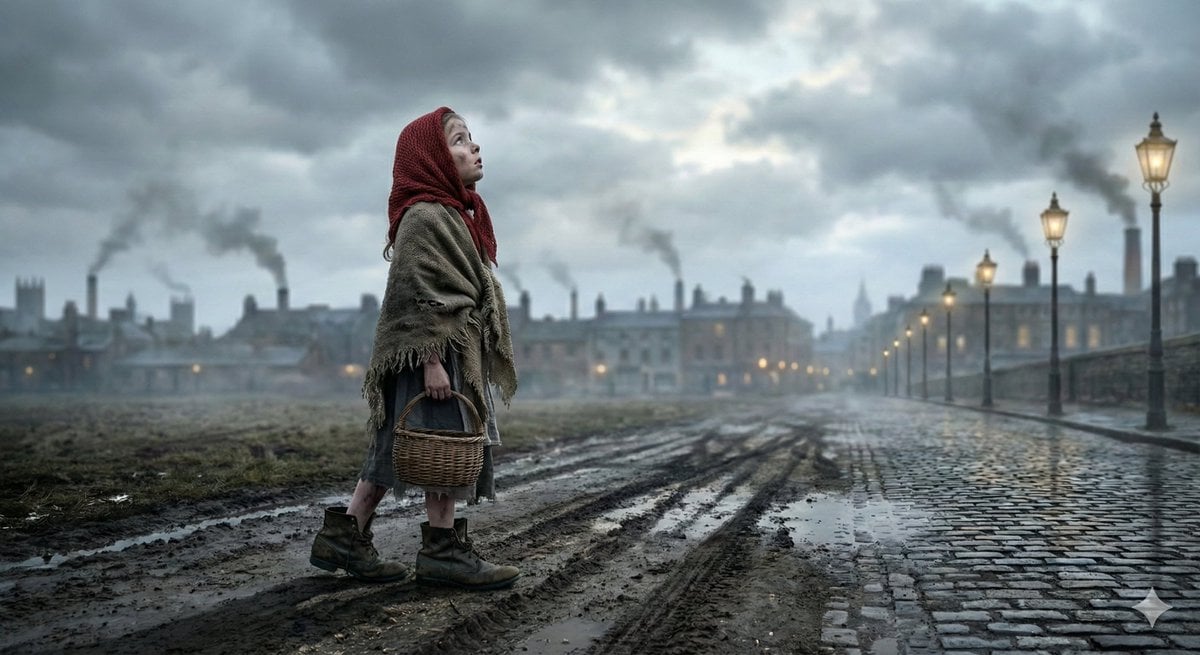
Nano Banana Pro JSON Prompt for 'The Little Match Girl' Concept
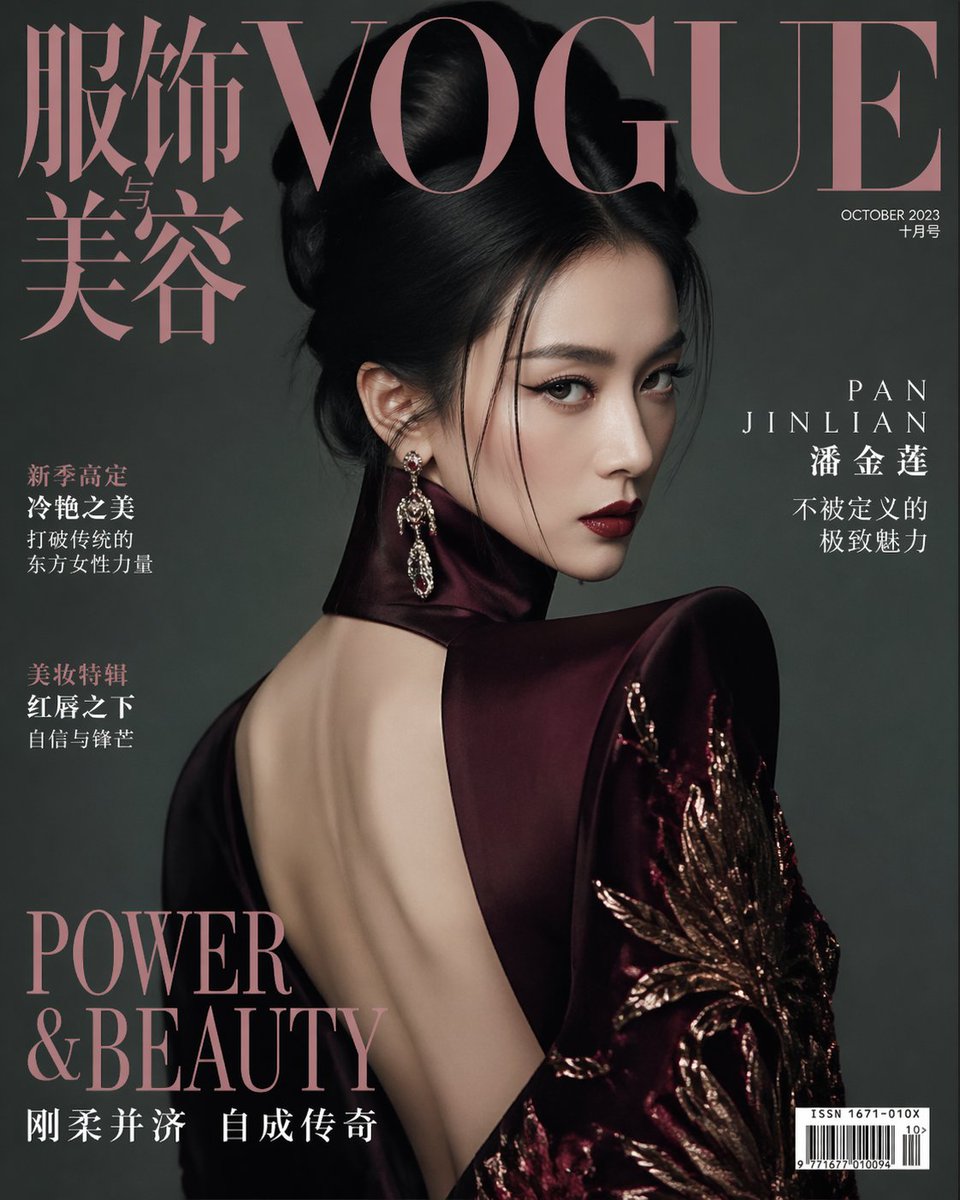
Vogue China Pan Jinlian Fashion
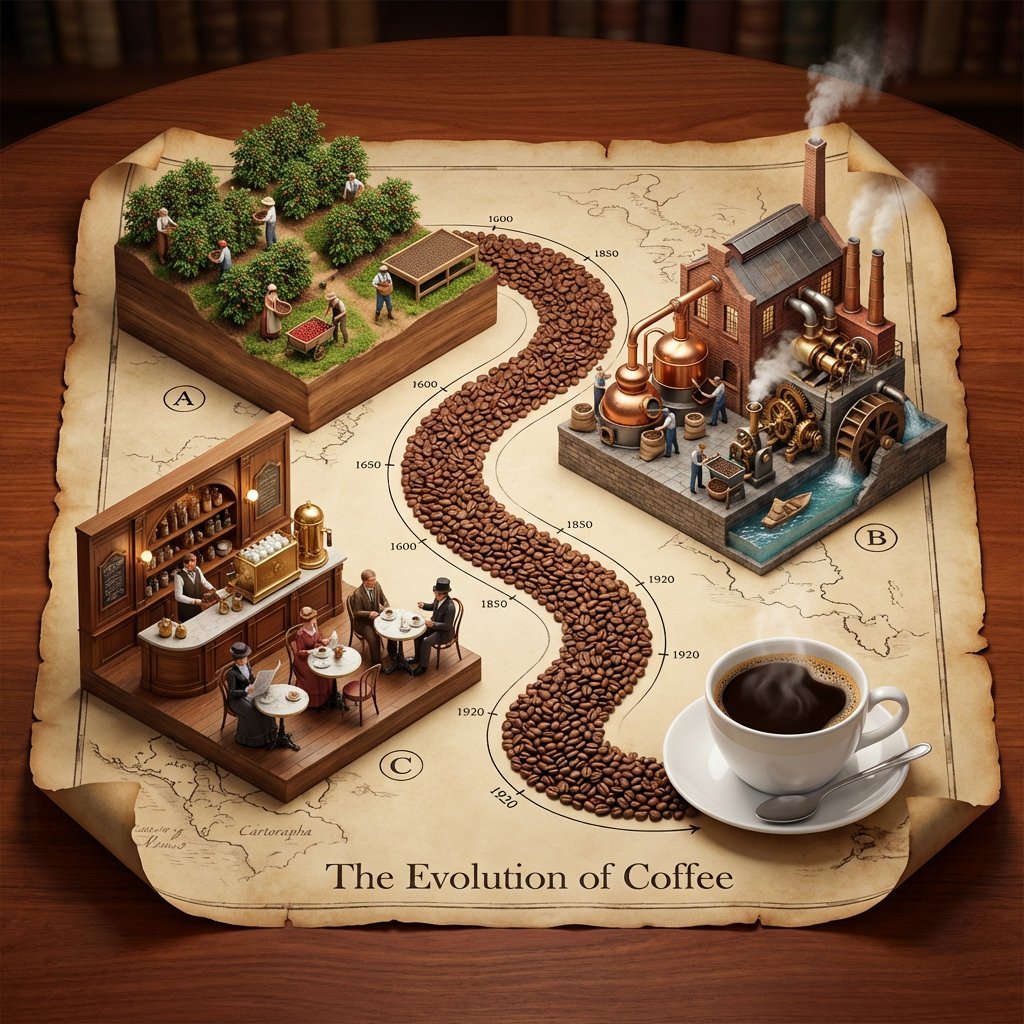
Isometric 3D Diorama of Product Evolution Prompt
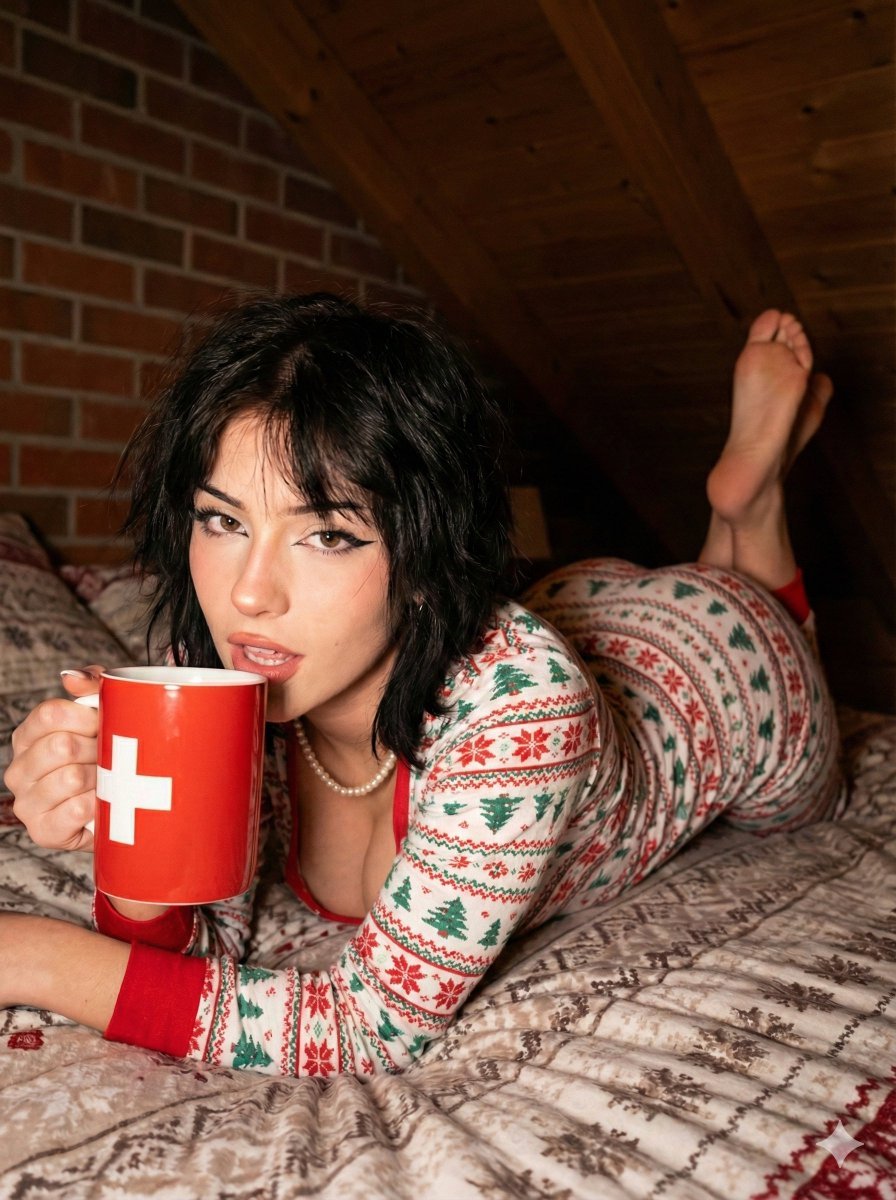
Christmas Pajama Pose with Flash Aesthetic
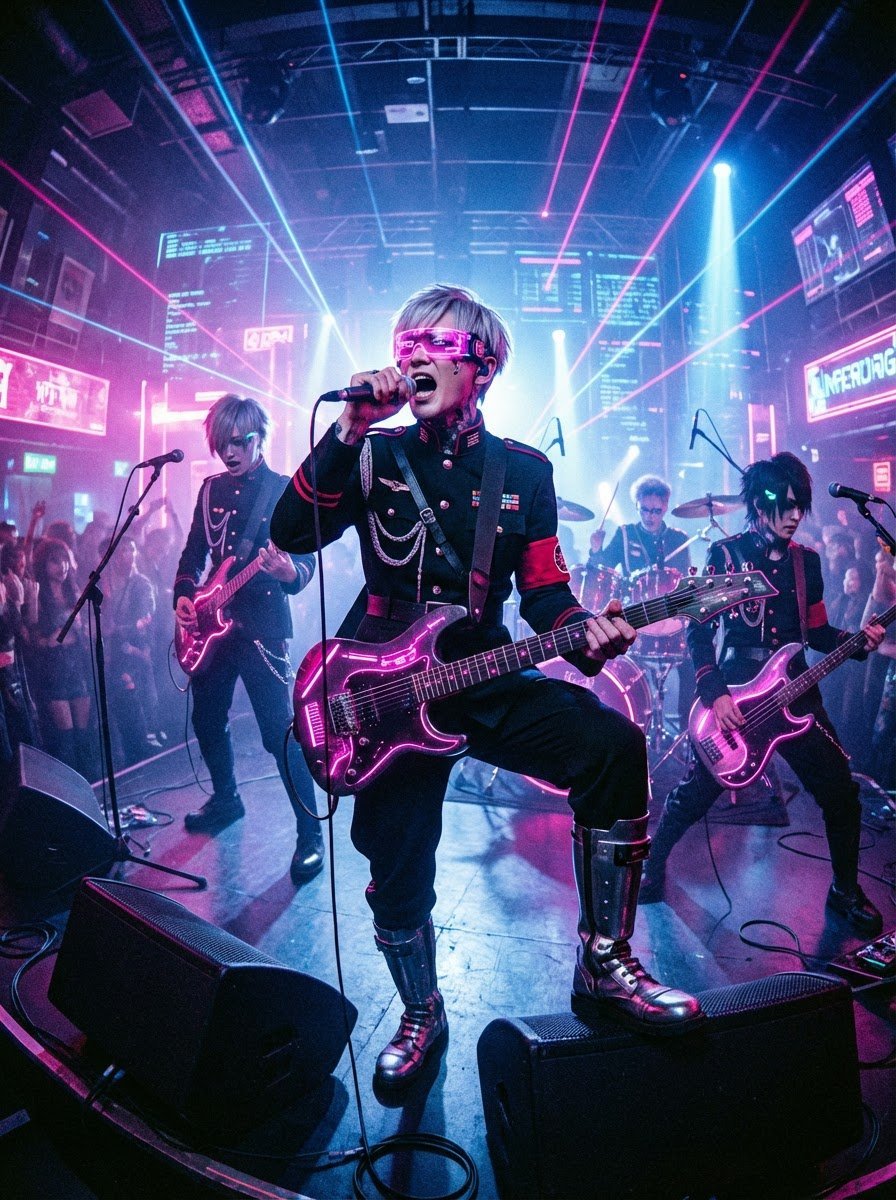
Cyberpunk Japanese Band Live Performance
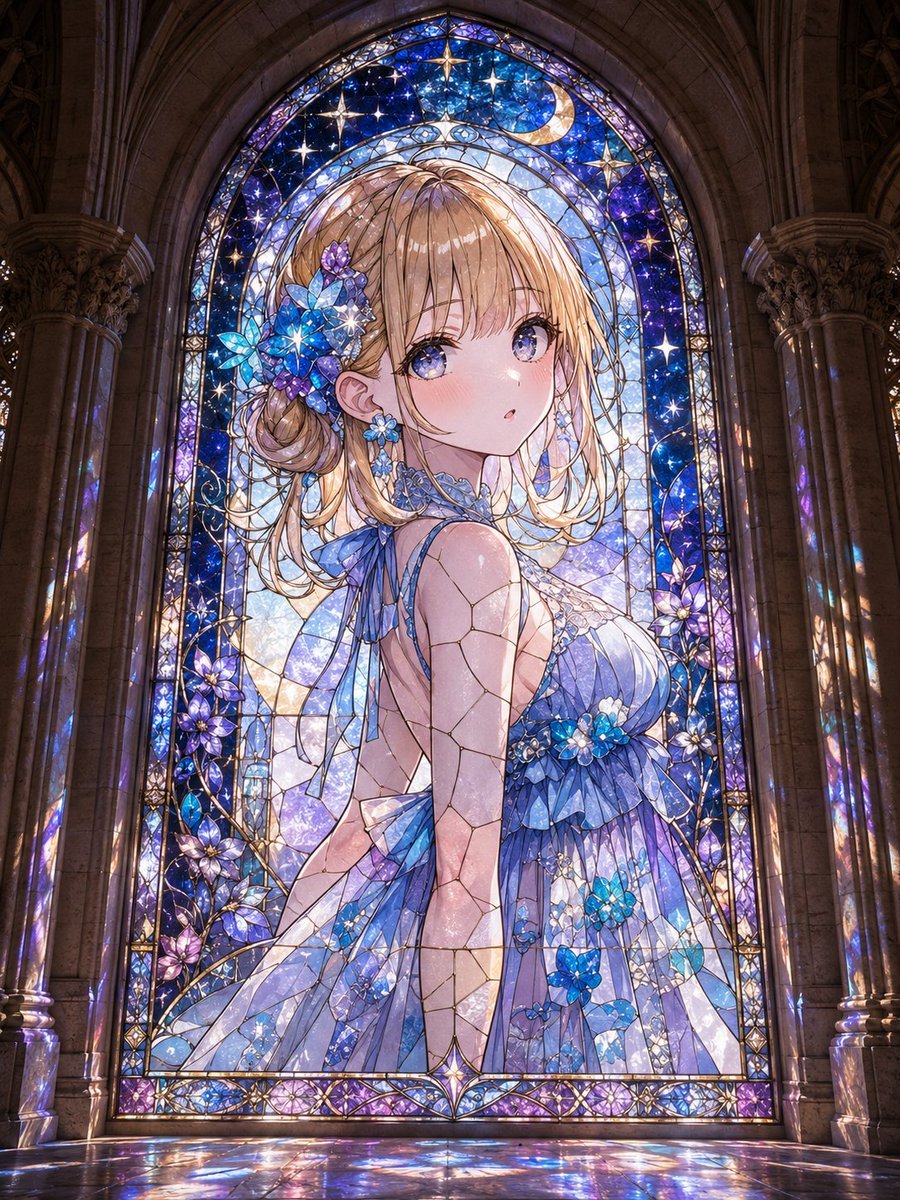
Anime Girl Stained Glass Chapel
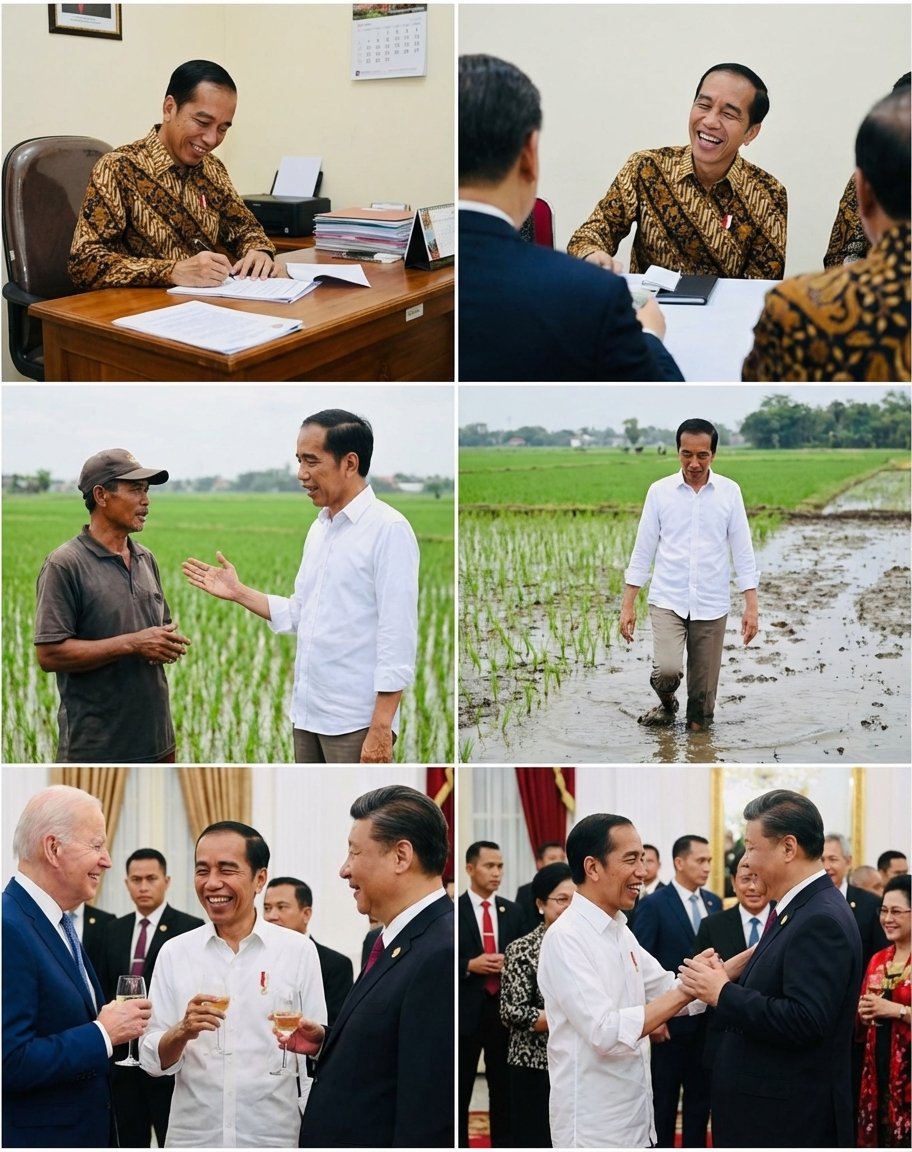
Candid series of Indonesian president photos
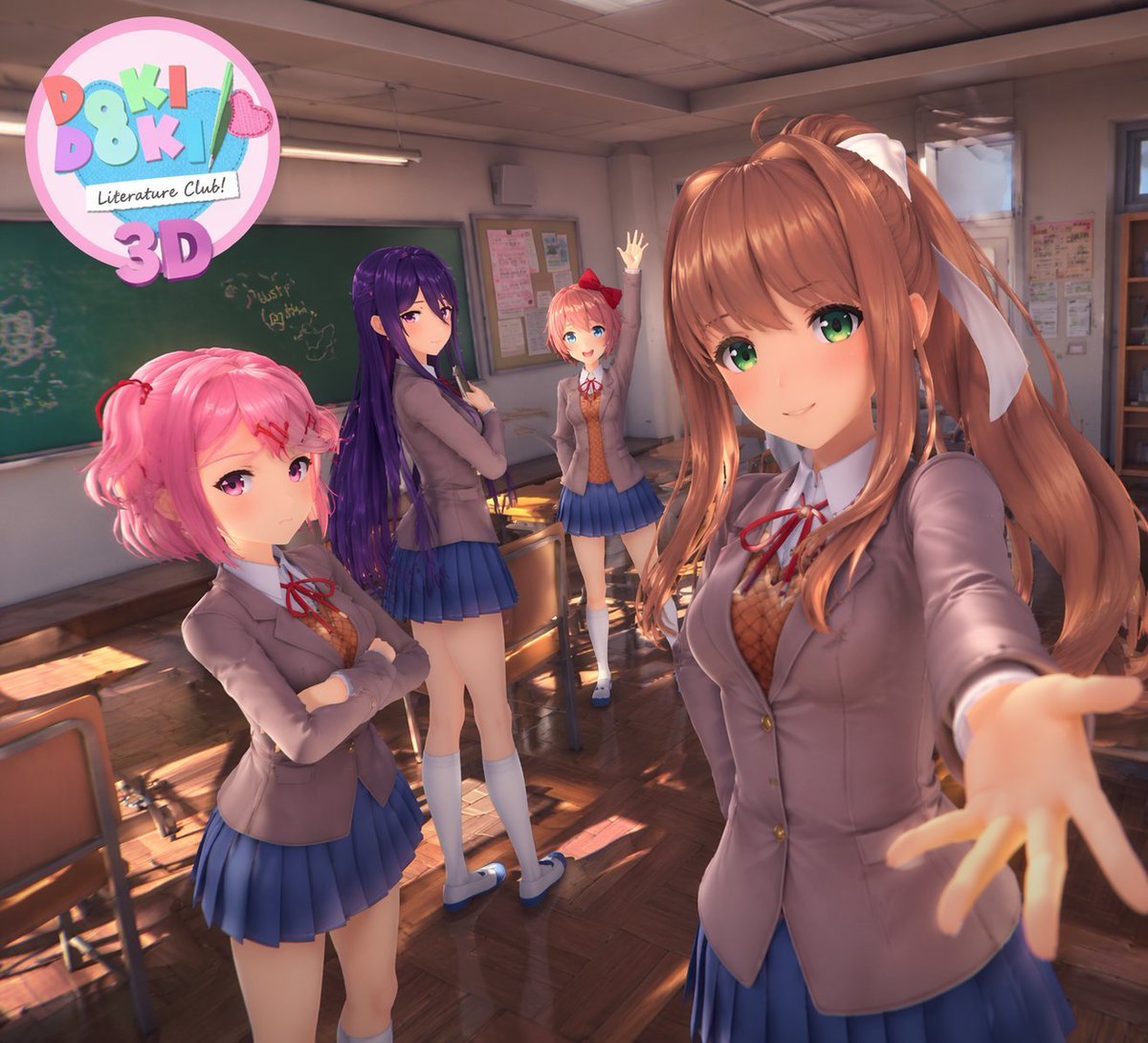
3D Anime Visual Novel Game Cover
Browse template categories
Anime Paparazzi Press Scrum questions
How do I use the Anime Paparazzi Press Scrum template?
Add your photo if the template asks for one, edit the prompt if you like — the template's model and format are already selected — and press Generate. Your version opens in PicX Studio.
Can I customize the Anime Paparazzi Press Scrum template?
Yes. You can change the subject, setting, lighting, mood, format, and available model controls before creating your image.
Is the Anime Paparazzi Press Scrum template free?
Opening and editing this template is free. Generating uses credits, shown on the Generate button when you are signed in.
Which AI model should I use?
Start with GPT Image 2, which is the model associated with this template. You can compare another compatible model for a different finish.
Looking for something else? Browse all templates.

Your photo, any look
Thousands of ready templates for every top image and video model, from one credit balance.