
Whimsical Phoenix Mountain Kingdom
Generates a richly detailed fantasy valley with phoenixes, temples, travelers, and magical creatures for cinematic worldbuilding art.
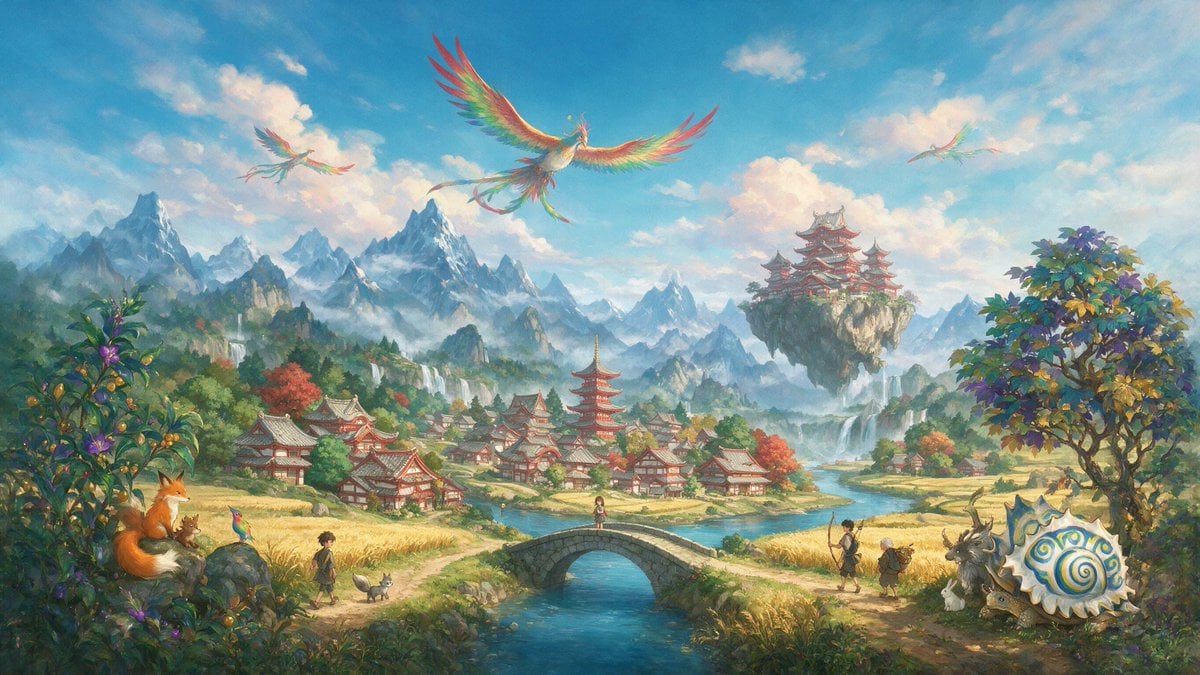
- Prompt included
- Model and format preset
- Premium template
The prompt behind this image
Copy the exact prompt behind Whimsical Phoenix Mountain Kingdom, or open it in the studio and make it yours.
Create a wide cinematic fantasy landscape in a bright, painterly Studio Ghibli-inspired storybook style. Show a magical East Asian mountain valley under a vivid blue sky with soft peach-white clouds, sunlit mist, and distant jagged snowy peaks. In the middle ground, place a peaceful village of red-and-white Japanese-style buildings with gray tiled roofs, including one tall red pagoda near the center, surrounded by golden rice fields, autumn-colored trees, streams, and small waterfalls. A clear turquoise river runs from the distant mountains toward the viewer, crossed by a small arched stone bridge in the center foreground with one small girl standing on it. Above the valley, include exactly 3 rainbow-feathered phoenix birds: 1 large phoenix centered high in the sky with wings fully spread and long trailing tail feathers, 1 smaller phoenix at upper left, and 1 faint smaller phoenix at upper right. On the right middle distance, show a floating rocky island with a grand red tiered temple complex perched on top, waterfalls pouring down from the island into the mist. Foreground details should feel whimsical and richly populated: on the left, dense flowering green bushes and a large orange fox sitting on a rock beside a tiny brown creature; nearby on the path are exactly 1 boy, 1 small gray dog, and 1 tiny colorful bird. On the bridge is exactly 1 girl. On the right path are exactly 2 human travelers, one taller adult with a walking staff and one shorter elderly-looking companion carrying a pack. Near them are exactly 4 fantasy animals: 1 large antlered goat-like beast, 1 small white rabbit, 1 small deer-like animal, and 1 enormous cream-colored spiral-shelled snail with blue and gold swirls. Add a large leafy tree on the far right with yellow, green, and violet foliage. Use luminous watercolor-and-gouache textures, intricate but soft detail, warm golden highlights, atmospheric depth, and a sense of wonder. No text, no logo, no watermark. The setting should feel like {argument name="fantasy kingdom style" default="a serene Japanese-inspired magical mountain kingdom"}, with {argument name="sky mood" default="clear blue morning sky with glowing clouds"}, {argument name="main creature" default="rainbow phoenix birds"}, {argument name="village architecture" default="red-and-white Japanese temple village"}, and {argument name="overall art style" default="painterly whimsical anime fantasy concept art"}.
How to use Whimsical Phoenix Mountain Kingdom in 3 steps
- 1Upload ImagePNG, JPG or paste
Add your photo
Upload the photo the template builds on. The prompt, model and format are already set.
- 2…a portrait of your subject in softgolden-hour light, 85mm…
Personalize
Edit the subject and creative details for your destination.
- 3Generate
Generate
Press Generate — your image is created in PicX Studio, so you can compare it with the original and refine one variable at a time.
More like this
Templates with the same subject, style or setup. Open one to see its prompt.

Teen Girl Alpine Lake Mountain View

Cute Layered Paper Cut Chibi Girl

Decorative Folk Flat Paper Cut Illustration

Mountain Lake Sunset Landscape

Ghibli Final Takeoff Field

Ghibli Rainy Tram Interior

Ghibli Star Observatory

Ghibli Tiny House On Back

Ghibli Lantern River Festival

Ghibli Whale Bone Beach

Ghibli Abandoned Amusement

Ghibli Shadow Puppet Theater
Make it yours
Whimsical Phoenix Mountain Kingdom works as-is. These are the safest ways to change it without losing the look.
Change one field
Copy a single group, rewrite it, and generate again so you can see what that field is doing.
Keep the frame, change the subject
Hold the composition and light of Whimsical Phoenix Mountain Kingdom, then swap wardrobe, props or the person for a new take.
| If the result… | Why | Fix |
|---|---|---|
| The result drifts from the preview | Too many fields changed at once. | Reuse Whimsical Phoenix Mountain Kingdom as-is first, then change one group — subject, light, or setting. |
| The model over-stylizes the scene | The prose prompt leaves finish and camera underspecified. | Add one camera or lighting sentence and stay on GPT Image 2. |
More GPT Image 2 templates
Other prompts made for GPT Image 2.

Six VTuber Japanese Logo Sheet

Realistic Portrait of Woman and Deer

The Vista Modular Condo Poster

AI Model Routing Comparison Infographic

2.5D Anime Art Board

Isometric Productivity Desk Scene

New York Double Exposure Poster

Four-Panel AI Landscape Comparison

Japanese Tatami Lifestyle Magazine Cover

NESCAFÉ Coffee Map Poster
More image prompts
Fresh picks from across the catalog.
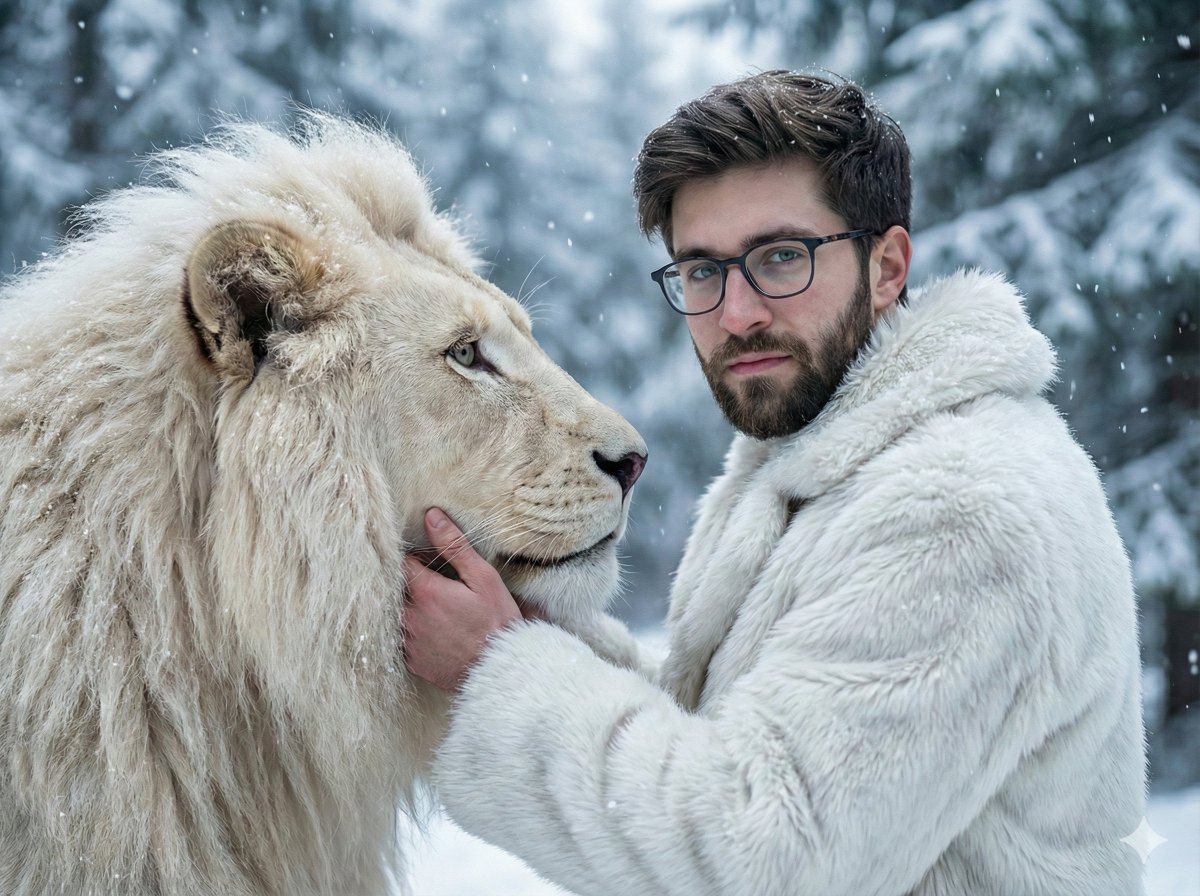
Cinematic Portrait of Man and White Lion in Snowy Forest
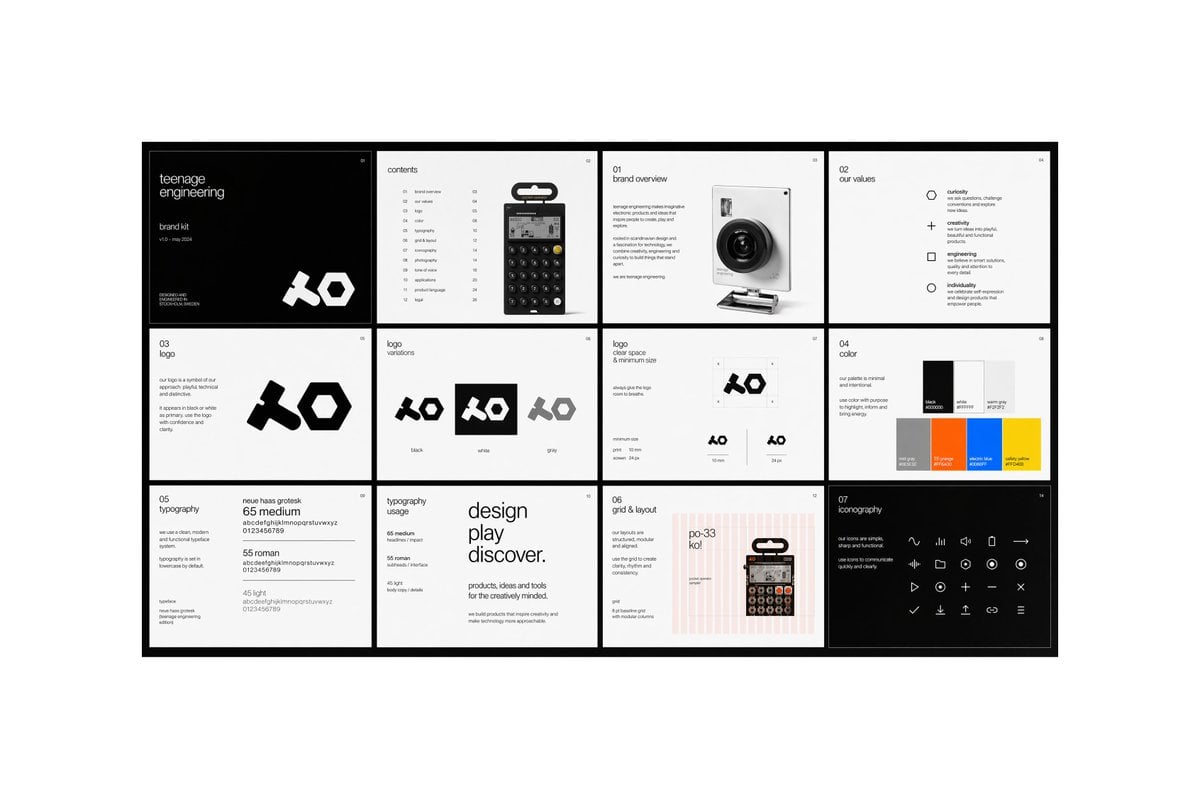
Multi-page Brand Kit Generator
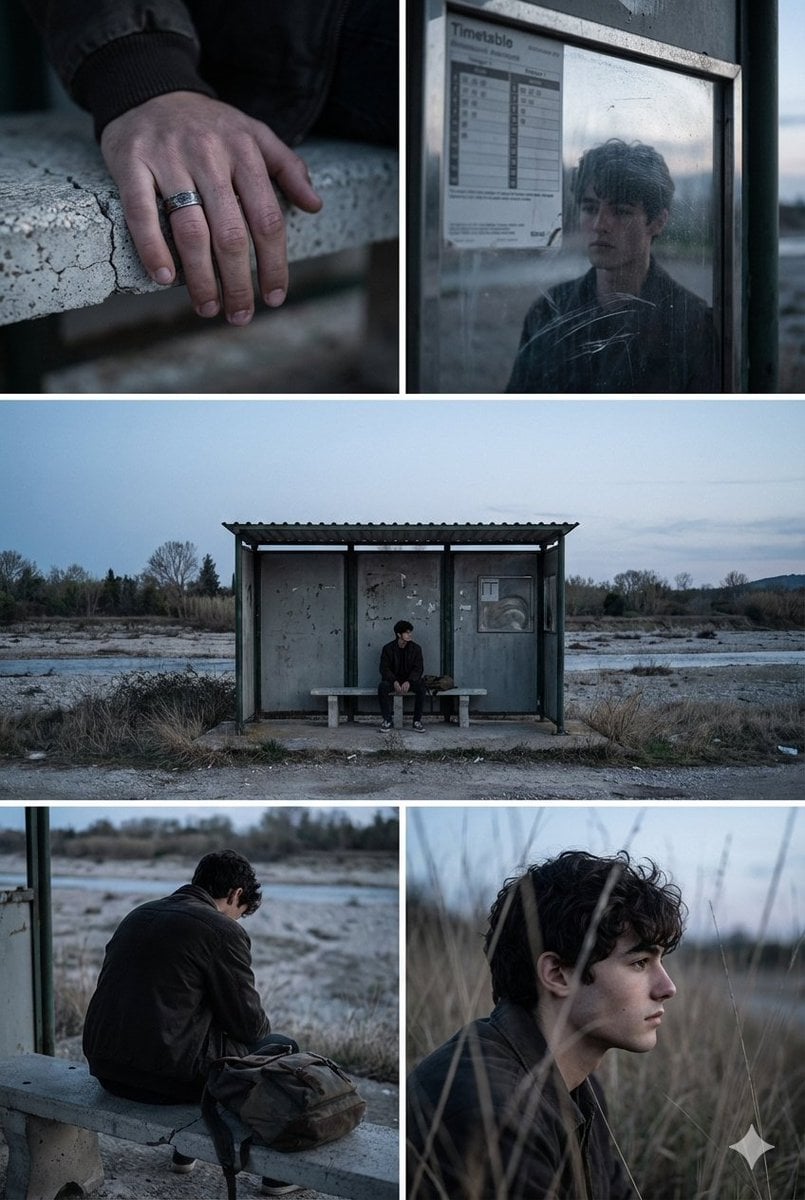
Indie Film Aesthetic Narrative Grid Prompt

E-commerce Tech Infographic
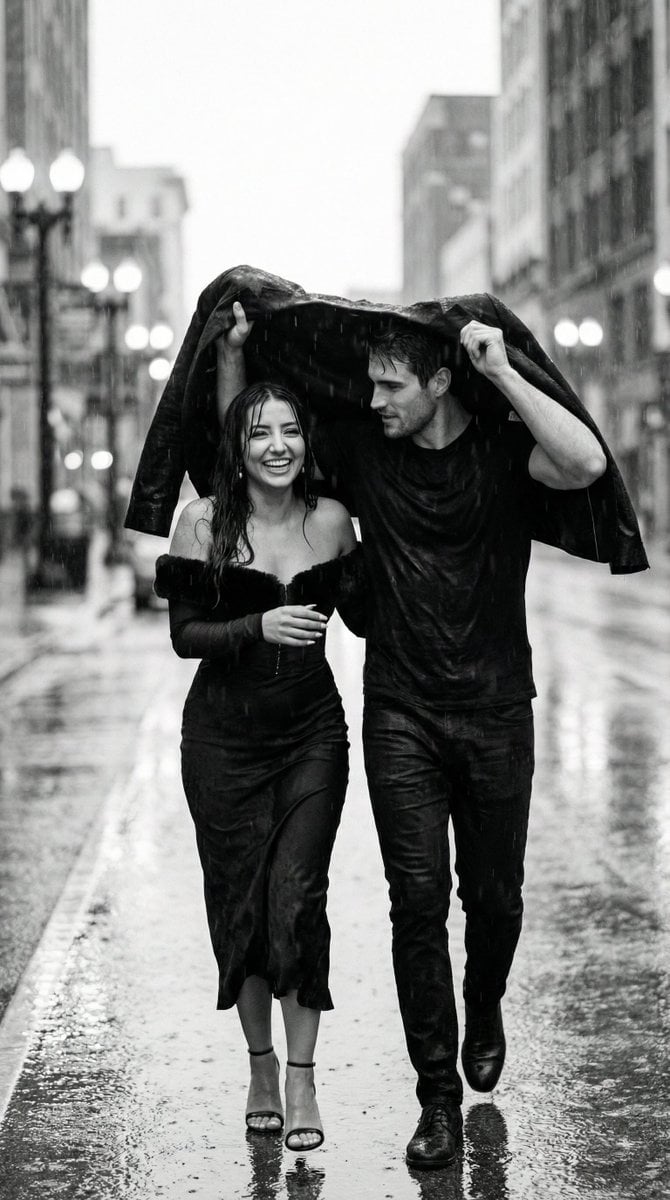
Black and White Documentary Couple in Rain (Image-to-Image)
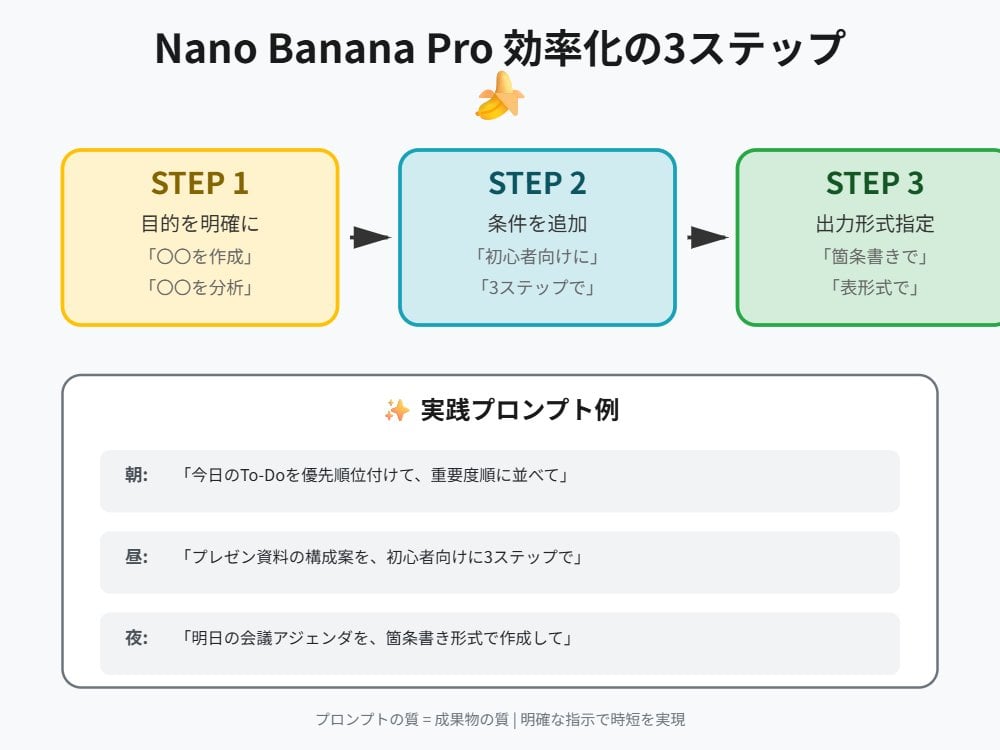
Tip for Using Nano Banana Pro: Adding Examples for Better Understanding
Structured Prompt for Automated Manga Generation
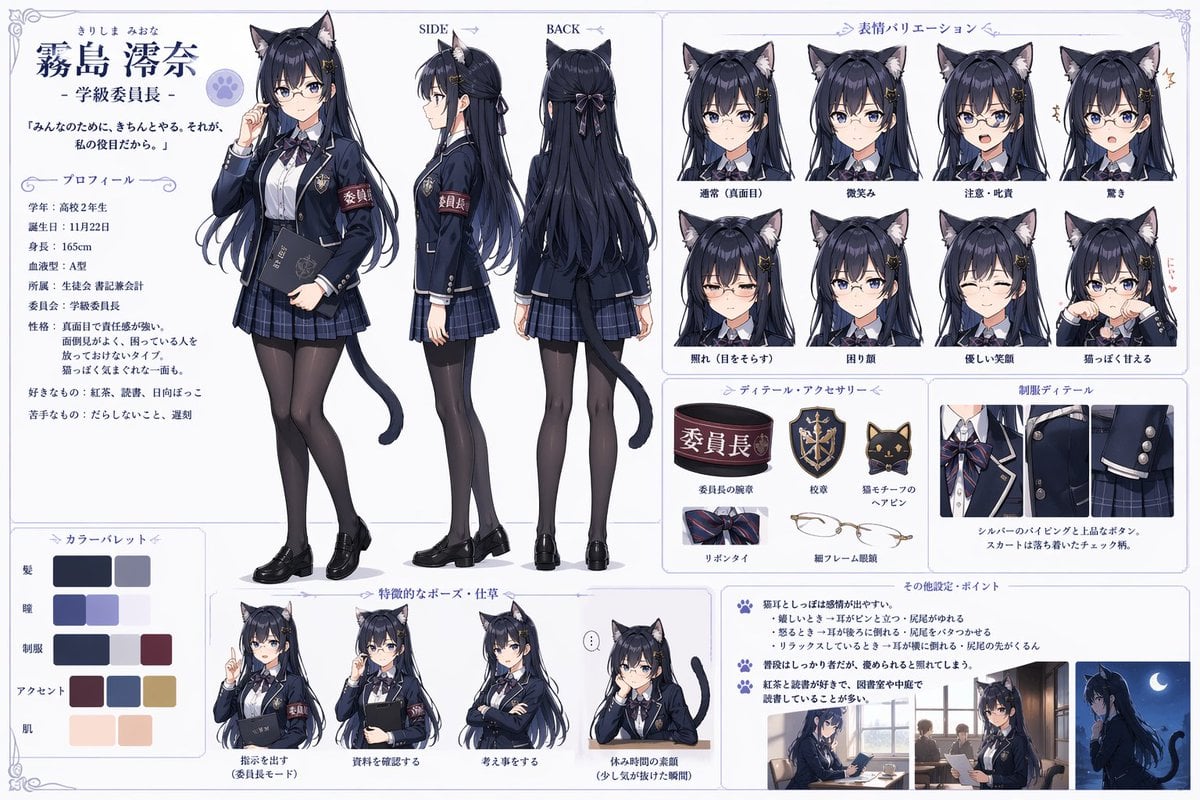
Catgirl Student Council Reference Sheet

Urban Streetwave Magazine Cover
Japanese Woman in Hallstatt Travel Portrait
Browse template categories
Whimsical Phoenix Mountain Kingdom questions
How do I use the Whimsical Phoenix Mountain Kingdom template?
Add your photo if the template asks for one, edit the prompt if you like — the template's model and format are already selected — and press Generate. Your version opens in PicX Studio.
Can I customize the Whimsical Phoenix Mountain Kingdom template?
Yes. You can change the subject, setting, lighting, mood, format, and available model controls before creating your image.
Is the Whimsical Phoenix Mountain Kingdom template free?
Opening and editing this template is free. Generating uses credits, shown on the Generate button when you are signed in.
Which AI model should I use?
Start with GPT Image 2, which is the model associated with this template. You can compare another compatible model for a different finish.
Looking for something else? Browse all templates.

Your photo, any look
Thousands of ready templates for every top image and video model, from one credit balance.