
Soft Newborn 100 Days Card
A gentle vertical baby milestone card with a circular newborn photo, elephant doodles, and elegant bilingual celebration text.

- Prompt included
- Model and format preset
- Premium template
The prompt behind this image
Copy the exact prompt behind Soft Newborn 100 Days Card, or open it in the studio and make it yours.
Goal: Create a soft newborn 100-days celebration card for {argument name="baby name" default=""}, combining a realistic baby photo centerpiece with delicate hand-drawn nursery doodles and elegant bilingual typography. Canvas: Vertical 9:16 portrait card, warm ivory paper background with subtle linen grain, lots of empty space, gentle beige and peach palette. Layout: Place one large circular photo frame slightly above center. Inside the circle, show a peaceful sleeping newborn baby lying on a cream blanket, wearing a white ribbed onesie, face turned slightly left, soft natural window light, shallow depth of field, warm creamy tones. The circle has a thin light-brown outline. Illustrations: Around the circular frame draw exactly 2 cute line-art baby elephants: one peeking over the upper-left edge of the circle with rosy cheeks, and one hugging the right edge with a small striped tail visible. Add exactly 1 smiling cloud above the circle, exactly 2 peach hearts, exactly 2 tiny star icons, exactly 2 small outline hearts, exactly 2 small sparkle marks, exactly 1 tiny cloud doodle on the lower-left side, and a few very light curved decorative strokes. Keep all doodles thin, whimsical, hand-sketched, beige-brown with peach accents. Text content: Below the image, center the main title in large elegant handwritten script: {argument name="main title" default="100 days"}. Under it, place the Chinese phrase in refined spaced serif characters: {argument name="Chinese blessing" default="百日快乐 · 未来可期"}. Add a small peach heart below. Then add a small English subtitle in light gray serif text on two lines: {argument name="English blessing" default="A hundred days of love, and a lifetime to go."}. Near the bottom, add the invitation line in Chinese: {argument name="invitation text" default="- 邀请您见证 -"}. At the very bottom, center the family/date line: {argument name="footer text" default="爸爸妈妈的爱 | 2024.08.08"}, with a tiny peach star at the end. Visual style: Minimal newborn photography card, soft Korean/Japanese baby stationery aesthetic, airy composition, muted cream, beige, taupe, and peach colors, fine pencil-like outlines, elegant calligraphy, premium printed greeting-card texture. Constraints: Keep the card clean and uncluttered, preserve the exact text hierarchy, use centered alignment, no watermark, no logo, no extra characters, no additional text.
How to use Soft Newborn 100 Days Card in 3 steps
- 1Upload ImagePNG, JPG or paste
Add your photo
Upload the photo the template builds on. The prompt, model and format are already set.
- 2…a portrait of your subject in softgolden-hour light, 85mm…
Personalize
Edit the subject and creative details for your destination.
- 3Generate
Generate
Press Generate — your image is created in PicX Studio, so you can compare it with the original and refine one variable at a time.
More like this
Templates with the same subject, style or setup. Open one to see its prompt.
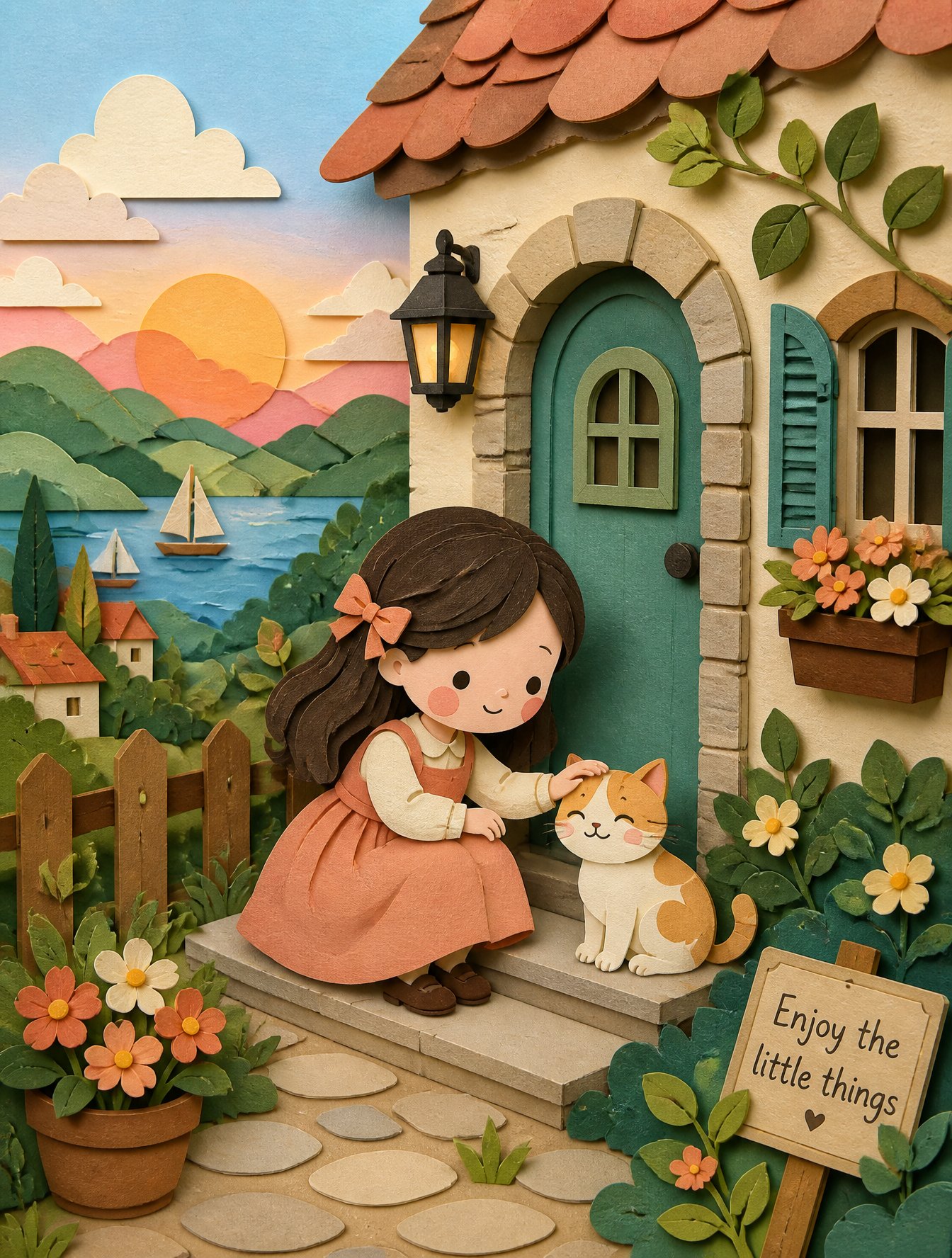
Soft Handcrafted Paper-Cut Layered Illustration
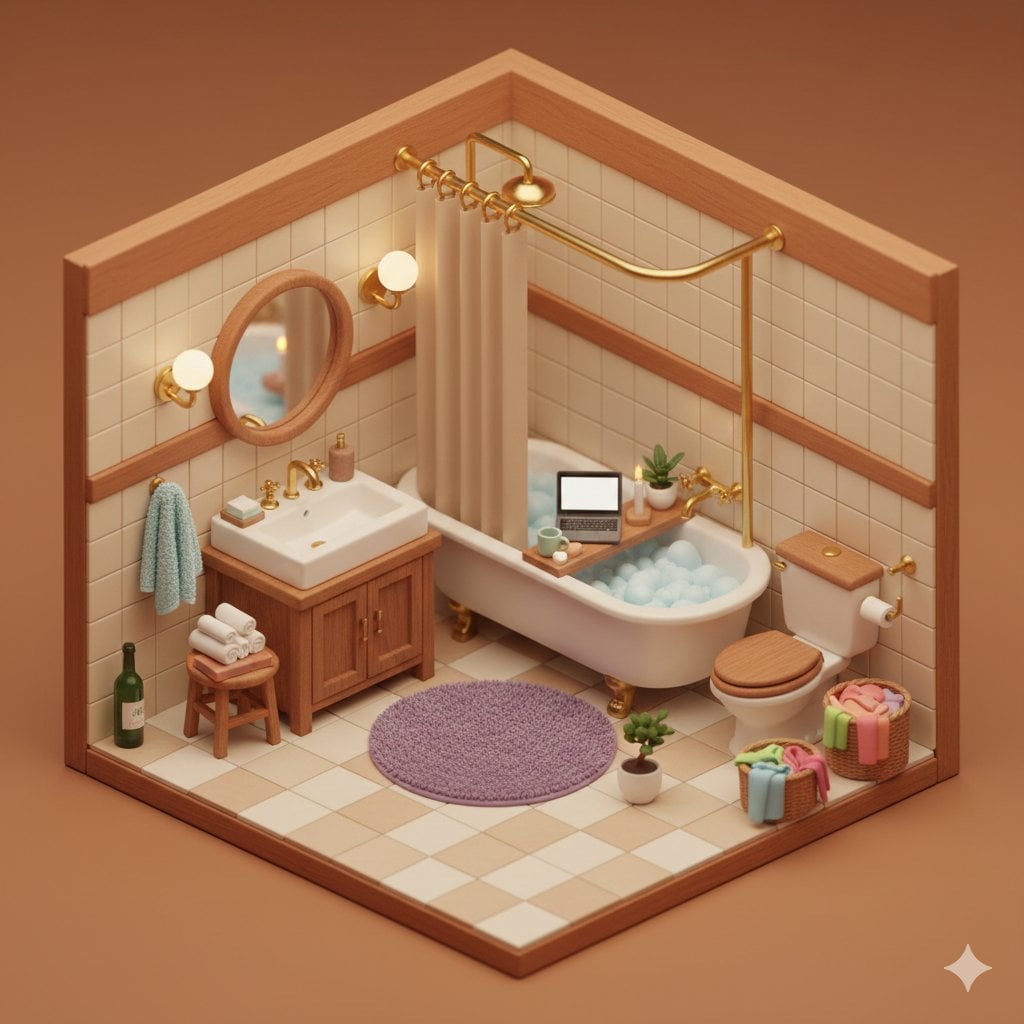
Watercolor Anim Finale Fireworks

Watercolor Anim Garden Maze
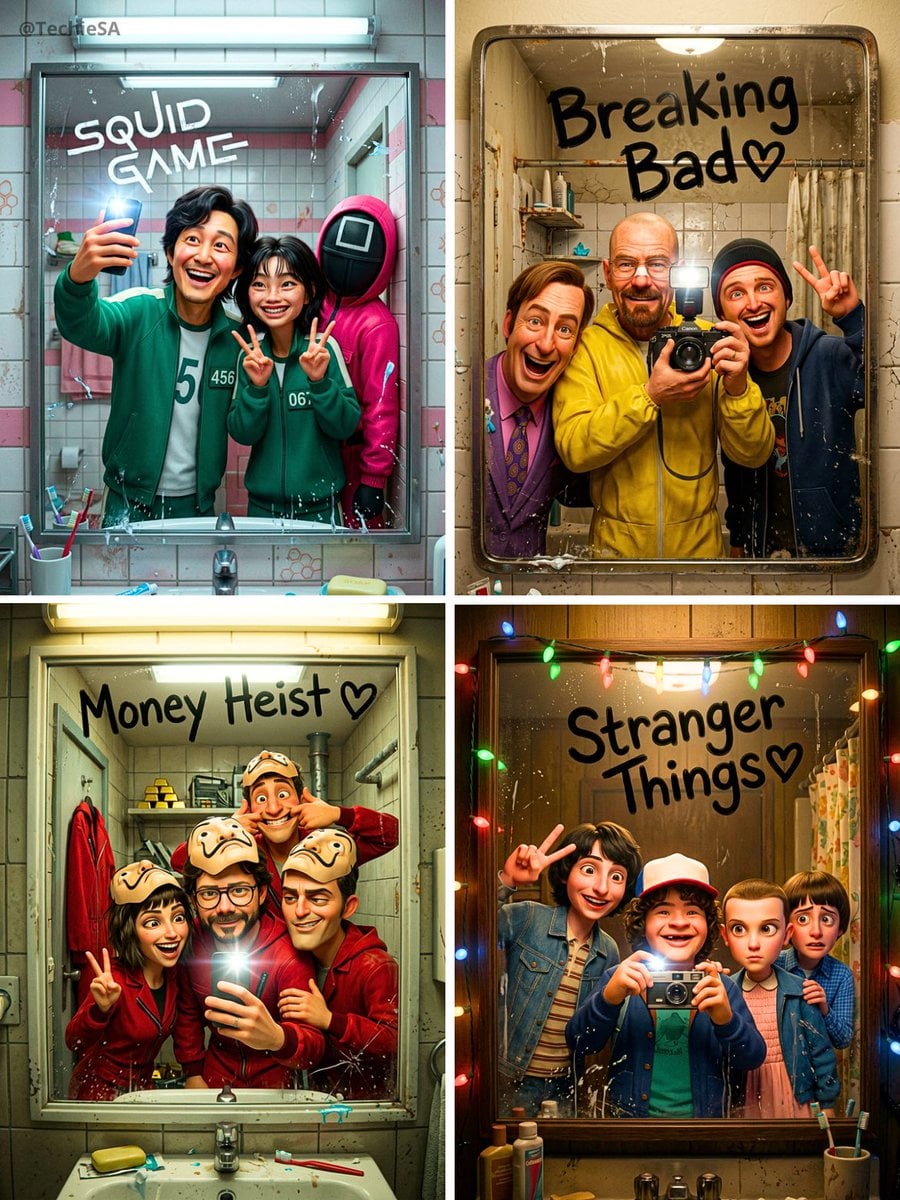
Watercolor Anim Rooftop Concert

Watercolor Anim Bicycle Coast

Watercolor Anim Castle Gate

Watercolor Anim Kitchen Chaos
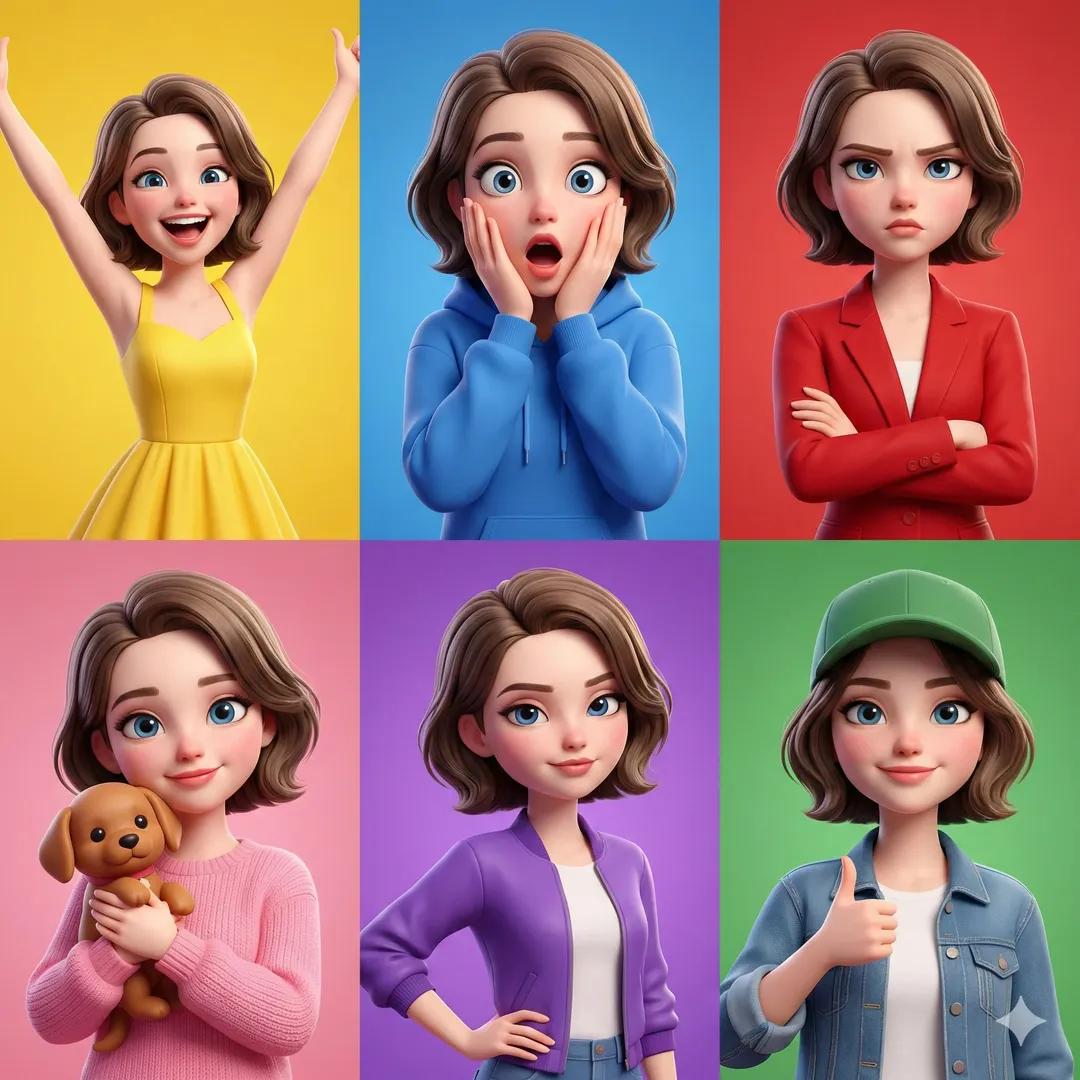
Watercolor Anim Carnival Ride
Watercolor Anim Rainy Bus Stop

Watercolor Anim Space Dock

Watercolor Anim Cafe Morning

Watercolor Anim Mountain Summit
Make it yours
Soft Newborn 100 Days Card works as-is. These are the safest ways to change it without losing the look.
Change one field
Copy a single group, rewrite it, and generate again so you can see what that field is doing.
Keep the frame, change the subject
Hold the composition and light of Soft Newborn 100 Days Card, then swap wardrobe, props or the person for a new take.
| If the result… | Why | Fix |
|---|---|---|
| The result drifts from the preview | Too many fields changed at once. | Reuse Soft Newborn 100 Days Card as-is first, then change one group — subject, light, or setting. |
| The model over-stylizes the scene | The prose prompt leaves finish and camera underspecified. | Add one camera or lighting sentence and stay on GPT Image 2. |
More GPT Image 2 templates
Other prompts made for GPT Image 2.

Six VTuber Japanese Logo Sheet

Realistic Portrait of Woman and Deer

The Vista Modular Condo Poster

AI Model Routing Comparison Infographic

2.5D Anime Art Board

Isometric Productivity Desk Scene

New York Double Exposure Poster

Four-Panel AI Landscape Comparison

Japanese Tatami Lifestyle Magazine Cover

NESCAFÉ Coffee Map Poster
More image prompts
Fresh picks from across the catalog.
Rustic Pasta Tutorial Reference Sheet

Opposite of Normal Relations: Dog Walking a Human

Celestial Fantasy Gown Portrait

Cinematic Road Trip Collage with Identity Preservation

Premium Ferrari Advertisement Poster

Cinematic Urban Street Style Transformation Prompt

Epic Athlete/Artist Poster Design Prompt

Censored Titanic Sunset Romance

Mustard Flower Field Summer

untitled
Browse template categories
Soft Newborn 100 Days Card questions
How do I use the Soft Newborn 100 Days Card template?
Add your photo if the template asks for one, edit the prompt if you like — the template's model and format are already selected — and press Generate. Your version opens in PicX Studio.
Can I customize the Soft Newborn 100 Days Card template?
Yes. You can change the subject, setting, lighting, mood, format, and available model controls before creating your image.
Is the Soft Newborn 100 Days Card template free?
Opening and editing this template is free. Generating uses credits, shown on the Generate button when you are signed in.
Which AI model should I use?
Start with GPT Image 2, which is the model associated with this template. You can compare another compatible model for a different finish.
Looking for something else? Browse all templates.

Your photo, any look
Thousands of ready templates for every top image and video model, from one credit balance.