
Wa-Fu Watercolor Avatar Girl
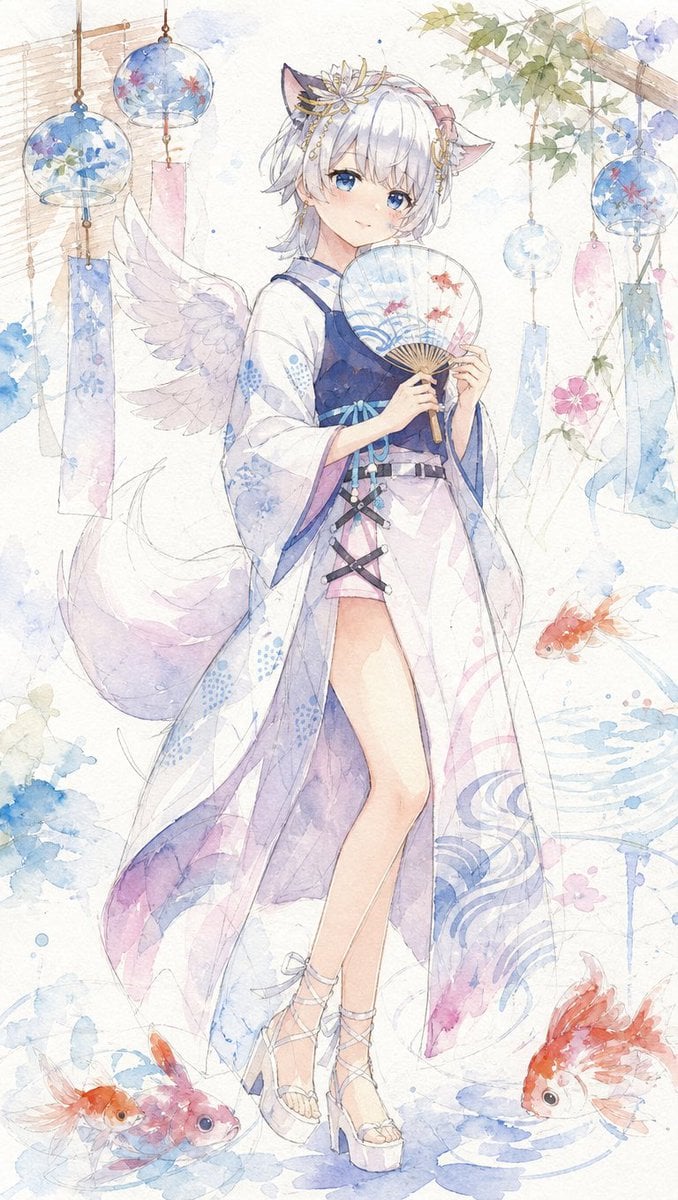
A vertical Japanese watercolor anime illustration of a cute fantasy avatar girl in a summer yukata outfit surrounded by wind chimes and goldfish.
- Prompt included
- Model and format preset
- Premium template
The prompt behind this image
Copy the exact prompt behind Wa-Fu Watercolor Avatar Girl, or open it in the studio and make it yours.
Create a delicate vertical Japanese watercolor-style anime illustration of a cute REALITY-style avatar girl in a summer festival yukata outfit. The full-body character is centered, standing gracefully with a shy, calm expression, pale skin, large blue eyes, short fluffy {argument name="hair color" default="silver-white"} hair with soft bangs, animal-like fox/cat ears, a large fluffy pale tail, and one visible white feathered wing behind her left side. She wears an elegant translucent white haori/yukata robe with blue and lavender floral and wave patterns, a dark navy sleeveless top, a pale pink high-slit skirt, crisscross black waist lacing, a light blue ribbon belt with small dangling beads, and white platform strappy sandals. Add ornate gold-and-flower hair accessories near the ears. She holds an open round uchiwa fan in both hands in front of her chest; the fan is pale blue with blue wave motifs and exactly 3 small red goldfish printed on it. Surround her with a soft summer goldfish-festival atmosphere: exactly 5 hanging glass wind chimes with paper strips are visible, including 2 large blue floral chimes in the upper left, 1 large blue floral chime in the upper right, 1 small pale blue chime near the upper center-right, and 1 small pale blue chime near the mid-right; include pink and blue rectangular tanzaku strips hanging from them. Add a light bamboo blind along the upper left, a wooden trellis with green ivy leaves and pale blue morning glory flowers in the upper right, watery blue ink splashes, faint ripples, and scattered hydrangea-like flowers. Include exactly 5 swimming goldfish around the lower half: 2 small goldfish at the bottom left, 1 orange goldfish floating at the middle right, 1 large orange-white goldfish at the lower right, and 1 partially visible orange fish near the bottom edge. Use airy pastel colors, translucent washes, fine pencil line art, soft paper texture, white background, gentle splatter effects, elegant Japanese wa-fu watercolor mood, and no text or watermark. The overall feeling should be dreamy, fragile, cute, and summery, with the outfit coordinated around {argument name="accent color" default="blue and pale pink"}.
How to use Wa-Fu Watercolor Avatar Girl in 3 steps
- 1Upload ImagePNG, JPG or paste
Add your photo
Upload the photo the template builds on. The prompt, model and format are already set.
- 2…a portrait of your subject in softgolden-hour light, 85mm…
Personalize
Edit the subject and creative details for your destination.
- 3Generate
Generate
Press Generate — your image is created in PicX Studio, so you can compare it with the original and refine one variable at a time.
More like this
Templates with the same subject, style or setup. Open one to see its prompt.
Teen Girl Alpine Lake Mountain View
Watercolor Anim Finale Fireworks

Watercolor Anim Garden Maze
Watercolor Anim Rooftop Concert
Watercolor Anim Bicycle Coast

Watercolor Anim Castle Gate

Watercolor Anim Kitchen Chaos
Watercolor Anim Carnival Ride
Watercolor Anim Rainy Bus Stop

Watercolor Anim Space Dock

Watercolor Anim Cafe Morning
Watercolor Anim Mountain Summit
Make it yours
Wa-Fu Watercolor Avatar Girl works as-is. These are the safest ways to change it without losing the look.
Change one field
Copy a single group, rewrite it, and generate again so you can see what that field is doing.
Keep the frame, change the subject
Hold the composition and light of Wa-Fu Watercolor Avatar Girl, then swap wardrobe, props or the person for a new take.
| If the result… | Why | Fix |
|---|---|---|
| The result drifts from the preview | Too many fields changed at once. | Reuse Wa-Fu Watercolor Avatar Girl as-is first, then change one group — subject, light, or setting. |
| The model over-stylizes the scene | The prose prompt leaves finish and camera underspecified. | Add one camera or lighting sentence and stay on GPT Image 2. |
More GPT Image 2 templates
Other prompts made for GPT Image 2.

Six VTuber Japanese Logo Sheet

Realistic Portrait of Woman and Deer

The Vista Modular Condo Poster

AI Model Routing Comparison Infographic

2.5D Anime Art Board

Isometric Productivity Desk Scene

New York Double Exposure Poster

Four-Panel AI Landscape Comparison

Japanese Tatami Lifestyle Magazine Cover

NESCAFÉ Coffee Map Poster
More image prompts
Fresh picks from across the catalog.
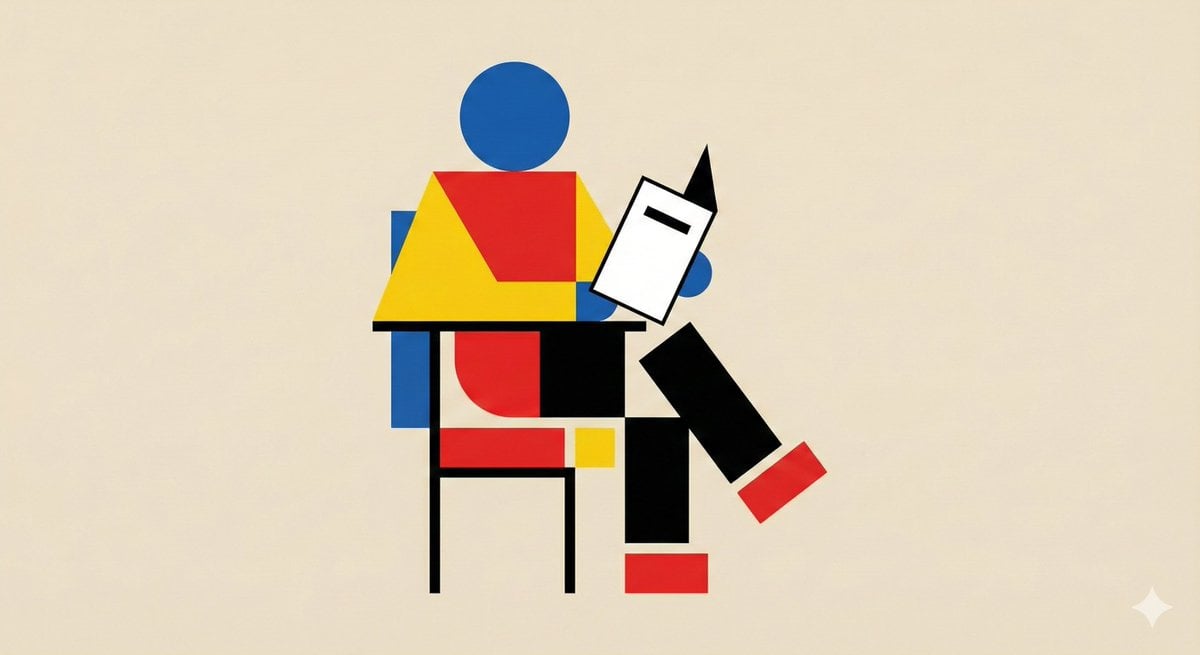
Bauhaus Geometry Minimal Illustration Template

Hyper-Realistic Caricature of a Bald Man in a Jersey
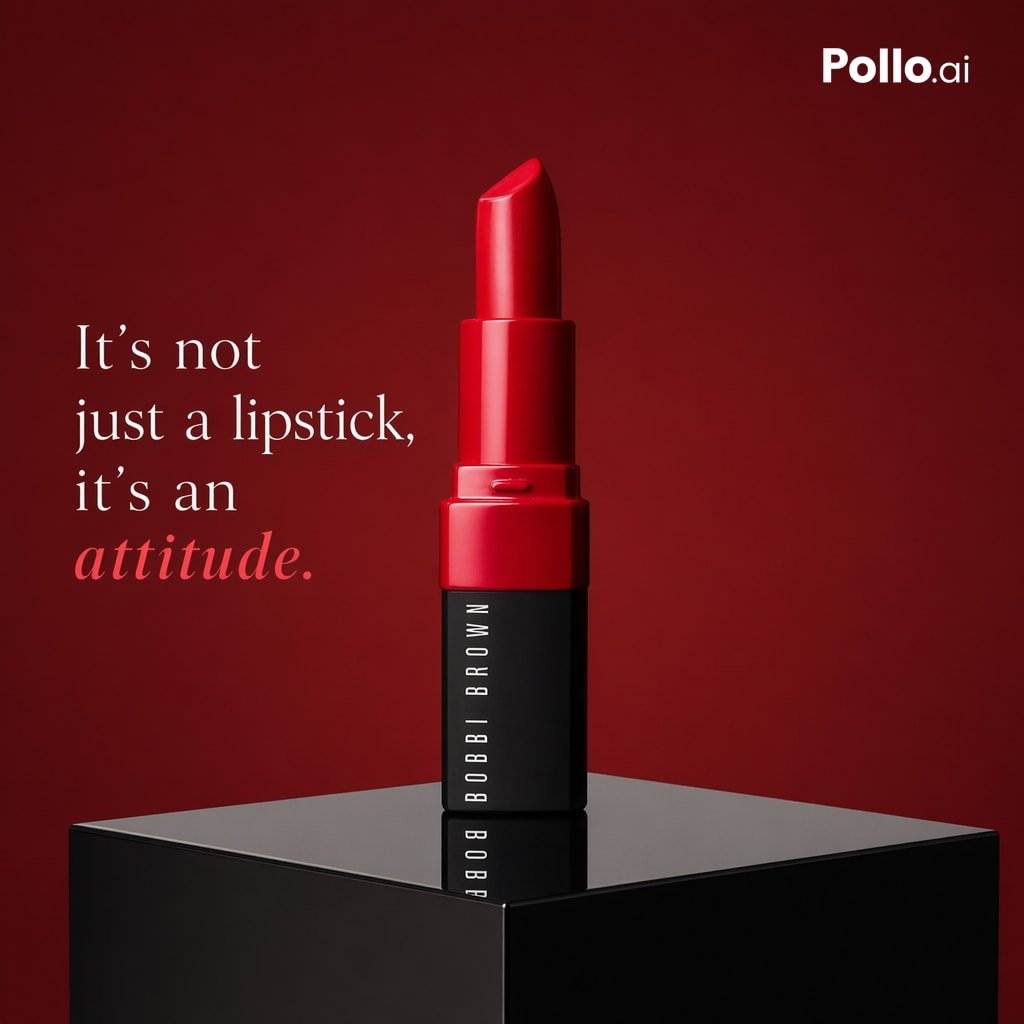
Luxury Red Lipstick Ad Poster
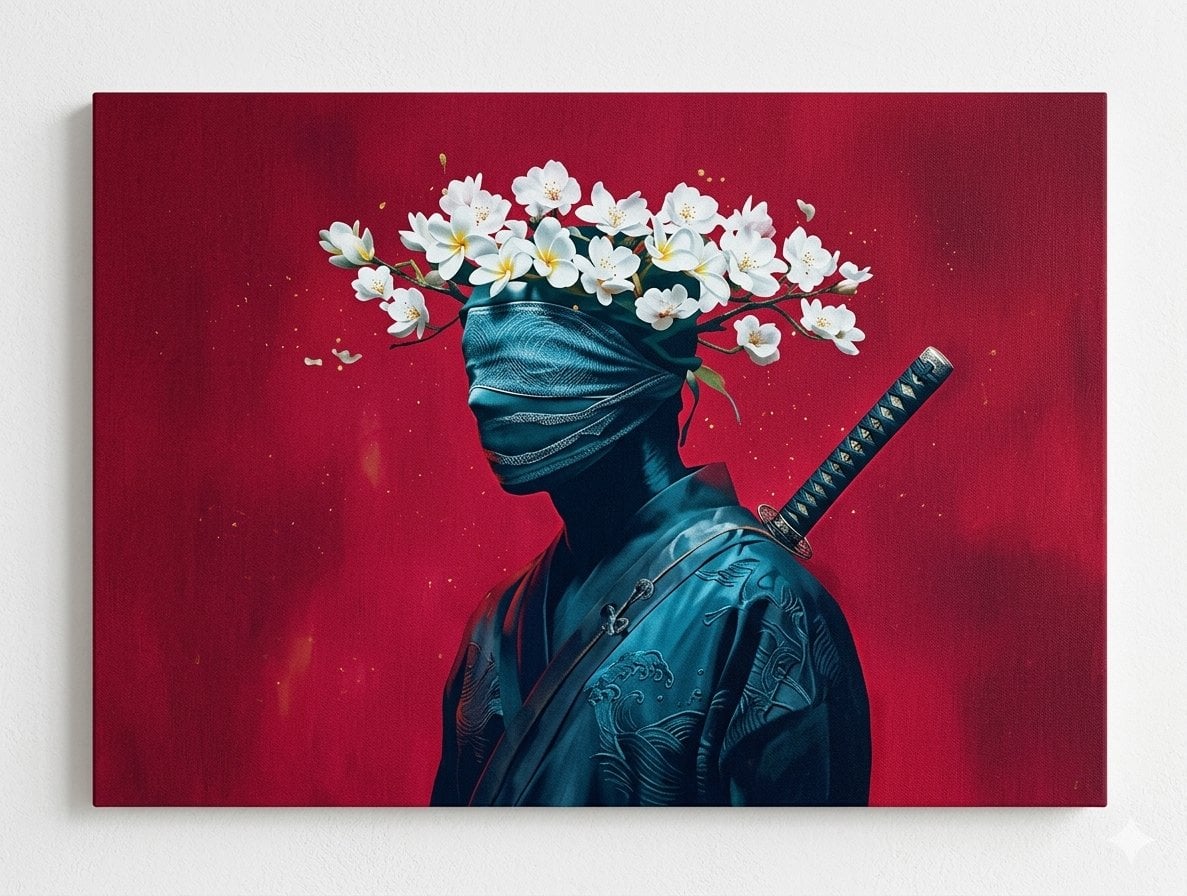
Surreal Canvas Art Edition Prompts

Realistic Redhead Portrait in Window Light
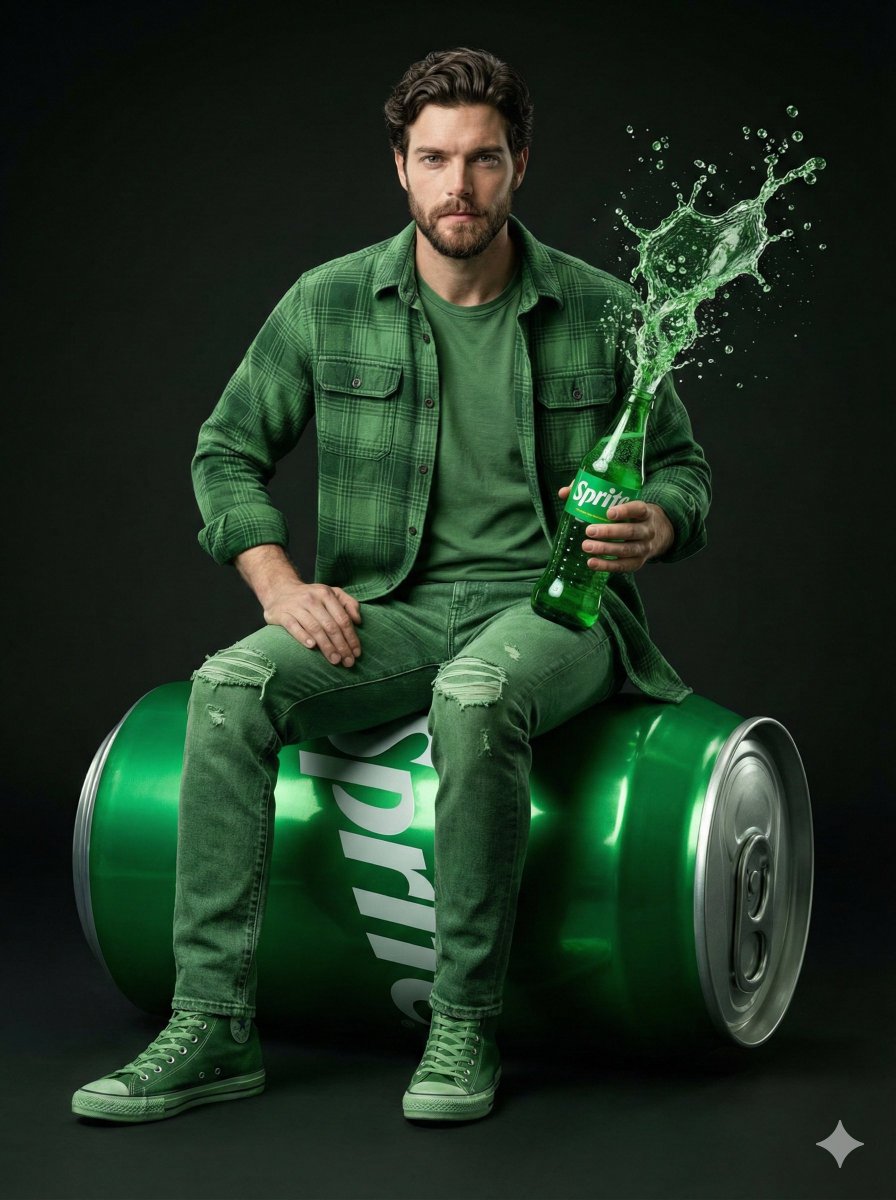
Giant Sprite Can Product Shot with Subject
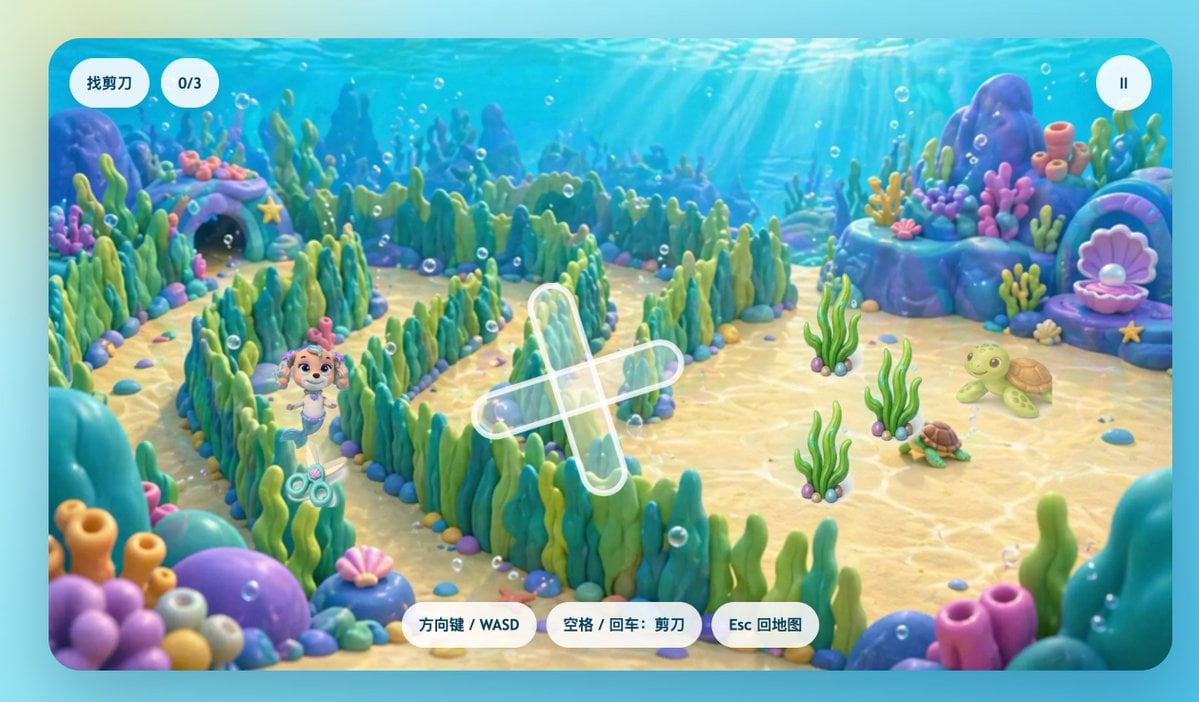
Cute Underwater Mermaid Puppy Game UI
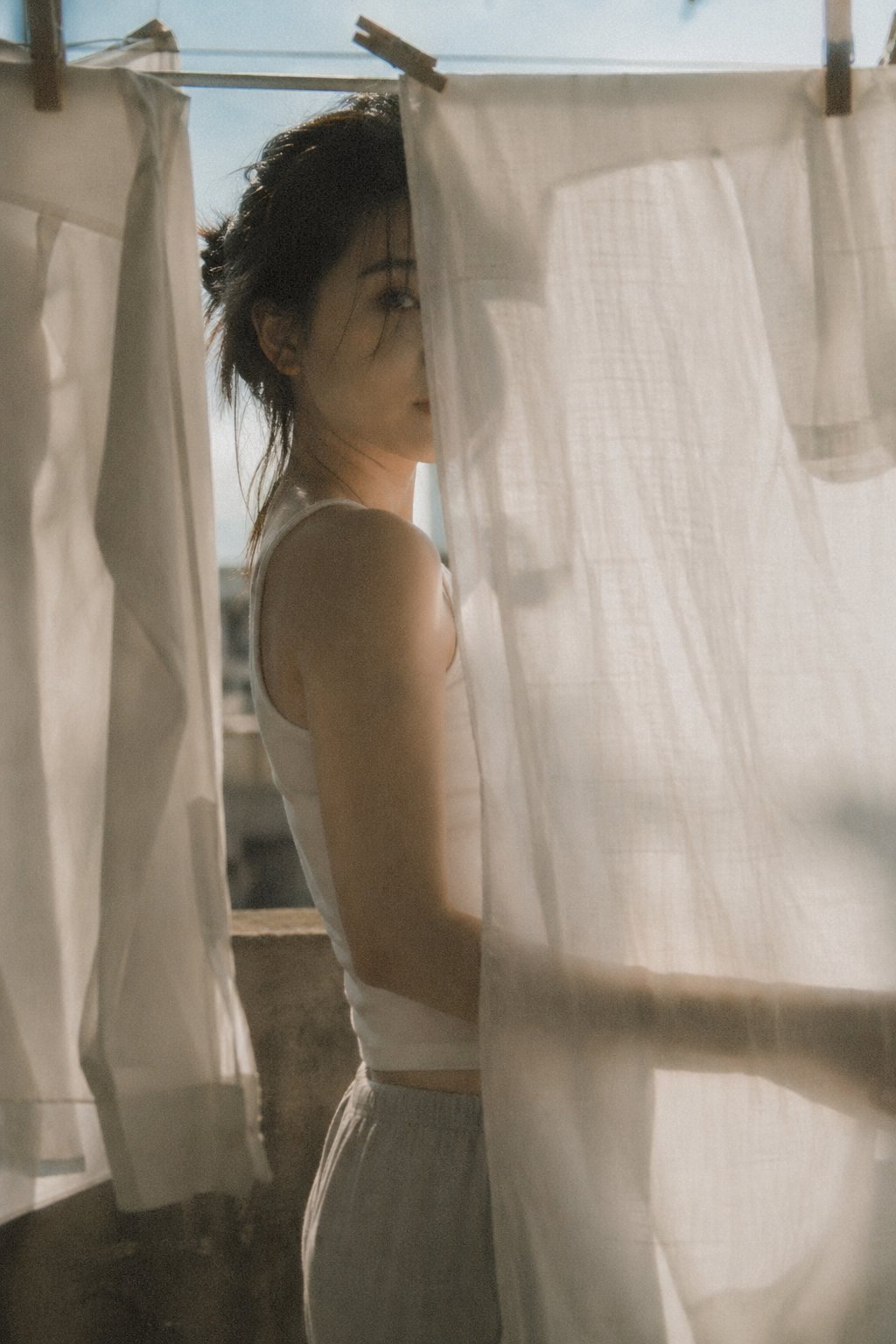
X Bubblebrain Soft Backlight By Gpt Image 2

Oil Pastel Fashion Illustration Style

Hyper-Realistic Zootopia Cosplay Portrait with Identity Lock
Browse template categories
Wa-Fu Watercolor Avatar Girl questions
How do I use the Wa-Fu Watercolor Avatar Girl template?
Add your photo if the template asks for one, edit the prompt if you like — the template's model and format are already selected — and press Generate. Your version opens in PicX Studio.
Can I customize the Wa-Fu Watercolor Avatar Girl template?
Yes. You can change the subject, setting, lighting, mood, format, and available model controls before creating your image.
Is the Wa-Fu Watercolor Avatar Girl template free?
Opening and editing this template is free. Generating uses credits, shown on the Generate button when you are signed in.
Which AI model should I use?
Start with GPT Image 2, which is the model associated with this template. You can compare another compatible model for a different finish.
Looking for something else? Browse all templates.

Your photo, any look
Thousands of ready templates for every top image and video model, from one credit balance.