
Soft Bloom Vintage Editorial Portrait
A moody romantic lifestyle poster of a woman measuring herself in a vintage attic room with delicate editorial typography overlays.
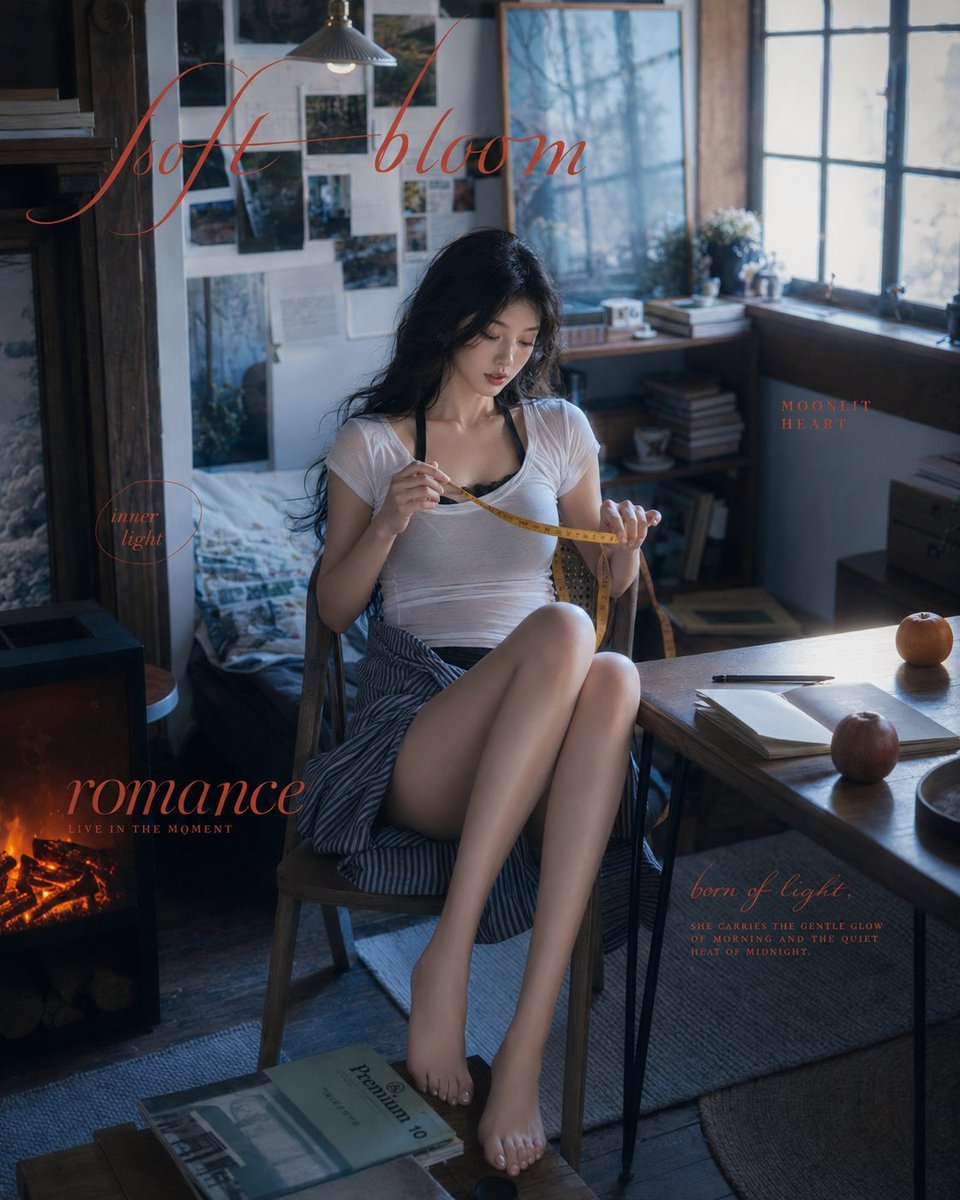
- Prompt included
- Model and format preset
- Premium template
The prompt behind this image
Copy the exact prompt behind Soft Bloom Vintage Editorial Portrait, or open it in the studio and make it yours.
Create a vertical 4:5 cinematic lifestyle editorial poster featuring {argument name="character" default="a young East Asian woman with long wavy black hair"} sitting sideways on a simple wooden chair in a cozy vintage attic bedroom studio. She is barefoot, with knees drawn up elegantly, wearing a sheer fitted white short-sleeve top over a dark camisole strap and a loose blue-and-white striped skirt. She quietly measures herself with a yellow tailor measuring tape, holding one end near her chest and the other in her hand, looking down with a calm, slightly pensive expression. The room is softly cluttered and intimate: a rumpled bed and photo-covered wall behind her, a large framed misty blue forest print, a pendant lamp overhead, tall old windows glowing with cool daylight on the right, stacked books and boxes, a wooden table with an open notebook, pen, ceramic bowl, and exactly 2 apples, plus a small black stove/fireplace glowing orange at the lower left. Use moody blue-gray natural window light mixed with warm firelight, shallow depth of field, realistic skin texture, film-grain softness, romantic melancholy atmosphere, high-fashion magazine composition, muted colors, and delicate highlights on hair and fabric. Add exactly 5 red-brown typography overlays in elegant thin italic calligraphy and small serif captions: 1) large script across the upper left/top reading {argument name="main title" default="soft bloom"}; 2) small circled text at left middle reading "inner light"; 3) large script at lower left reading {argument name="large caption" default="romance"} with tiny uppercase subtitle "LIVE IN THE MOMENT"; 4) small uppercase text near the window on the right reading "MOONLIT HEART"; 5) lower right script reading "born of light" with tiny uppercase paragraph text below: "SHE CARRIES THE GENTLE GLOW OF MORNING AND THE QUIET HEAT OF MIDNIGHT." Keep all text understated, partially transparent, and integrated like an art-book fashion spread. Avoid extra people, extra limbs, distorted anatomy, garish colors, or modern smartphone elements.
How to use Soft Bloom Vintage Editorial Portrait in 3 steps
- 1Upload ImagePNG, JPG or paste
Add your photo
Upload the photo the template builds on. The prompt, model and format are already set.
- 2…a portrait of your subject in softgolden-hour light, 85mm…
Personalize
Edit the subject and creative details for your destination.
- 3Generate
Generate
Press Generate — your image is created in PicX Studio, so you can compare it with the original and refine one variable at a time.
More like this
Templates with the same subject, style or setup. Open one to see its prompt.

Found Photograph: Us, 1970

80s Couple Studio Portrait

80s Bollywood Star
untitled

Caution Tape Fashion — Industrial Editorial
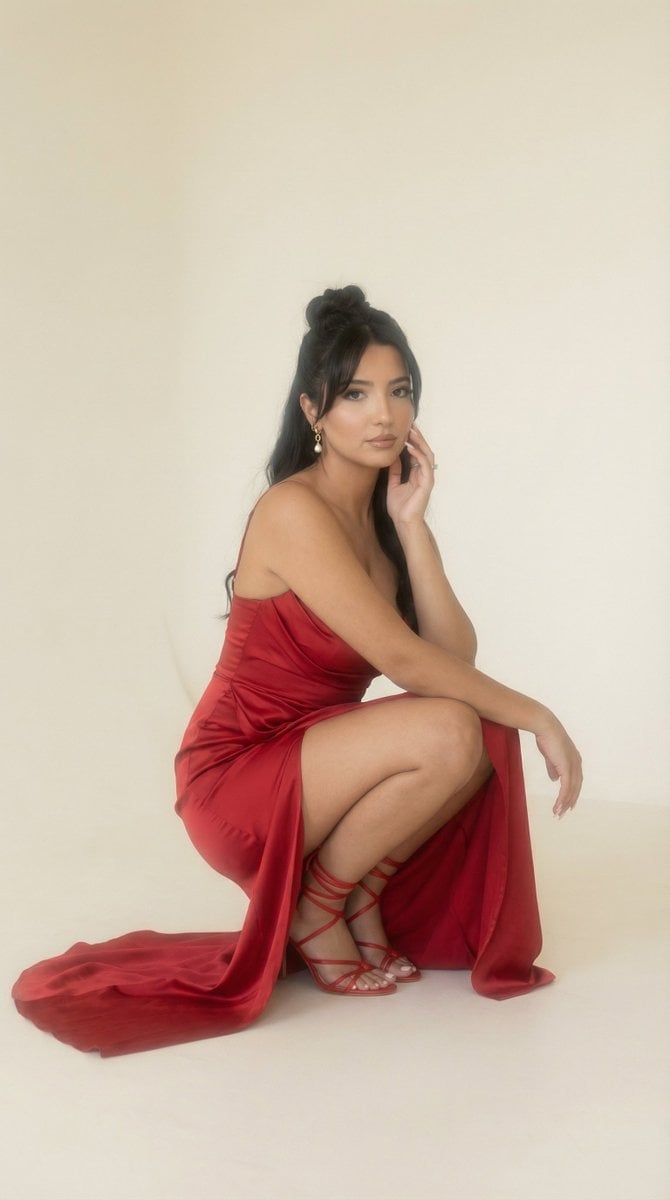
Soft Haze Editorial Studio Portrait (Image-to-Image)
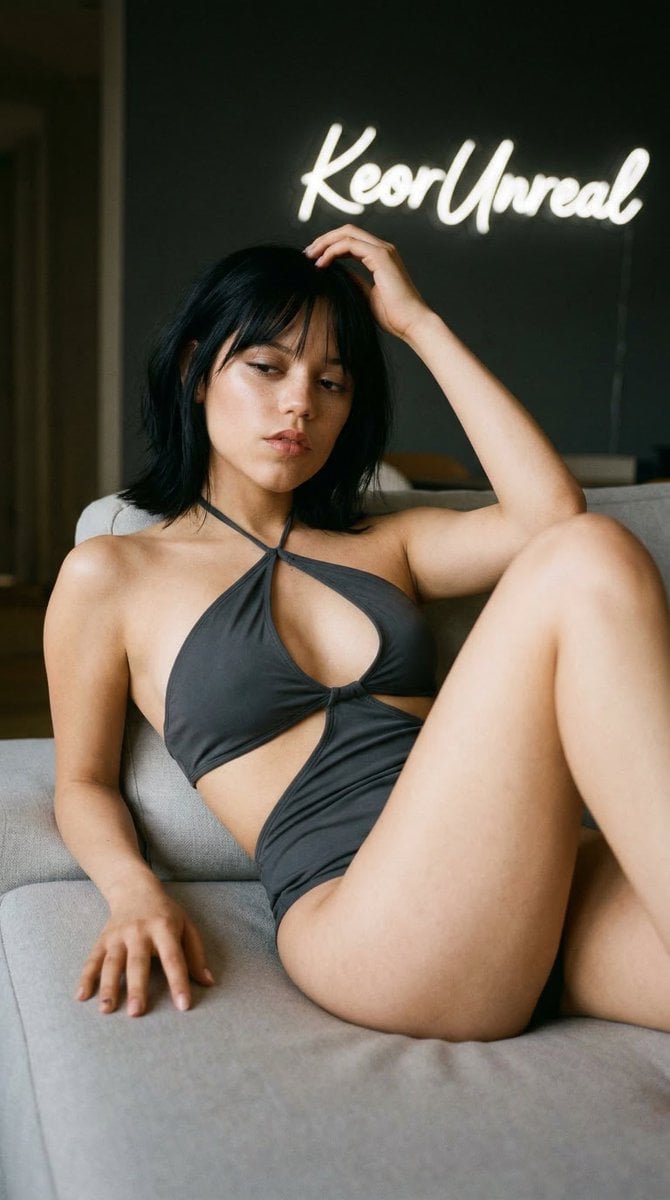
Soft Editorial Portrait in Dark Monokini

Couture Fashion Editorial Woman and Drag

Nano Banana 2 Editorial Fashion Portrait

Two Tickets, One Night

If We Met in 1985

One Dance Before Midnight
Make it yours
Soft Bloom Vintage Editorial Portrait works as-is. These are the safest ways to change it without losing the look.
Change one field
Copy a single group, rewrite it, and generate again so you can see what that field is doing.
Keep the frame, change the subject
Hold the composition and light of Soft Bloom Vintage Editorial Portrait, then swap wardrobe, props or the person for a new take.
| If the result… | Why | Fix |
|---|---|---|
| The result drifts from the preview | Too many fields changed at once. | Reuse Soft Bloom Vintage Editorial Portrait as-is first, then change one group — subject, light, or setting. |
| The model over-stylizes the scene | The prose prompt leaves finish and camera underspecified. | Add one camera or lighting sentence and stay on GPT Image 2. |
More GPT Image 2 templates
Other prompts made for GPT Image 2.

Six VTuber Japanese Logo Sheet

Realistic Portrait of Woman and Deer

The Vista Modular Condo Poster

AI Model Routing Comparison Infographic

2.5D Anime Art Board

Isometric Productivity Desk Scene

New York Double Exposure Poster

Four-Panel AI Landscape Comparison

Japanese Tatami Lifestyle Magazine Cover

NESCAFÉ Coffee Map Poster
More image prompts
Fresh picks from across the catalog.
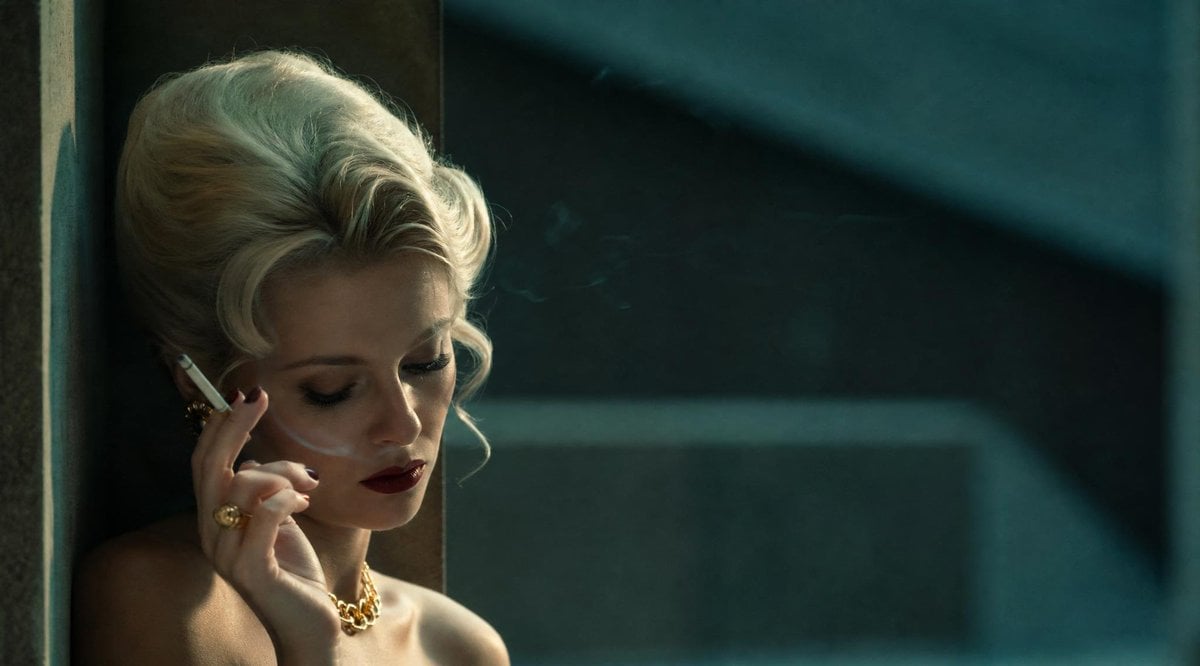
Censored Vintage Smoking Film Still
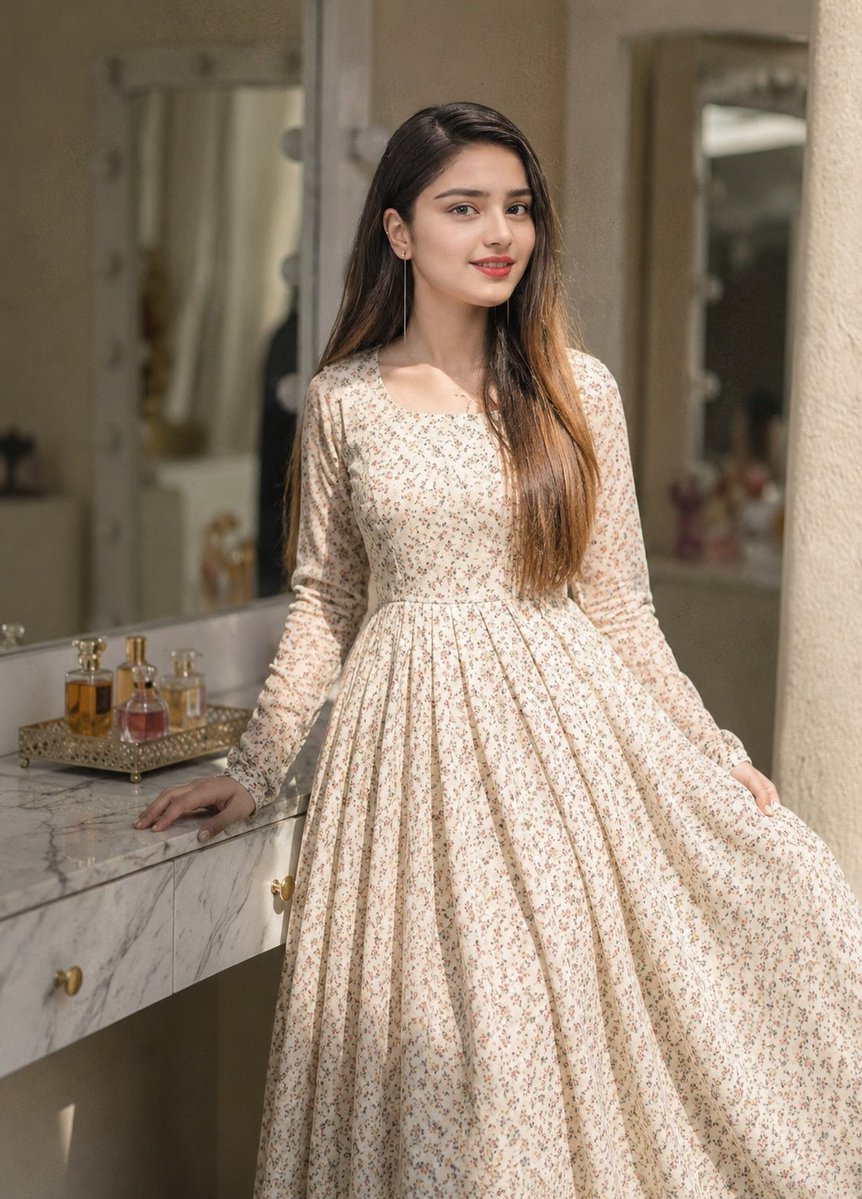
Floral Dress Vanity Portrait
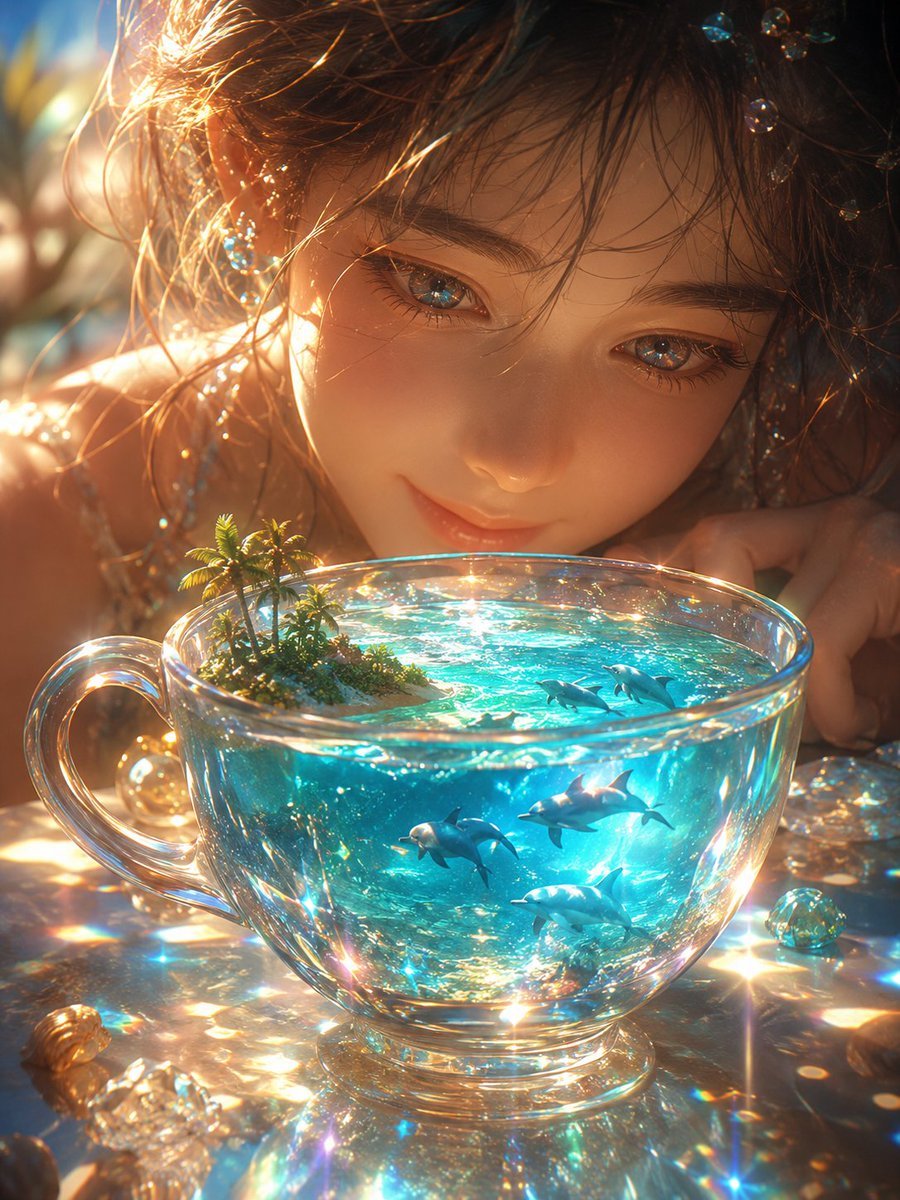
Prismatic Ocean Teacup Fantasy
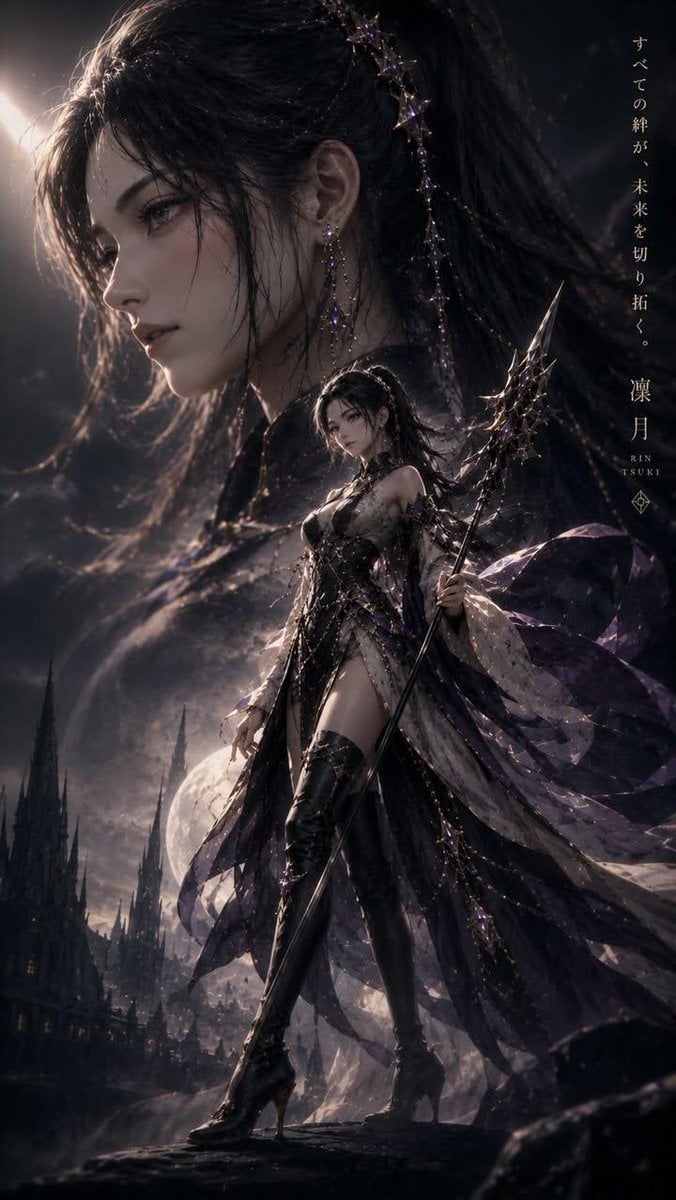
Cinematic Kodak Film Poster

Cinematic Jeep Driver Portrait Prompt with Face Match
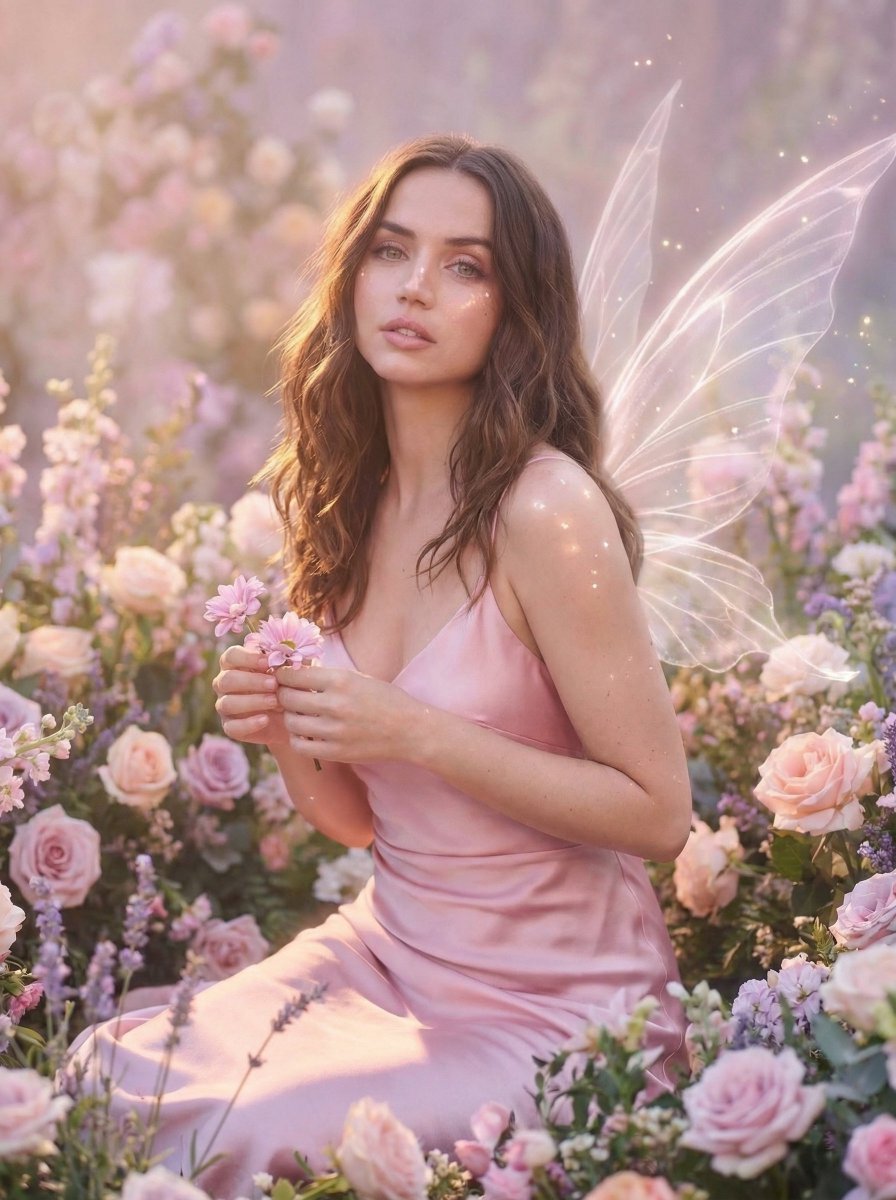
Dreamy Fairy Editorial Portrait in a Secret Garden
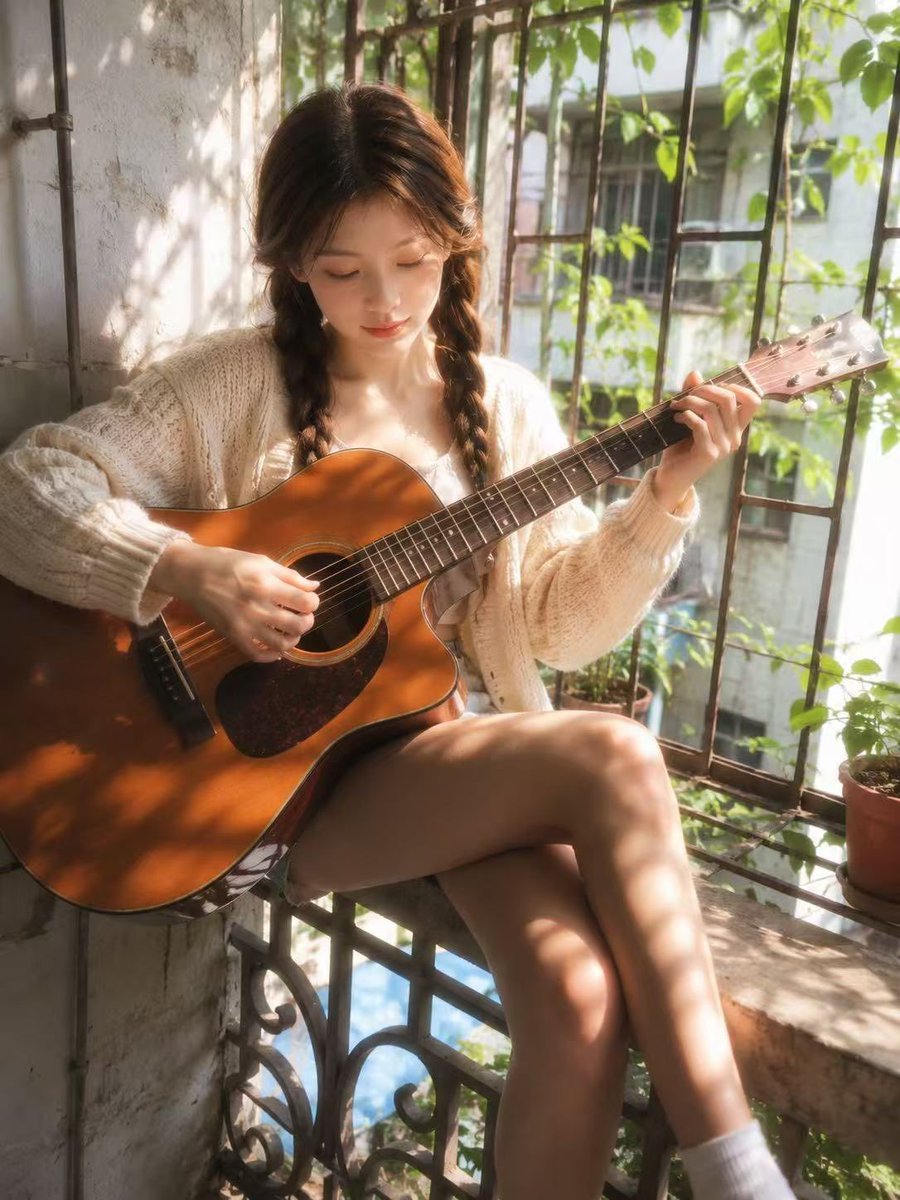
Dreamy Balcony Guitar Portrait
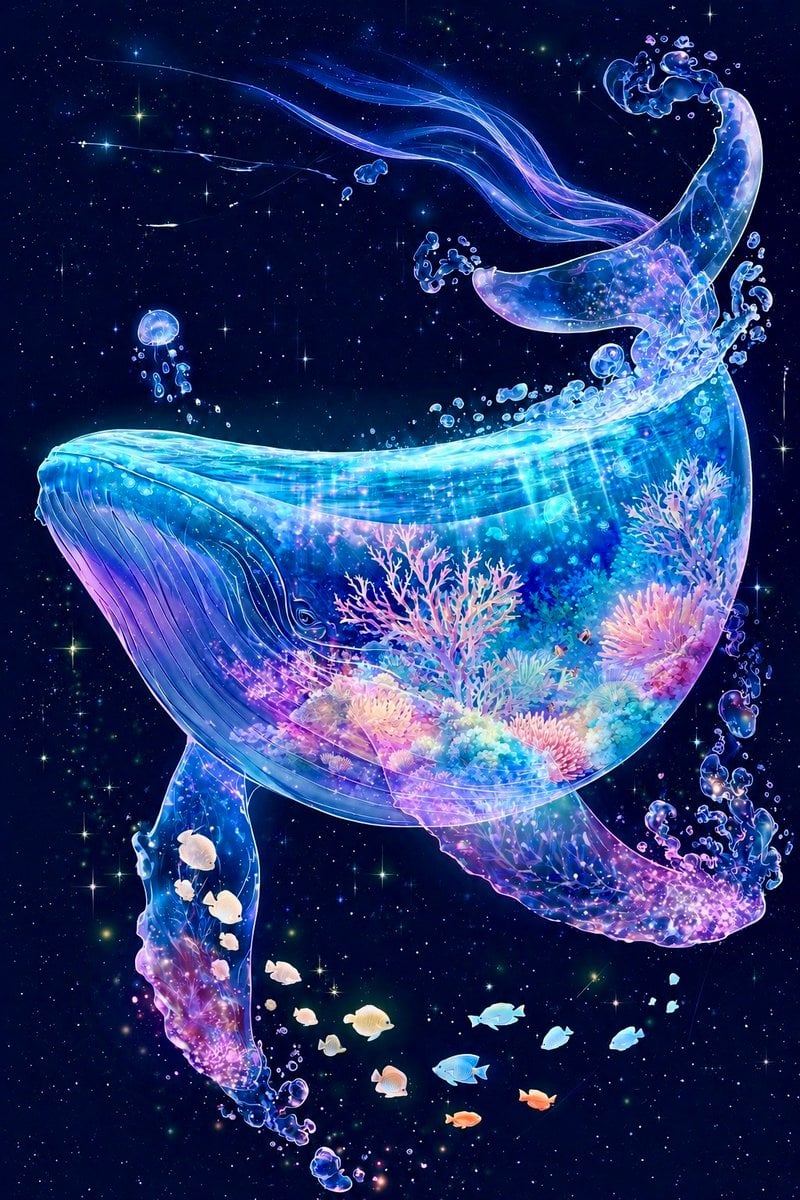
Cosmic Coral Whale
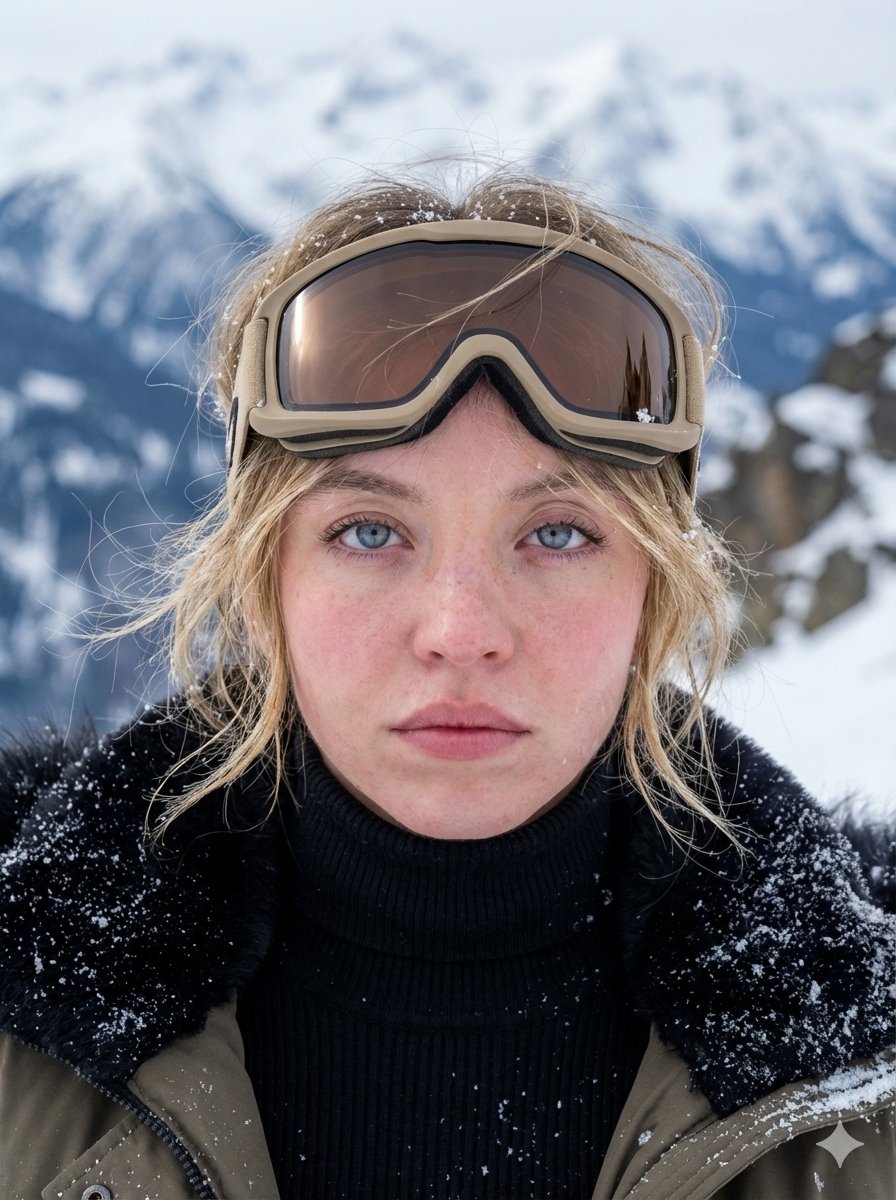
Hyper-Detailed Arctic Cinematic Portrait
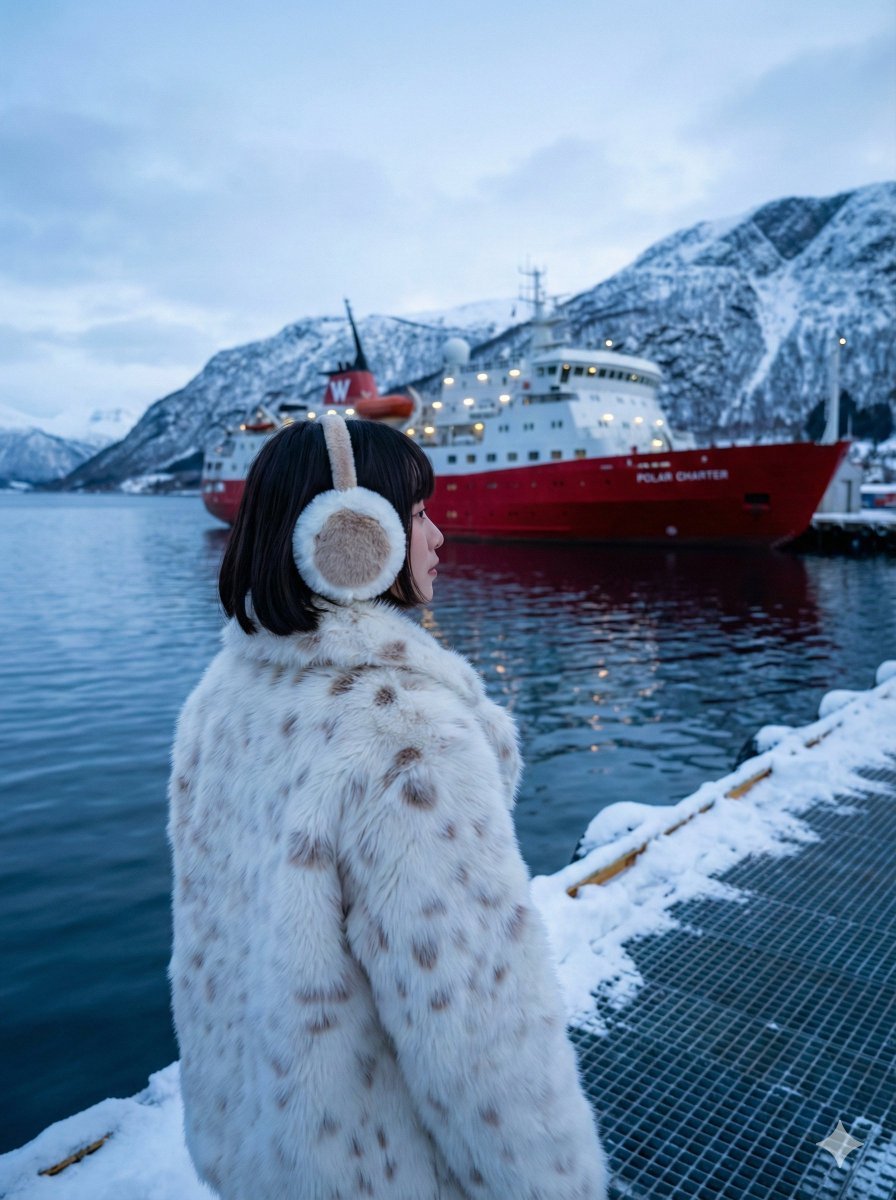
Moody Cinematic Travel Photo in Snowy Harbor
Browse template categories
Soft Bloom Vintage Editorial Portrait questions
How do I use the Soft Bloom Vintage Editorial Portrait template?
Add your photo if the template asks for one, edit the prompt if you like — the template's model and format are already selected — and press Generate. Your version opens in PicX Studio.
Can I customize the Soft Bloom Vintage Editorial Portrait template?
Yes. You can change the subject, setting, lighting, mood, format, and available model controls before creating your image.
Is the Soft Bloom Vintage Editorial Portrait template free?
Opening and editing this template is free. Generating uses credits, shown on the Generate button when you are signed in.
Which AI model should I use?
Start with GPT Image 2, which is the model associated with this template. You can compare another compatible model for a different finish.
Looking for something else? Browse all templates.

Your photo, any look
Thousands of ready templates for every top image and video model, from one credit balance.