
Photo to Anime Style Transformation
A comprehensive prompt for transforming a real photo into two distinct anime styles—Urban Pop and Dreamy Fantasy—while maintaining character identity.
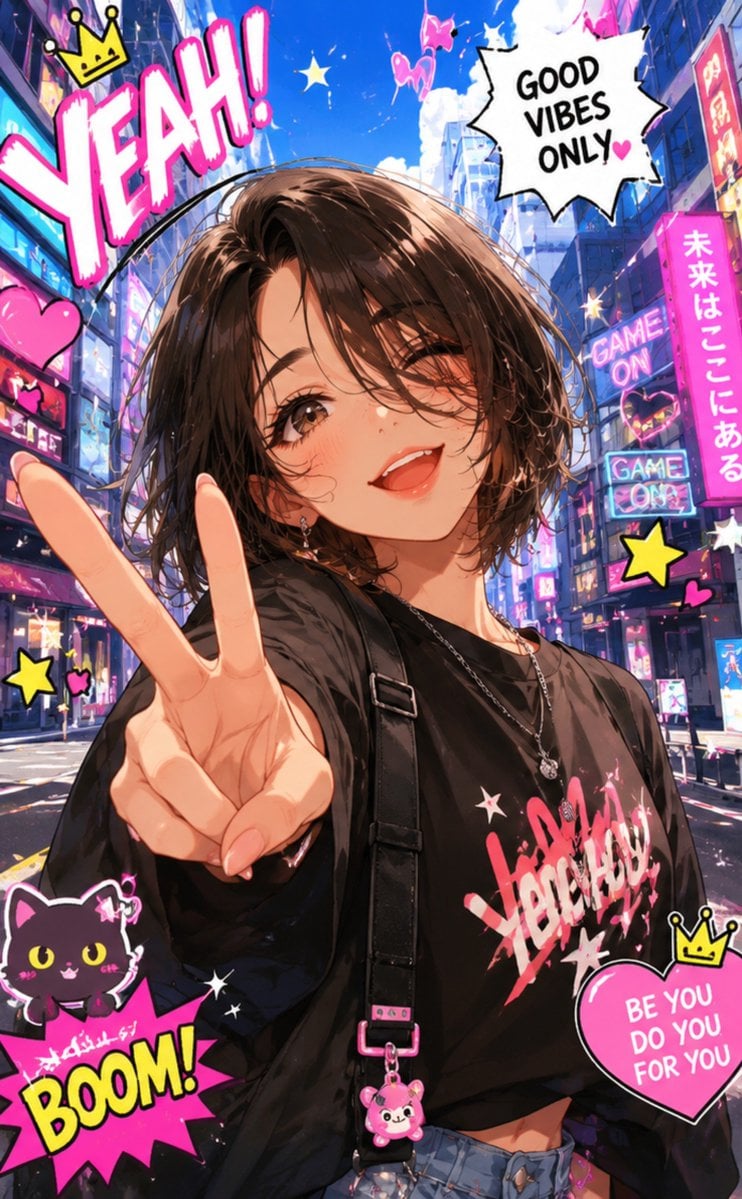
- Prompt included
- Model and format preset
- Free template
The prompt behind this image
Copy the exact prompt behind Photo to Anime Style Transformation, or open it in the studio and make it yours.
Create TWO completely different anime illustrations from the uploaded everyday photo while preserving the same person's identity. Keep the facial shape, facial feature proportions, recognizable hairstyle, age impression, and overall personality consistent, but fully transform the image into a vibrant, high-quality anime style. Both images should be unmistakably animated rather than photorealistic, with expressive linework, clean cel shading, bold graphic shadows, vivid high-saturation colours, crisp facial detail, and a polished poster-quality finish. IMAGE 1 — {argument name="style one" default="Urban Pop Anime"} A playful, energetic anime poster with a dramatic wide-angle perspective and dynamic pose. The character has an expressive smile, lively hand gesture, and confident body language. Reimagine the background as a colourful anime city filled with neon signs, floating hearts, sparkling stars, comic speech bubbles, motion lines, kawaii stickers, tiny mascots, hand-drawn doodles, colourful geometric graphics, and fun sound effects. The composition should feel youthful, exciting, bold, and instantly eye-catching, with excellent visual hierarchy and strong social-media appeal. IMAGE 2 — {argument name="style two" default="Dreamy Fantasy Anime"} Create a completely different composition with a magical fantasy atmosphere. Use a cinematic low-angle perspective and graceful, expressive pose with flowing movement. Replace the original background with a whimsical fantasy world featuring glowing skies, floating islands, oversized flowers, magical sparkles, butterflies, glowing stars, cute fantasy creatures, ribbons, clouds, colourful gradients, decorative frames, and elegant anime-inspired graphic elements. The mood should feel charming, emotional, imaginative, and visually rich while maintaining a clean silhouette, expressive face, polished illustration quality, and a vibrant, premium anime aesthetic suitable for viral social-media artwork.
How to use Photo to Anime Style Transformation in 3 steps
- 1Upload ImagePNG, JPG or paste
Add your photo
Upload the photo the template builds on. The prompt, model and format are already set.
- 2…a portrait of your subject in softgolden-hour light, 85mm…
Personalize
Edit the subject and creative details for your destination.
- 3Generate
Generate
Press Generate — your image is created in PicX Studio, so you can compare it with the original and refine one variable at a time.
More like this
Templates with the same subject, style or setup. Open one to see its prompt.



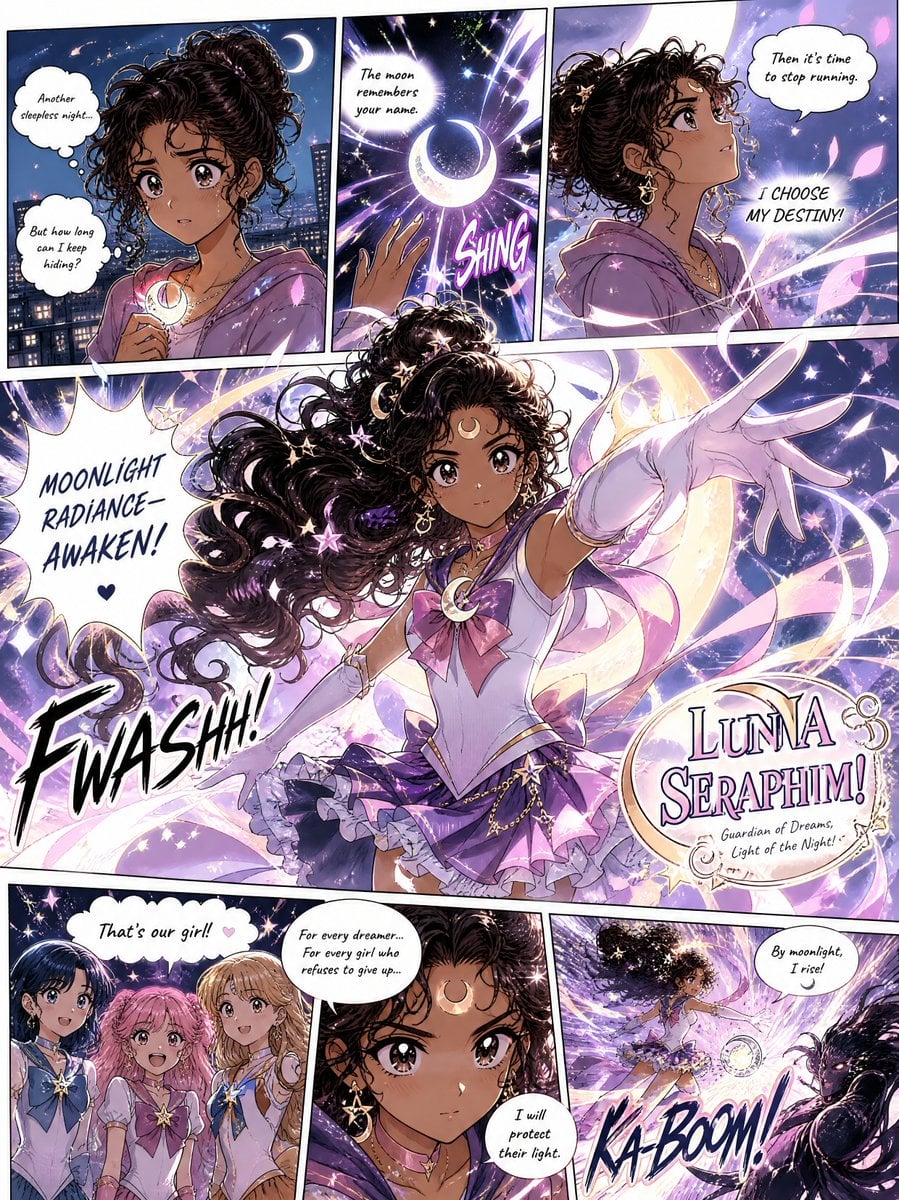
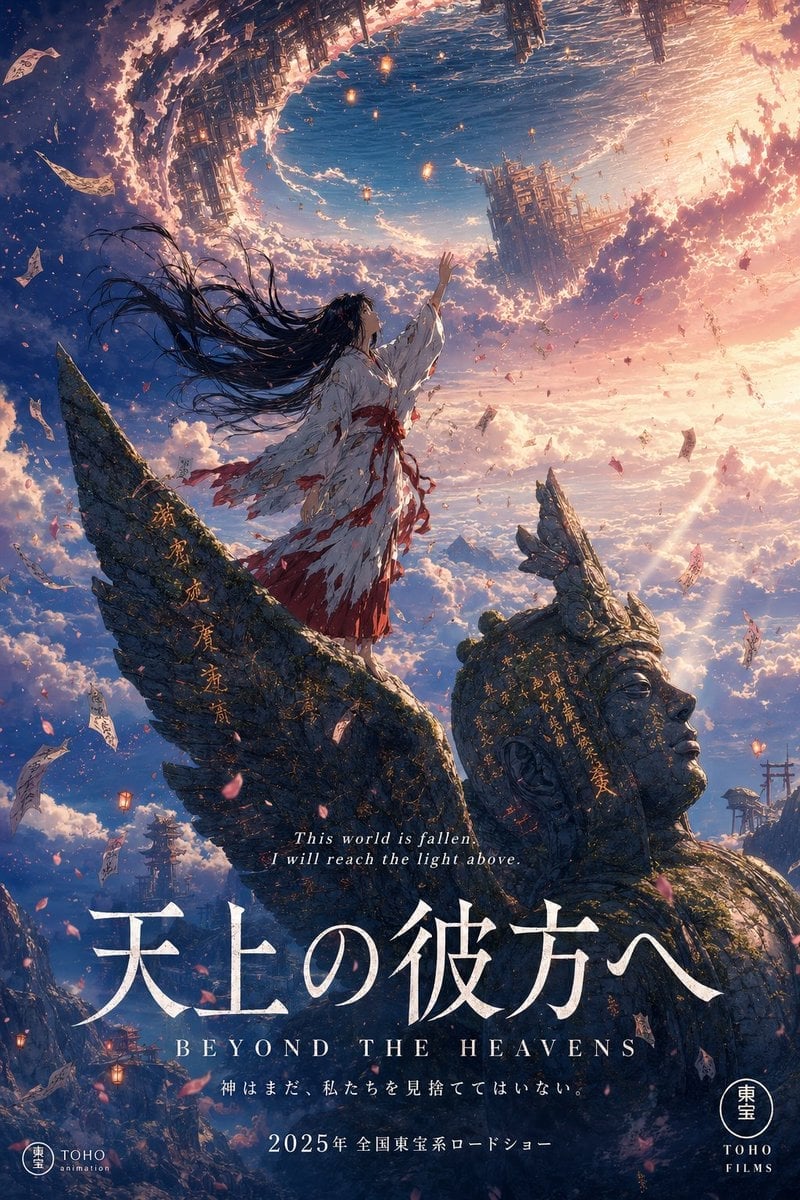
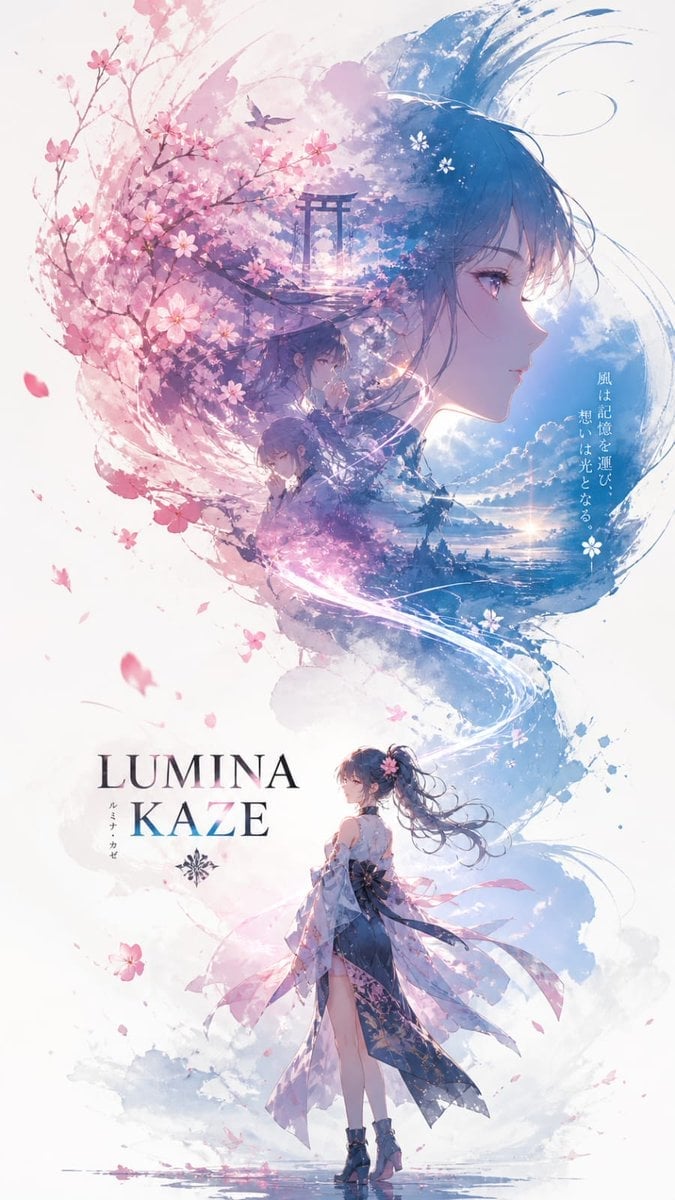
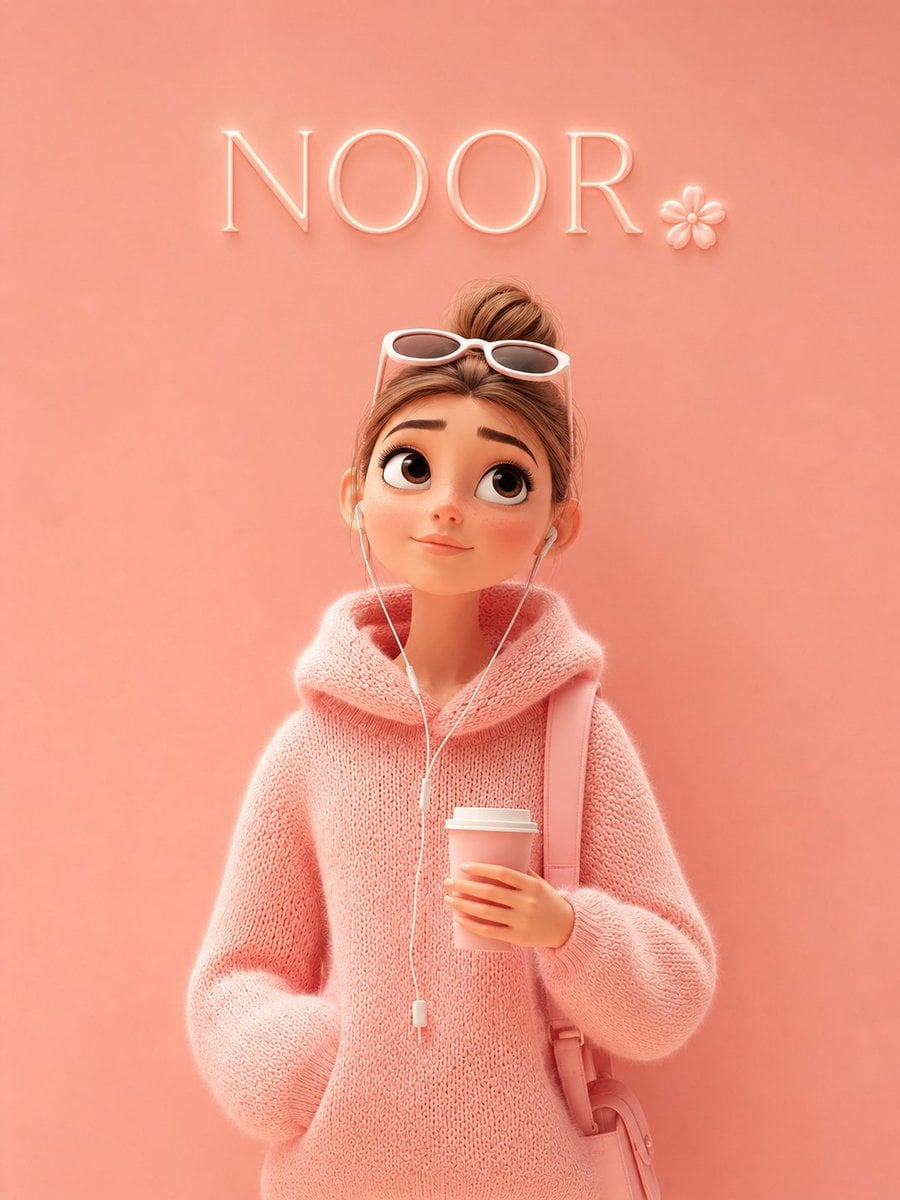
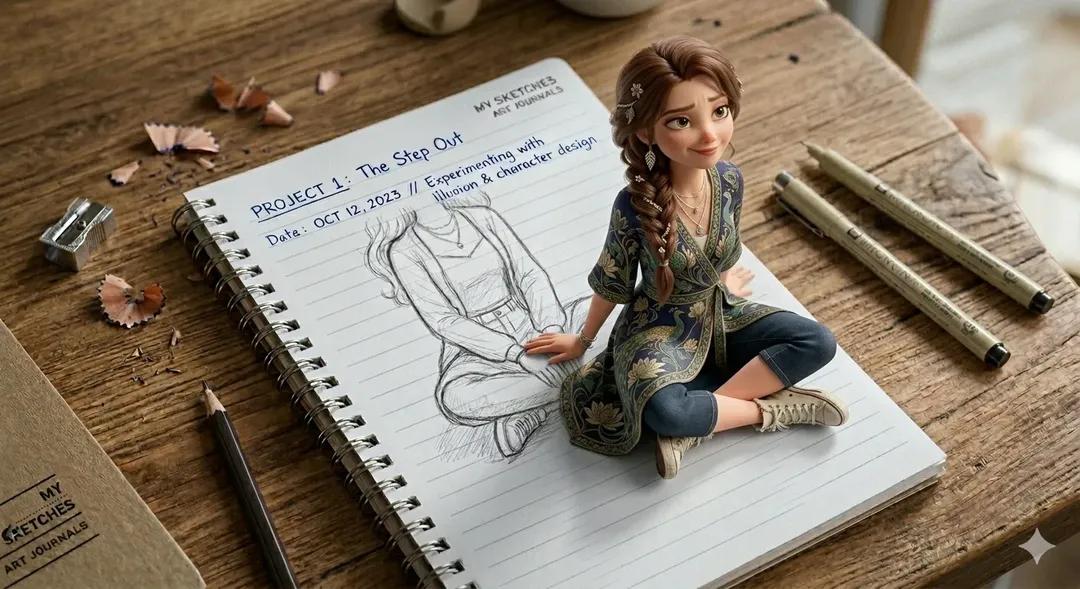
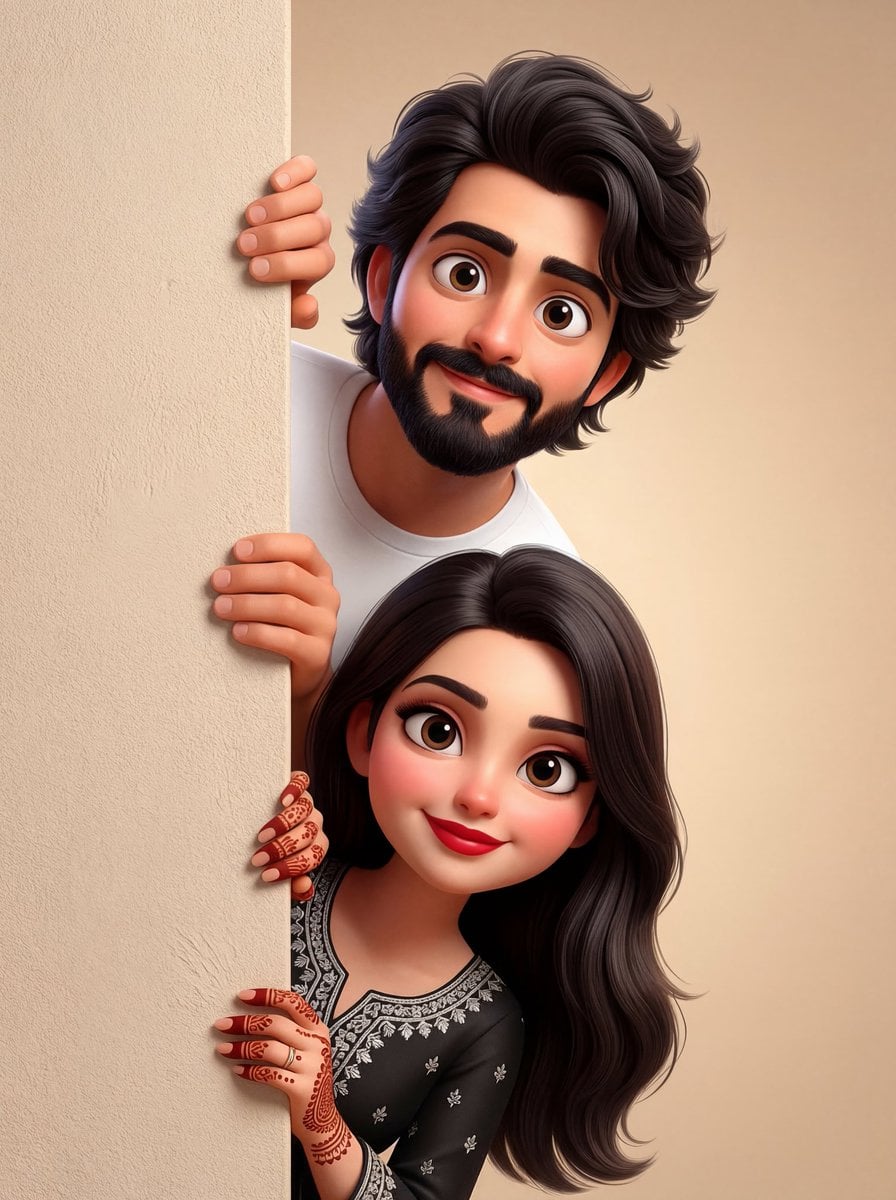
Make it yours
Photo to Anime Style Transformation works as-is. These are the safest ways to change it without losing the look.
Change one field
Copy a single group, rewrite it, and generate again so you can see what that field is doing.
Keep the frame, change the subject
Hold the composition and light of Photo to Anime Style Transformation, then swap wardrobe, props or the person for a new take.
| If the result… | Why | Fix |
|---|---|---|
| The result drifts from the preview | Too many fields changed at once. | Reuse Photo to Anime Style Transformation as-is first, then change one group — subject, light, or setting. |
| The model over-stylizes the scene | The prose prompt leaves finish and camera underspecified. | Add one camera or lighting sentence and stay on GPT Image 2. |
More GPT Image 2 templates
Other prompts made for GPT Image 2.

Six VTuber Japanese Logo Sheet

Realistic Portrait of Woman and Deer

The Vista Modular Condo Poster

AI Model Routing Comparison Infographic

2.5D Anime Art Board

Isometric Productivity Desk Scene

New York Double Exposure Poster

Four-Panel AI Landscape Comparison

Japanese Tatami Lifestyle Magazine Cover

NESCAFÉ Coffee Map Poster
More image prompts
Fresh picks from across the catalog.
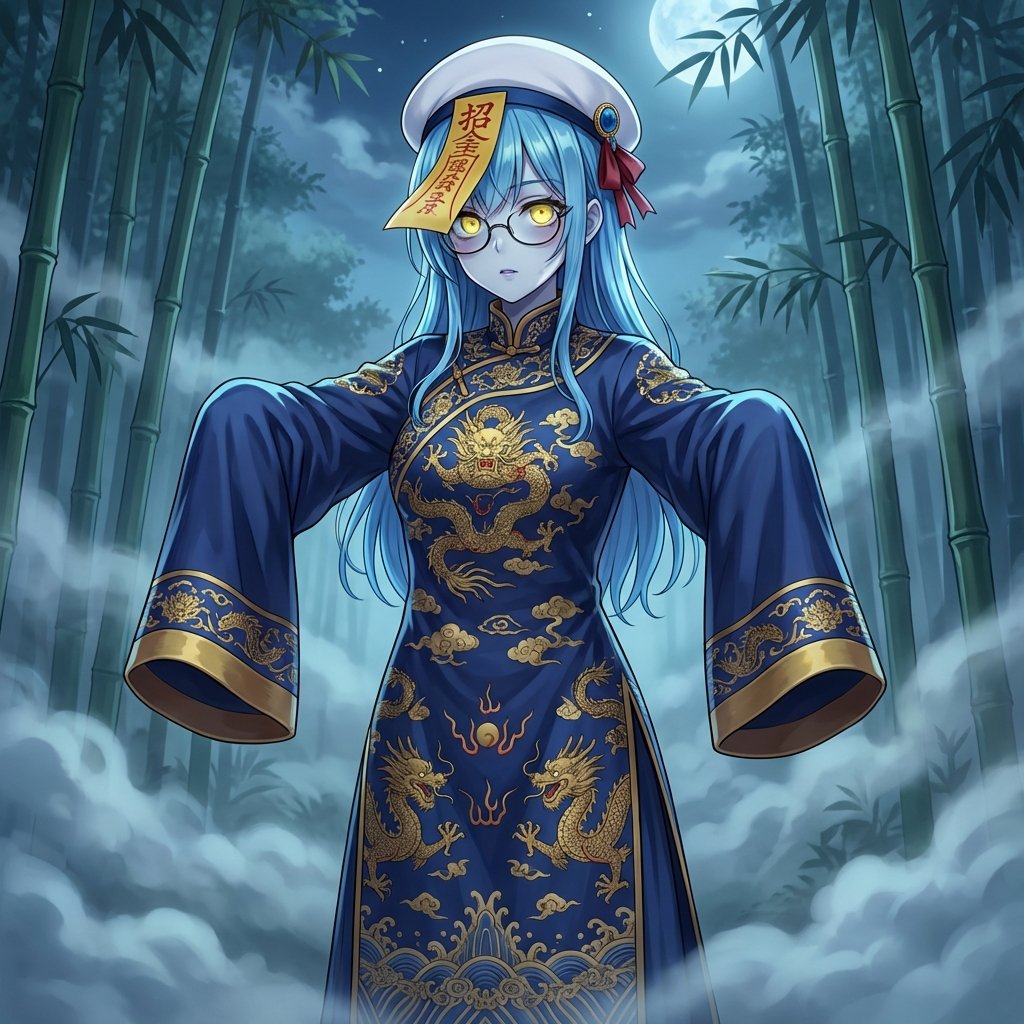
Ancient Zombie (Kyonsi) in a Bamboo Forest
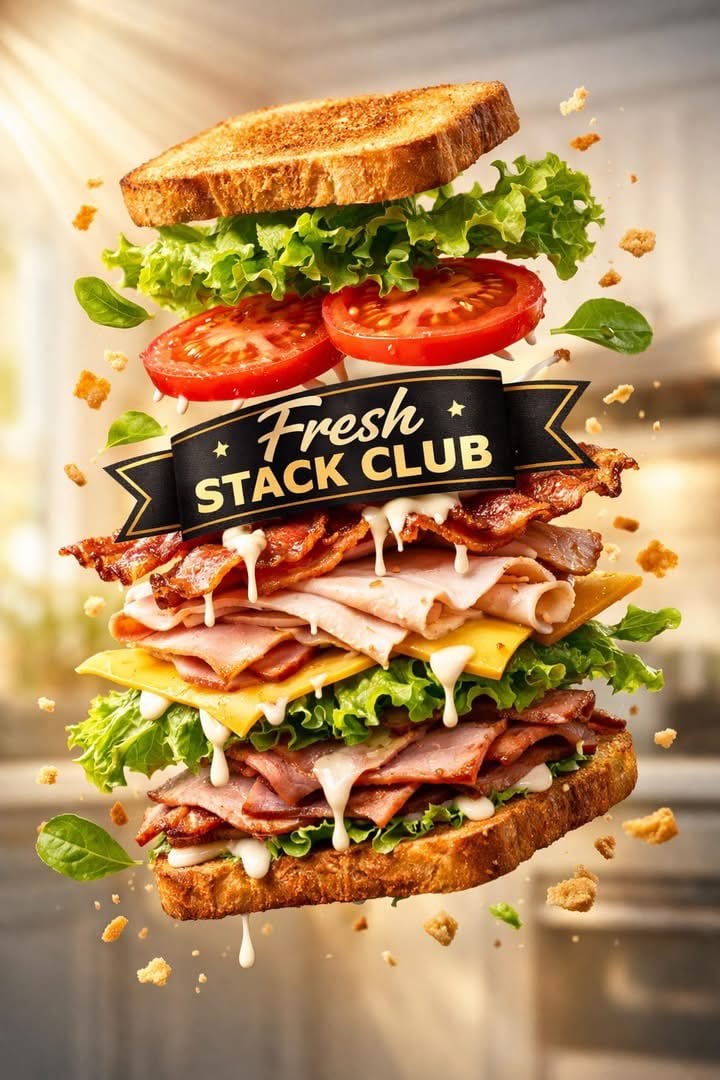
Exploded Tilt View Sandwich Product Photography
Anime VTuber Daily Essay Comic Page
Hand-drawn Chengdu Food Map
Luxury Caramel Frappuccino Poster
Image Replacement Prompt
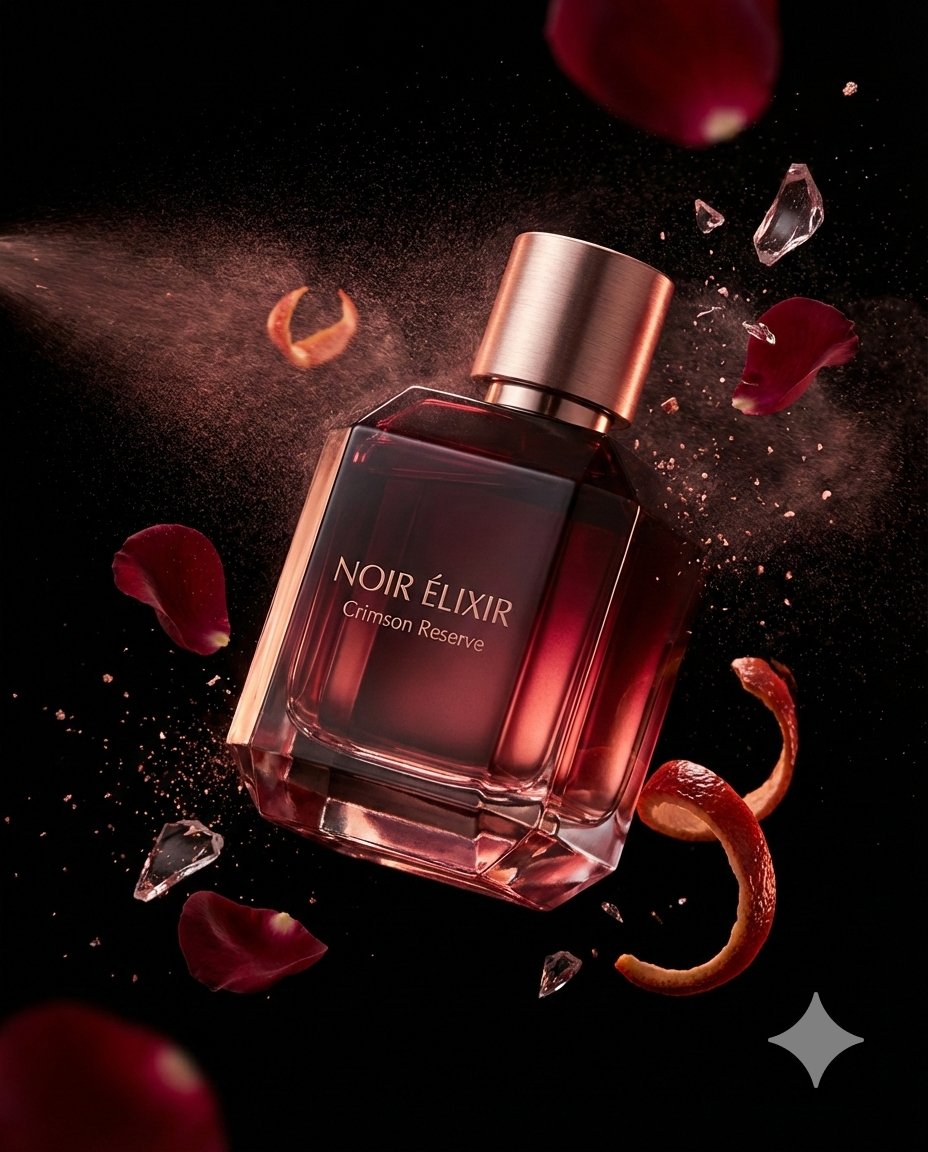
Luxury Fragrance Advertising Photography Prompt
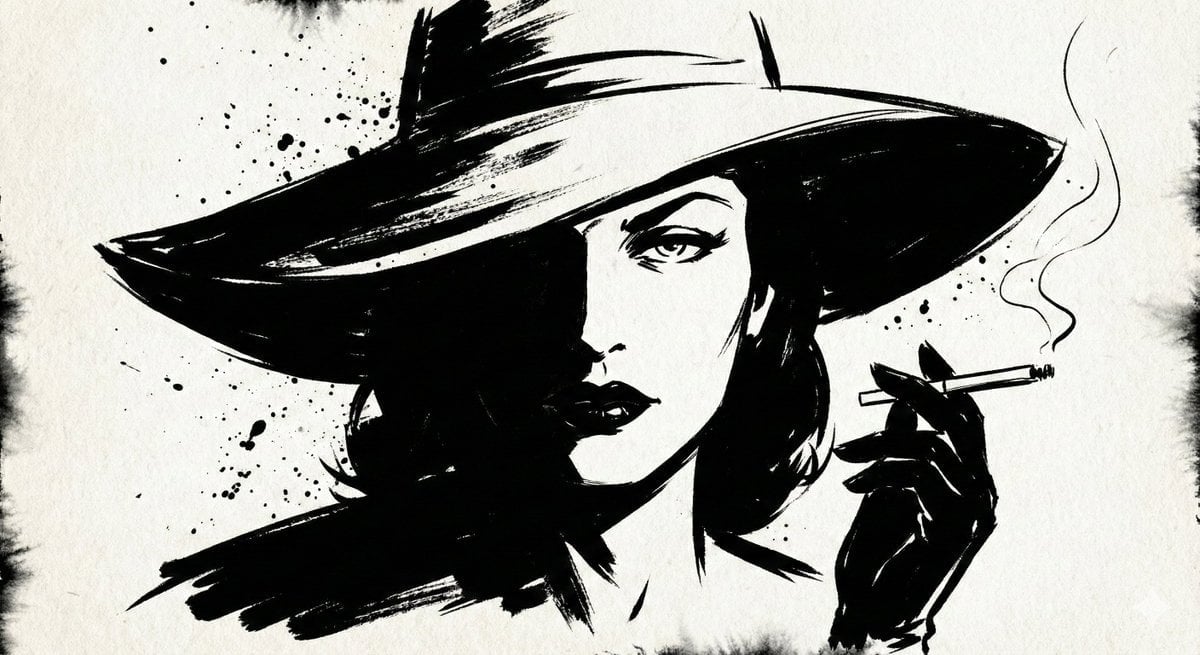
Ink Noir Portrait Generation Prompt
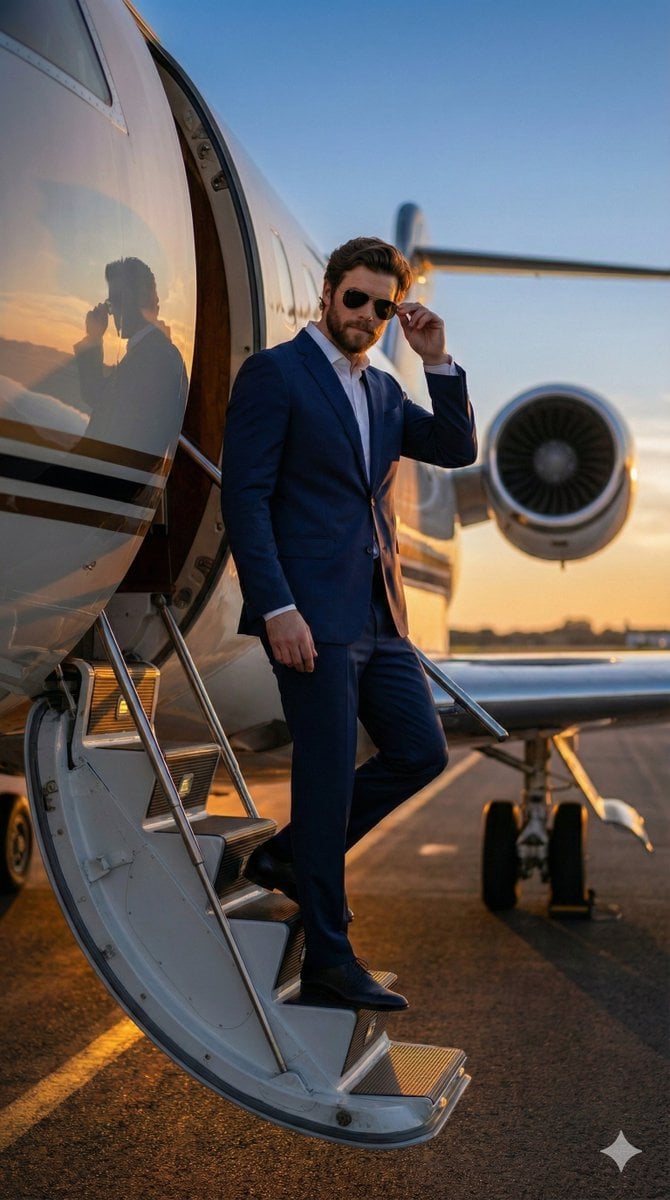
Hyper-realistic Cinematic Tarmac Photo
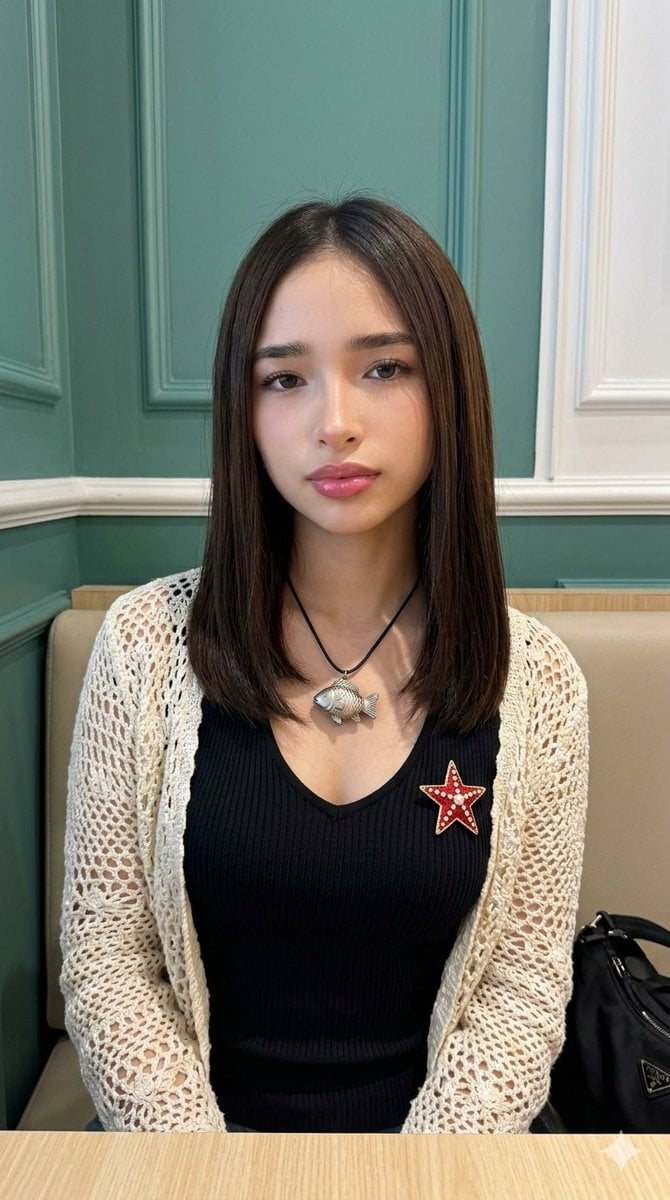
Natural Photo Generation Prompt for Gemini Nano Banana 2
Browse template categories
Photo to Anime Style Transformation questions
How do I use the Photo to Anime Style Transformation template?
Add your photo if the template asks for one, edit the prompt if you like — the template's model and format are already selected — and press Generate. Your version opens in PicX Studio.
Can I customize the Photo to Anime Style Transformation template?
Yes. You can change the subject, setting, lighting, mood, format, and available model controls before creating your image.
Is the Photo to Anime Style Transformation template free?
Opening and editing this template is free. Generating uses credits, shown on the Generate button when you are signed in.
Which AI model should I use?
Start with GPT Image 2, which is the model associated with this template. You can compare another compatible model for a different finish.
Looking for something else? Browse all templates.

Your photo, any look
Thousands of ready templates for every top image and video model, from one credit balance.