
Watercolor Silhouette Character Story
An extensive prompt for transforming character images into poetic watercolor shadow-style illustrations with titles.
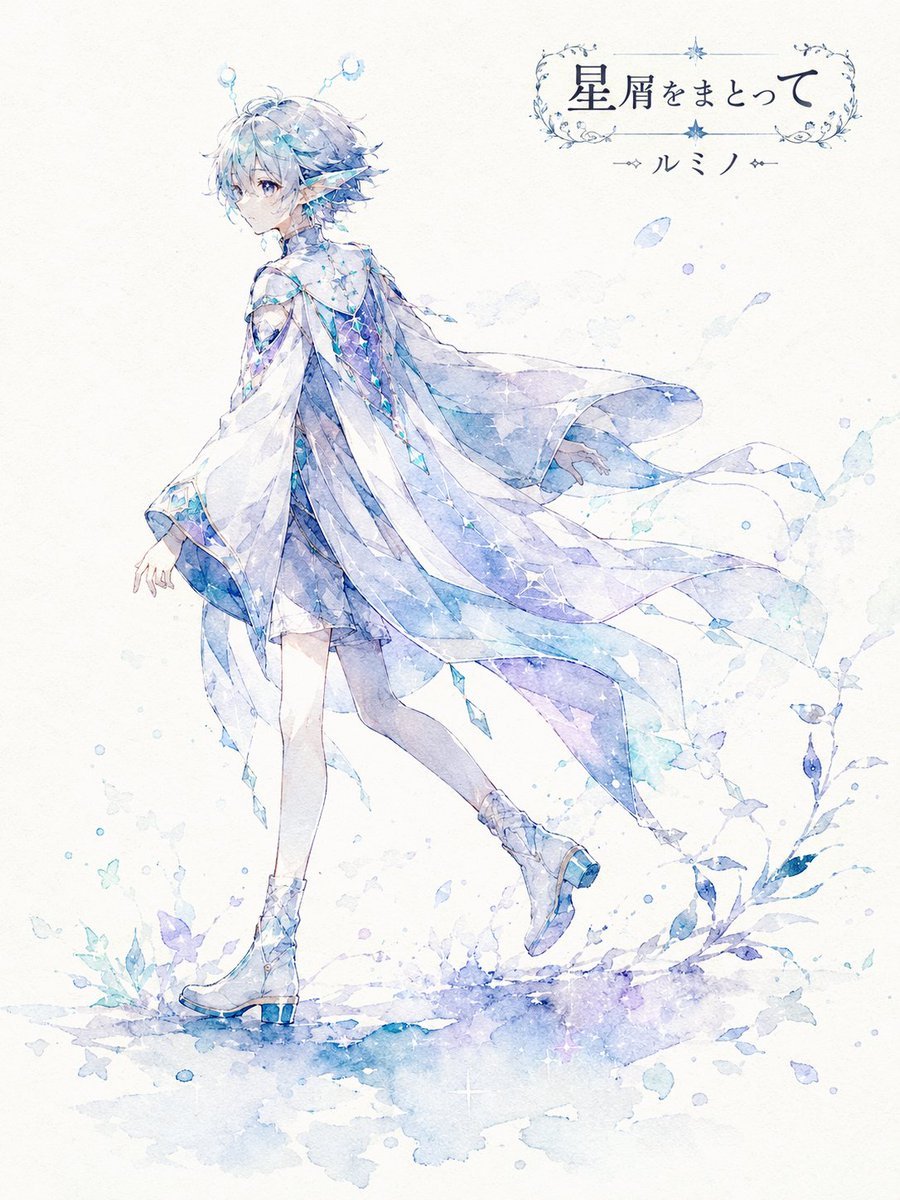
- Prompt included
- Model and format preset
- Premium template
The prompt behind this image
Copy the exact prompt behind Watercolor Silhouette Character Story, or open it in the studio and make it yours.
【情報入力欄】 キャラクター名:[{argument name="キャラクター名" default=""}] ←必須 ポーズ番号:[{argument name="ポーズ番号" default="0"}] ←任意(0〜10から選択 未記入は自動生成) 補足事項:[{argument name="補足事項" default=""}] ←AIに伝えたいことがあれば記入 ----------------- 補足事項に入力がある場合は、その内容を最優先で反映してください。補足事項と本文の指示が矛盾する場合は、補足事項の内容を優先し、ただし「影絵風・水彩風・余白重視・詩的な一枚絵」という基本テイストは保ってください。 添付された「うちの子」の画像を分析し、髪型・髪色・目元・服装・装飾・小物・種族的特徴・モチーフ・性格や雰囲気を読み取り、【キャラクター名】として高画質の2Dアニメーション風イラストを生成してください。 完成イメージは、白〜生成りの紙の上に、キャラクターの存在感だけが静かに浮かび上がる「影絵風・水彩風・詩的な一枚絵」です。通常の描き込みの多いキャラクター立ち絵ではなく、シルエット、淡いにじみ、余白、紙の質感、静かな物語性を主役にしてください。 ポーズは【ポーズ番号】で指定されたものを採用してください。ポーズ番号が未記入、または0の場合は、添付されたキャラクターの見た目・性格・モチーフに最も合うポーズを、上記1〜10の中からAIが自然に1つ選んでください。番号ごとに構図・向き・印象が変わるようにし、同じキャラクターでもポーズ番号が変われば別の一枚絵として見えるようにしてください。 イメージカラーは固定しないでください。添付された「うちの子」の髪色・瞳の色・服装・装飾・モチーフ・雰囲気を総合的に解析し、その子に最も似合うメインカラーをAIが判断してください。作例や参考画像の色に引っ張られず、添付されたキャラクター自身の印象に合う色でまとめてください。赤系の子なら赤〜紫系、青系の子なら青〜水色系、緑系の子なら緑〜若草系、白系の子なら白〜淡色系、黒系の子なら黒〜灰色系、金色系の子なら金〜琥珀系など、キャラクターに合わせて自然に選んでください。 配色は、選んだメインカラーを中心に、濃い影色・淡い水彩のにじみ・ごく薄い差し色を使って上品にまとめてください。極端な多色使いにはせず、キャラクターの印象色が紙に溶け込むような静かな色彩にしてください。 キャラクターの特徴は、顔や衣装を細かく描き込みすぎず、髪型の輪郭、服の形、角・耳・羽・尻尾・リボン・帽子・武器・花・アクセサリーなど、その子を象徴する特徴が影絵として分かるようにしてください。表情は必要以上に描き込まず、シルエットと雰囲気でその子らしさを表現してください。 背景は白〜生成りの紙質感を残し、広い余白を活かしてください。キャラクターの足元や背後に、水彩のにじみ、淡い植物影、花びら、羽、布、星屑、光の粒などを少量だけ配置し、静かな風や物語の余韻を感じる画面にしてください。背景を描き込みすぎず、森や建物などの具体的な背景は薄く控えめにしてください。 画像タイトルは、添付されたキャラクターの見た目・雰囲気・モチーフ・イメージカラーから、AIが短く美しい言葉で自動作成してください。画像内の右上、または余白の邪魔にならない位置に、AIが考えた画像タイトルと【キャラクター名】を装飾して配置してください。 タイトルとキャラクター名は、薄くなりすぎないようにしてください。文字色は、イラストのメインカラーから選んだ濃いめの色、または背景に対して十分に読める落ち着いた濃色にしてください。透明度を下げすぎず、紙の質感になじませながらも、ひと目で読める濃さとコントラストを保ってください。文字は上品なタイトルロゴ風にし、細い飾り罫、繊細な花、葉、光の粒、小さなモチーフなどを添えてください。ただし、主役のキャラクターより目立ちすぎないようにしてください。 参考にするのは「影絵風・水彩風・余白・紙質感・詩的タイトル・静かな空気感」という方向性だけにしてください。特定の投稿画像と同じ構図、同じポーズ、同じ小物配置、同じ色、同じ人物配置、同じ葉や花の散り方にはしないでください。 全体の印象は、静寂、余白、影絵、水彩紙、淡いにじみ、詩的、上品、儚さを重視してください。派手な背景、通常の美麗ファンタジー立ち絵、過度な描き込み、強すぎるエフェクト、キャラクターと無関係な色指定は避けてください。 スタイル:高画質の2Dアニメーション アスペクト比:3:4 縦長
How to use Watercolor Silhouette Character Story in 3 steps
- 1Upload ImagePNG, JPG or paste
Add your photo
Upload the photo the template builds on. The prompt, model and format are already set.
- 2…a portrait of your subject in softgolden-hour light, 85mm…
Personalize
Edit the subject and creative details for your destination.
- 3Generate
Generate
Press Generate — your image is created in PicX Studio, so you can compare it with the original and refine one variable at a time.
More like this
Templates with the same subject, style or setup. Open one to see its prompt.

Watercolor Anim Finale Fireworks

Watercolor Anim Garden Maze

Watercolor Anim Rooftop Concert

Watercolor Anim Bicycle Coast

Watercolor Anim Castle Gate

Watercolor Anim Kitchen Chaos

Watercolor Anim Carnival Ride

Watercolor Anim Rainy Bus Stop

Watercolor Anim Space Dock

Watercolor Anim Cafe Morning

Watercolor Anim Mountain Summit

Watercolor Anim Underwater Reef
Make it yours
Watercolor Silhouette Character Story works as-is. These are the safest ways to change it without losing the look.
Change one field
Copy a single group, rewrite it, and generate again so you can see what that field is doing.
Keep the frame, change the subject
Hold the composition and light of Watercolor Silhouette Character Story, then swap wardrobe, props or the person for a new take.
| If the result… | Why | Fix |
|---|---|---|
| The result drifts from the preview | Too many fields changed at once. | Reuse Watercolor Silhouette Character Story as-is first, then change one group — subject, light, or setting. |
| The model over-stylizes the scene | The prose prompt leaves finish and camera underspecified. | Add one camera or lighting sentence and stay on GPT Image 2. |
More GPT Image 2 templates
Other prompts made for GPT Image 2.

Six VTuber Japanese Logo Sheet

Realistic Portrait of Woman and Deer

The Vista Modular Condo Poster

AI Model Routing Comparison Infographic

2.5D Anime Art Board

Isometric Productivity Desk Scene

New York Double Exposure Poster

Four-Panel AI Landscape Comparison

Japanese Tatami Lifestyle Magazine Cover

NESCAFÉ Coffee Map Poster
More image prompts
Fresh picks from across the catalog.
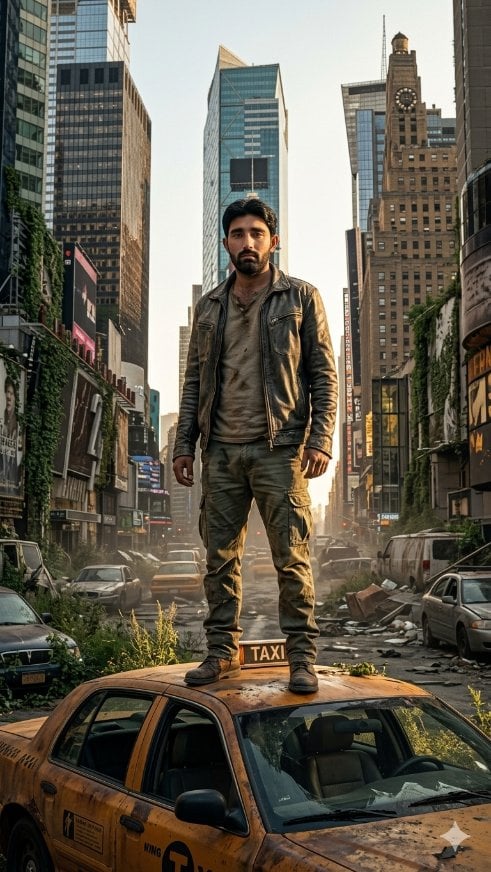
Post-Apocalyptic Taxi Survivor
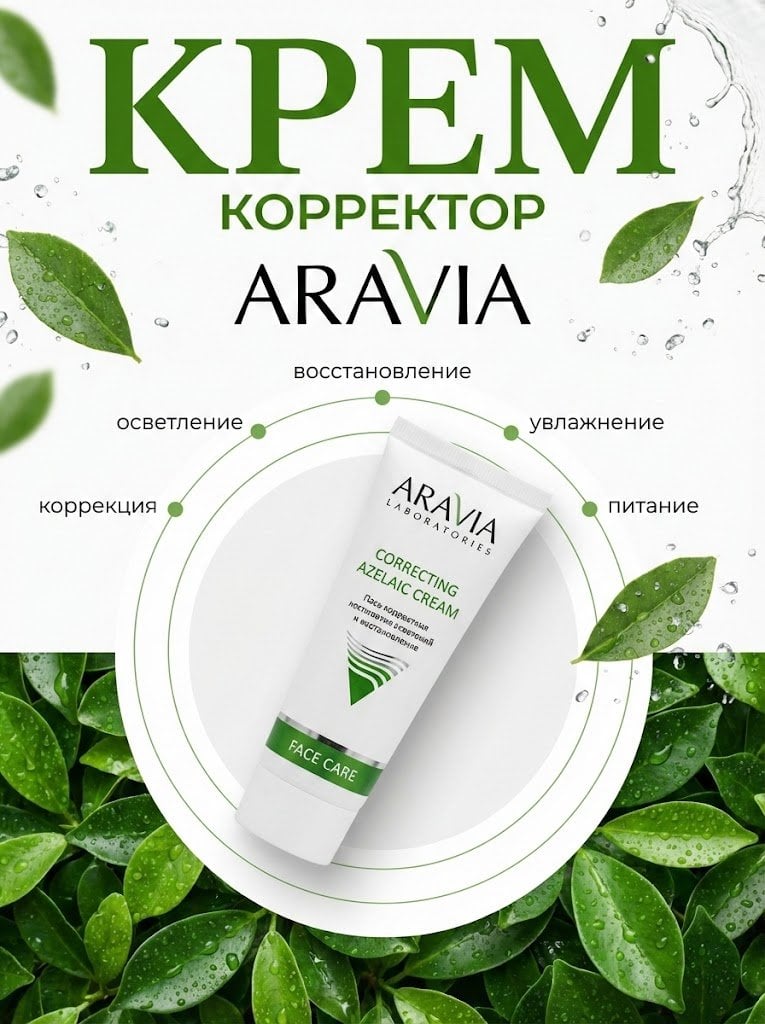
Commercial Product Photography (CGI Advertising Composite)
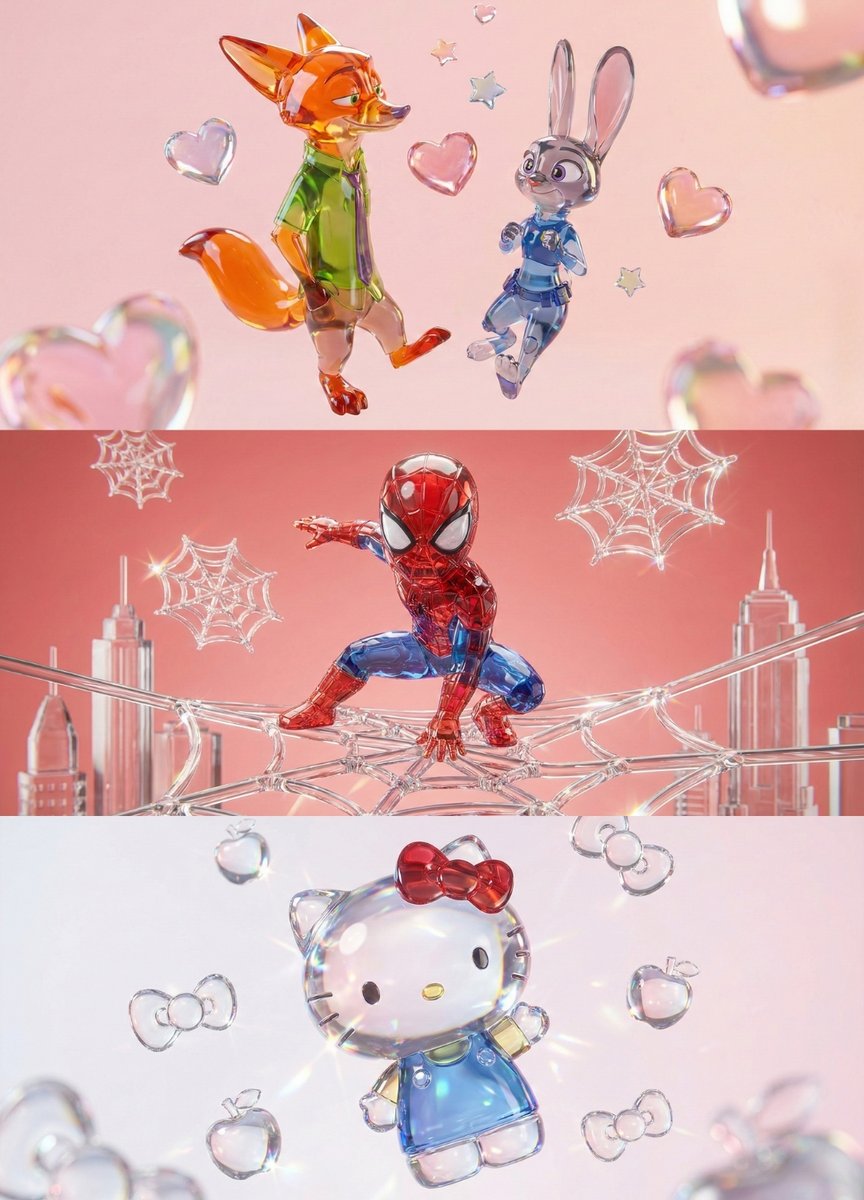
Aesthetic 3D Crystal Figurine Prompt Template
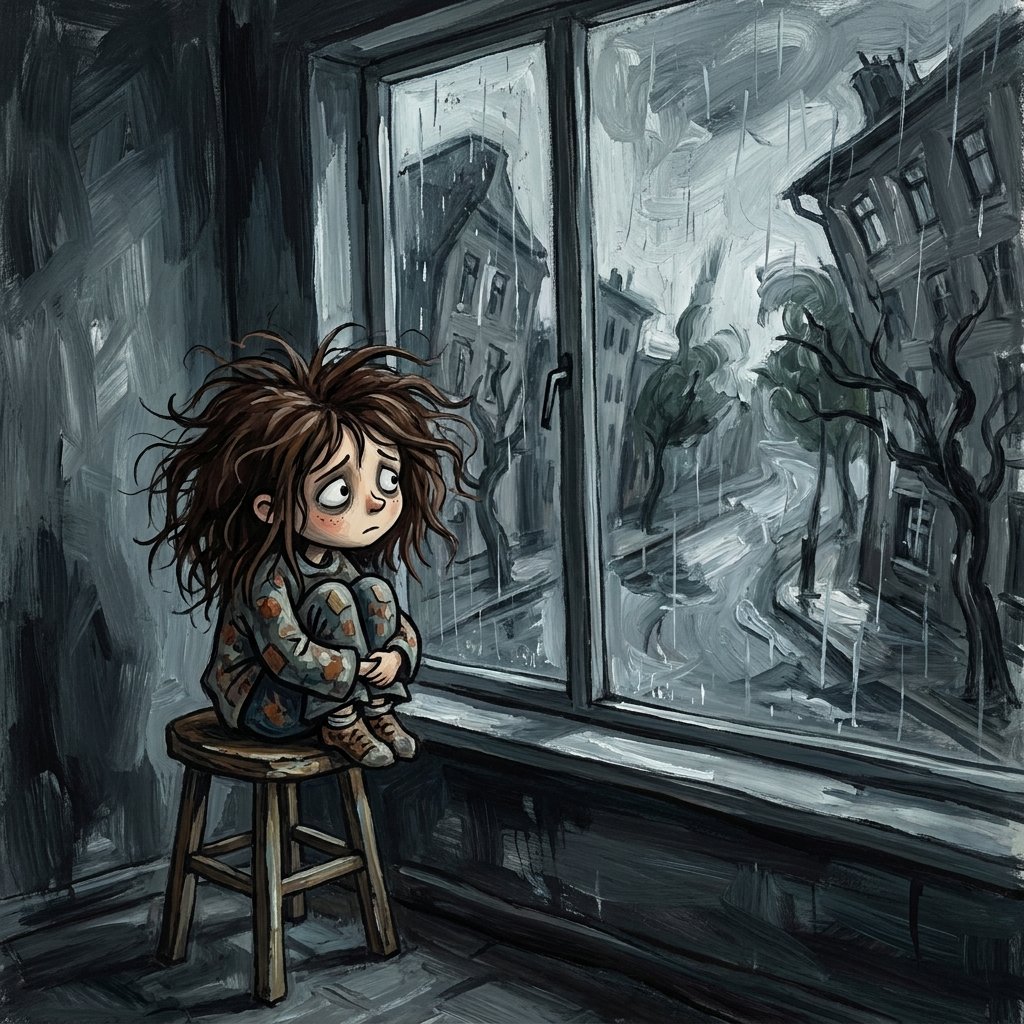
Sad Child by Rainy Window
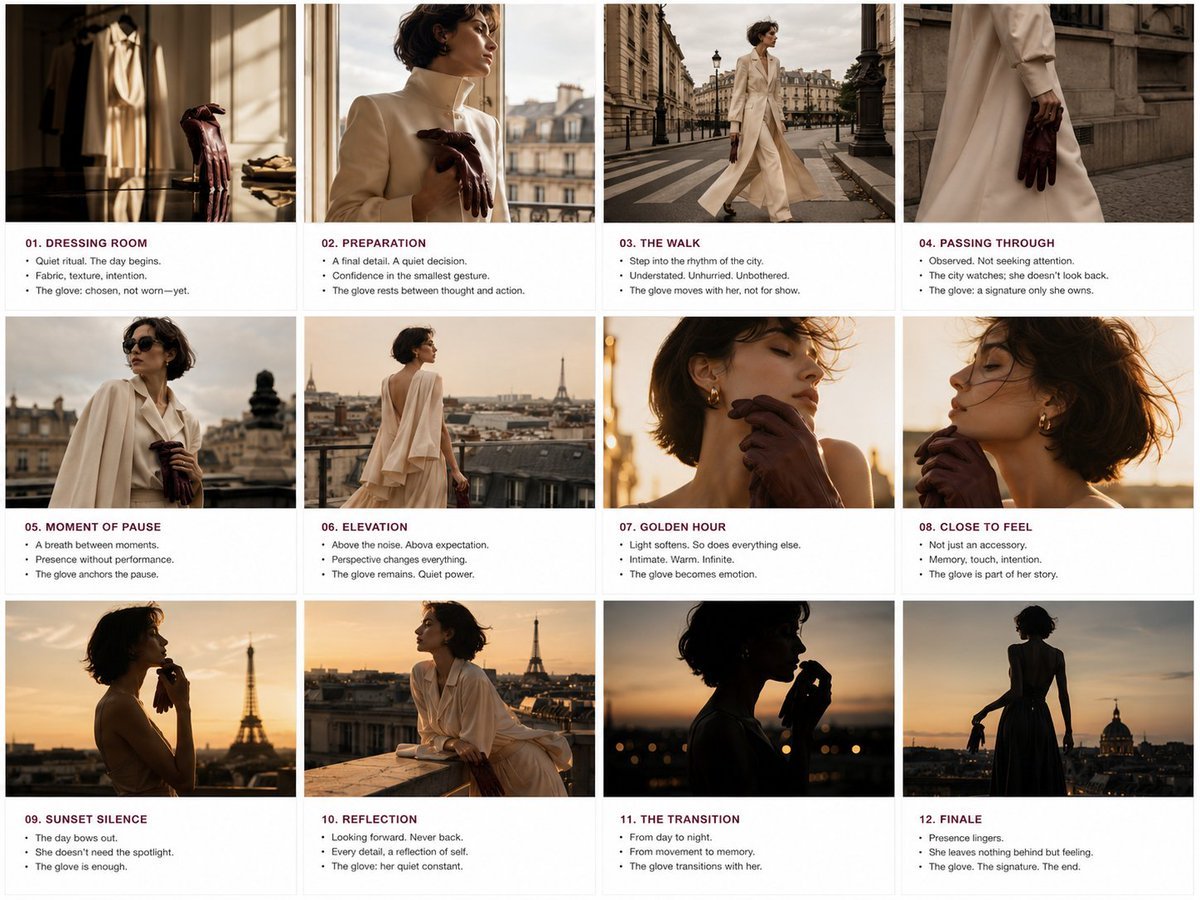
Luxury Fashion Editorial Storyboard
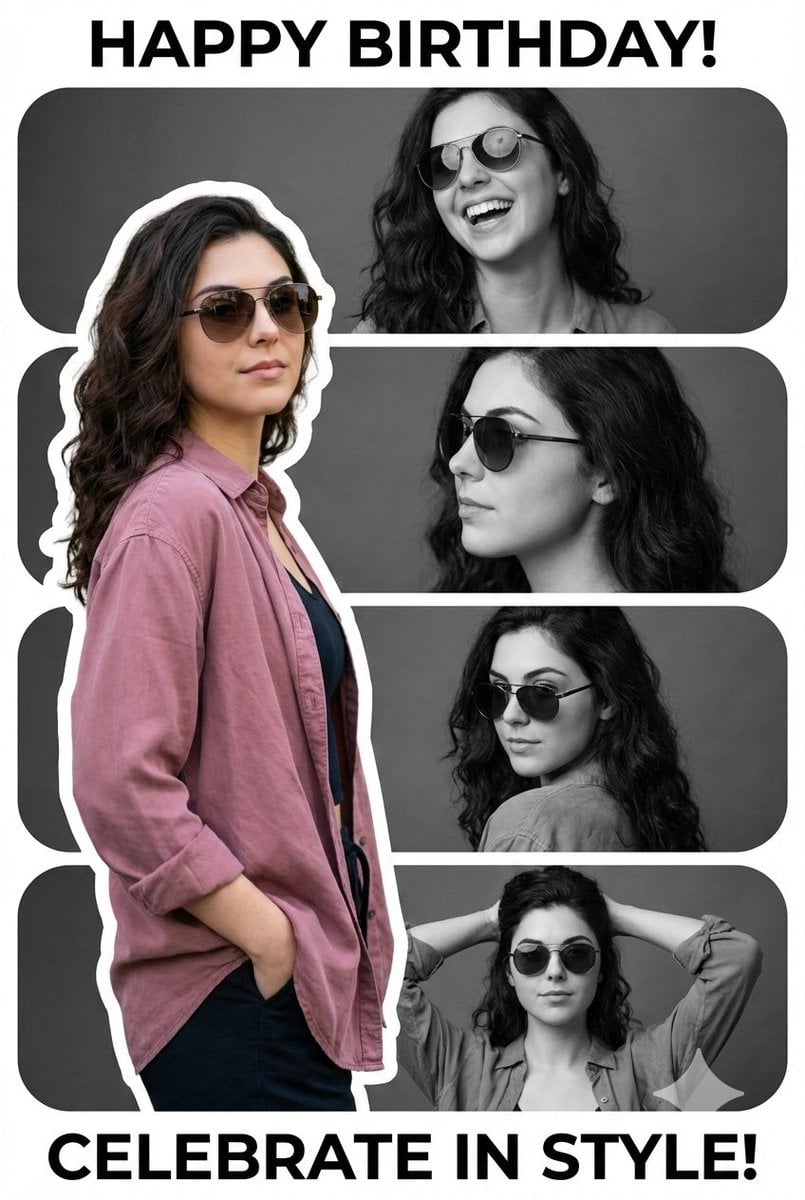
Vertical Birthday Poster Collage with Cinematic Monochrome Photos
Character Generation Prompt (Step 1)
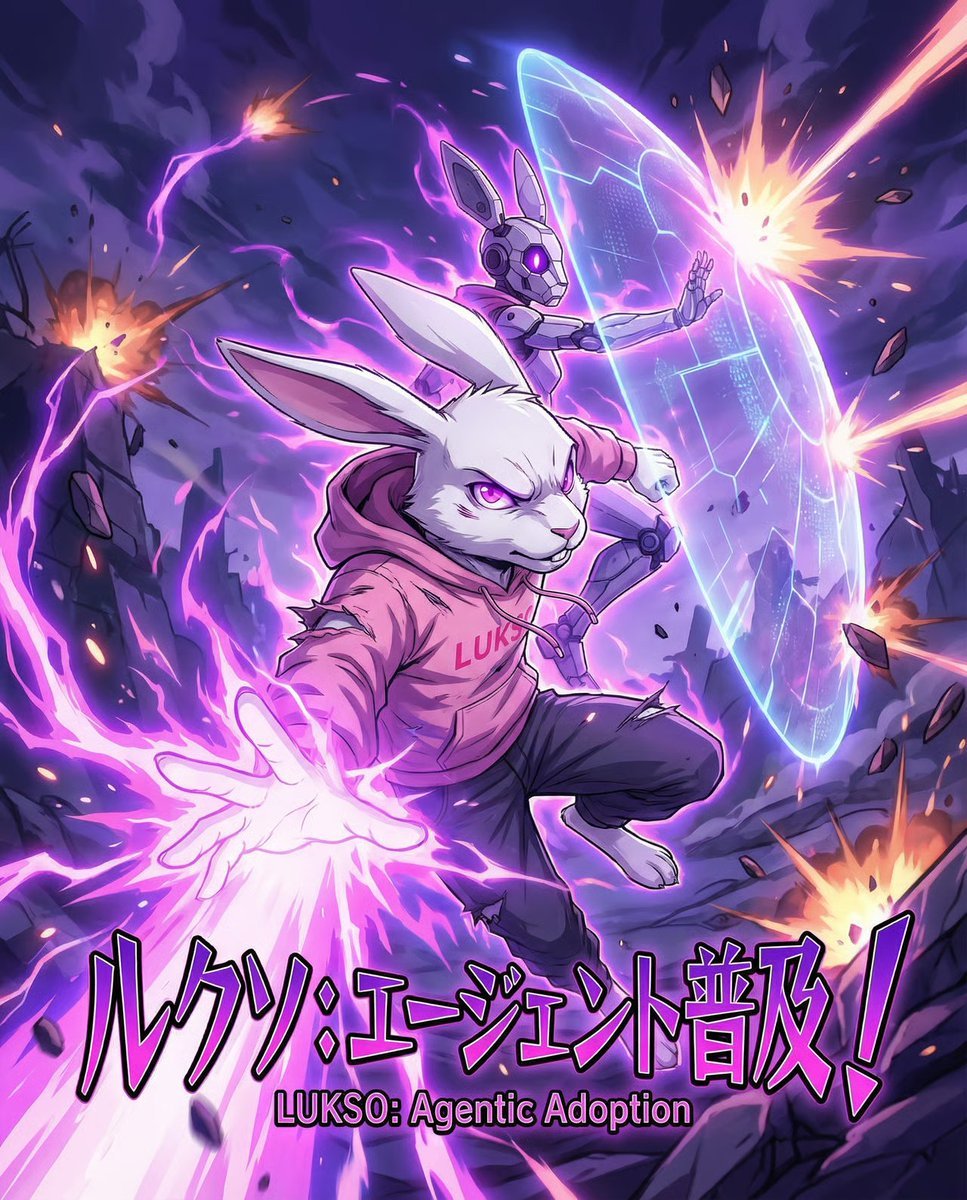
Dynamic Anime Battle Poster with Japanese Text
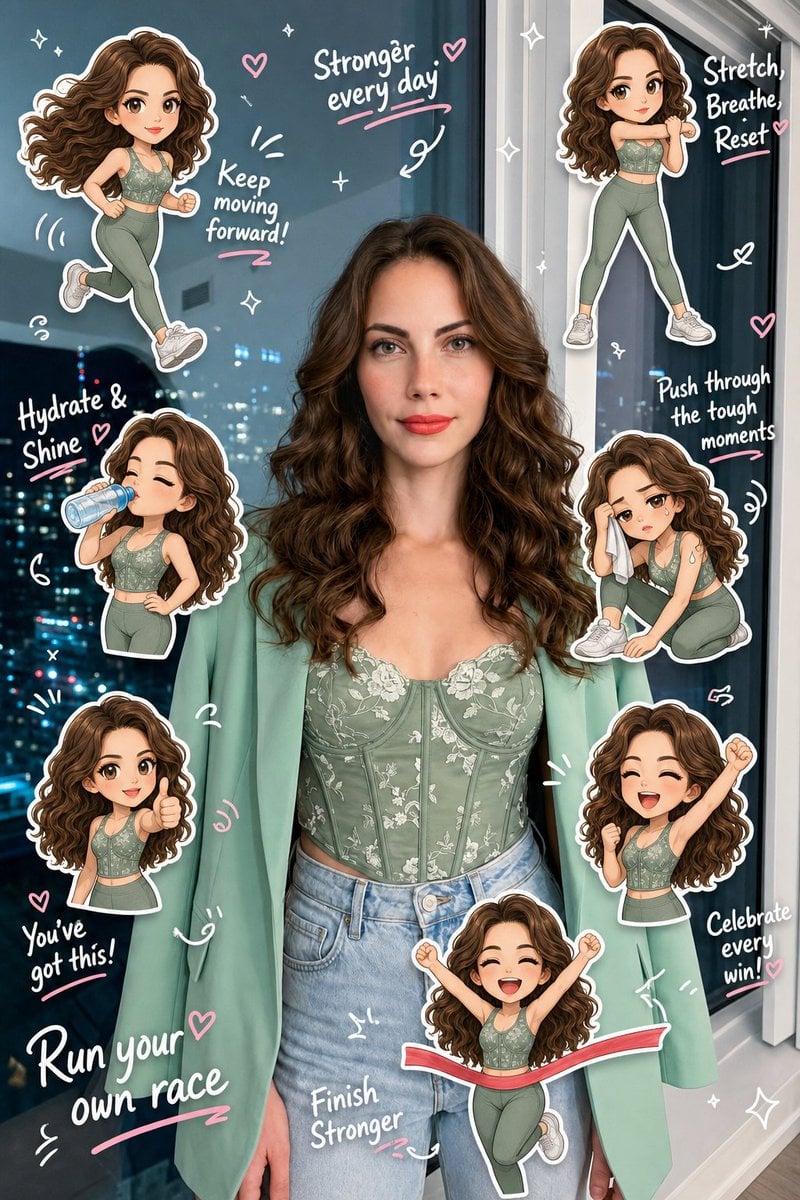
Chibi Clone Sticker Diary
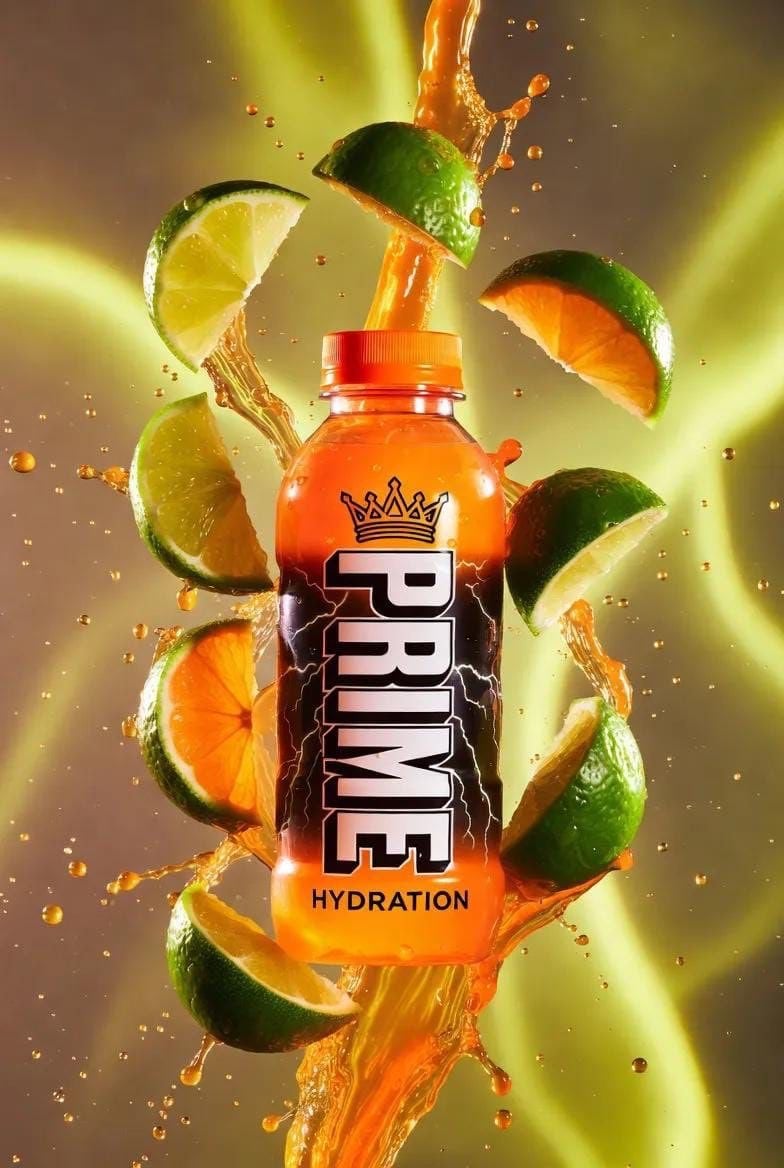
Hyper-Realistic Product Shot with Exploding Citrus and Liquid
Browse template categories
Watercolor Silhouette Character Story questions
How do I use the Watercolor Silhouette Character Story template?
Add your photo if the template asks for one, edit the prompt if you like — the template's model and format are already selected — and press Generate. Your version opens in PicX Studio.
Can I customize the Watercolor Silhouette Character Story template?
Yes. You can change the subject, setting, lighting, mood, format, and available model controls before creating your image.
Is the Watercolor Silhouette Character Story template free?
Opening and editing this template is free. Generating uses credits, shown on the Generate button when you are signed in.
Which AI model should I use?
Start with GPT Image 2, which is the model associated with this template. You can compare another compatible model for a different finish.
Looking for something else? Browse all templates.

Your photo, any look
Thousands of ready templates for every top image and video model, from one credit balance.