
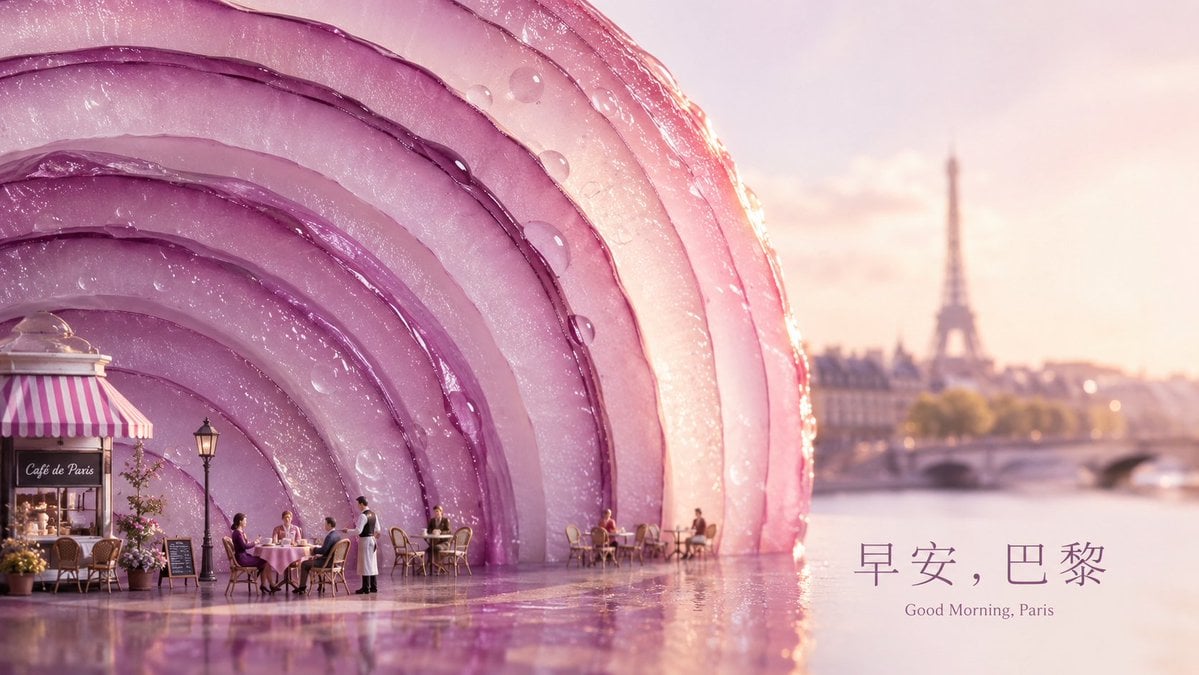
Surreal Paris Morning Onion Poster
Generates a dreamy cinematic city poster of Paris at sunrise with a giant translucent onion pavilion, café scene, and bilingual morning greeting typography.
- Prompt included
- Model and format preset
- Free template
The prompt behind this image
Copy the exact prompt behind Surreal Paris Morning Onion Poster, or open it in the studio and make it yours.
Create a cinematic wide city poster for {argument name="city" default="Paris"} at sunrise, combining a romantic café scene with a surreal giant-object aesthetic. The composition is a 16:9 horizontal poster: the left two thirds are dominated by an enormous translucent red onion sliced open into sweeping concentric purple-pink arcs, each layer glossy, semi-transparent, and covered with sparkling dew droplets; the onion functions like a monumental architectural shell or pavilion beside the river. At the lower left, place a tiny Parisian café with a pink-and-white striped awning, warm interior light, a sign reading “Café de Paris,” potted flowers, a black menu board, a vintage streetlamp, wicker chairs, and small round café tables. Include exactly 8 visible human figures: 3 seated diners at the main foreground table, 1 standing waiter beside them in black vest and white apron, 2 seated guests at a midground table under the onion arch, and 2 seated guests at a farther right table near the water. The right third opens to a soft-focus Seine riverside view with a bridge and the Eiffel Tower in the hazy distance. Use pastel dawn lighting, peach-pink sky, golden rim light, shallow depth of field, reflective wet pavement, delicate bokeh, dreamy luxury travel-advertising mood, hyperreal 3D realism blended with painterly cinematic softness. Add elegant bottom-right typography: large Chinese headline “{argument name="headline text" default="早安,巴黎"}” with smaller English subtitle “{argument name="subtitle text" default="Good Morning, Paris"}” beneath it, both in a refined thin serif font, muted plum color, spacious letter spacing. Avoid modern cars, clutter, extra landmarks, extra text, logos, or watermarks.
How to use Surreal Paris Morning Onion Poster in 3 steps
- 1Upload ImagePNG, JPG or paste
Add your photo
Upload the photo the template builds on. The prompt, model and format are already set.
- 2…a portrait of your subject in softgolden-hour light, 85mm…
Personalize
Edit the subject and creative details for your destination.
- 3Generate
Generate
Press Generate — your image is created in PicX Studio, so you can compare it with the original and refine one variable at a time.
More like this
Templates with the same subject, style or setup. Open one to see its prompt.
Paris Morning Travel Poster

Japan Travel Brochure Poster
Good Morning Changsha Food Poster
Futuristic Good Morning Beijing Poster
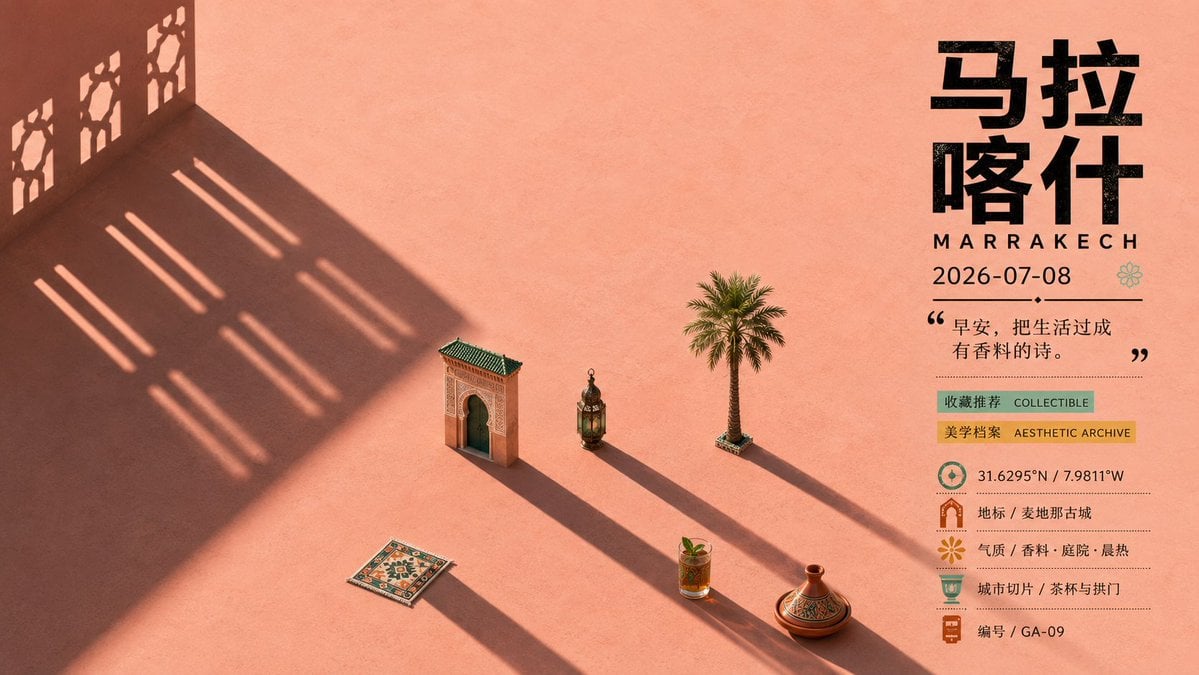
Marrakech Morning Travel Poster
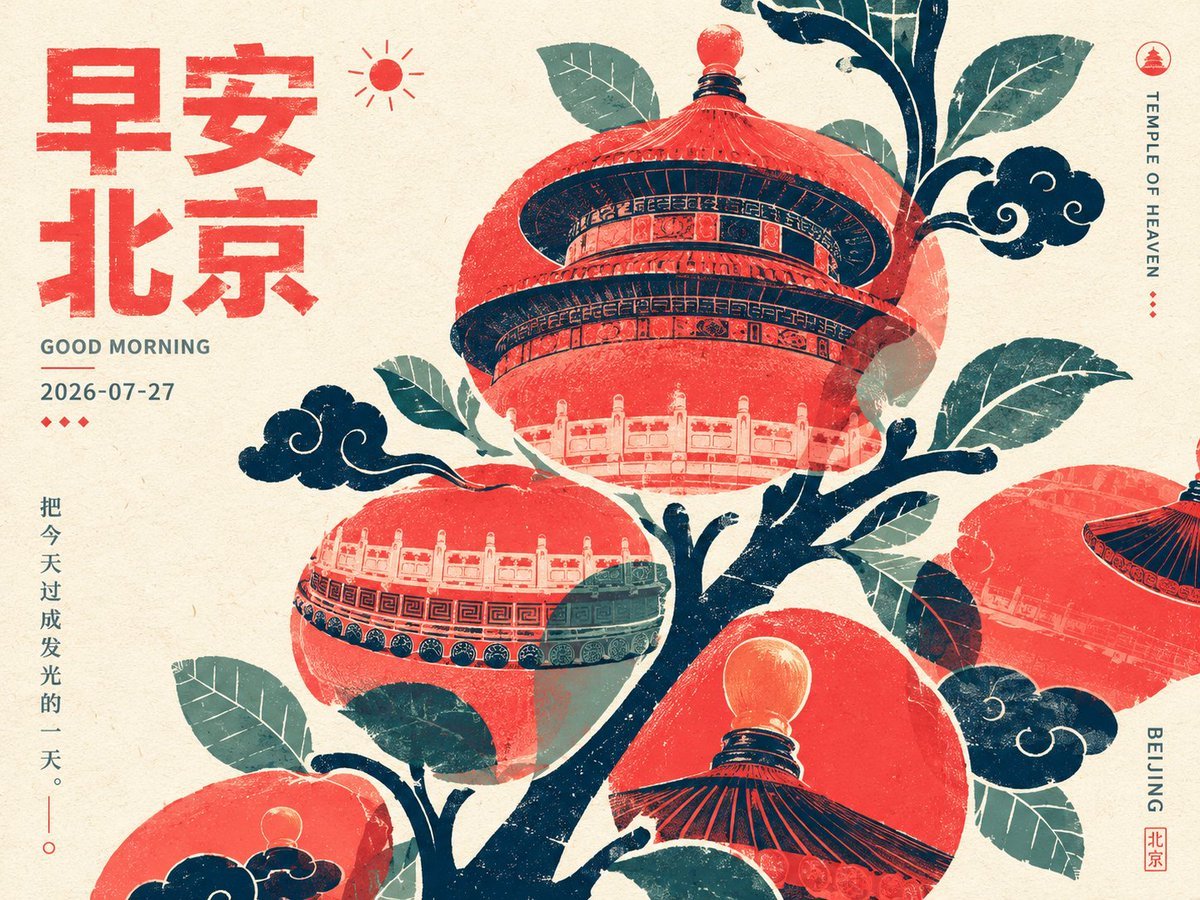
Retro Beijing Morning Fruit Poster
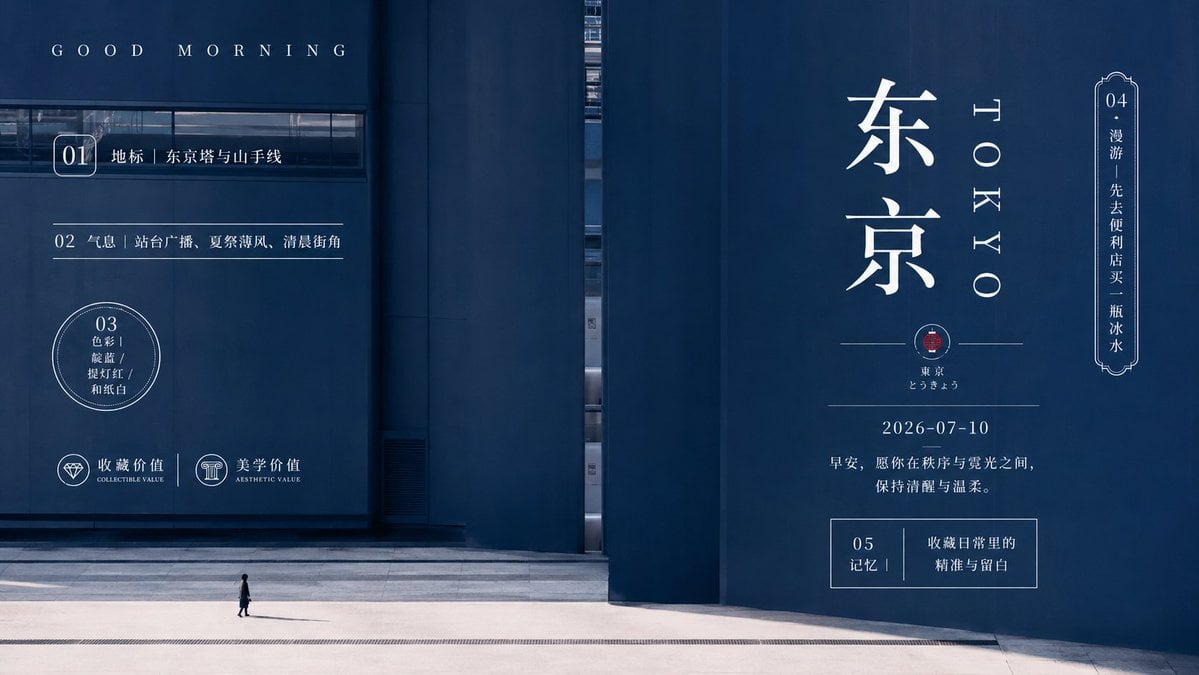
Minimal Tokyo Morning Poster
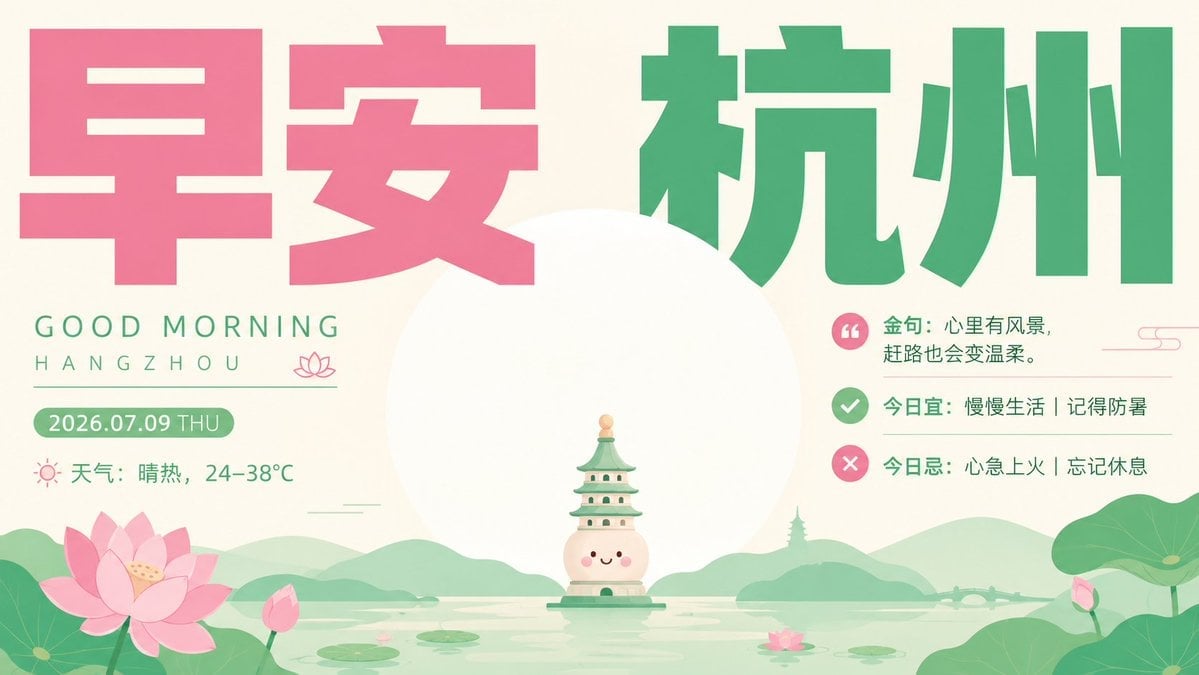
Healing Good Morning Hangzhou Poster
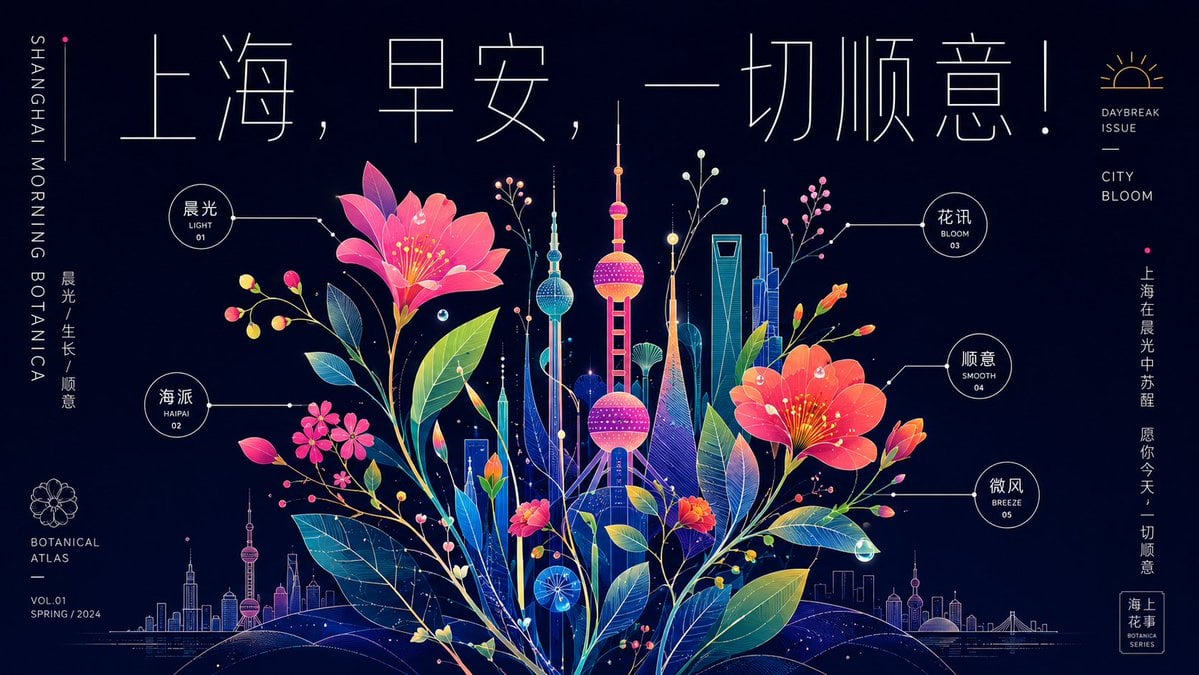
Neon Shanghai Botanical Morning Poster

Surreal Cat Astronaut — Humanoid Face Freefall

Cartoon TV Show Poster Pack

Trendy Cafe Drink Promo Poster
Make it yours
Surreal Paris Morning Onion Poster works as-is. These are the safest ways to change it without losing the look.
Change one field
Copy a single group, rewrite it, and generate again so you can see what that field is doing.
Keep the frame, change the subject
Hold the composition and light of Surreal Paris Morning Onion Poster, then swap wardrobe, props or the person for a new take.
| If the result… | Why | Fix |
|---|---|---|
| The result drifts from the preview | Too many fields changed at once. | Reuse Surreal Paris Morning Onion Poster as-is first, then change one group — subject, light, or setting. |
| The model over-stylizes the scene | The prose prompt leaves finish and camera underspecified. | Add one camera or lighting sentence and stay on GPT Image 2. |
More GPT Image 2 templates
Other prompts made for GPT Image 2.

Six VTuber Japanese Logo Sheet

Realistic Portrait of Woman and Deer

The Vista Modular Condo Poster

AI Model Routing Comparison Infographic

2.5D Anime Art Board

Isometric Productivity Desk Scene

New York Double Exposure Poster

Four-Panel AI Landscape Comparison

Japanese Tatami Lifestyle Magazine Cover

NESCAFÉ Coffee Map Poster
More image prompts
Fresh picks from across the catalog.

Podcast cover from two reference portraits
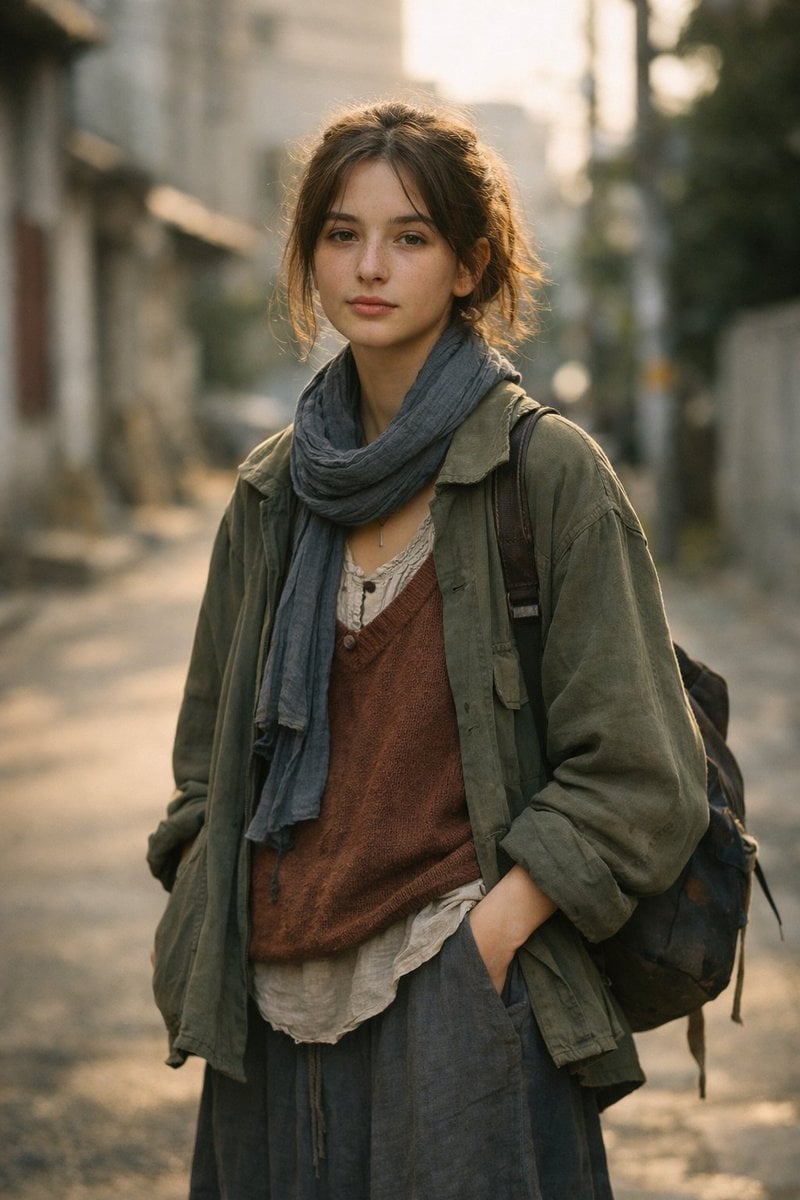
LLM prompt for generating a detailed travel itinerary for a trip to Japan

Product Photography Prompt: Swiss Army Knife
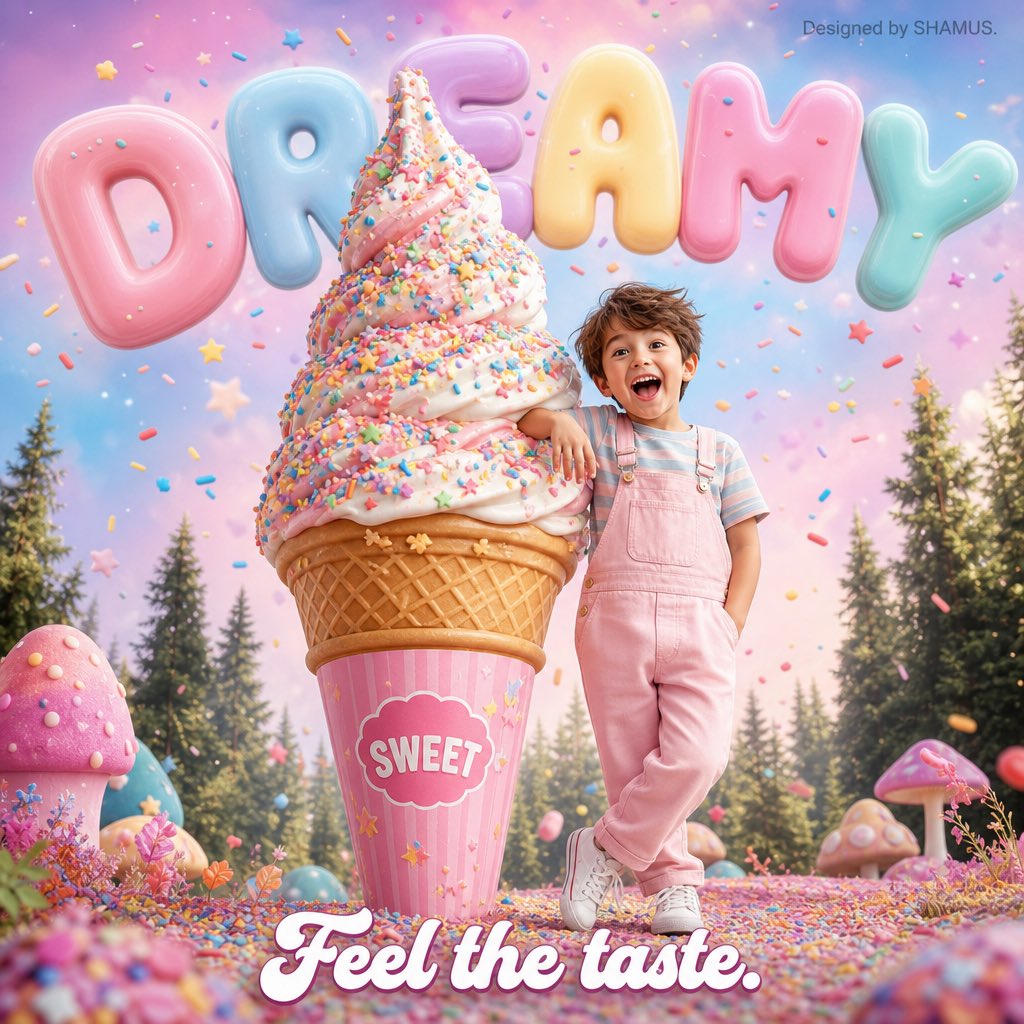
Kawaii Dessert Advertisement
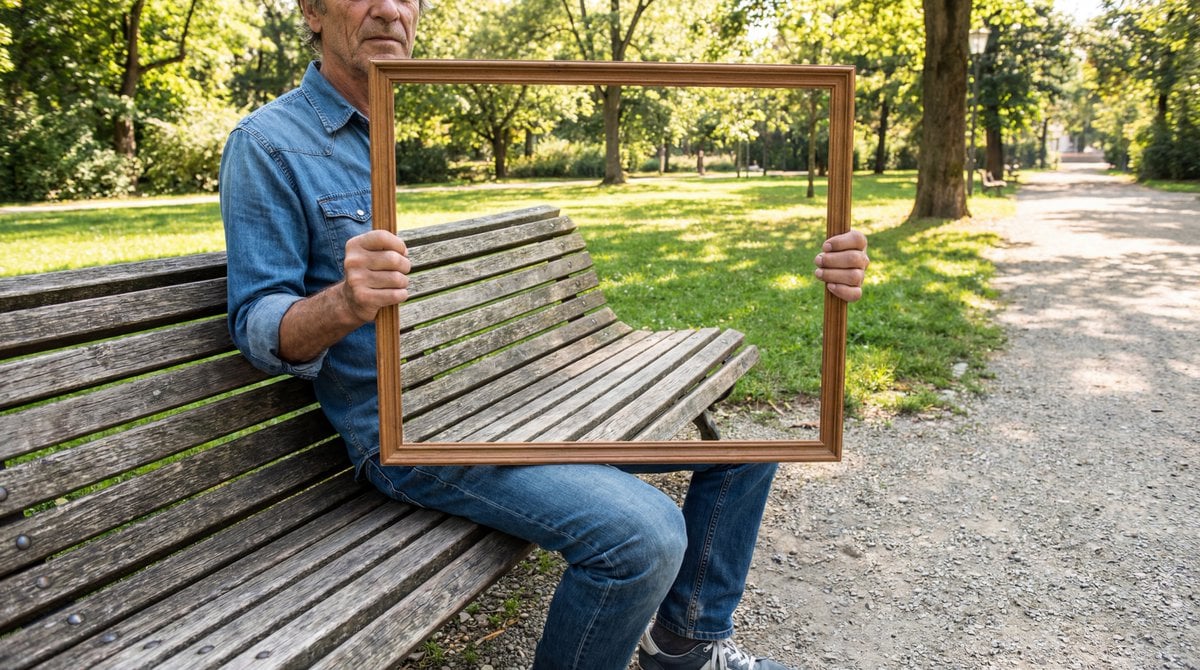
Illusion Image: Invisible Torso Cut-Out
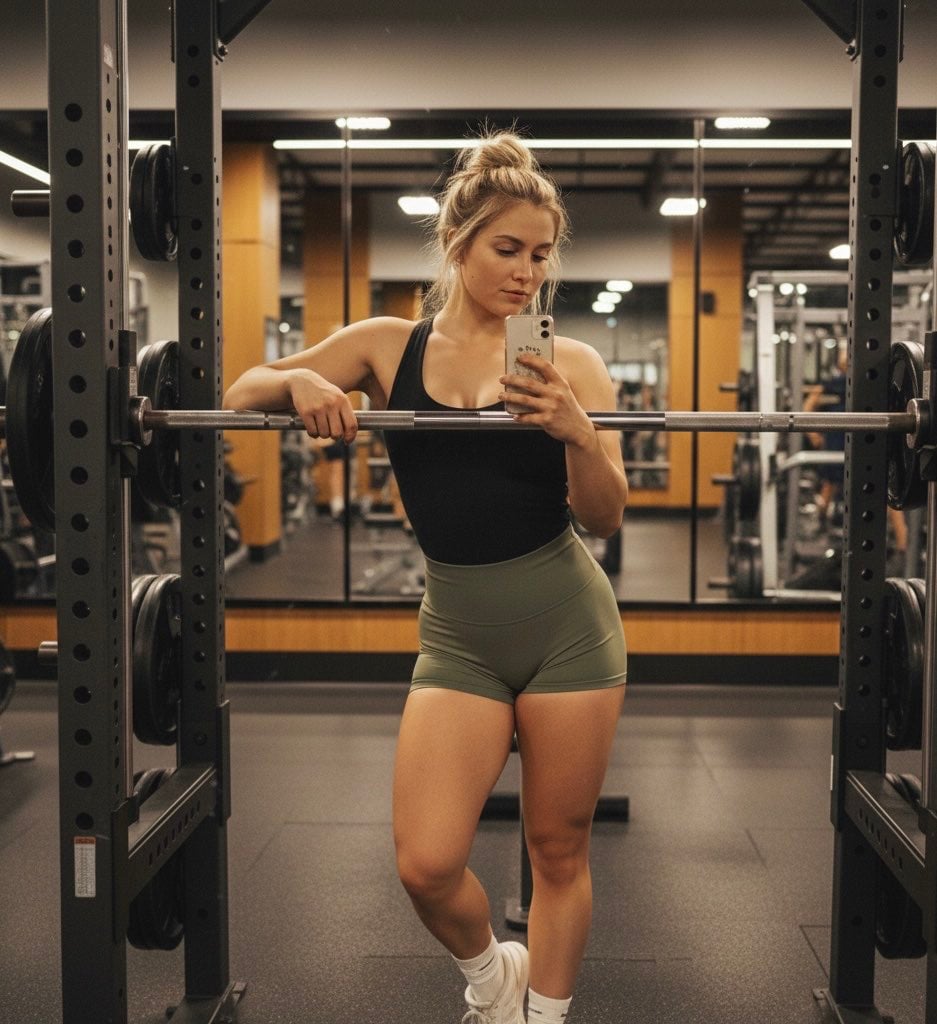
Gemini Nano Banana Pro Prompt for Reflective Self-Improvement
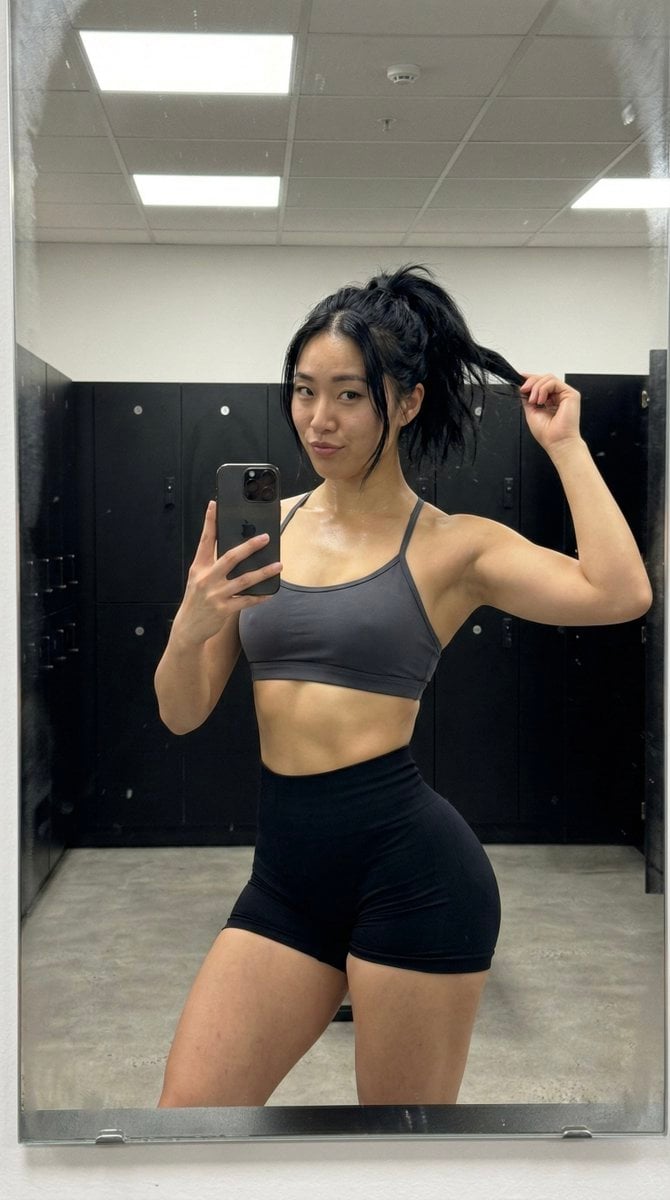
Gym Mirror Selfie with Post-Workout Glow (iPhone Style)
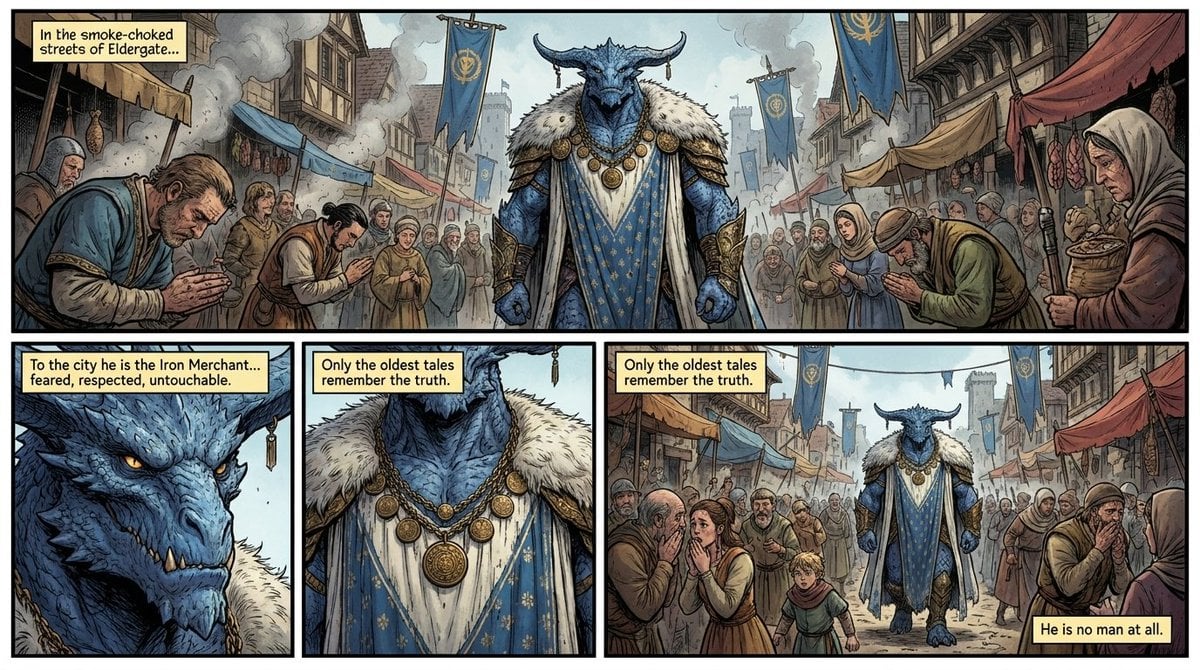
Fantasy Comic Page of Korvax in Eldergate
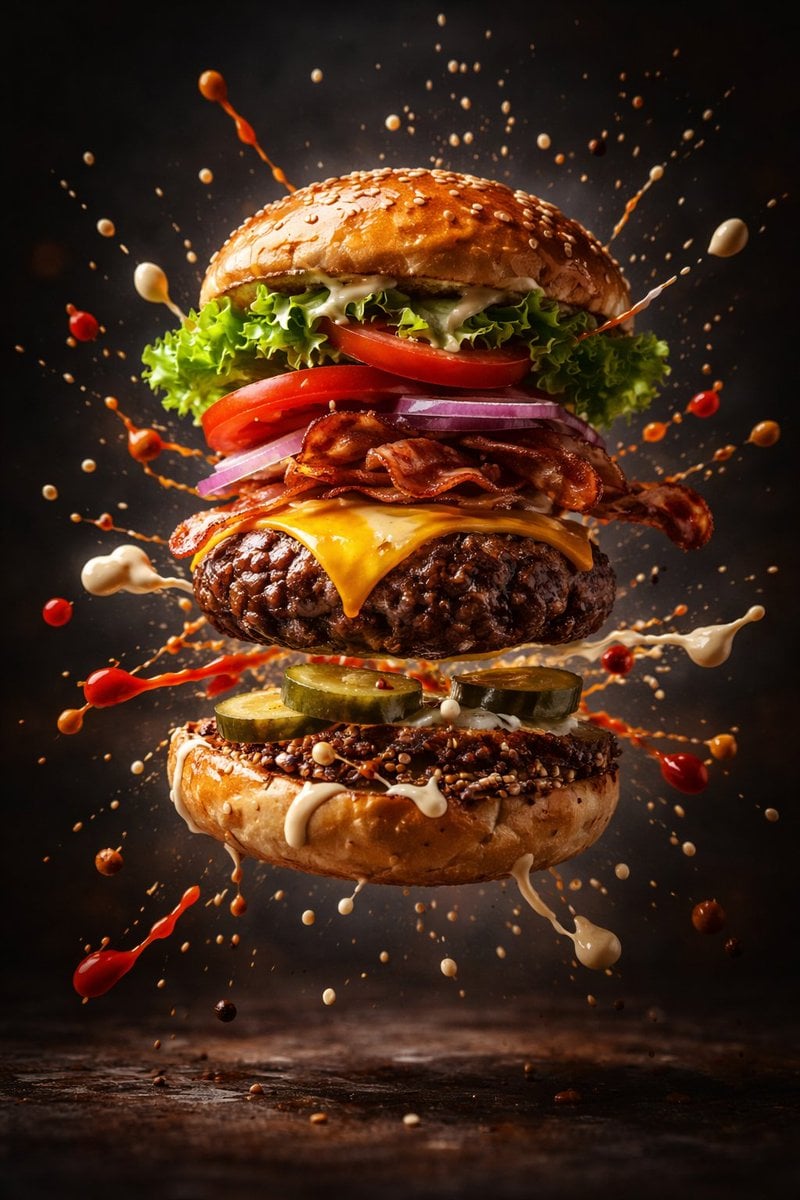
Cinematic Gourmet Burger Explosion Prompt (Code Style)
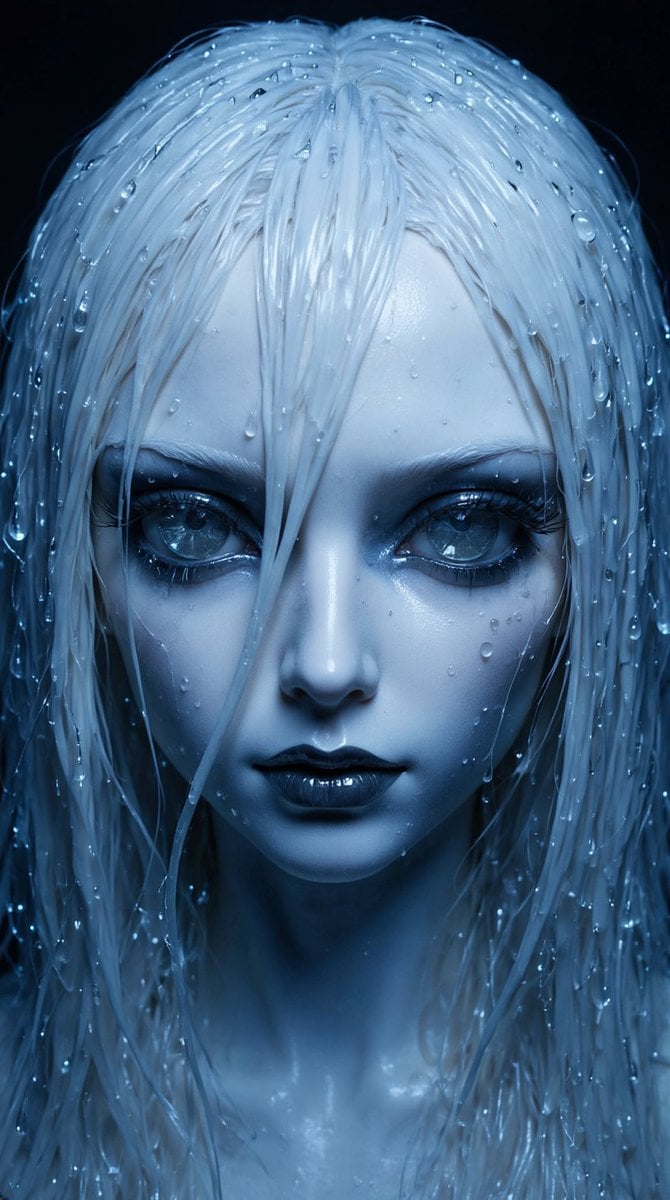
High-Fashion Ball-Jointed Doll in Synthetic Despair
Browse template categories
Surreal Paris Morning Onion Poster questions
How do I use the Surreal Paris Morning Onion Poster template?
Add your photo if the template asks for one, edit the prompt if you like — the template's model and format are already selected — and press Generate. Your version opens in PicX Studio.
Can I customize the Surreal Paris Morning Onion Poster template?
Yes. You can change the subject, setting, lighting, mood, format, and available model controls before creating your image.
Is the Surreal Paris Morning Onion Poster template free?
Opening and editing this template is free. Generating uses credits, shown on the Generate button when you are signed in.
Which AI model should I use?
Start with GPT Image 2, which is the model associated with this template. You can compare another compatible model for a different finish.
Looking for something else? Browse all templates.

Your photo, any look
Thousands of ready templates for every top image and video model, from one credit balance.