How do I use the Premium Lifestyle Studio Portrait template?
Choose the primary action to open PicX Studio with the available template settings. Review the model and format, personalize the creative direction, and generate when ready.
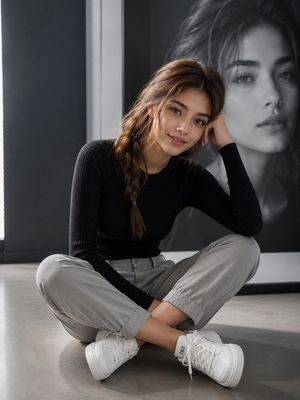
A professional studio portrait prompt for a clean, commercial lifestyle aesthetic featuring an adult in smart-casual school-themed attire.
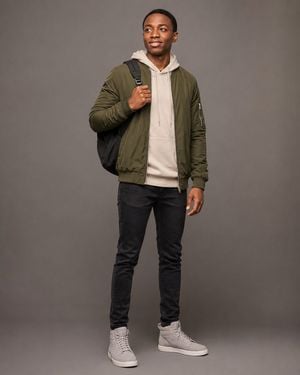
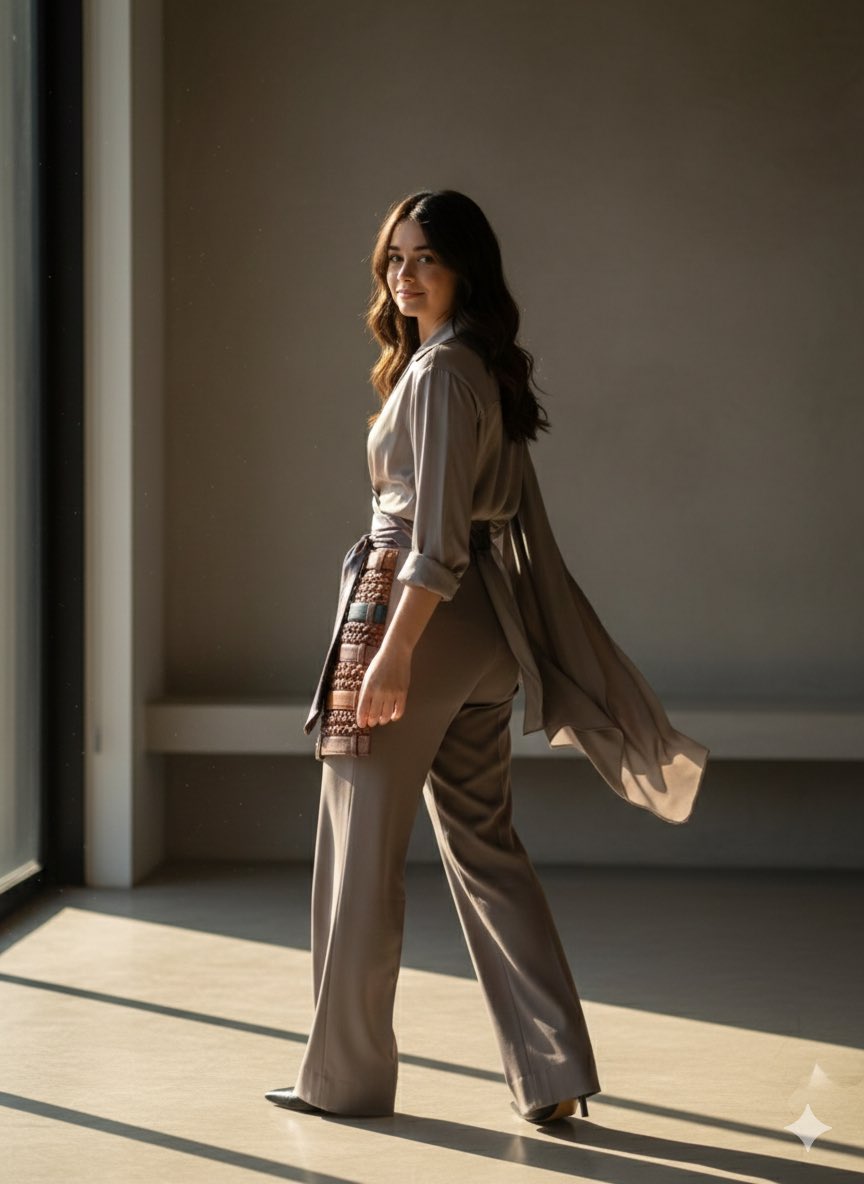
Create an ultra-realistic, premium lifestyle studio portrait of an {argument name="subject" default="adult"} standing in a relaxed, natural pose against a seamless {argument name="background color" default="warm gray"} studio background. The subject is smiling naturally while looking slightly upward and off-camera, conveying optimism, confidence, and approachability. The subject wears a layered casual-smart outfit consisting of an {argument name="clothing" default="olive green bomber jacket"} over a light beige hoodie, dark slim-fit jeans, and clean light gray high-top sneakers. A minimalist black backpack is worn over one shoulder, with one hand comfortably holding the shoulder strap while the other arm rests naturally by the side. Capture the subject from head to toe with balanced body proportions and realistic anatomy. Maintain a relaxed posture with feet comfortably apart and natural weight distribution. Use soft professional studio lighting with subtle shadows, producing even skin tones and gentle contrast. Preserve realistic skin texture, natural facial details, and authentic clothing fabric textures. The bomber jacket should have a matte finish, while the hoodie appears soft and slightly textured. Style the portrait like a premium commercial fashion campaign for a modern lifestyle or travel brand. Keep the composition clean and uncluttered with generous negative space around the subject. Photographed using a Sony A7R V with an 85mm f/1.8 lens, ultra-high resolution, HDR, shallow depth of field, razor-sharp focus, realistic color grading, magazine-quality editorial photography, 8K, highly detailed, photorealistic, professional commercial lighting. Aspect Ratio: 4:5 vertical.
Choose the primary action to open PicX Studio with the available template settings. Review the model and format, personalize the creative direction, and generate when ready.
Yes. You can change the subject, setting, lighting, mood, format, and available model controls before creating your image.
This template is free to open and customize. Generation usage is shown in PicX Studio before you create.
Start with GPT Image 2, which is the model associated with this template. You can compare another compatible model for a different finish.
Follow a topic to a crawlable collection of related PicX Studio templates.