
Urban Travel Lifestyle Photography
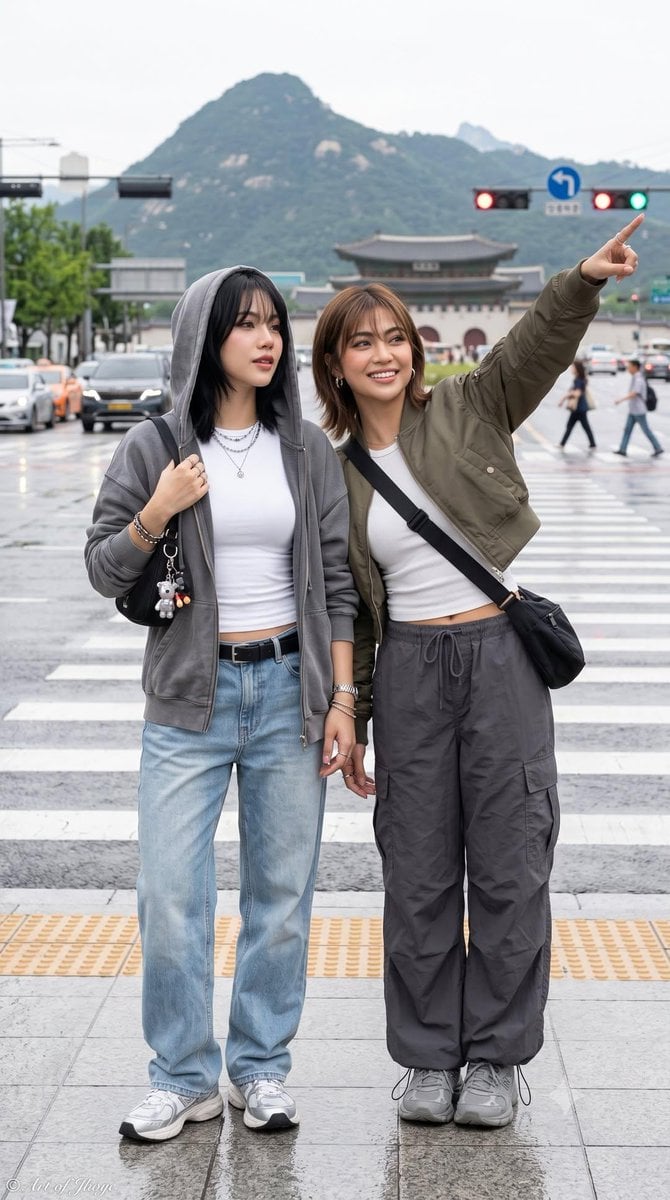
A detailed prompt for generating hyper-realistic lifestyle photography of consistent characters in trendy street fashion across various urban and cultural settings.
- Prompt included
- Model and format preset
- Free template
The prompt behind this image
Copy the exact prompt behind Urban Travel Lifestyle Photography, or open it in the studio and make it yours.
Ultra-realistic lifestyle photography featuring {argument name="characters" default="two stylish young women"} captured in multiple candid travel and friendship moments across modern urban and cultural locations. One has a short light-brown bob haircut with soft bangs, while the other has long straight black hair (or tied-back variations). Their facial features remain consistent across every image. They wear {argument name="fashion style" default="trendy Korean/Japanese street fashion"} with oversized hoodies, varsity sweatshirts, pleated skirts, cargo pants, denim, sneakers, crossbody bags, layered jewelry, sunglasses, and headphones. Natural smiles, relaxed body language, playful interactions such as peace signs, heart hands, pointing toward landmarks, sitting together, and walking side by side. Scenes include: {argument name="locations" default="a contemporary bookstore with towering bookshelves, a traditional Korean hanok street at golden hour, a rainy city crosswalk with mountains and a historic palace in the background, and a peaceful green park with wooden benches"}. Shot at eye level and slightly low-angle perspectives using a 35mm lens, full-body framing, cinematic composition, shallow depth of field, authentic environmental storytelling, soft natural daylight, realistic skin texture, highly detailed clothing fabrics, crisp facial details, vibrant yet natural color grading, editorial travel photography, social media influencer aesthetic, ultra-photorealistic, DSLR quality, HDR, 8K, sharp focus, no distortion, no extra limbs, no duplicated people, no text, no watermark.
How to use Urban Travel Lifestyle Photography in 3 steps
- 1
Open
The prompt is already in the box next to the preview, with the template's model and format selected.
- 2…a portrait of your subject in softgolden-hour light, 85mm…
Personalize
Edit the subject and creative details for your destination.
- 3Generate
Generate
Press Generate — your image is created in PicX Studio, so you can compare it with the original and refine one variable at a time.
More like this
Templates with the same subject, style or setup. Open one to see its prompt.
Ultra-photoreal cinematic travel lifestyle photo
Mountain Valley Lifestyle Portrait
Lifestyle photography, cinematic color grading, shallow depth of field
Flower Petal Sunglasses Couture Portrait

Japan Travel Brochure Poster
青蛇小青写真大片,绿色紧身蛇鳞裙,湿发红唇,妖娆妩媚
A double exposure, long exposure editorial photograph of a man Use image

Portrait of a young woman in her early 20s walking calmly on a beautiful
Artistic portrait of an elegant Asian woman wearing a black silk
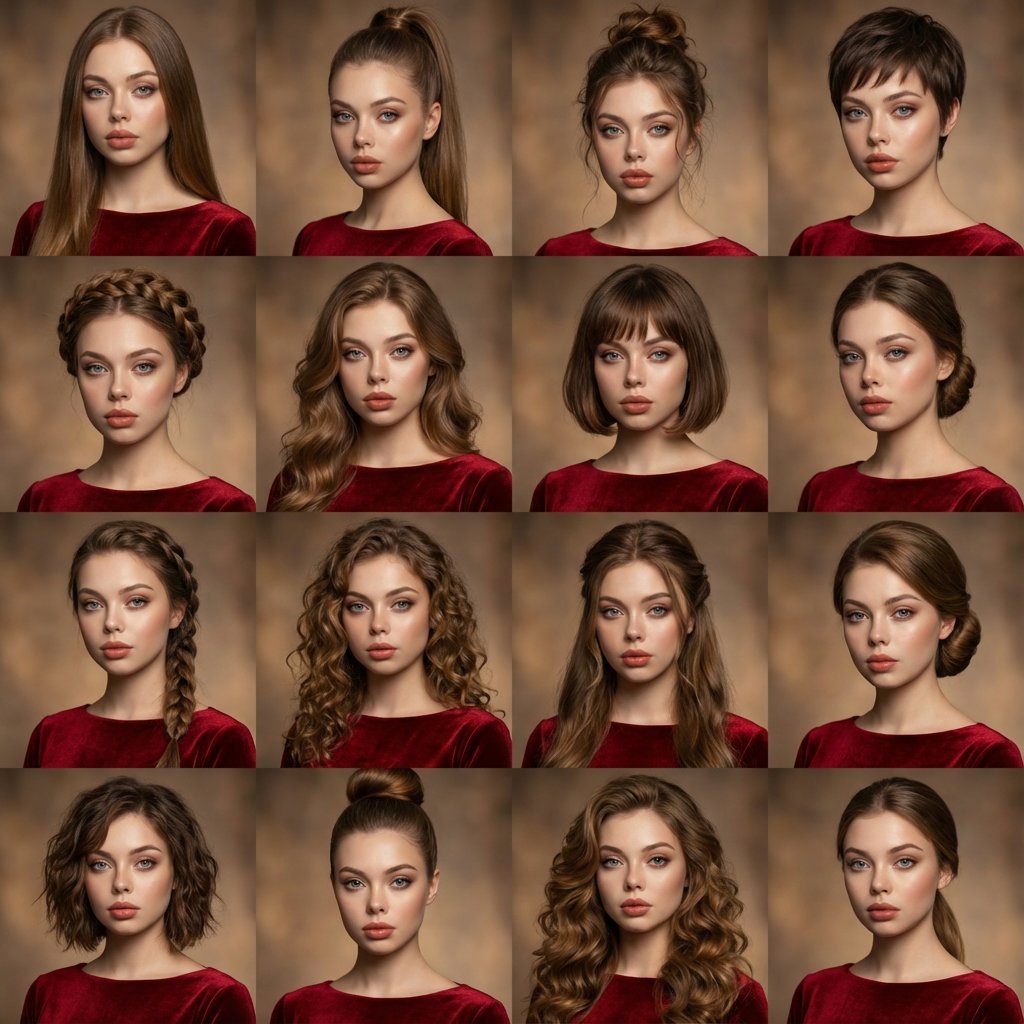
A high-quality photo collage featuring the same person with identical
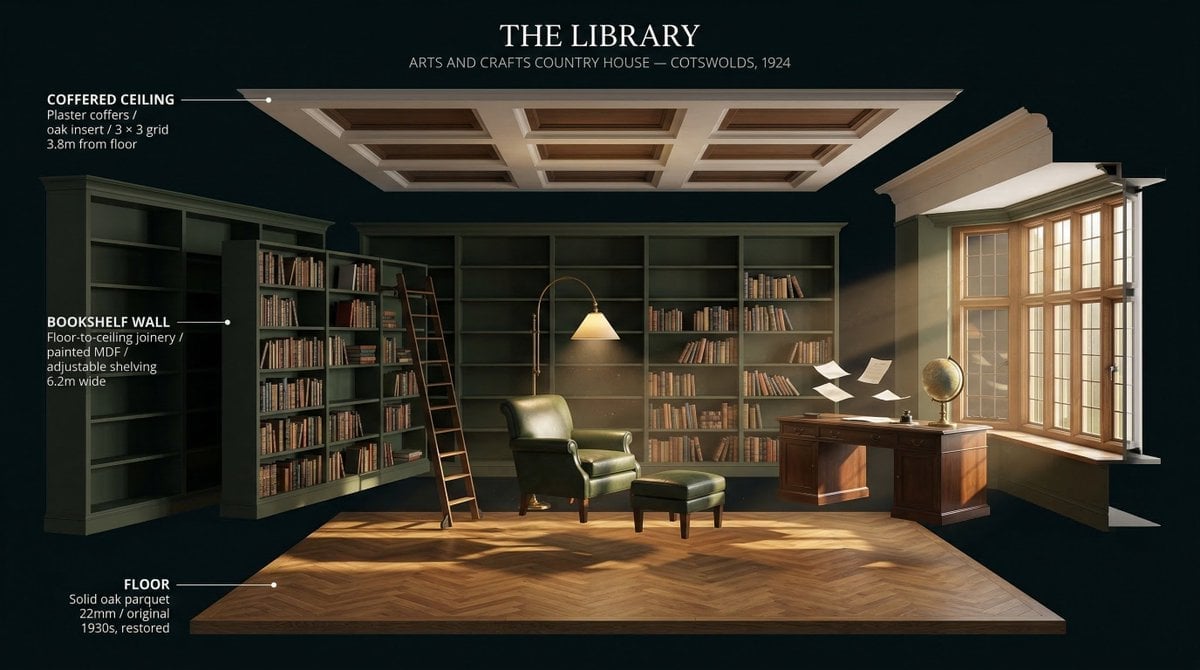
LIGHTING each element still lit by its original source, windows casting
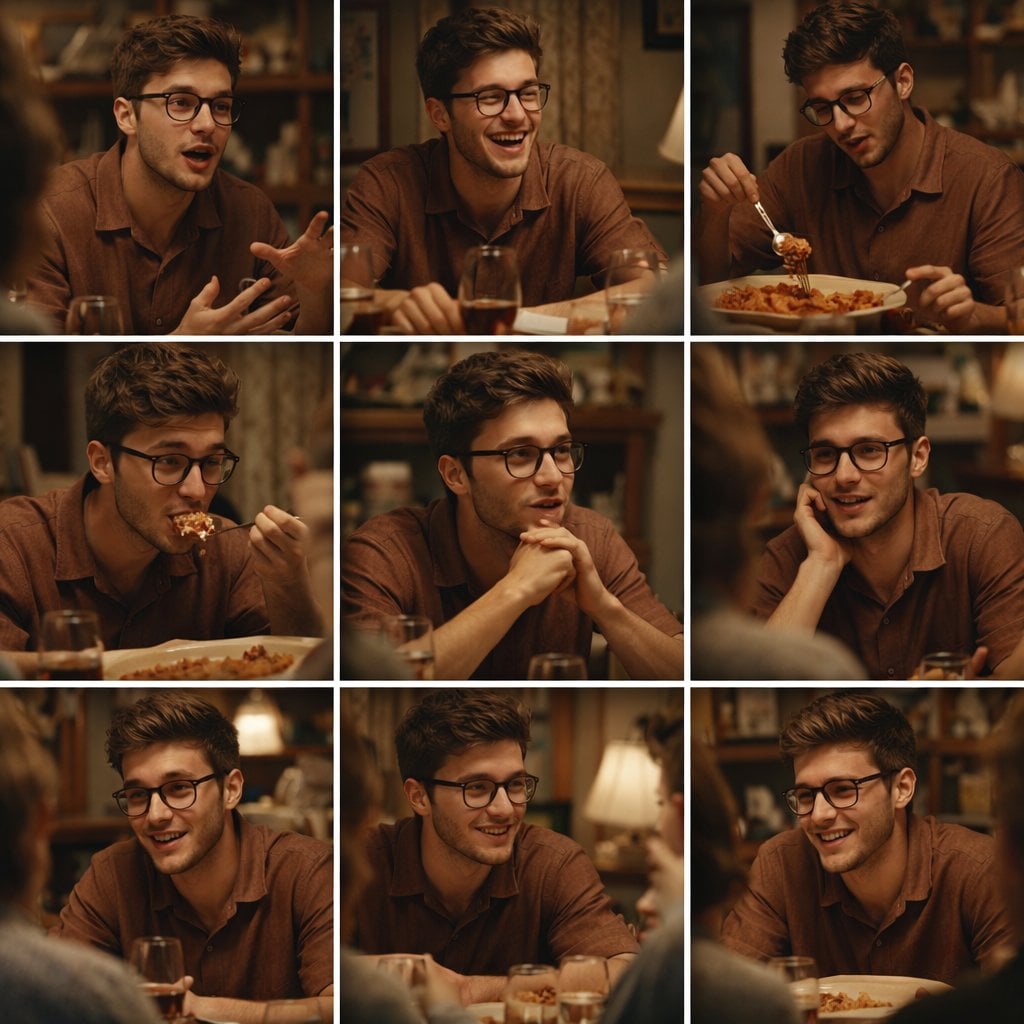
A 3x3 grid storyboard contact sheet comprised of nine candid, cinematic
Make it yours
Urban Travel Lifestyle Photography works as-is. These are the safest ways to change it without losing the look.
Change one field
Copy a single group, rewrite it, and generate again so you can see what that field is doing.
Keep the frame, change the subject
Hold the composition and light of Urban Travel Lifestyle Photography, then swap wardrobe, props or the person for a new take.
| If the result… | Why | Fix |
|---|---|---|
| The result drifts from the preview | Too many fields changed at once. | Reuse Urban Travel Lifestyle Photography as-is first, then change one group — subject, light, or setting. |
| The model over-stylizes the scene | The prose prompt leaves finish and camera underspecified. | Add one camera or lighting sentence and stay on GPT Image 2. |
More GPT Image 2 templates
Other prompts made for GPT Image 2.

Six VTuber Japanese Logo Sheet

Realistic Portrait of Woman and Deer

The Vista Modular Condo Poster

AI Model Routing Comparison Infographic

2.5D Anime Art Board

Isometric Productivity Desk Scene

New York Double Exposure Poster

Four-Panel AI Landscape Comparison

Japanese Tatami Lifestyle Magazine Cover

NESCAFÉ Coffee Map Poster
More image prompts
Fresh picks from across the catalog.
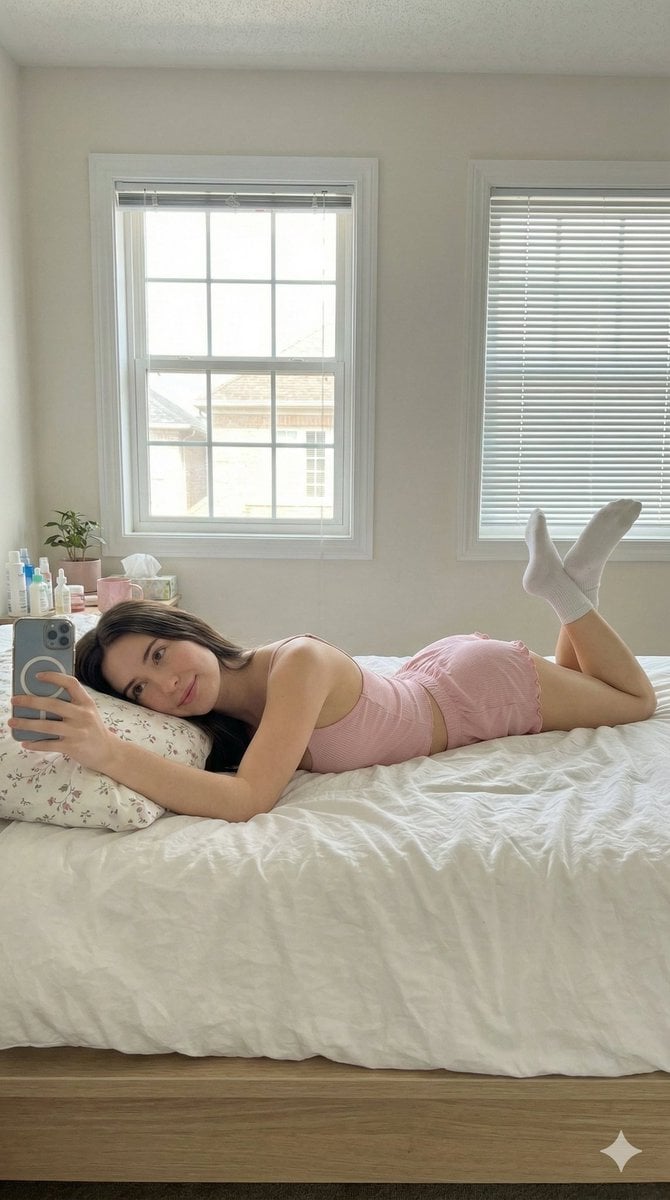
Lazy Sunday Morning Bedroom Selfie Prompt
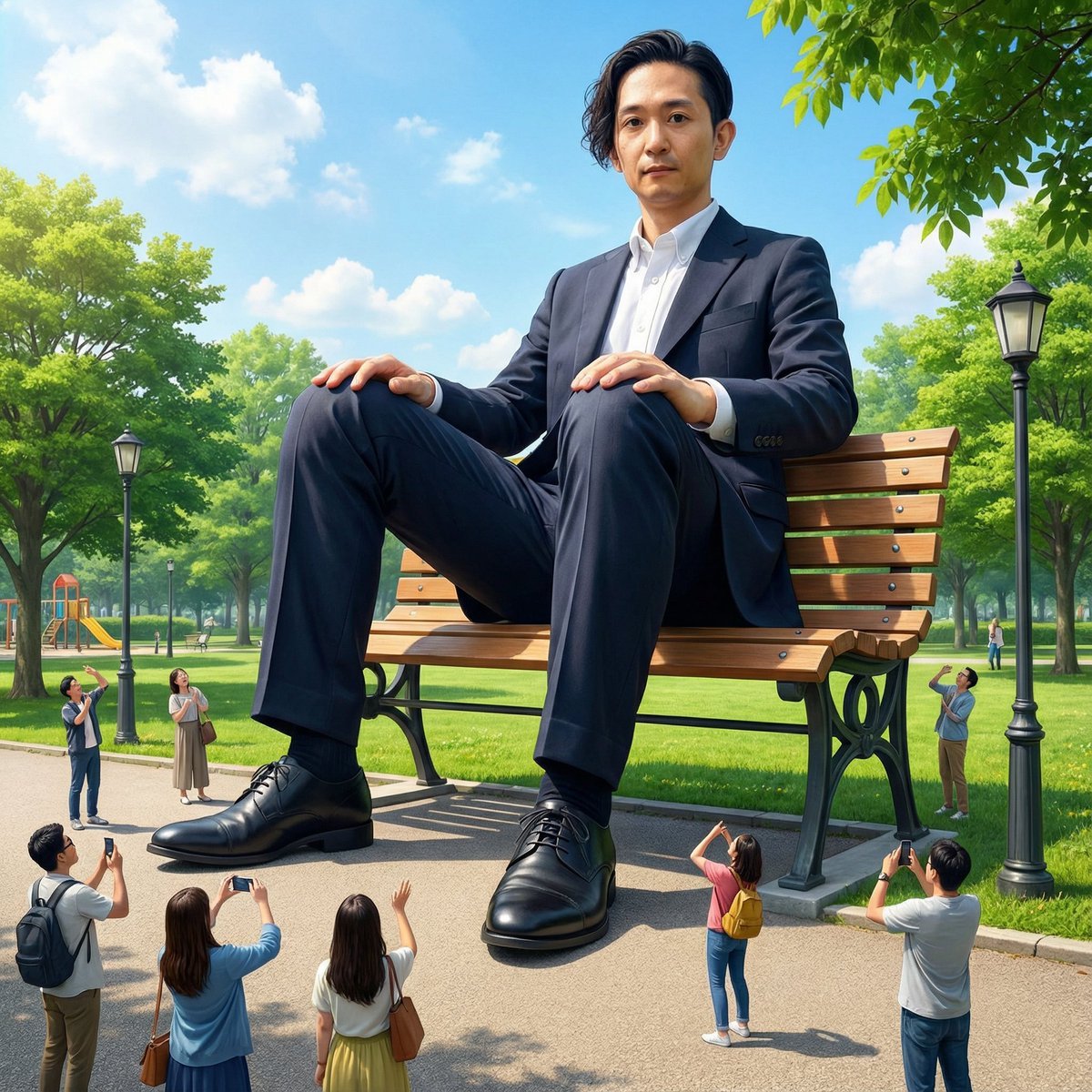
Giant Self on a Bench Prompt
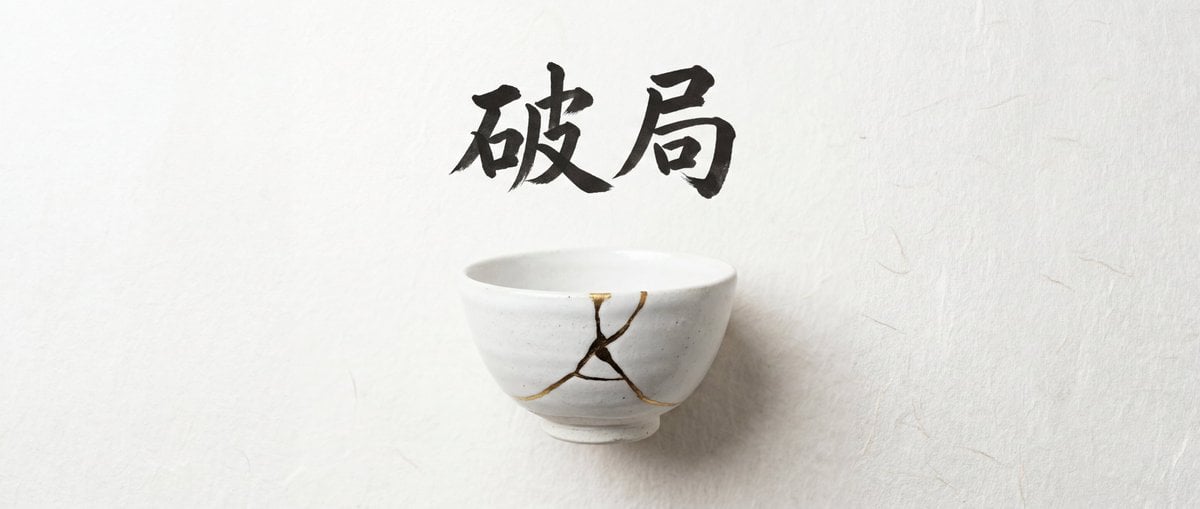
Infographic Generation with Chinese Text Support
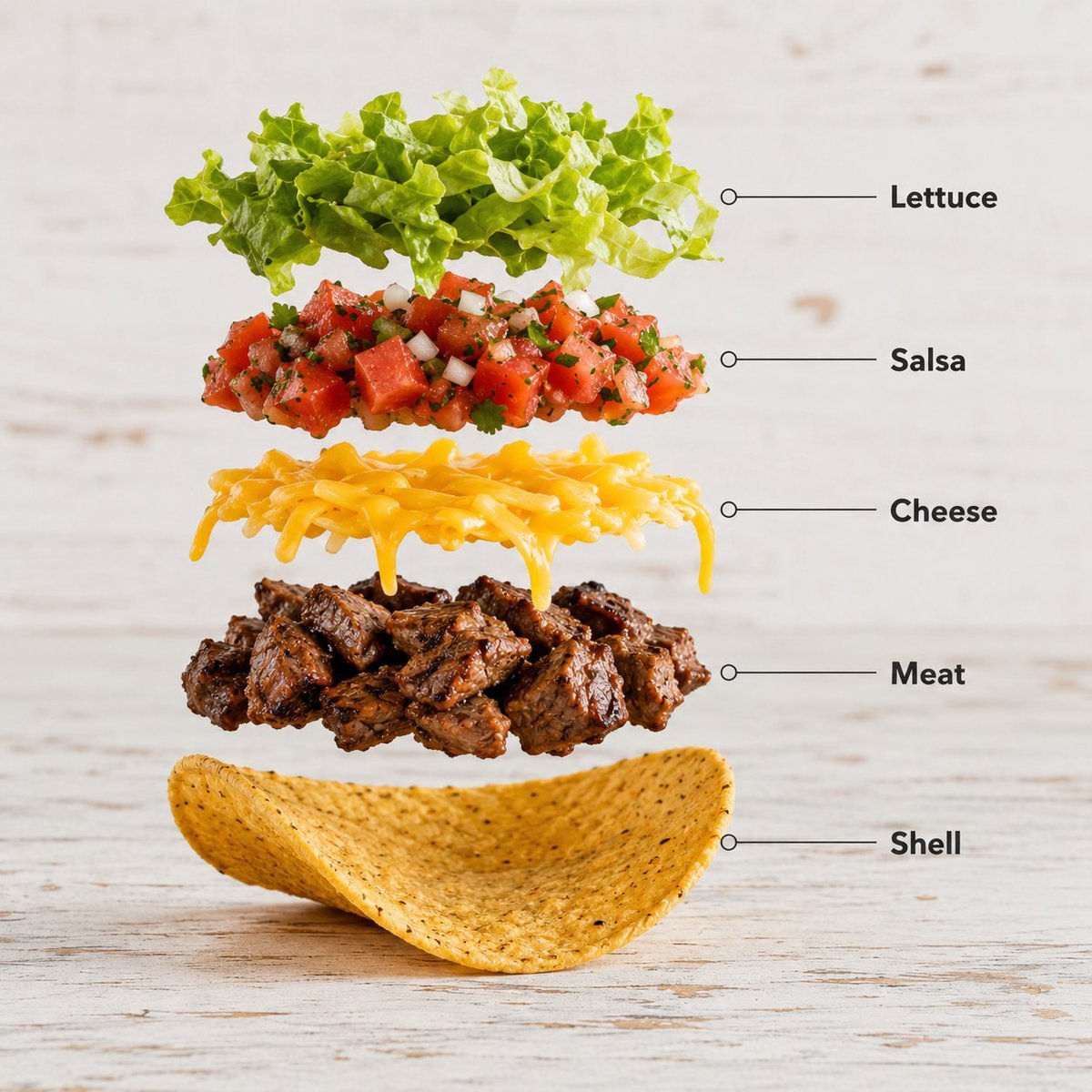
Exploded Food Infographic Composition
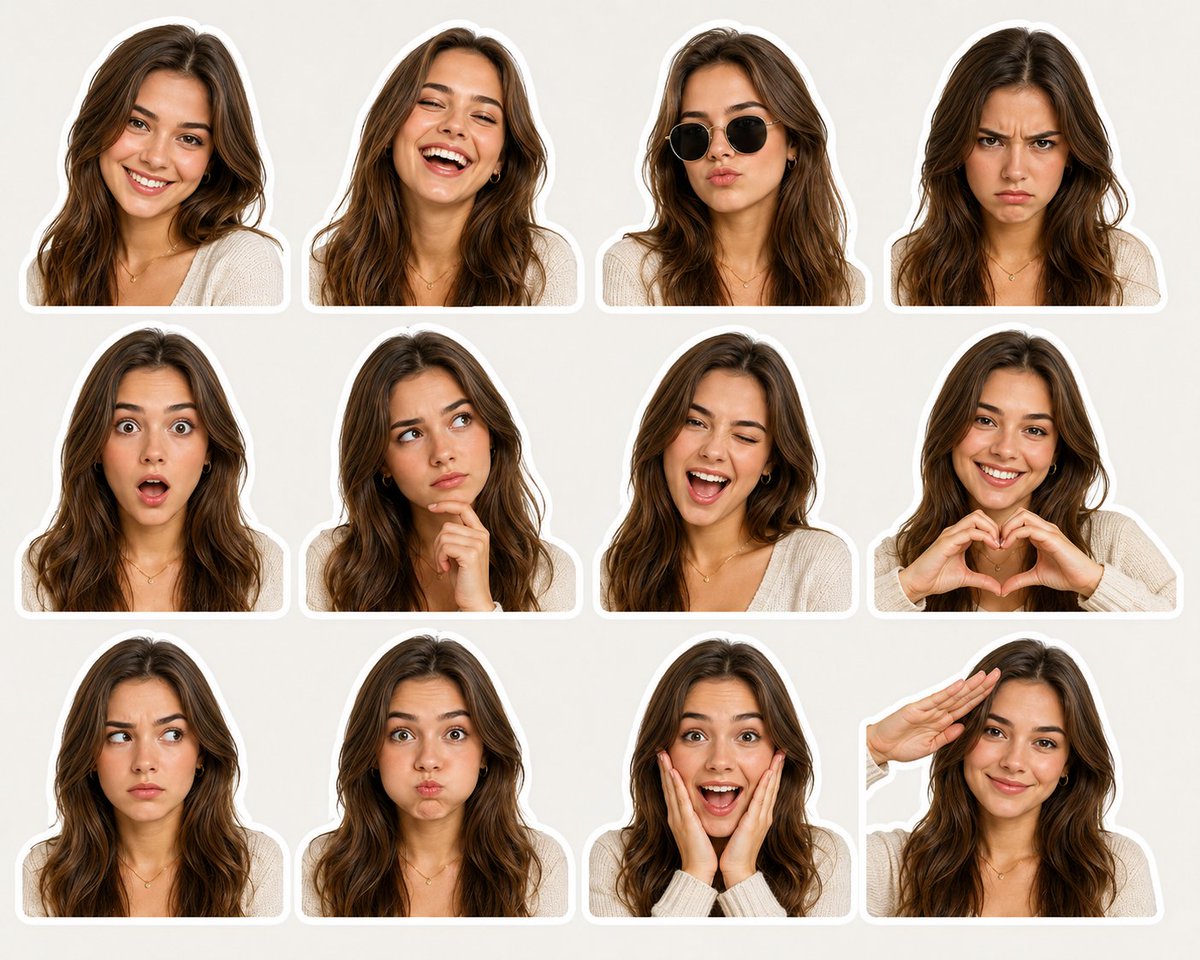
Sticker Pack Facial Expressions Grid
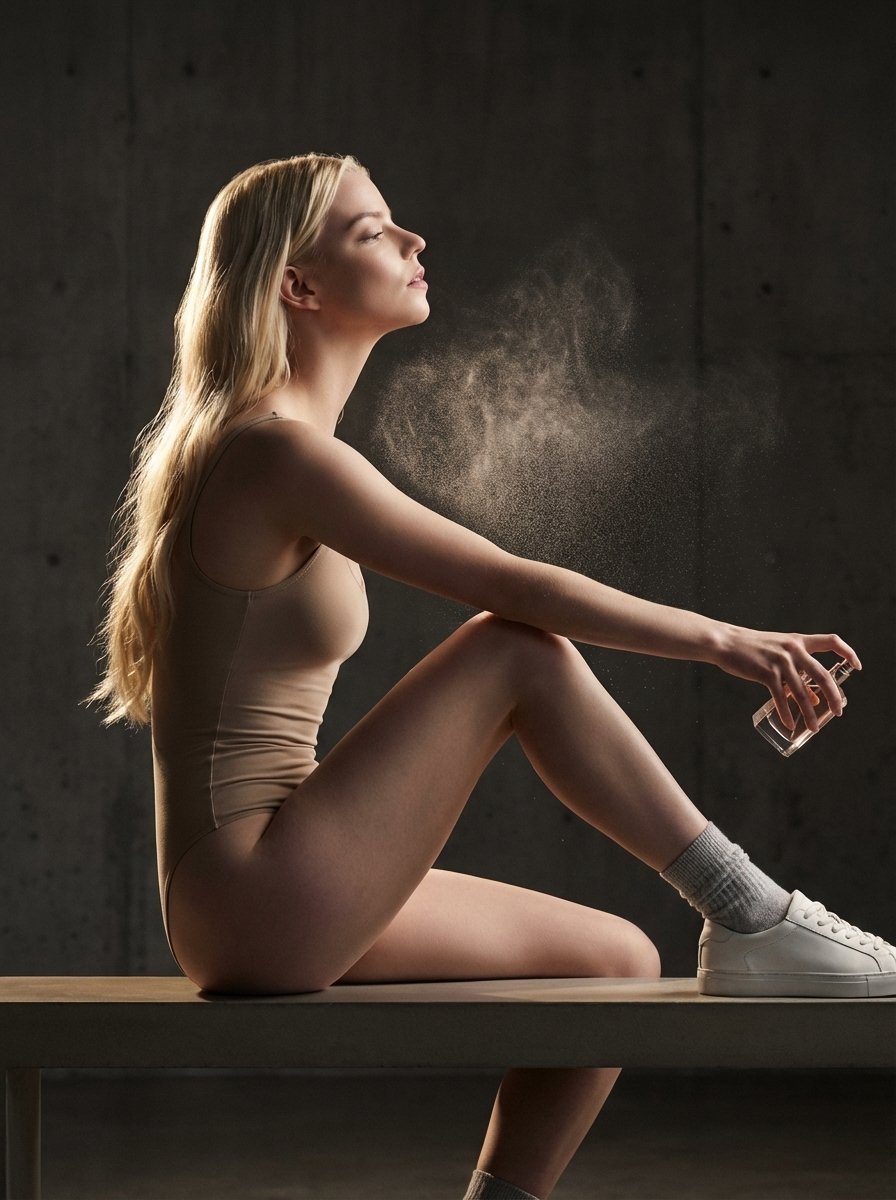
High-Fashion Perfume Campaign Prompt with Side Lighting
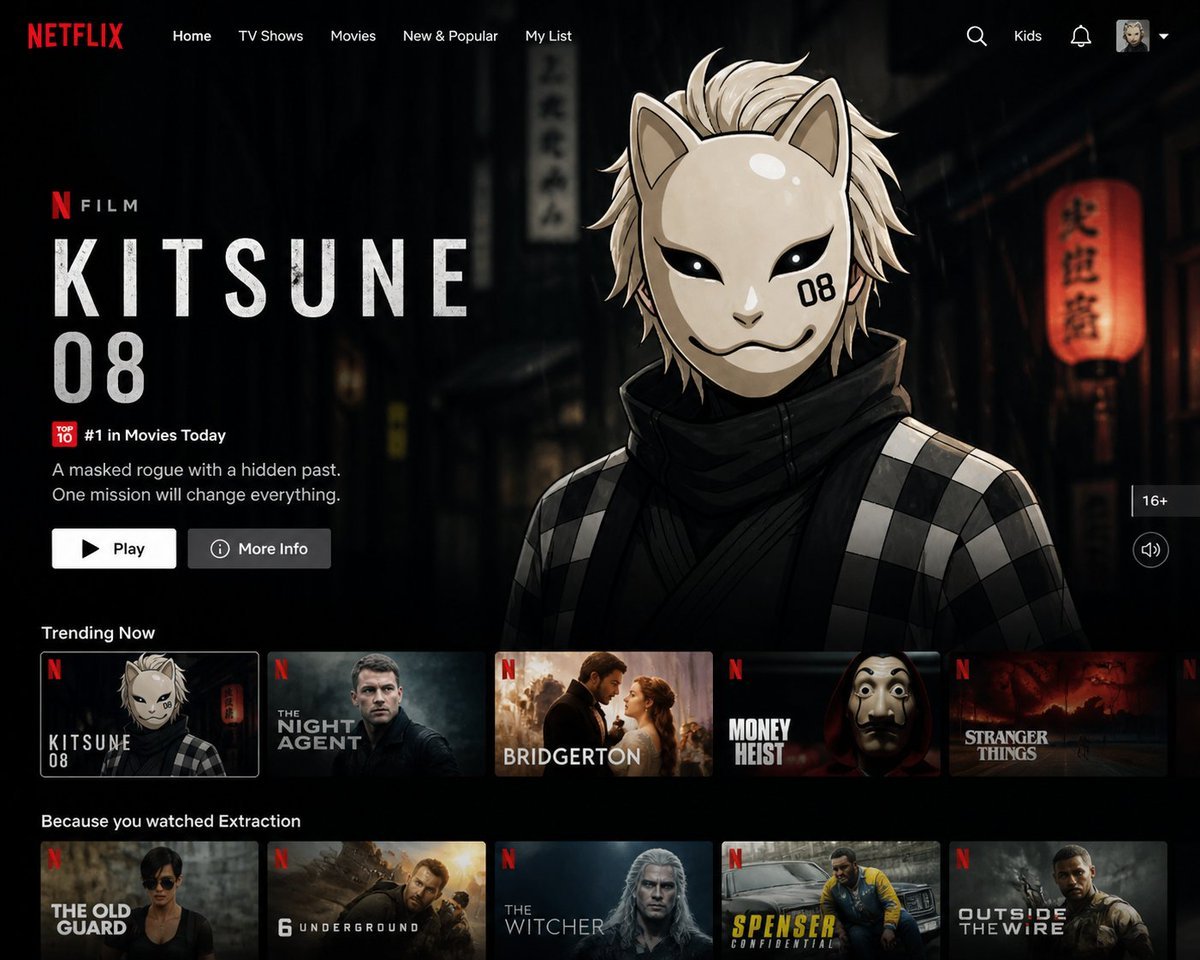
Netflix UI Homepage Generator
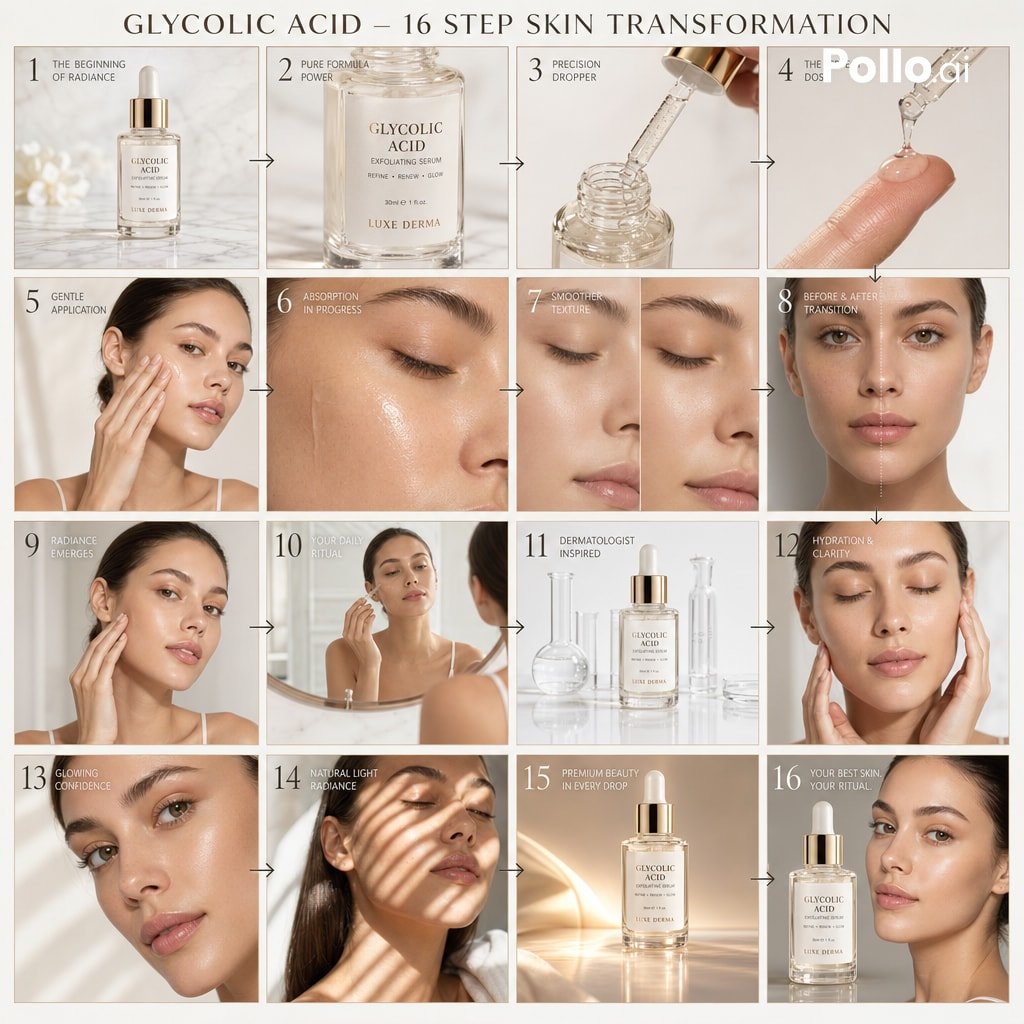
Luxury Skincare Ad Storyboard
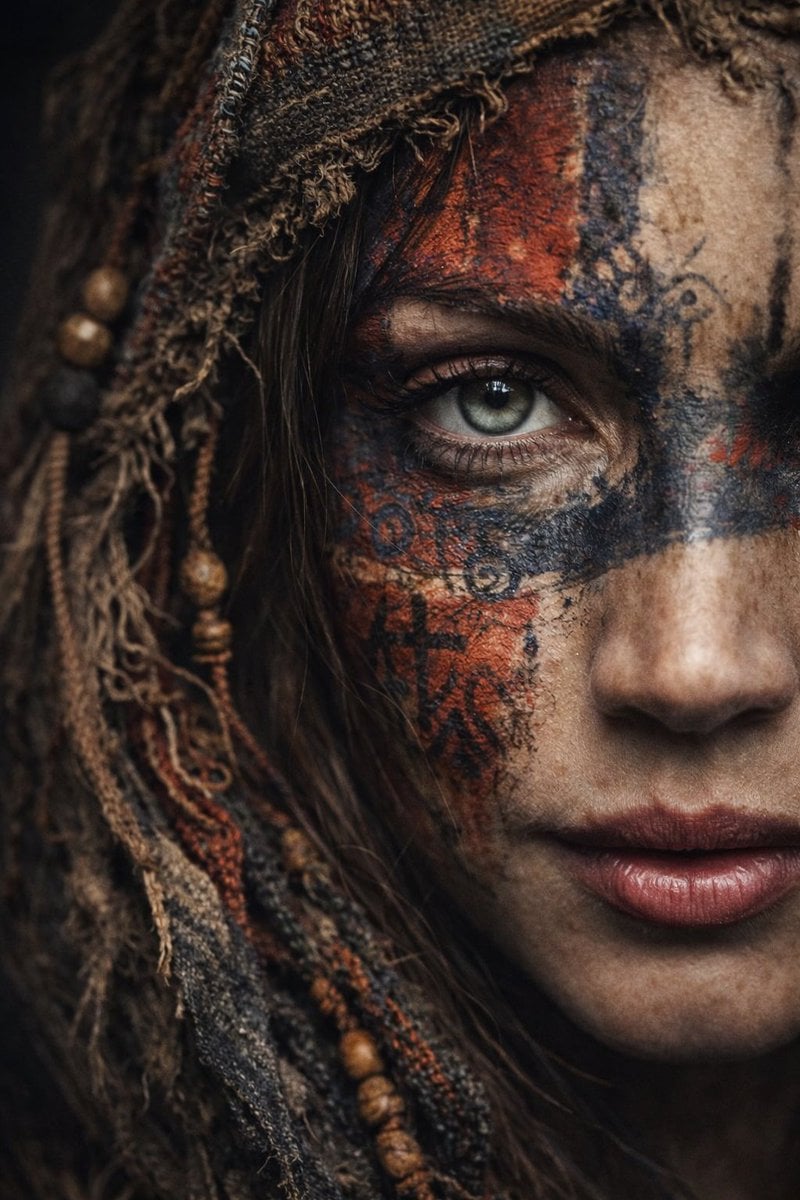
Ultra-Realistic Portrait with Tribal Markings and Painterly Realism
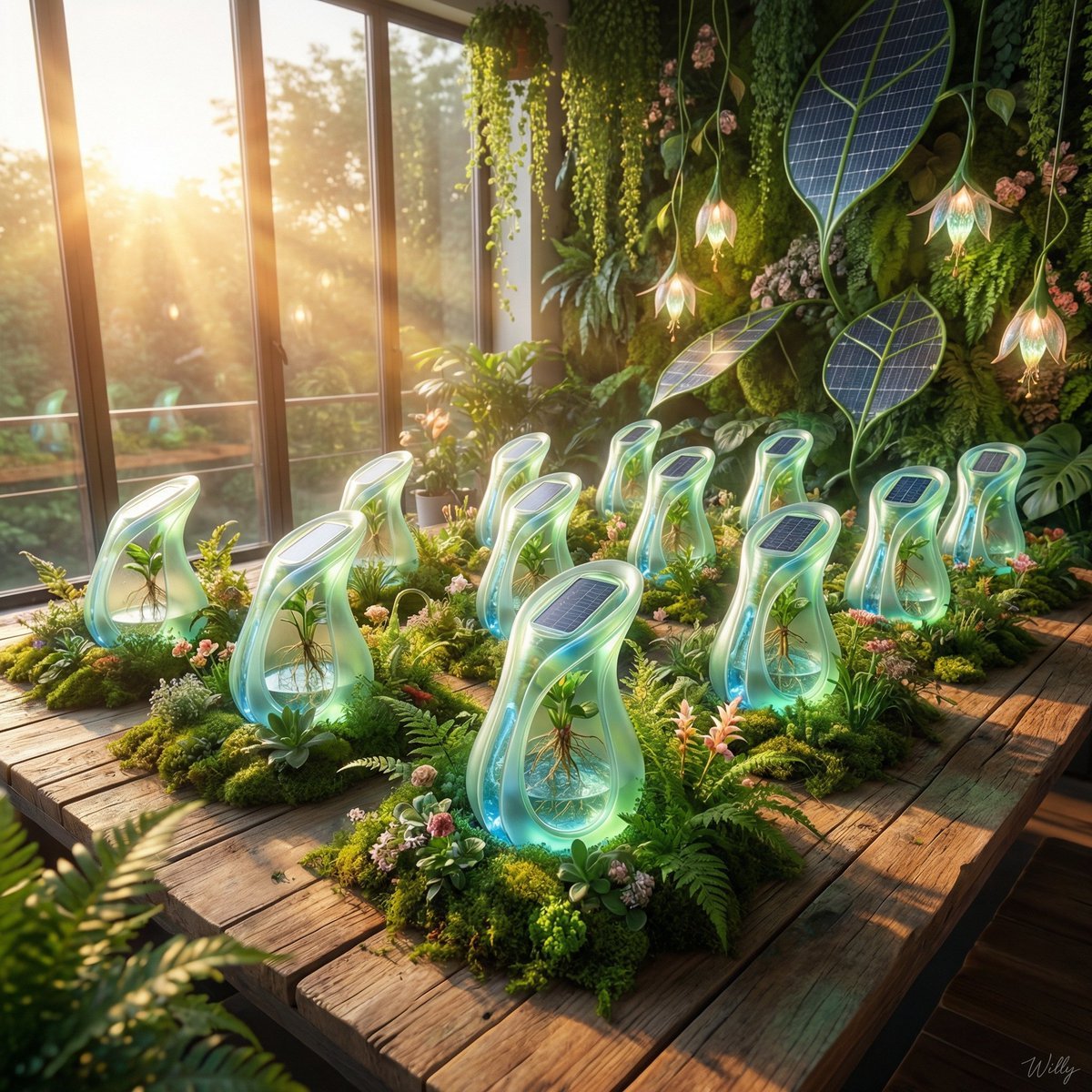
Solarpunk Product Showcase with Bioluminescence
Browse template categories
Urban Travel Lifestyle Photography questions
How do I use the Urban Travel Lifestyle Photography template?
Add your photo if the template asks for one, edit the prompt if you like — the template's model and format are already selected — and press Generate. Your version opens in PicX Studio.
Can I customize the Urban Travel Lifestyle Photography template?
Yes. You can change the subject, setting, lighting, mood, format, and available model controls before creating your image.
Is the Urban Travel Lifestyle Photography template free?
Opening and editing this template is free. Generating uses credits, shown on the Generate button when you are signed in.
Which AI model should I use?
Start with GPT Image 2, which is the model associated with this template. You can compare another compatible model for a different finish.
Looking for something else? Browse all templates.

Your photo, any look
Thousands of ready templates for every top image and video model, from one credit balance.