
Cute Pudding Mascot Greeting
A bright anime riverside illustration featuring a cheerful pudding mascot with Japanese greeting text, ideal for cute social media posts.
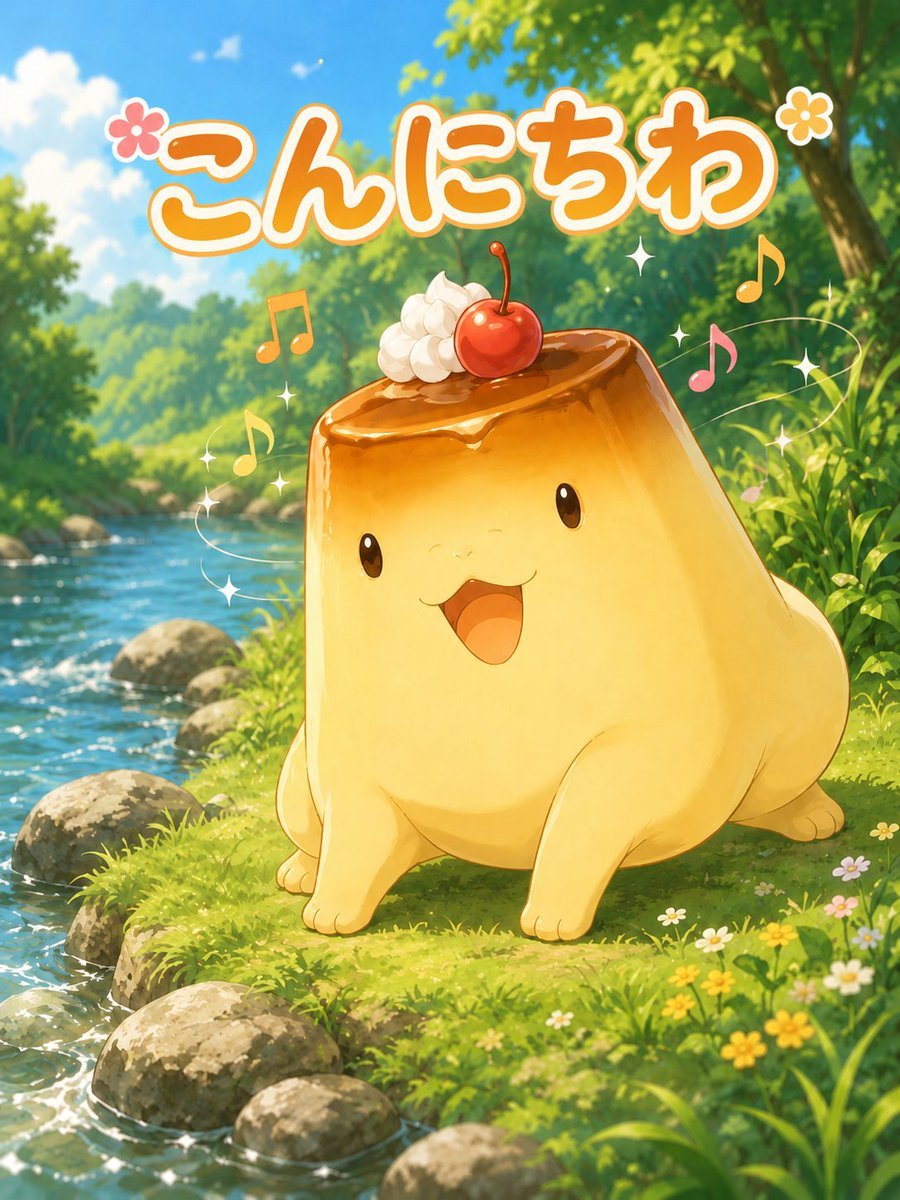
- Prompt included
- Model and format preset
- Free template
The prompt behind this image
Copy the exact prompt behind Cute Pudding Mascot Greeting, or open it in the studio and make it yours.
Create a cheerful vertical anime-style illustration of a cute pudding-shaped mascot saying hello in a lush riverside forest. The main subject is a large, chubby, glossy caramel custard creature, centered slightly right, sitting on bright green grass beside a sparkling stream. It has a soft golden-yellow pudding body with four small rounded limbs, shiny black oval eyes, a tiny smiling face, and an open happy mouth. Its top is covered with glossy amber caramel sauce dripping slightly over the edge, decorated with exactly 2 toppings: one dollop of white whipped cream on the upper left and one red cherry with a stem near the center. Add playful magical accents around it: exactly 5 colorful music notes, exactly 8 small white sparkle stars, and exactly 2 flower icons near the headline. The background is a sunlit woodland river scene with clear blue water flowing diagonally along the left side, rounded gray stones on the bank, dense green trees, dappled sunlight, blue sky, soft clouds, tall grass, and small wildflowers in the foreground. At the top, place large rounded Japanese bubble text reading {argument name="greeting text" default="こんにちわ"}, in thick orange lettering with a white outline and a subtle shadow, spanning almost the full width. Use a bright, wholesome, high-saturation anime illustration style with soft painterly details, warm sunlight, sparkling water highlights, cute mascot proportions, and a joyful social-media sticker feeling. Vertical 3:4 composition, no border, no watermark, no extra characters.
How to use Cute Pudding Mascot Greeting in 3 steps
- 1Upload ImagePNG, JPG or paste
Add your photo
Upload the photo the template builds on. The prompt, model and format are already set.
- 2…a portrait of your subject in softgolden-hour light, 85mm…
Personalize
Edit the subject and creative details for your destination.
- 3Generate
Generate
Press Generate — your image is created in PicX Studio, so you can compare it with the original and refine one variable at a time.
More like this
Templates with the same subject, style or setup. Open one to see its prompt.

Minecraft Homage Illustrious Style
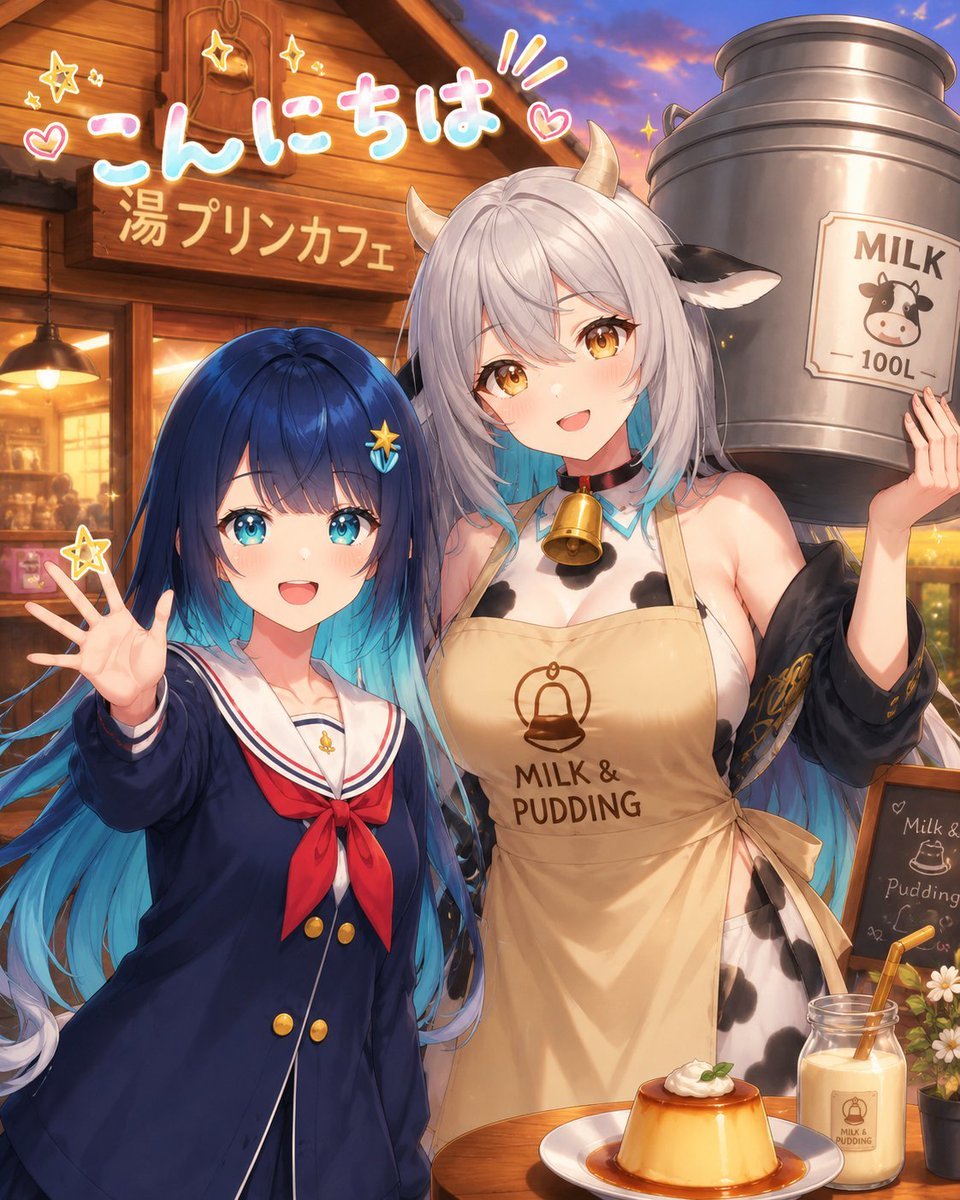
Anime Milk Pudding Café Greeting

Anime Rain Poncho Parade

Anime Street Performer Magic

Anime Ferry Boat Arrival

Anime Hidden Mickey Hunt

Anime Popcorn Cart Hero

Anime Nighttime Projection

Anime Character Meet Tent

Anime Splash Mountain Drop

Anime Balloon Seller Lane

Anime Pirate Ship Stage
Make it yours
Cute Pudding Mascot Greeting works as-is. These are the safest ways to change it without losing the look.
Change one field
Copy a single group, rewrite it, and generate again so you can see what that field is doing.
Keep the frame, change the subject
Hold the composition and light of Cute Pudding Mascot Greeting, then swap wardrobe, props or the person for a new take.
| If the result… | Why | Fix |
|---|---|---|
| The result drifts from the preview | Too many fields changed at once. | Reuse Cute Pudding Mascot Greeting as-is first, then change one group — subject, light, or setting. |
| The model over-stylizes the scene | The prose prompt leaves finish and camera underspecified. | Add one camera or lighting sentence and stay on GPT Image 2. |
More GPT Image 2 templates
Other prompts made for GPT Image 2.

Six VTuber Japanese Logo Sheet

Realistic Portrait of Woman and Deer

The Vista Modular Condo Poster

AI Model Routing Comparison Infographic

2.5D Anime Art Board

Isometric Productivity Desk Scene

New York Double Exposure Poster

Four-Panel AI Landscape Comparison

Japanese Tatami Lifestyle Magazine Cover

NESCAFÉ Coffee Map Poster
More image prompts
Fresh picks from across the catalog.
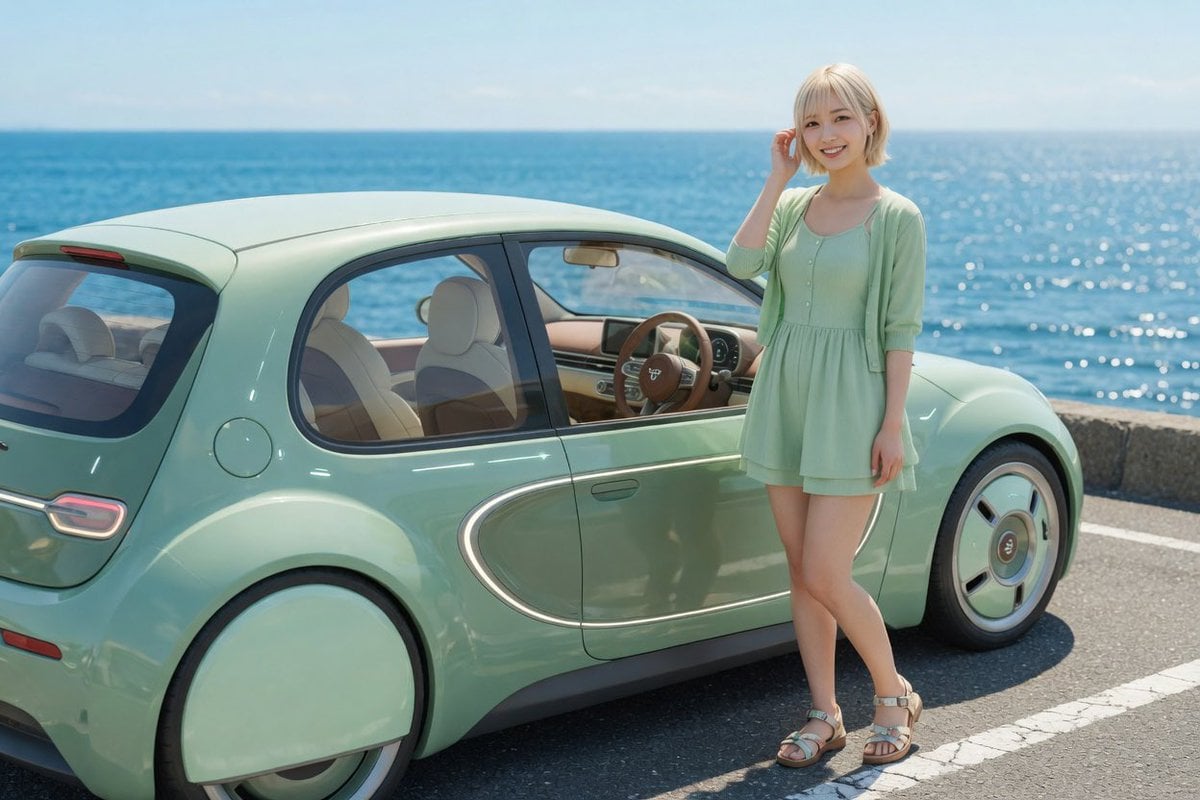
Mint Retro EV by the Sea
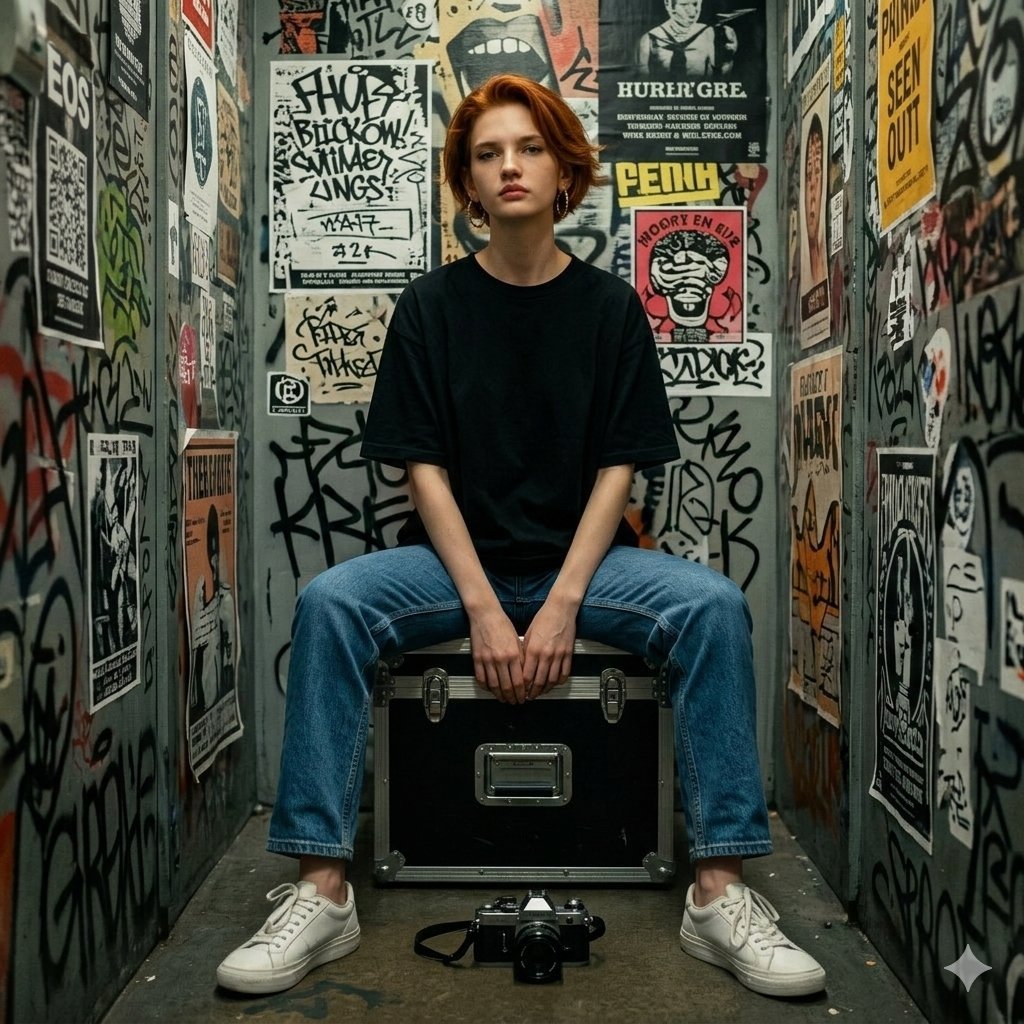
Hyper-realistic Portrait in Graffiti Room

Rooftop Walkway Fashion OOTD

Transformation the Bus Seedance 2 0 Robo
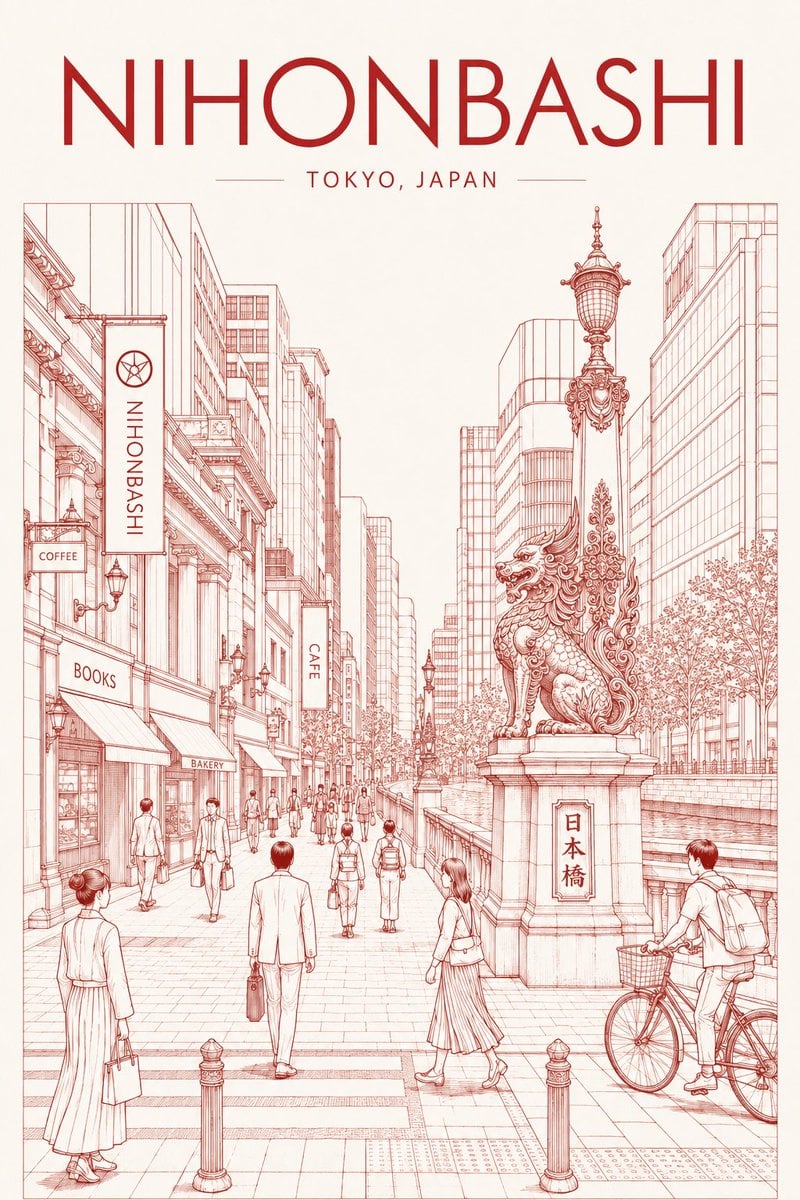
Nihonbashi Red Line Travel Poster
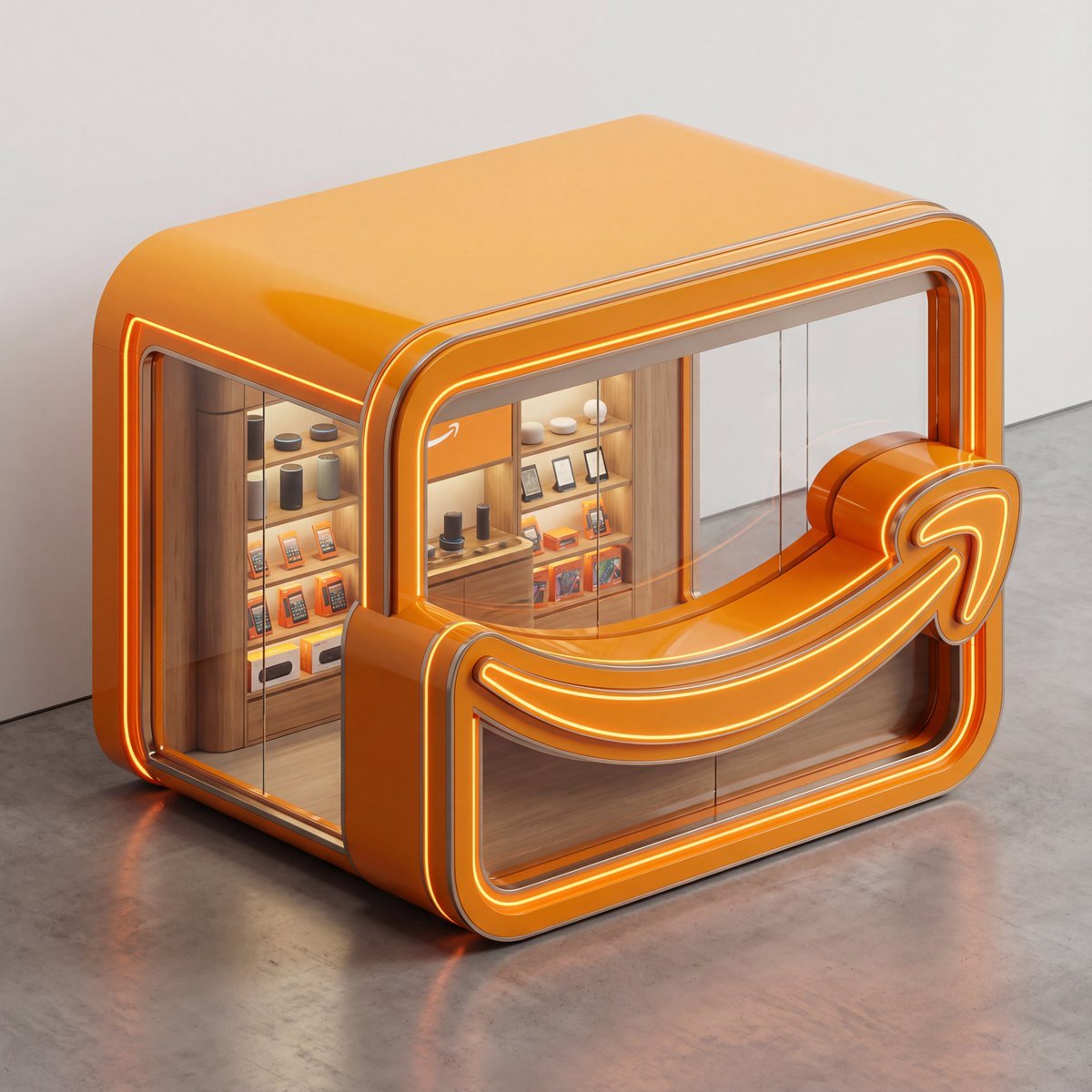
3D Isometric Luxury Pop-Up Kiosk Render
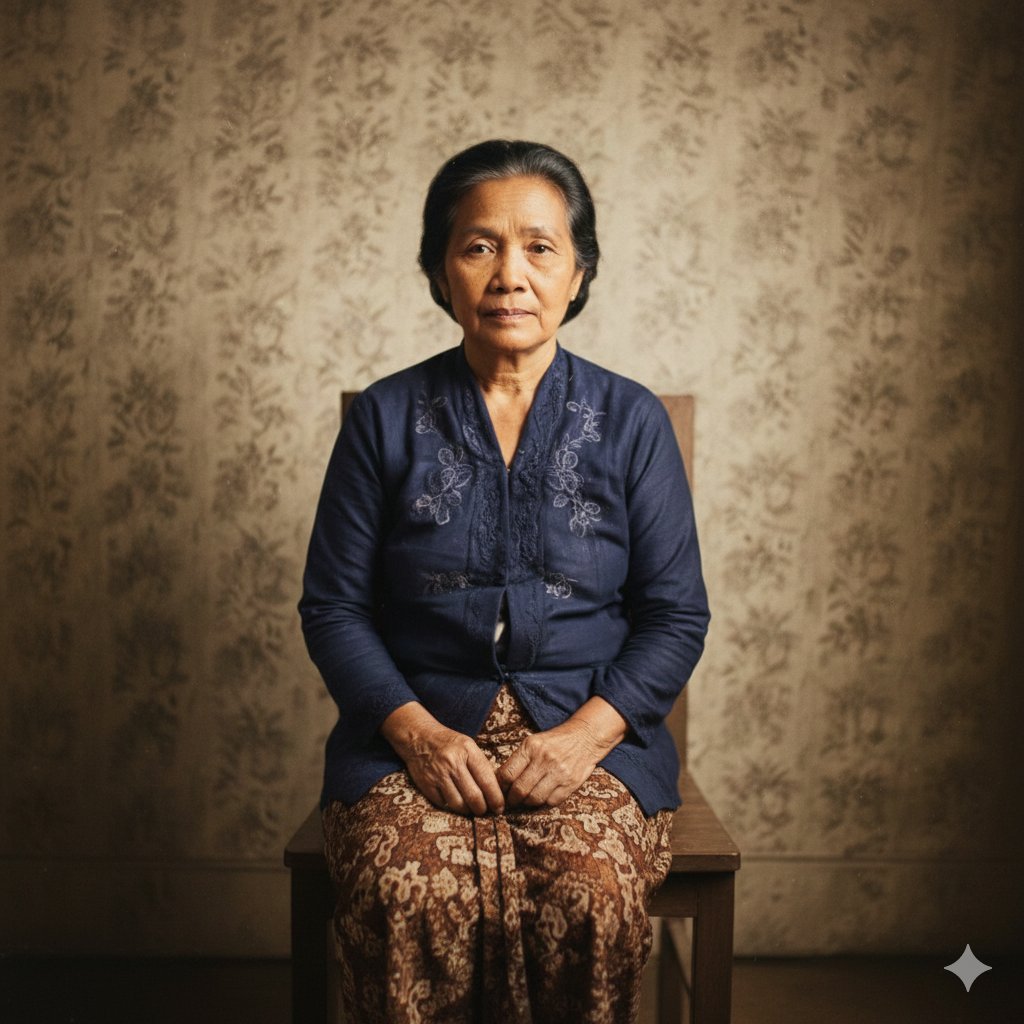
Restore Old Photo to DSLR Quality with Upscaling
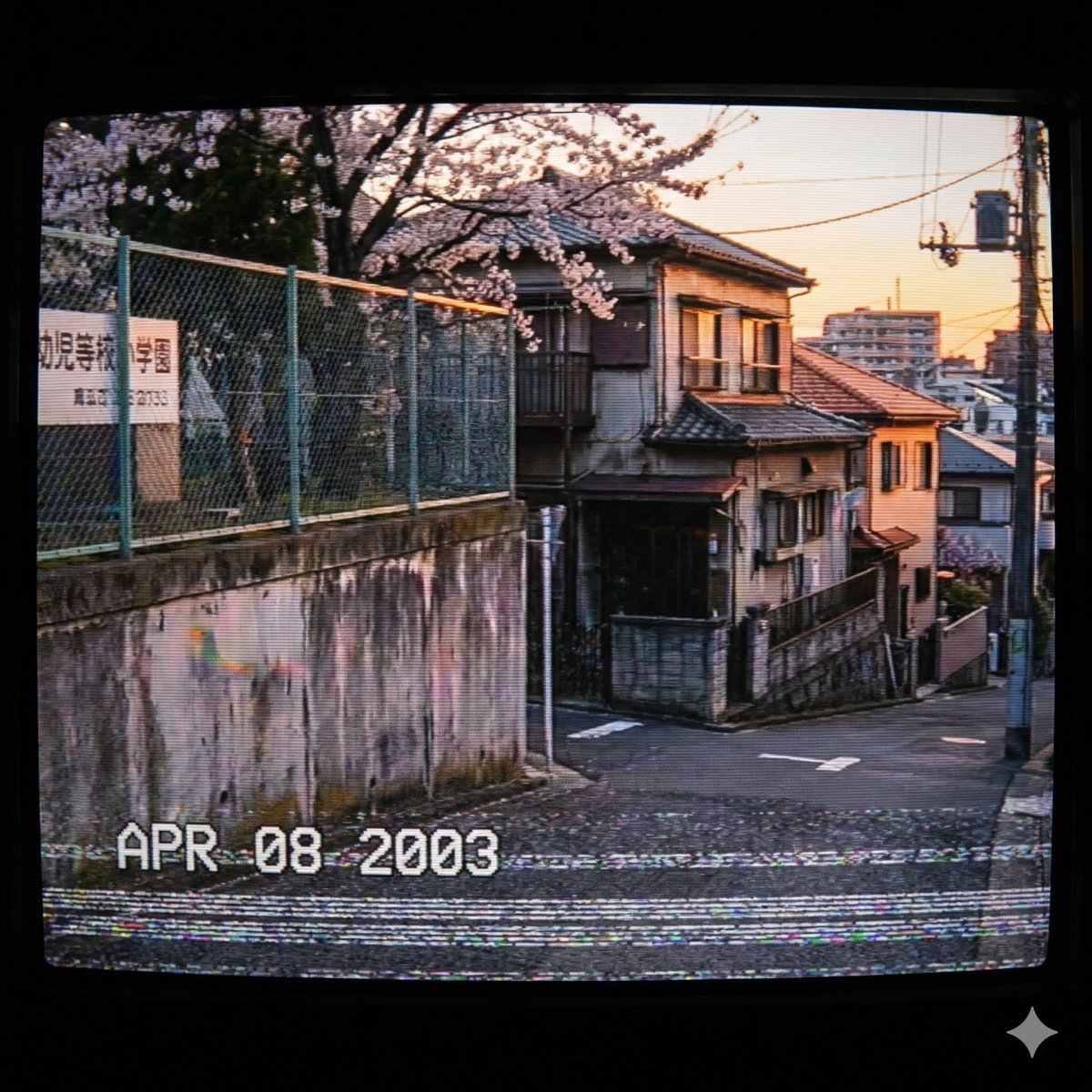
Nostalgic 2000s Japanese Suburb
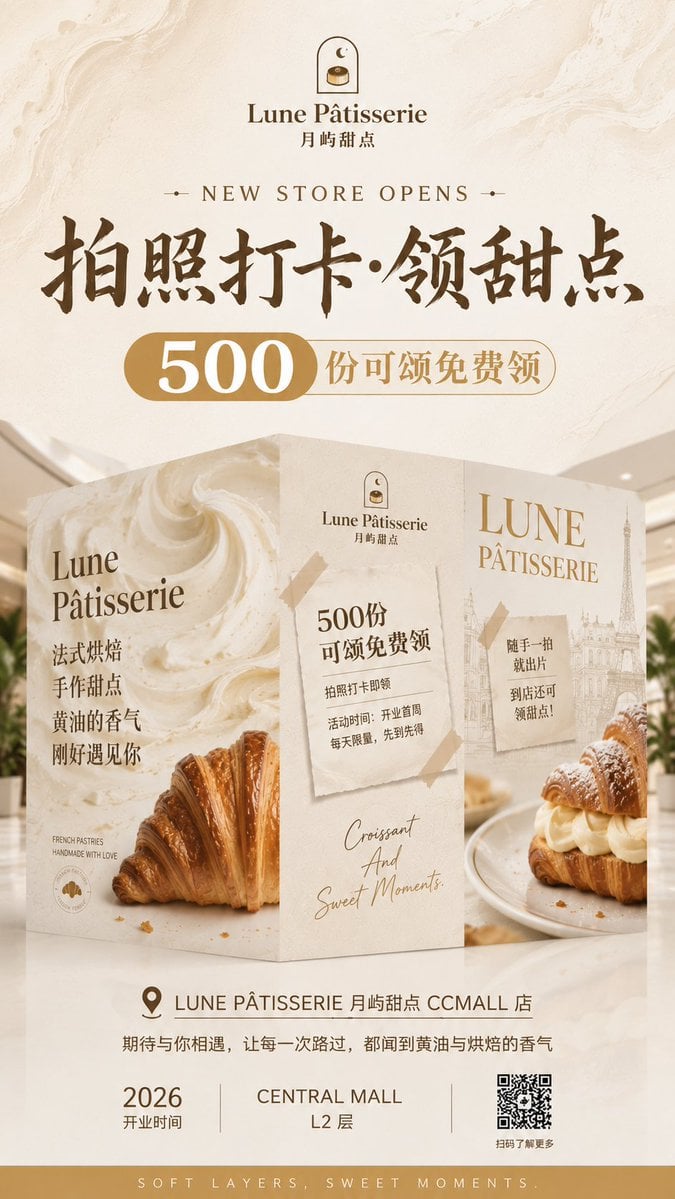
French Patisserie Opening Hoarding Poster
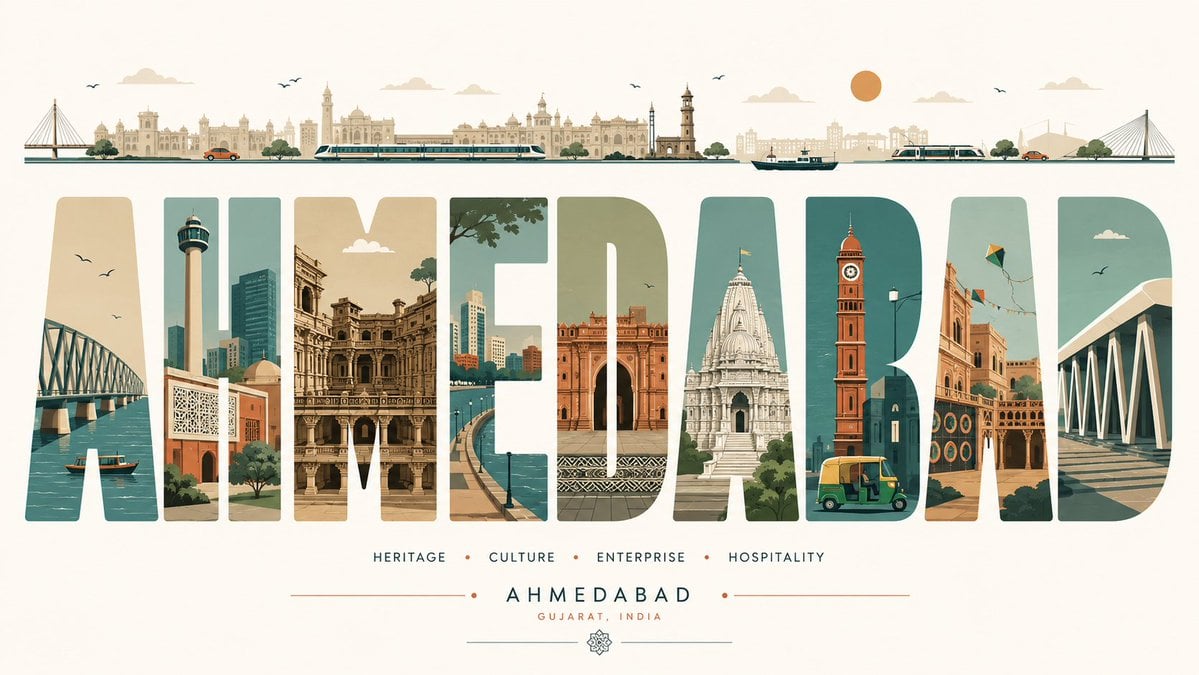
Minimalist Typography Travel Poster
Browse template categories
Cute Pudding Mascot Greeting questions
How do I use the Cute Pudding Mascot Greeting template?
Add your photo if the template asks for one, edit the prompt if you like — the template's model and format are already selected — and press Generate. Your version opens in PicX Studio.
Can I customize the Cute Pudding Mascot Greeting template?
Yes. You can change the subject, setting, lighting, mood, format, and available model controls before creating your image.
Is the Cute Pudding Mascot Greeting template free?
Opening and editing this template is free. Generating uses credits, shown on the Generate button when you are signed in.
Which AI model should I use?
Start with GPT Image 2, which is the model associated with this template. You can compare another compatible model for a different finish.
Looking for something else? Browse all templates.

Your photo, any look
Thousands of ready templates for every top image and video model, from one credit balance.