
Gothic Anime Funeral Garden
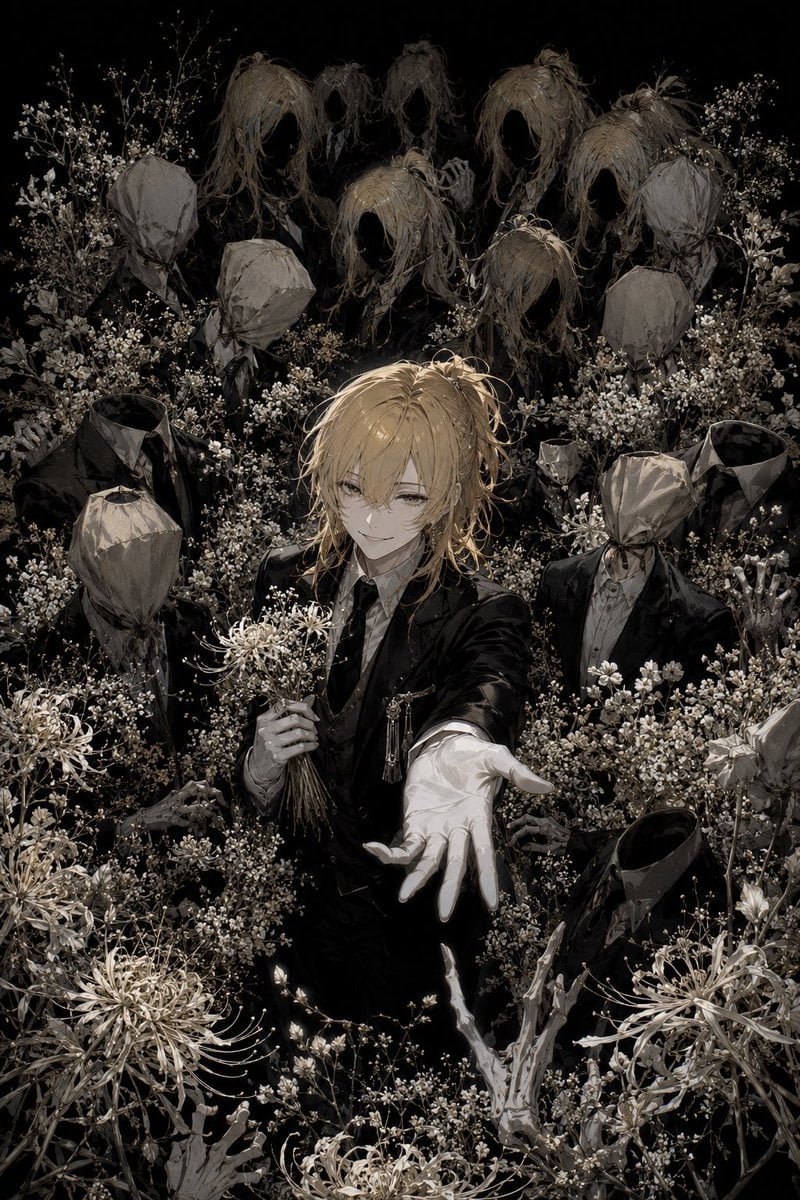
A dark gothic anime scene of a blond suited figure reaching forward amid faceless mourners, hair wraiths, skeletal hands, and white funeral flowers.
- Prompt included
- Model and format preset
- Free template
The prompt behind this image
Copy the exact prompt behind Gothic Anime Funeral Garden, or open it in the studio and make it yours.
Create a dark gothic anime illustration on a vertical 2:3 canvas, highly detailed and painterly, in muted sepia, black, bone-white, and tarnished gold tones. Center a slender androgynous young man named {argument name="character name" default="the unfinished prince"} with messy {argument name="hair color" default="pale blond"} medium-length hair, half-lidded eyes, a faint melancholic smile, and a black formal suit with a white shirt, subtle chain brooch, and white glove. He stands in a dense funeral garden of tiny white baby’s-breath flowers and large pale spider lilies, holding a small bouquet in his left hand while extending his right gloved hand toward the viewer in a beckoning gesture. Surround him with exactly 14 unsettling figures: 1 central human figure, 6 faceless upper-background wraiths made of long tangled hair with hollow black face voids, and 7 black-suited mannequin-like mourners with crumpled paper-bag heads or empty collars. Include exactly 5 prominent large spider lilies in the foreground and sides, countless small white blossoms filling the scene, and exactly 4 visible skeletal hands emerging from the flowers near the bottom and lower sides. The background should fade into pure black, creating a claustrophobic stage-like composition. Use delicate linework, intricate floral detail, dramatic chiaroscuro lighting, soft highlights on hair and glove, eerie beauty, unfinished and malformed motifs, no text, no watermark, no bright colors, no modern objects.
How to use Gothic Anime Funeral Garden in 3 steps
- 1Upload ImagePNG, JPG or paste
Add your photo
Upload the photo the template builds on. The prompt, model and format are already set.
- 2…a portrait of your subject in softgolden-hour light, 85mm…
Personalize
Edit the subject and creative details for your destination.
- 3Generate
Generate
Press Generate — your image is created in PicX Studio, so you can compare it with the original and refine one variable at a time.
More like this
Templates with the same subject, style or setup. Open one to see its prompt.







Make it yours
Gothic Anime Funeral Garden works as-is. These are the safest ways to change it without losing the look.
Change one field
Copy a single group, rewrite it, and generate again so you can see what that field is doing.
Keep the frame, change the subject
Hold the composition and light of Gothic Anime Funeral Garden, then swap wardrobe, props or the person for a new take.
| If the result… | Why | Fix |
|---|---|---|
| The result drifts from the preview | Too many fields changed at once. | Reuse Gothic Anime Funeral Garden as-is first, then change one group — subject, light, or setting. |
| The model over-stylizes the scene | The prose prompt leaves finish and camera underspecified. | Add one camera or lighting sentence and stay on GPT Image 2. |
More GPT Image 2 templates
Other prompts made for GPT Image 2.

Six VTuber Japanese Logo Sheet

Realistic Portrait of Woman and Deer

The Vista Modular Condo Poster

AI Model Routing Comparison Infographic

2.5D Anime Art Board

Isometric Productivity Desk Scene

New York Double Exposure Poster

Four-Panel AI Landscape Comparison

Japanese Tatami Lifestyle Magazine Cover

NESCAFÉ Coffee Map Poster
More image prompts
Fresh picks from across the catalog.
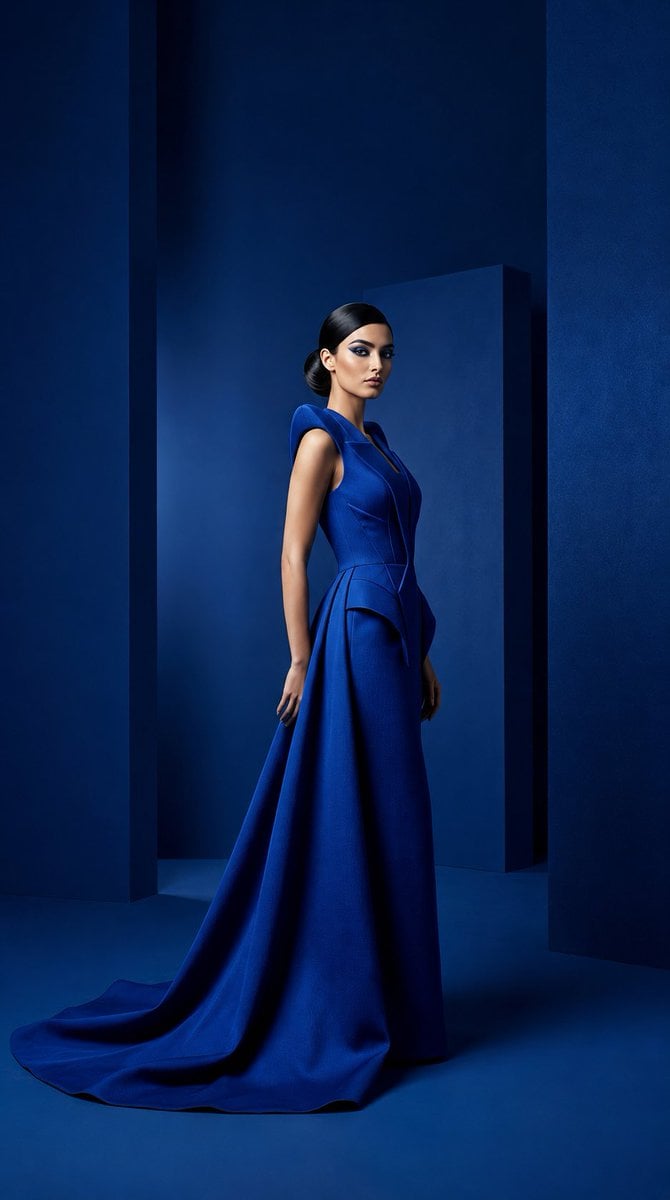
Cobalt Couture Editorial Portrait
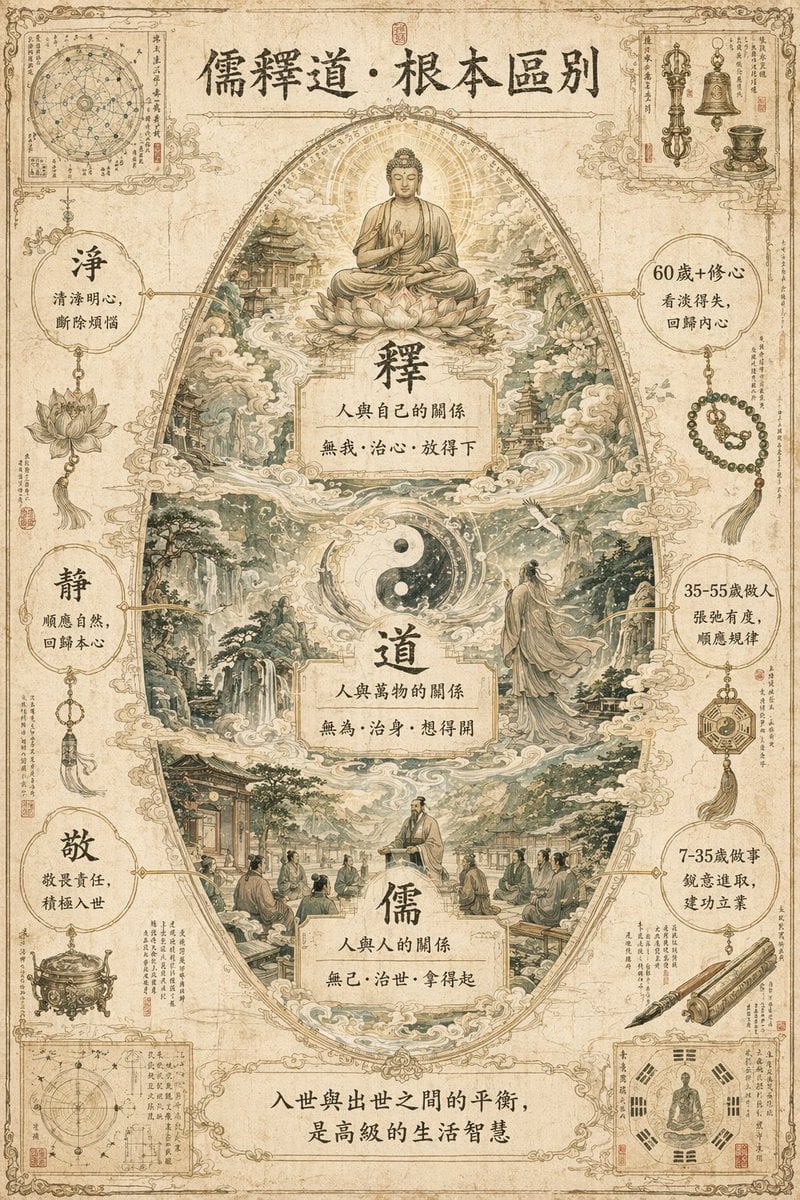
Philosophical Concept Infographic Manuscript

Macro Food Photography of a Juicy Beef Burger
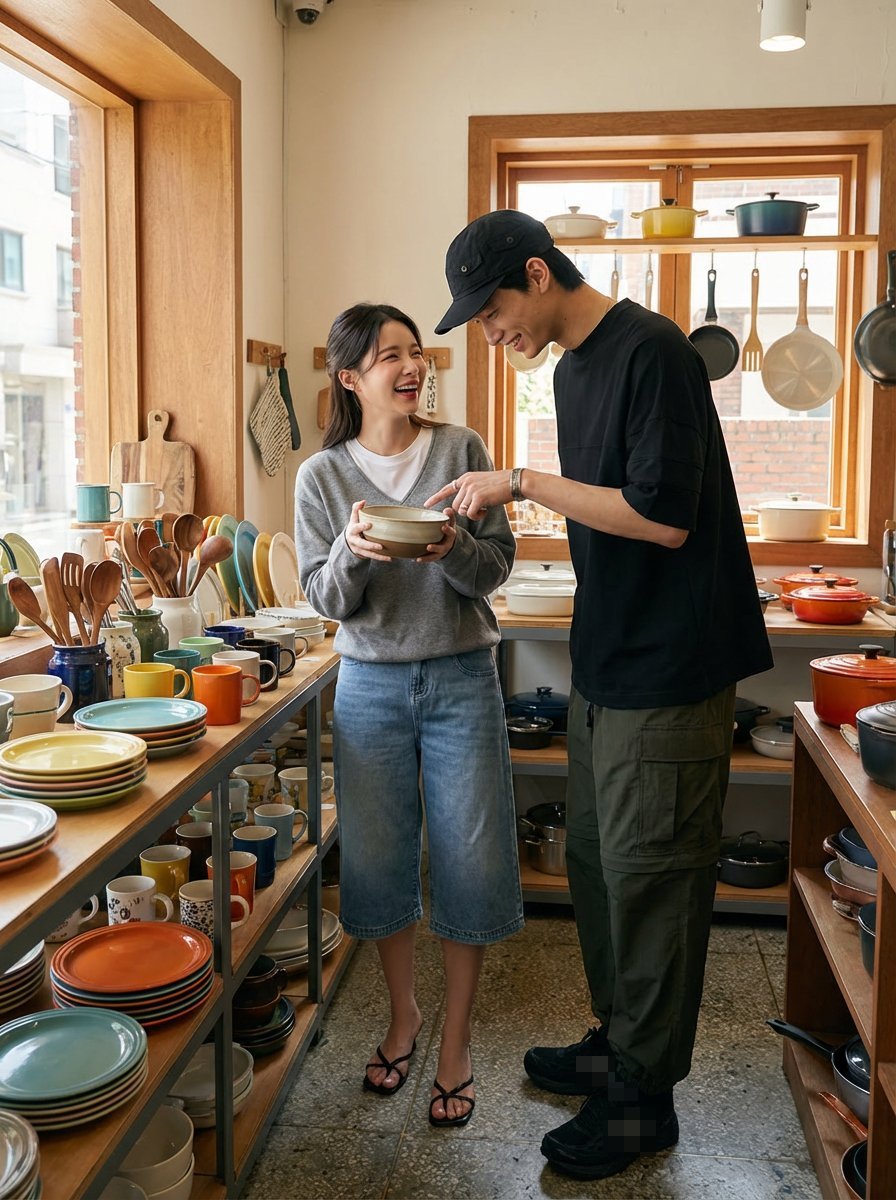
Shopping date scenario prompt
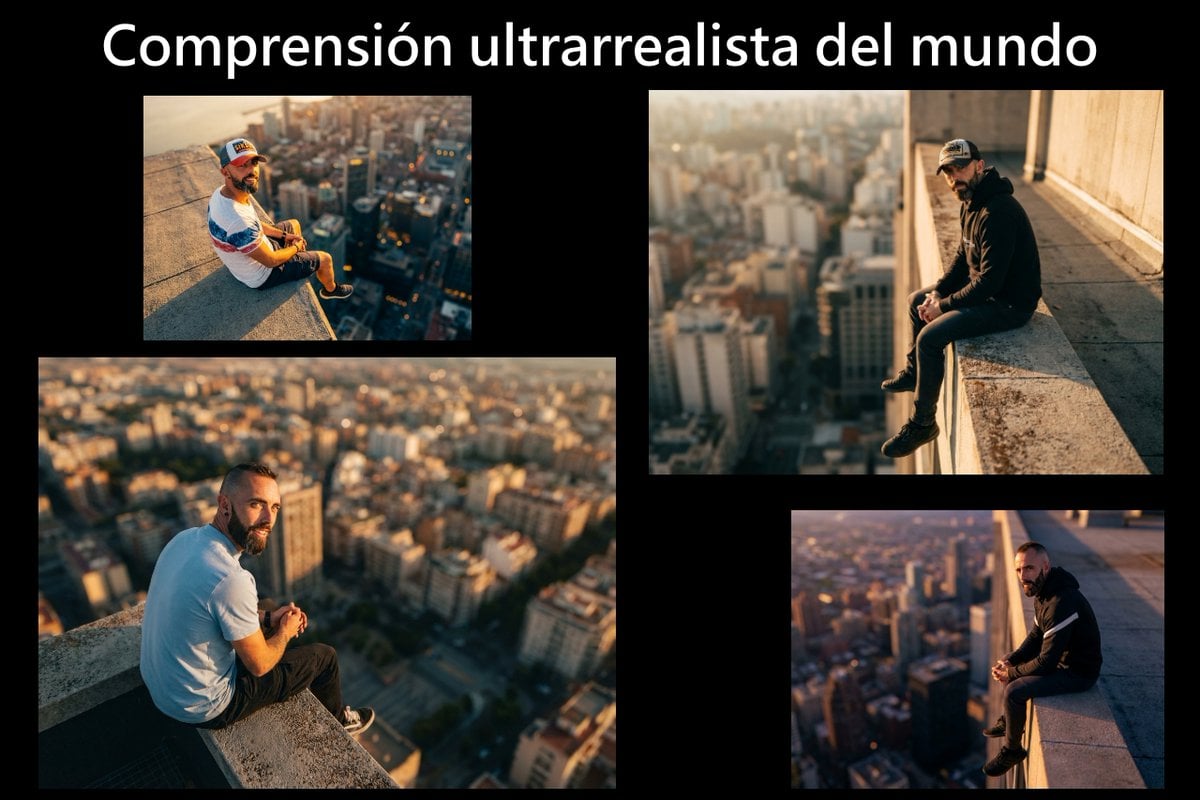
Cinematic rooftop portrait from reference photos
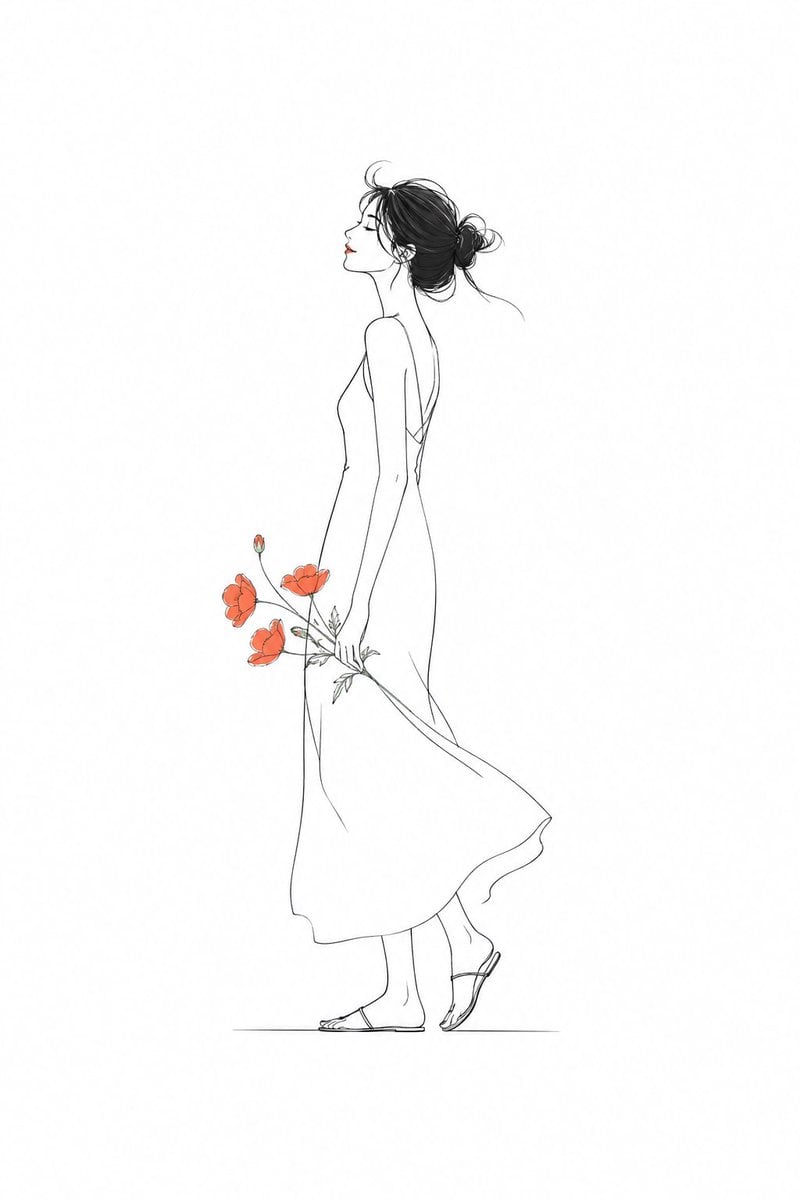
Minimalist Fashion Illustration

NOXEN Four Dimensions Watch Ad

Composite Product Photography Prompt (Etsy Style)
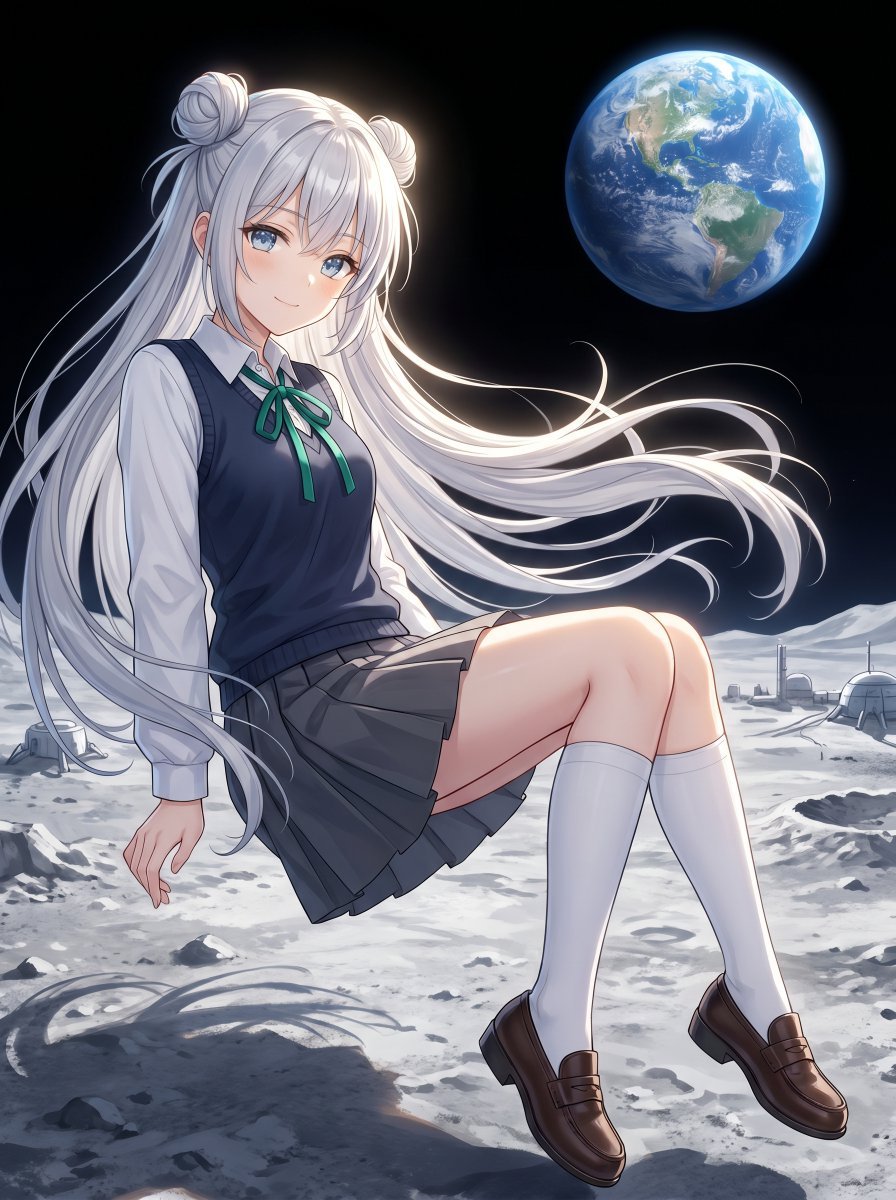
Anime Schoolgirl Floating on the Moon
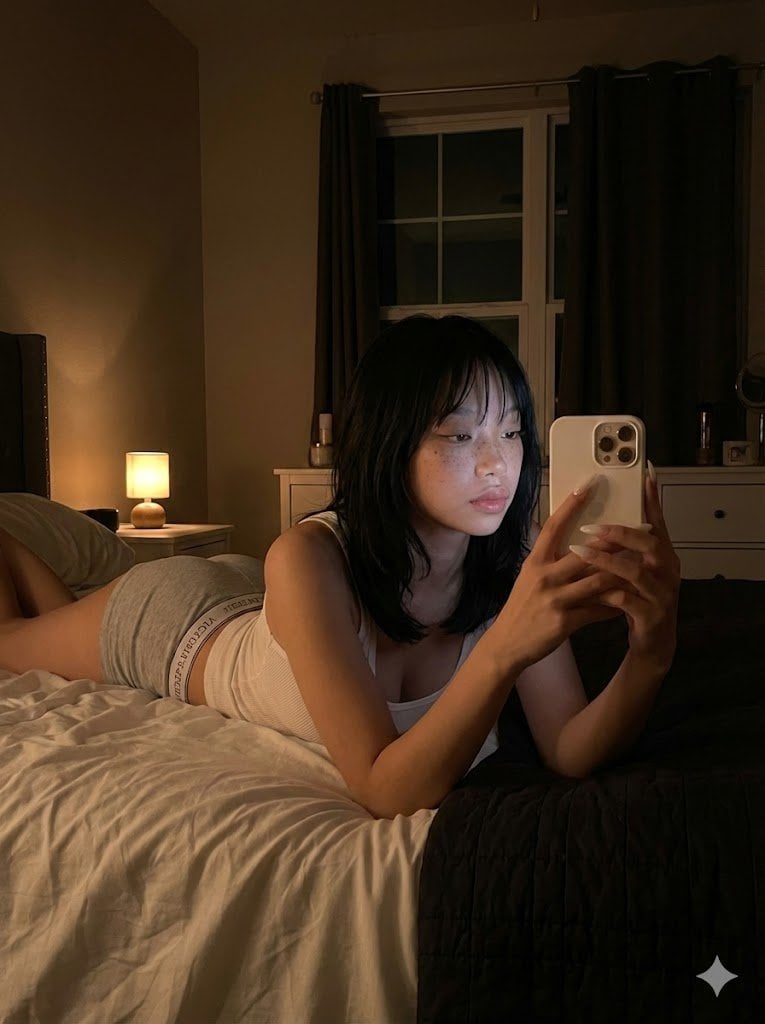
Ultra Realistic Dim Bedroom Scene Prompt
Browse template categories
Gothic Anime Funeral Garden questions
How do I use the Gothic Anime Funeral Garden template?
Add your photo if the template asks for one, edit the prompt if you like — the template's model and format are already selected — and press Generate. Your version opens in PicX Studio.
Can I customize the Gothic Anime Funeral Garden template?
Yes. You can change the subject, setting, lighting, mood, format, and available model controls before creating your image.
Is the Gothic Anime Funeral Garden template free?
Opening and editing this template is free. Generating uses credits, shown on the Generate button when you are signed in.
Which AI model should I use?
Start with GPT Image 2, which is the model associated with this template. You can compare another compatible model for a different finish.
Looking for something else? Browse all templates.

Your photo, any look
Thousands of ready templates for every top image and video model, from one credit balance.