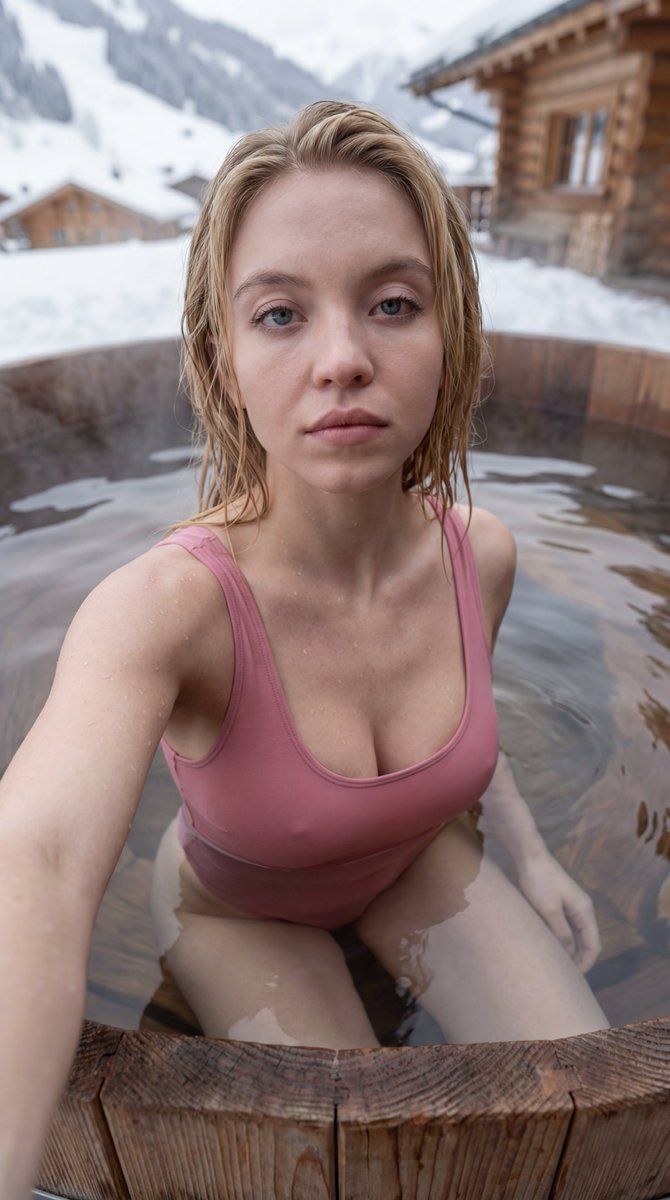
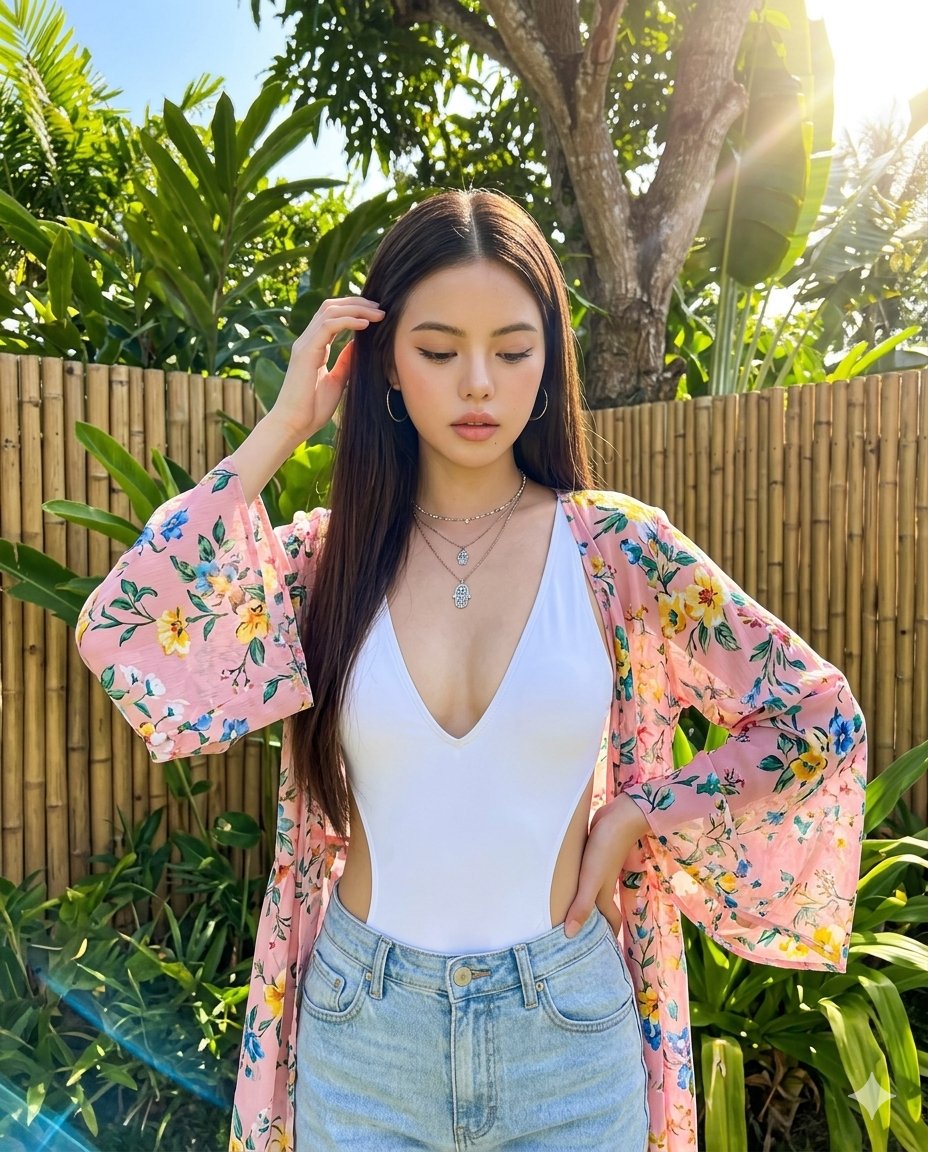
How do I use the Cinematic Golden Hour Lifestyle Portrait template?
Choose the primary action to open PicX Studio with the available template settings. Review the model and format, personalize the creative direction, and generate when ready.
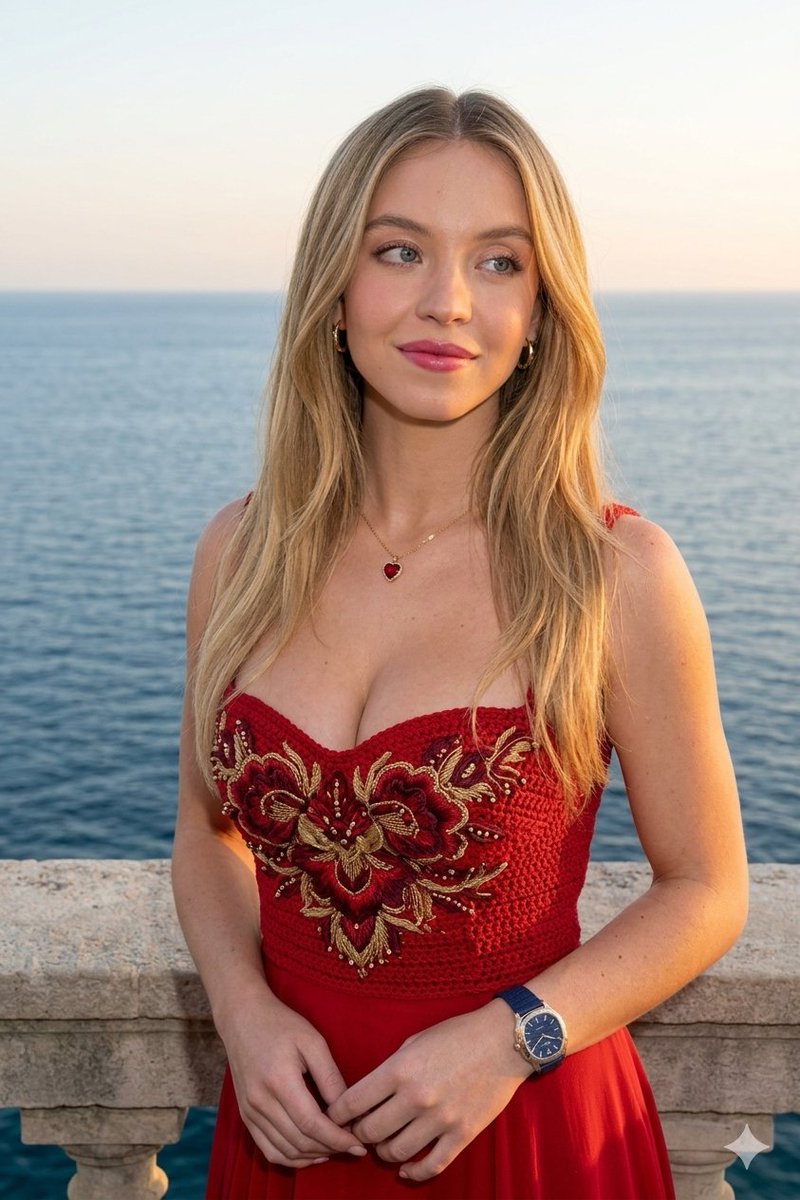
A highly detailed prompt for a realistic portrait of a young woman in a sunlit apartment, emphasizing natural lighting and textures.

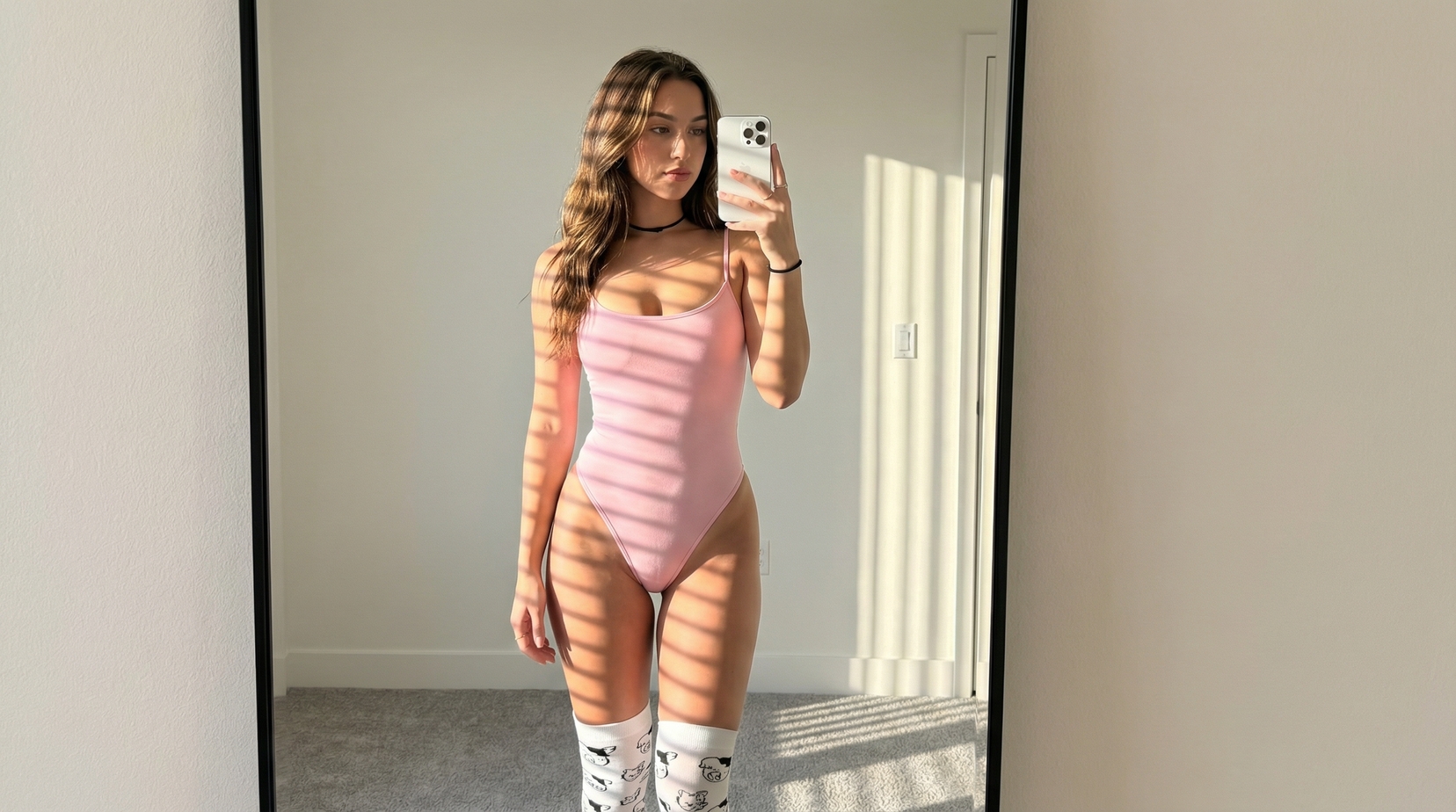
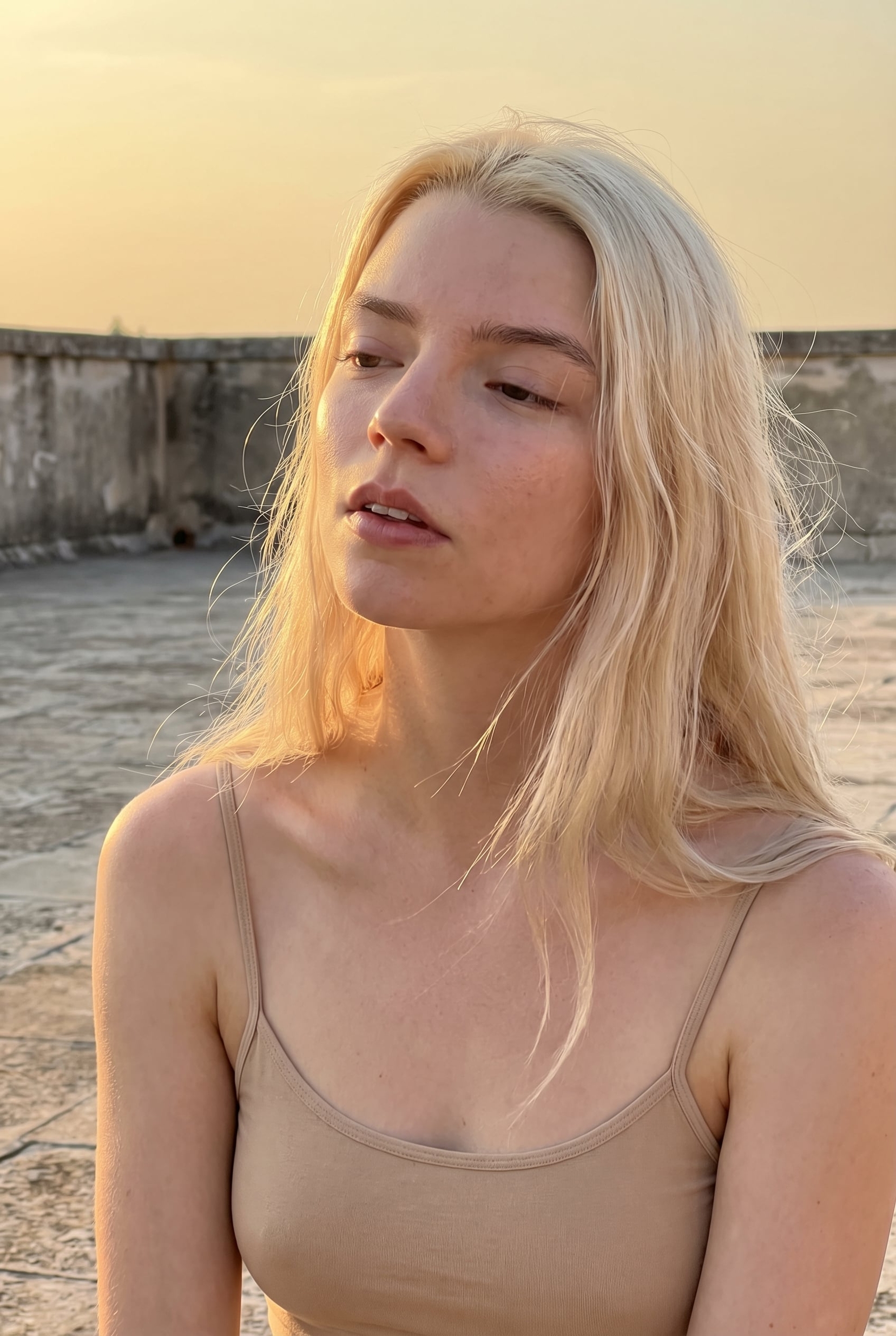
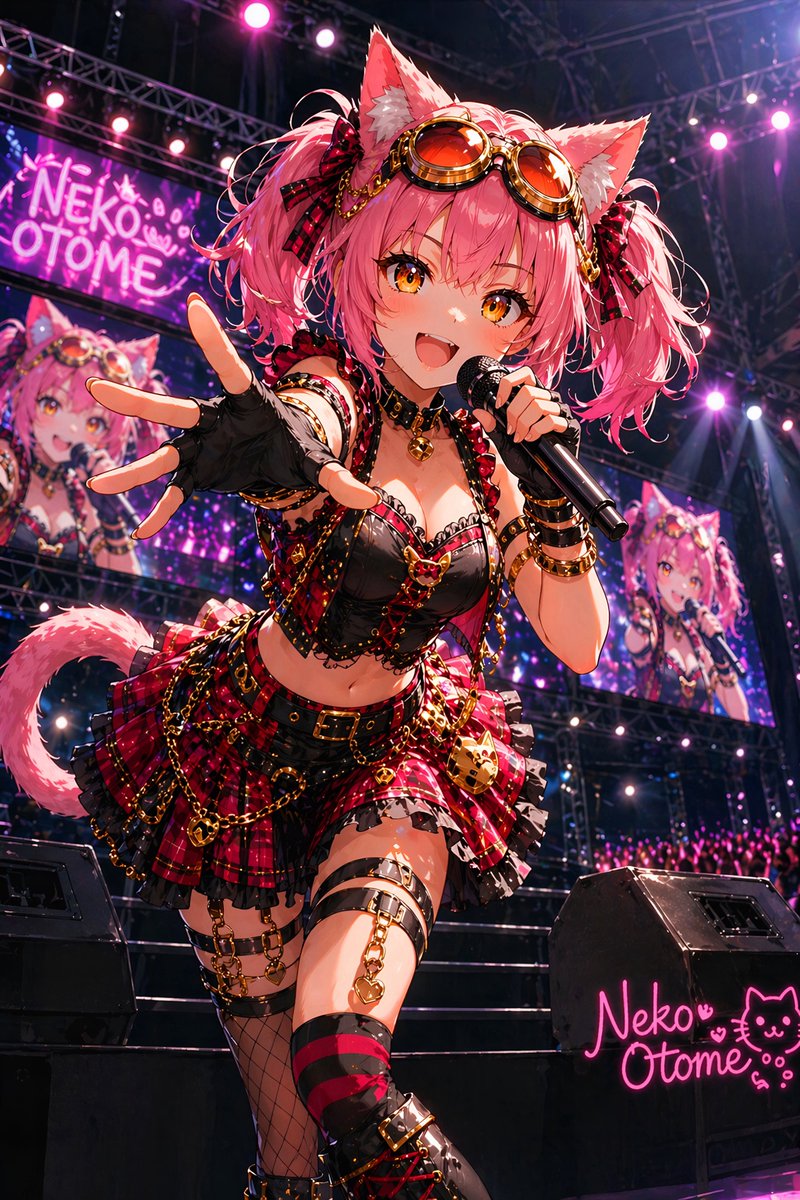
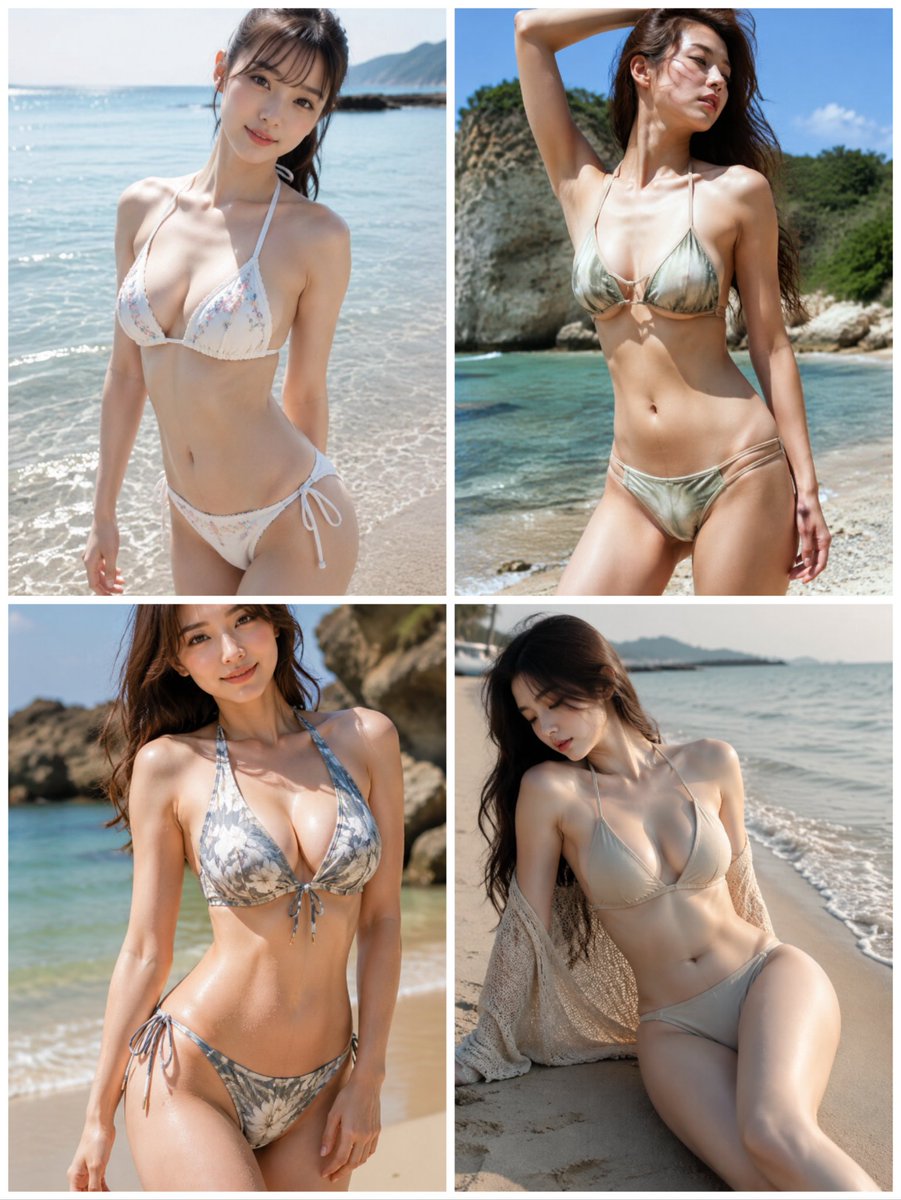
Ultra-realistic lifestyle portrait of a beautiful young {argument name="ethnicity" default="East Asian"} woman sitting indoors during golden hour, captured in a cozy modern apartment beside large sunlit windows. She has long, silky black hair cascading over her shoulders, one hand gently running through her hair while resting her arm on a raised knee. She looks directly into the camera with a soft, playful smile and subtle dimples, creating an intimate, warm, and inviting mood. She wears a {argument name="outfit" default="cream-white satin spaghetti-strap slip dress"} with elegant draping, revealing natural collarbones and shoulders. Her skin is smooth, luminous, and softly illuminated by warm golden sunlight streaming through the window, creating cinematic highlights and gentle shadows across her face and body. The background features a minimal, stylish interior with blurred flowers in glass vases, warm beige walls, soft decor, and a bright city view outside the window. Everything behind her is softly out of focus with a creamy bokeh effect, emphasizing depth and realism. Shot on an {argument name="lens" default="85mm"} lens at f/1.8, eye-level composition, close-up portrait with natural perspective, shallow depth of field, realistic skin texture, detailed hair strands, warm color grading, soft ambient light, HDR, ultra-detailed, DSLR-quality, photorealistic, editorial lifestyle photography, 8K resolution, intimate candid atmosphere, no text, no watermark.
Choose the primary action to open PicX Studio with the available template settings. Review the model and format, personalize the creative direction, and generate when ready.
Yes. You can change the subject, setting, lighting, mood, format, and available model controls before creating your image.
This template is free to open and customize. Generation usage is shown in PicX Studio before you create.
Start with GPT Image 2, which is the model associated with this template. You can compare another compatible model for a different finish.
Follow a topic to a crawlable collection of related PicX Studio templates.