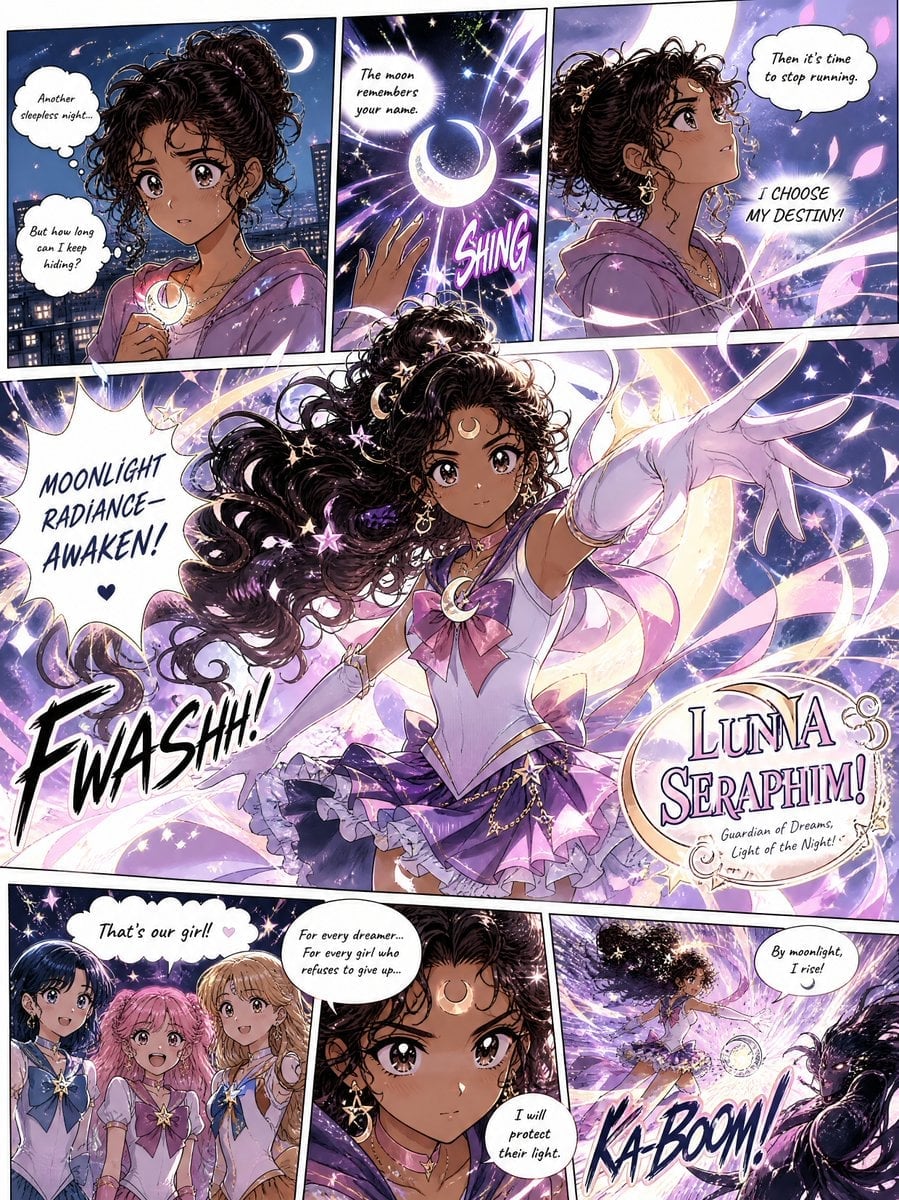
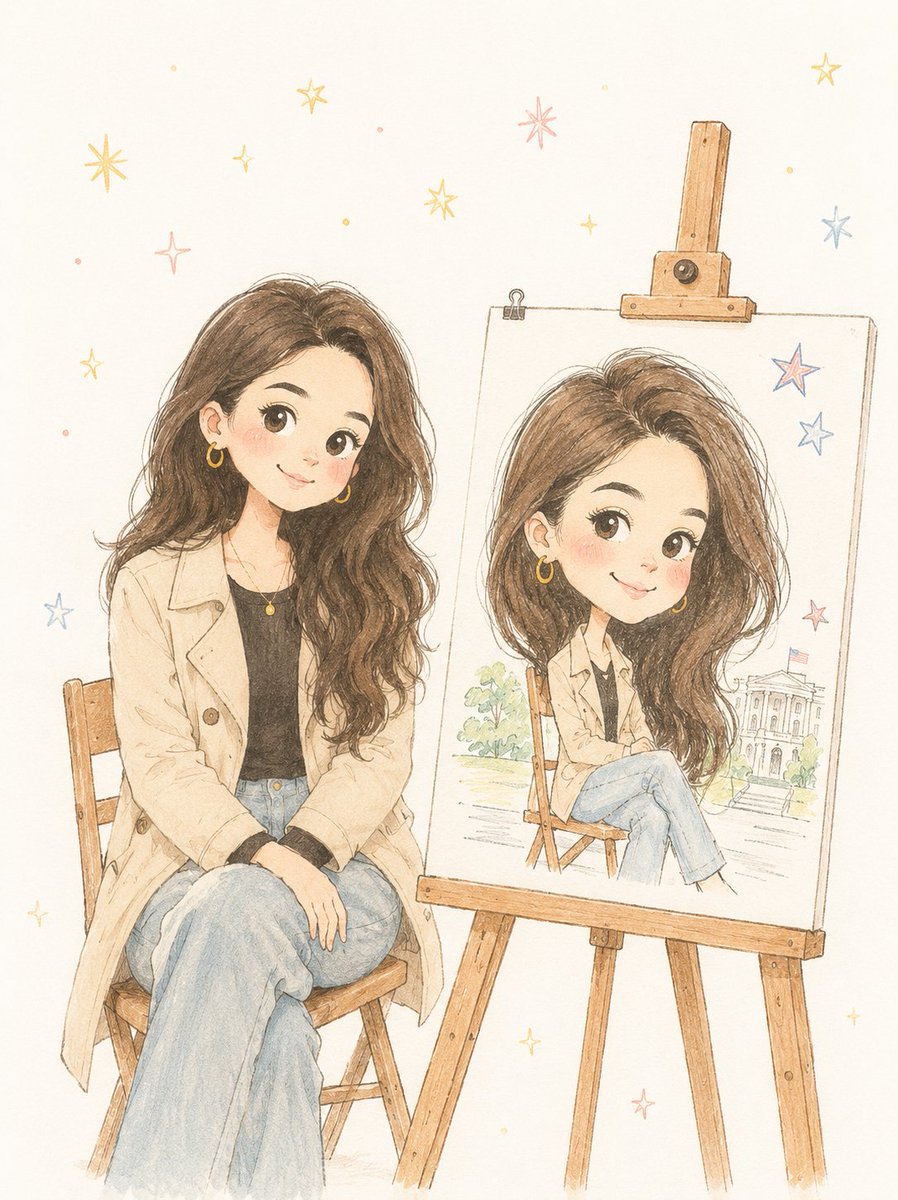
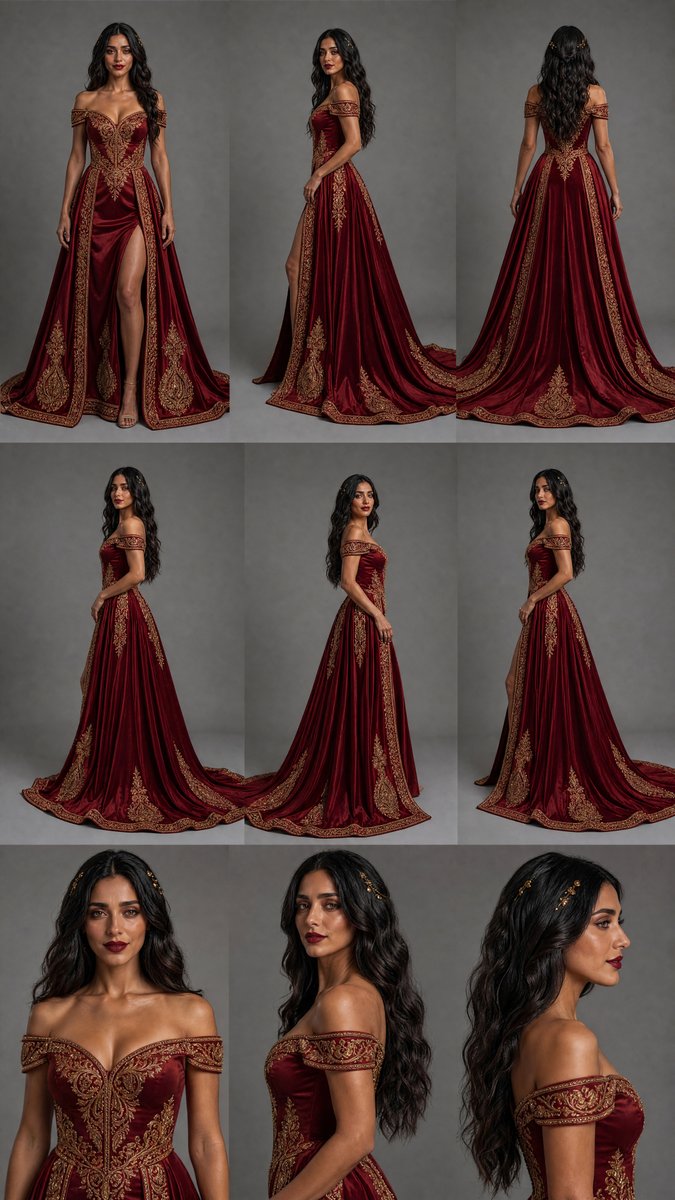
How do I use the Minimalist Watercolor Reading Scene template?
Choose the primary action to open PicX Studio with the available template settings. Review the model and format, personalize the creative direction, and generate when ready.
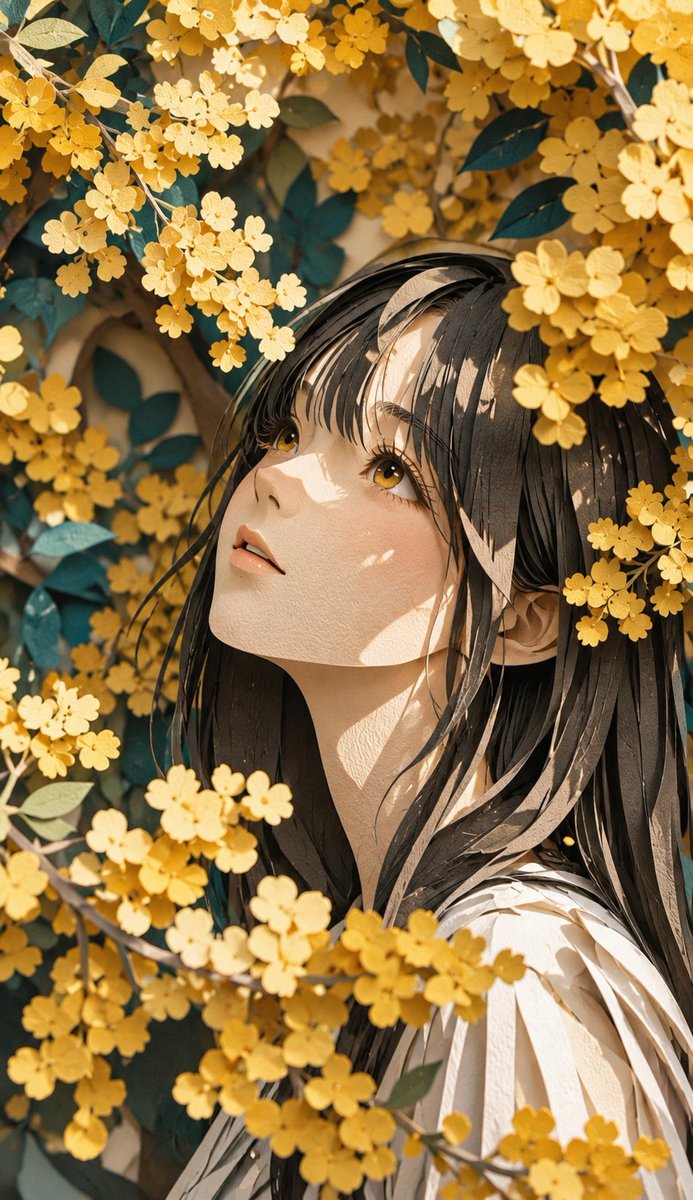
A soft watercolor illustration of a woman reading and journaling in a cozy setting with a Japanese anime aesthetic.

A minimalist watercolor illustration of a {argument name="subject" default="young woman"} immersed in a quiet everyday moment, seated at a cozy table while reading a book and writing notes in an open journal. Soft hand-painted anime aesthetic with delicate ink outlines and expressive facial features. Her loose oversized blouse drapes naturally with elegant flowing fabric folds, while wisps of hair fall gently around her face. A ceramic mug of tea, stacked books, and a small glass vase with dried flowers rest nearby, enhancing the peaceful atmosphere. Rendered on textured watercolor paper with a muted pastel color palette of {argument name="colors" default="warm beige, cream, soft gray, dusty blue, and subtle peach tones"}. Highly detailed watercolor shading with soft edges, visible pigment blooms, organic paint splashes, and artistic brush textures surrounding the subject. Clean negative space allows the figure to remain the focal point while maintaining an airy, balanced composition. {argument name="lighting" default="Gentle morning light"} filters across the scene, creating subtle shadows and a calm, contemplative mood. Sketchbook-style artwork with elegant brushwork, natural imperfections, delicate paint splatter accents, and a dreamy handcrafted quality. Modern Japanese watercolor art style, lifestyle fashion illustration, centered composition, light beige paper texture, emotional storytelling, high-quality traditional watercolor painting.
Choose the primary action to open PicX Studio with the available template settings. Review the model and format, personalize the creative direction, and generate when ready.
Yes. You can change the subject, setting, lighting, mood, format, and available model controls before creating your image.
This template is free to open and customize. Generation usage is shown in PicX Studio before you create.
Start with GPT Image 2, which is the model associated with this template. You can compare another compatible model for a different finish.
Follow a topic to a crawlable collection of related PicX Studio templates.