How do I use the Dynamic 3D Sticker Action Scene template?
Choose the primary action to open PicX Studio with the available template settings. Review the model and format, personalize the creative direction, and generate when ready.
A template for creating humorous 3D-style sticker characters composited onto photorealistic backgrounds with chaotic action poses.
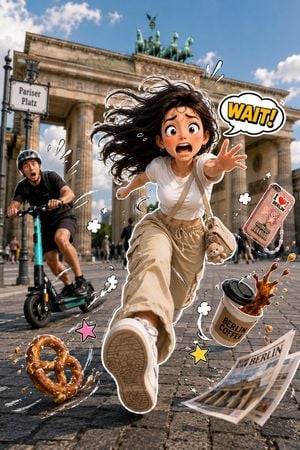
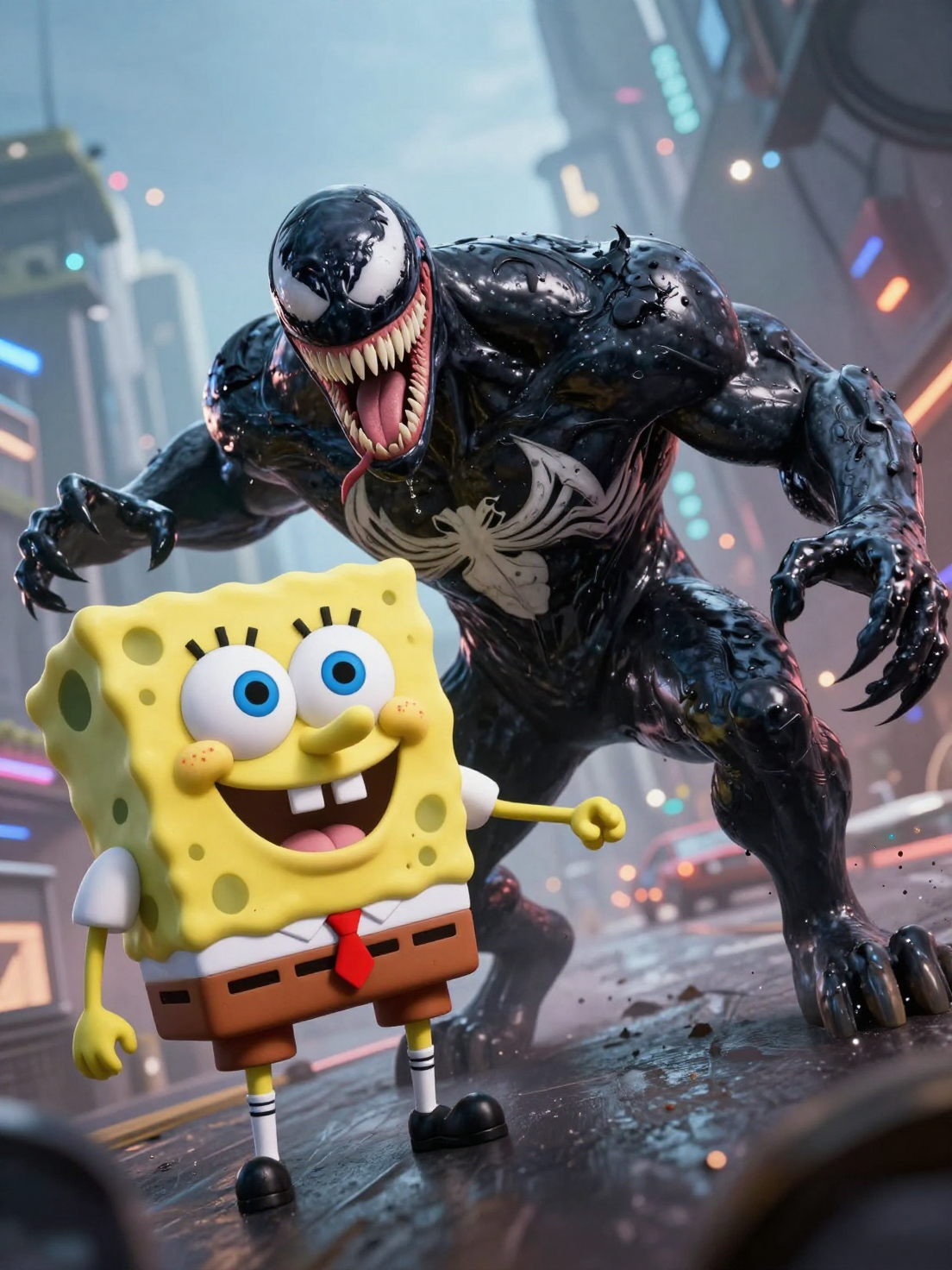
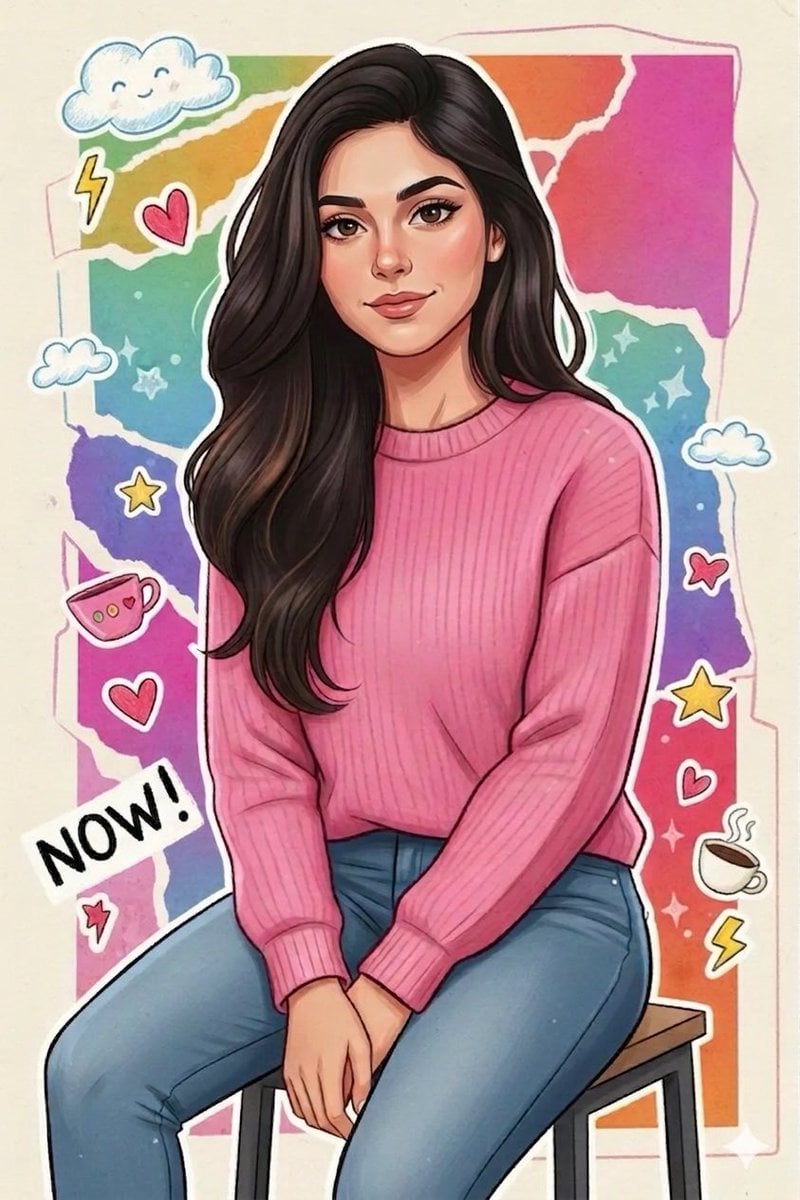
A vibrant, humorous 3D-style sticker character seamlessly composited onto a real-life photograph of {argument name="location" default="LOCATION"}. A cute young adult is caught in a dynamic full-body sprint toward the camera with exaggerated running motion, expressive cartoon facial expression, windblown hair, and dramatic action pose. They wear {argument name="outfit" default="OUTFIT"} and carry {argument name="accessory" default="ACCESSORY"}. A funny mishap is unfolding: {MAIN_EVENT}, while {SECONDARY_EVENT} creates even more chaos. Random objects such as {FLYING_OBJECTS} fly through the air with exaggerated motion. Include playful comic-style motion lines, action swirls, sweat drops, speed streaks, bounce effects, floating impact symbols, and expressive sticker doodles around every moving object. Add one comic speech bubble or sound effect like "Woof!", "Wait!", "Oops!", "Ahhh!", "Nooo!", "Catch!", or "Run!" in bold colorful lettering. The character has a thick white die-cut sticker border with subtle drop shadow, while the background remains fully photorealistic. Strong perspective with one foot reaching toward the camera, cinematic wide-angle lens, shallow depth of field, bright natural lighting, ultra-detailed textures, joyful chaos, playful storytelling, collectible premium sticker aesthetic, vibrant colors, Pixar-inspired expressions, hyper-realistic photography blended with high-end 3D illustration, 8K, vertical composition.
Choose the primary action to open PicX Studio with the available template settings. Review the model and format, personalize the creative direction, and generate when ready.
Yes. You can change the subject, setting, lighting, mood, format, and available model controls before creating your image.
This template is free to open and customize. Generation usage is shown in PicX Studio before you create.
Start with GPT Image 2, which is the model associated with this template. You can compare another compatible model for a different finish.
Follow a topic to a crawlable collection of related PicX Studio templates.