
Anime Denim Gingham Girl
Generates a full-body anime fashion illustration of a twin-tail girl in a denim romper and gingham skirt panel against a sunlit tiled wall.
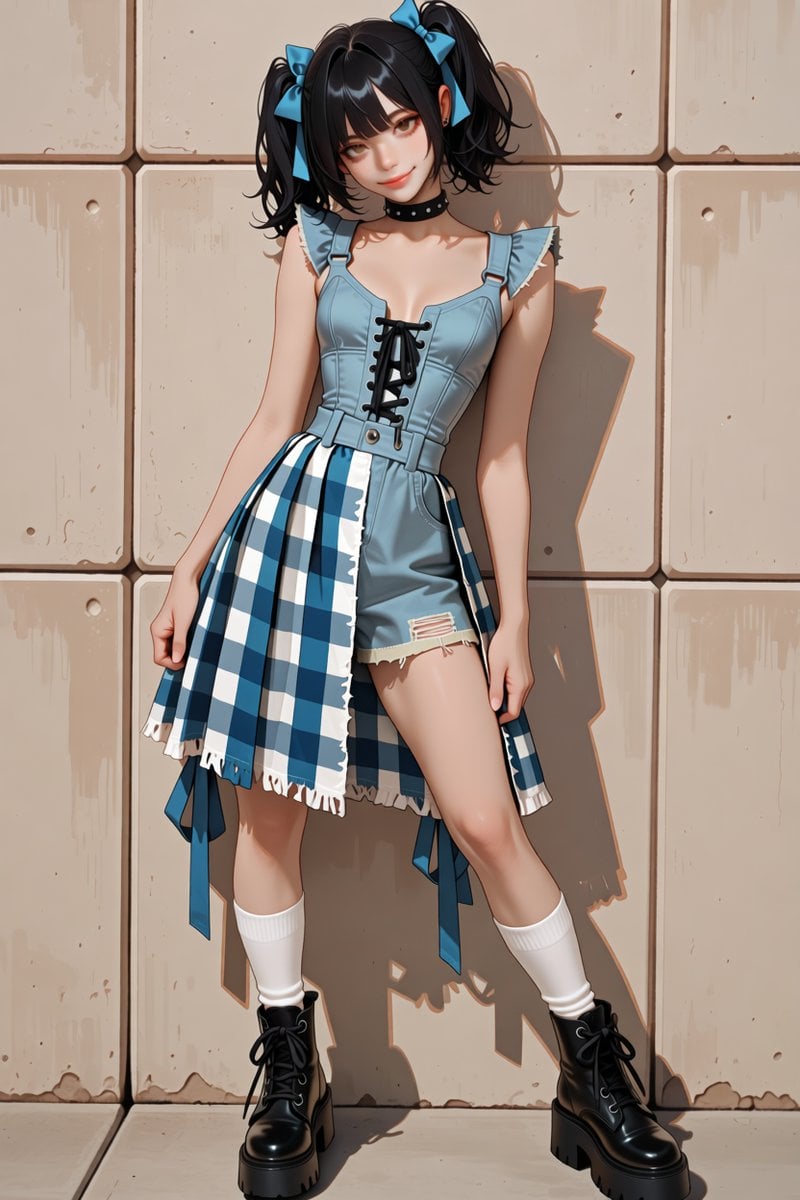
- Prompt included
- Model and format preset
- Premium template
The prompt behind this image
Copy the exact prompt behind Anime Denim Gingham Girl, or open it in the studio and make it yours.
Create a polished anime-style full-body fashion illustration of a cute young woman standing against a beige tiled concrete wall in warm sunlight. She has {argument name="hair color" default="glossy black"} hair in high twin ponytails with short bangs and loose curled ends, each ponytail tied with a bright blue bow. Her expression is playful and slightly mischievous, with soft reddish-brown eyes, a small smile, and a gentle head tilt. She wears a black studded choker, a pale blue denim romper with structured bodice panels, ruffled shoulder straps, a sweetheart neckline, black lace-up front detail, belt loops, and short fitted shorts with one distressed ripped patch. Over one side is an asymmetrical blue-and-white gingham check skirt panel with frayed white hem, hanging ribbons, and layered fabric pieces. She also wears white mid-calf socks and chunky black lace-up platform combat boots. Pose her leaning casually with one hip cocked, one knee bent inward, arms relaxed at her sides, feet apart, and her body casting a crisp shadow on the wall. Use a vertical 2:3 composition, full body centered, detailed clean line art, smooth cel-shaded anime rendering, glossy highlights on hair and boots, soft skin shading, high-detail clothing folds, warm late-afternoon lighting, subtle wall stains and chips, no text, no watermark, no extra characters.
How to use Anime Denim Gingham Girl in 3 steps
- 1Upload ImagePNG, JPG or paste
Add your photo
Upload the photo the template builds on. The prompt, model and format are already set.
- 2…a portrait of your subject in softgolden-hour light, 85mm…
Personalize
Edit the subject and creative details for your destination.
- 3Generate
Generate
Press Generate — your image is created in PicX Studio, so you can compare it with the original and refine one variable at a time.
More like this
Templates with the same subject, style or setup. Open one to see its prompt.












Make it yours
Anime Denim Gingham Girl works as-is. These are the safest ways to change it without losing the look.
Change one field
Copy a single group, rewrite it, and generate again so you can see what that field is doing.
Keep the frame, change the subject
Hold the composition and light of Anime Denim Gingham Girl, then swap wardrobe, props or the person for a new take.
| If the result… | Why | Fix |
|---|---|---|
| The result drifts from the preview | Too many fields changed at once. | Reuse Anime Denim Gingham Girl as-is first, then change one group — subject, light, or setting. |
| The model over-stylizes the scene | The prose prompt leaves finish and camera underspecified. | Add one camera or lighting sentence and stay on GPT Image 2. |
More GPT Image 2 templates
Other prompts made for GPT Image 2.

Six VTuber Japanese Logo Sheet

Realistic Portrait of Woman and Deer

The Vista Modular Condo Poster

AI Model Routing Comparison Infographic

2.5D Anime Art Board

Isometric Productivity Desk Scene

New York Double Exposure Poster

Four-Panel AI Landscape Comparison

Japanese Tatami Lifestyle Magazine Cover

NESCAFÉ Coffee Map Poster
More image prompts
Fresh picks from across the catalog.
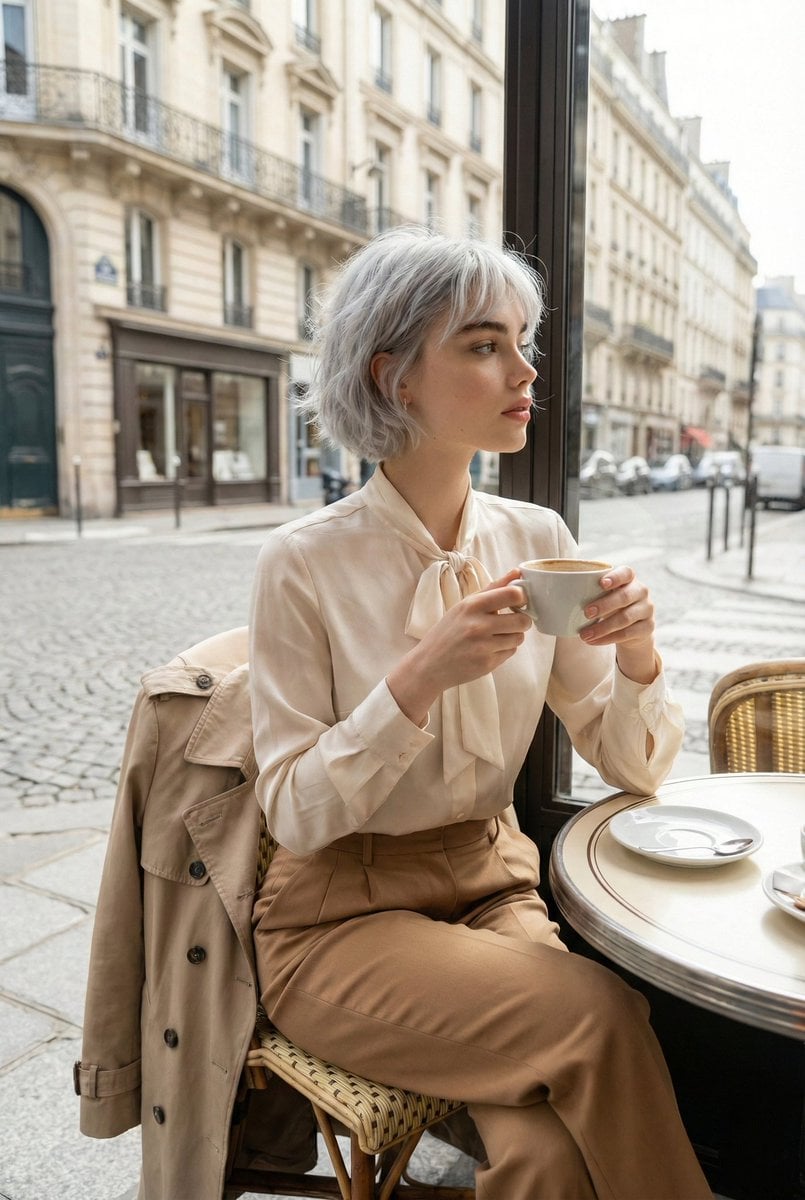
Candid Parisian Café Portrait with Silver Hair
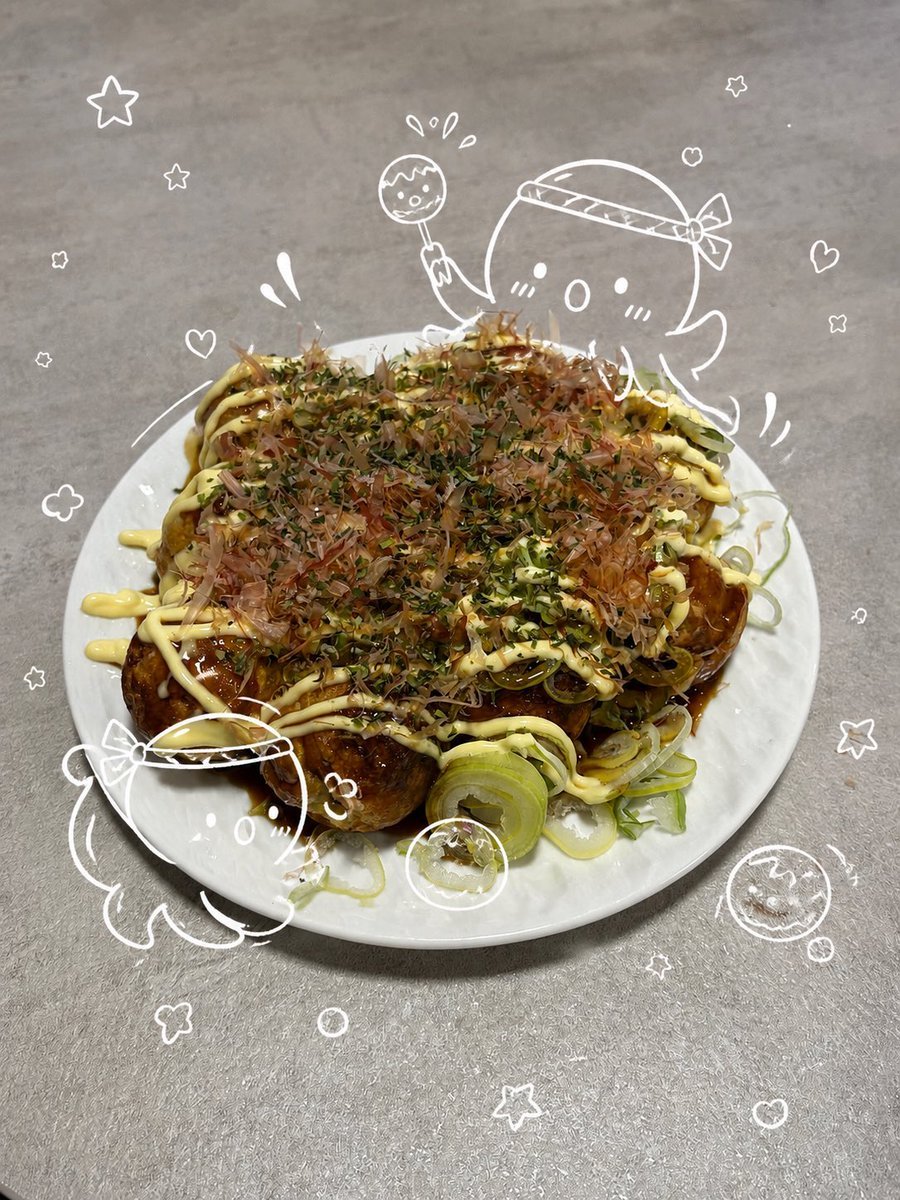
Cute Takoyaki Photo With Doodle Octopus
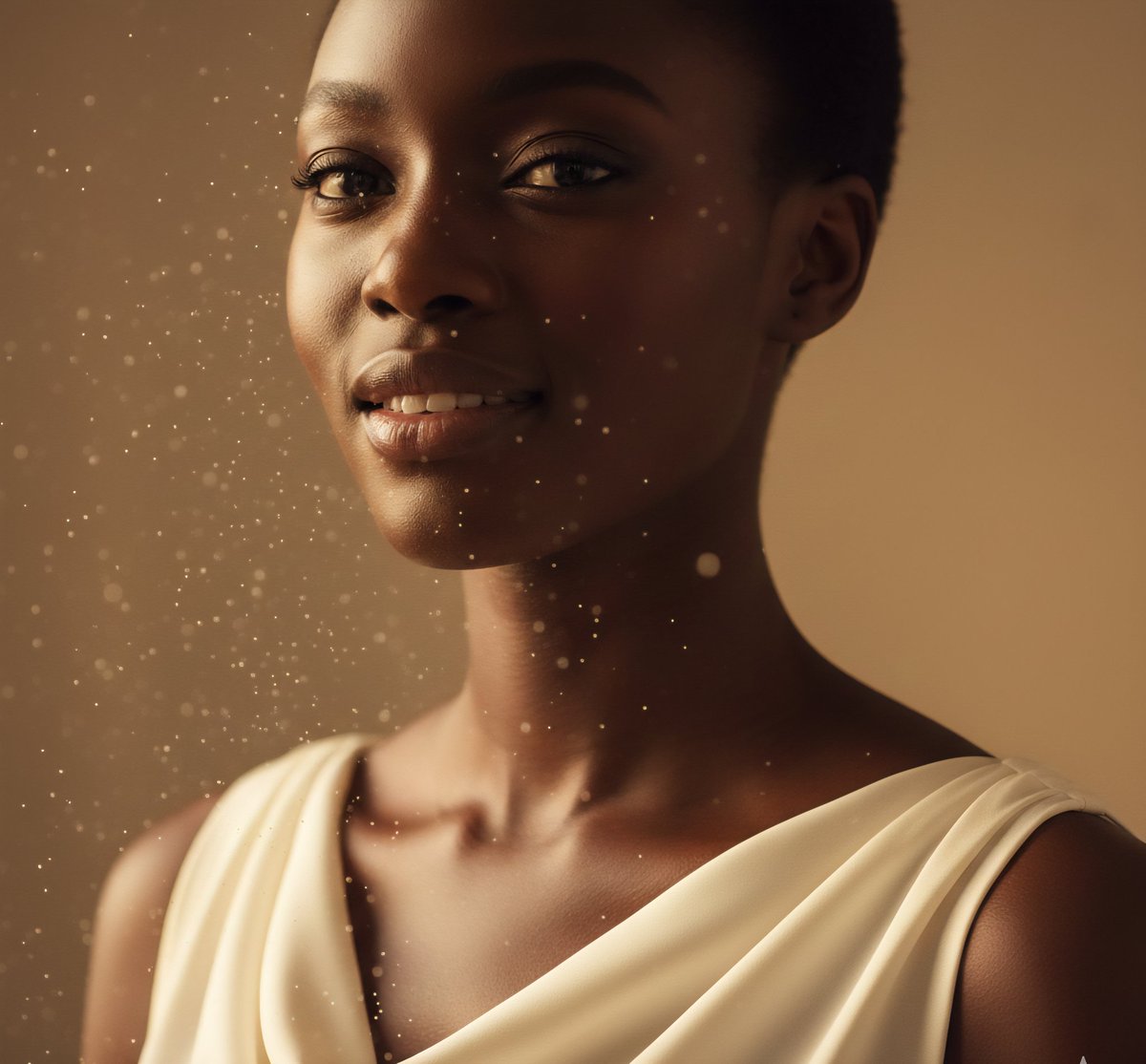
High-Fashion African Female Editorial Portrait Prompt
Flash Mirror Selfie in Retro Bathroom
Cinematic Editorial of a Young Man Leaving a Café
Giant Vintage Diary Couple Poster
Cinematic Noir Night Street Walk
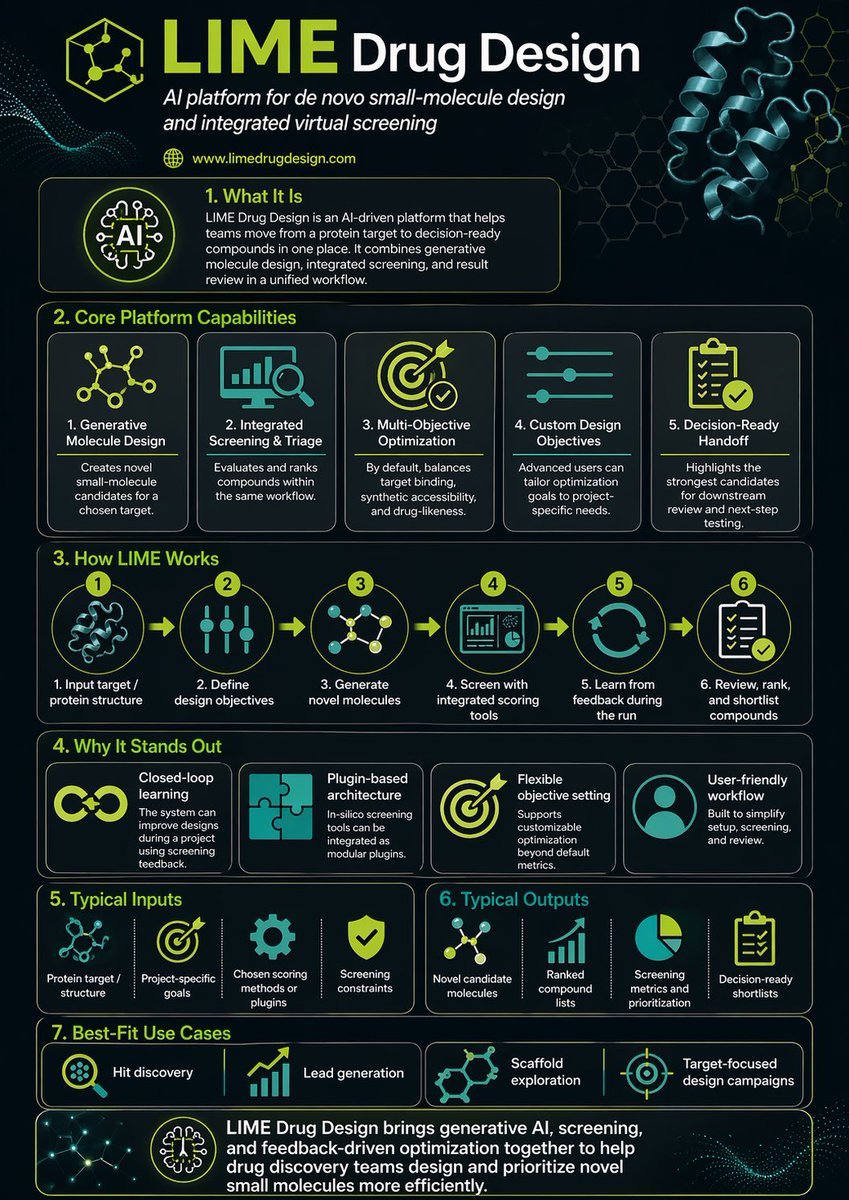
Scientific Infographic for Pharmaceutical Research
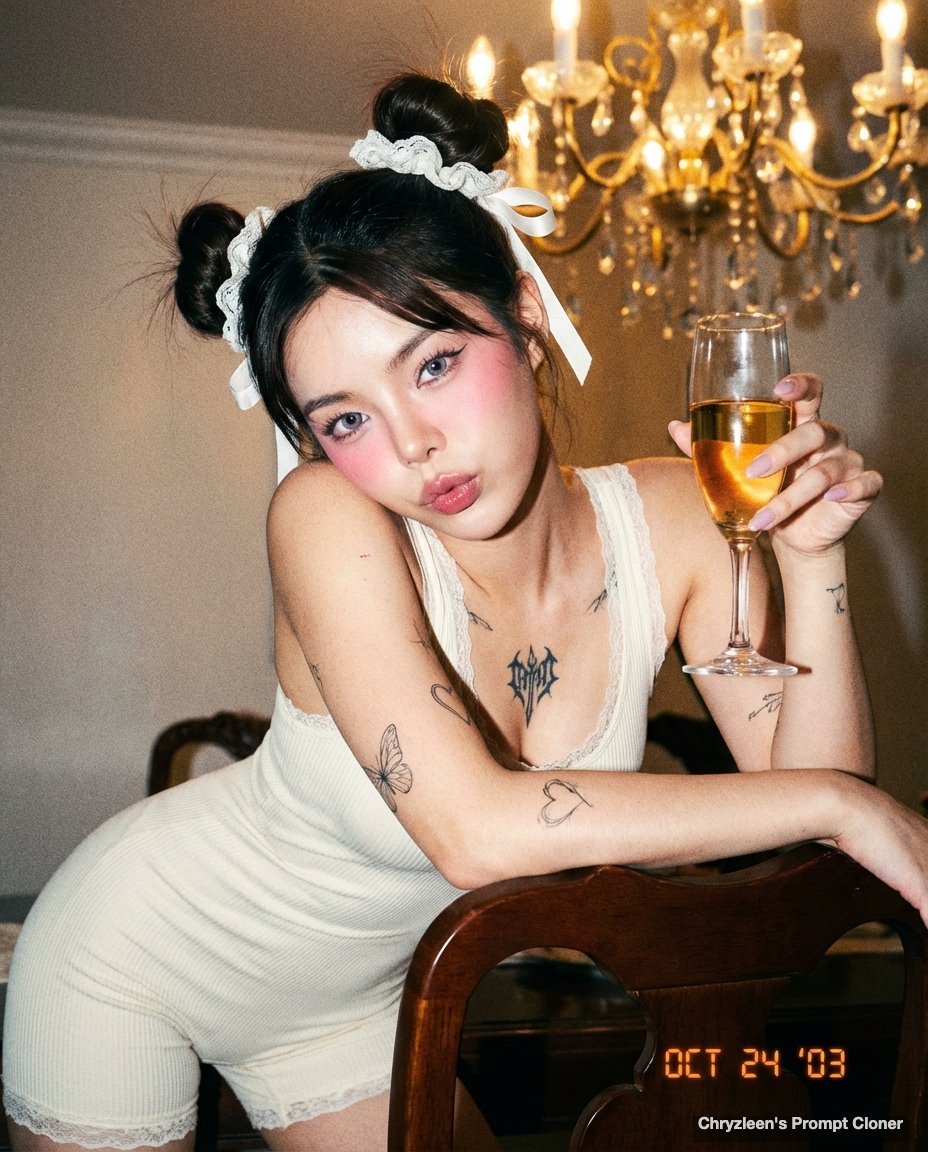
Microscopic Y2K Candid Portrait with PersonaFusion
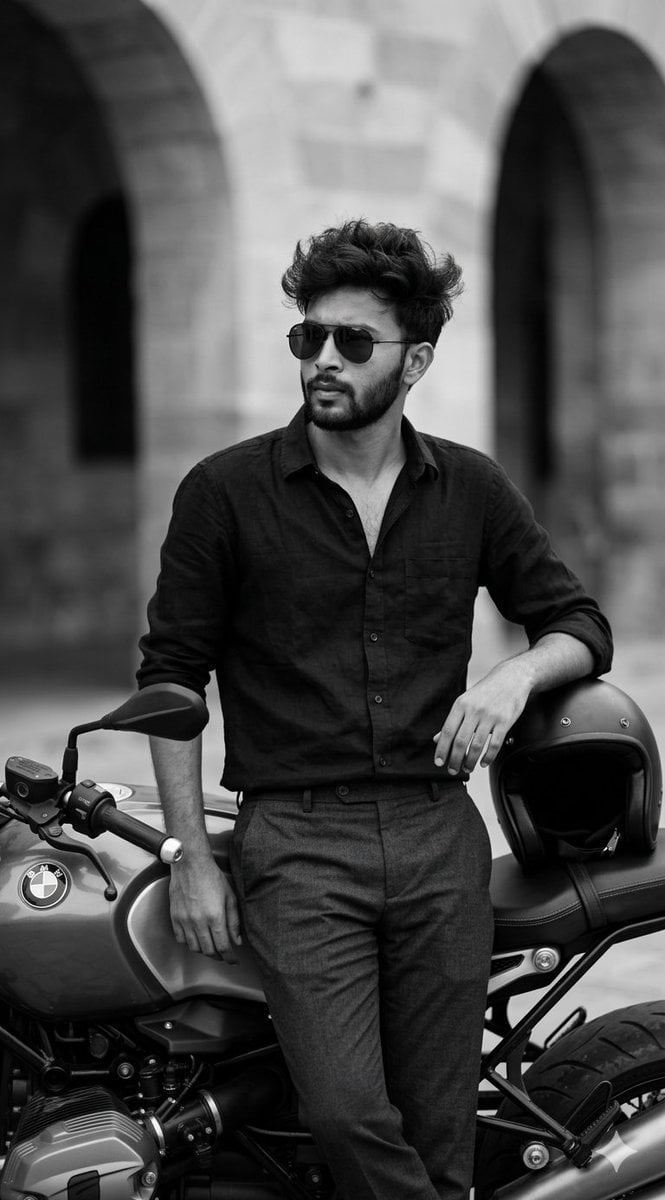
Black and White Cinematic Portrait with Motorcycle
Browse template categories
Anime Denim Gingham Girl questions
How do I use the Anime Denim Gingham Girl template?
Add your photo if the template asks for one, edit the prompt if you like — the template's model and format are already selected — and press Generate. Your version opens in PicX Studio.
Can I customize the Anime Denim Gingham Girl template?
Yes. You can change the subject, setting, lighting, mood, format, and available model controls before creating your image.
Is the Anime Denim Gingham Girl template free?
Opening and editing this template is free. Generating uses credits, shown on the Generate button when you are signed in.
Which AI model should I use?
Start with GPT Image 2, which is the model associated with this template. You can compare another compatible model for a different finish.
Looking for something else? Browse all templates.

Your photo, any look
Thousands of ready templates for every top image and video model, from one credit balance.