
Luxury Ribbed Suitcase Product Photo
A cinematic studio product shot of a premium black ribbed rolling suitcase for luxury travel or ecommerce advertising.
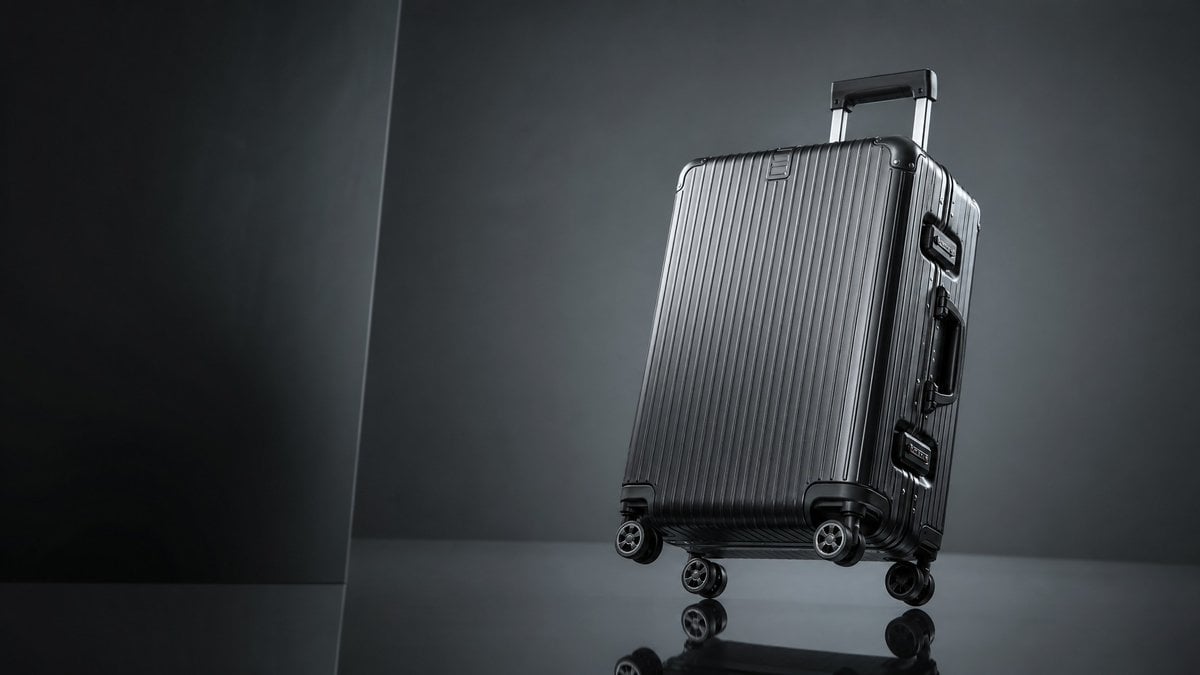
- Prompt included
- Model and format preset
- Free template
The prompt behind this image
Copy the exact prompt behind Luxury Ribbed Suitcase Product Photo, or open it in the studio and make it yours.
Create a high-end studio product photograph of a {argument name="product type" default="premium hard-shell rolling suitcase"} in {argument name="case color" default="glossy gunmetal black"}, positioned on the right side of a wide horizontal frame with generous negative space on the left. The suitcase is a rigid aluminum-style carry-on with vertical ribbed grooves across the front, rounded reinforced black corner protectors, two visible side latches, a side handle, an extended telescoping pull handle, and exactly 4 double-spinner wheels visible near the base. Show it standing upright but slightly tilted back, photographed from a low three-quarter front angle so the front and right side are visible. Use dramatic luxury advertising lighting: dark charcoal-gray studio background, subtle vertical wall seam on the left, reflective black floor with soft reflections of the wheels and lower case, cool highlights along the ribs, controlled rim light, and a moody gradient backdrop. Keep the image photorealistic, sharp, premium, minimal, and cinematic, with no text, no logo, no people, and no clutter.
How to use Luxury Ribbed Suitcase Product Photo in 3 steps
- 1Upload ImagePNG, JPG or paste
Add your photo
Upload the photo the template builds on. The prompt, model and format are already set.
- 2…a portrait of your subject in softgolden-hour light, 85mm…
Personalize
Edit the subject and creative details for your destination.
- 3Generate
Generate
Press Generate — your image is created in PicX Studio, so you can compare it with the original and refine one variable at a time.
More like this
Templates with the same subject, style or setup. Open one to see its prompt.

Minimalist Skincare Product Water Stone Still
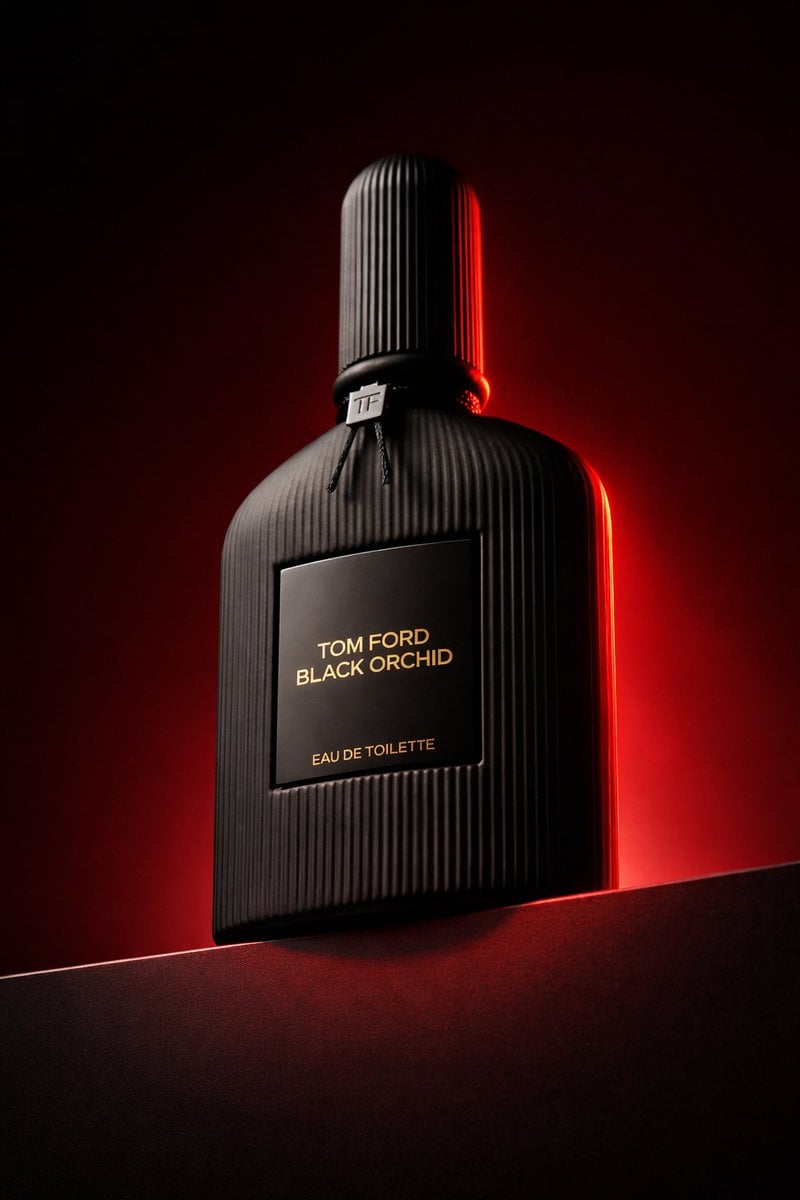
Low angle luxury product photography of a black ribbed glass perfume
Minimalist Skincare Product Water Stone Still

Luxury Toothpaste Commercial Storyboard
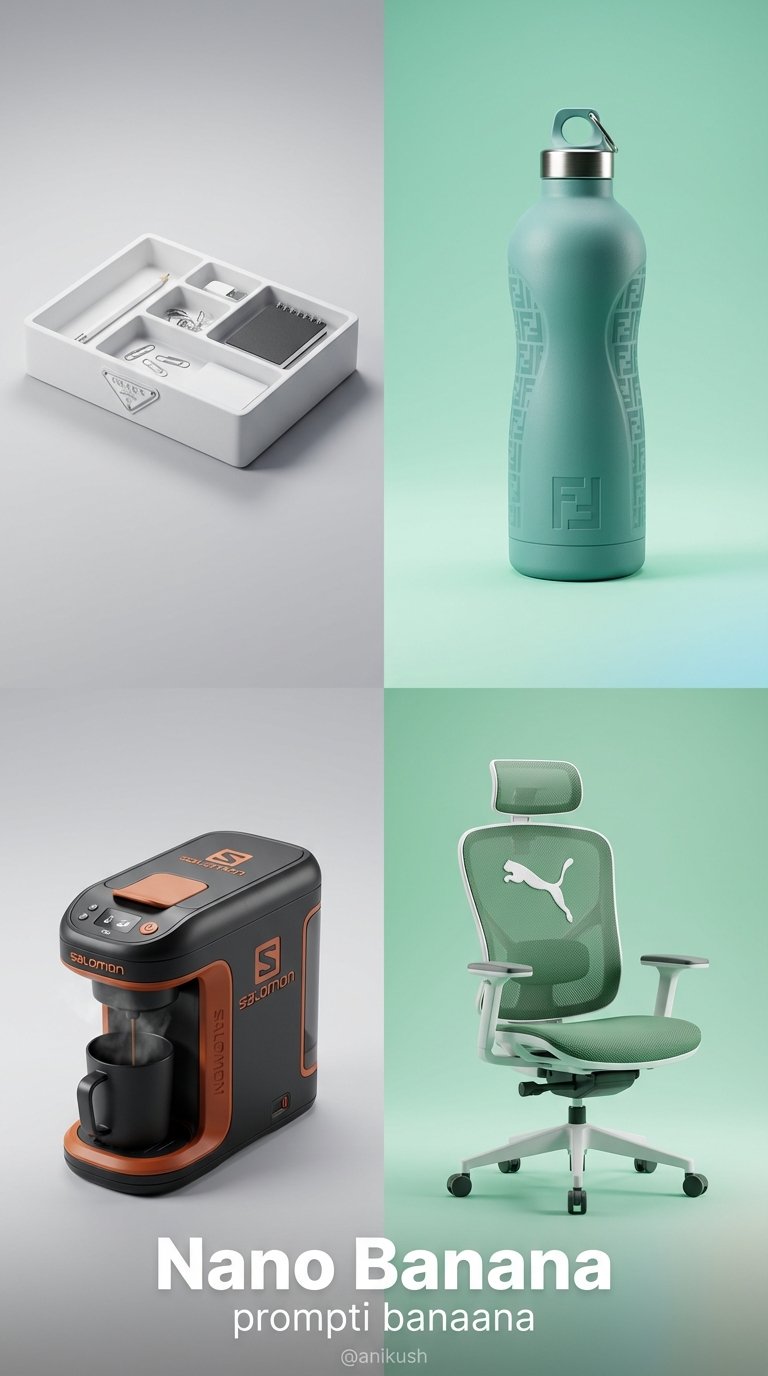
Minimalist Luxury Brand Concept

A k.pop idol on the stage with mic
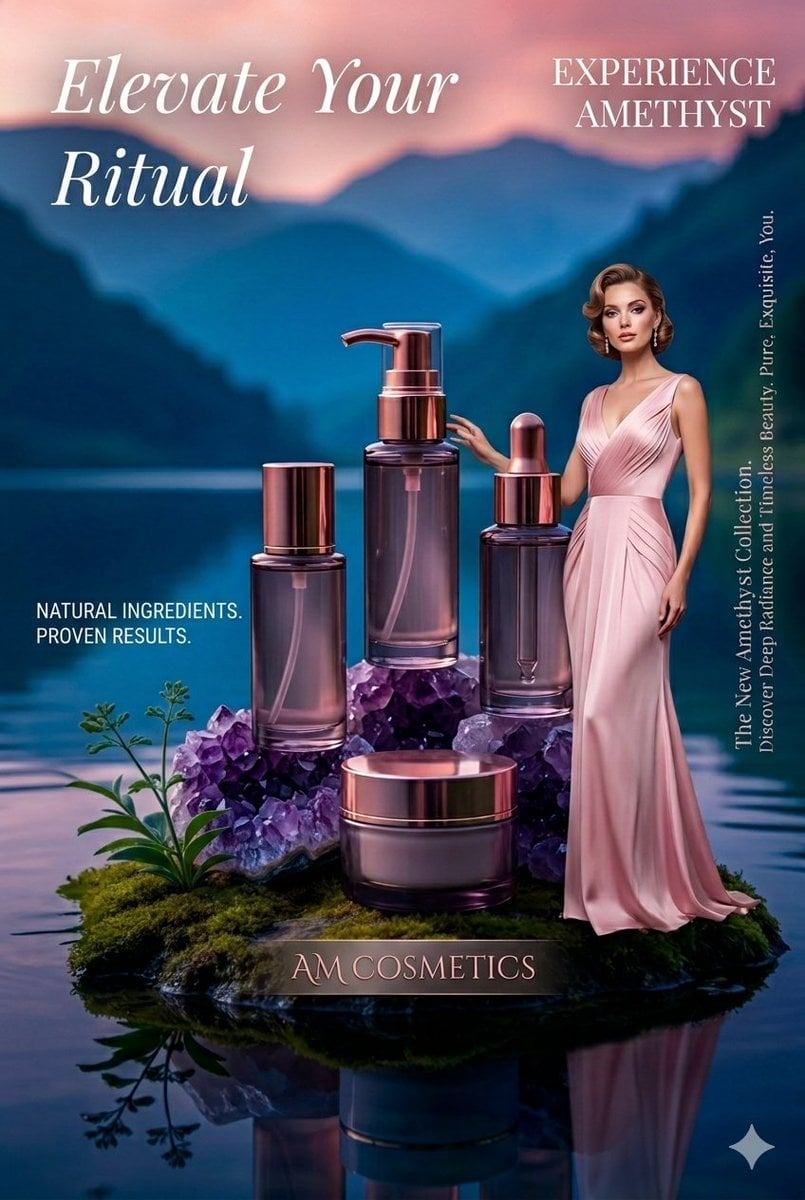
Luxury Skincare Product Photography

Sealing Wax Letter Desk

Ballroom Floor Reflections

Vintage Camera Leather Case

Hedge Maze Aerial Dawn

Tuxedo Cuff Adjust
Make it yours
Luxury Ribbed Suitcase Product Photo works as-is. These are the safest ways to change it without losing the look.
Change one field
Copy a single group, rewrite it, and generate again so you can see what that field is doing.
Keep the frame, change the subject
Hold the composition and light of Luxury Ribbed Suitcase Product Photo, then swap wardrobe, props or the person for a new take.
| If the result… | Why | Fix |
|---|---|---|
| The result drifts from the preview | Too many fields changed at once. | Reuse Luxury Ribbed Suitcase Product Photo as-is first, then change one group — subject, light, or setting. |
| The model over-stylizes the scene | The prose prompt leaves finish and camera underspecified. | Add one camera or lighting sentence and stay on GPT Image 2. |
More GPT Image 2 templates
Other prompts made for GPT Image 2.

Six VTuber Japanese Logo Sheet

Realistic Portrait of Woman and Deer

The Vista Modular Condo Poster

AI Model Routing Comparison Infographic

2.5D Anime Art Board

Isometric Productivity Desk Scene

New York Double Exposure Poster

Four-Panel AI Landscape Comparison

Japanese Tatami Lifestyle Magazine Cover

NESCAFÉ Coffee Map Poster
More image prompts
Fresh picks from across the catalog.
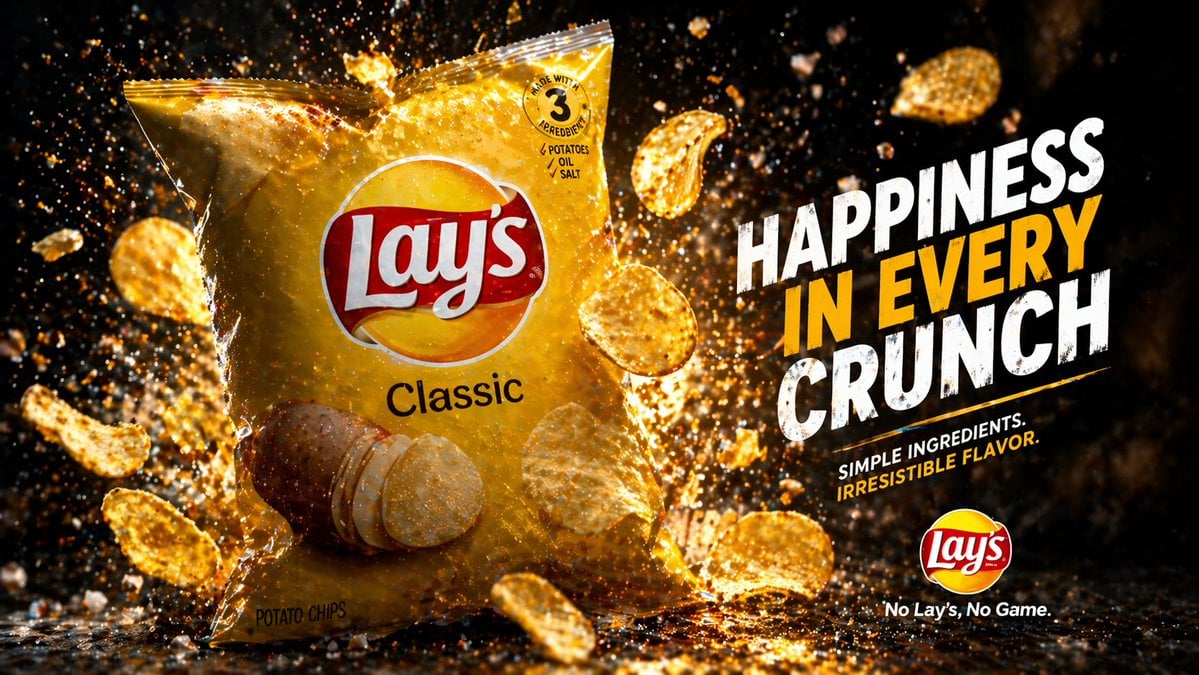
Cinematic Potato Chips Ad
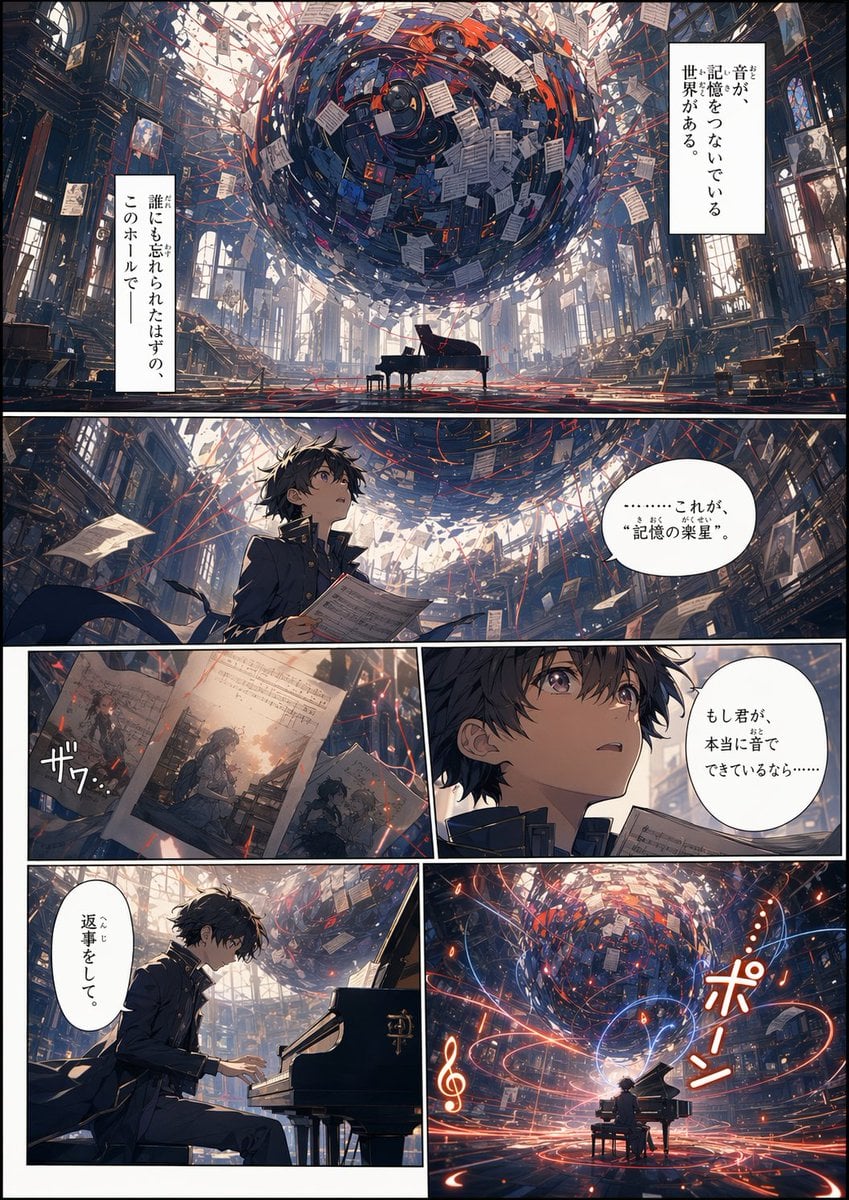
Background to Manga Layout Prompt
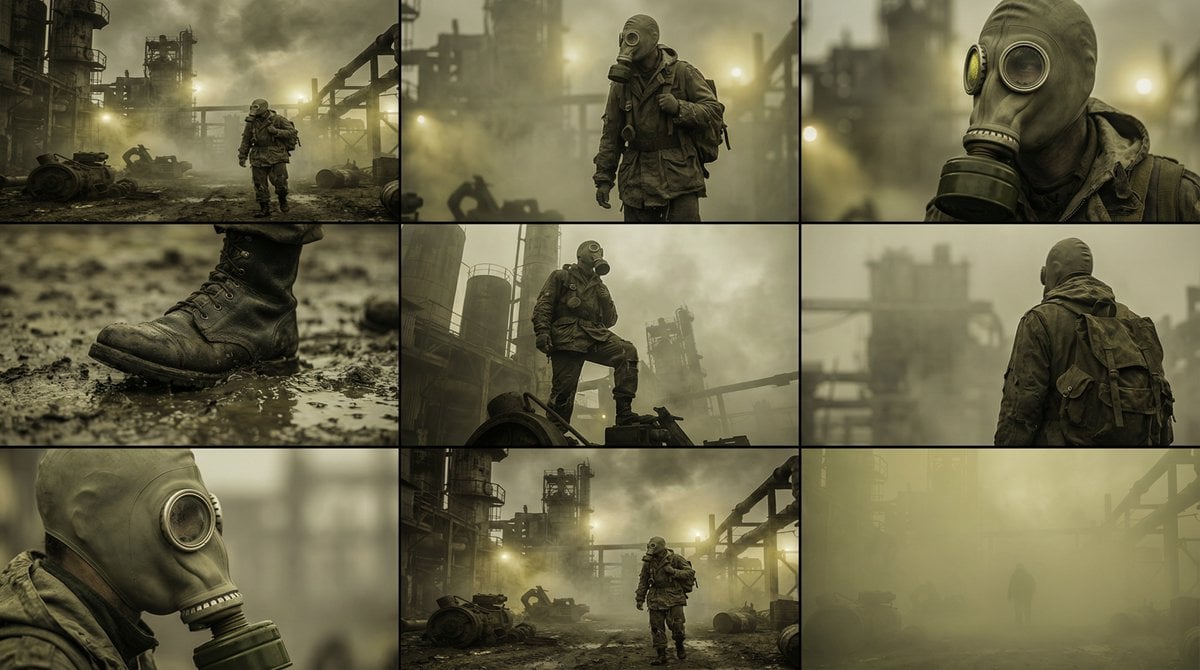
Character Consistency and Storyboard Generation Template
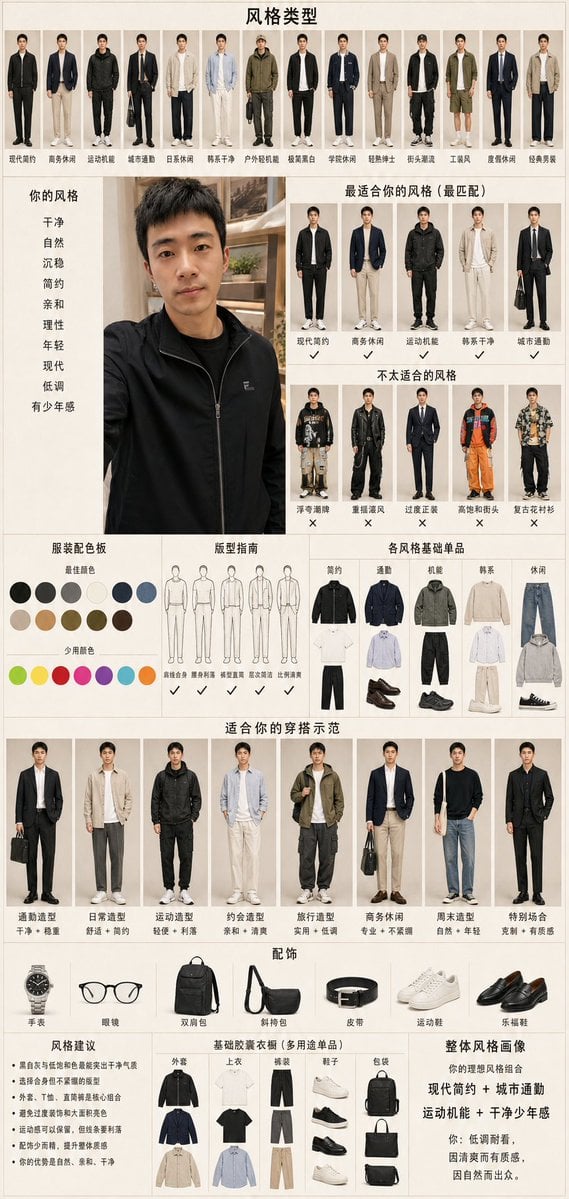
Men's Fashion Style Diagnosis Report
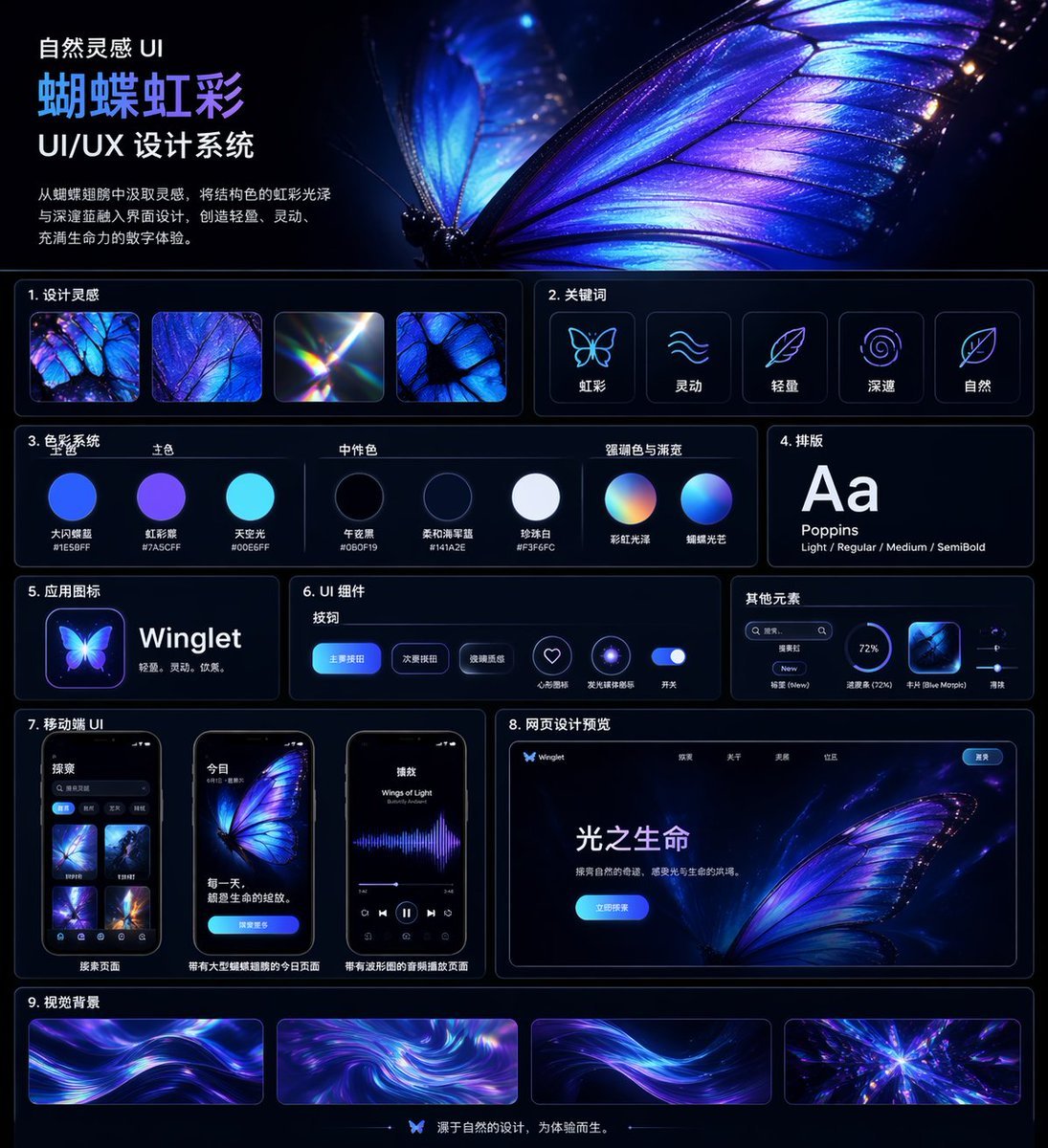
Iridescent Butterfly UI System Board
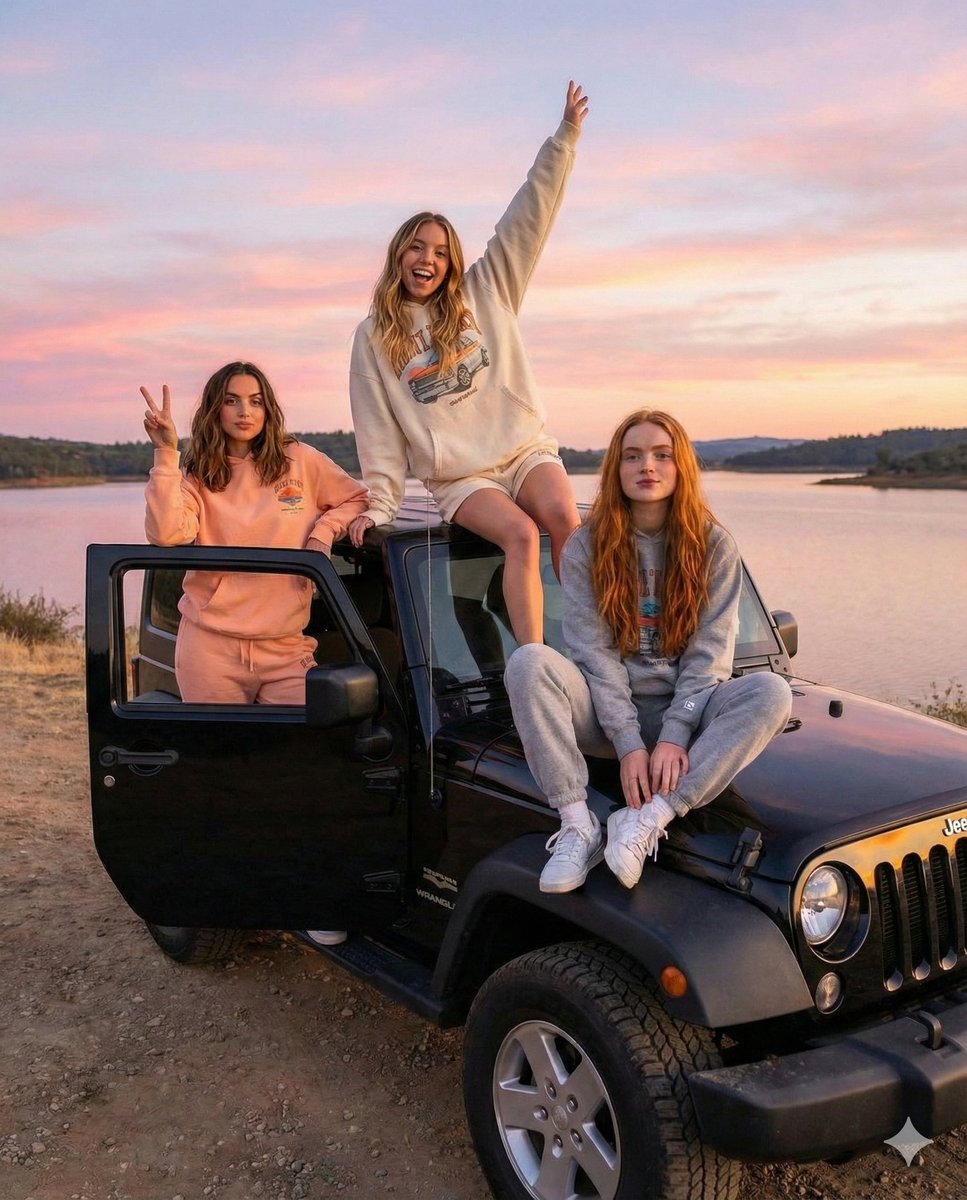
Road Trip Aesthetic with Three Subjects and Jeep
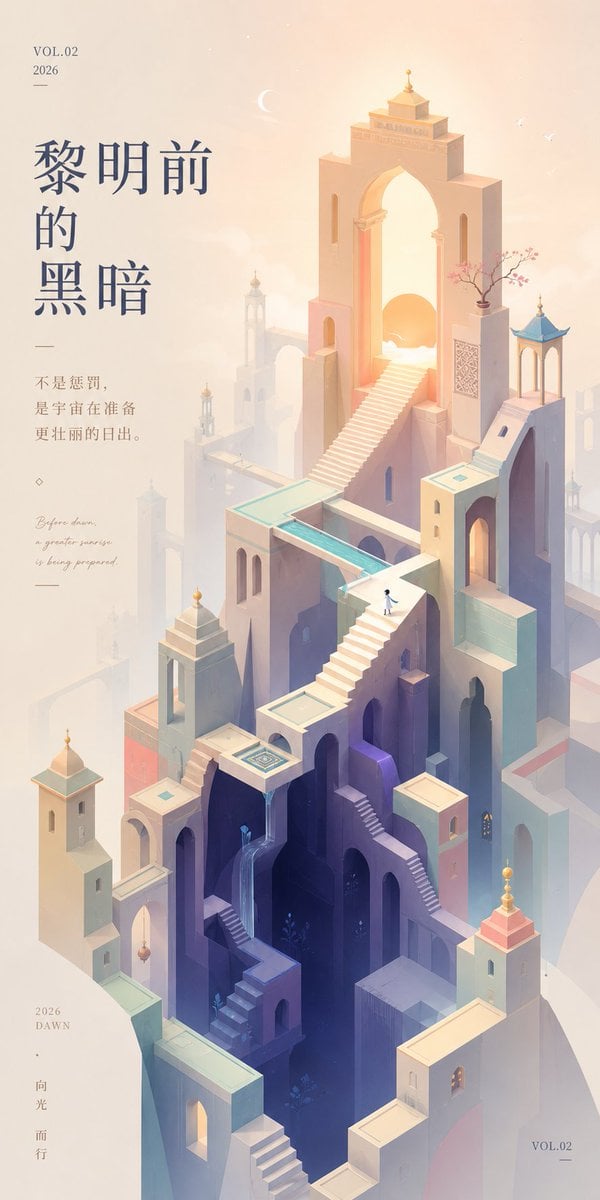
Monument Valley Dawn Quote Wallpaper
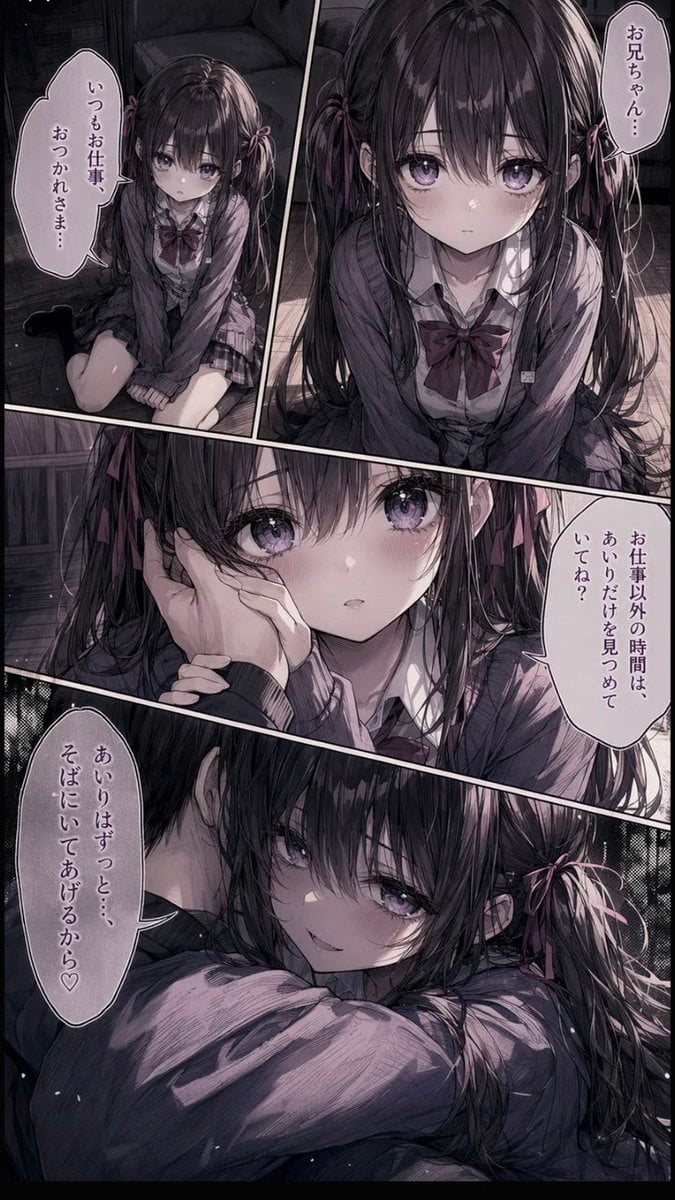
Delicate Pen Drawing Manga Style
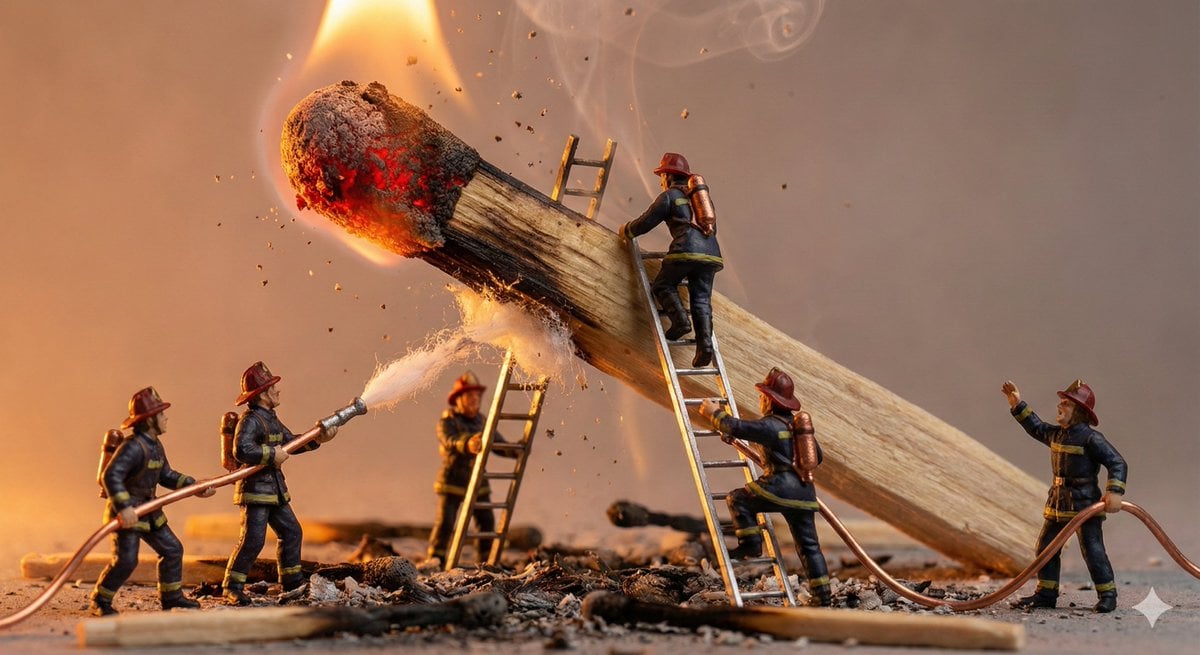
Tiny People, Giant Problem Diorama Prompt
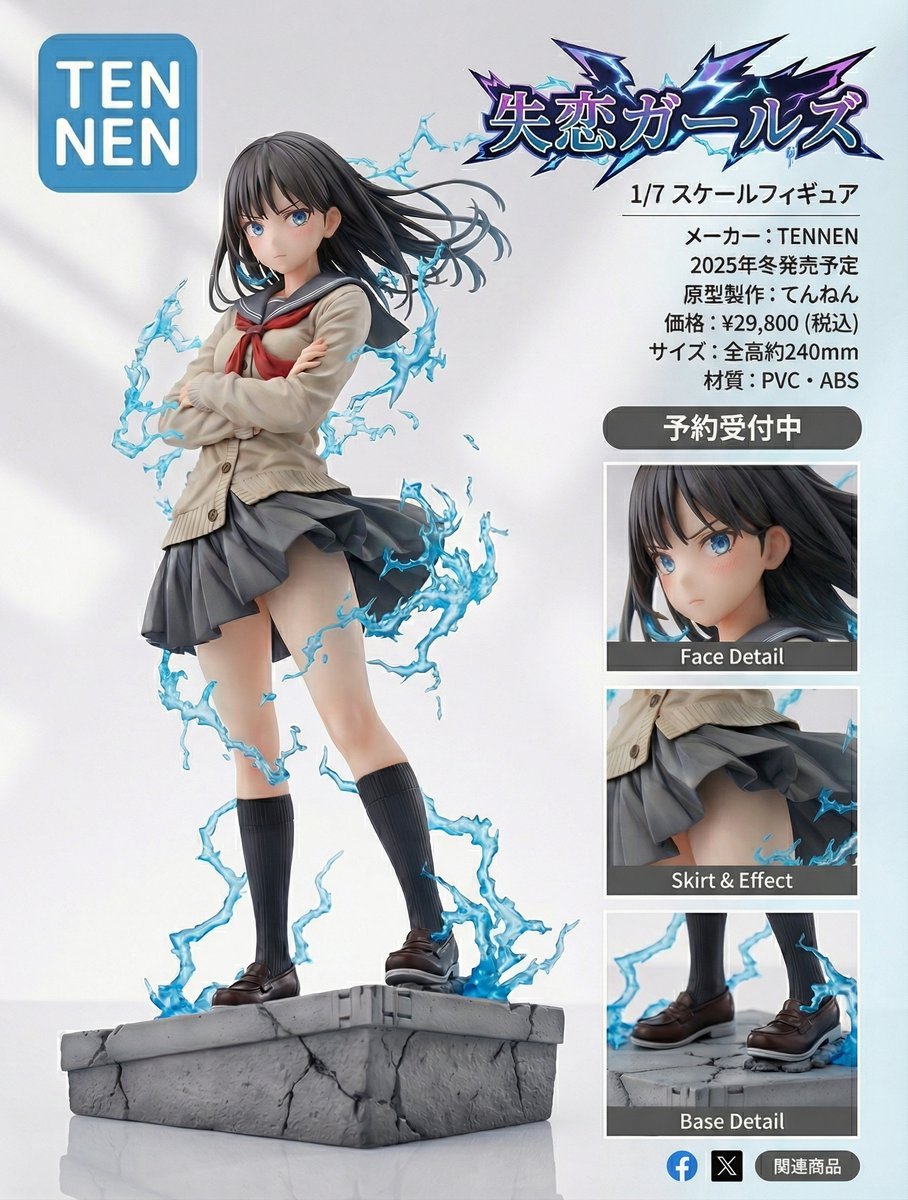
Figure-style product page design for a heartbreak girl figure
Browse template categories
Luxury Ribbed Suitcase Product Photo questions
How do I use the Luxury Ribbed Suitcase Product Photo template?
Add your photo if the template asks for one, edit the prompt if you like — the template's model and format are already selected — and press Generate. Your version opens in PicX Studio.
Can I customize the Luxury Ribbed Suitcase Product Photo template?
Yes. You can change the subject, setting, lighting, mood, format, and available model controls before creating your image.
Is the Luxury Ribbed Suitcase Product Photo template free?
Opening and editing this template is free. Generating uses credits, shown on the Generate button when you are signed in.
Which AI model should I use?
Start with GPT Image 2, which is the model associated with this template. You can compare another compatible model for a different finish.
Looking for something else? Browse all templates.

Your photo, any look
Thousands of ready templates for every top image and video model, from one credit balance.