
Pendulum Hamster Watercolor
A soft children’s-book style illustration of a sleepy round hamster swaying like a pendulum, useful for cute animal art generation.

- Prompt included
- Model and format preset
- Free template
The prompt behind this image
Copy the exact prompt behind Pendulum Hamster Watercolor, or open it in the studio and make it yours.
Create a cute single-panel watercolor illustration of one extremely round, fluffy golden hamster acting like a pendulum. The hamster is centered on a warm cream background, sitting on a small mound of pale wood shavings. It has golden-brown fur on the head and sides, a soft white belly and muzzle, tiny pink paws, a pink nose, fine whiskers, small rounded ears, rosy cheeks, sleepy half-closed eyes, and a tiny slightly open mouth. Show its body tilted gently to one side as if swaying, with exactly 2 pale translucent ghosted silhouettes behind it, one to the left and one to the right, indicating previous swing positions. Add exactly 7 motion marks: 3 large curved arc lines above the hamster following the swing path, 2 short curved wobble marks near the left side, and 2 short curved wobble marks near the right side. Style it as delicate hand-drawn children’s book art with soft pencil outlines, warm watercolor washes, visible fur texture, gentle shading, rounded proportions, and an adorable calm mood. No text, no border, no extra animals, no props beyond the wood shavings.
How to use Pendulum Hamster Watercolor in 3 steps
- 1Upload ImagePNG, JPG or paste
Add your photo
Upload the photo the template builds on. The prompt, model and format are already set.
- 2…a portrait of your subject in softgolden-hour light, 85mm…
Personalize
Edit the subject and creative details for your destination.
- 3Generate
Generate
Press Generate — your image is created in PicX Studio, so you can compare it with the original and refine one variable at a time.
More like this
Templates with the same subject, style or setup. Open one to see its prompt.

Watercolor Anim Finale Fireworks

Watercolor Anim Garden Maze

Watercolor Anim Rooftop Concert

Watercolor Anim Bicycle Coast

Watercolor Anim Castle Gate

Watercolor Anim Kitchen Chaos

Watercolor Anim Carnival Ride

Watercolor Anim Rainy Bus Stop

Watercolor Anim Space Dock

Watercolor Anim Cafe Morning

Watercolor Anim Mountain Summit

Watercolor Anim Underwater Reef
Make it yours
Pendulum Hamster Watercolor works as-is. These are the safest ways to change it without losing the look.
Change one field
Copy a single group, rewrite it, and generate again so you can see what that field is doing.
Keep the frame, change the subject
Hold the composition and light of Pendulum Hamster Watercolor, then swap wardrobe, props or the person for a new take.
| If the result… | Why | Fix |
|---|---|---|
| The result drifts from the preview | Too many fields changed at once. | Reuse Pendulum Hamster Watercolor as-is first, then change one group — subject, light, or setting. |
| The model over-stylizes the scene | The prose prompt leaves finish and camera underspecified. | Add one camera or lighting sentence and stay on GPT Image 2. |
More GPT Image 2 templates
Other prompts made for GPT Image 2.

Six VTuber Japanese Logo Sheet

Realistic Portrait of Woman and Deer

The Vista Modular Condo Poster

AI Model Routing Comparison Infographic

2.5D Anime Art Board

Isometric Productivity Desk Scene

New York Double Exposure Poster

Four-Panel AI Landscape Comparison

Japanese Tatami Lifestyle Magazine Cover

NESCAFÉ Coffee Map Poster
More image prompts
Fresh picks from across the catalog.

Shadow Ensemble Movie Poster Template
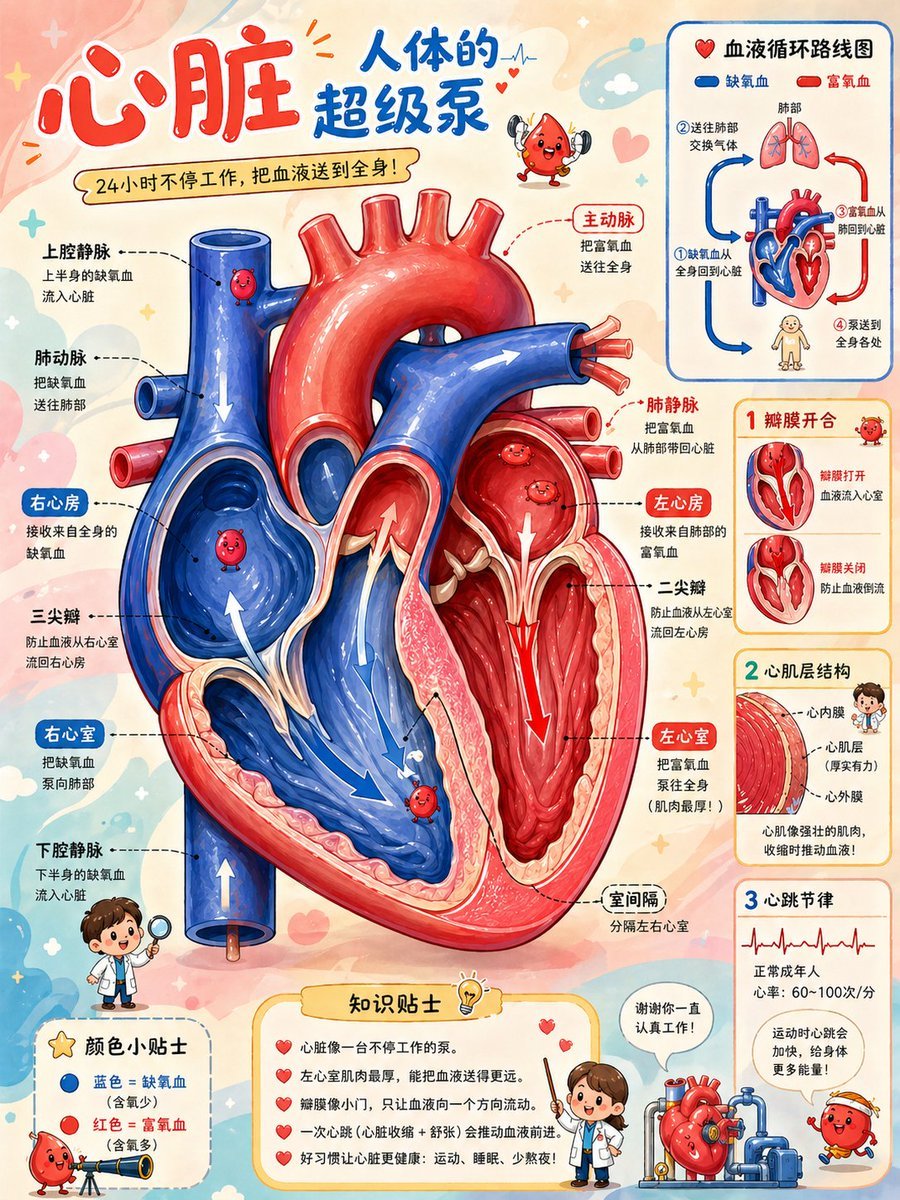
Cute Heart Cutaway Infographic

Cozy Evening Lifestyle Photography on Sofa

Photorealistic Portrait with Graphic Vector Art
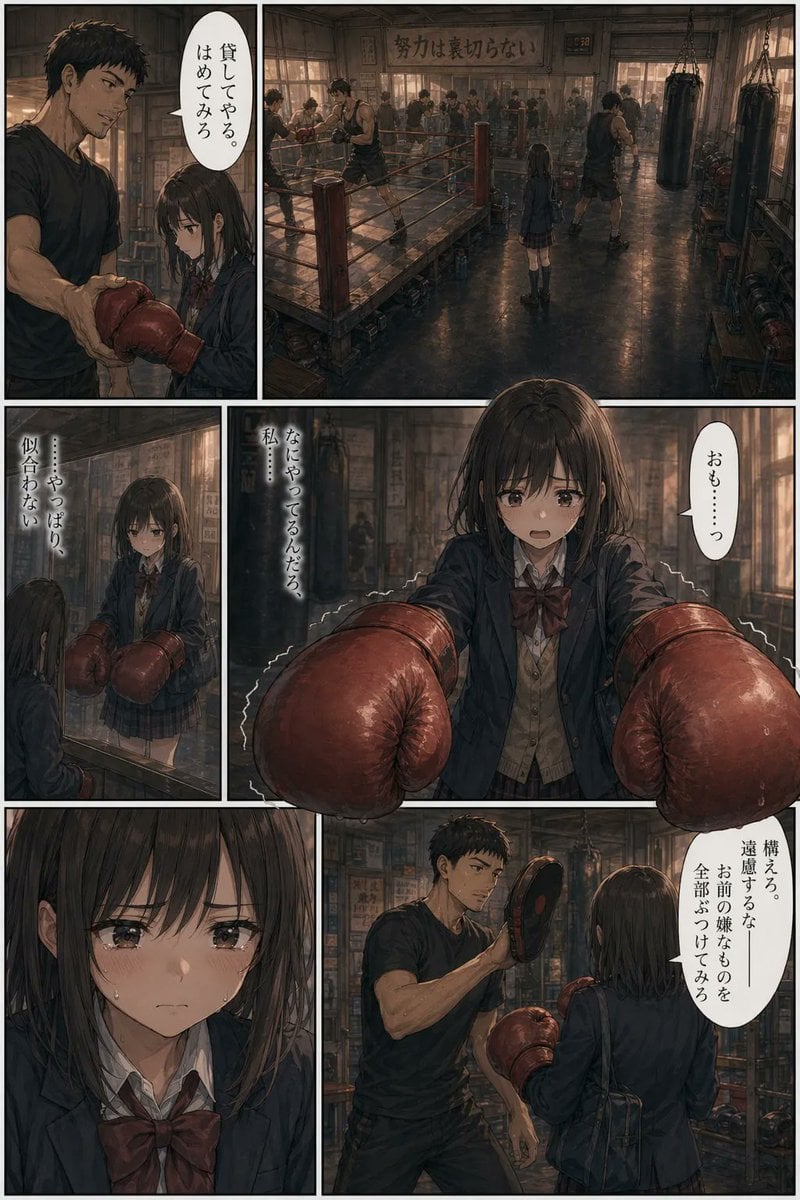
Seinen Boxing Gym Manga Page
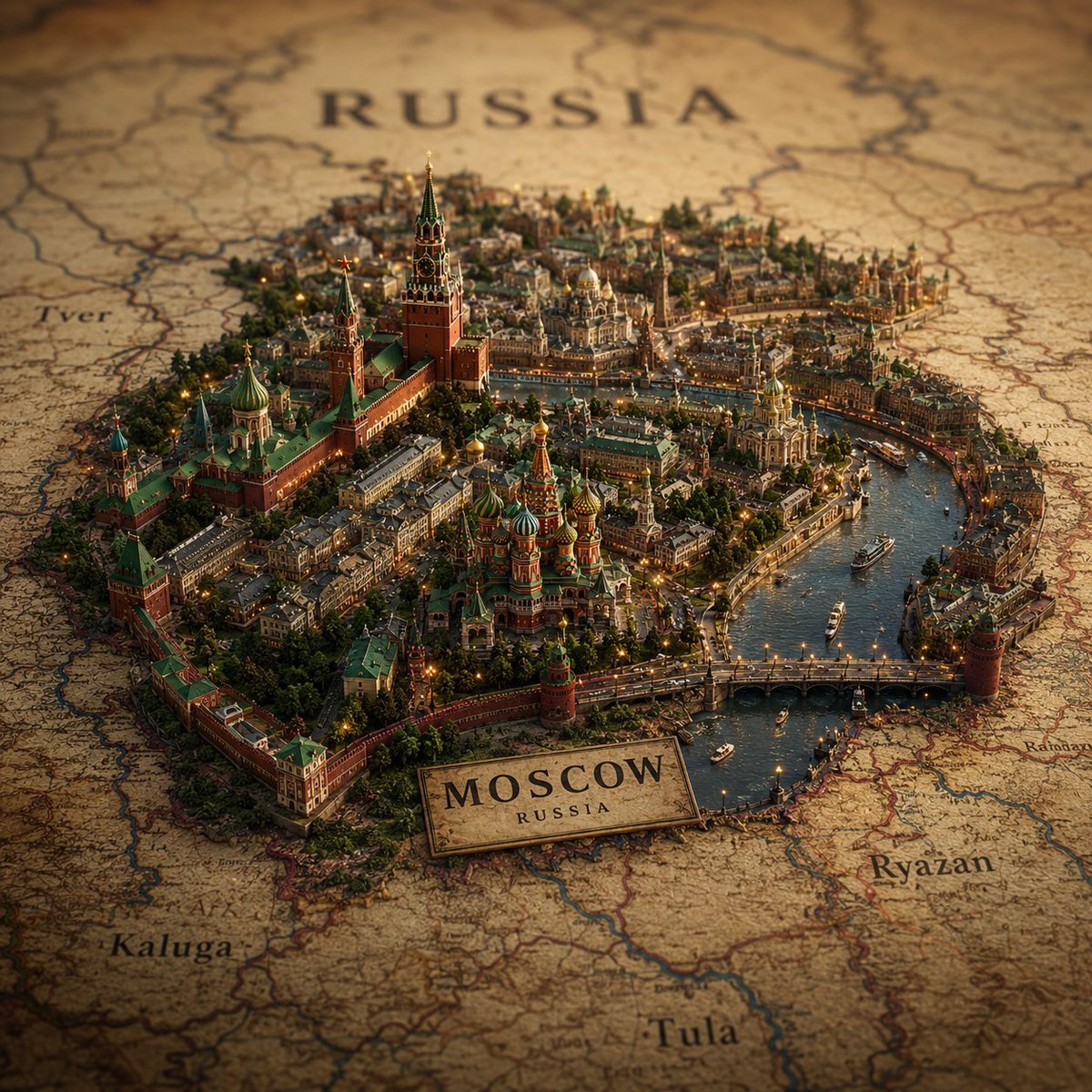
Cinematic Atlas Miniature World Diorama
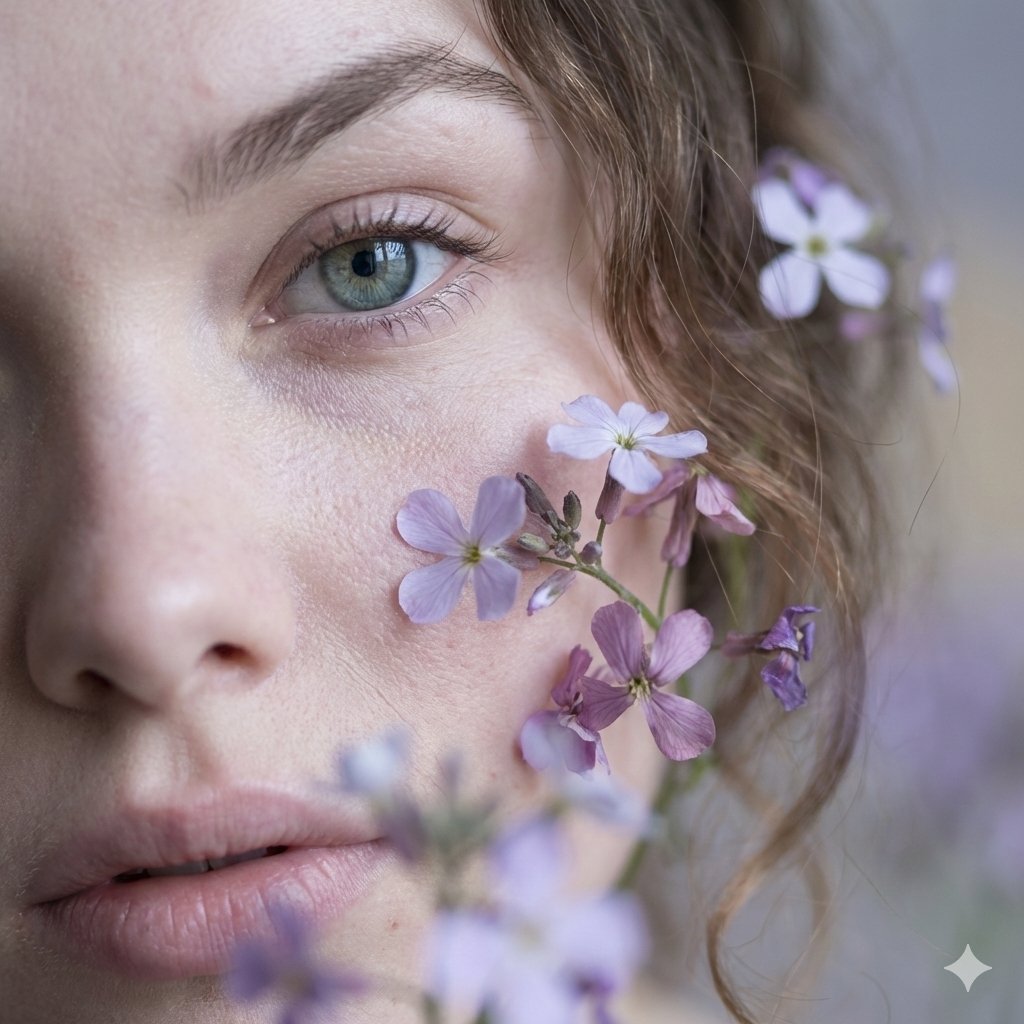
Hyper-Realistic Macro Fine Art Portrait Prompt
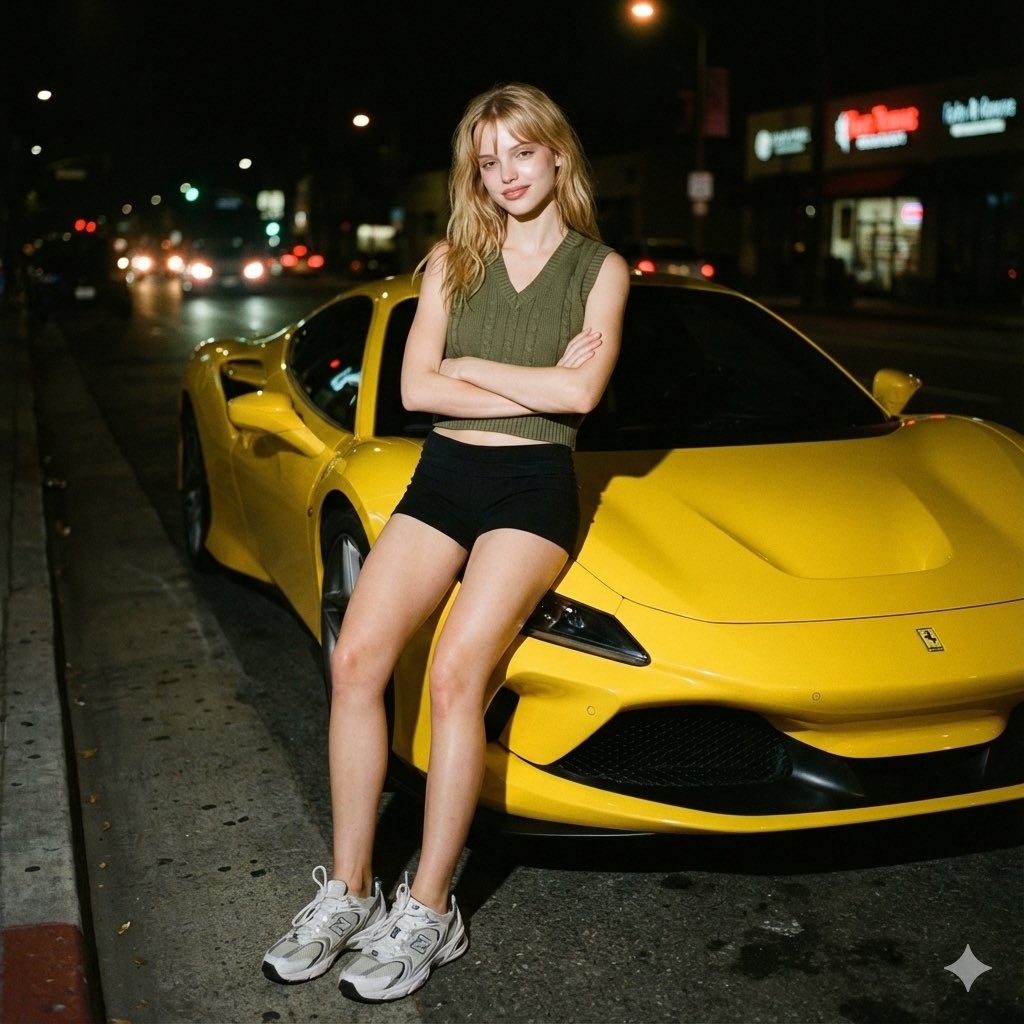
Candid night street portrait with Ferrari prompt
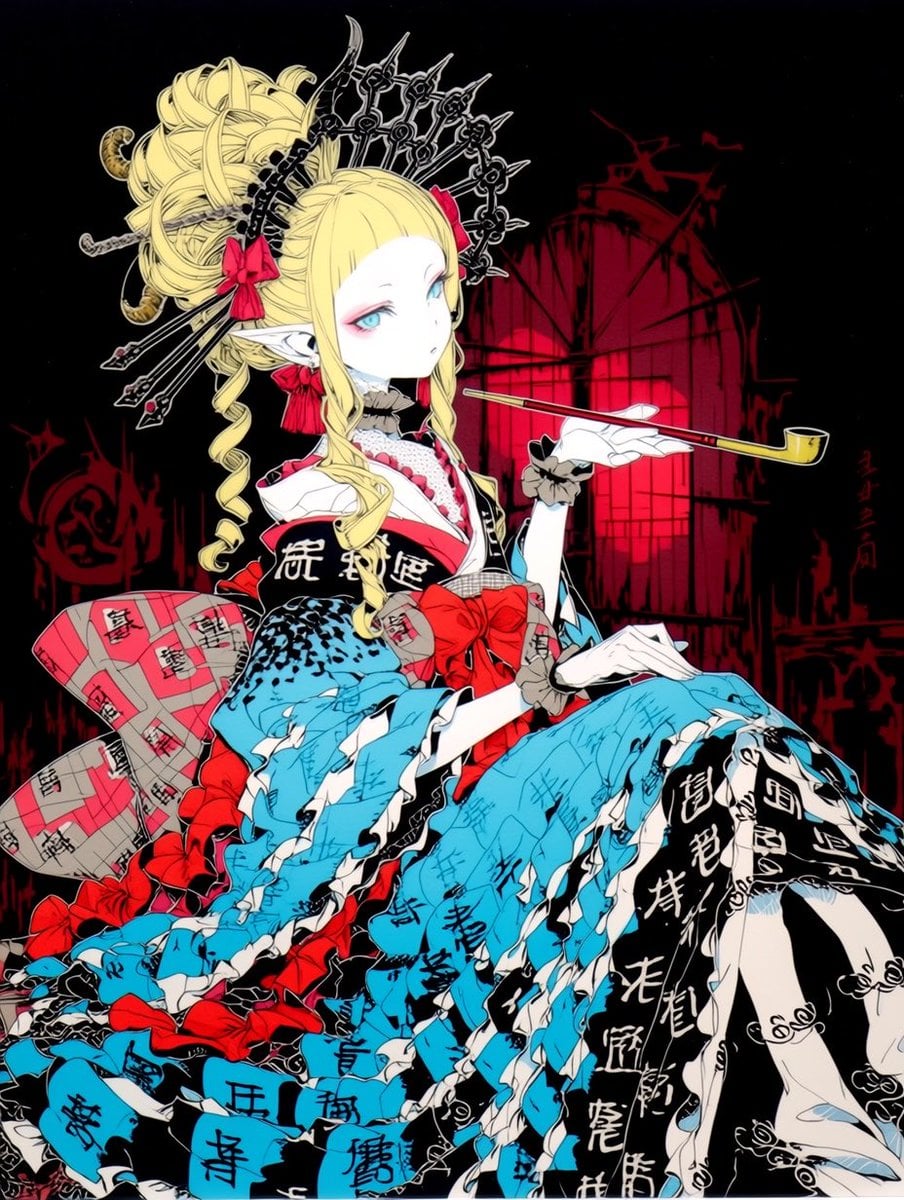
Gothic Oiran Anime Portrait
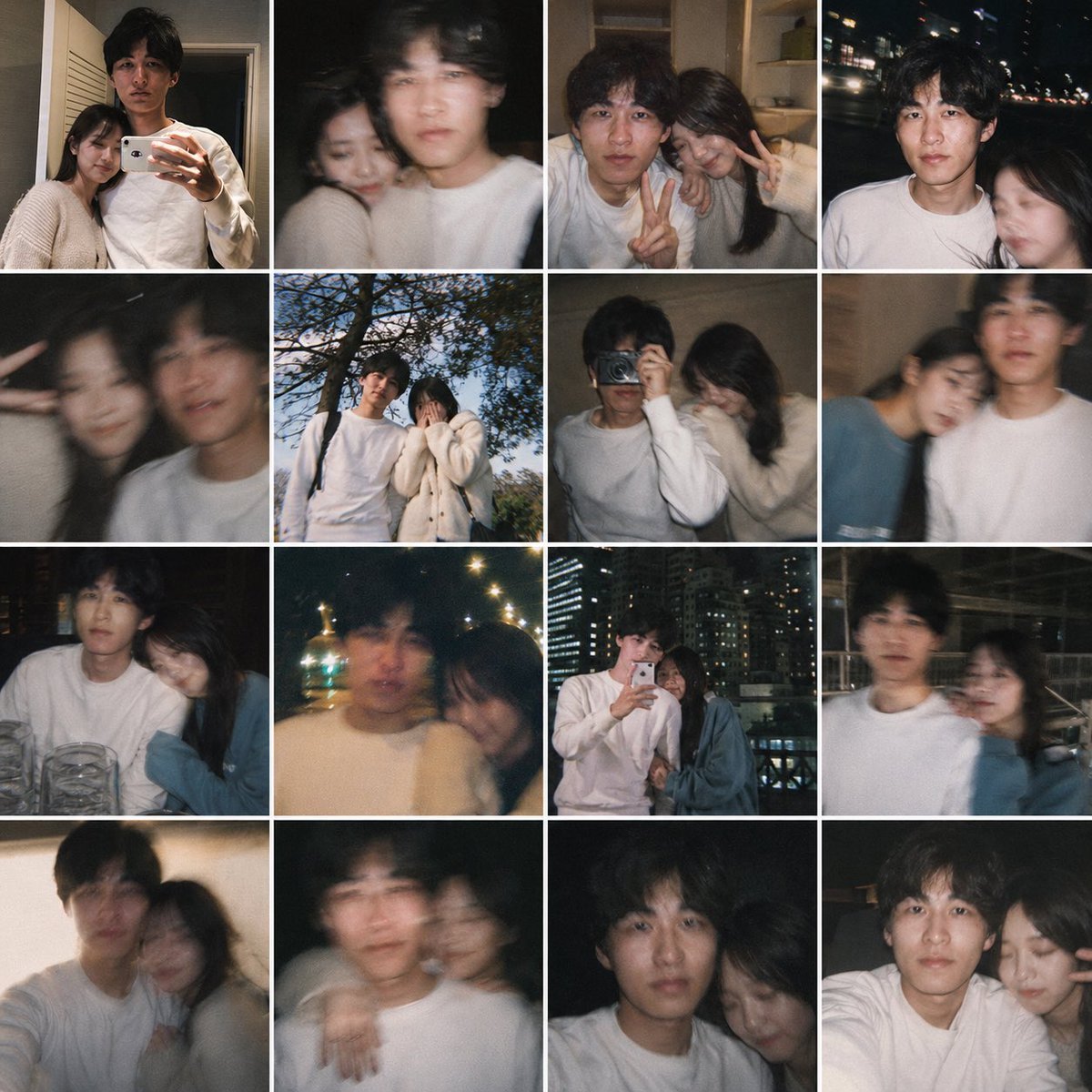
Fake Couple Photo Dump Collage
Browse template categories
Pendulum Hamster Watercolor questions
How do I use the Pendulum Hamster Watercolor template?
Add your photo if the template asks for one, edit the prompt if you like — the template's model and format are already selected — and press Generate. Your version opens in PicX Studio.
Can I customize the Pendulum Hamster Watercolor template?
Yes. You can change the subject, setting, lighting, mood, format, and available model controls before creating your image.
Is the Pendulum Hamster Watercolor template free?
Opening and editing this template is free. Generating uses credits, shown on the Generate button when you are signed in.
Which AI model should I use?
Start with GPT Image 2, which is the model associated with this template. You can compare another compatible model for a different finish.
Looking for something else? Browse all templates.

Your photo, any look
Thousands of ready templates for every top image and video model, from one credit balance.