
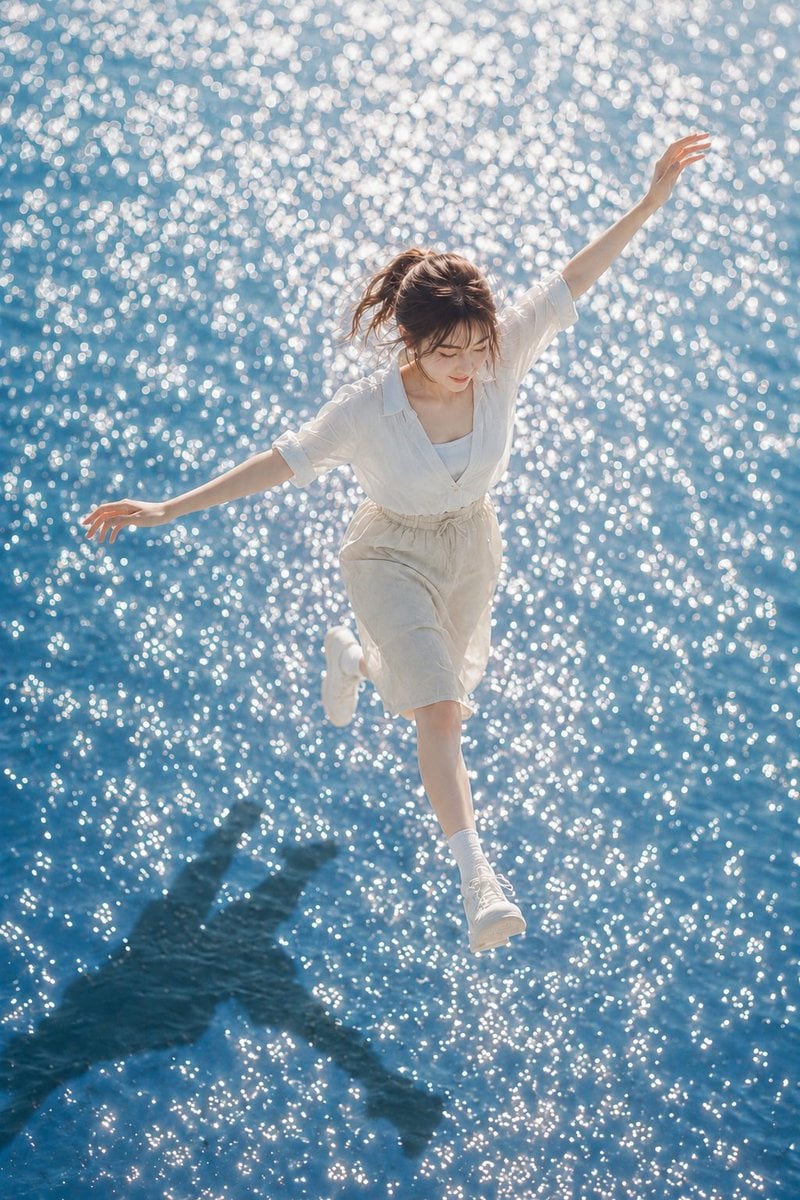
Summer Walking on Water Portrait
A poetic and highly detailed Japanese prompt for a summer-themed portrait of a woman walking on a shimmering water surface with high-key lighting.
- Prompt included
- Model and format preset
- Free template
The prompt behind this image
Copy the exact prompt behind Summer Walking on Water Portrait, or open it in the studio and make it yours.
主題:光を踏む夏 主体:縦長3:4の写真。きらめく青い水面の上を、ひとりの女性が軽く跳ねるように歩いている瞬間。人物は画面中央やや右寄りに全身で入り、上半身から足先まで見える。背景は一面の水面で、白い光の反射が画面全体に散っている。 人物・表情:自然で現実感のある女性。{argument name="髪の色" default="明るいブラウン"}の髪を低めのゆるいポニーテールにまとめ、薄い前髪と顔まわりの後れ毛が風で少し流れている。顔は少し下向きで、視線は足もとの水面へ。口元は控えめにゆるみ、夏の光の中で静かに集中している表情。 服装・ポーズ:{argument name="服装" default="白いノースリーブインナーの上に、薄手で透け感のある白い半袖シャツ"}を羽織る。ボトムスは生成り色のハイウエストショートパンツ、ウエストに細いドローコード。白いソックスと白いスニーカー。右足を画面下へ大きく踏み出し、左足は後ろに軽く曲げる。人物の左腕は画面左へ水平に伸ばし、右腕は画面右上へ高く伸ばす。両手の指は5本が自然に分かれ、力を抜いた柔らかい形。手首や関節に破綻がなく、バランスを取るための自然な動き。 背景・光:浅く澄んだ青い水面が全面に広がり、細かな波と白い反射光が無数の粒のように輝く。真夏の強い太陽光が画面右上から差し、髪、肩、シャツの縁、腕に明るいハイライトを作る。人物の濃い影が画面左下の水面に長く落ち、反射光の中で少し揺れて見える。 構図・カメラ:高い位置から見下ろす俯瞰気味のカメラ。人物の動きが斜めに流れる構図で、右腕から左腕、踏み出した右足までが大きな三角形を作る。焦点は人物の顔と上半身にあり、水面の光は大きめの丸いボケとして背景全体に広がる。人物の周囲には十分な水面の余白を残し、浮遊感と開放感を出す。 質感・スタイル:リアルな夏のポートレート写真。明るいハイキー寄りの露出、透明感のある肌、白い服の柔らかな布感、自然な髪の細さ。青と白を基調にした清潔な色調で、強い日差しと水面反射による眩しさを丁寧に表現する。過度な美肌補正を避け、雑誌写真のように自然で軽やかな仕上がり。 ネガティブ:不自然な顔、不自然な視線、余分な指、欠けた指、長すぎる指、手足の融合、関節の破綻、浮遊しすぎた身体、不自然な重力、誤った影、光源と矛盾する反射、文字、ロゴ、透かし、過度な美肌補正、プラスチックのような肌。
How to use Summer Walking on Water Portrait in 3 steps
- 1
Open
The prompt is already in the box next to the preview, with the template's model and format selected.
- 2…a portrait of your subject in softgolden-hour light, 85mm…
Personalize
Edit the subject and creative details for your destination.
- 3Generate
Generate
Press Generate — your image is created in PicX Studio, so you can compare it with the original and refine one variable at a time.
More like this
Templates with the same subject, style or setup. Open one to see its prompt.

Found Photograph: Us, 1970

80s Couple Studio Portrait

80s Bollywood Star

80s Golden Hour Cinema

Me in 1985

1985 Studio Portrait
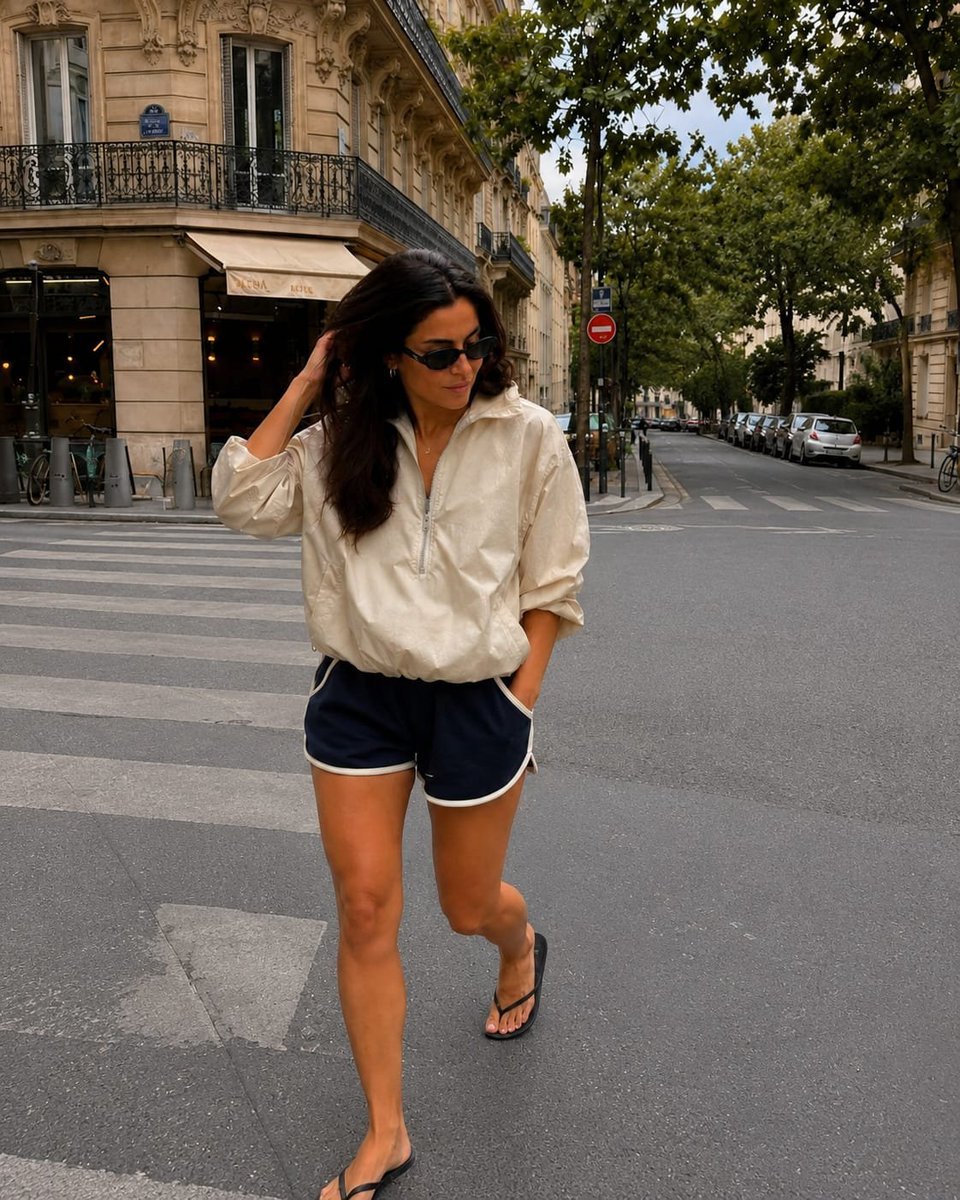
Paris Street Style Walking Portrait
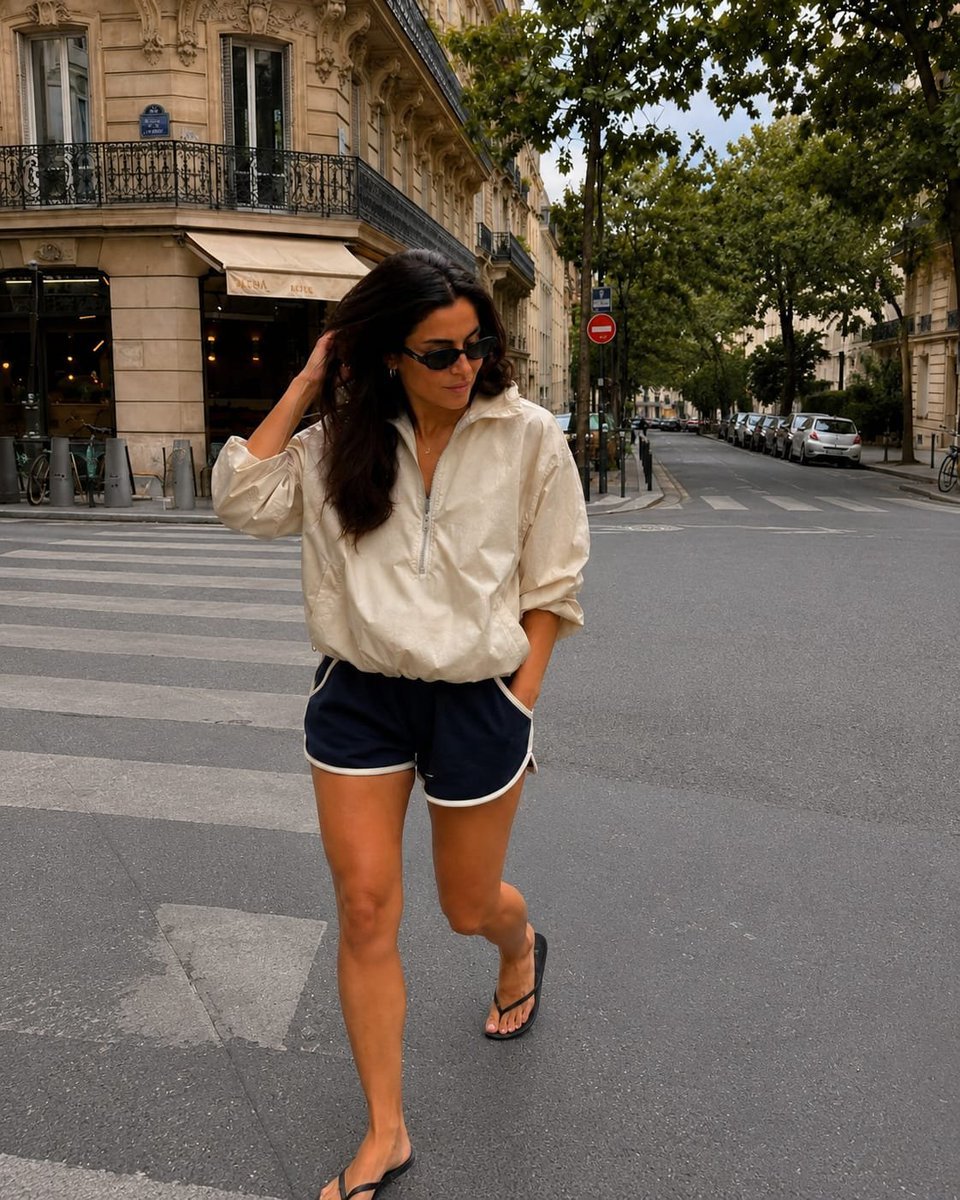
Paris Street Style Walking Portrait

Underwater Macro Face Portrait

Hyper-Realistic Minecraft POV Portrait

Portrait of a young woman in her early 20s walking calmly on a beautiful
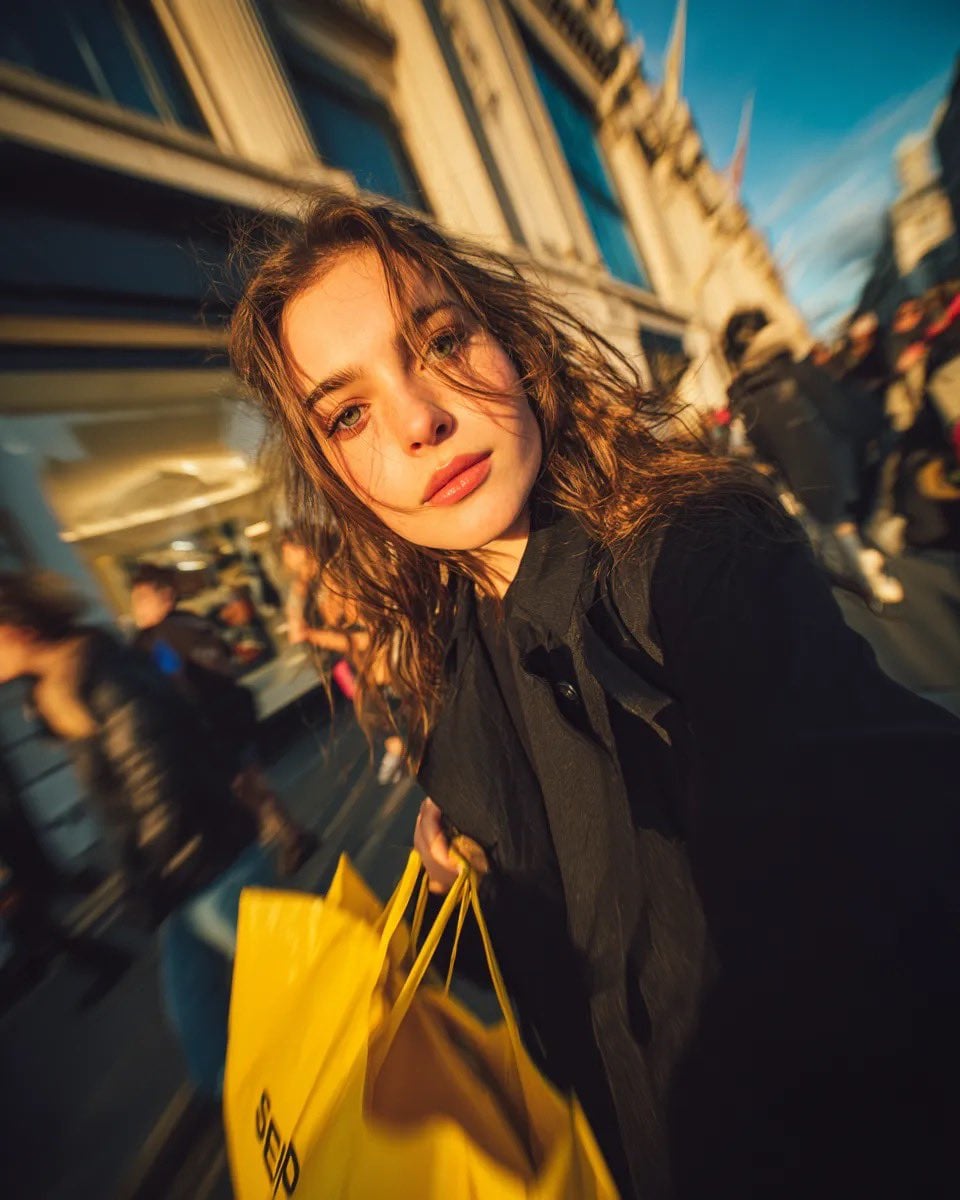
Cinematic street portrait of a young woman walking through a busy
Make it yours
Summer Walking on Water Portrait works as-is. These are the safest ways to change it without losing the look.
Change one field
Copy a single group, rewrite it, and generate again so you can see what that field is doing.
Keep the frame, change the subject
Hold the composition and light of Summer Walking on Water Portrait, then swap wardrobe, props or the person for a new take.
| If the result… | Why | Fix |
|---|---|---|
| The result drifts from the preview | Too many fields changed at once. | Reuse Summer Walking on Water Portrait as-is first, then change one group — subject, light, or setting. |
| The model over-stylizes the scene | The prose prompt leaves finish and camera underspecified. | Add one camera or lighting sentence and stay on GPT Image 2. |
More GPT Image 2 templates
Other prompts made for GPT Image 2.

Six VTuber Japanese Logo Sheet

Realistic Portrait of Woman and Deer

The Vista Modular Condo Poster

AI Model Routing Comparison Infographic

2.5D Anime Art Board

Isometric Productivity Desk Scene

New York Double Exposure Poster

Four-Panel AI Landscape Comparison

Japanese Tatami Lifestyle Magazine Cover

NESCAFÉ Coffee Map Poster
More image prompts
Fresh picks from across the catalog.
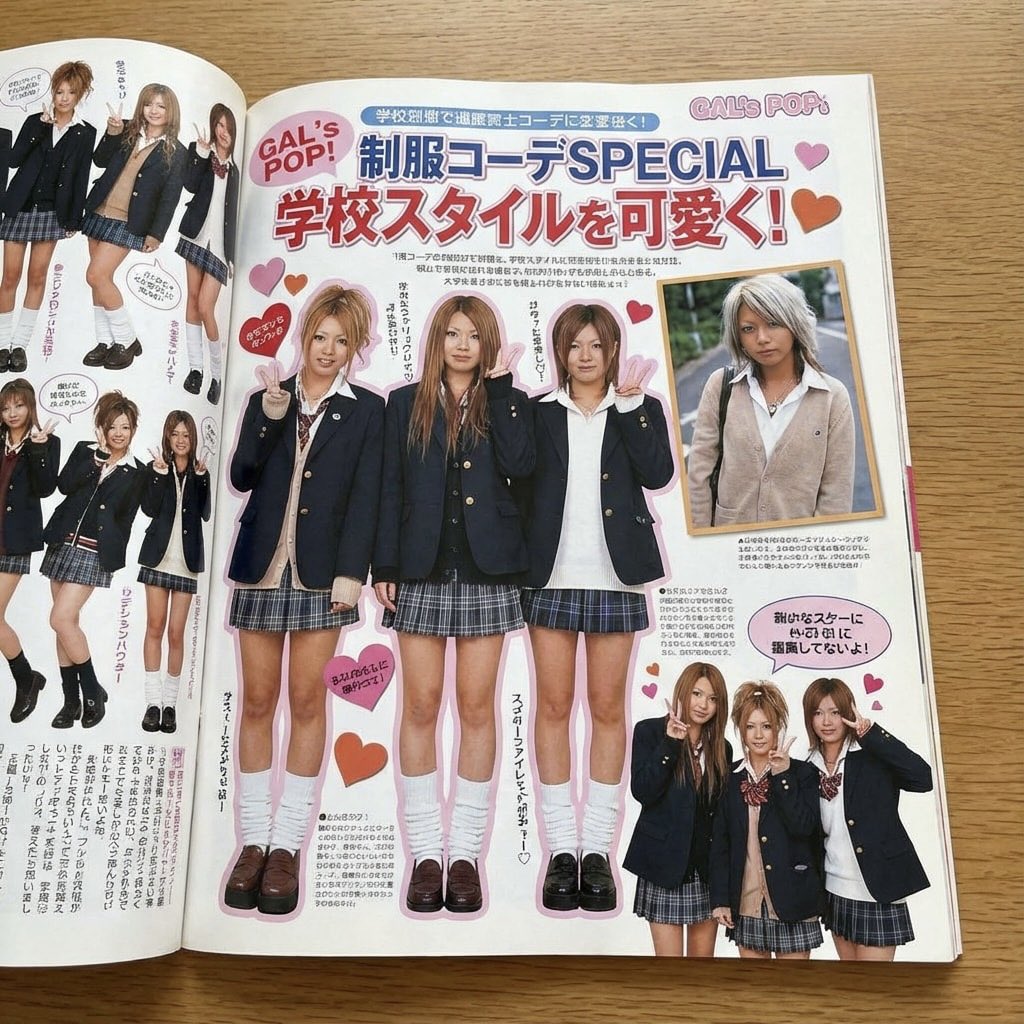
Japanese gyaru magazine spread on school uniforms
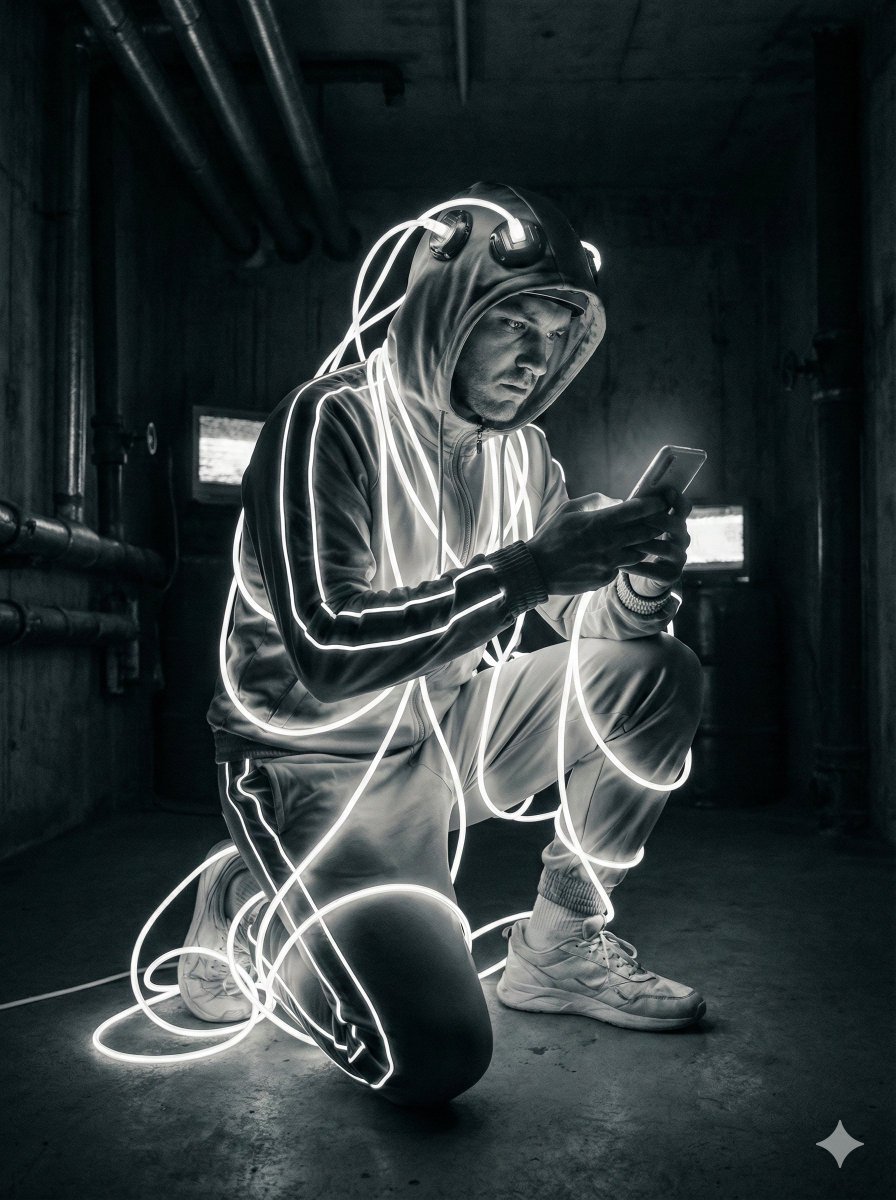
Cyberpunk Digital Dependence Portrait
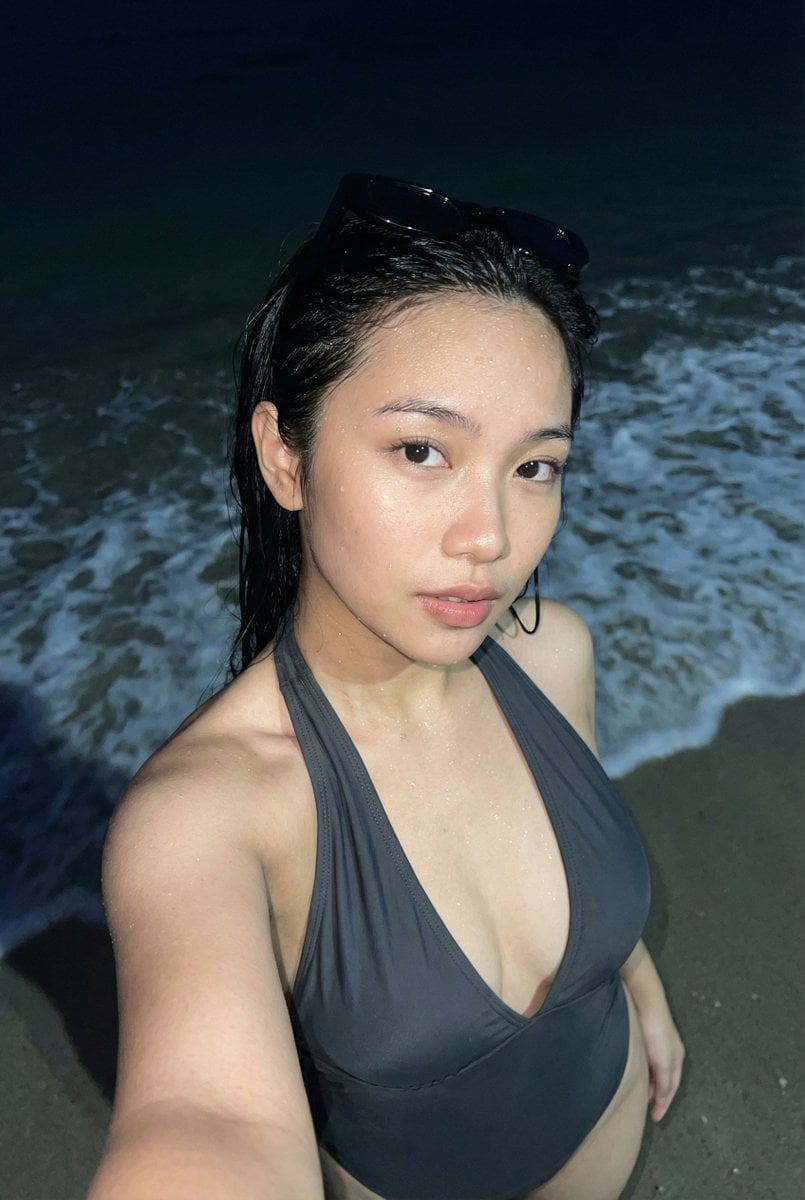
Realistic Smartphone Flash Selfie at Night Beach
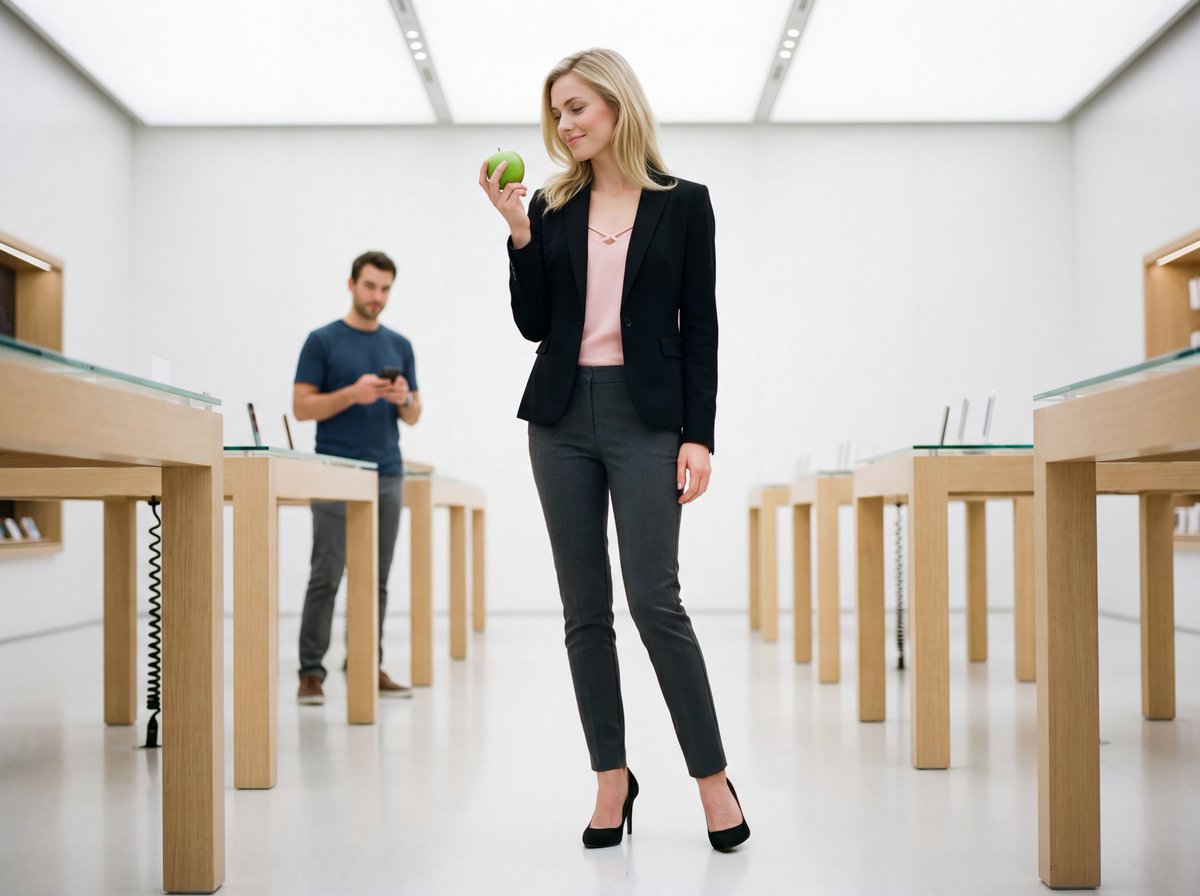
Luxury Retail Editorial Scene with Symbolic Apple
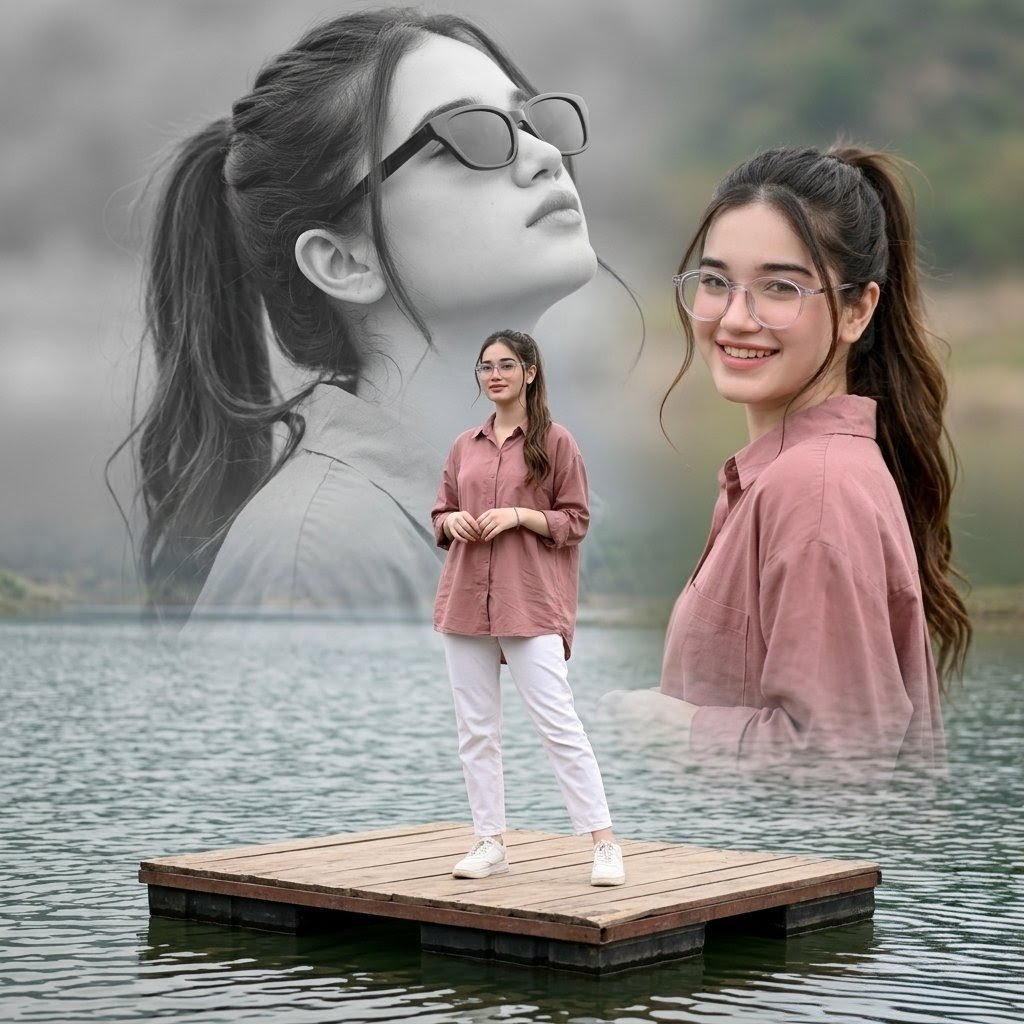
Dreamy Lake Triple Portrait
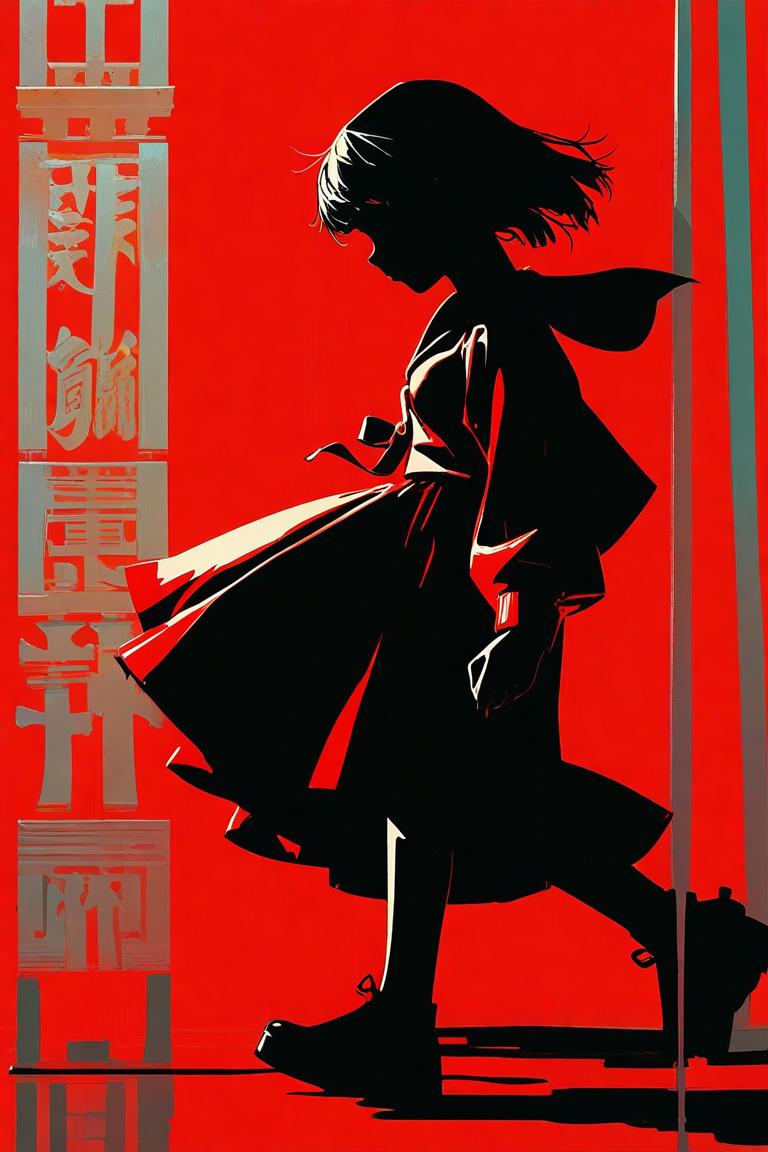
Red Anime Silhouette Poster
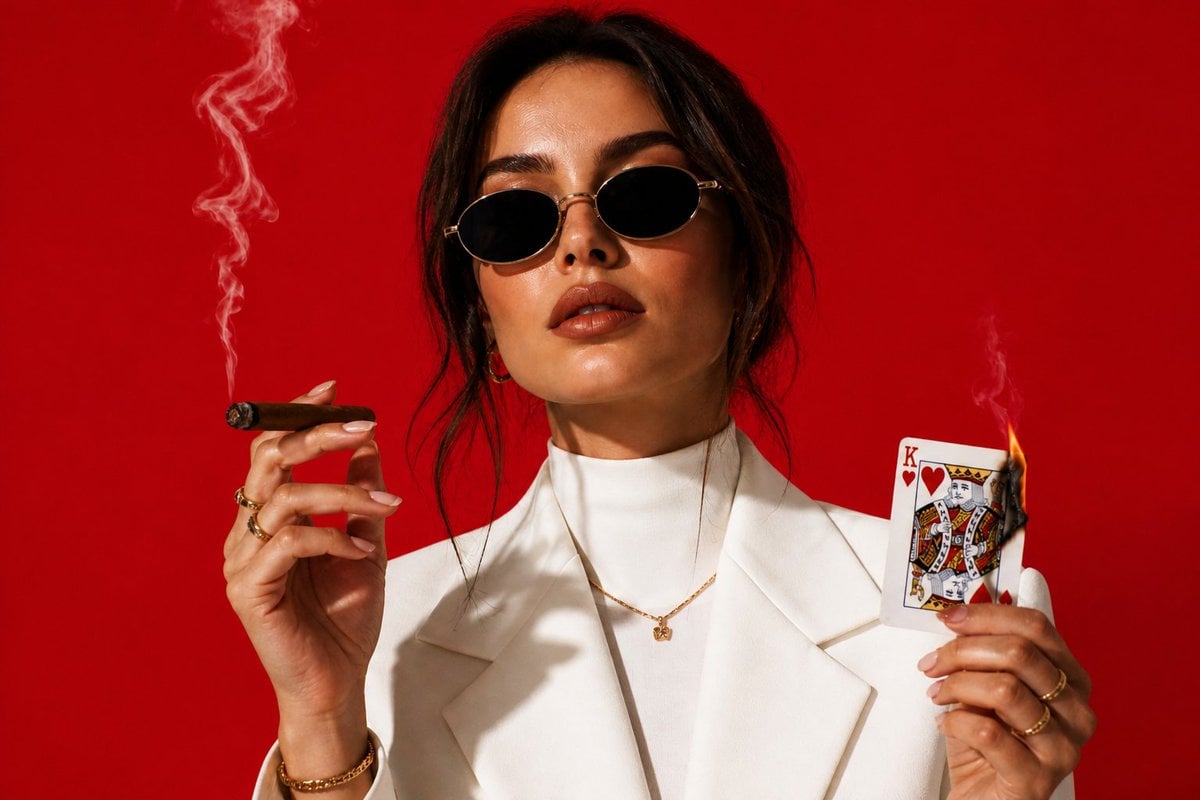
High-Fashion Cigar Portrait
Image enhancement and upscaling prompt
Magical Girl Transformation Prompt (Cosmic Attribute)

Health and Fitness Infographic Prompt
Browse template categories
Summer Walking on Water Portrait questions
How do I use the Summer Walking on Water Portrait template?
Add your photo if the template asks for one, edit the prompt if you like — the template's model and format are already selected — and press Generate. Your version opens in PicX Studio.
Can I customize the Summer Walking on Water Portrait template?
Yes. You can change the subject, setting, lighting, mood, format, and available model controls before creating your image.
Is the Summer Walking on Water Portrait template free?
Opening and editing this template is free. Generating uses credits, shown on the Generate button when you are signed in.
Which AI model should I use?
Start with GPT Image 2, which is the model associated with this template. You can compare another compatible model for a different finish.
Looking for something else? Browse all templates.

Your photo, any look
Thousands of ready templates for every top image and video model, from one credit balance.