
Workplace Anxiety Emotion Monster Portrait
A creative photography prompt that visualizes office stress as a hand-drawn cartoon monster looming over a realistic female worker.
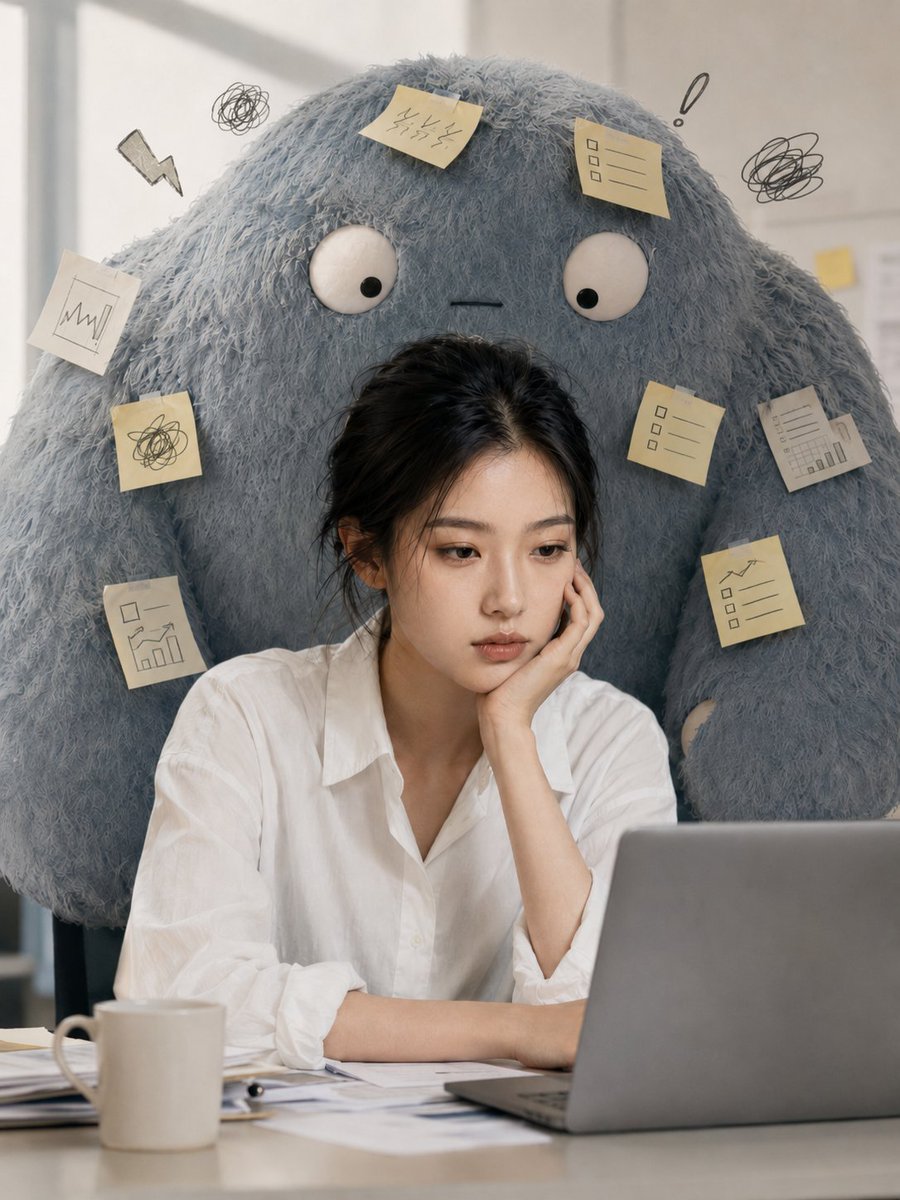
- Prompt included
- Model and format preset
- Free template
The prompt behind this image
Copy the exact prompt behind Workplace Anxiety Emotion Monster Portrait, or open it in the studio and make it yours.
竖版 3:4,单张创意人像图片,真实人物摄影风格与手绘动画怪兽元素结合,不要拼贴,不要四宫格,不要信息图,不要文字。一位{argument name="人物" default="年轻亚洲女性"}坐在办公桌前,穿简单干净的{argument name="服装" default="白色衬衫"},黑发自然扎起或低马尾,表情疲惫安静,一只手托着脸,另一只手放在笔记本电脑旁边。她看上去表面平静,但眼神里带着明显的疲惫、焦虑和精神压力,像一个被工作压住情绪的人。人物面部和皮肤保持真实摄影质感,五官自然,气质偏通勤、职场、都市女性。她的身后站着一只巨大的{argument name="情绪怪兽" default="“情绪小怪兽”"},怪兽是手绘动画风格与毛绒立体质感结合的形象,体型大、软绵绵、略笨拙,但非常有压迫感。怪兽整体偏灰蓝色或浅蓝灰色,眼睛圆大,表情无辜又烦人,像一种挥之不去的焦虑情绪。它的身体周围贴着便利贴、待办事项、会议提醒、deadline纸条、未读消息象征物等,体现“情绪压力被具象化”。怪兽从人物背后探出来,紧紧跟着她,像是她甩不掉的焦虑。办公桌上有电脑、文件、纸张、咖啡杯等真实办公细节,但保持画面简洁,不要过度杂乱。背景为室内办公环境,偏冷灰调,光线柔和,人物和怪兽形成明显反差:人物是真实的、克制的,怪兽是夸张的、动画化的。整体氛围要有一点幽默感,但情绪核心是“焦虑被看见了”。画面有故事感、有代入感,像一张能引发职场共鸣的创意海报。补充负面提示词:不要恐怖惊悚,不要血腥,不要儿童绘本感,不要过度可爱Q版,不要办公室太乱,不要多人,不要表情夸张崩坏,不要文字水印。
How to use Workplace Anxiety Emotion Monster Portrait in 3 steps
- 1
Open
The prompt is already in the box next to the preview, with the template's model and format selected.
- 2…a portrait of your subject in softgolden-hour light, 85mm…
Personalize
Edit the subject and creative details for your destination.
- 3Generate
Generate
Press Generate — your image is created in PicX Studio, so you can compare it with the original and refine one variable at a time.
More like this
Templates with the same subject, style or setup. Open one to see its prompt.

Found Photograph: Us, 1970

80s Couple Studio Portrait

80s Bollywood Star

80s Golden Hour Cinema

Me in 1985

1985 Studio Portrait

Hyper-Realistic Minecraft POV Portrait

Rooftop Fisheye — Cat-Ear Balaclava at Golden Hour
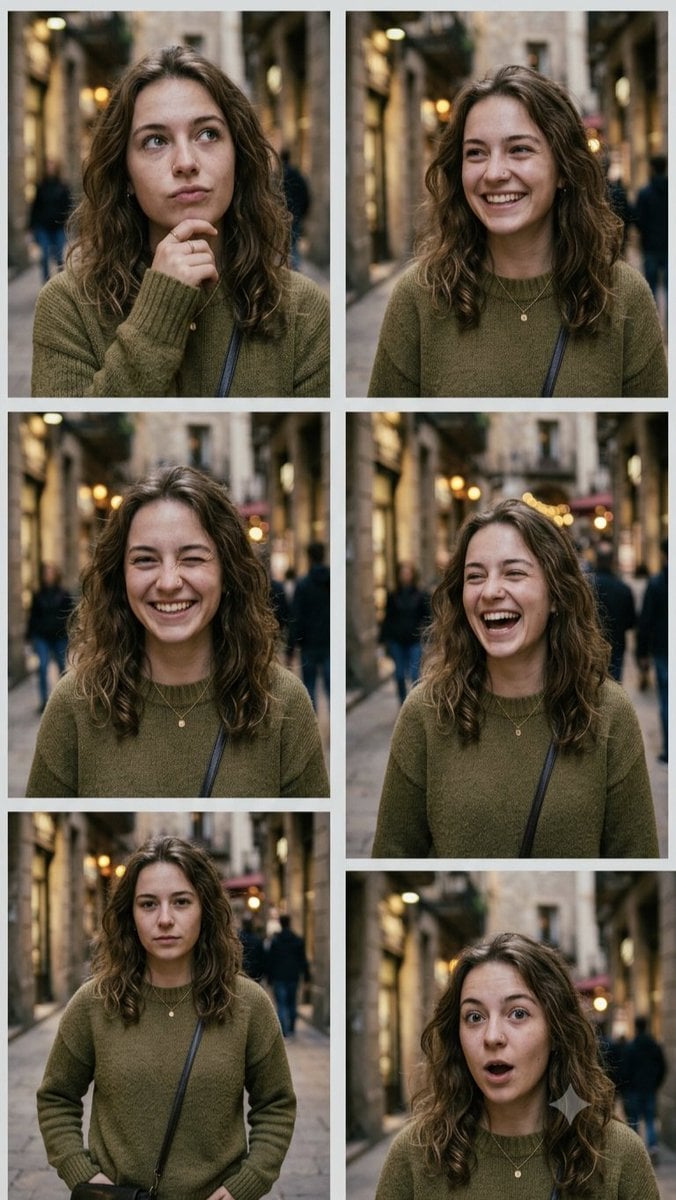
Multi-Expression Emotional Portrait Series

Rainy Café Window Moody Portrait
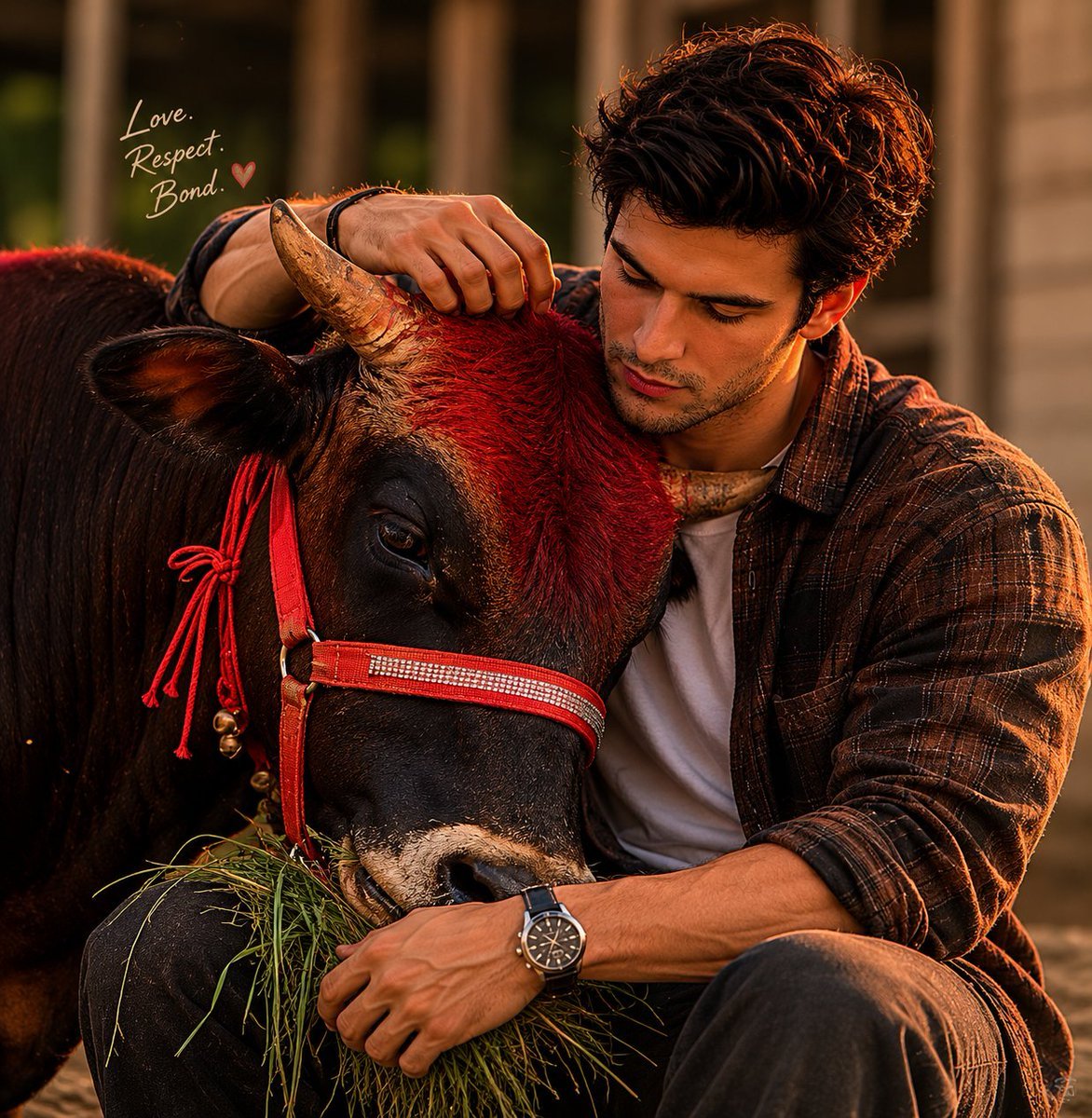
Man and Bull Emotional Bond Portrait
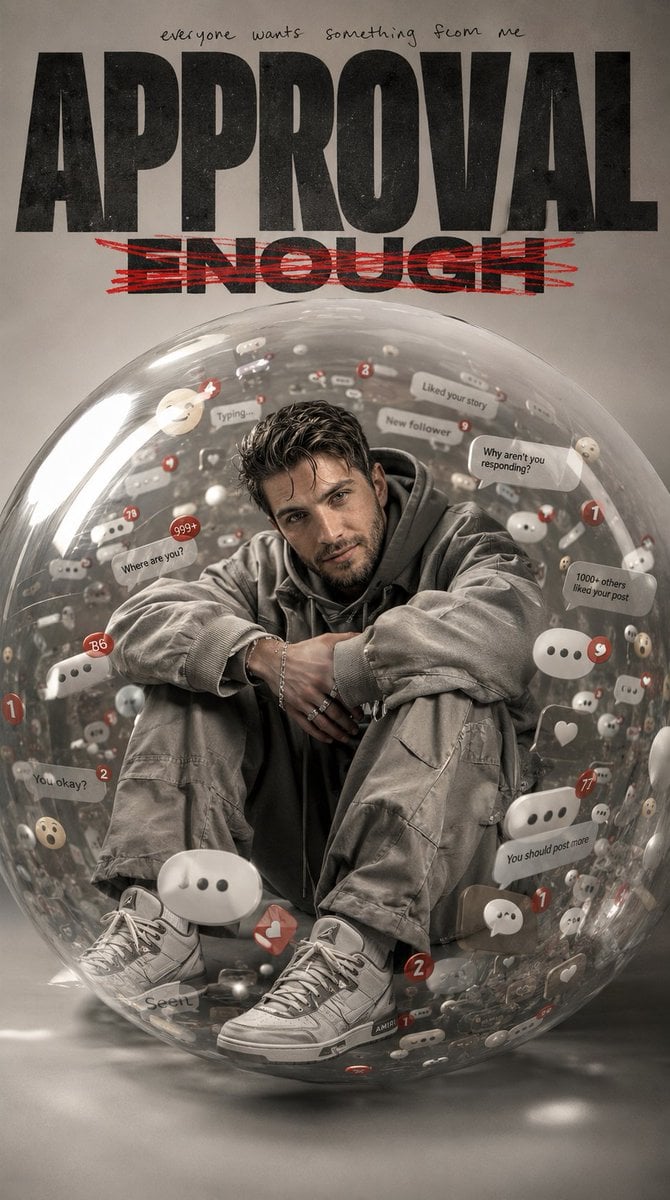
Emotional Surrealism Conceptual Portrait
Make it yours
Workplace Anxiety Emotion Monster Portrait works as-is. These are the safest ways to change it without losing the look.
Change one field
Copy a single group, rewrite it, and generate again so you can see what that field is doing.
Keep the frame, change the subject
Hold the composition and light of Workplace Anxiety Emotion Monster Portrait, then swap wardrobe, props or the person for a new take.
| If the result… | Why | Fix |
|---|---|---|
| The result drifts from the preview | Too many fields changed at once. | Reuse Workplace Anxiety Emotion Monster Portrait as-is first, then change one group — subject, light, or setting. |
| The model over-stylizes the scene | The prose prompt leaves finish and camera underspecified. | Add one camera or lighting sentence and stay on GPT Image 2. |
More GPT Image 2 templates
Other prompts made for GPT Image 2.

Six VTuber Japanese Logo Sheet

Realistic Portrait of Woman and Deer

The Vista Modular Condo Poster

AI Model Routing Comparison Infographic

2.5D Anime Art Board

Isometric Productivity Desk Scene

New York Double Exposure Poster

Four-Panel AI Landscape Comparison

Japanese Tatami Lifestyle Magazine Cover

NESCAFÉ Coffee Map Poster
More image prompts
Fresh picks from across the catalog.
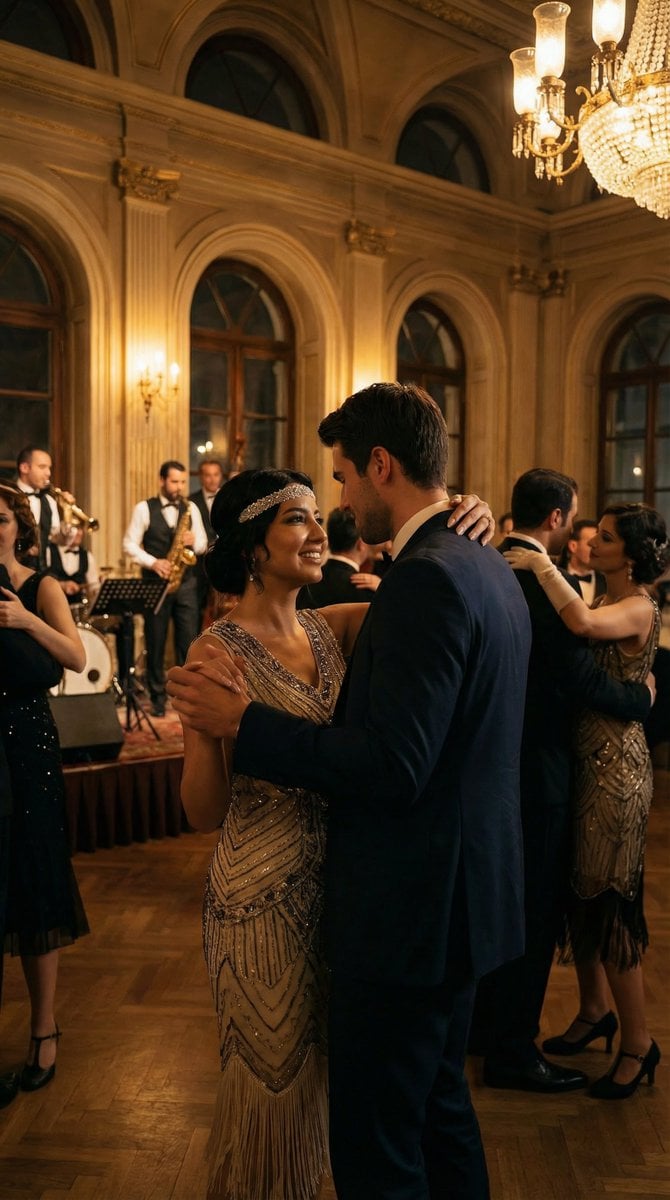
Historical romantic editorial of a couple dancing in 1920s Istanbul
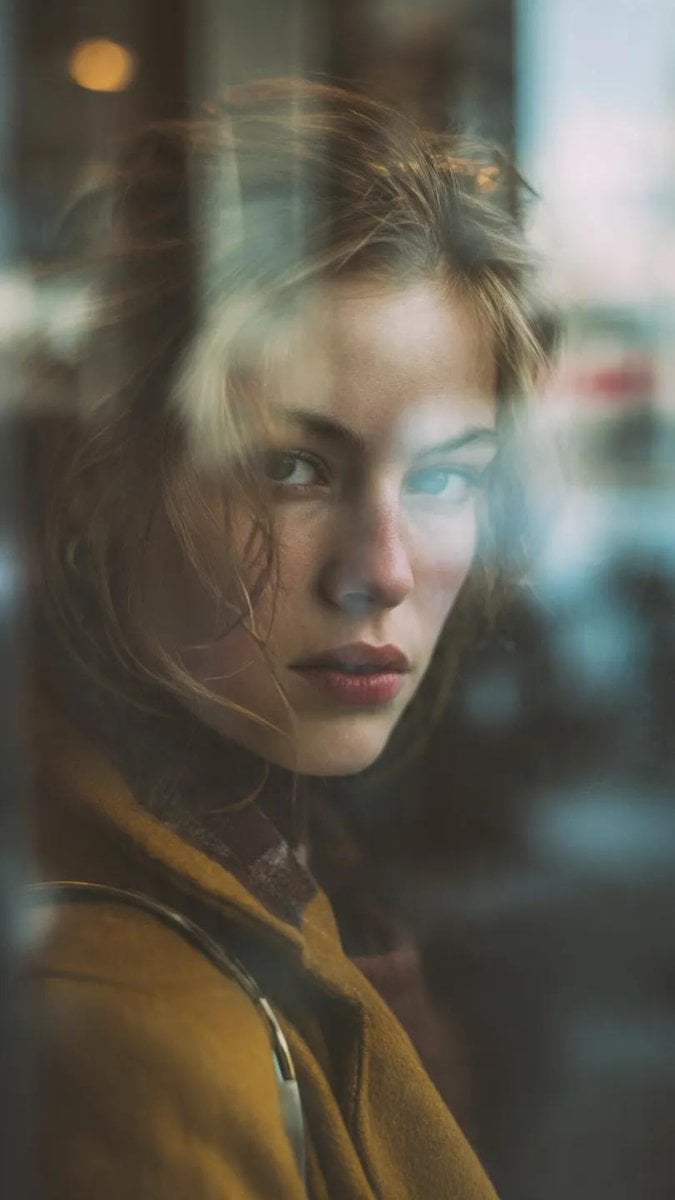
Layered Reflection Portrait Photography Prompt
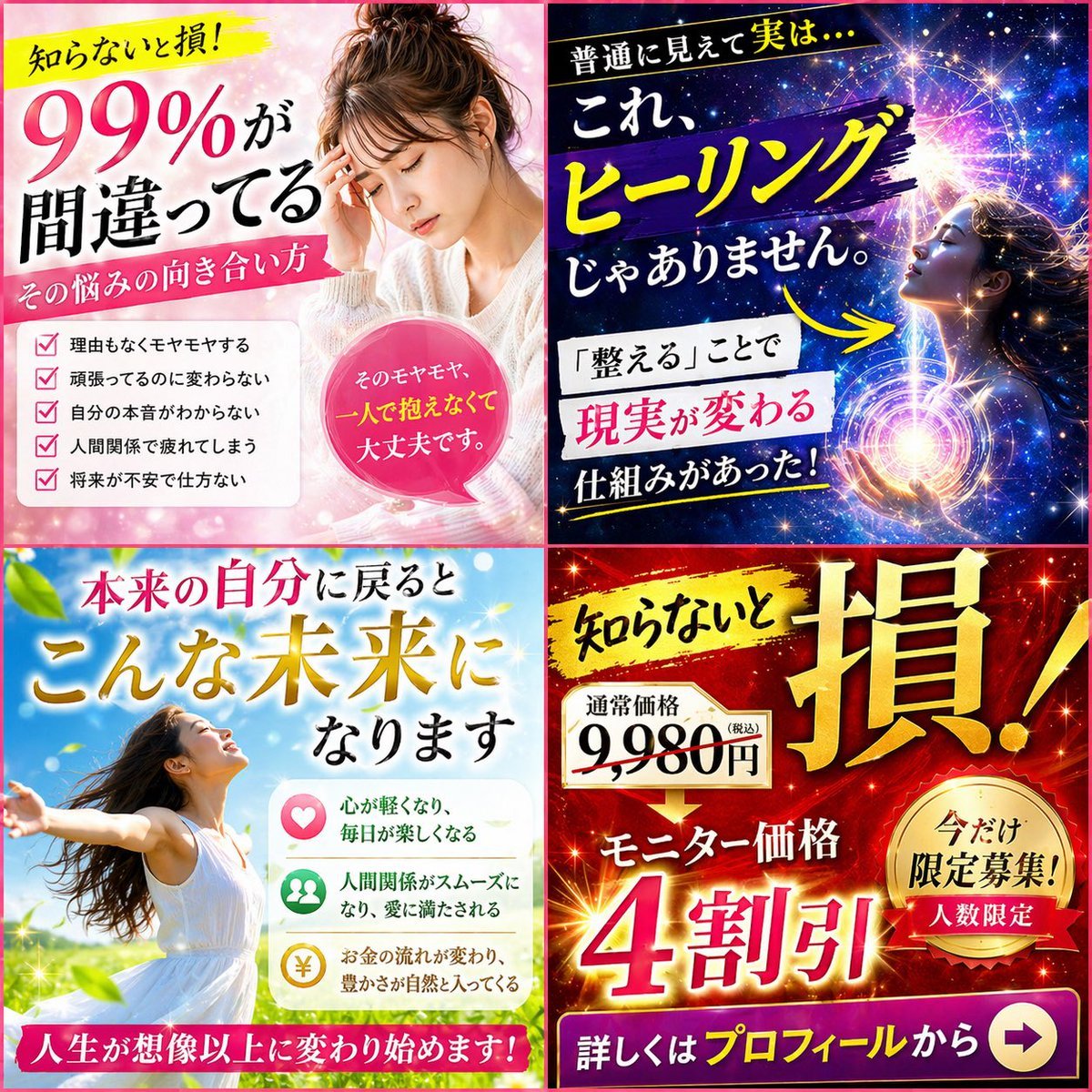
Japanese Four-Panel Healing Ad Collage
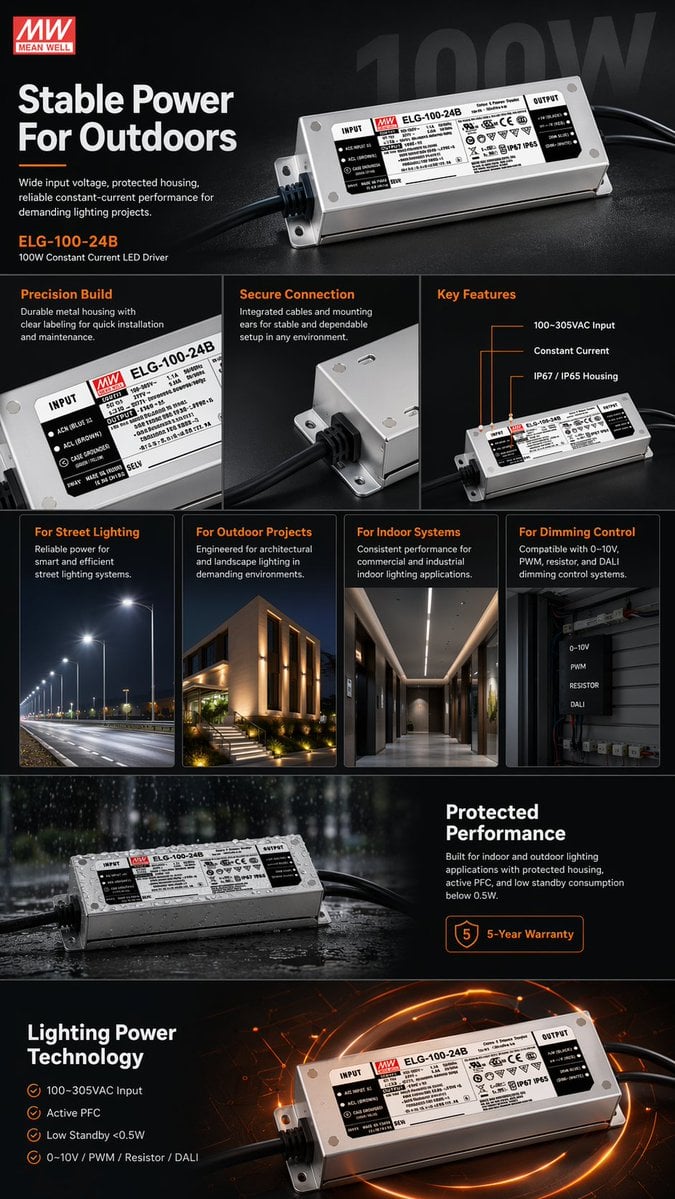
E-commerce LED Driver Infographic
Character Generation Based on Literary Description
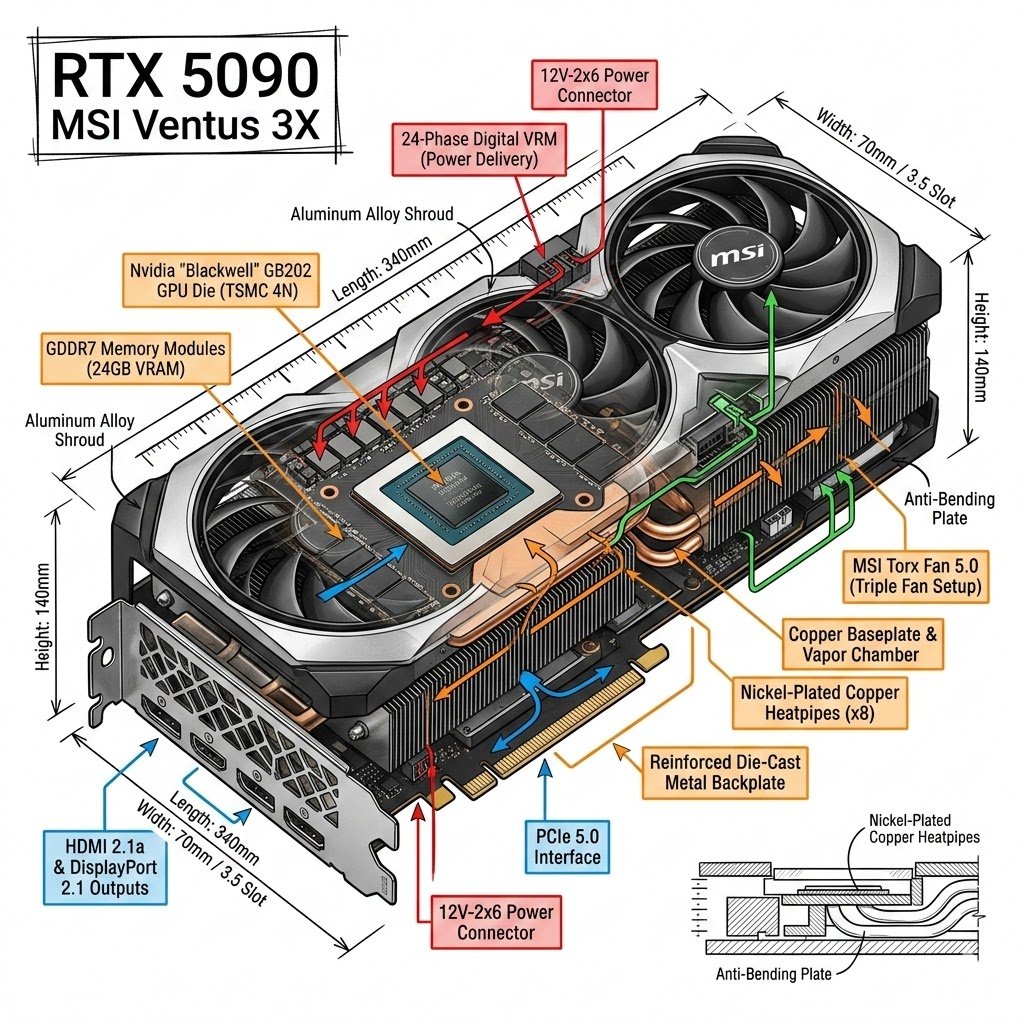
Infographic Style Image Generation Prompt for Nano Banana 2
Stylish Man on European Cobblestone Street Prompt
Realistic East Asian Portrait
Monochrome Engraved Portrait
Hyperrealistic Rainy City Portrait
Browse template categories
Workplace Anxiety Emotion Monster Portrait questions
How do I use the Workplace Anxiety Emotion Monster Portrait template?
Add your photo if the template asks for one, edit the prompt if you like — the template's model and format are already selected — and press Generate. Your version opens in PicX Studio.
Can I customize the Workplace Anxiety Emotion Monster Portrait template?
Yes. You can change the subject, setting, lighting, mood, format, and available model controls before creating your image.
Is the Workplace Anxiety Emotion Monster Portrait template free?
Opening and editing this template is free. Generating uses credits, shown on the Generate button when you are signed in.
Which AI model should I use?
Start with GPT Image 2, which is the model associated with this template. You can compare another compatible model for a different finish.
Looking for something else? Browse all templates.

Your photo, any look
Thousands of ready templates for every top image and video model, from one credit balance.