How do I use the Korean Woman Golden Hour Desert Portrait template?
Edit the prompt in the box under the preview — the template's model and format are already selected — and press Generate. Your version appears right on this page.
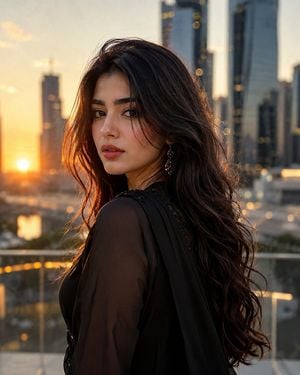
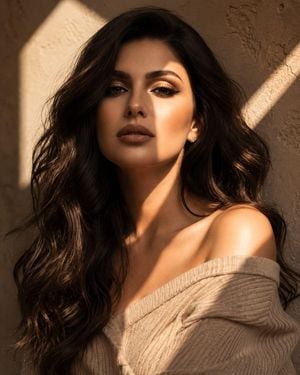
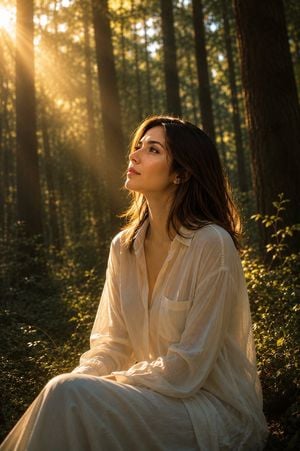
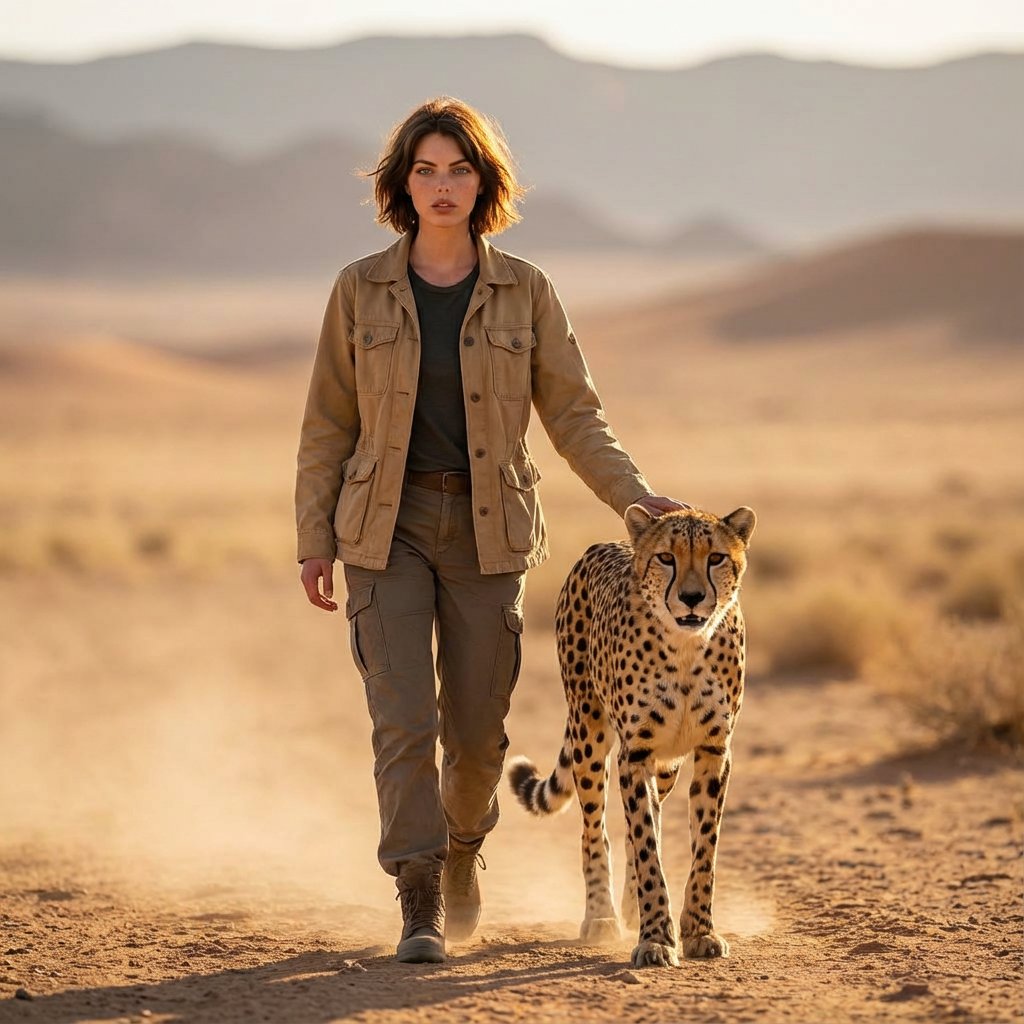
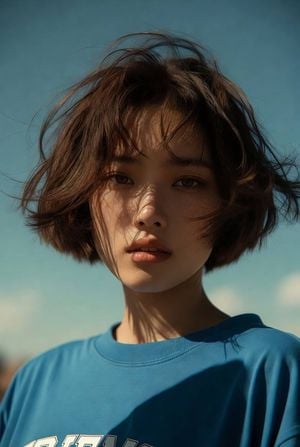
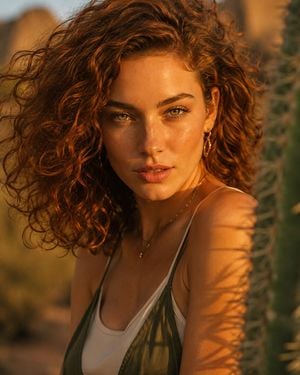
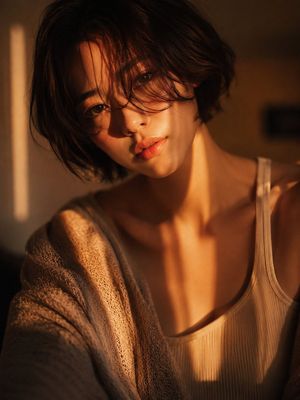
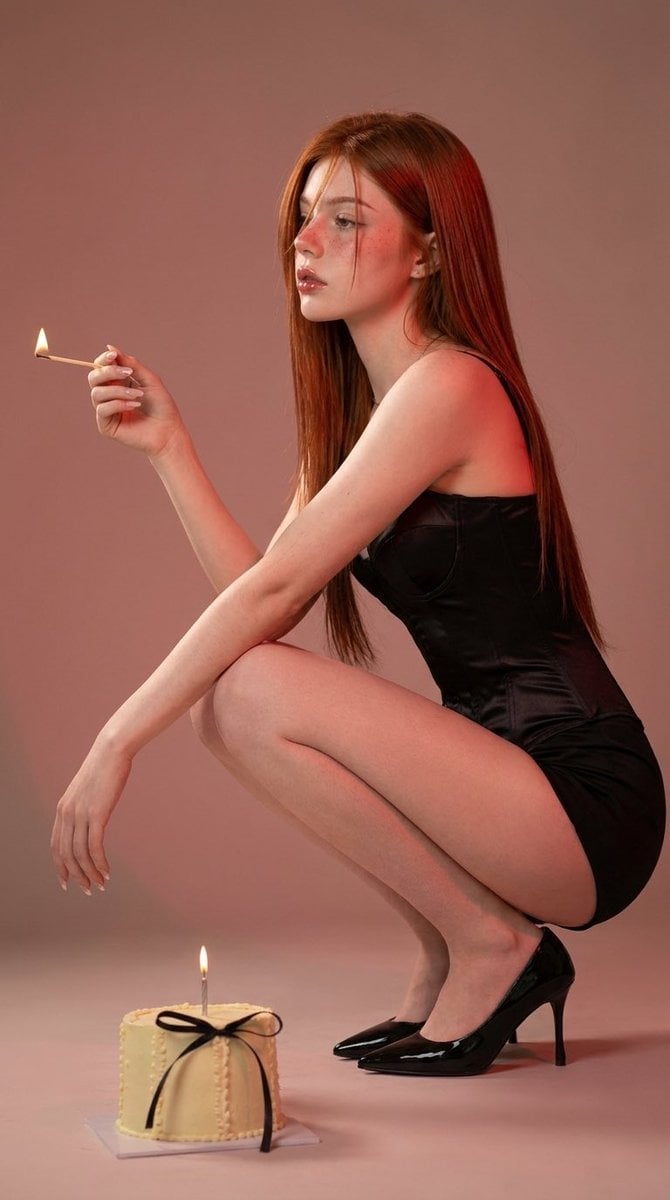
A warm, cinematic prompt for a close-up portrait of a Korean woman in the desert during golden hour, emphasizing lighting on hair and film-like realism.

A {argument name="subject" default="young Korean woman"} wears a {argument name="swimsuit" default="blush swimsuit"} with a {argument name="accessory" default="burnt orange silk scarf"} trailing behind her in golden hour wind. Close-up shot focused on her windblown hair and the warm rim light catching individual strands, soft desert bokeh in background. Vertical portrait orientation, 2:3 aspect ratio. Render with photographic realism: subtle ISO 400 film grain in shadow areas, avoid over-smoothed CG textures. Skin: subsurface scattering and micro-texture. Hair: subtle natural imperfection, individual strands catching warm light.
A {argument name="subject" default="young Korean woman"} wears a {argument name="swimsuit" default="blush swimsuit"} with a {argument name="accessory" default="burnt orange silk scarf"} trailing behind her in golden hour wind. Close-up shot focused on her windblown hair and the warm rim light catching individual strands, soft desert bokeh in background. Vertical portrait orientation, 2:3 aspect ratio. Render with photographic realism: subtle ISO 400 film grain in shadow areas, avoid over-smoothed CG textures. Skin: subsurface scattering and micro-texture. Hair: subtle natural imperfection, individual strands catching warm light.
Edit the prompt in the box under the preview — the template's model and format are already selected — and press Generate. Your version appears right on this page.
Yes. You can change the subject, setting, lighting, mood, format, and available model controls before creating your image.
Opening and editing this template is free. Generating uses credits, shown on the Generate button when you are signed in.
Start with GPT Image 2, which is the model associated with this template. You can compare another compatible model for a different finish.
Follow a topic to a crawlable collection of related PicX Studio templates.