How do I use the Desert Golden Hour Editorial Portrait template?
Edit the prompt in the box under the preview — the template's model and format are already selected — and press Generate. Your version appears right on this page.
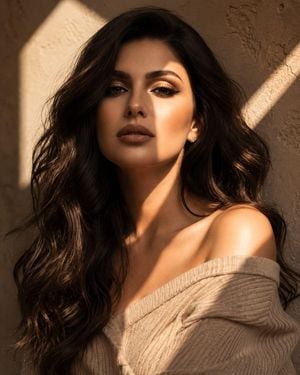
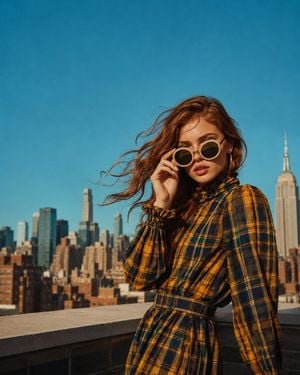
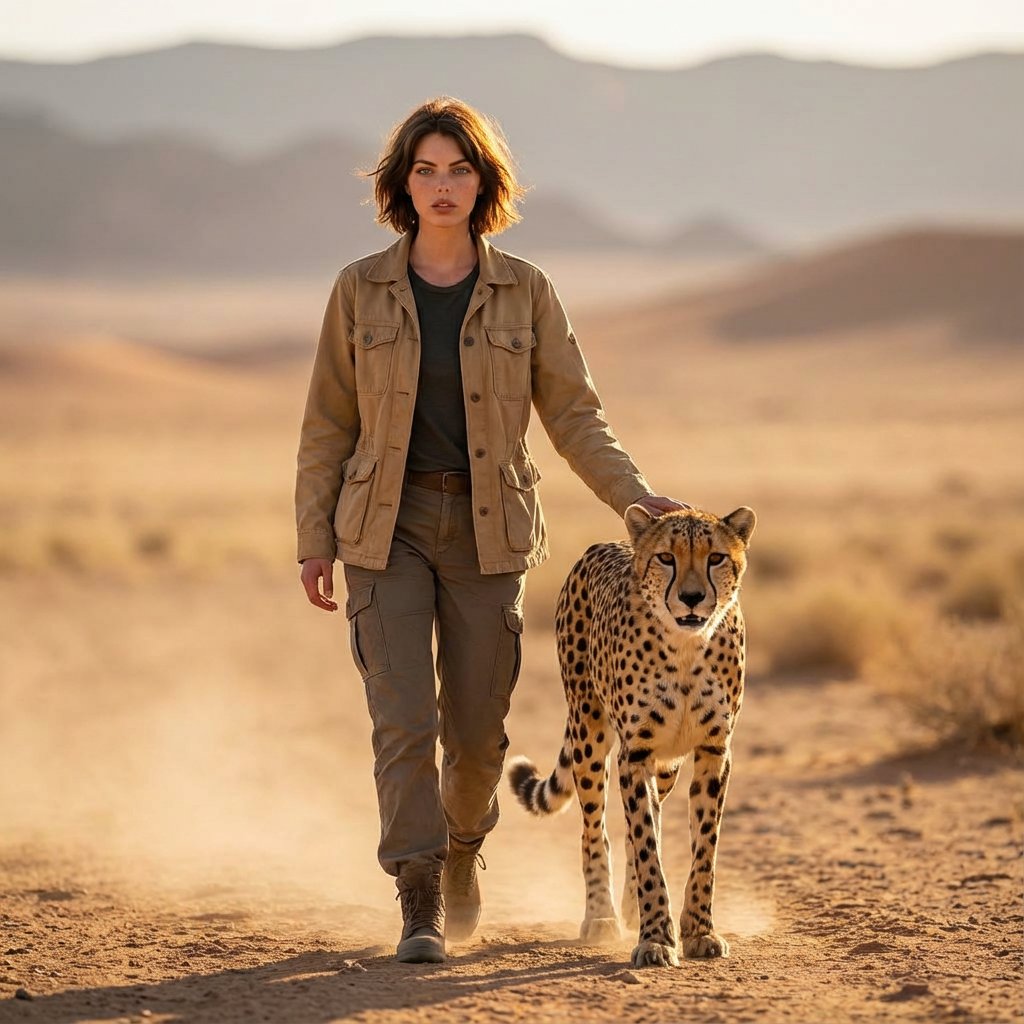
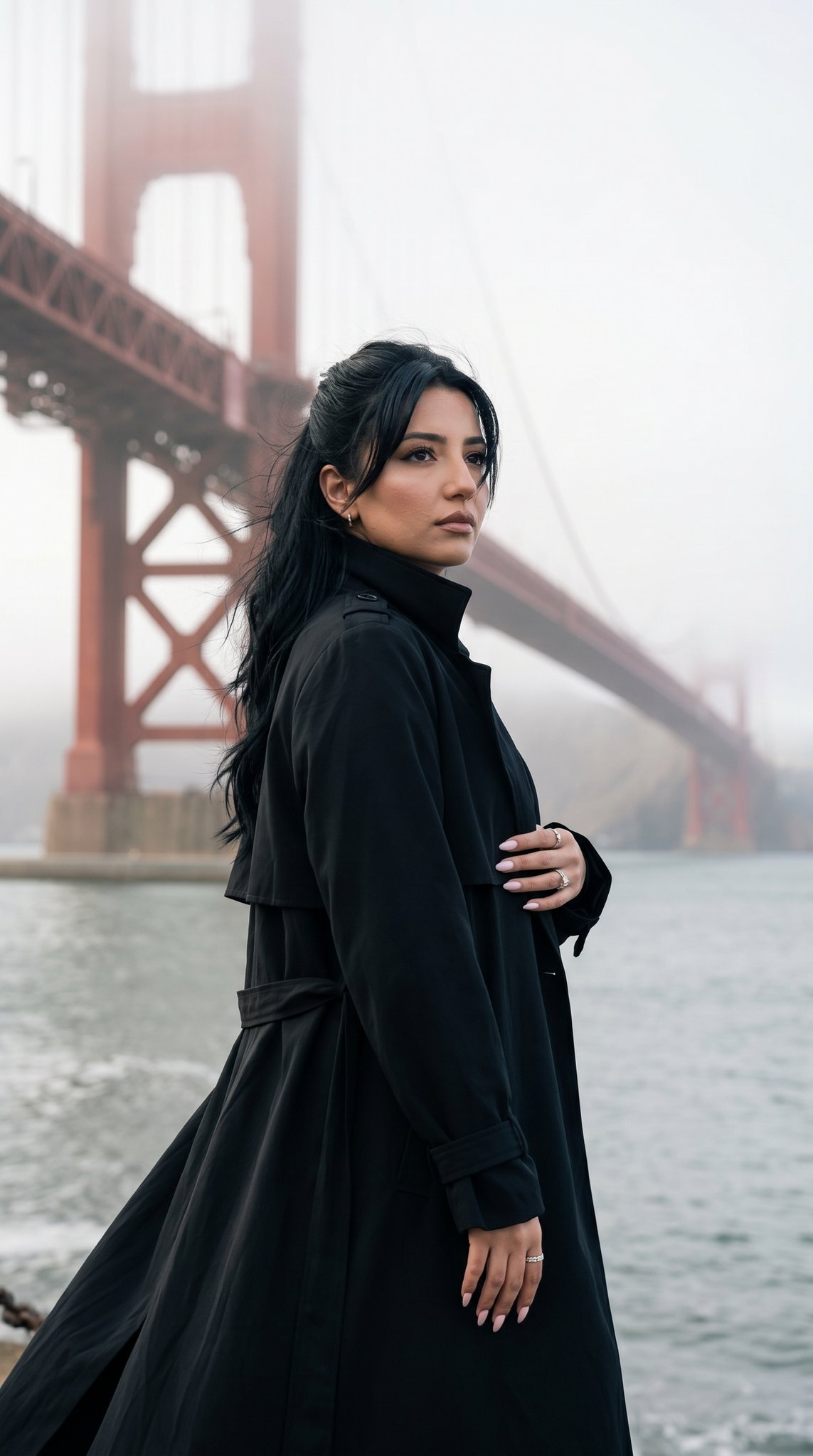
An editorial portrait prompt capturing a woman with auburn hair in warm desert lighting with a shallow depth of field.

Close-up editorial portrait, {argument name="subject" default="woman"} with {argument name="hair" default="curly auburn hair"}, sharp direct gaze into camera, lips slightly parted, sun-kissed glowing skin, soft shadow play from desert foliage, {argument name="lighting" default="warm golden light"}, blurred cactus spines visible at edge of frame, shallow depth of field, vertical 4:5 --ar 4:5 --v 6
Close-up editorial portrait, {argument name="subject" default="woman"} with {argument name="hair" default="curly auburn hair"}, sharp direct gaze into camera, lips slightly parted, sun-kissed glowing skin, soft shadow play from desert foliage, {argument name="lighting" default="warm golden light"}, blurred cactus spines visible at edge of frame, shallow depth of field, vertical 4:5 --ar 4:5 --v 6
Edit the prompt in the box under the preview — the template's model and format are already selected — and press Generate. Your version appears right on this page.
Yes. You can change the subject, setting, lighting, mood, format, and available model controls before creating your image.
Opening and editing this template is free. Generating uses credits, shown on the Generate button when you are signed in.
Start with GPT Image 2, which is the model associated with this template. You can compare another compatible model for a different finish.
Follow a topic to a crawlable collection of related PicX Studio templates.