How do I use the Golden Hour Editorial Fashion Portrait template?
Choose the primary action to open PicX Studio with the available template settings. Review the model and format, personalize the creative direction, and generate when ready.
An ultra-realistic editorial portrait prompt that maintains identity consistency based on a reference image, featuring golden hour lighting.
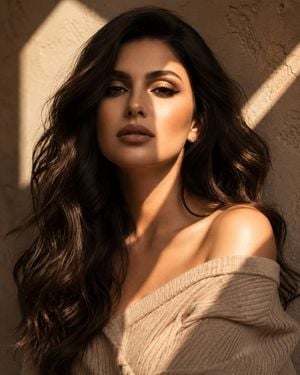
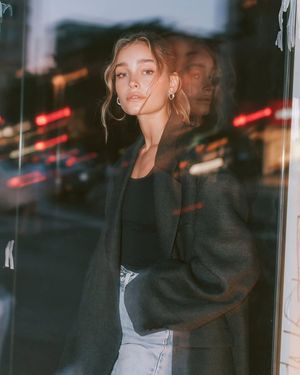
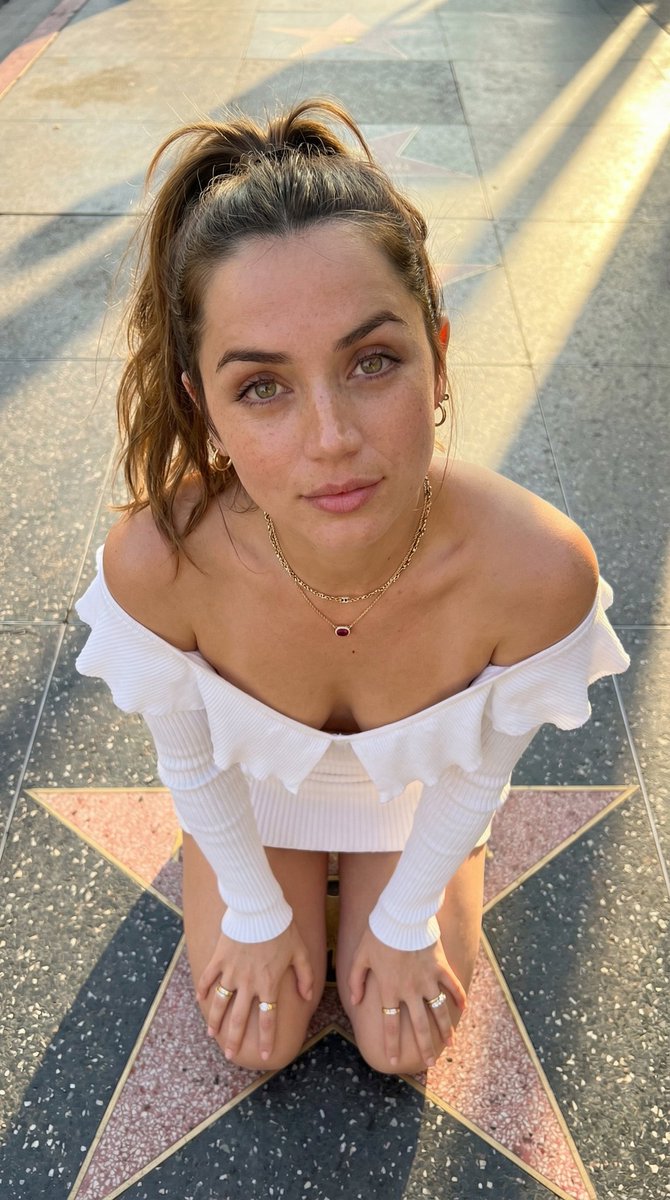
Ultra-realistic editorial portrait of the same woman from the reference image, preserving her facial identity, facial structure, eye shape, nose, lips, skin tone, and overall appearance with high accuracy. Upper-chest framing, slightly angled body with direct eye contact, long soft hair, natural makeup, off-shoulder beige knit top, warm golden-hour sunlight casting geometric shadows across her face and neck, textured beige plaster wall background, cinematic mood, luxury beauty campaign aesthetic, shallow depth of field, 85mm lens, photorealistic skin texture, realistic hair detail, premium fashion magazine photography.
Choose the primary action to open PicX Studio with the available template settings. Review the model and format, personalize the creative direction, and generate when ready.
Yes. You can change the subject, setting, lighting, mood, format, and available model controls before creating your image.
This template is free to open and customize. Generation usage is shown in PicX Studio before you create.
Start with GPT Image 2, which is the model associated with this template. You can compare another compatible model for a different finish.
Follow a topic to a crawlable collection of related PicX Studio templates.