
Blind Embossed Paper Art
Creates minimalist white-on-white embossed paper designs with realistic textures and shadows.
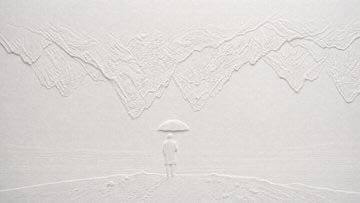
- Prompt included
- Model and format preset
- Free template
The prompt behind this image
Copy the exact prompt behind Blind Embossed Paper Art, or open it in the studio and make it yours.
{argument name="subject" default="[SUBJECT]"} rendered as a blind embossed paper artwork, subtle raised textures only, no ink, monochromatic white-on-white composition, elegant shadows, luxury stationery aesthetic, museum-quality minimalism.
How to use Blind Embossed Paper Art in 3 steps
- 1
Open
The prompt is already in the box next to the preview, with the template's model and format selected.
- 2…a portrait of your subject in softgolden-hour light, 85mm…
Personalize
Edit the subject and creative details for your destination.
- 3Generate
Generate
Press Generate — your image is created in PicX Studio, so you can compare it with the original and refine one variable at a time.
More like this
Templates with the same subject, style or setup. Open one to see its prompt.
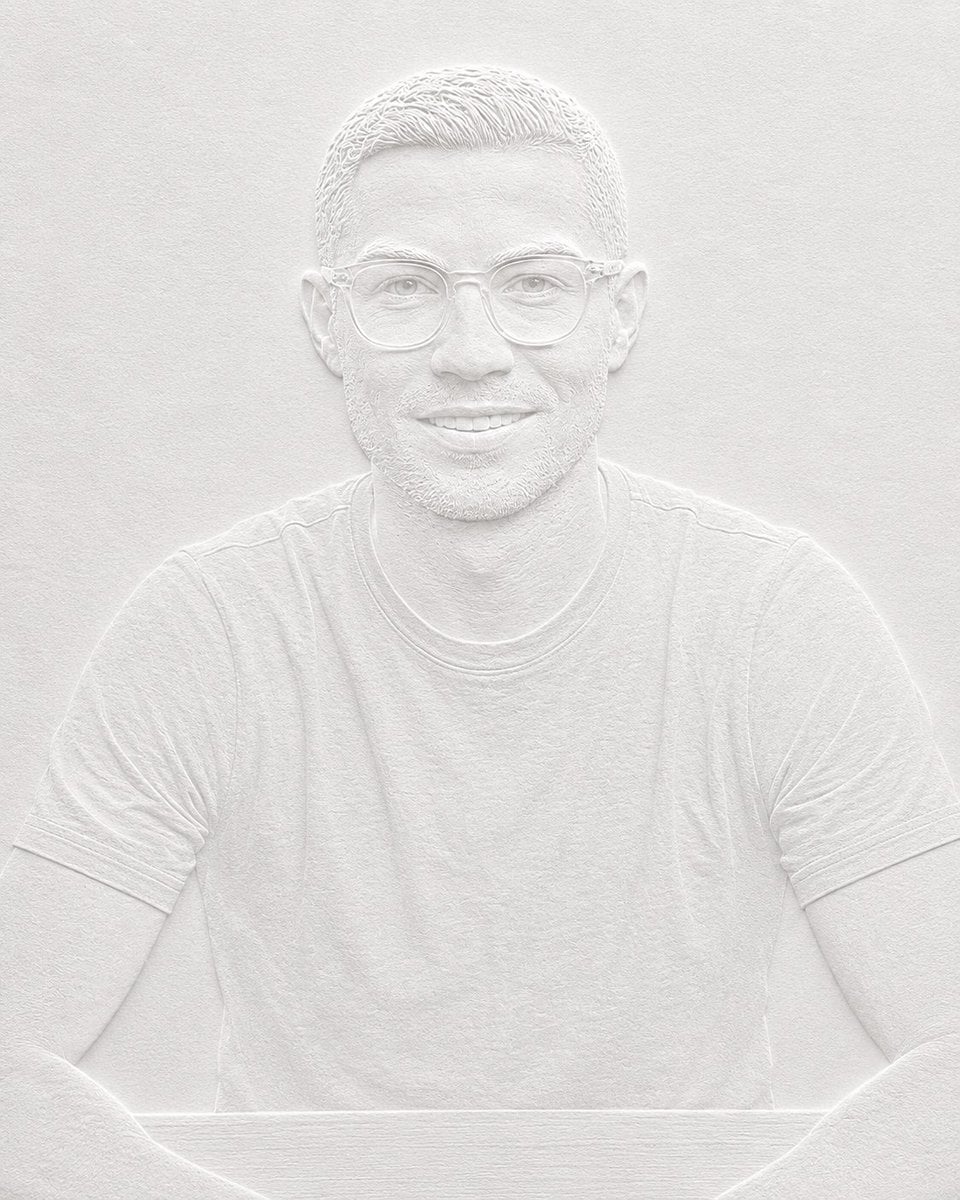
Minimalist Blind Embossed Paper Art
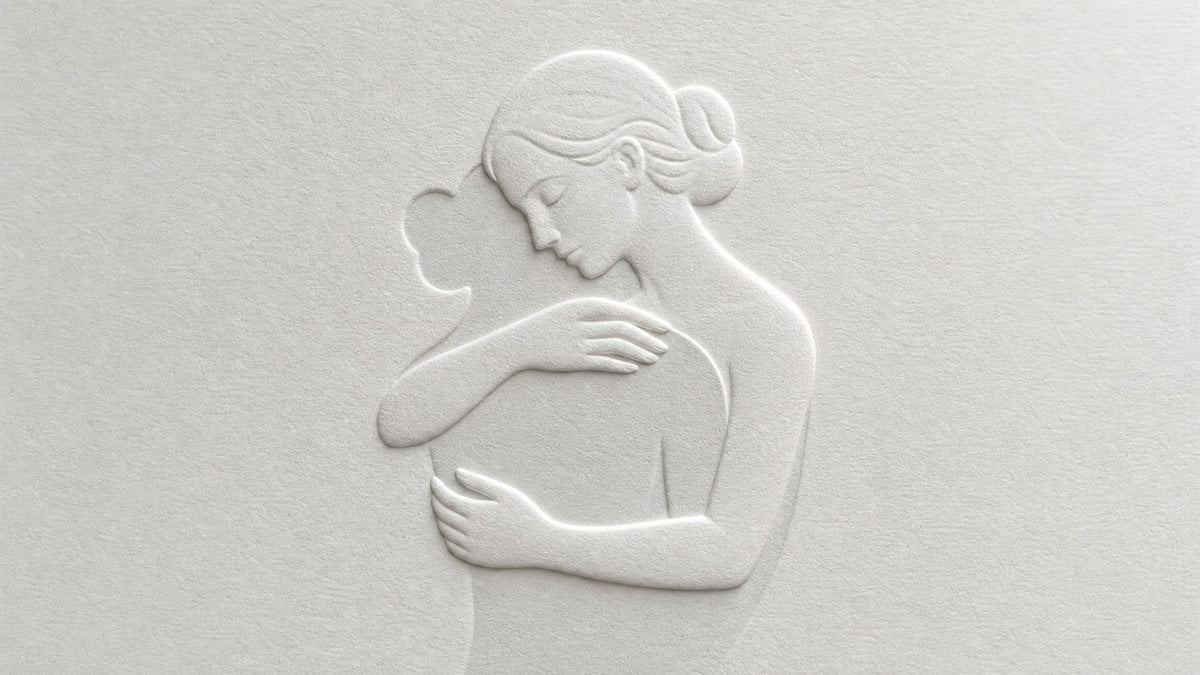
Master Blind Embossed Paper Art — White-on-White Monochromatic Luxury Stationery
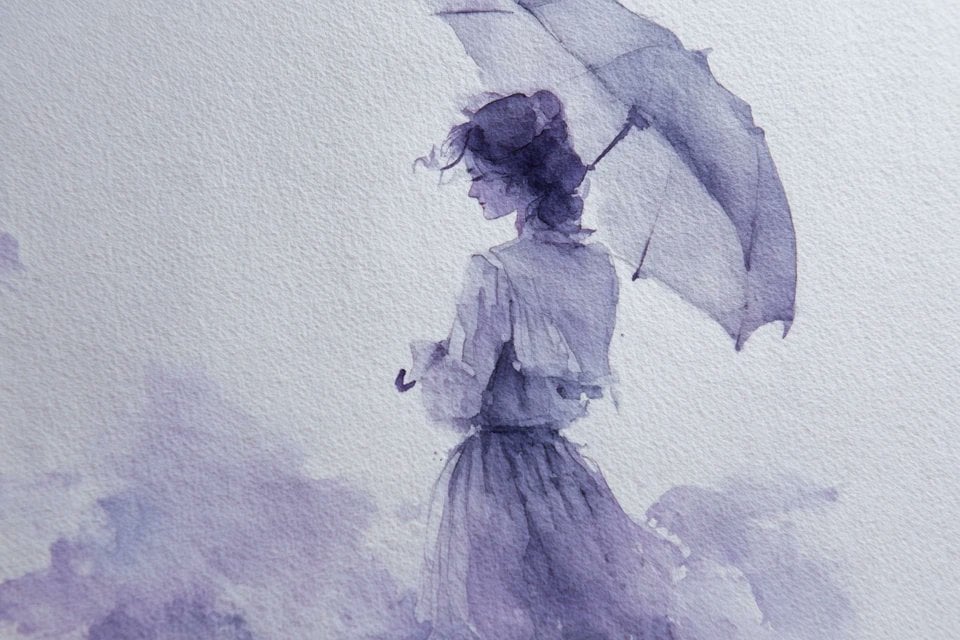
Watercolor Dreamscape — Nano Banana
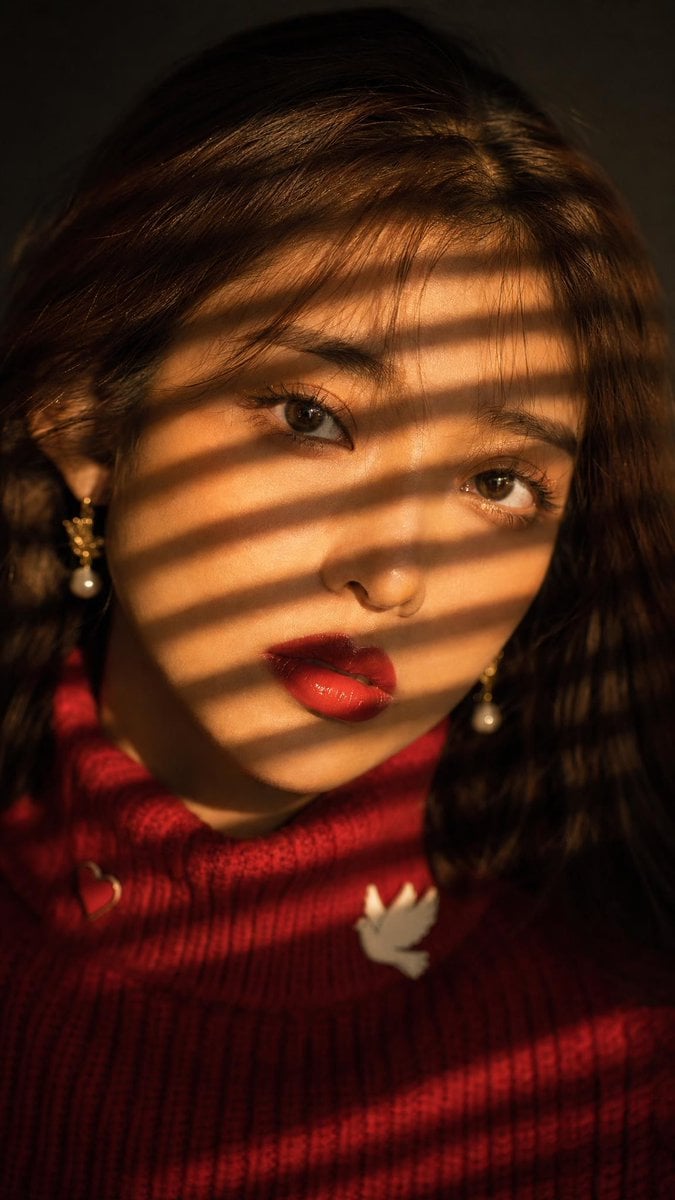
Golden Blinds Portrait
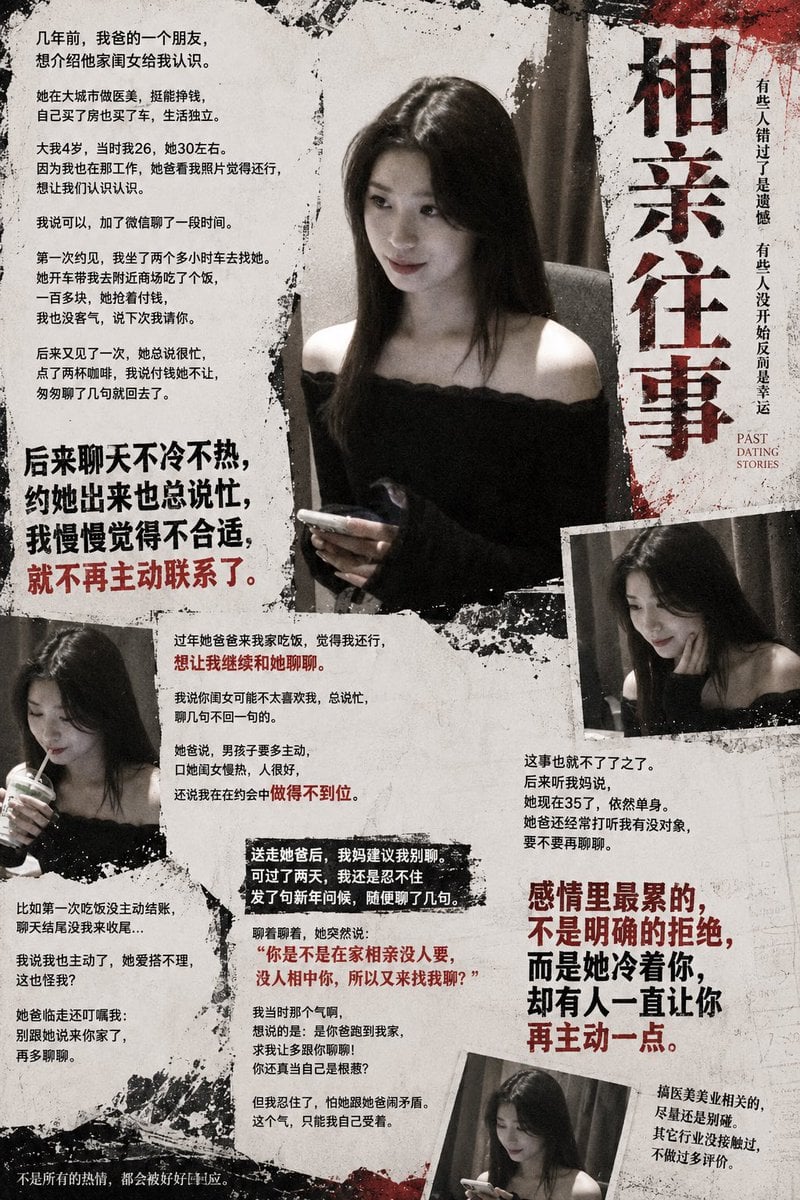
Distressed Blind Date Story Poster
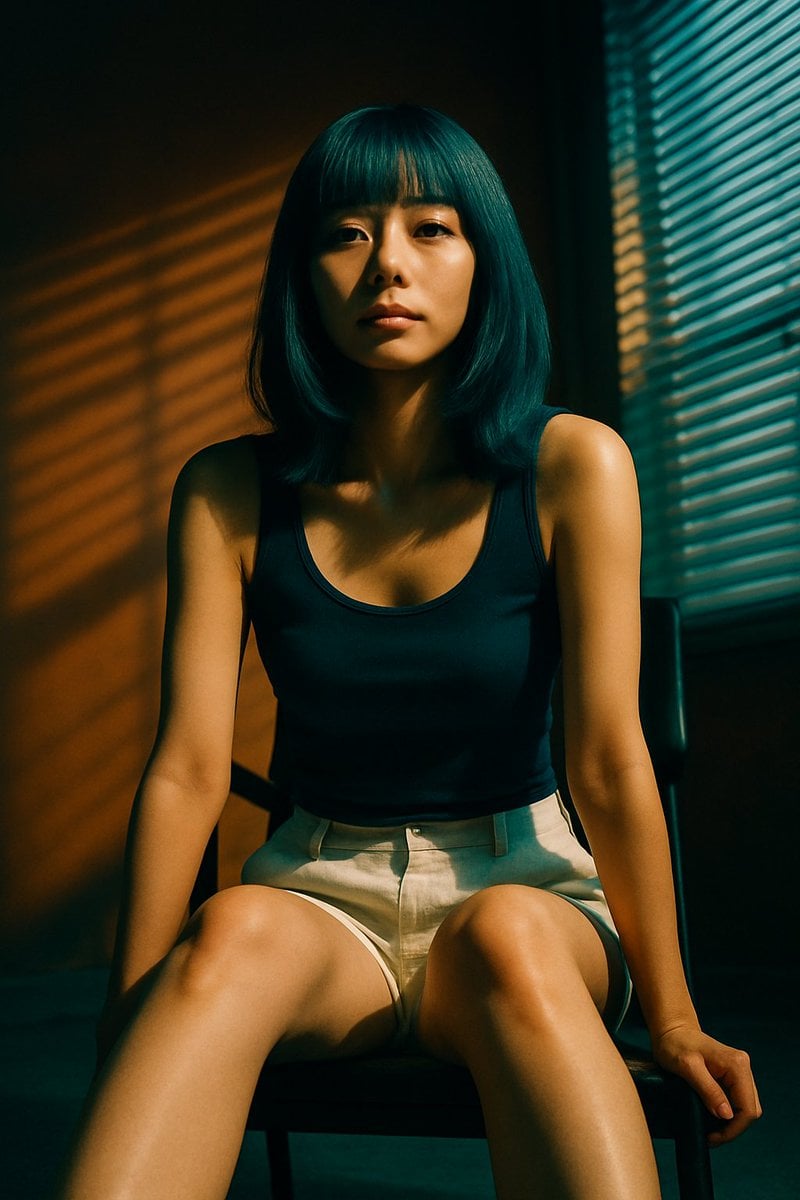
Cinematic Portrait with Blind Shadows

Ishihara Color Blindness Test Plate
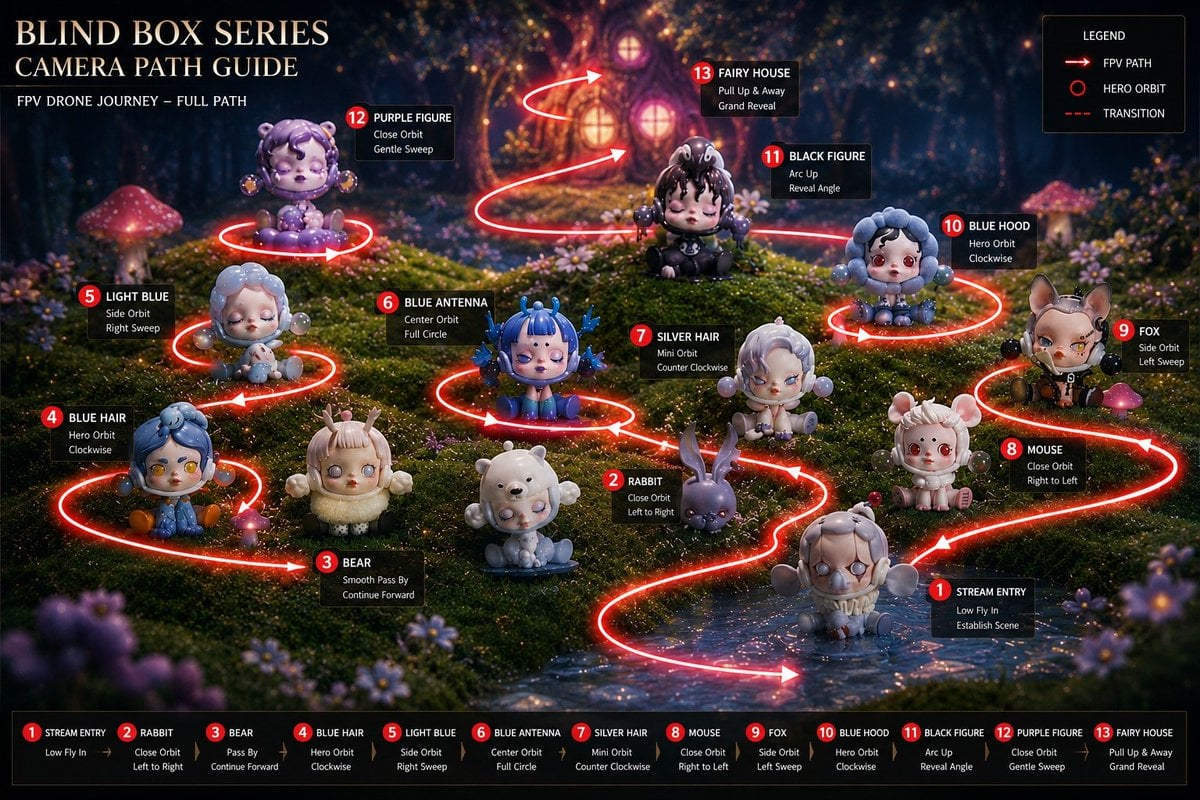
Blind Box Camera Path Guide
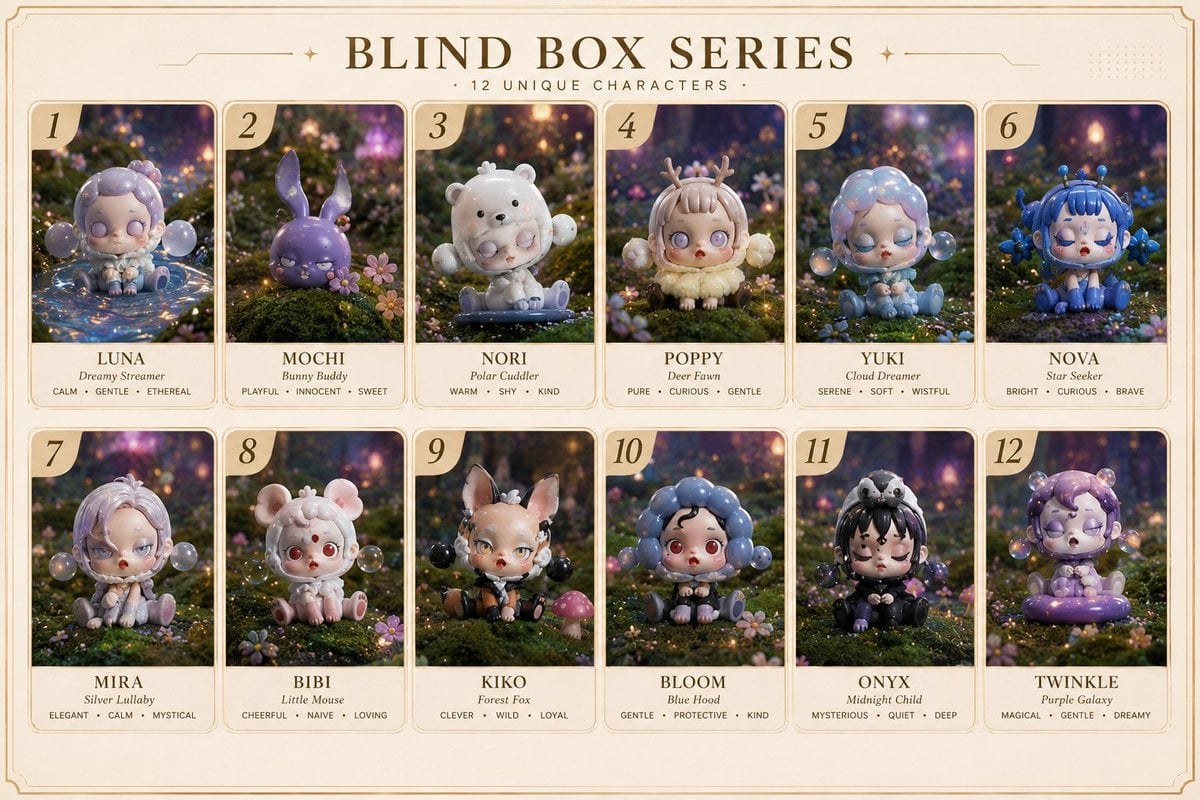
Fantasy Blind Box Character Series Poster
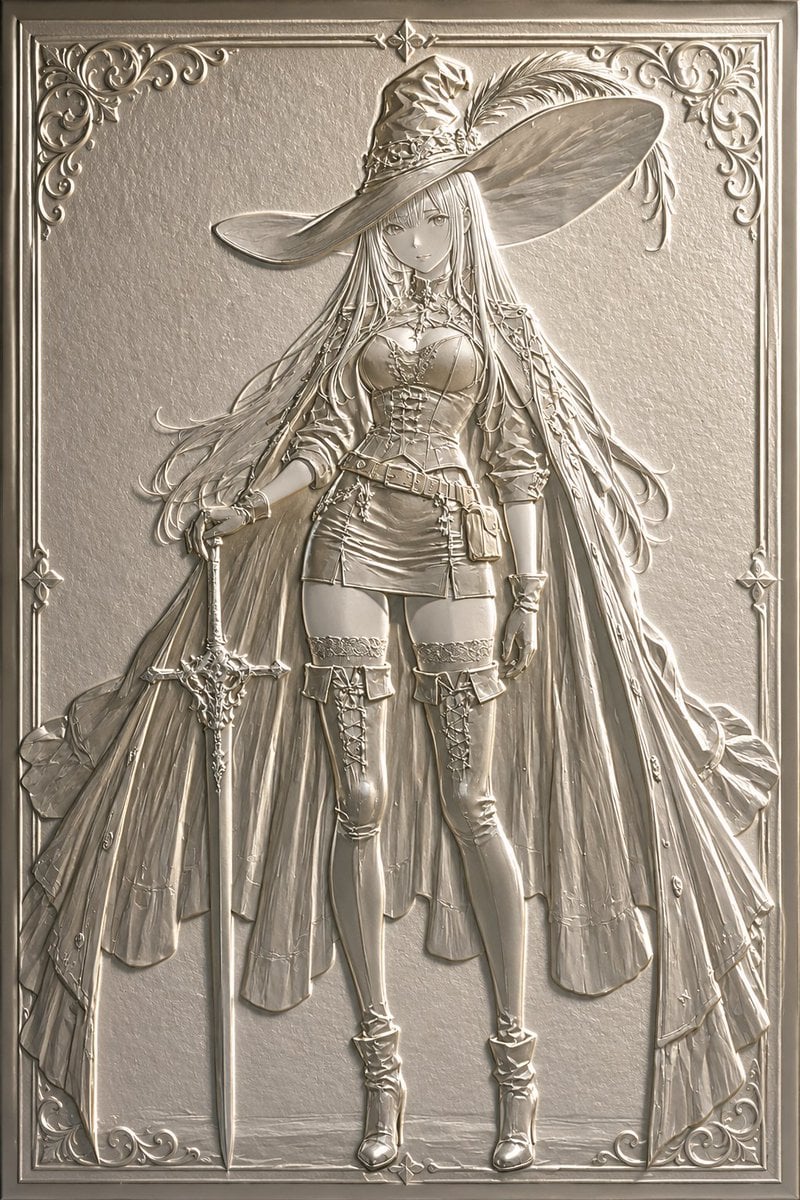
Embossed Luxury Card Relief Prompt
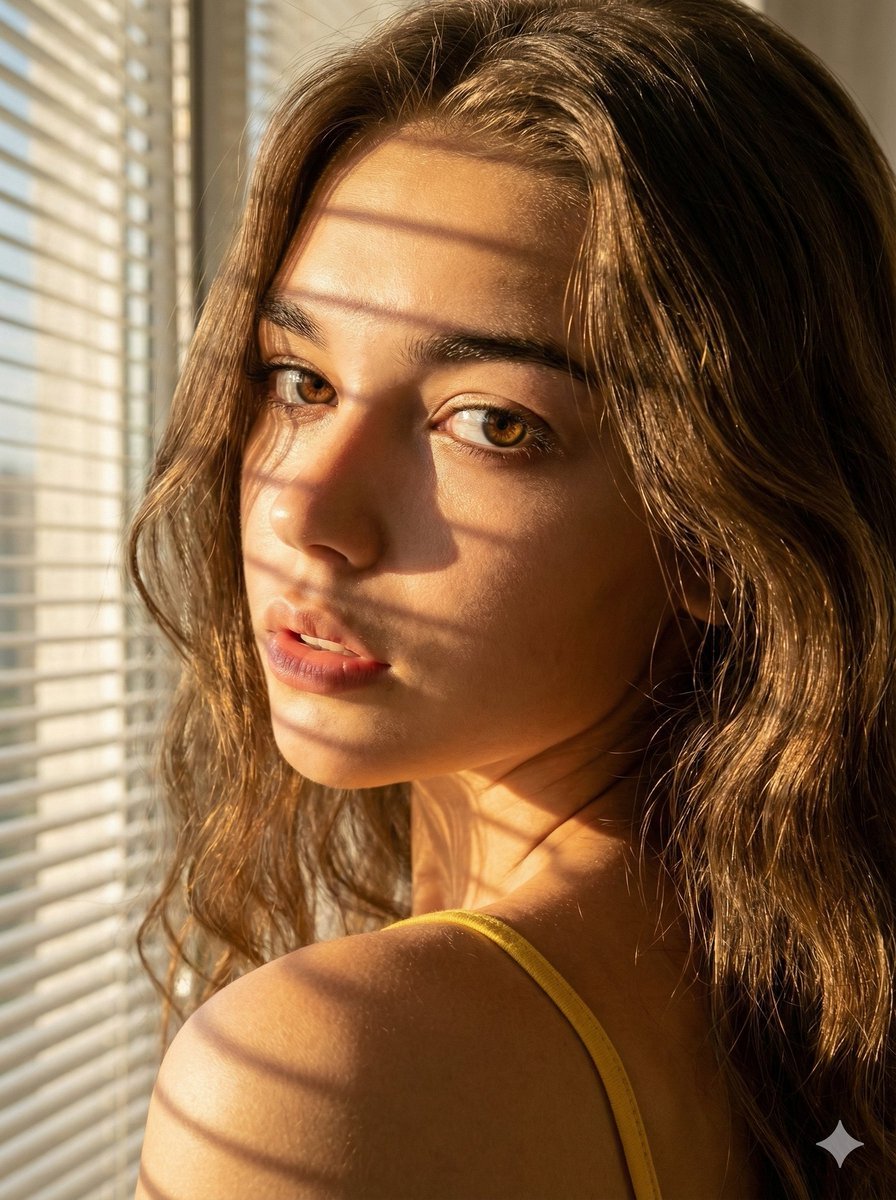
Close-up Portrait with Window Blind Shadows
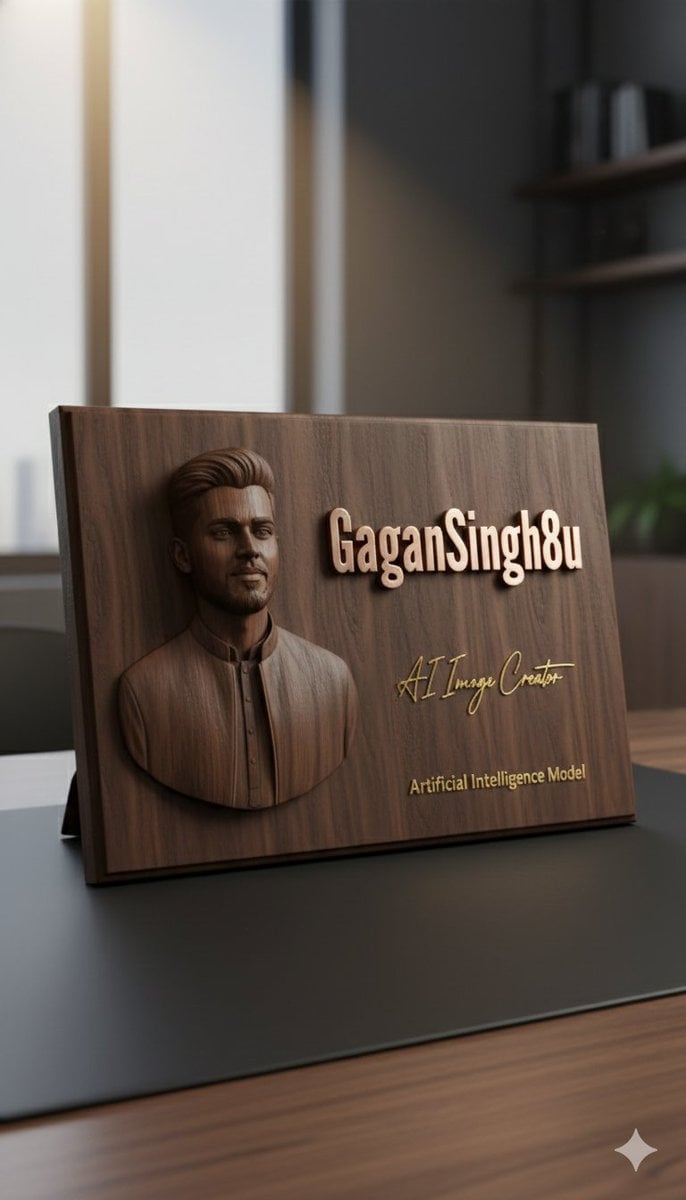
3D Embossed Executive Plaque Mockup from Reference Image
Make it yours
Blind Embossed Paper Art works as-is. These are the safest ways to change it without losing the look.
Change one field
Copy a single group, rewrite it, and generate again so you can see what that field is doing.
Keep the frame, change the subject
Hold the composition and light of Blind Embossed Paper Art, then swap wardrobe, props or the person for a new take.
| If the result… | Why | Fix |
|---|---|---|
| The result drifts from the preview | Too many fields changed at once. | Reuse Blind Embossed Paper Art as-is first, then change one group — subject, light, or setting. |
| The model over-stylizes the scene | The prose prompt leaves finish and camera underspecified. | Add one camera or lighting sentence and stay on GPT Image 2. |
More GPT Image 2 templates
Other prompts made for GPT Image 2.

Six VTuber Japanese Logo Sheet

Realistic Portrait of Woman and Deer

The Vista Modular Condo Poster

AI Model Routing Comparison Infographic

2.5D Anime Art Board

Isometric Productivity Desk Scene

New York Double Exposure Poster

Four-Panel AI Landscape Comparison

Japanese Tatami Lifestyle Magazine Cover

NESCAFÉ Coffee Map Poster
More image prompts
Fresh picks from across the catalog.
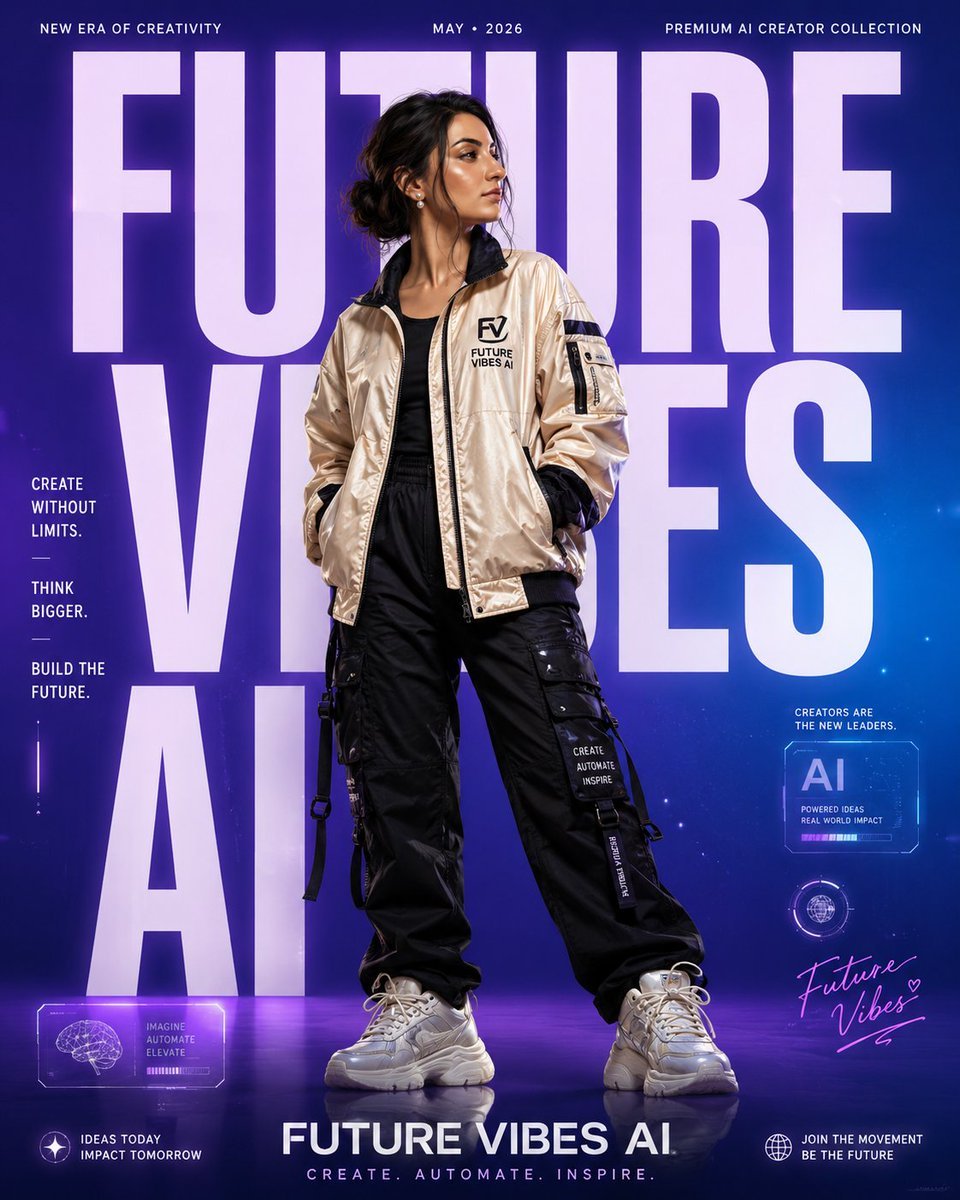
Premium Streetwear Campaign Poster
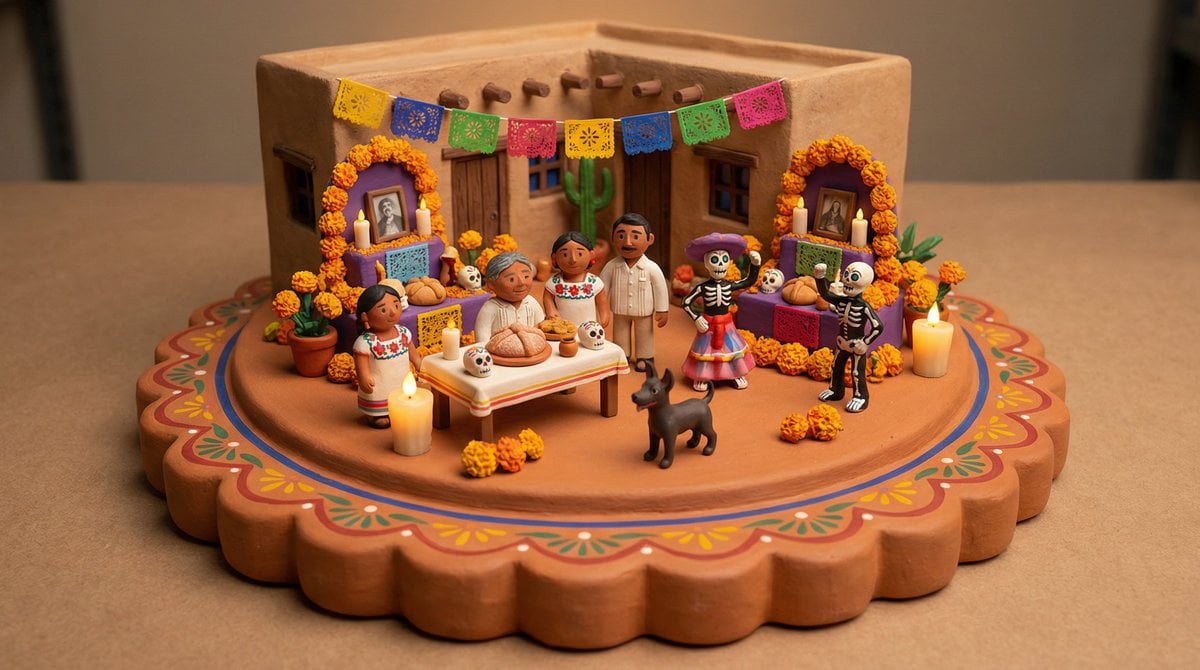
Tiny Clay World Diorama Generator
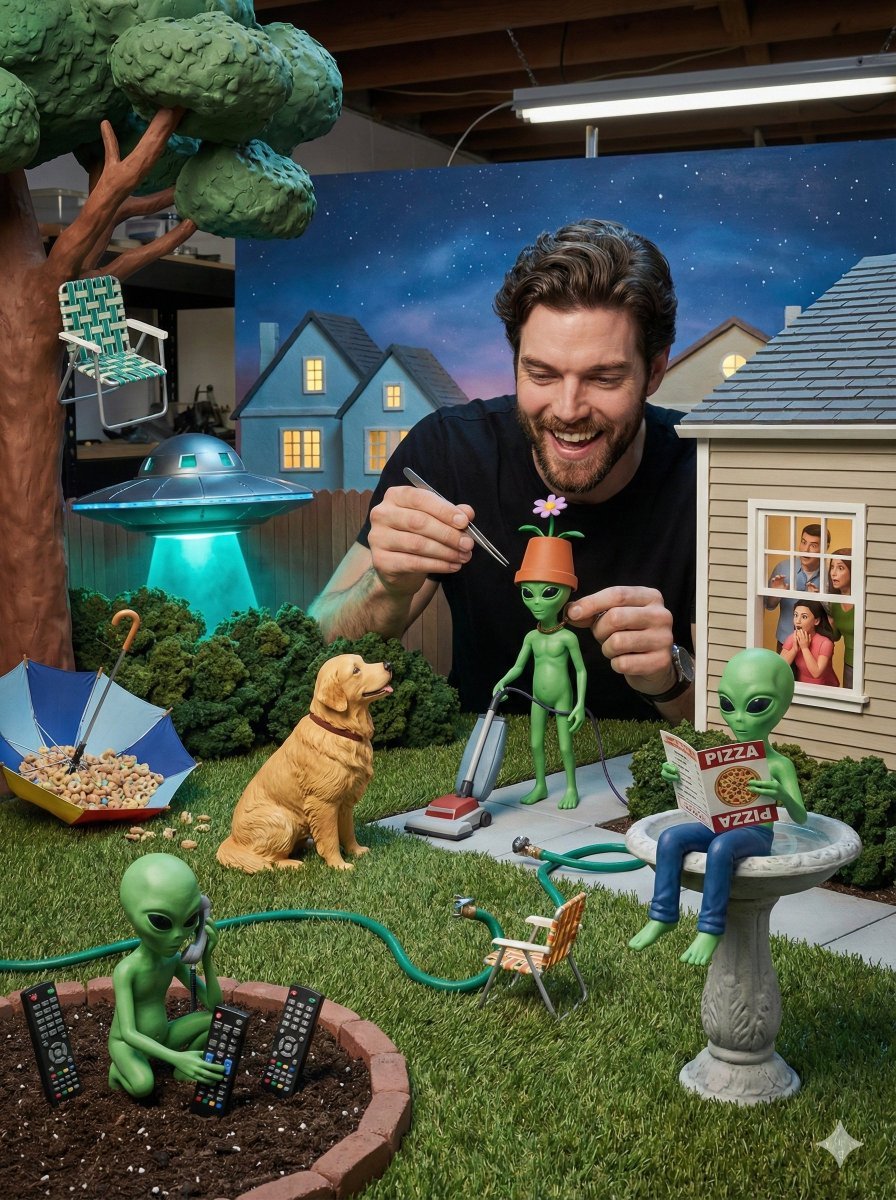
Miniature Diorama of Confused Alien in a Suburban Backyard
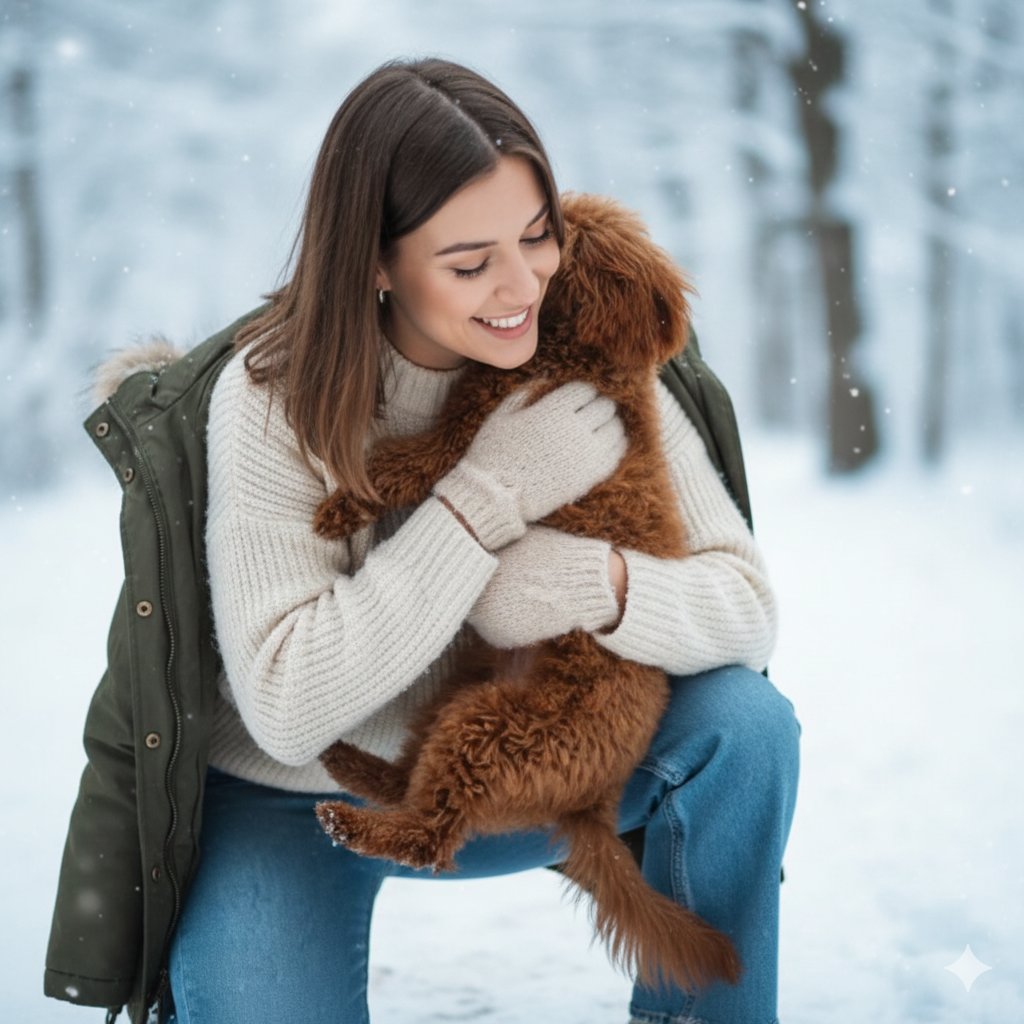
Candid Portrait Hugging a Poodle in a Park
Windblown Ink Samurai Portrait
Evening cityscape bridge fashion portrait
Aesthetic Doodle Portrait
Aesthetic Cozy Coffee Photography for Social Media
Cinematic Holiday Lifestyle Portrait Prompt
2000s Character Design Prompt
Browse template categories
Blind Embossed Paper Art questions
How do I use the Blind Embossed Paper Art template?
Add your photo if the template asks for one, edit the prompt if you like — the template's model and format are already selected — and press Generate. Your version opens in PicX Studio.
Can I customize the Blind Embossed Paper Art template?
Yes. You can change the subject, setting, lighting, mood, format, and available model controls before creating your image.
Is the Blind Embossed Paper Art template free?
Opening and editing this template is free. Generating uses credits, shown on the Generate button when you are signed in.
Which AI model should I use?
Start with GPT Image 2, which is the model associated with this template. You can compare another compatible model for a different finish.
Looking for something else? Browse all templates.

Your photo, any look
Thousands of ready templates for every top image and video model, from one credit balance.