
Creative Professional Flat Lay Portrait
Creative Professional Flat Lay Portrait is a ready photo look.
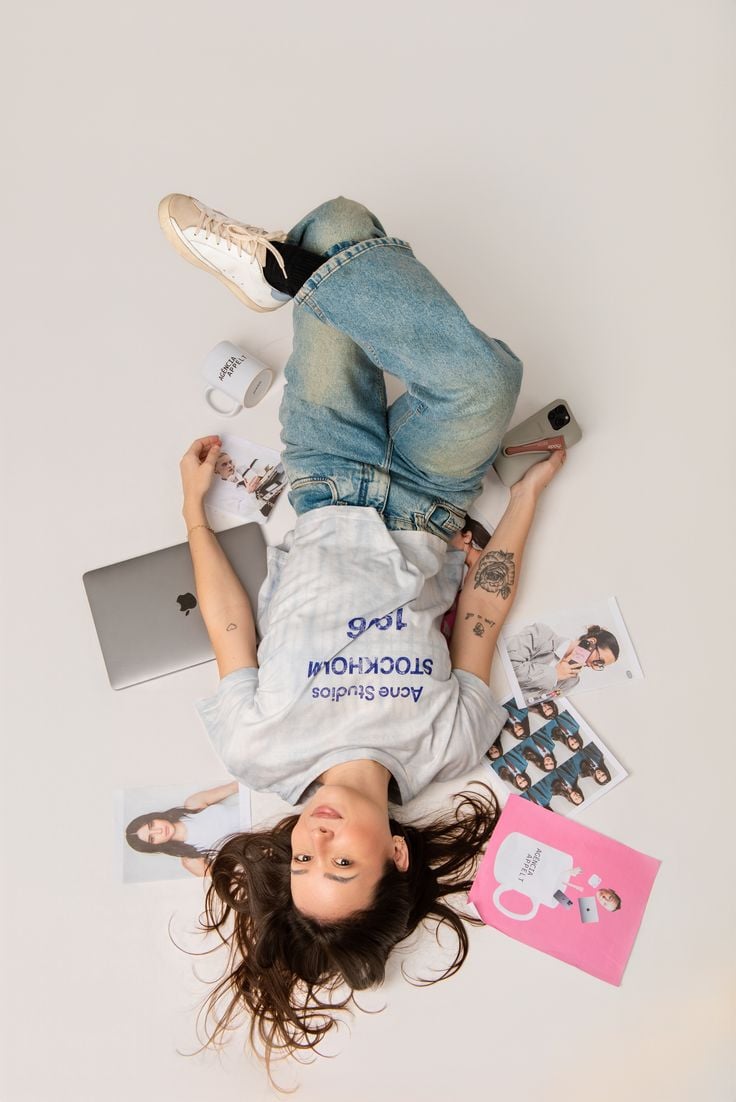
- Prompt included
- Model and format preset
- Premium template
The prompt behind this image
Copy the exact prompt behind Creative Professional Flat Lay Portrait, or open it in the studio and make it yours.
- Prompt
- A modern lifestyle flat-lay editorial scene featuring a stylish young woman lying on a clean light background, wearing blue jeans, sneakers, and a white t-shirt. She is holding a smartphone, surrounded by creative branding items like printed photos, a laptop, coffee cup, and colorful cards arranged around her. Minimal aesthetic, high-end social media marketing vibe, ultra realistic, 4K.
- Size
- 1024x1024
- N
- 1
Raw JSON
{
  "prompt": "A modern lifestyle flat-lay editorial scene featuring a stylish young woman lying on a clean light background, wearing blue jeans, sneakers, and a white t-shirt. She is holding a smartphone, surrounded by creative branding items like printed photos, a laptop, coffee cup, and colorful cards arranged around her. Minimal aesthetic, high-end social media marketing vibe, ultra realistic, 4K.",
  "size": "1024x1024",
  "n": 1
}How to use Creative Professional Flat Lay Portrait in 3 steps
- 1
Open
The prompt is already in the box next to the preview, with the template's model and format selected.
- 2…a portrait of your subject in softgolden-hour light, 85mm…
Personalize
Edit the subject and creative details for your destination.
- 3Generate
Generate
Press Generate — your image is created in PicX Studio, so you can compare it with the original and refine one variable at a time.
More like this
Templates with the same subject, style or setup. Open one to see its prompt.
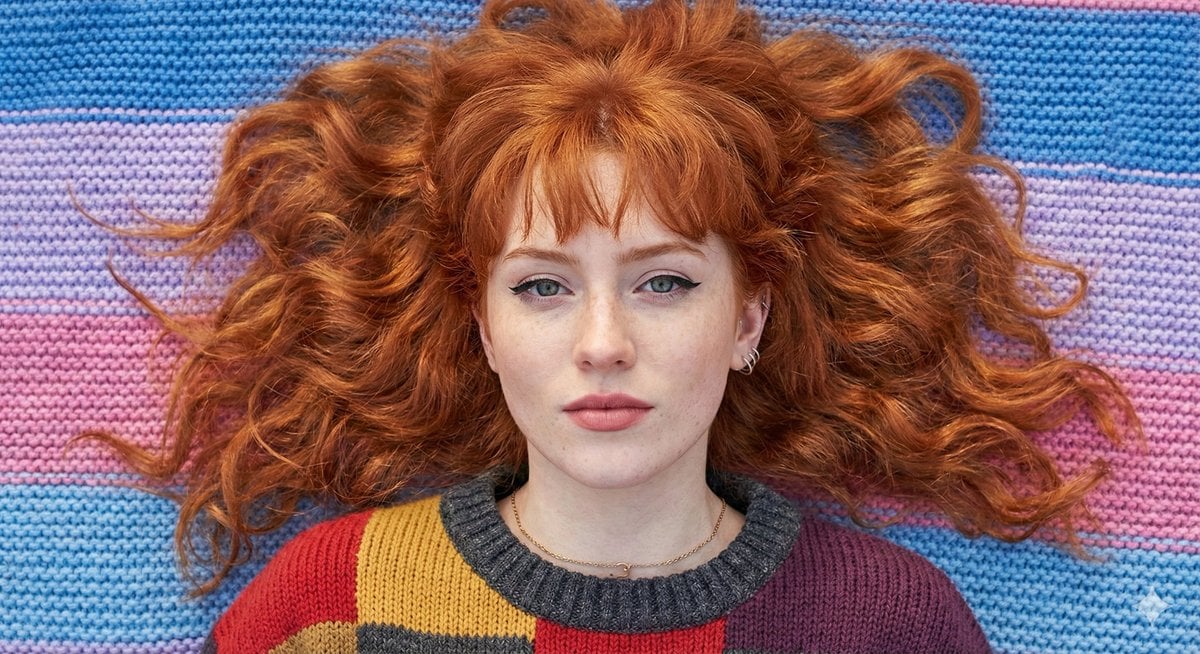
Flat Lay Portrait of a Ginger Woman on a Rainbow Blanket

Stylized 3d Clay Character Transformatio

Nano Banana Pro Photoreal Playful Couple

Found Photograph: Us, 1970

80s Couple Studio Portrait

80s Bollywood Star

80s Golden Hour Cinema

Me in 1985

1985 Studio Portrait

Hyper-Realistic Minecraft POV Portrait
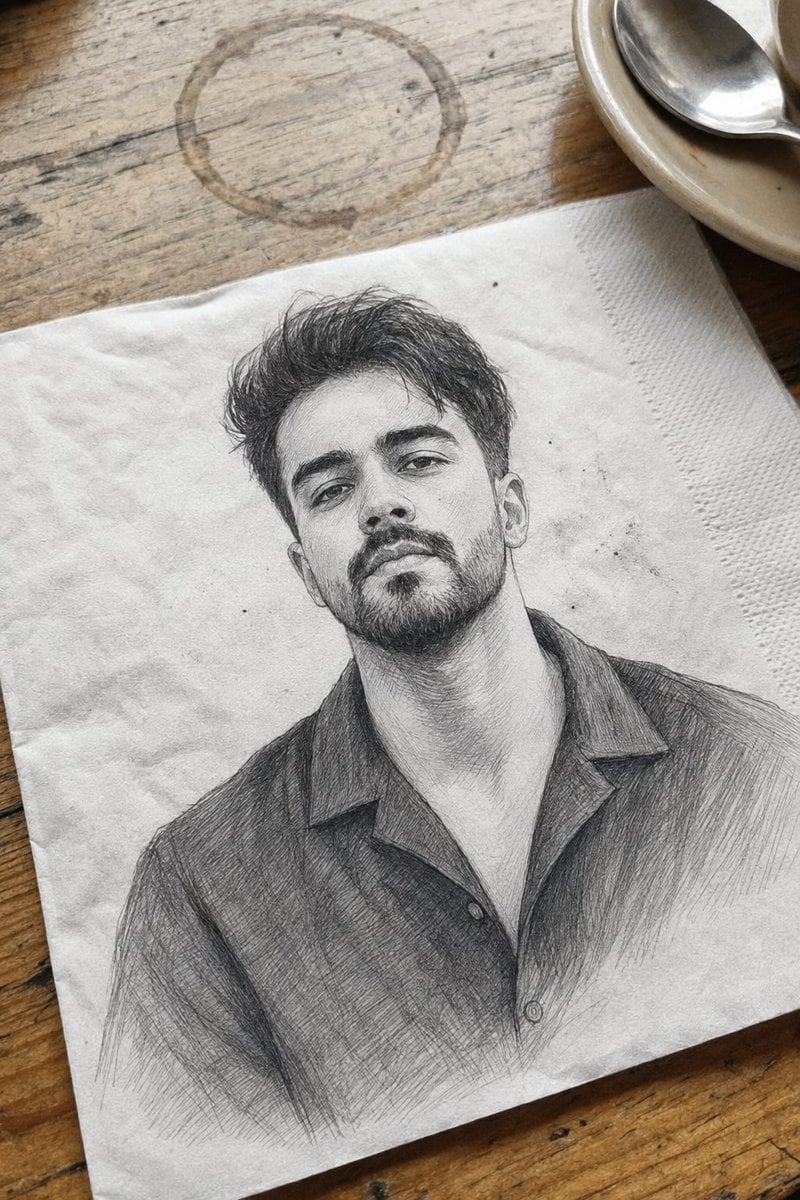
Professional Graphite Pencil Sketch Portrait

Couple Lock Screen iPhone Flat Lay
Make it yours
Creative Professional Flat Lay Portrait works as-is. These are the safest ways to change it without losing the look.
Change one field
Copy a single group, rewrite it, and generate again so you can see what that field is doing.
Keep the frame, change the subject
Hold the composition and light of Creative Professional Flat Lay Portrait, then swap wardrobe, props or the person for a new take.
| If the result… | Why | Fix |
|---|---|---|
| The result drifts from the preview | Too many fields changed at once. | Reuse Creative Professional Flat Lay Portrait as-is first, then change one group — subject, light, or setting. |
| PicX Studio ignores part of the JSON | Some models flatten or skip nested keys. | Keep the same values and paste them as a short paragraph instead. |
More image prompts
Fresh picks from across the catalog.

Urban Golden Hour Fashion Photography
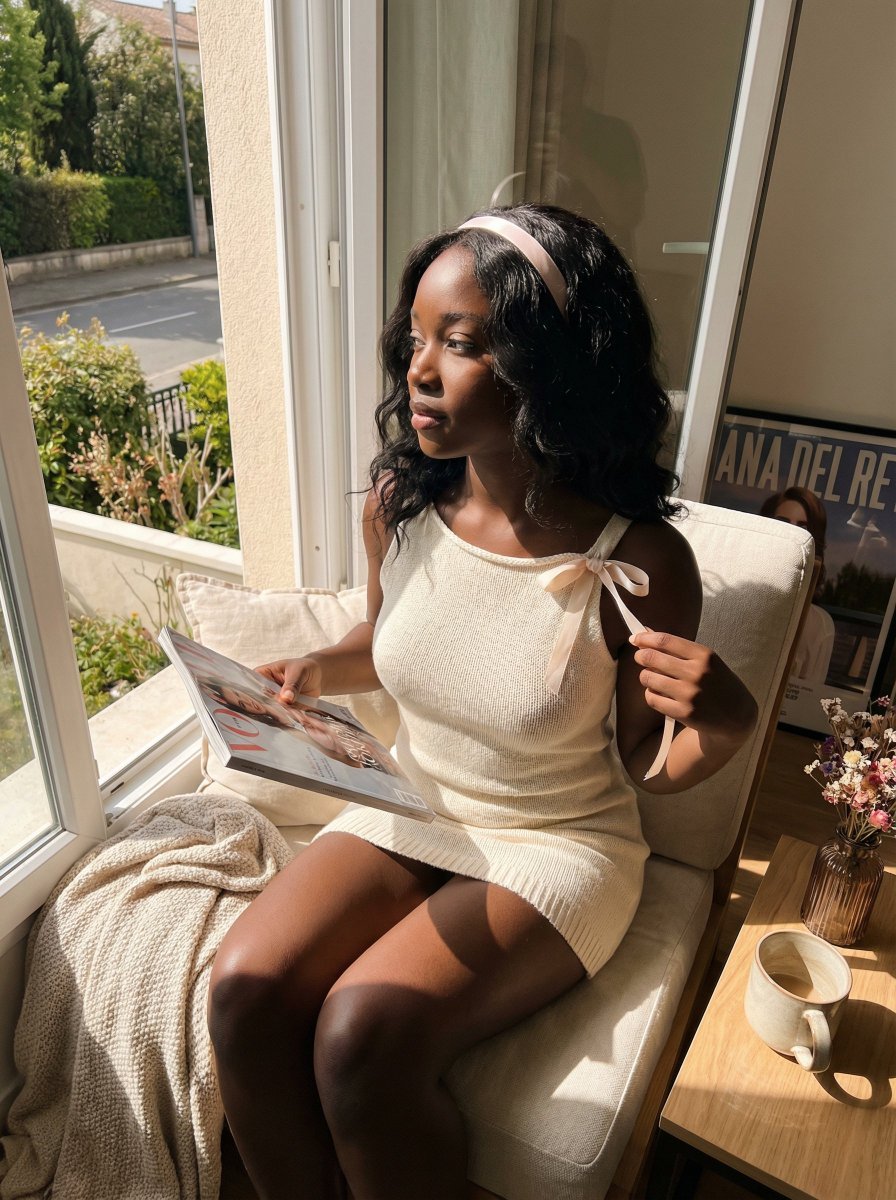
Sun-Kissed Coquette Candid Portrait Prompt (Black Woman)
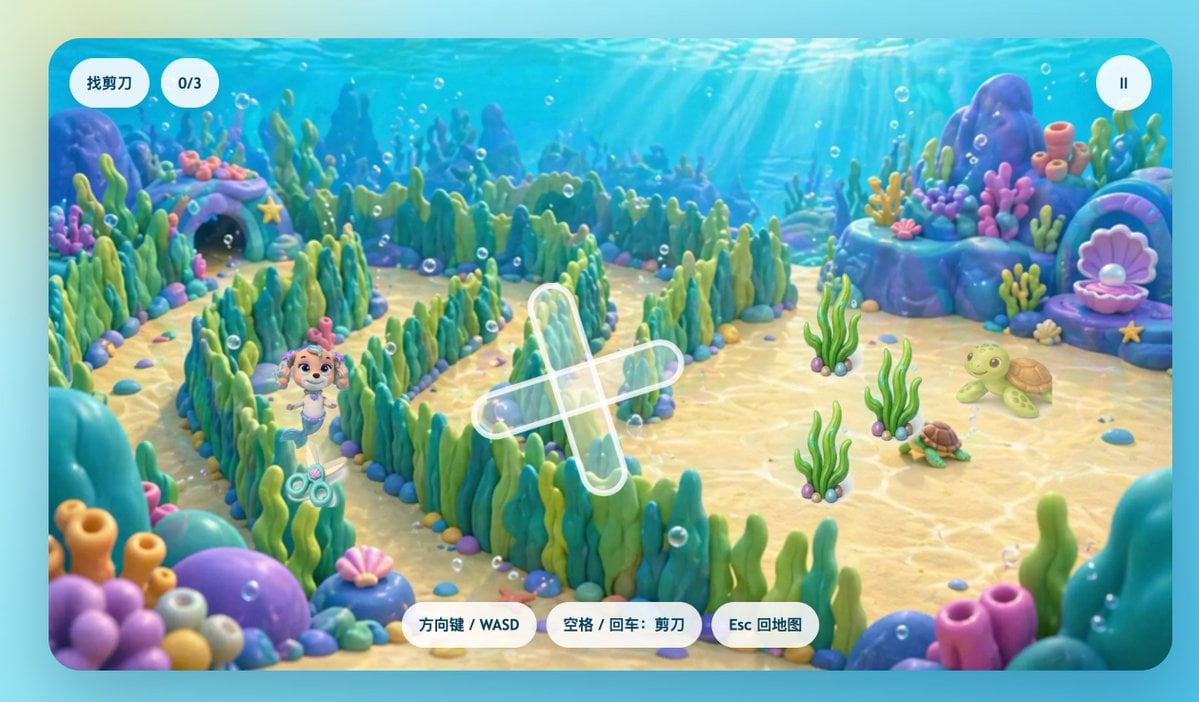
Cute Underwater Mermaid Puppy Game UI
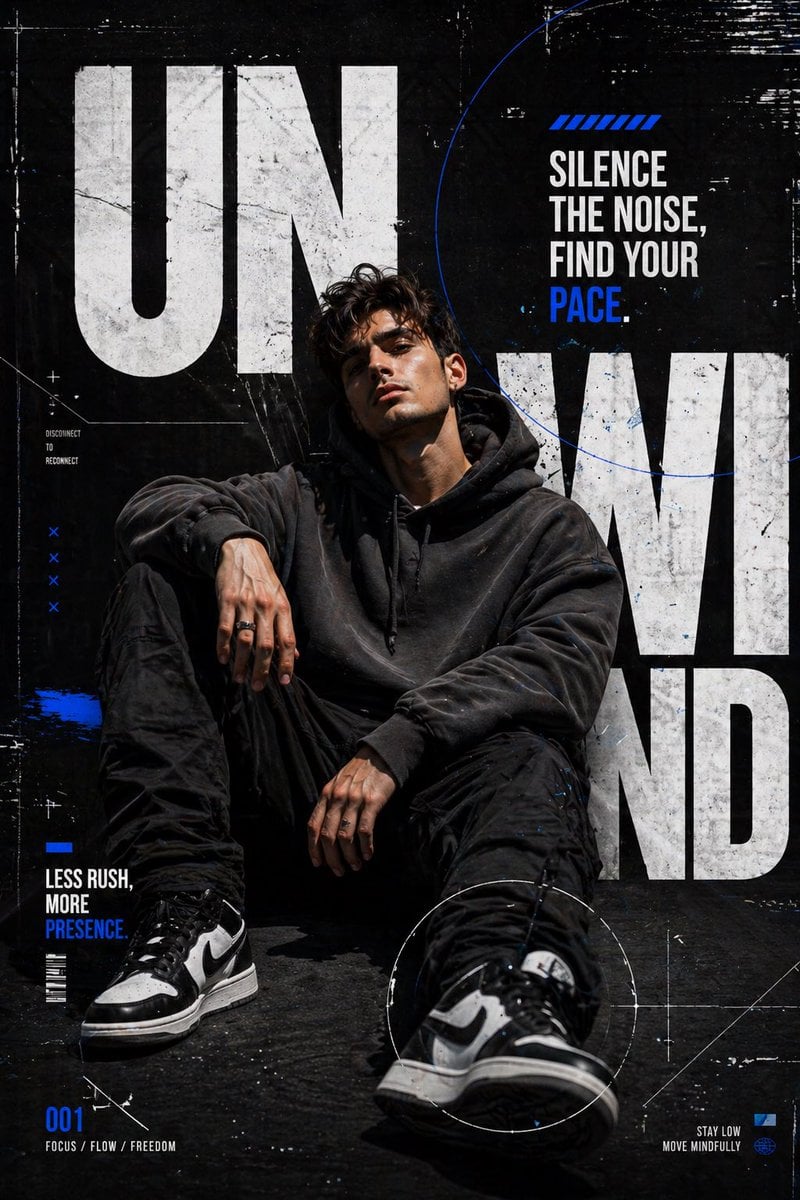
Urban Streetwear Editorial Poster
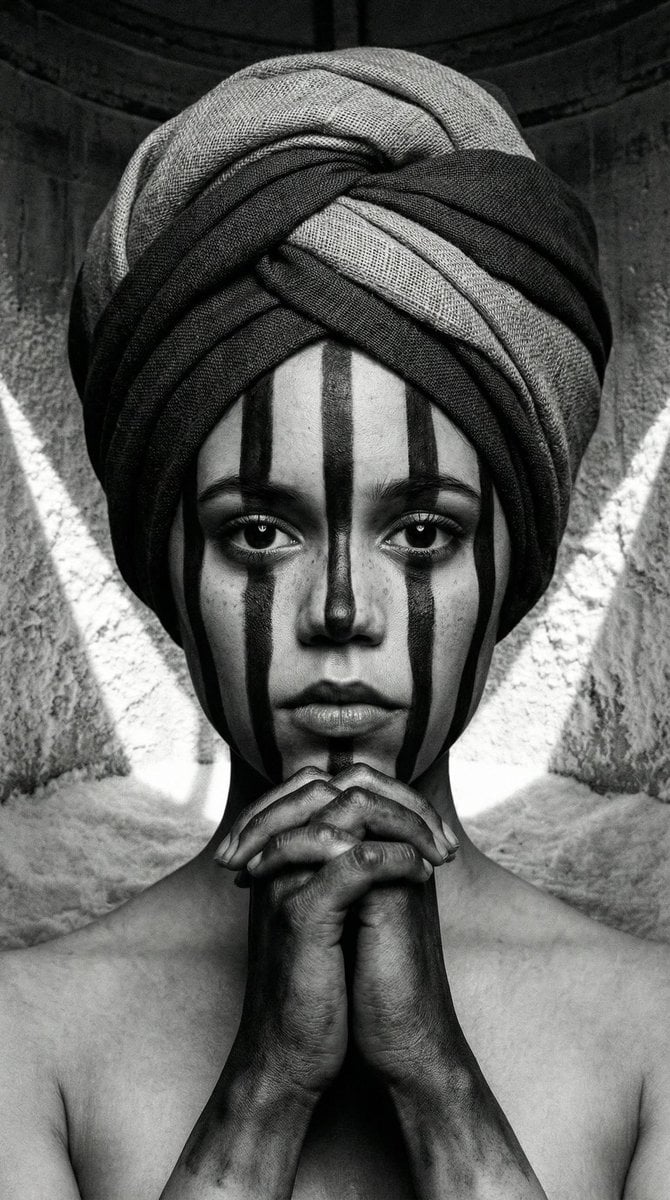
Monochrome Avant-Garde Portrait: Obsidian Ritual
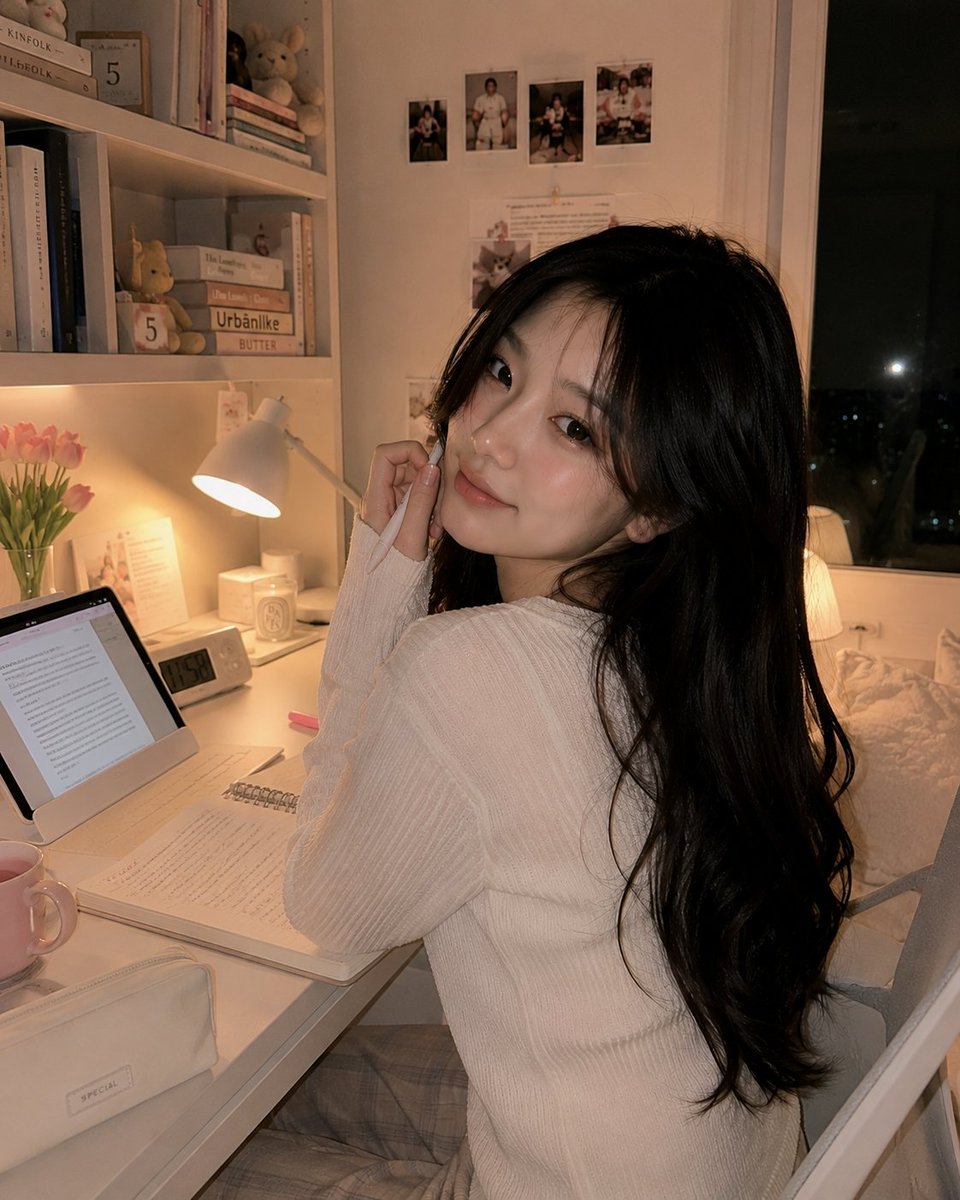
Cozy Study Room Night Portrait

Image to Colored Pencil Sketch Prompt
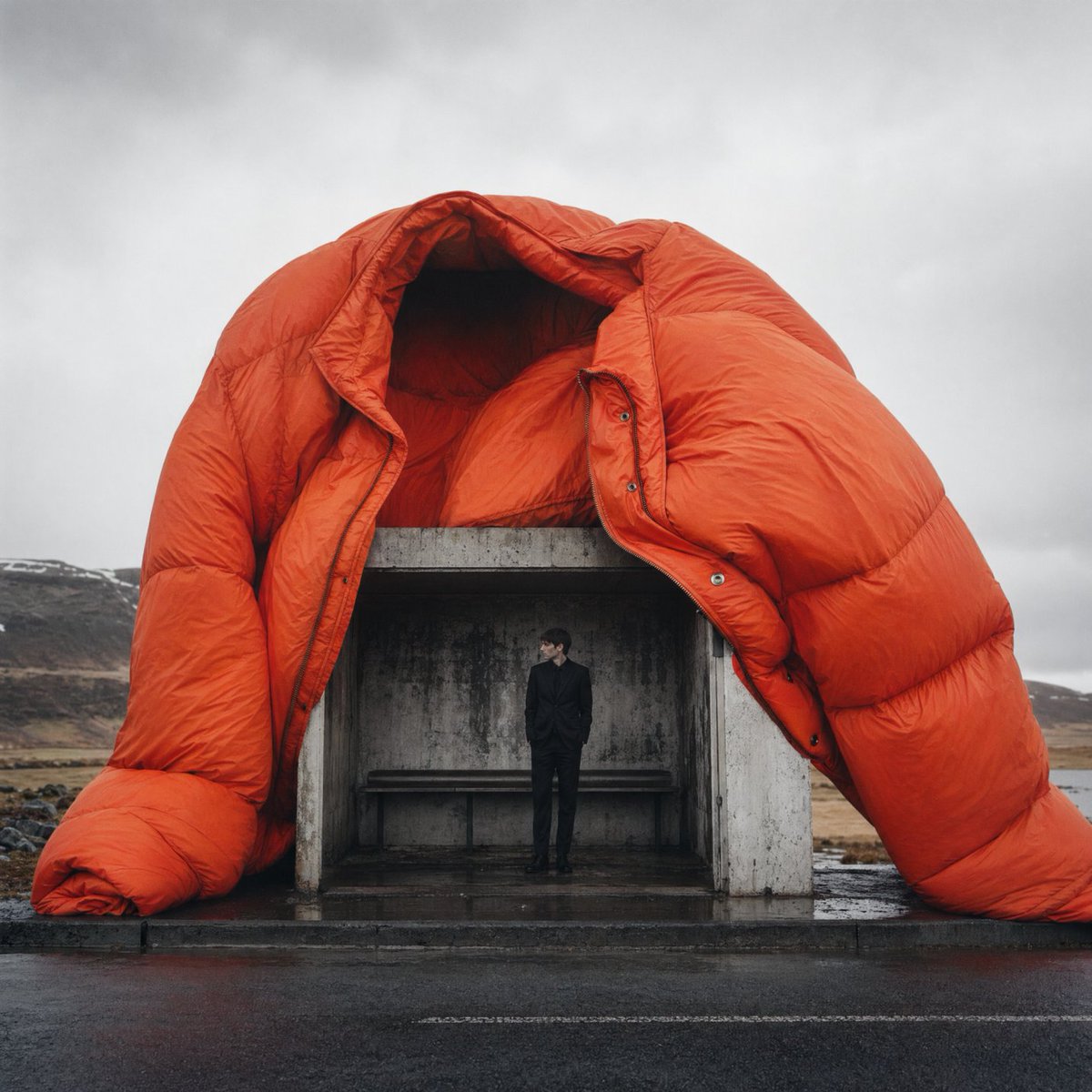
Surreal Orange Puffer Bus Stop Editorial

3D Football Player Portrait

Anime Food: Tonkotsu Broth
Browse template categories
Creative Professional Flat Lay Portrait questions
How do I use the Creative Professional Flat Lay Portrait template?
Add your photo if the template asks for one, edit the prompt if you like — the template's model and format are already selected — and press Generate. Your version opens in PicX Studio.
Can I customize the Creative Professional Flat Lay Portrait template?
Yes. You can change the subject, setting, lighting, mood, format, and available model controls before creating your image.
Is the Creative Professional Flat Lay Portrait template free?
Opening and editing this template is free. Generating uses credits, shown on the Generate button when you are signed in.
Which AI model should I use?
Choose a compatible model in PicX Studio based on the style, speed, and output controls your project needs.
Looking for something else? Browse all templates.

Your photo, any look
Thousands of ready templates for every top image and video model, from one credit balance.