How do I use the 90s Anime Style Illustration template?
Choose the primary action to open PicX Studio with the available template settings. Review the model and format, personalize the creative direction, and generate when ready.
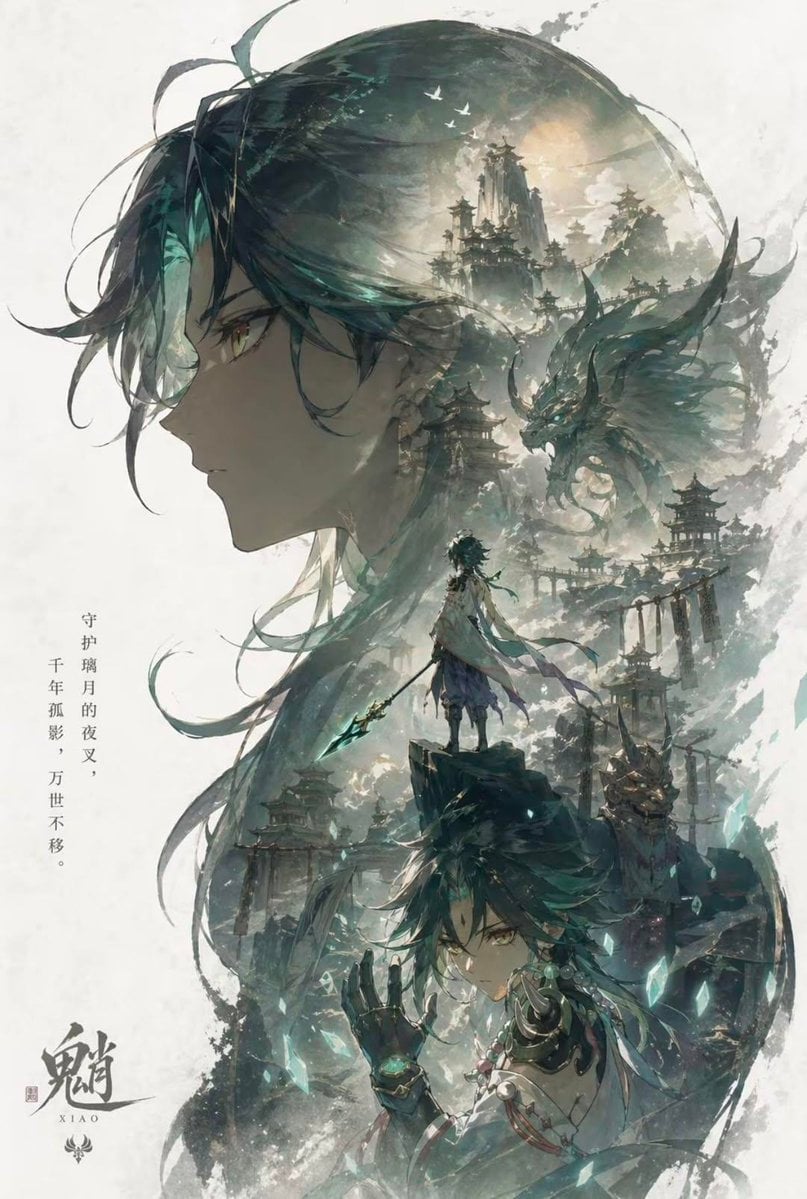
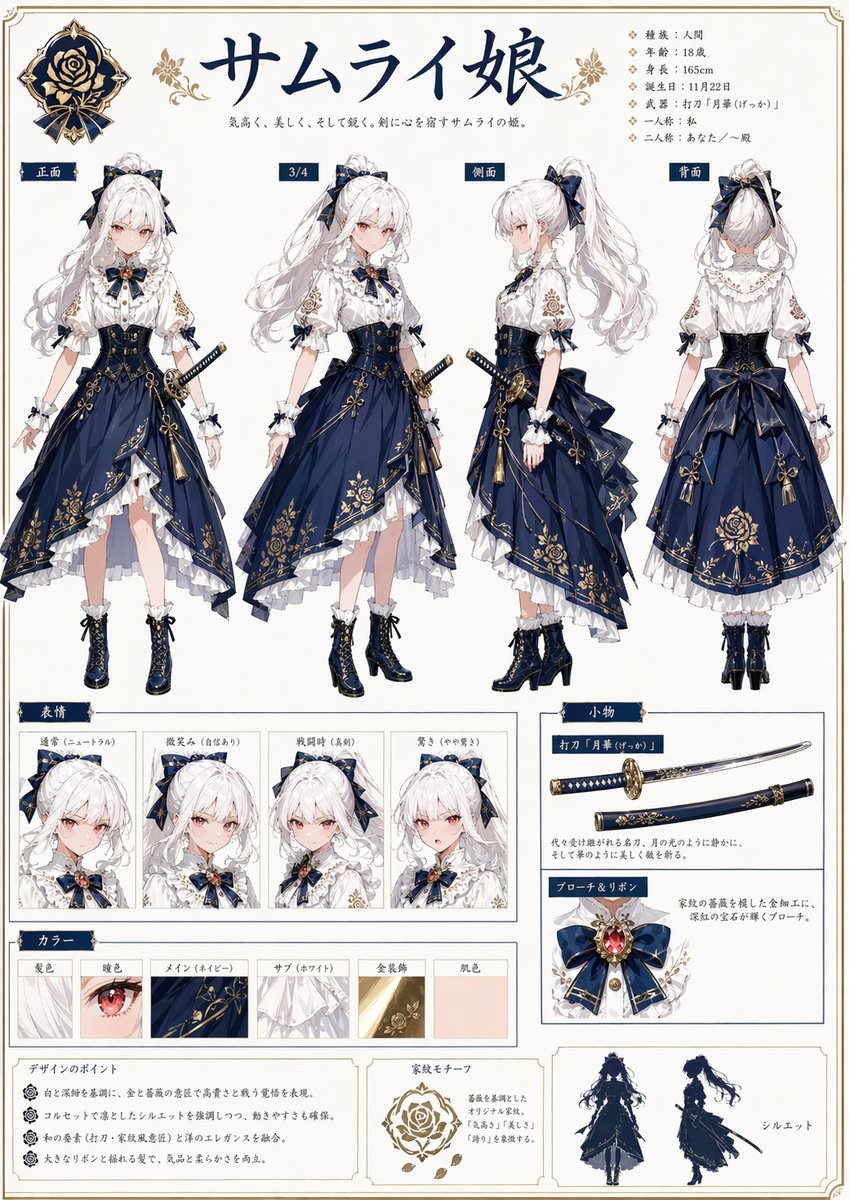
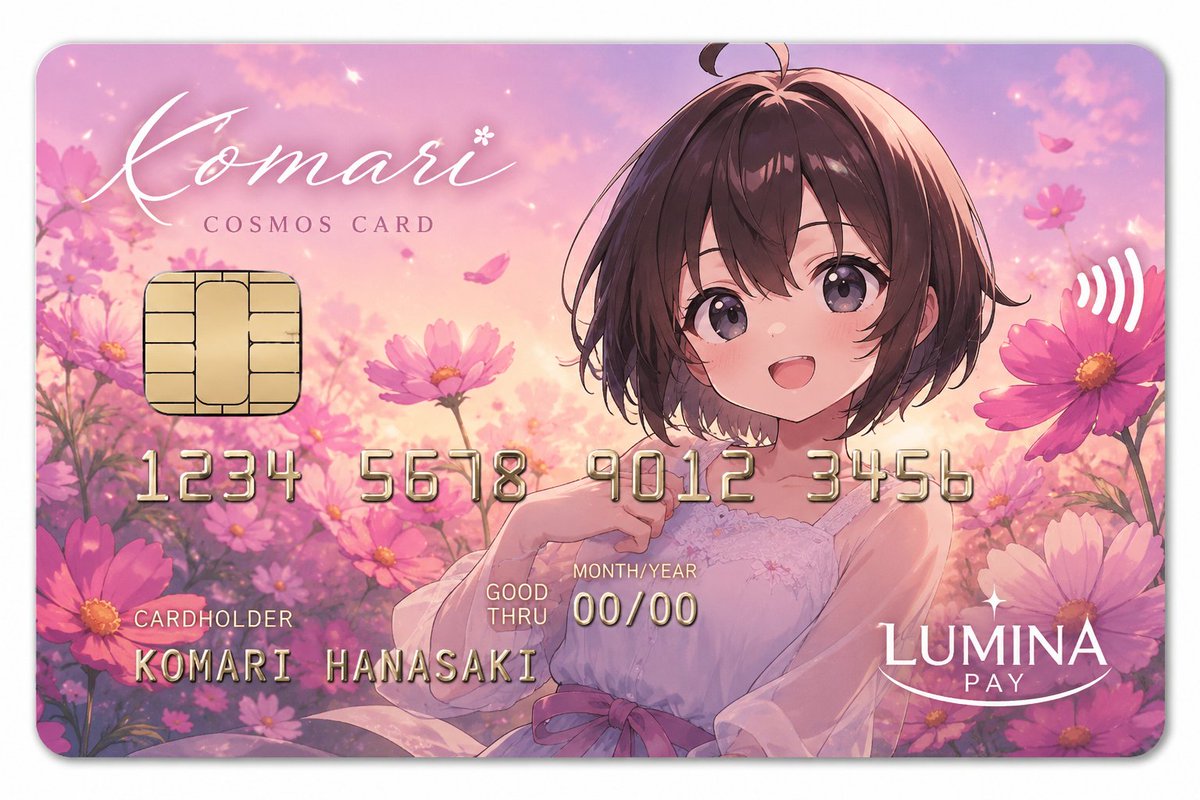
A stylistic prompt for 90s-inspired anime character art featuring clean lines, cel shading, and intricate detailing.
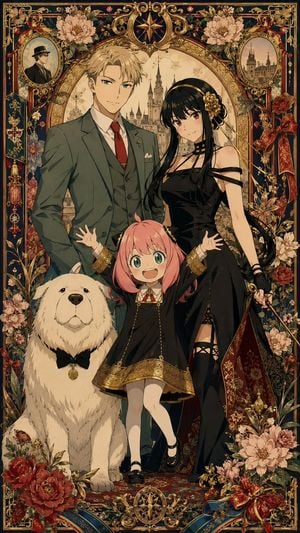
比例:9:16 风格:二次元立绘 + 工笔细描 + 90s Anime + 赛璐璐 + {argument name="装饰风格" default="极繁主义"} 人物:{argument name="角色" default="SPY FAMILY一家"}
Choose the primary action to open PicX Studio with the available template settings. Review the model and format, personalize the creative direction, and generate when ready.
Yes. You can change the subject, setting, lighting, mood, format, and available model controls before creating your image.
This template is free to open and customize. Generation usage is shown in PicX Studio before you create.
Start with GPT Image 2, which is the model associated with this template. You can compare another compatible model for a different finish.
Follow a topic to a crawlable collection of related PicX Studio templates.