
Act as a Media Archaeologist
Input Variable: [INSERT PODCAST NAME] System Instruction: Act as a Media Archaeologist.
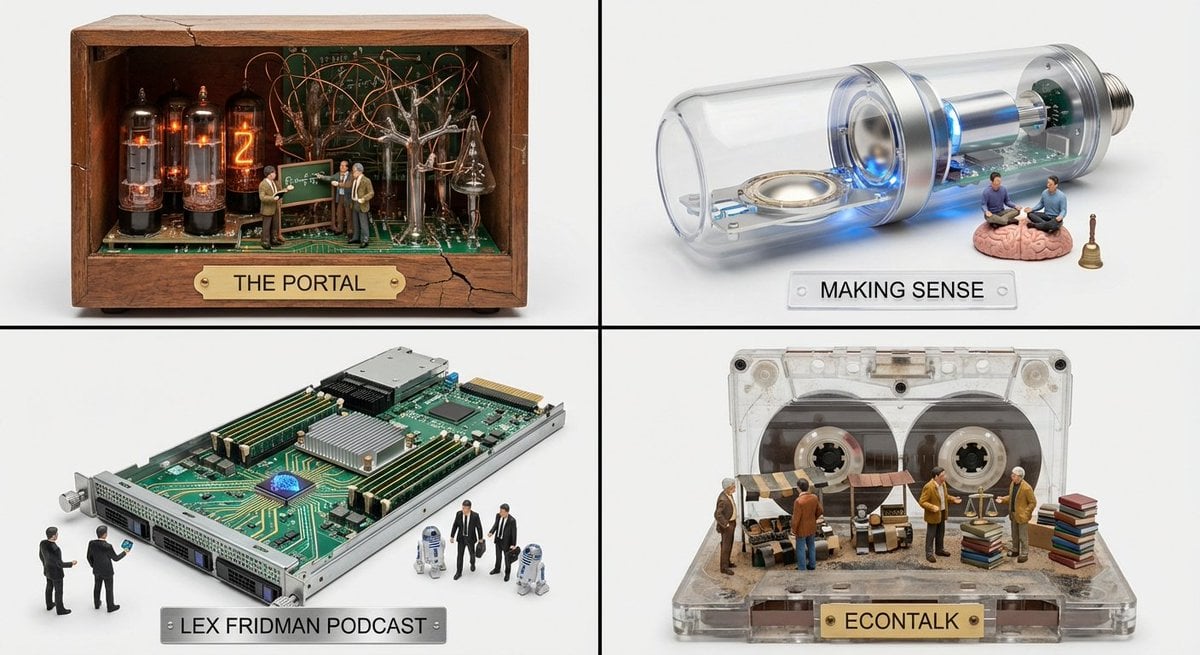
- Prompt included
- Model and format preset
- Free template
The prompt behind this image
Copy the exact prompt behind Act as a Media Archaeologist, or open it in the studio and make it yours.
Input Variable: [INSERT PODCAST NAME] System Instruction: Act as a Media Archaeologist. Create a 2x2 Grid. Curation: Identify 4 "Hidden Gem" podcasts similar to the Input. Era Inference: For each podcast, determine its "Soul Era" (e.g., Is it gritty analog? Sleek digital? Retro radio?). The Container: Generate an Audio Device specific to that Era (e.g., A Wood-Cabinet Radio, A Cassette Player, A Server Blade, A Podcast Mic). The Cutaway: The device is hollow or open-faced. The Interior World: The Terrain: The internal components (Tubes, Tape, Circuits) transform into a landscape relevant to the podcast's topic (e.g., Circuits become city streets; Tubes become forest trees). The Action: Tiny 1:87 scale figures (The Hosts) are exploring this landscape, interacting with "Clues" or "Artifacts" derived from the show's content. Label: The device's brand plate reads: [Podcast Name]. Output: 2x2 panel, each panel for a gem podcast
How to use Act as a Media Archaeologist in 3 steps
- 1
Open
The prompt is already in the box next to the preview, with the template's model and format selected.
- 2…a portrait of your subject in softgolden-hour light, 85mm…
Personalize
Edit the subject and creative details for your destination.
- 3Generate
Generate
Press Generate — your image is created in PicX Studio, so you can compare it with the original and refine one variable at a time.
More like this
Templates with the same subject, style or setup. Open one to see its prompt.

Cinematic 3D action-packed advertisement captured in an intense
Ime characters into realistic human portraits Convert character
Referenced person into a premium stylized 3D animated character, full
Act as a Music Historian and Set Designer
Act as a High-End CGI Product Photographer and 3D Render Artist

Illustration & 3D Prompt #533

Clear, 45 top-down isometric miniature 3D cartoon scene of the iconic
Illustration & 3D Prompt #1437
To hyper-realistic 3D CGI collectible figurine render
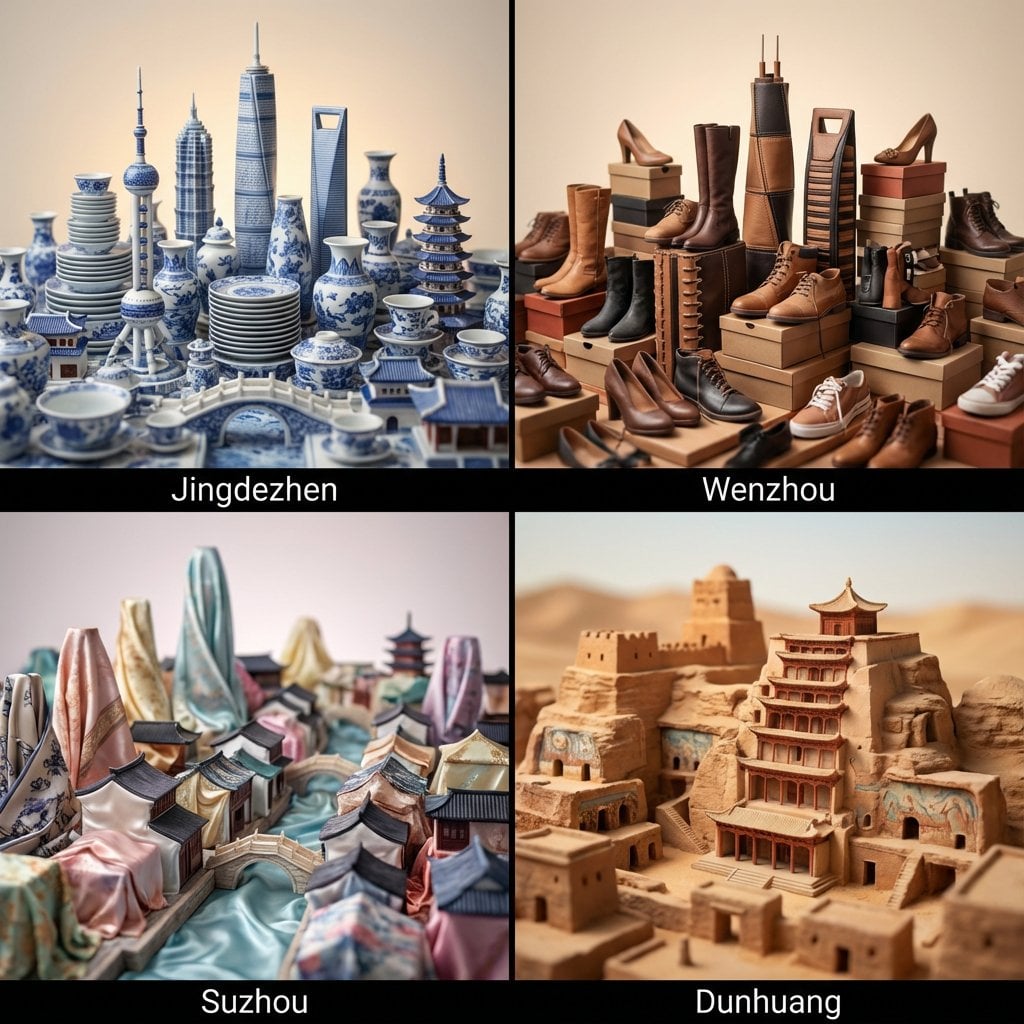
Illustration & 3D Prompt #1419
Illustration & 3D Prompt #813
Illustration & 3D Prompt #313
Make it yours
Act as a Media Archaeologist works as-is. These are the safest ways to change it without losing the look.
Change one field
Copy a single group, rewrite it, and generate again so you can see what that field is doing.
Keep the frame, change the subject
Hold the composition and light of Act as a Media Archaeologist, then swap wardrobe, props or the person for a new take.
| If the result… | Why | Fix |
|---|---|---|
| The result drifts from the preview | Too many fields changed at once. | Reuse Act as a Media Archaeologist as-is first, then change one group — subject, light, or setting. |
| The model over-stylizes the scene | The prose prompt leaves finish and camera underspecified. | Add one camera or lighting sentence and stay on Nano Banana 2. |
More Nano Banana 2 templates
Other prompts made for Nano Banana 2.

Photorealistic Leaf Shaped Like a Dragon

K-Pop Idol Portrait Grid for Rapid Selection

Poetic Rain Forest Portrait During Golden Hour

Urban Street Portrait with Cartoon Inner Self Duo

Candid Nighttime Photo with Cat Prompt

High-Concept 3D Diorama Generation Prompt

Cinematic Futuristic Studio Portrait Template

Skincare Editorial Photography Collage Prompt

Hyper-Realistic Commercial Product Photography (Splash Effect)

Hyper-Realistic Nightclub Portrait Prompt
More image prompts
Fresh picks from across the catalog.
Office Muse Fashion Cover
KNIGHT MECHA GIRL Figure Concept
High-Fashion Penthouse Portrait Prompt
Five-panel manga of a YouTube thumbnail creator workflow
Vintage Hangzhou Travel Postcard

untitled
Luxury Tennis Editorial 2x2 Grid Image-to-Image Prompt for Nano Banana Pro
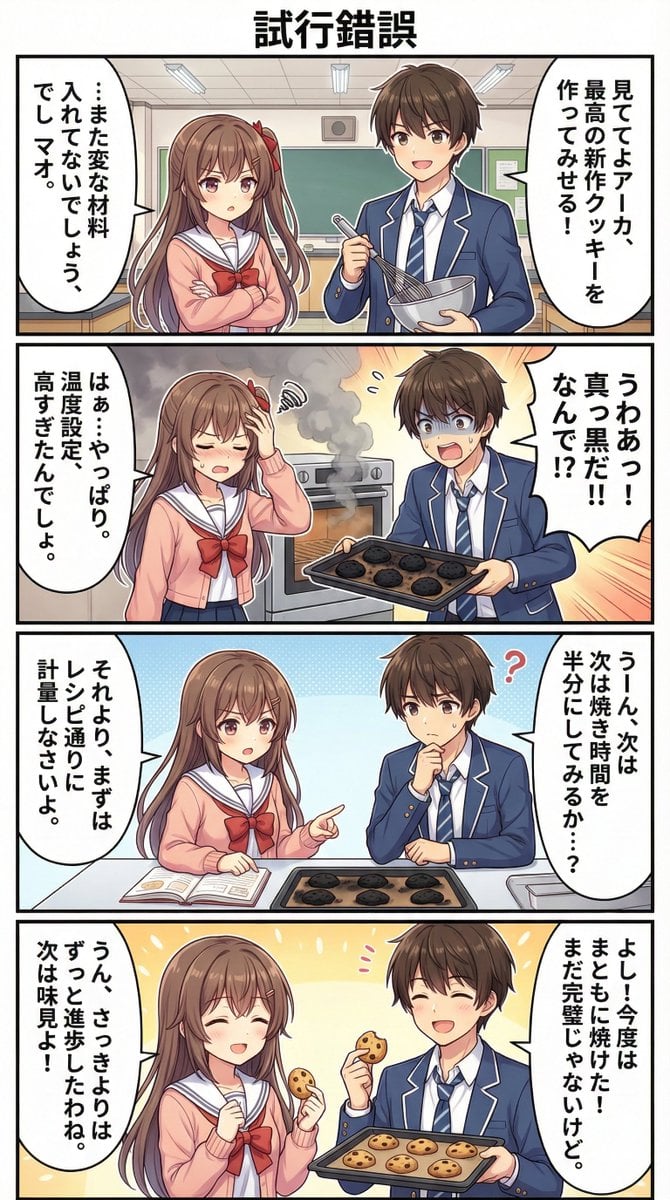
AI Manga Theme: Trial and Error
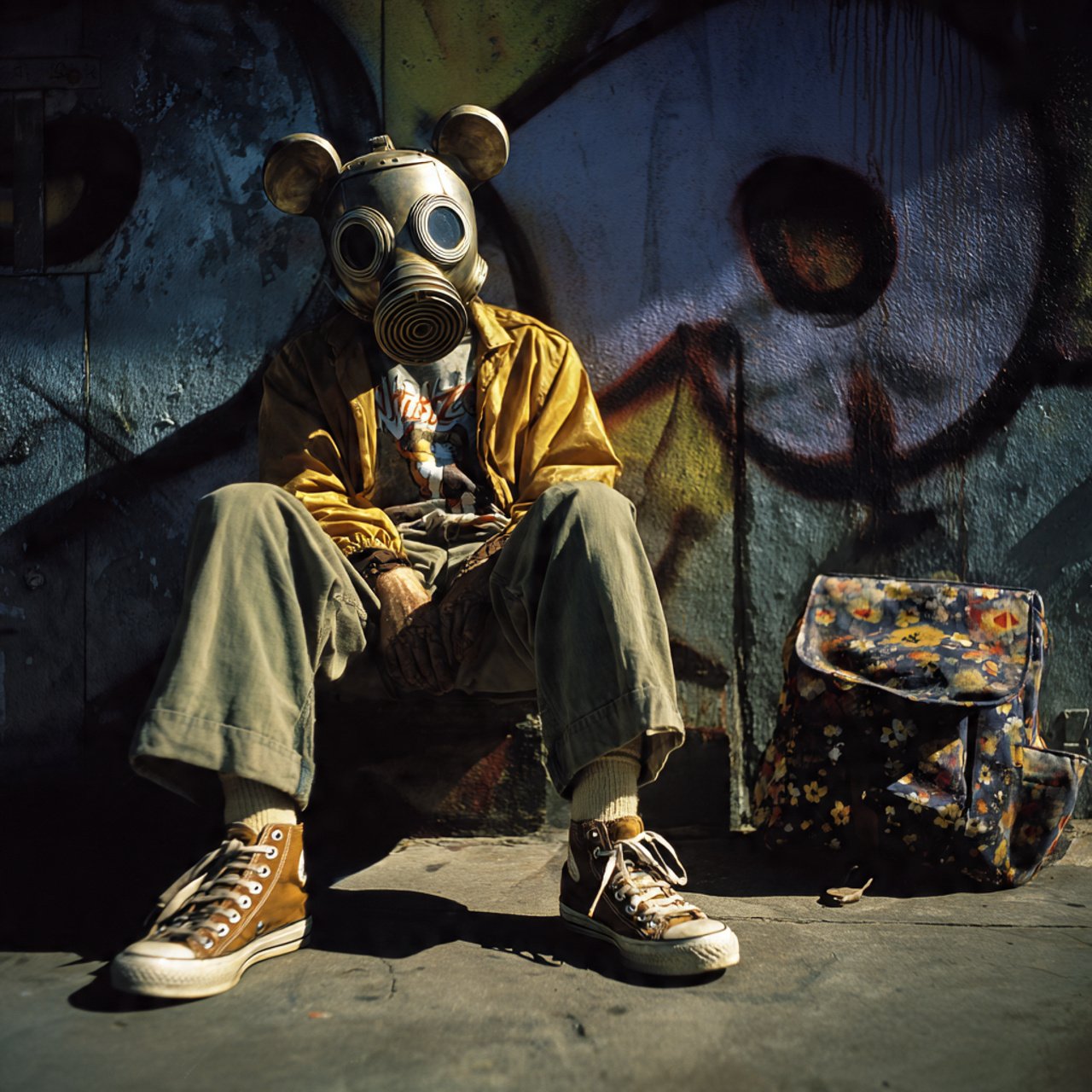
mickey toxico
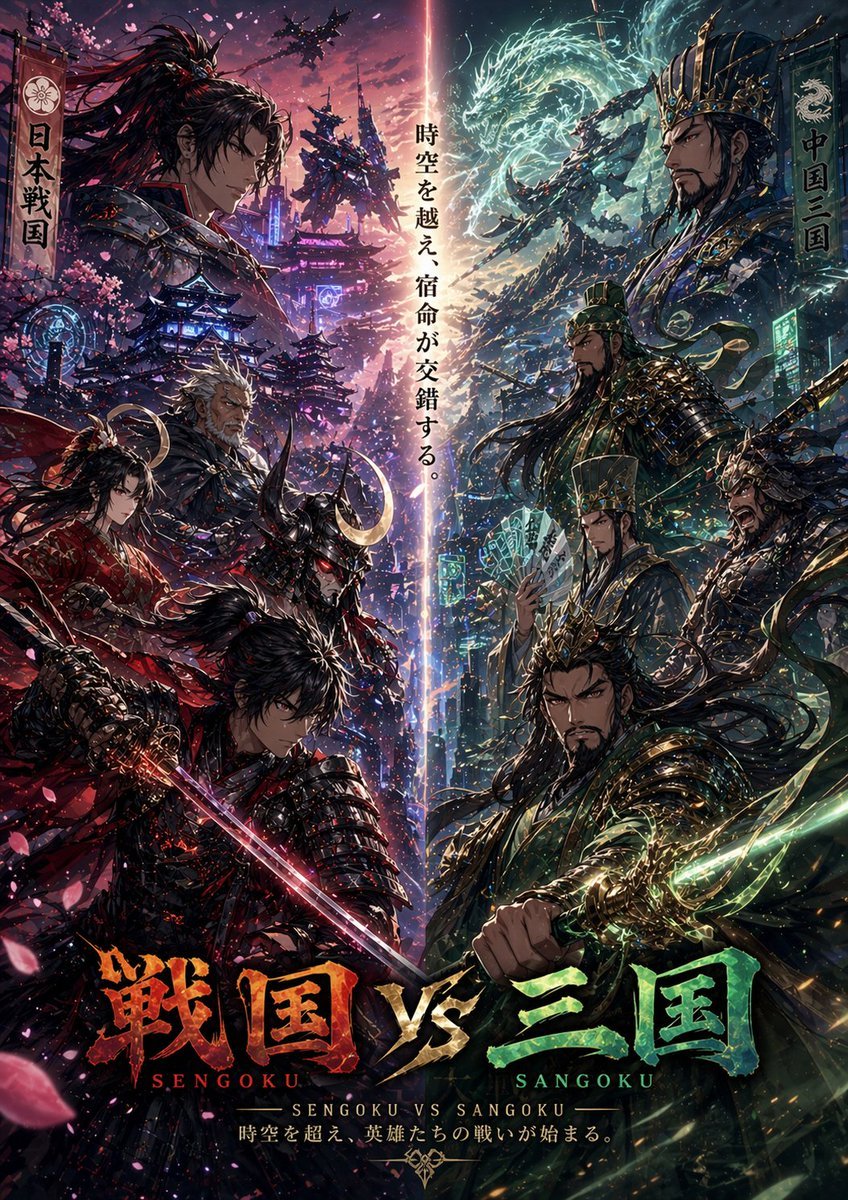
Sengoku vs Sangoku Crossover Poster
Browse template categories
Act as a Media Archaeologist questions
How do I use the Act as a Media Archaeologist template?
Add your photo if the template asks for one, edit the prompt if you like — the template's model and format are already selected — and press Generate. Your version opens in PicX Studio.
Can I customize the Act as a Media Archaeologist template?
Yes. You can change the subject, setting, lighting, mood, format, and available model controls before creating your image.
Is the Act as a Media Archaeologist template free?
Opening and editing this template is free. Generating uses credits, shown on the Generate button when you are signed in.
Which AI model should I use?
Start with Nano Banana 2, which is the model associated with this template. You can compare another compatible model for a different finish.
Looking for something else? Browse all templates.

Your photo, any look
Thousands of ready templates for every top image and video model, from one credit balance.