
Party Time
Party Time is a ready photo look.
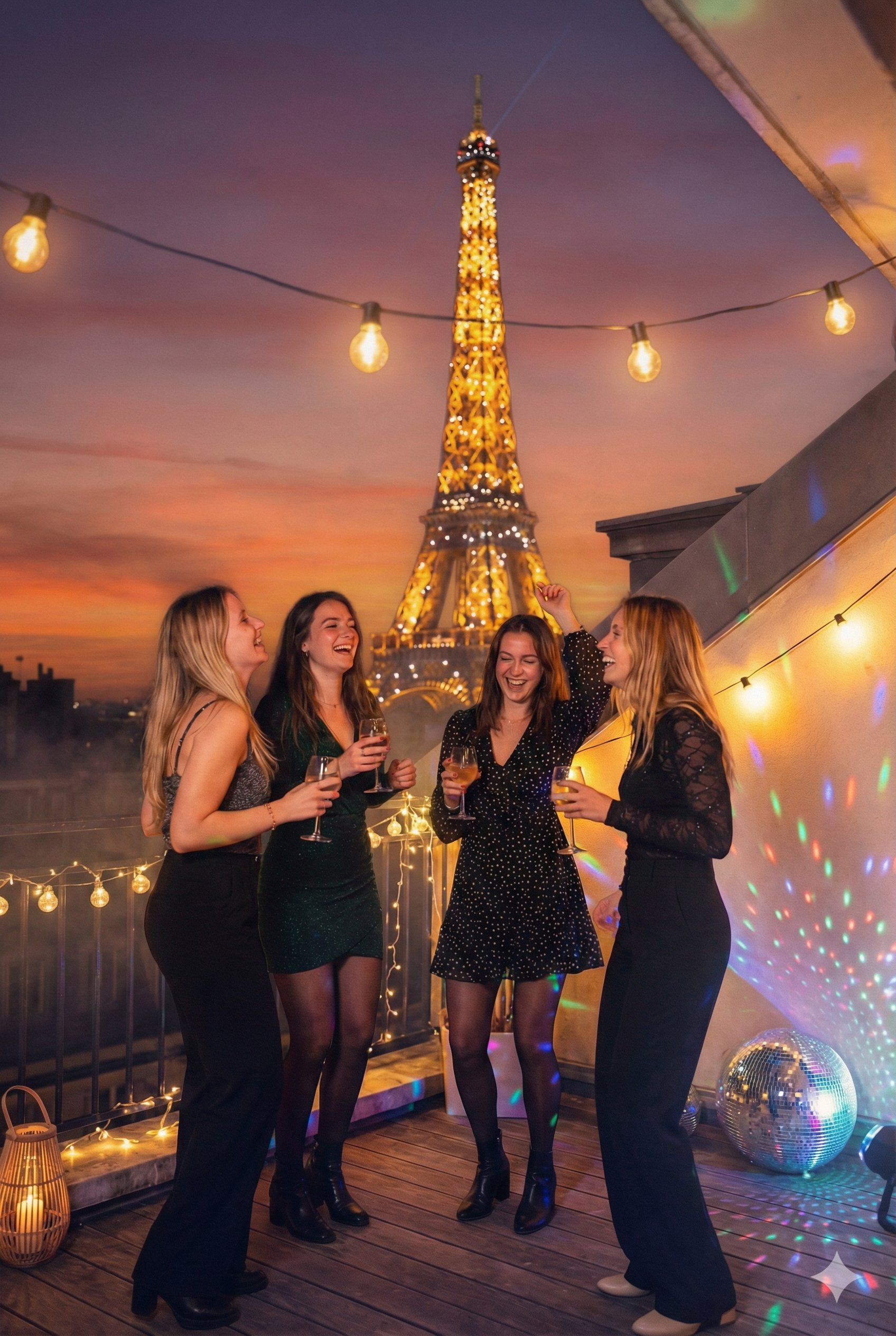
- Prompt included
- Model and format preset
- Premium template
The prompt behind this image
Copy the exact prompt behind Party Time, or open it in the studio and make it yours.
A cinematic nighttime rooftop party scene in Paris with the Eiffel Tower glowing golden in the background. Four young women are standing together on a wooden rooftop terrace, laughing and dancing while holding wine glasses and cocktails. They are dressed in elegant party outfits: black and dark green dresses with subtle shimmer and modern cuts, wearing ankle boots and heels. Their expressions are joyful, carefree, and candid, captured mid-laughter and mid-dance. Warm string lights are hanging across the terrace above them, creating a cozy festive ambiance. Soft bokeh lights and colorful disco reflections appear on the wall and floor, including a small disco ball placed on the right side of the frame. Decorative lantern lights sit near the floor, adding warm glow. The Eiffel Tower is centered in the background, fully illuminated with sparkling lights against a deep navy blue night sky. Camera angle is eye-level, slightly wide shot, framing all four women and the Eiffel Tower clearly. Depth of field is shallow, with the background softly blurred while the subjects remain sharp. Lighting is a mix of warm fairy lights and cool ambient night light, producing a cinematic contrast. Skin tones look natural and soft, with realistic shadows and highlights. Photography style: ultra-realistic, professional lifestyle photography, travel fashion editorial, cinematic color grading, warm tones, high dynamic range, 35mm lens, f/1.8 aperture, soft bokeh, crisp focus, high resolution, 8k quality. Mood: joyful, festive, luxury travel, friendship, celebration, Paris nightlife. Negative Prompt (optional): blurry faces, extra limbs, distorted bodies, bad anatomy, harsh flash, overexposed, underexposed, cartoon style, low resolution, watermark, logo, text, grainy, unrealistic lighting Aspect Ratio & Settings (suggested): • Aspect ratio: 4:5 or 2:3 (vertical) • Style: photorealistic • Lighting: cinematic warm lights • Quality: ultra-detailed, high-resolution
How to use Party Time in 3 steps
- 1
Open
The prompt is already in the box next to the preview, with the template's model and format selected.
- 2…a portrait of your subject in softgolden-hour light, 85mm…
Personalize
Edit the subject and creative details for your destination.
- 3Generate
Generate
Press Generate — your image is created in PicX Studio, so you can compare it with the original and refine one variable at a time.
More like this
Templates with the same subject, style or setup. Open one to see its prompt.
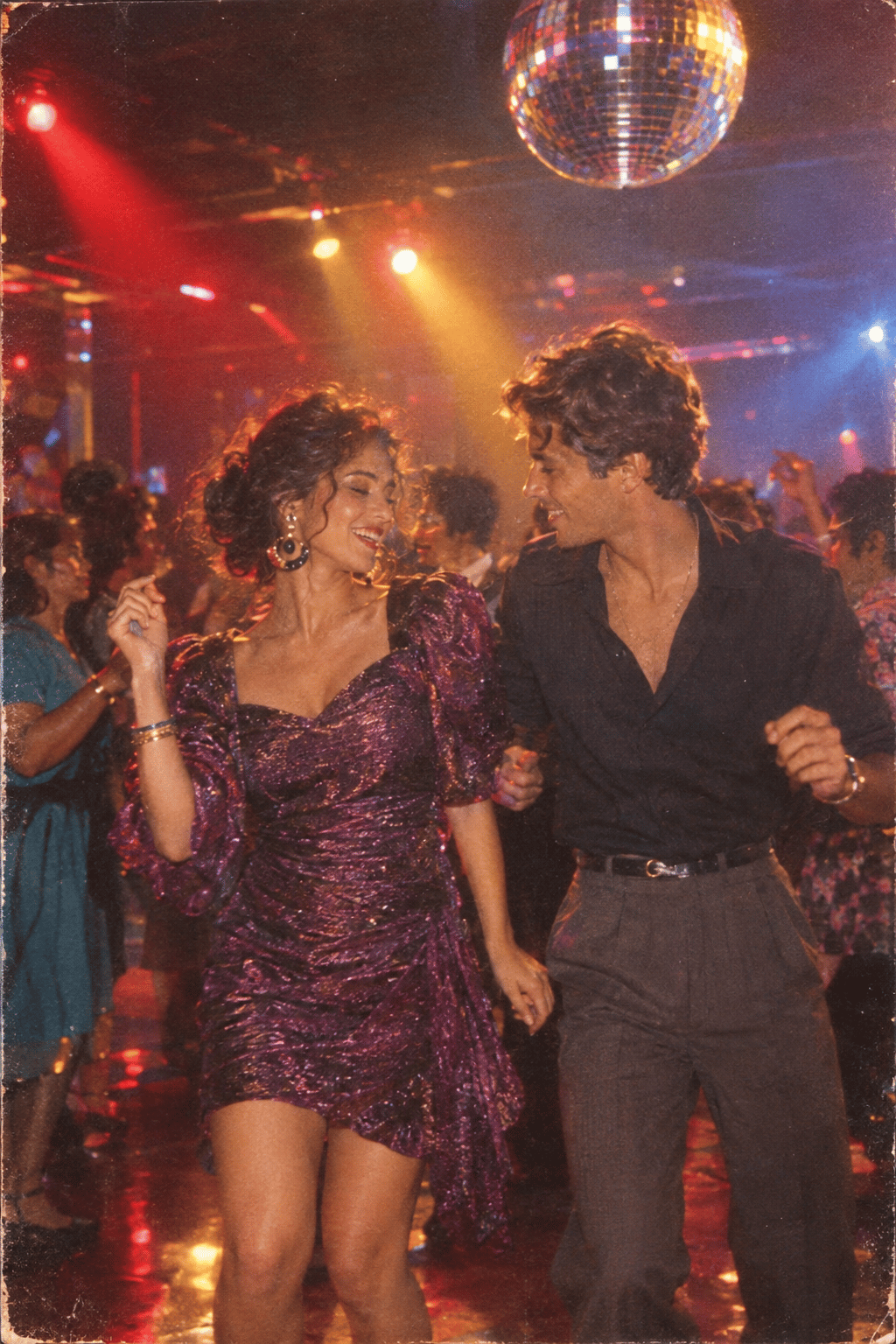
One Dance Before Midnight
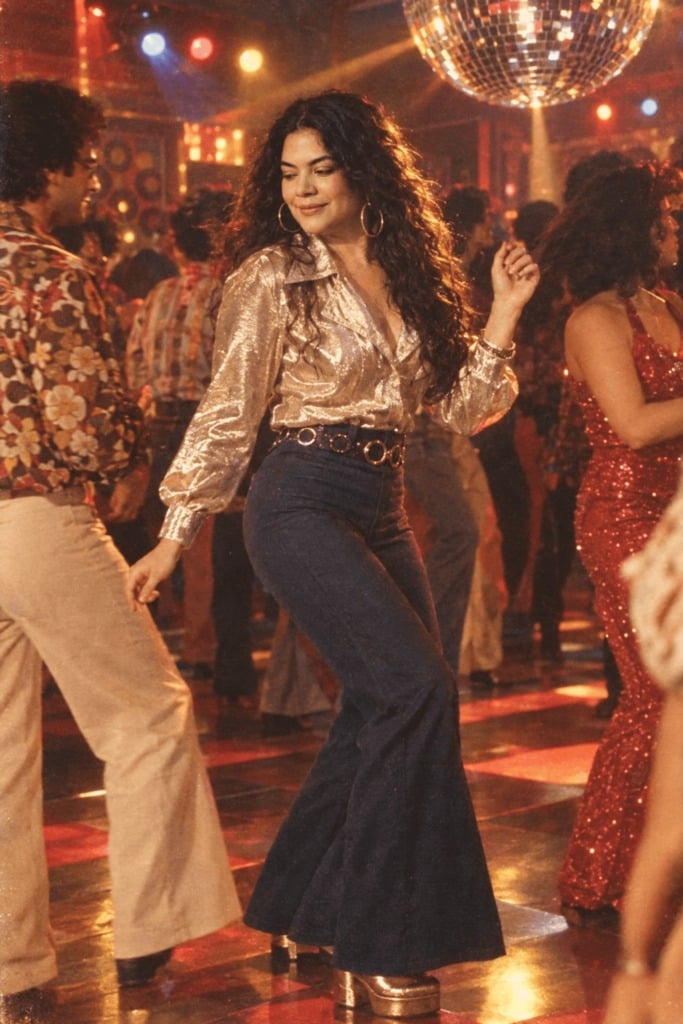
80s Disco Dancefloor
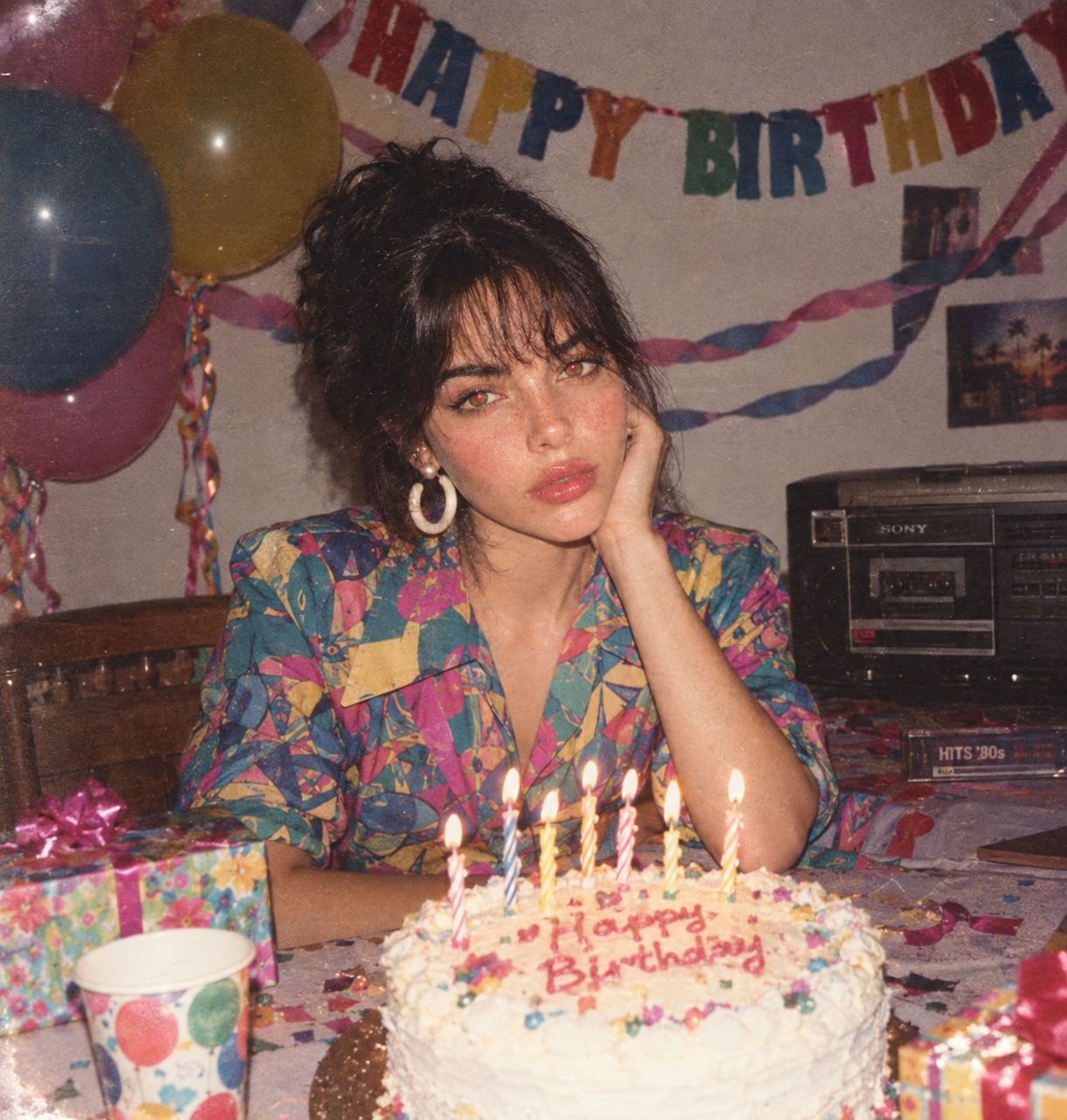
80s Birthday Party
Mirror Selfie Chibi Characters Pixar Style
A k.pop idol on the stage with mic
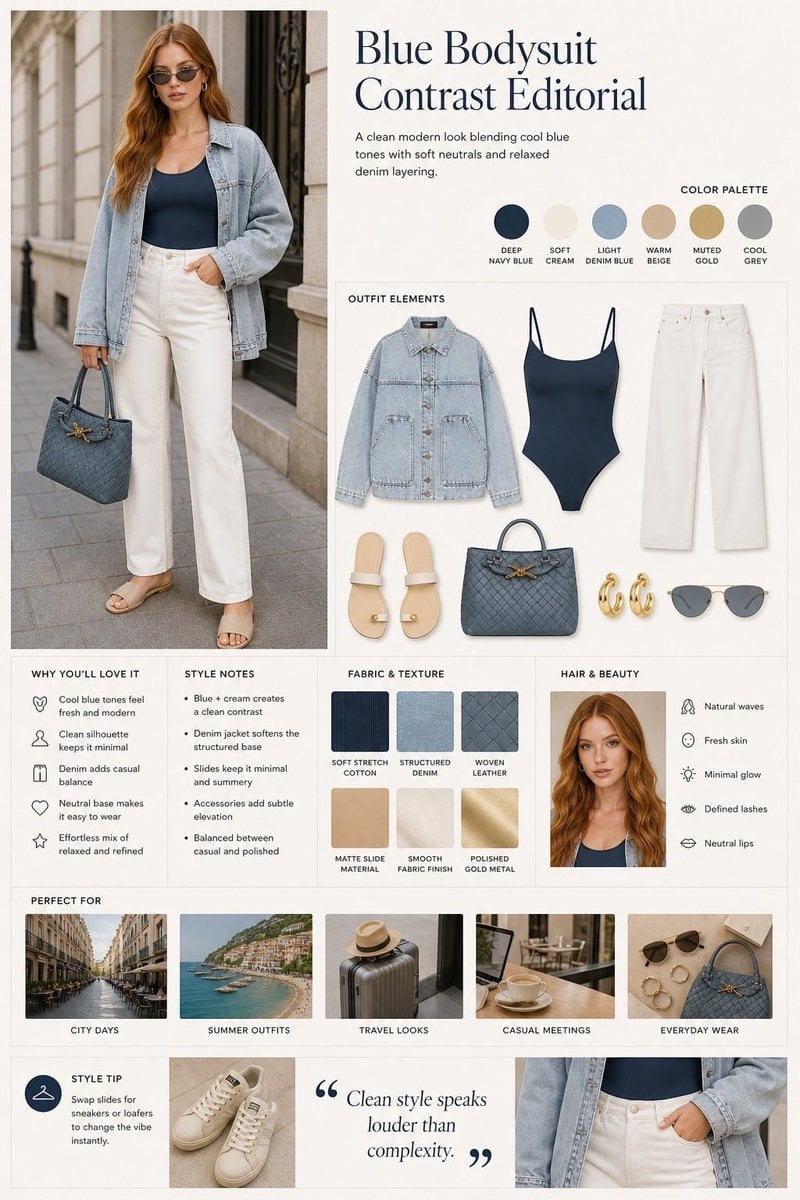
Minimalist Fashion Editorial Split Layout
Warm Window Side Café Studio Portrait
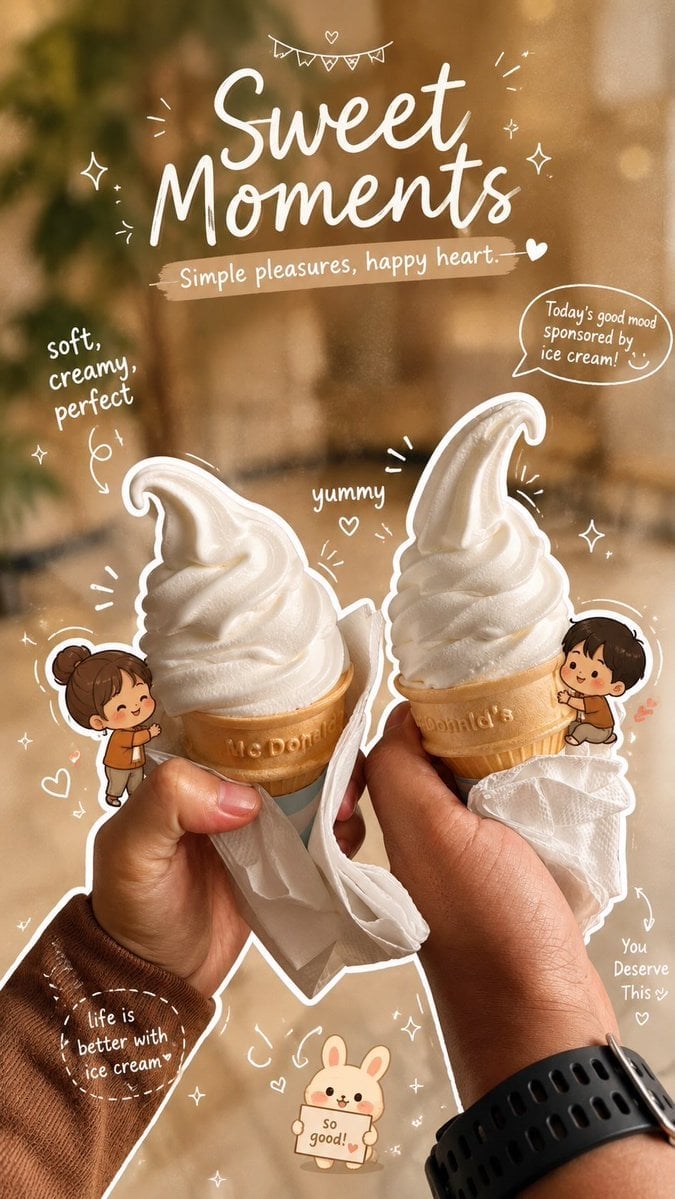
Cozy Café Ice Cream Hands Close-Up
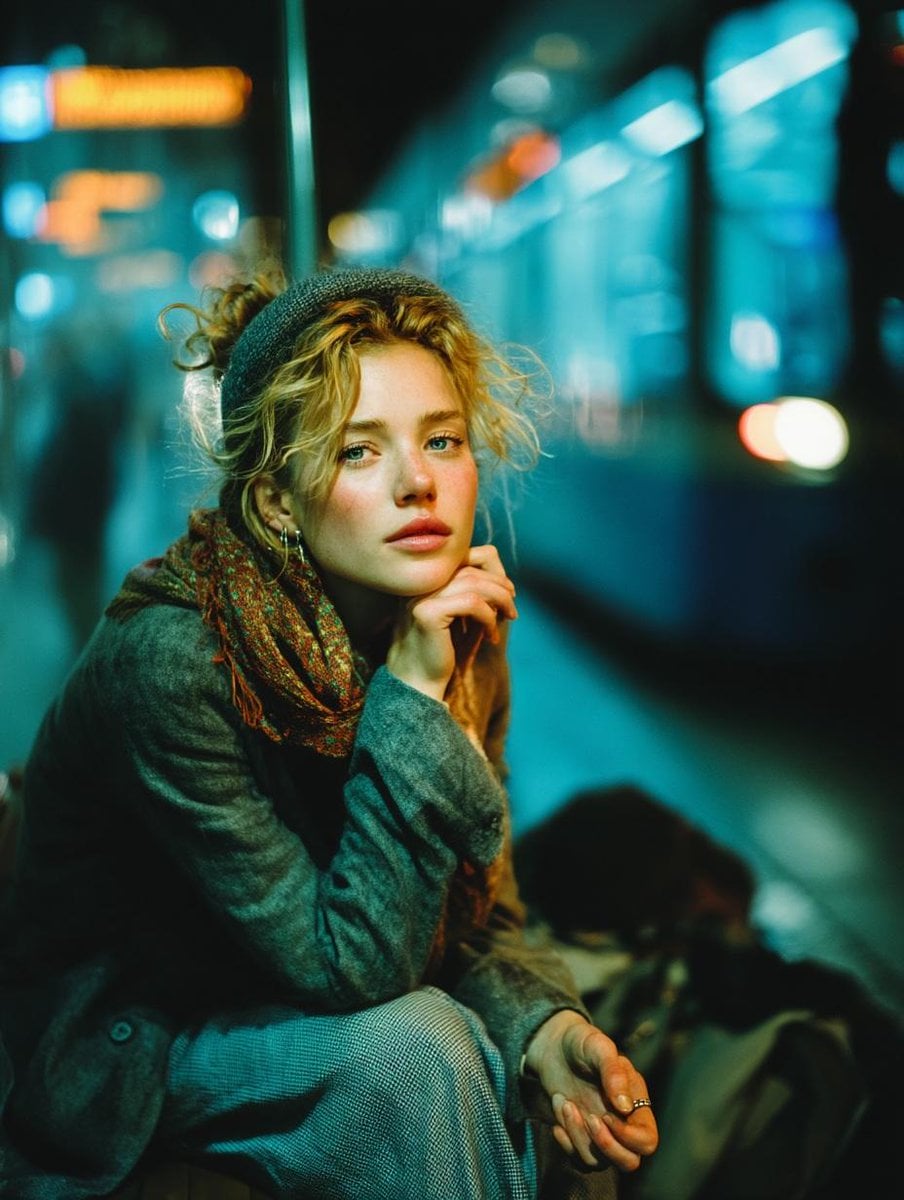
Subway Platform Quiet Introspective Portrait
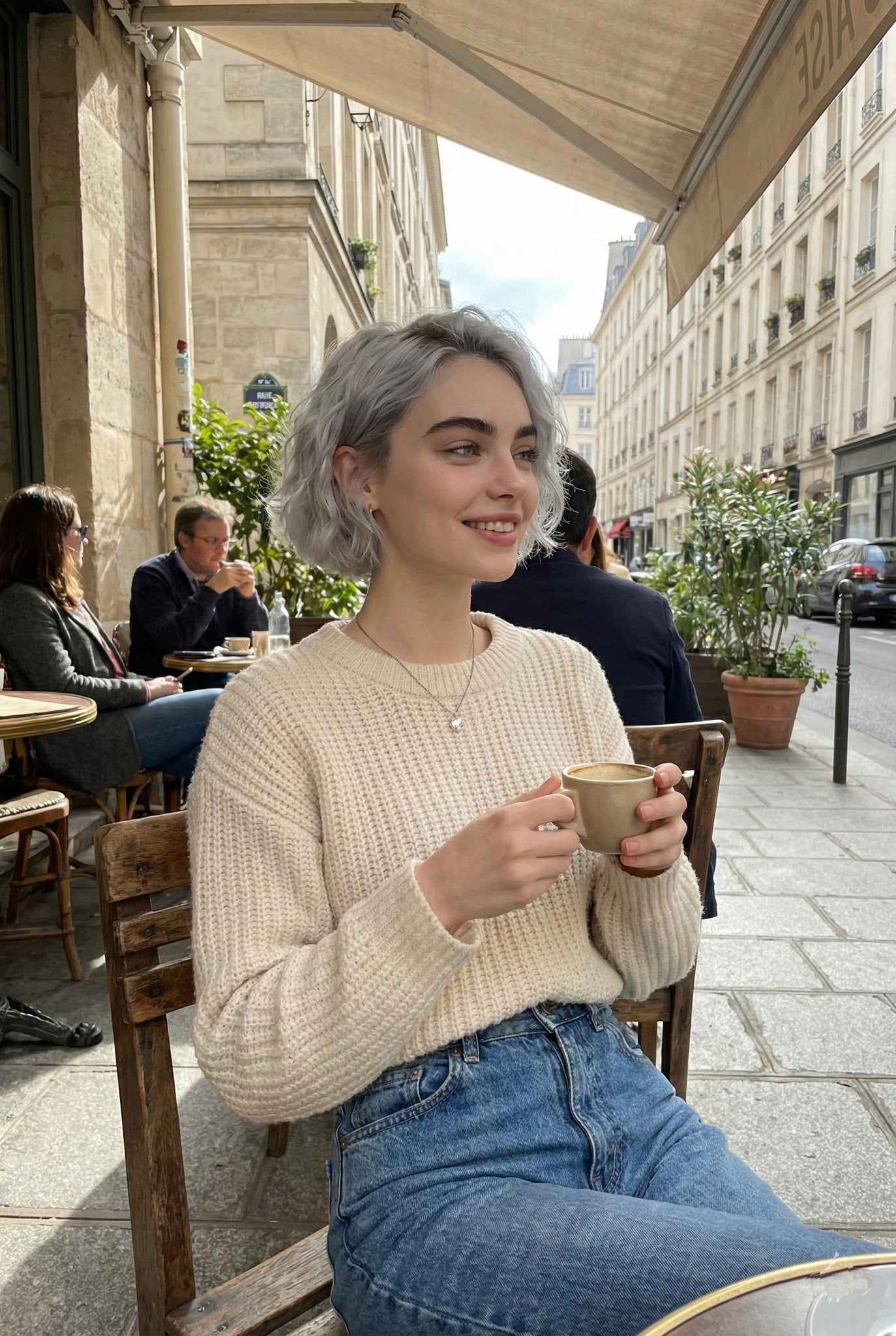
Parisian Outdoor Café Silver-Hair Portrait
Warm Window Side Café Studio Portrait
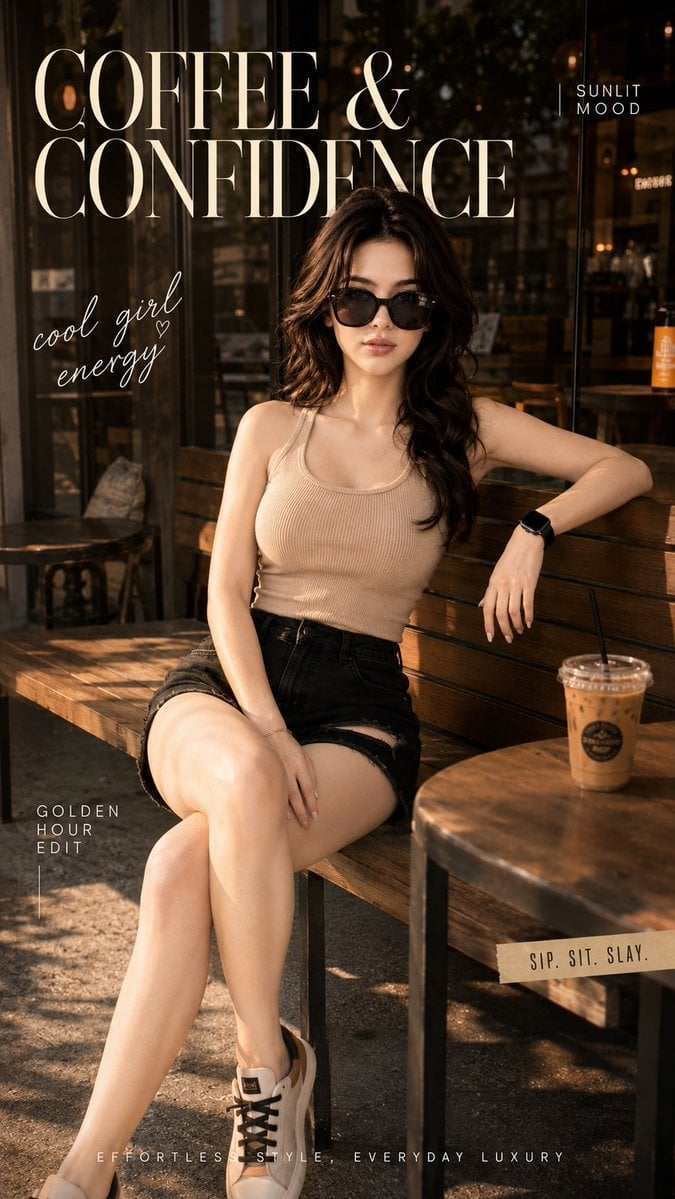
Ultra-Cinematic Lifestyle Fashion Portrait
Make it yours
Party Time works as-is. These are the safest ways to change it without losing the look.
Change one field
Copy a single group, rewrite it, and generate again so you can see what that field is doing.
Keep the frame, change the subject
Hold the composition and light of Party Time, then swap wardrobe, props or the person for a new take.
| If the result… | Why | Fix |
|---|---|---|
| The result drifts from the preview | Too many fields changed at once. | Reuse Party Time as-is first, then change one group — subject, light, or setting. |
| The model over-stylizes the scene | The prose prompt leaves finish and camera underspecified. | Add one camera or lighting sentence and stay on PicX Studio. |
More image prompts
Fresh picks from across the catalog.
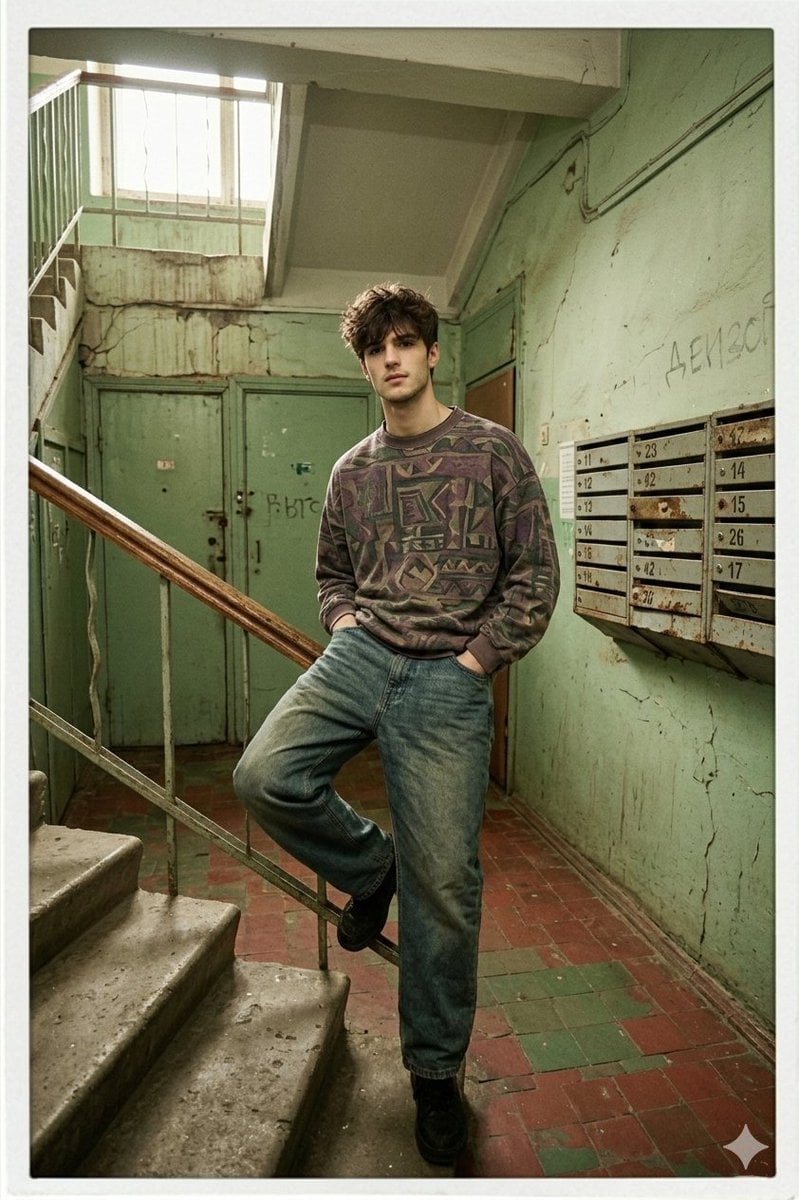
90s Inspired Male Model in Russian Apartment Entrance
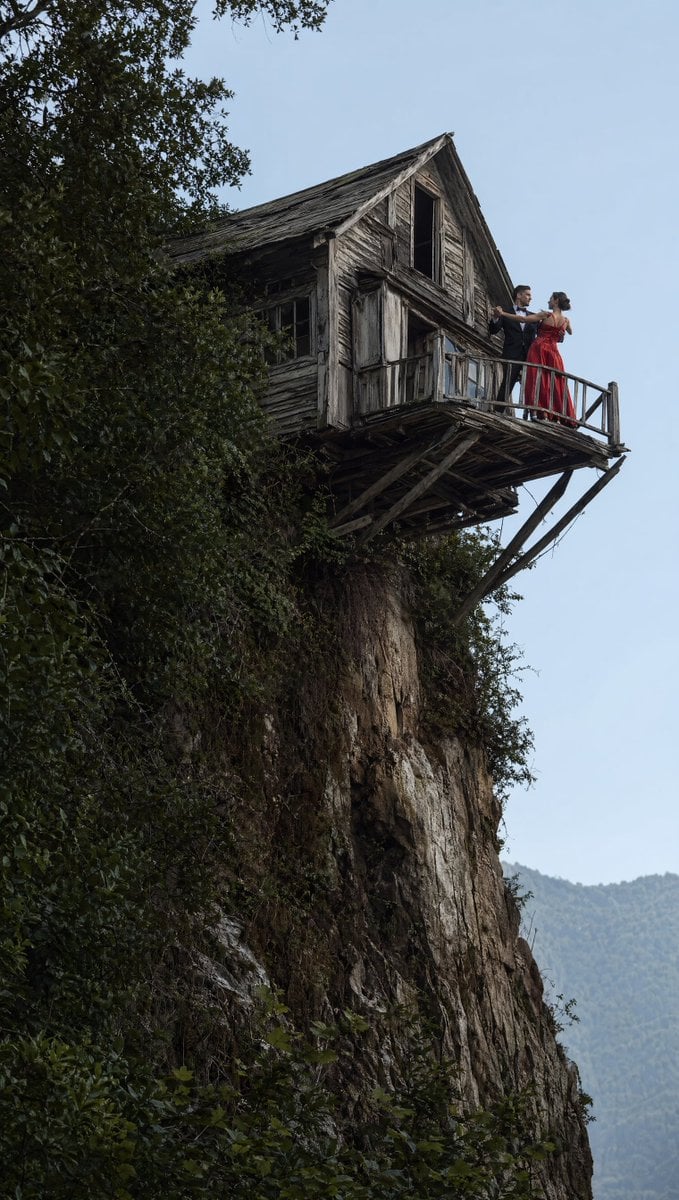
Dancing Couple on Cliffside House
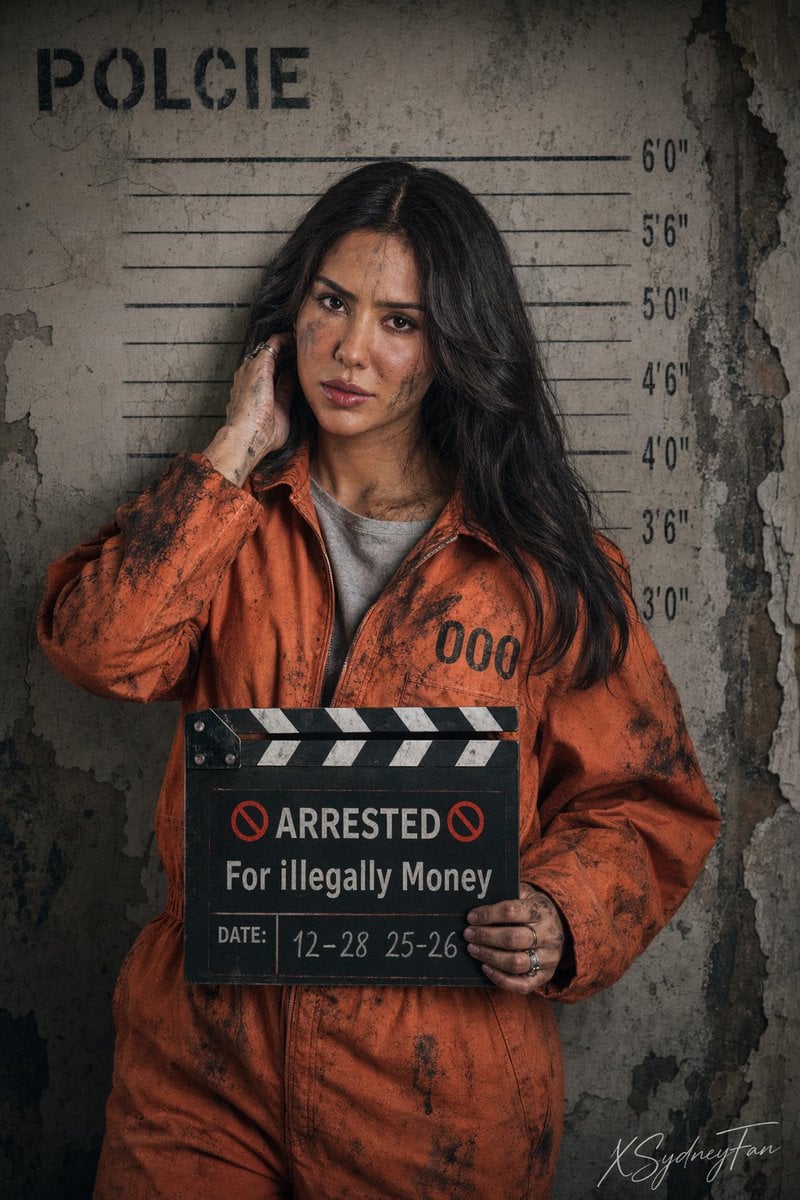
Gritty Prison Mugshot Portrait
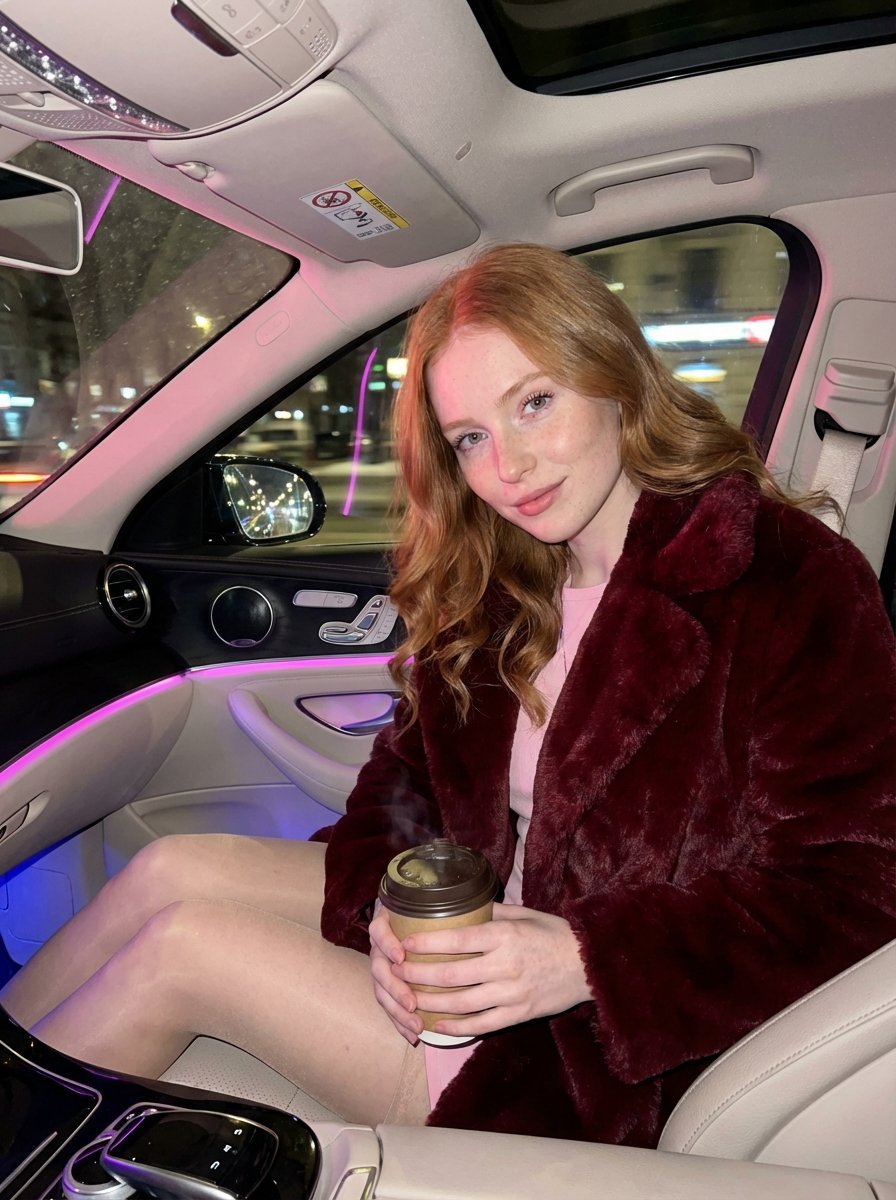
Intimate Luxury Car Interior Portrait
Prompt: Use the uploaded portrait as the ONLY ide
Cuckoo Clock Inspired Literary Mechanism Prompt
Himalayan Motorcycle Travel Photography
Eight trigrams diagram with reference image
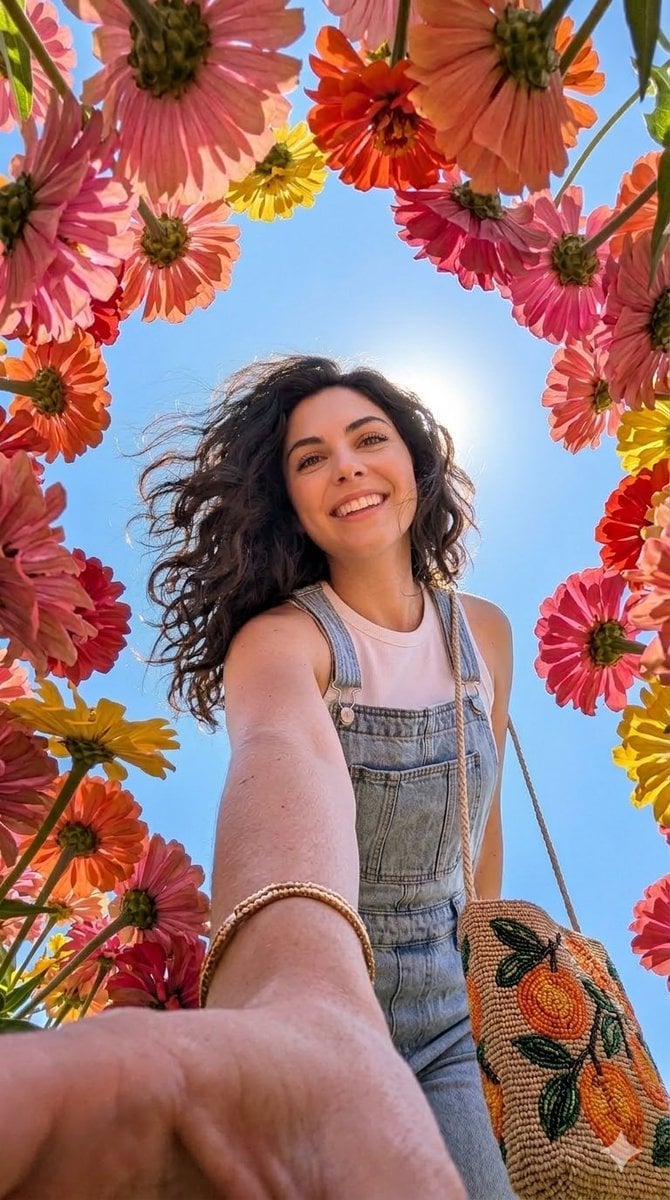
Smartphone Selfie with Flowers
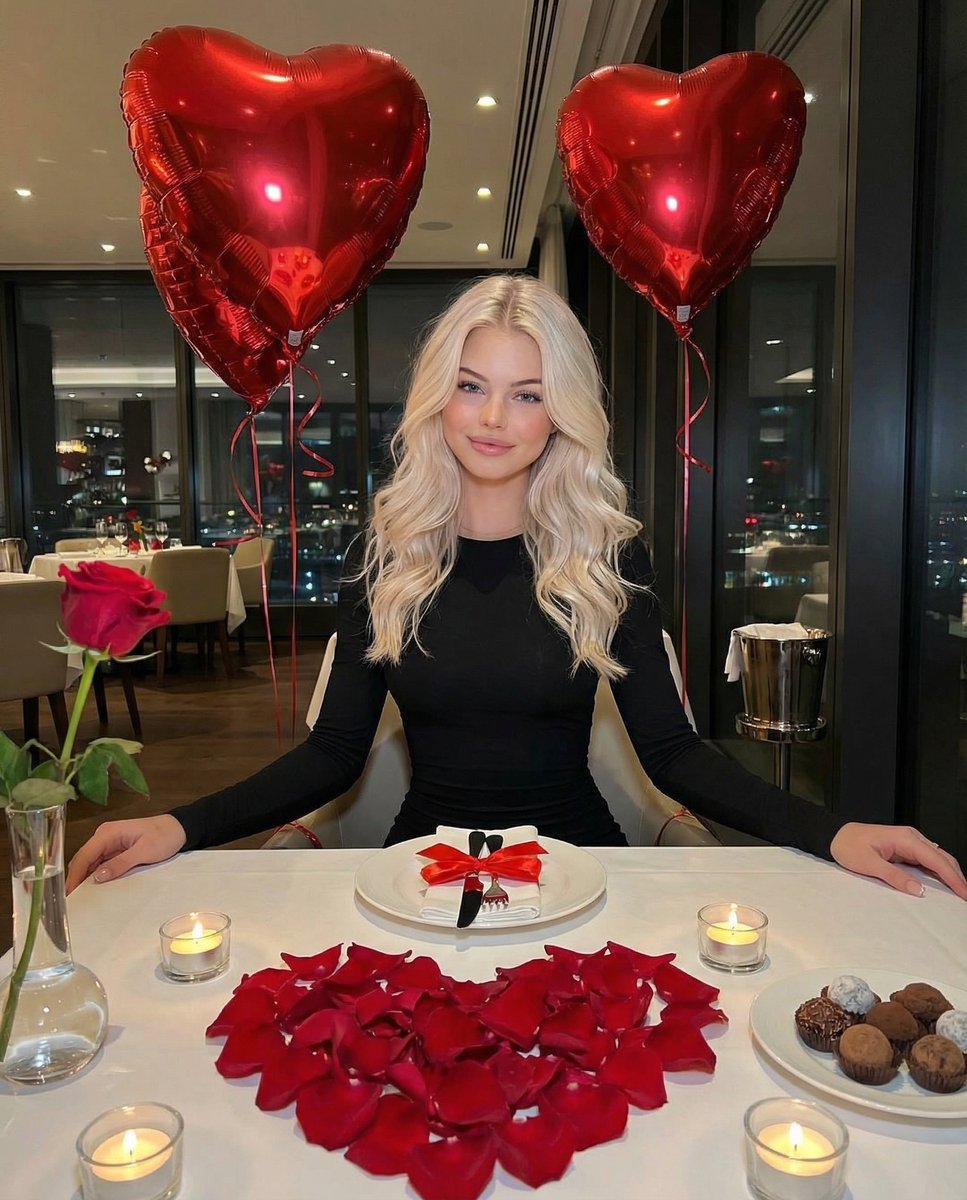
High-End Valentine’s Dinner Photoshoot
Browse template categories
Party Time questions
How do I use the Party Time template?
Add your photo if the template asks for one, edit the prompt if you like — the template's model and format are already selected — and press Generate. Your version opens in PicX Studio.
Can I customize the Party Time template?
Yes. You can change the subject, setting, lighting, mood, format, and available model controls before creating your image.
Is the Party Time template free?
Opening and editing this template is free. Generating uses credits, shown on the Generate button when you are signed in.
Which AI model should I use?
Choose a compatible model in PicX Studio based on the style, speed, and output controls your project needs.
Looking for something else? Browse all templates.

Your photo, any look
Thousands of ready templates for every top image and video model, from one credit balance.