How do I use the Jennie (Blackpink) Street Style Editorial Prompt template?
Choose the primary action to open PicX Studio with the available template settings. Review the model and format, personalize the creative direction, and generate when ready.
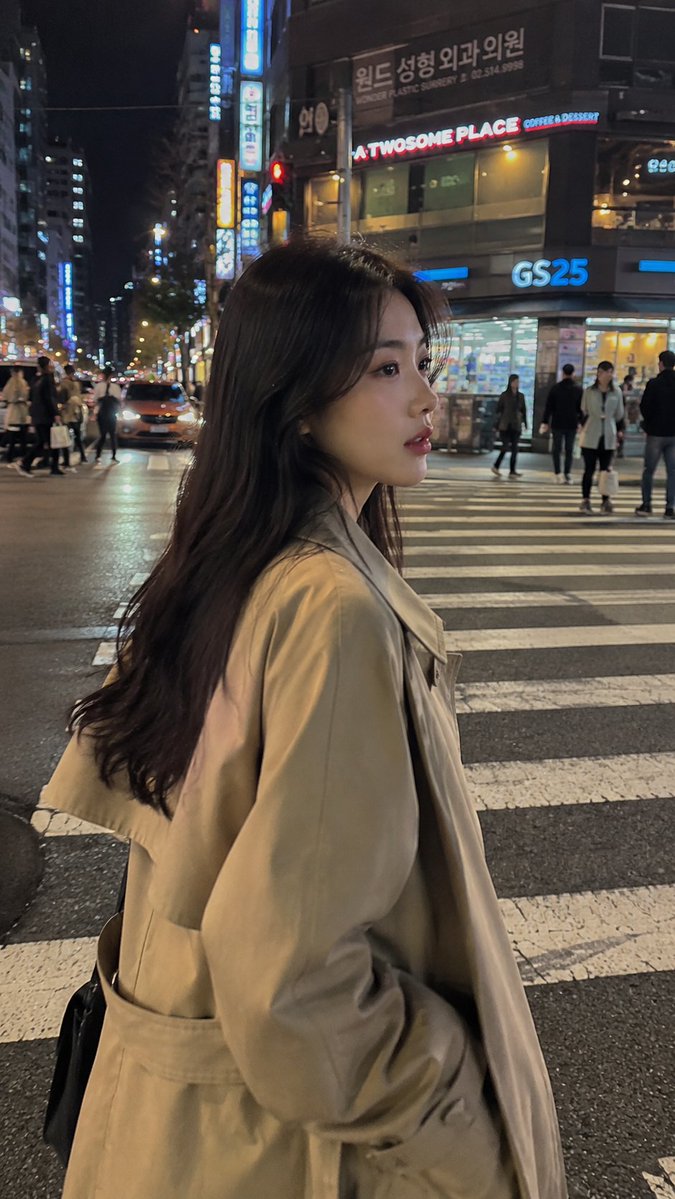
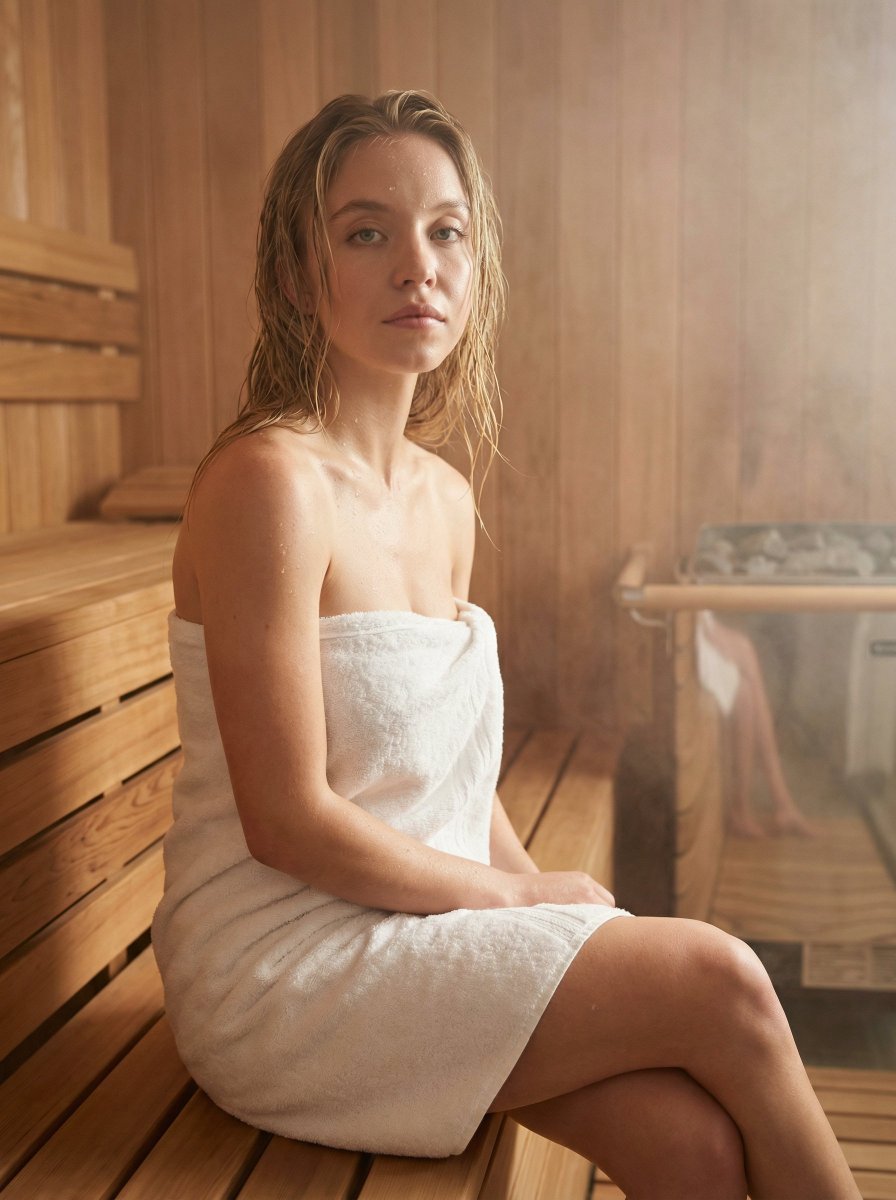
A prompt for generating a cinematic street style editorial photograph of a young Korean woman resembling Blackpink's Jennie on a rainy NYC sidewalk, emphasizing power chic fashion, specific outfit details, and moody lighting. Change the subject, setting, or lighting one variable at a time.

Cinematic street style editorial photograph, a young Korean woman resembling Blackpink {argument name="celebrity" default="Jennie"} standing on a rain-kissed New York City sidewalk, wearing an oversized double-breasted charcoal gray blazer as a mini dress with padded shoulders, bare legs, black patent leather knee-high boots, wide black leather belt cinching the waist. She holds a white takeaway coffee cup in her left hand and a lush bouquet of white calla lilies in her right hand. Gold oversized chain earrings, black cat-eye sunglasses pushed up on her head. Her dark hair styled in a tousled effortless bob with slight waves. She gazes off-camera with a cool unbothered expression. Background features a blurred urban streetscape with yellow taxi cabs, traffic lights, and wet reflective pavement. Overcast moody daylight, shallow depth of field, sharp focus on the subject. Muted gray and black palette with gold accents, power chic fashion editorial aesthetic, shot on Sony A7R V, 85mm f/1.4, 8k detail, photorealistic.
Choose the primary action to open PicX Studio with the available template settings. Review the model and format, personalize the creative direction, and generate when ready.
Yes. You can change the subject, setting, lighting, mood, format, and available model controls before creating your image.
This template is free to open and customize. Generation usage is shown in PicX Studio before you create.
© 2026 PicX Studio. All rights reserved.

Start with Nano Banana 2, which is the model associated with this template. You can compare another compatible model for a different finish.
Follow a topic to a crawlable collection of related PicX Studio templates.
43,474 public templates available. Verified via the PicX Studio public templates API; refreshed hourly.













![Naive doodle-style subject illustration — A doodle-style {argument name="subject" default="[subject]"}, naive lines, humorous shape exaggeration](https://pbs.twimg.com/media/G6Wl2YxbsAARB2b.jpg)