
Sydney Sweeney Gaming Setup Portrait
A detailed JSON-formatted prompt for a professional gaming streamer portrait featuring Sydney Sweeney in a purple-lit ergonomic setup.
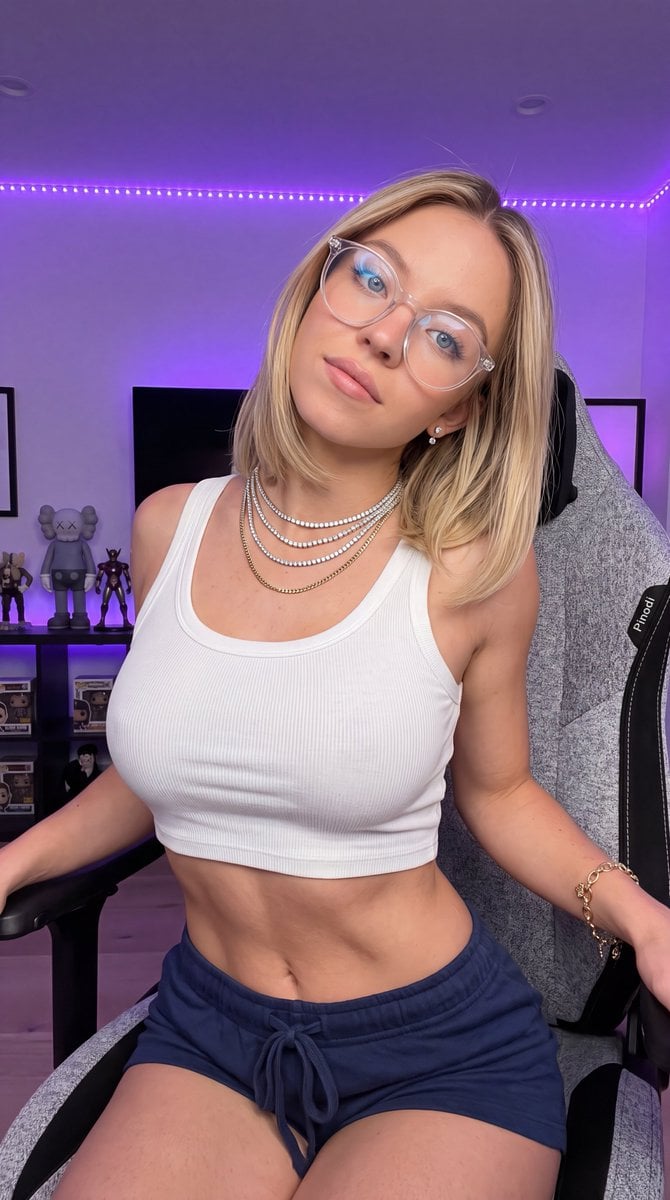
- Prompt included
- Model and format preset
- Premium template
The prompt behind this image
Copy the exact prompt behind Sydney Sweeney Gaming Setup Portrait, or open it in the studio and make it yours.
{ "subject": { "identity": { "biometric_reference": "{argument name="celebrity" default="Sydney Sweeney"}", "facial_structure": "Recognizable soft facial proportions, bright blue eyes, clear transparent-framed glasses, subtle natural makeup, soft pink lips, diamond stud earrings", "skin": "Fair complexion, smooth natural skin texture, clear anatomical definition, zero smoothing" }, "hair": { "color": "Blonde", "style": "Sleek shoulder-length bob cut with a clean middle part", "finish": "Soft, natural texture and hair movement" }, "body": { "somatotype": "Fit, athletic, well-defined waist and torso alignment", "precision": "Seated forward in an ergonomic gaming chair, leaning slightly back with head tilted gently to the side" }, "wardrobe": { "apparel": "{argument name="clothing" default="White ribbed sleeveless crop tank top, paired with dark blue drawstring lounge shorts"}", "textiles": "Ribbed cotton knit for top, soft fleece cotton for shorts", "branding_override": "No text or logos on apparel", "accessories": "Layered diamond tennis necklaces and a gold chain, gold chain bracelet on wrist" }, "pose_action": { "posture": "Seated comfortably on a grey textured gaming chair, arms resting casually near the armrests, head tilted slightly to her right", "expression": "Relaxed, subtle engaging look directly toward the camera lens" } }, "scene": { "environment": "{argument name="room style" default="Modern gaming setup and streaming room, featuring a grey fabric ergonomic gaming chair"}", "lighting": "Vibrant purple LED ambient background illumination combined with soft, clean white key lighting directly illuminating the subject's face and upper torso" }, "camera": { "framing": "9:16 vertical aspect ratio, eye-level portrait shot, medium close-up framing centered on the subject and gaming chair setup", "lens_settings": "35mm lens, sharp focus on subject's face, glasses reflection, and chair details, smooth background falloff", "aesthetic": "High-end streamer portrait photography, vibrant color contrast, sharp details, realistic skin texture" }, "negative_constraints": { "anatomy": "No extra limbs, no deformed fingers, no extra fingers, no fused digits, no asymmetrical eyes, no bad anatomy", "rendering": "No beautify smoothing, no plastic skin, no low quality, no blur on face, no noise, no compression artifacts", "elements": "No unwanted text on clothing, no extra watermarks, no logos other than 'Pinodi'" } }
How to use Sydney Sweeney Gaming Setup Portrait in 3 steps
- 1
Open
The prompt is already in the box next to the preview, with the template's model and format selected.
- 2…a portrait of your subject in softgolden-hour light, 85mm…
Personalize
Edit the subject and creative details for your destination.
- 3Generate
Generate
Press Generate — your image is created in PicX Studio, so you can compare it with the original and refine one variable at a time.
More like this
Templates with the same subject, style or setup. Open one to see its prompt.

Underwater Macro Face Portrait

Noir Punk Street Portrait

High Contrast Cinematic Face Portrait

Monochrome Studio Portrait with Colored Lens
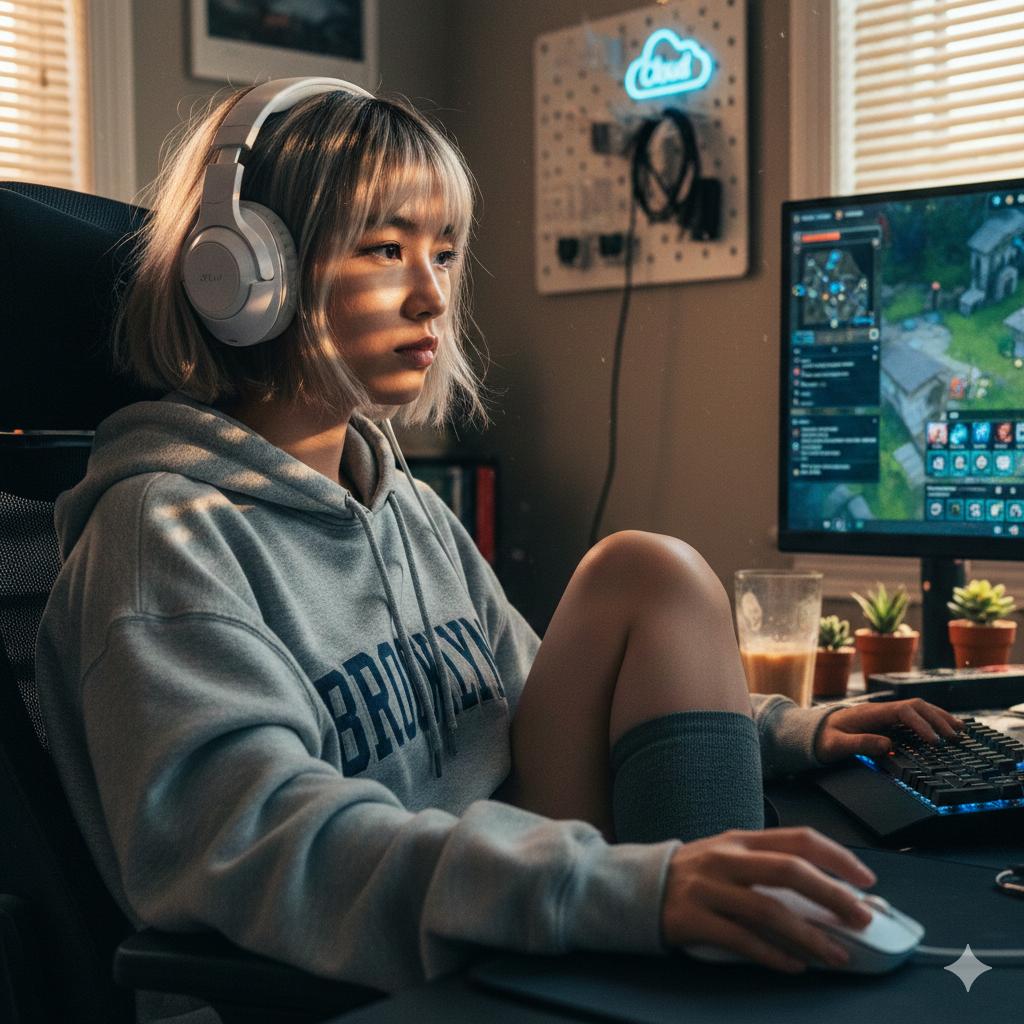
Cinematic Golden Hour Gaming Setup Portrait
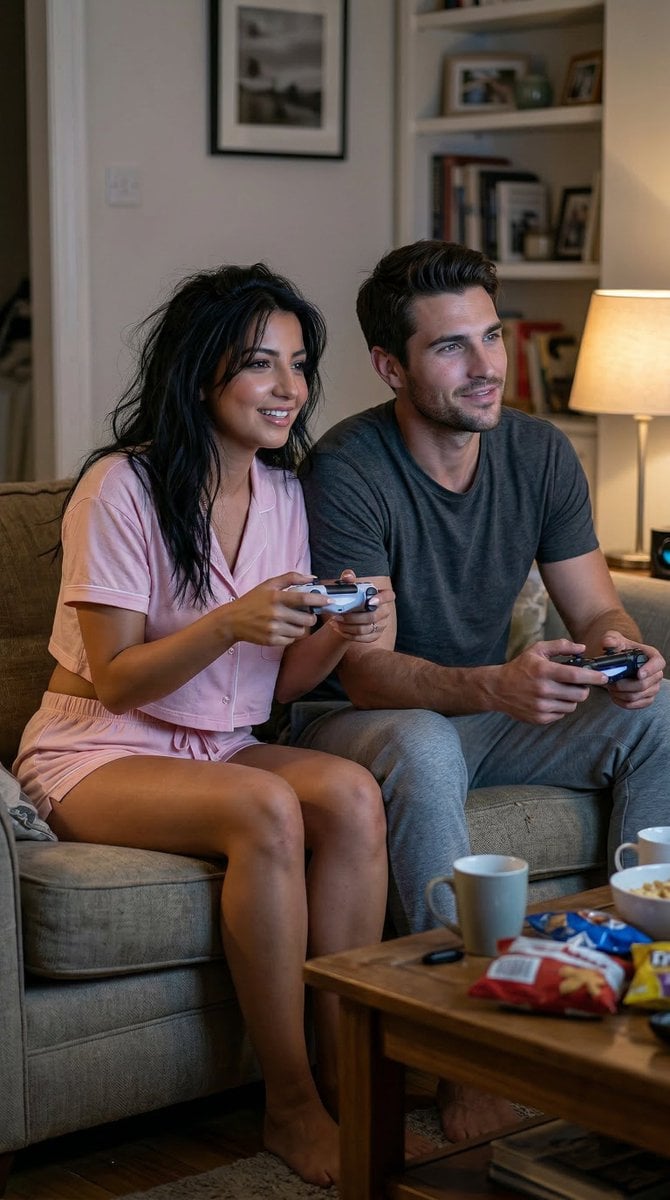
Realistic Gaming Couple Portrait Prompt for Nano Banana 2

Nano Banana Pro Photoreal Playful Couple

Found Photograph: Us, 1970

80s Couple Studio Portrait
Make it yours
Sydney Sweeney Gaming Setup Portrait works as-is. These are the safest ways to change it without losing the look.
Change one field
Copy a single group, rewrite it, and generate again so you can see what that field is doing.
Keep the frame, change the subject
Hold the composition and light of Sydney Sweeney Gaming Setup Portrait, then swap wardrobe, props or the person for a new take.
| If the result… | Why | Fix |
|---|---|---|
| The result drifts from the preview | Too many fields changed at once. | Reuse Sydney Sweeney Gaming Setup Portrait as-is first, then change one group — subject, light, or setting. |
| The model over-stylizes the scene | The prose prompt leaves finish and camera underspecified. | Add one camera or lighting sentence and stay on Gemini 3 Pro Image Preview. |
More Gemini 3 Pro Image Preview templates
Other prompts made for Gemini 3 Pro Image Preview.

Creative Character in Pink Office

Avant-Garde Asian Fashion Model

Water-level Bridge Modification

Ultra-Realistic Yacht Sunset Portrait

Mushroom Still Life Composition

Whimsical Anthropomorphic Friendly Insect

Cinematic Urban Night Billboard Portrait

Pop Art Summer Fruit Fashion Illustration

Ultra-Realistic iPhone Selfie with Motion Blur

Cinematic Mirror Reflection Portrait
More image prompts
Fresh picks from across the catalog.
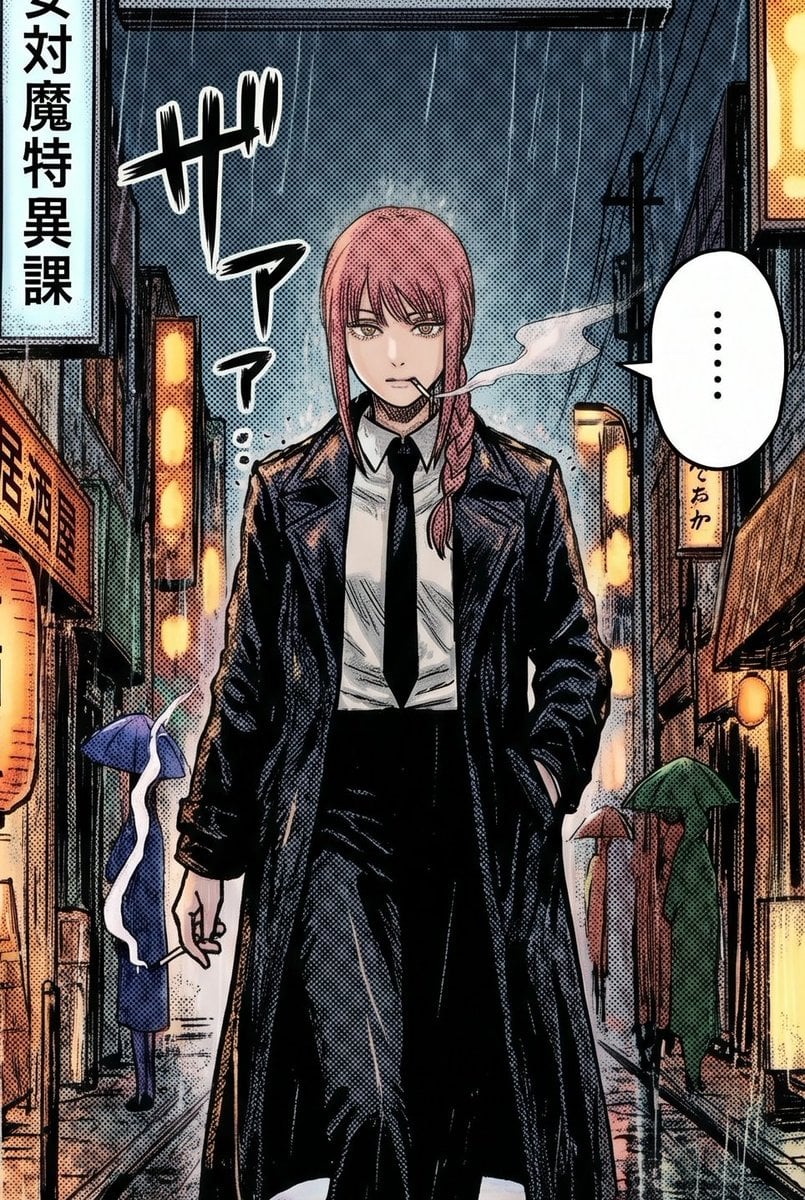
Rainy Manga Alley Woman Portrait
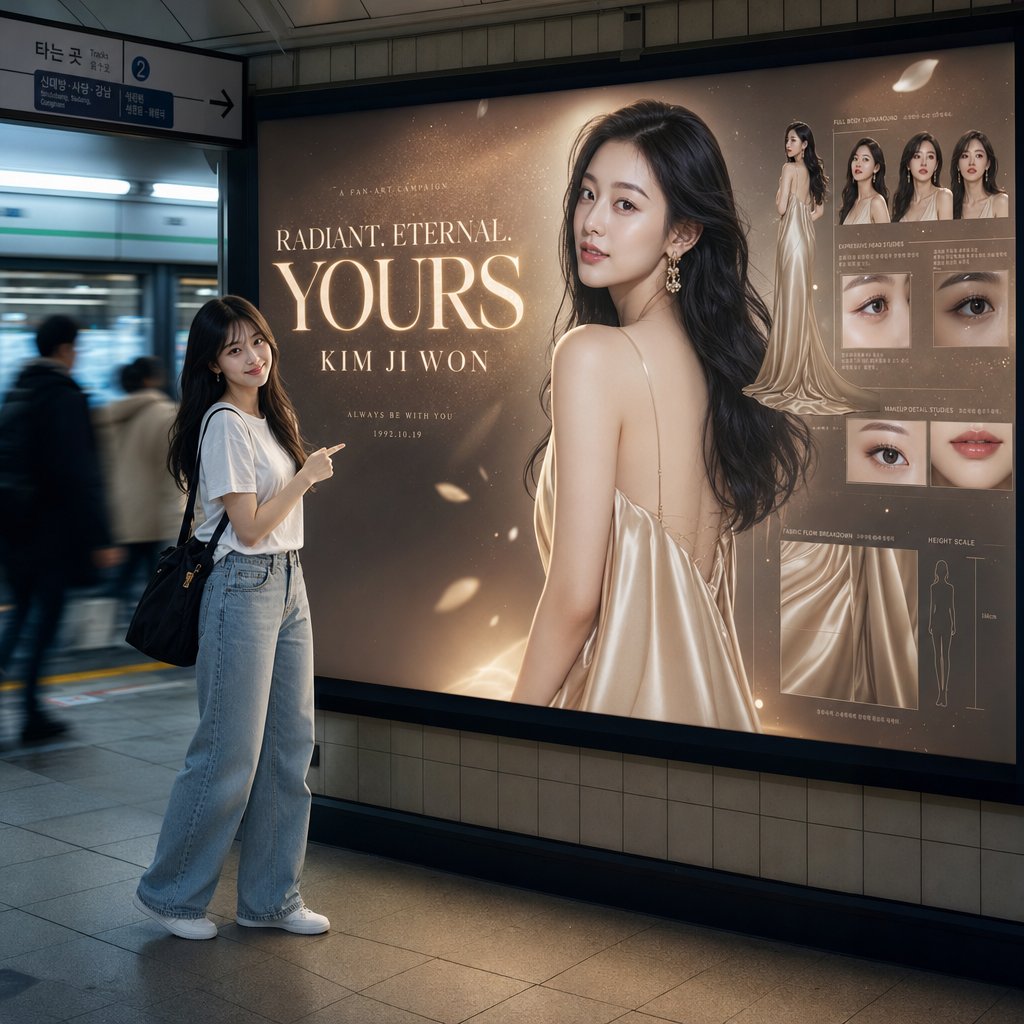
Subway Billboard Cinematic Portrait
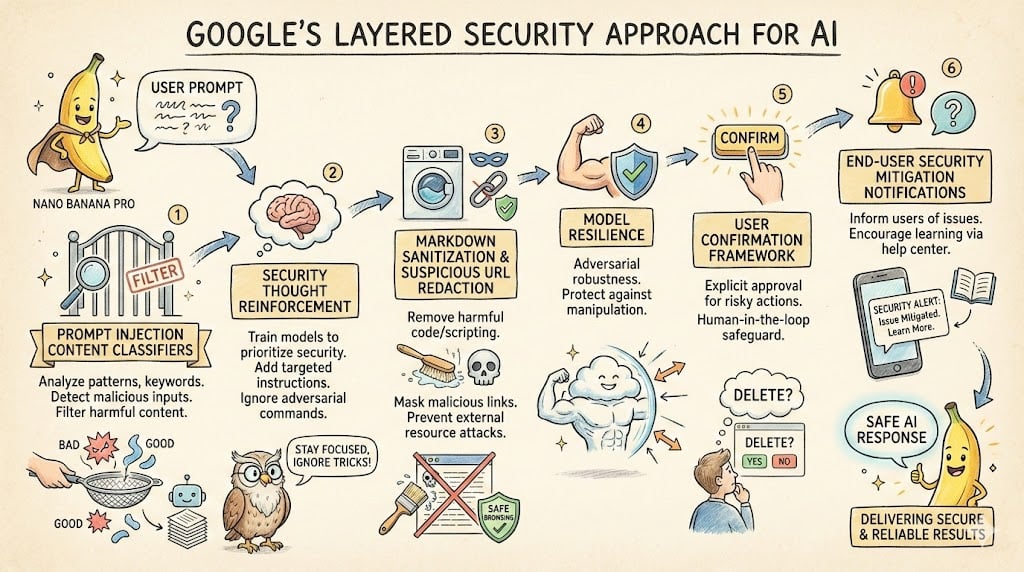
LLM System Prompt Security Measures (Conceptual)

Cute Father’s Day Instagram Cover
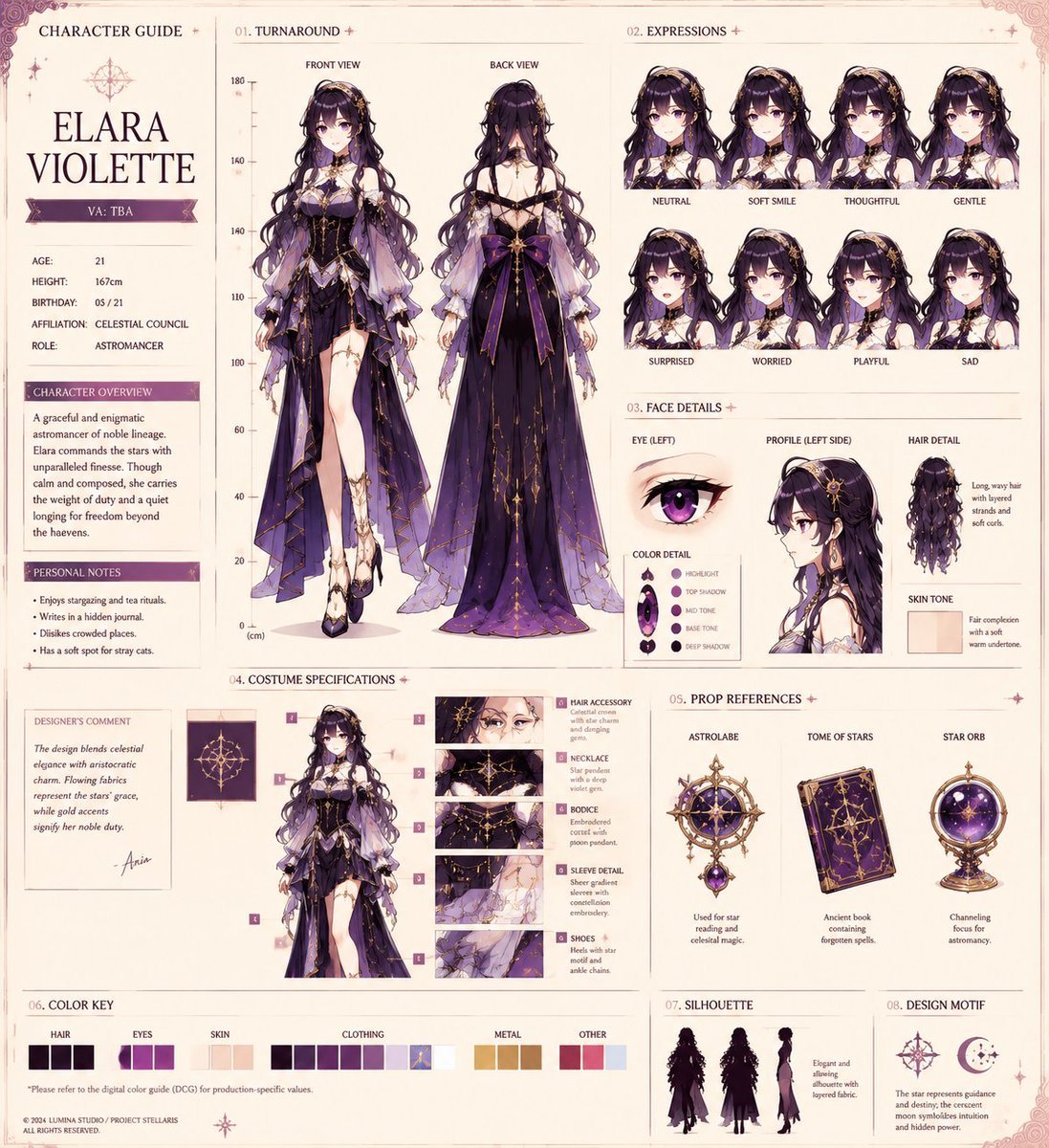
Anime Character Production Sheet
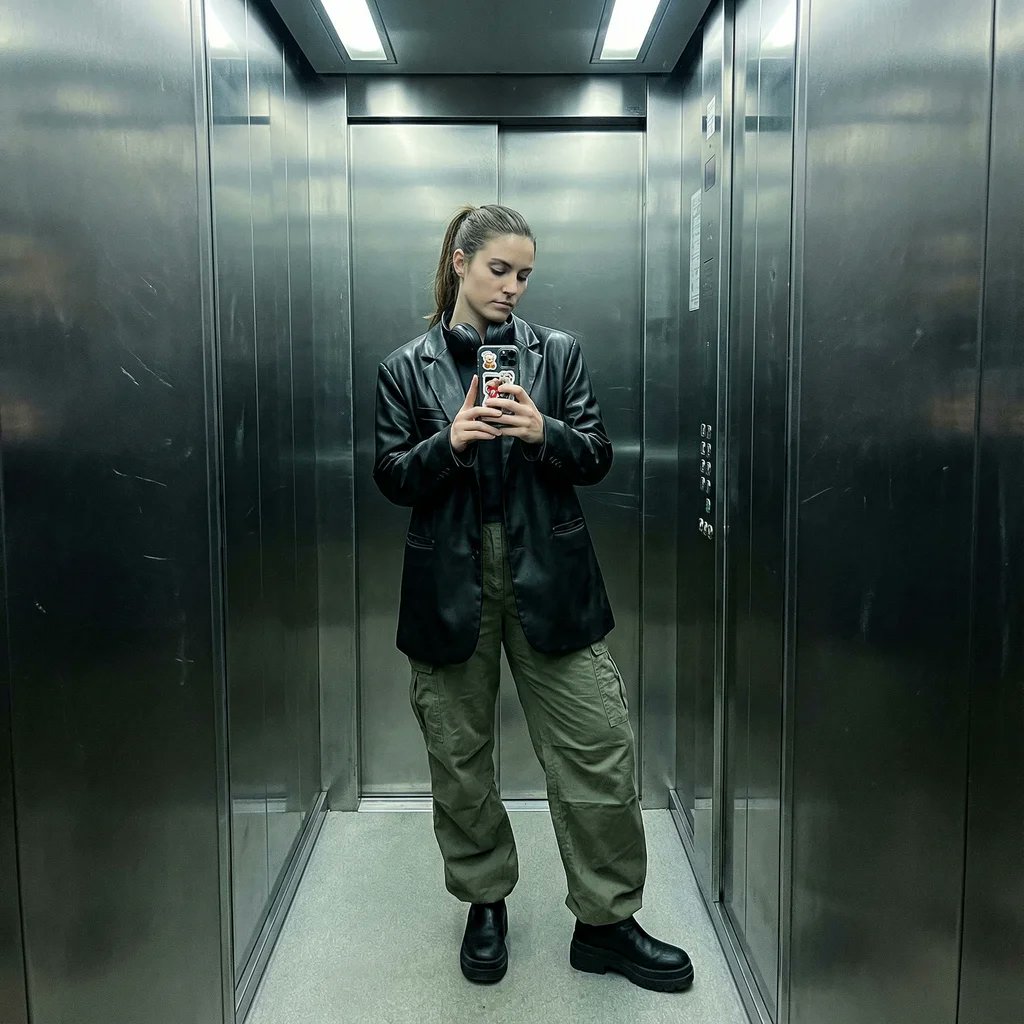
Structured Prompt for Smartphone Mirror Selfie in an Elevator
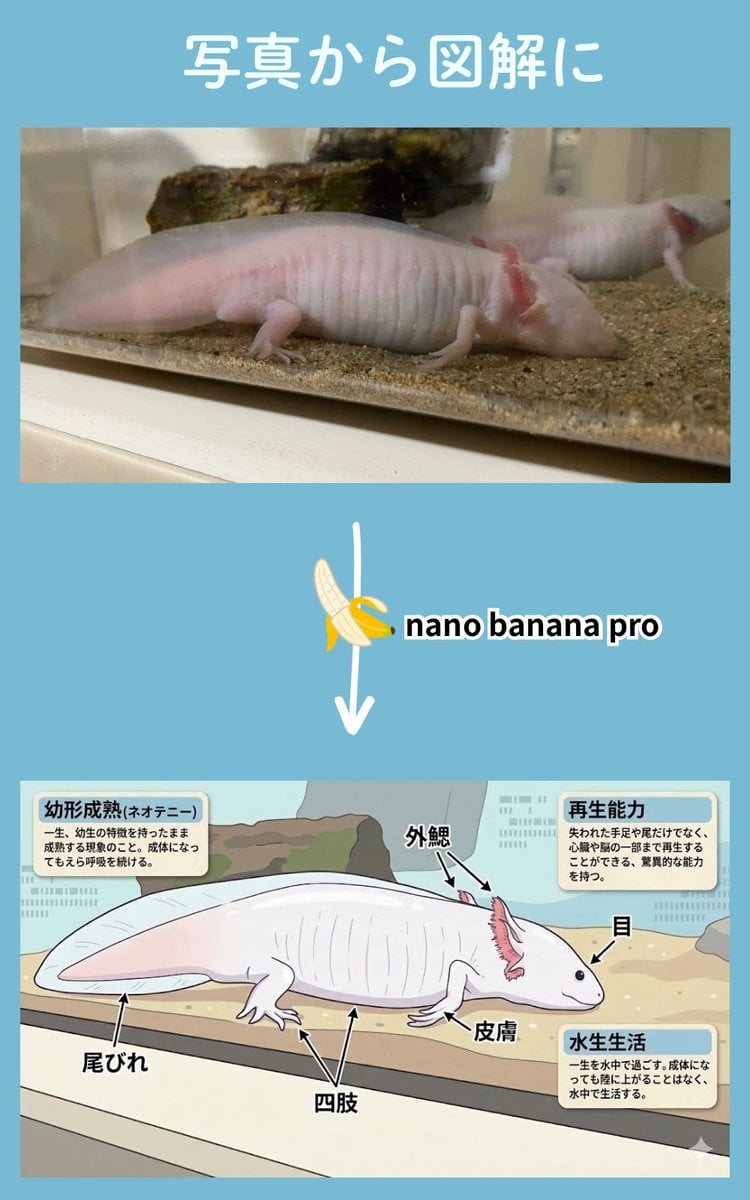
Multi-Step Diagram Generation and Coloring Book Creation
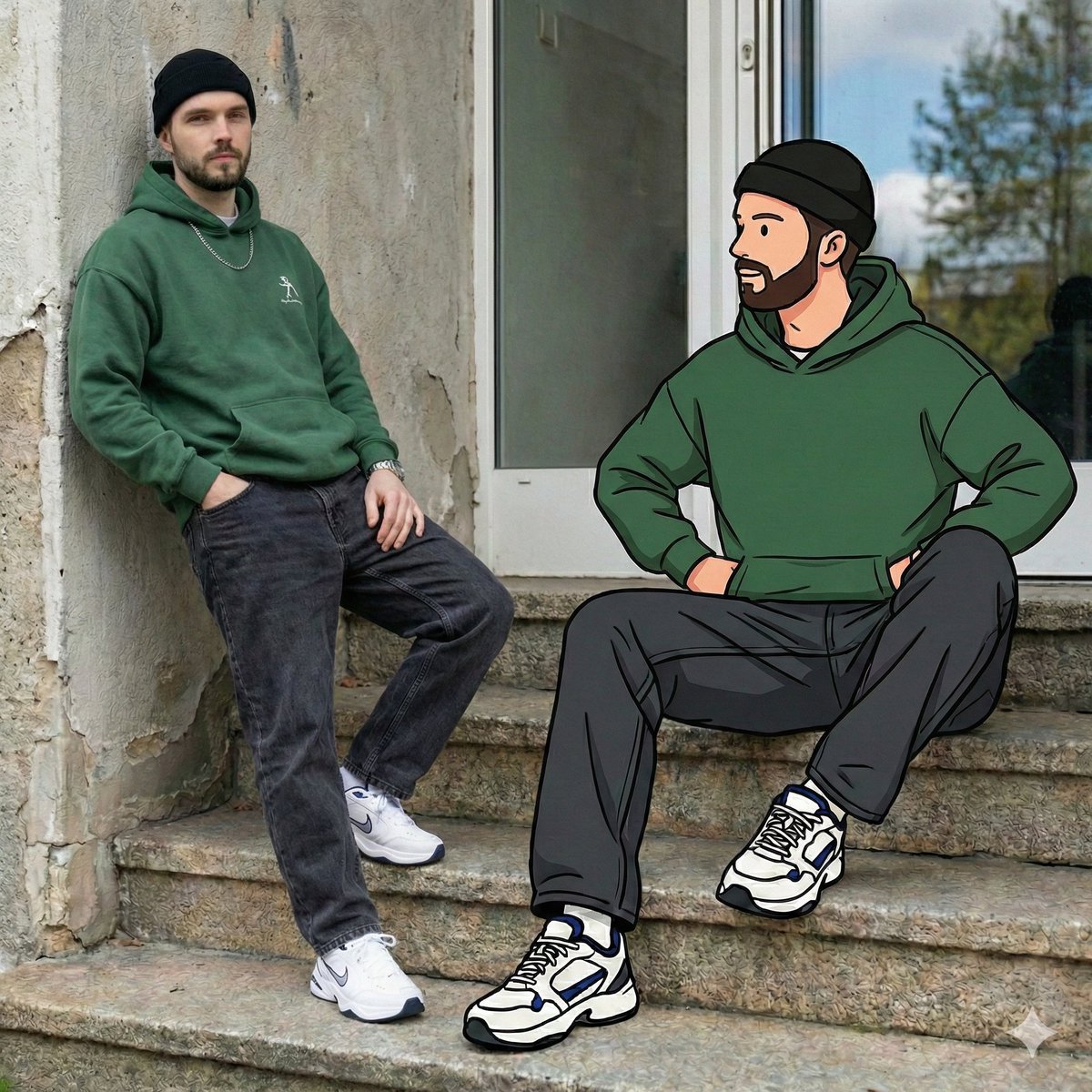
Mixed Reality Street Portrait with Cartoon Twin
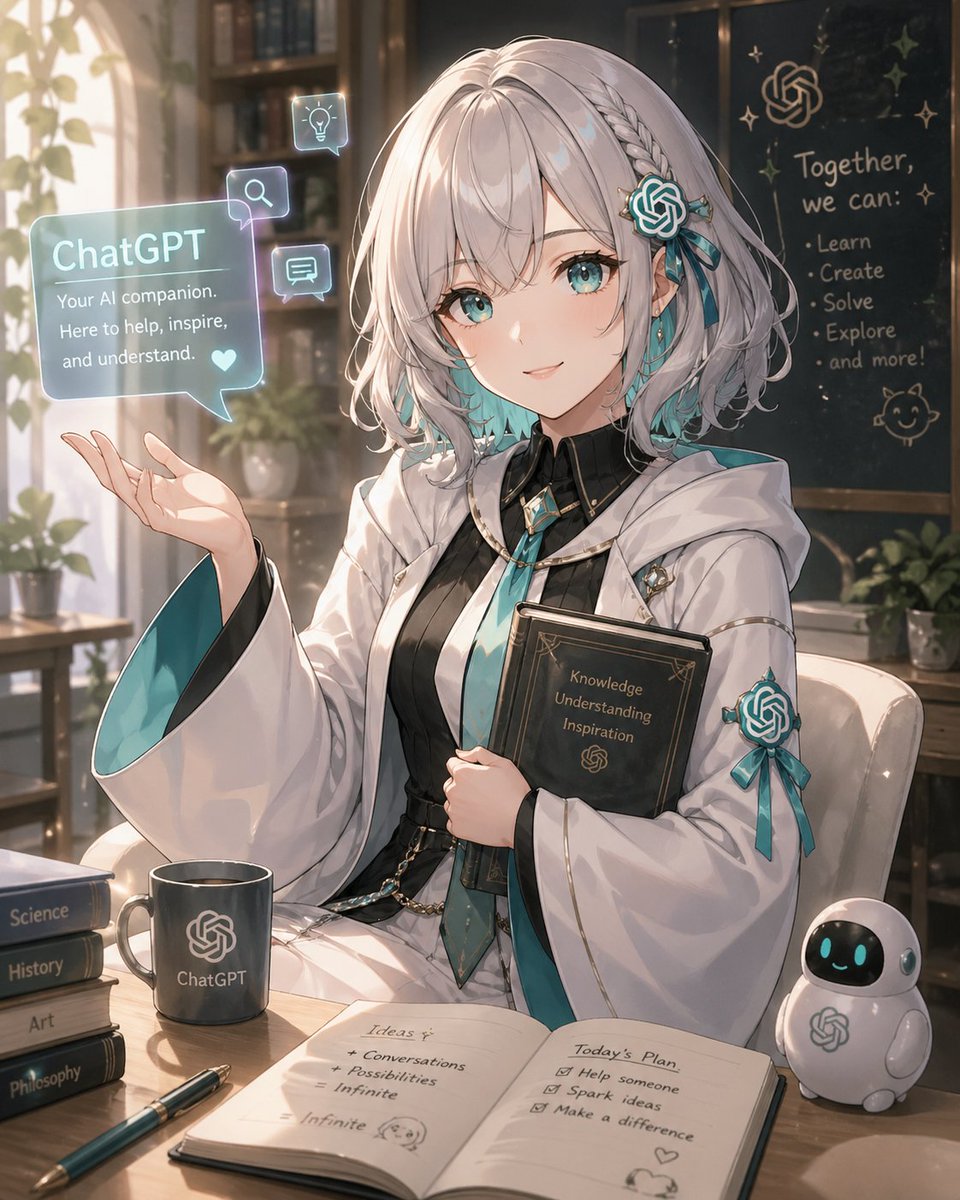
Anime ChatGPT Companion in Study
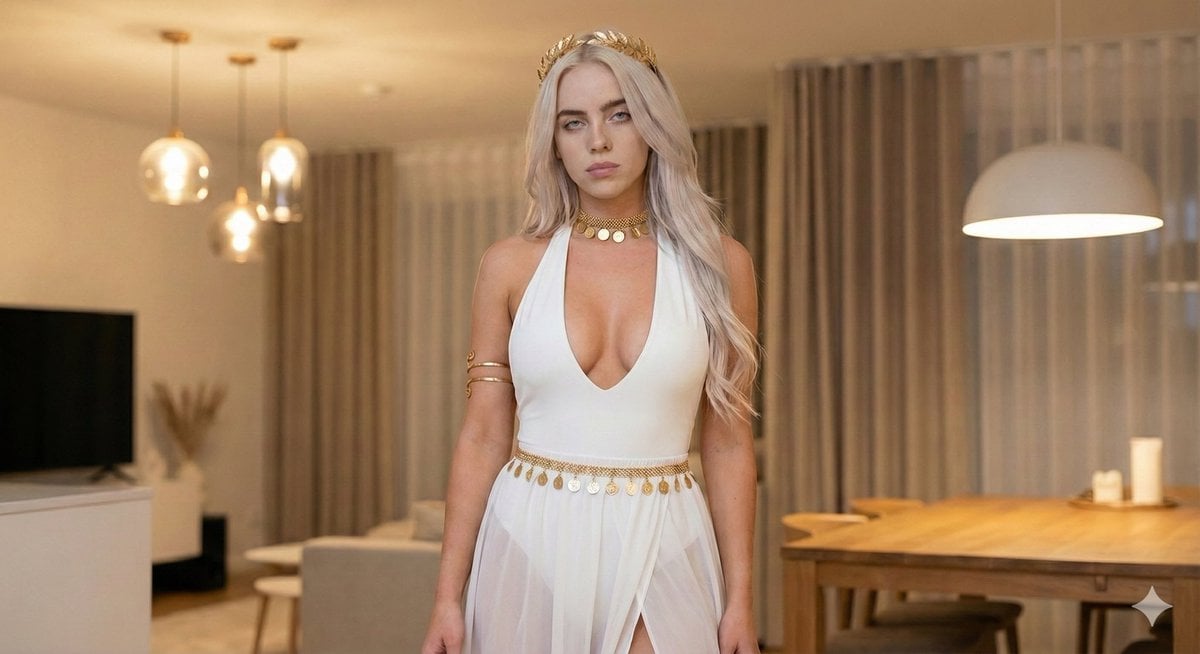
Goddess-Inspired White and Gold Portrait
Browse template categories
Sydney Sweeney Gaming Setup Portrait questions
How do I use the Sydney Sweeney Gaming Setup Portrait template?
Add your photo if the template asks for one, edit the prompt if you like — the template's model and format are already selected — and press Generate. Your version opens in PicX Studio.
Can I customize the Sydney Sweeney Gaming Setup Portrait template?
Yes. You can change the subject, setting, lighting, mood, format, and available model controls before creating your image.
Is the Sydney Sweeney Gaming Setup Portrait template free?
Opening and editing this template is free. Generating uses credits, shown on the Generate button when you are signed in.
Which AI model should I use?
Start with Gemini 3 Pro Image Preview, which is the model associated with this template. You can compare another compatible model for a different finish.
Looking for something else? Browse all templates.

Your photo, any look
Thousands of ready templates for every top image and video model, from one credit balance.