
Realistic iPhone Selfie Portrait with Glass Skin
A highly detailed prompt for creating ultra-realistic 8K portraits with specific focus on skin texture, lighting, and facial features.
- Prompt included
- Model and format preset
- Premium template
The prompt behind this image
Copy the exact prompt behind Realistic iPhone Selfie Portrait with Glass Skin, or open it in the studio and make it yours.
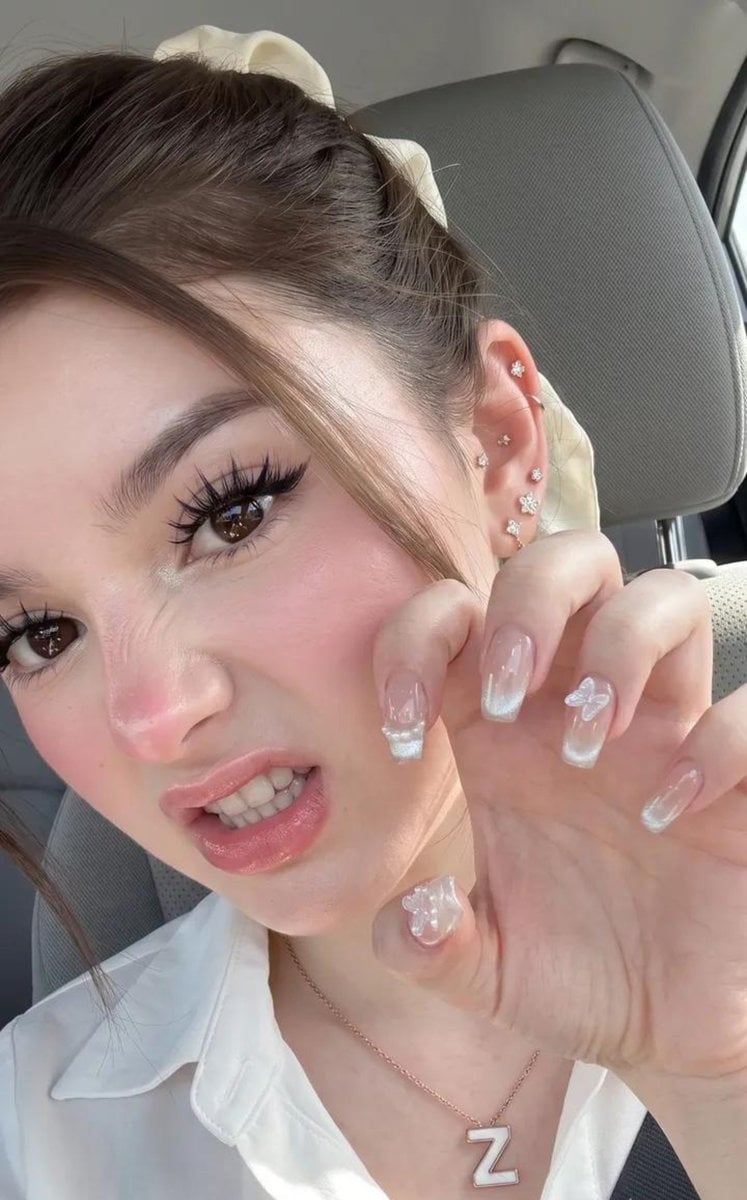
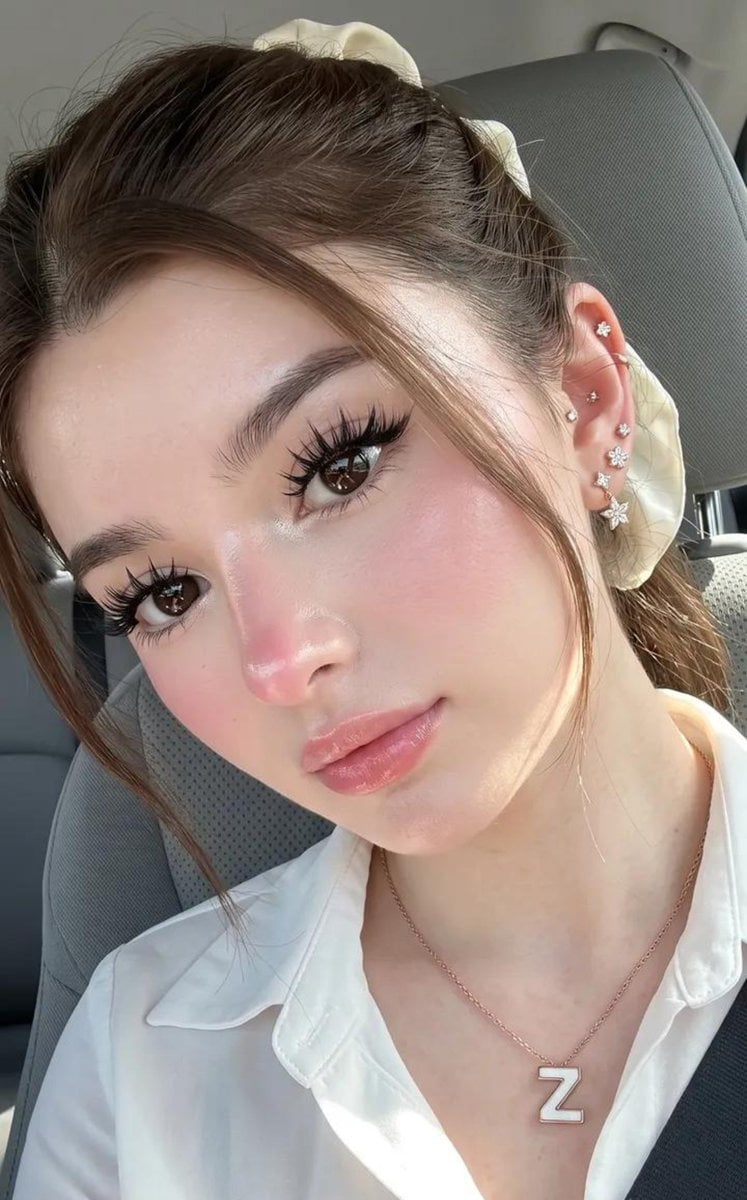
Maintain the original facial features exactly as they are, preserving the natural 100% facial identity and perfectly balanced proportions. The appearance should be youthful and feminine, using the exact same face from “Image 1.” The skin should look radiant, luminous, and healthy with a soft pearlescent glow, featuring naturally detailed texture that creates a realistic dewy glass skin effect without looking plastic or artificial. {argument name="eye color" default="Large dark brown eyes"} should have bright, natural catchlights, complemented by thick black eyelashes curled upward, softly arched eyebrows that are natural and not overly dark, a fresh rosy blush blended delicately across the cheeks, a subtle pink tint on the tip of the nose, and soft gradient pink lips with a light glossy finish. Makeup should be seamlessly blended into the skin with no patchiness or harsh lines. The body should appear proportionate with very fair, smooth, glowing skin. The hair should be a {argument name="hair color" default="light milk-tea brown colour"}, tied back with an ivory-white hair tie visible at the back of the head, with loose strands and soft baby hairs naturally framing the forehead and face. The character has multiple piercings in the right ear (left side of the image), including the earlobe and upper helix, wearing small diamond or crystal earrings shaped like stars and flowers. Around the neck is a delicate gold or rose gold necklace with a white "{argument name="pendant shape" default="Z"}"-shaped pendant surrounded by a gold frame. The setting is inside a car, with a grey fabric or synthetic seatback visible behind the subject and a black seatbelt crossing the lower-right corner of the frame, reinforcing the confined interior space. The subject is centred in the composition, filling most of the frame while taking a selfie with her head noticeably tilted toward the right side of the image (left from the subject’s perspective), looking directly into the camera with a confident, captivating gaze. She wears a white collared shirt with the top buttons left open, revealing the neck, collarbones, and upper chest. Natural sunlight streams through the front of the car, creating strong, direct hard lighting that highlights the glow of the face, eyes, and hair, with the light likely reflected by the hand or smartphone holding the camera. The image is captured as an extreme close-up selfie using a Dutch angle that matches the head tilt, with the camera positioned at eye level or slightly above and angled downward. The composition focuses almost entirely on the face, neck, and upper chest, leaving very little of the surrounding environment visible to emphasise the skin texture, lighting, shadows, and expressive eyes. The image should have a 9:16 aspect ratio, ultra-high 8K resolution, and the realistic quality of a photo taken with the latest iPhone. Negative Prompt: low quality, worst quality (1.4), bad anatomy, deformed, ugly appearance, crossed eyes, extra limbs, missing limbs, fused fingers, extra fingers, watermark, text, signature, illustr
Reference images included
Realistic iPhone Selfie Portrait with Glass Skin needs input media to work. They load alongside the prompt when you open it in the studio.
How to use Realistic iPhone Selfie Portrait with Glass Skin in 3 steps
- 1Upload ImagePNG, JPG or paste
Add your photo
Upload the photo the template builds on. The prompt, model and format are already set.
- 2…a portrait of your subject in softgolden-hour light, 85mm…
Personalize
Edit the subject and creative details for your destination.
- 3Generate
Generate
Press Generate — your image is created in PicX Studio, so you can compare it with the original and refine one variable at a time.
More like this
Templates with the same subject, style or setup. Open one to see its prompt.

Rooftop Fisheye — Cat-Ear Balaclava at Golden Hour

Underwater Macro Face Portrait

Noir Punk Street Portrait
High Contrast Cinematic Face Portrait
Monochrome Studio Portrait with Colored Lens
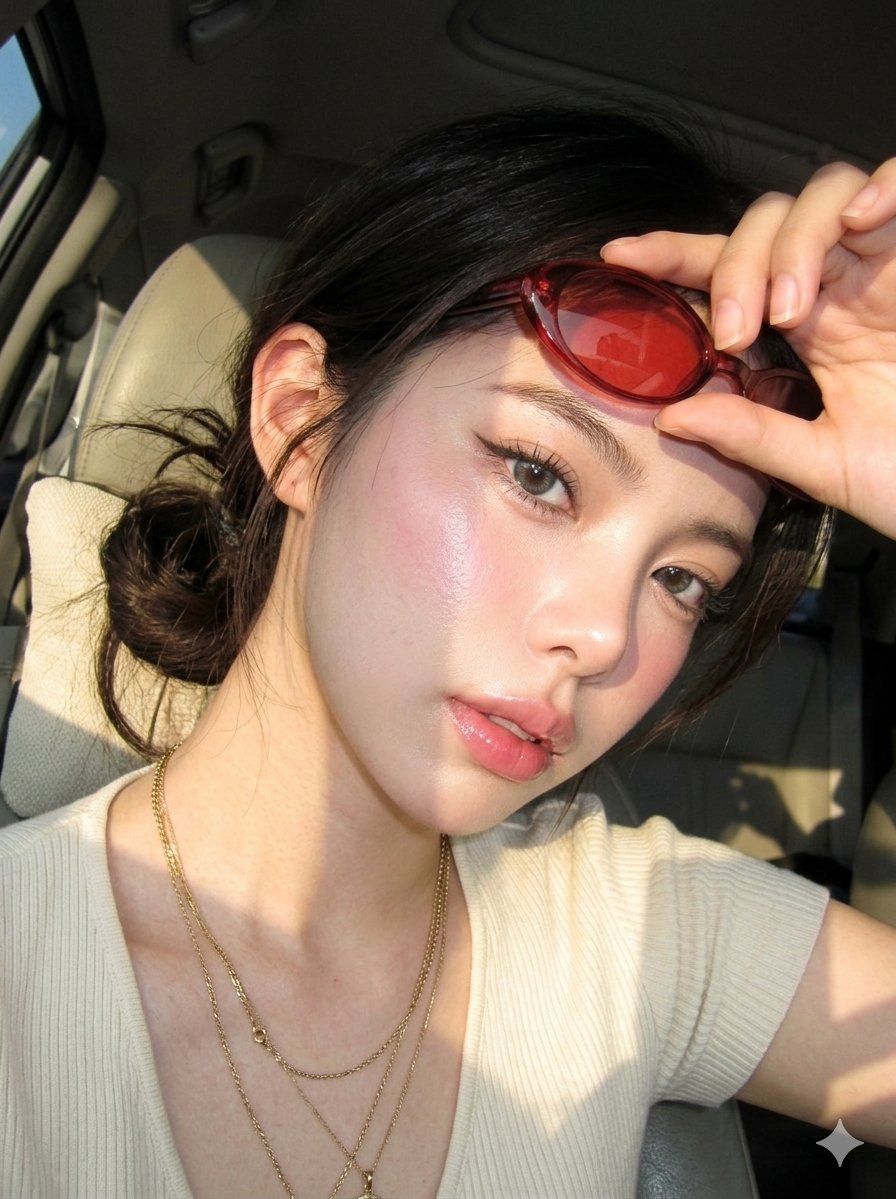
Digicam Style Glass-Skin Portrait
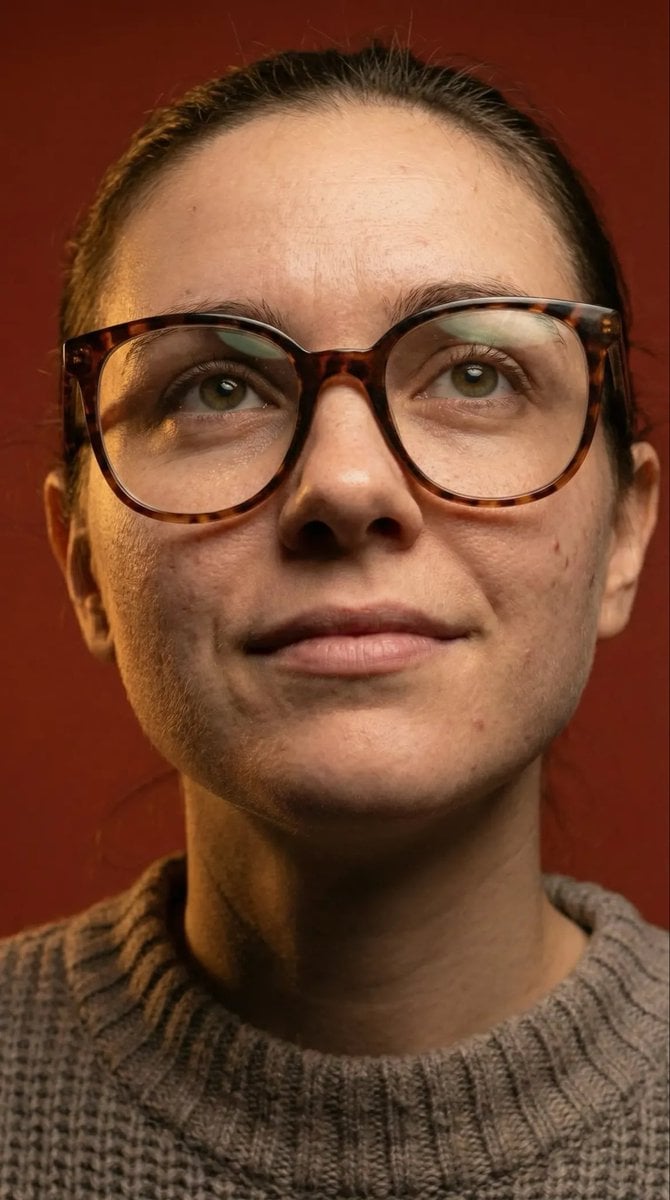
Macro Detail Portrait with Glasses and Skin Texture Prompt
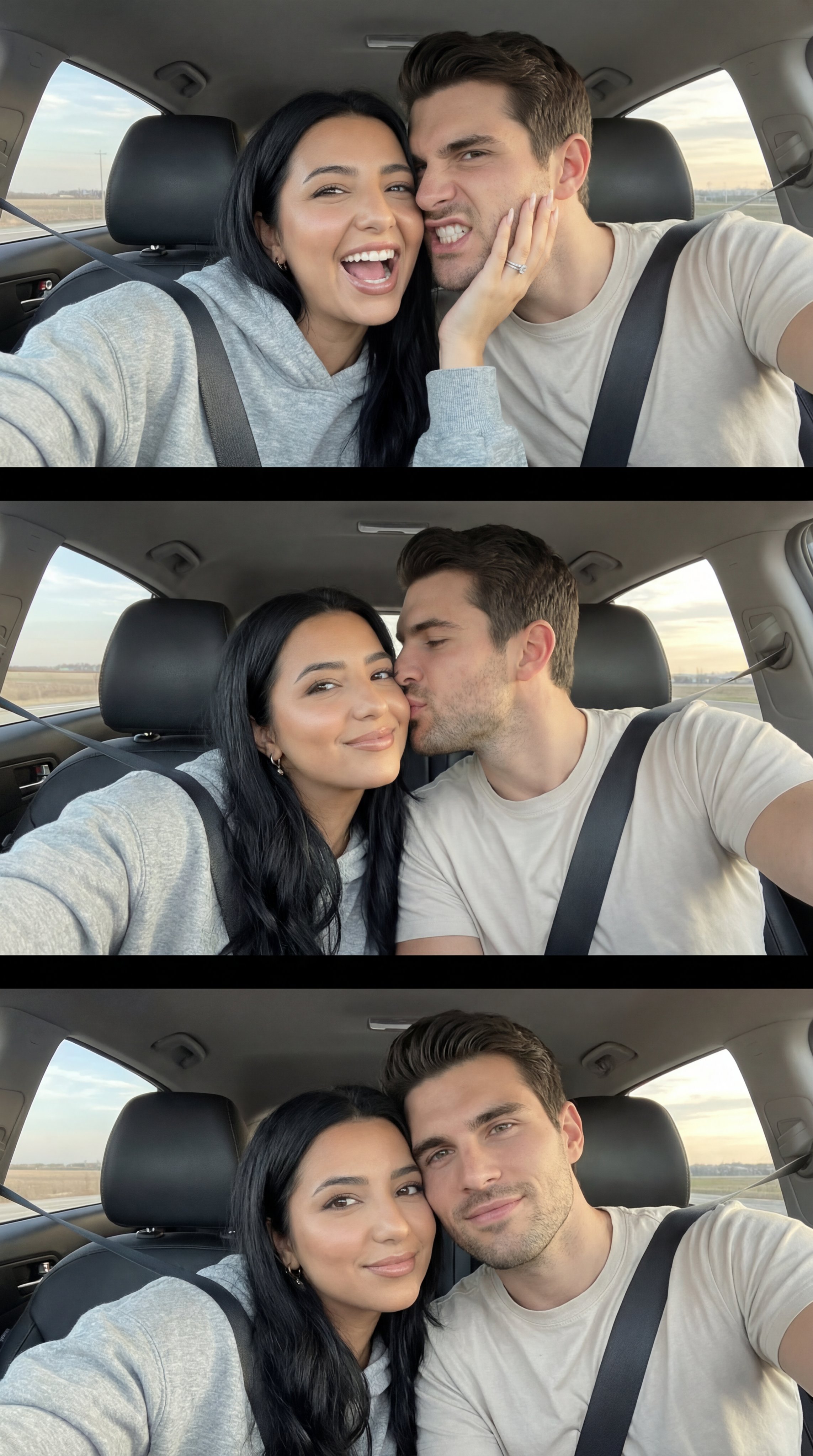
Nano Banana Pro Photoreal Playful Couple

Found Photograph: Us, 1970

80s Couple Studio Portrait

80s Bollywood Star

80s Golden Hour Cinema
Make it yours
Realistic iPhone Selfie Portrait with Glass Skin works as-is. These are the safest ways to change it without losing the look.
Change one field
Copy a single group, rewrite it, and generate again so you can see what that field is doing.
Keep the frame, change the subject
Hold the composition and light of Realistic iPhone Selfie Portrait with Glass Skin, then swap wardrobe, props or the person for a new take.
| If the result… | Why | Fix |
|---|---|---|
| The result drifts from the preview | Too many fields changed at once. | Reuse Realistic iPhone Selfie Portrait with Glass Skin as-is first, then change one group — subject, light, or setting. |
| The model over-stylizes the scene | The prose prompt leaves finish and camera underspecified. | Add one camera or lighting sentence and stay on Gemini 3 Pro Image Preview. |
More Gemini 3 Pro Image Preview templates
Other prompts made for Gemini 3 Pro Image Preview.

Ultra-Realistic Yacht Sunset Portrait

Mushroom Still Life Composition

Whimsical Anthropomorphic Friendly Insect
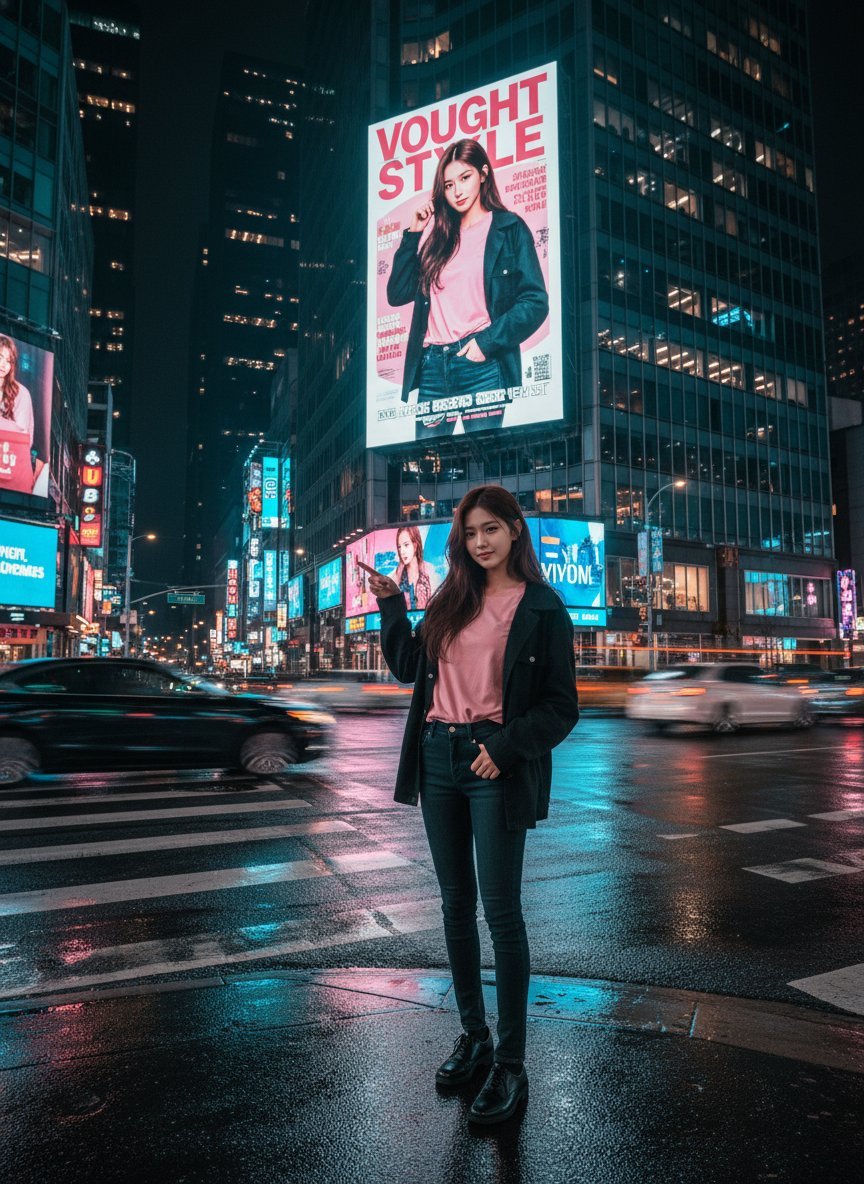
Cinematic Urban Night Billboard Portrait
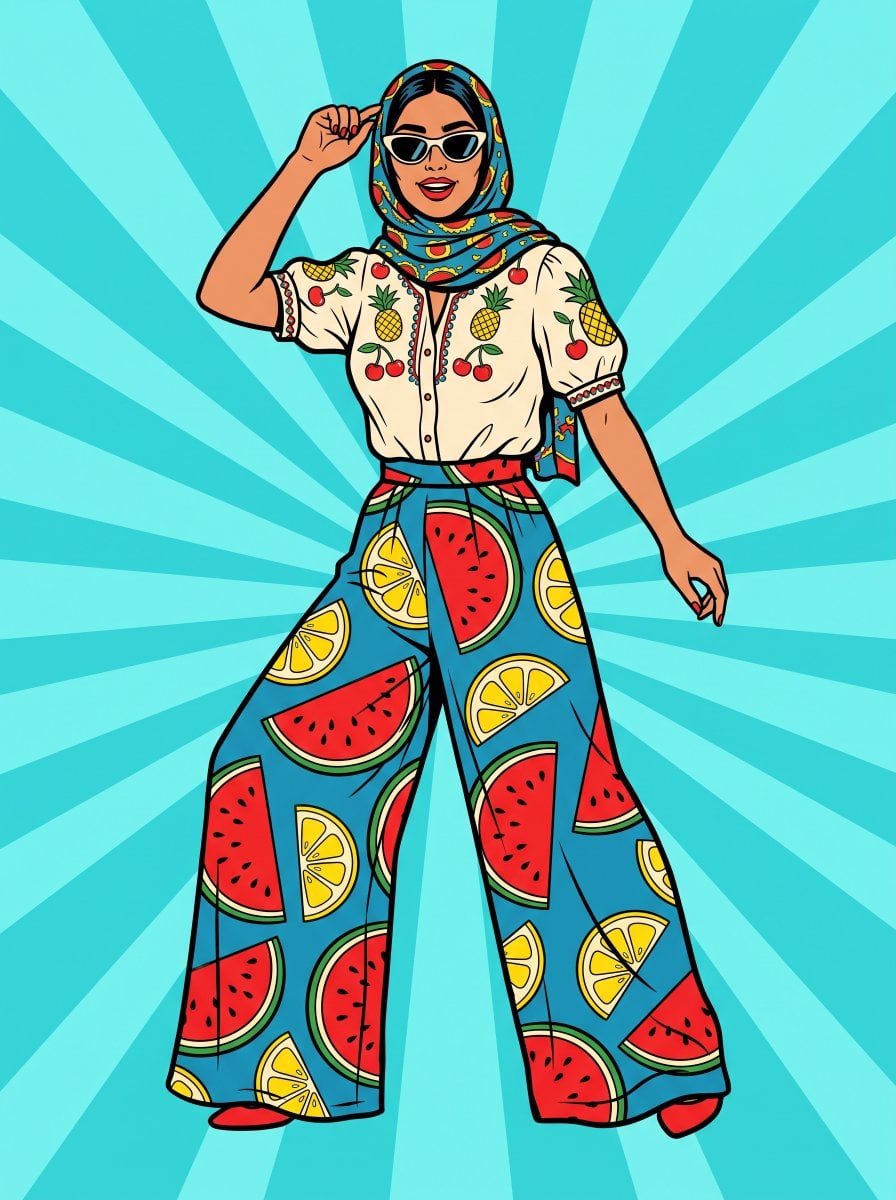
Pop Art Summer Fruit Fashion Illustration
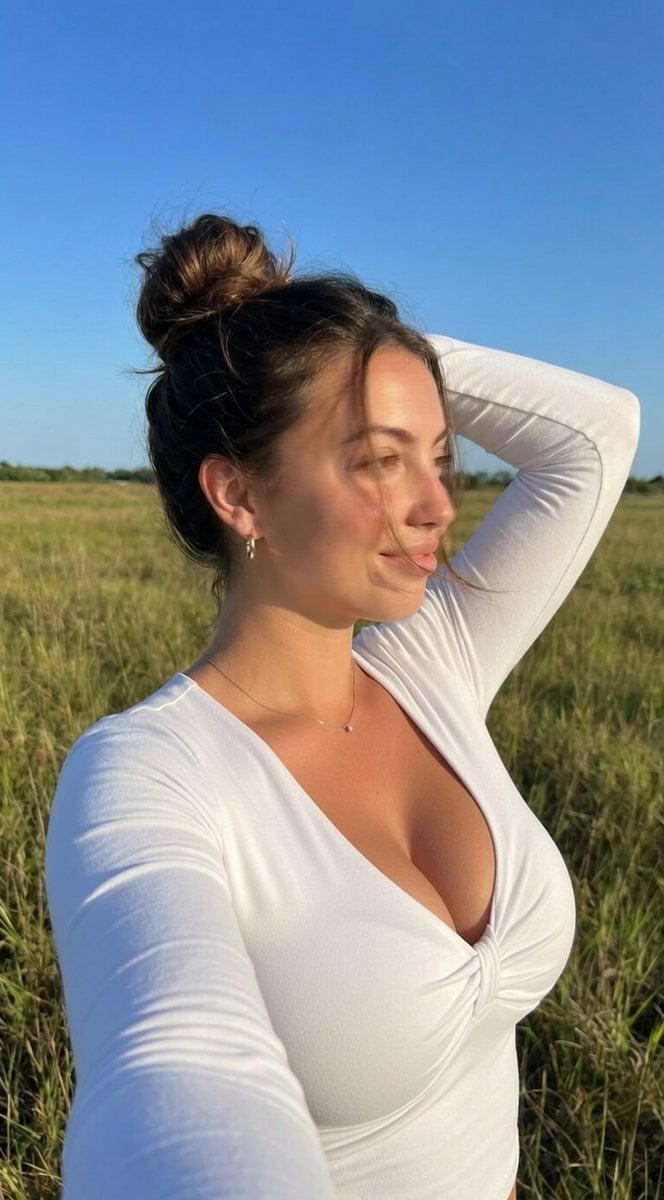
Ultra-Realistic iPhone Selfie with Motion Blur
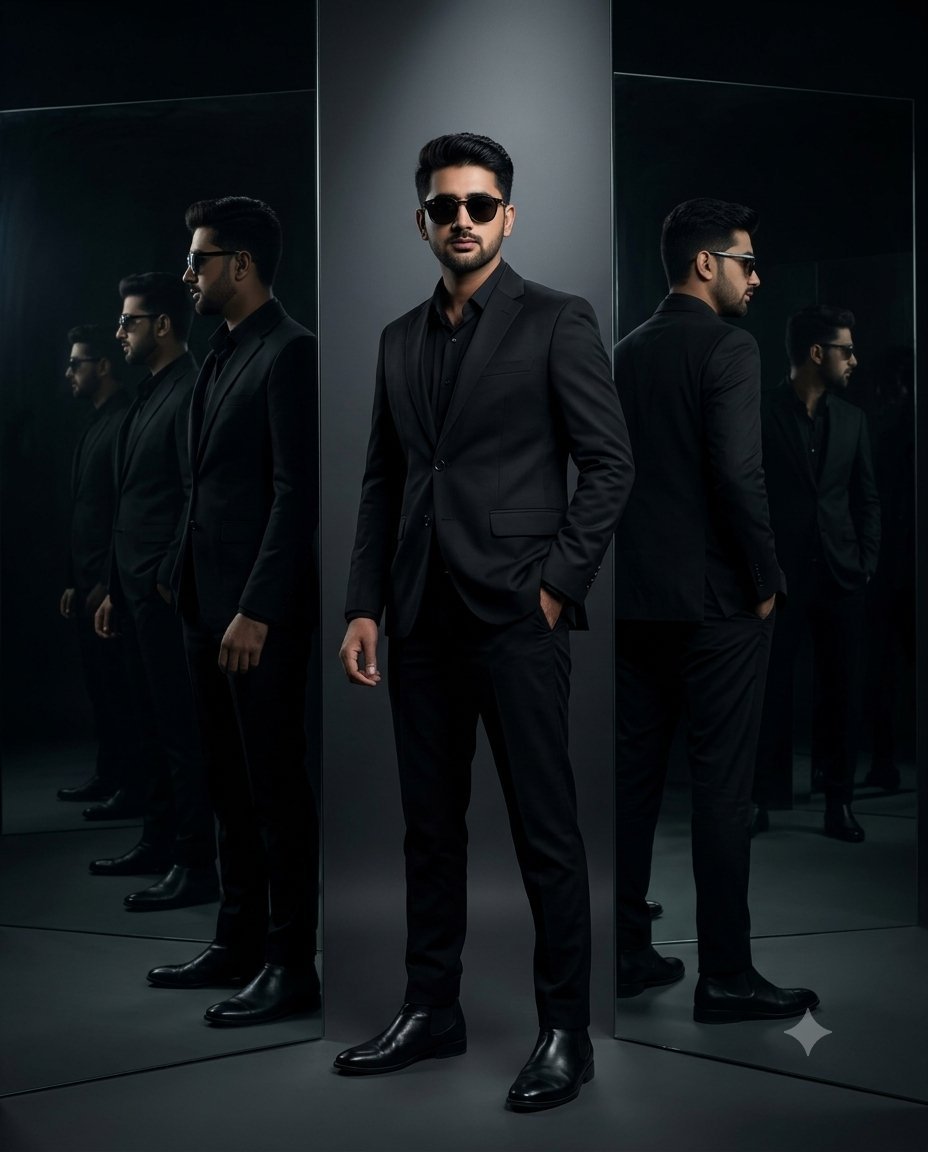
Cinematic Mirror Reflection Portrait
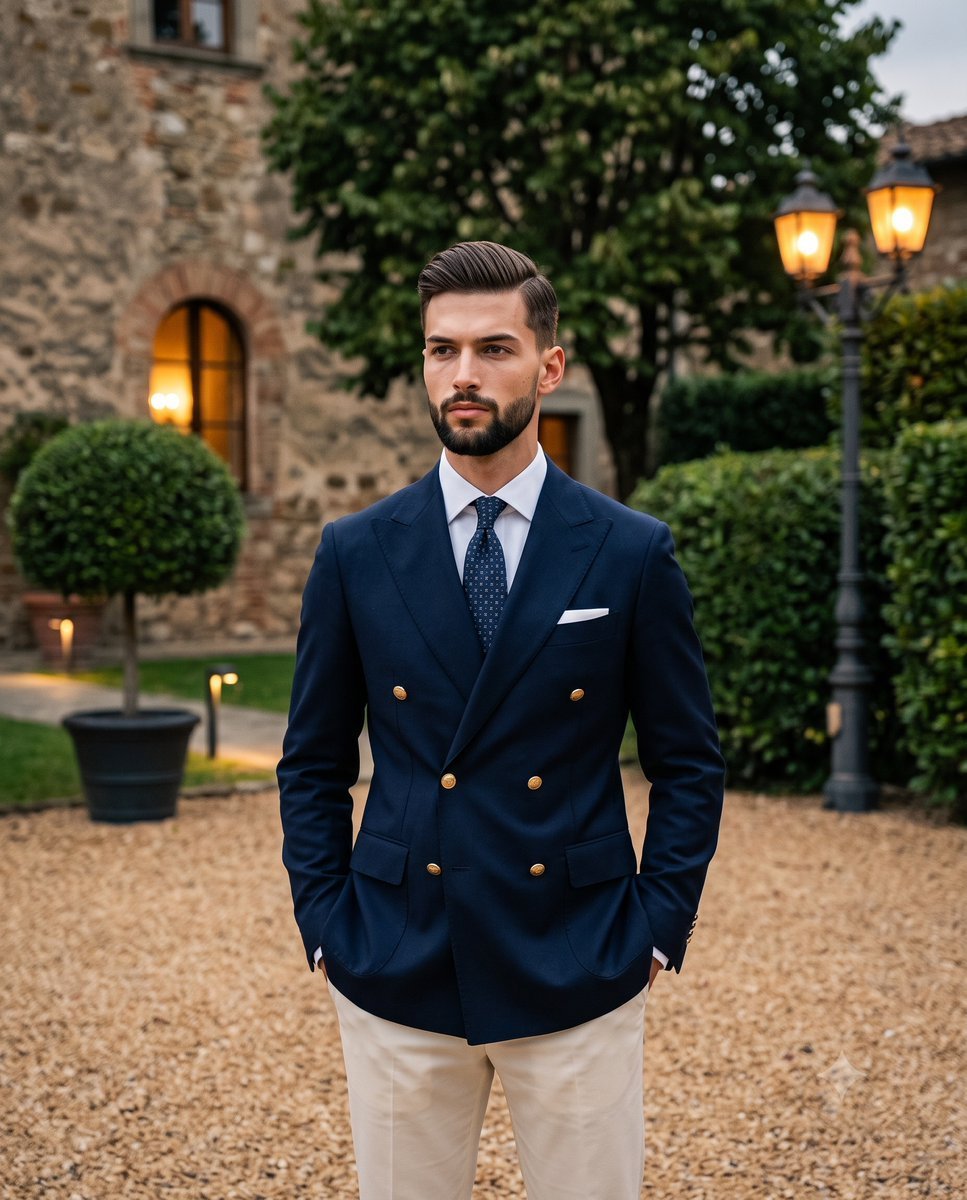
Elegant Men's Twilight Editorial

Coastal Freedom Sunset Portrait
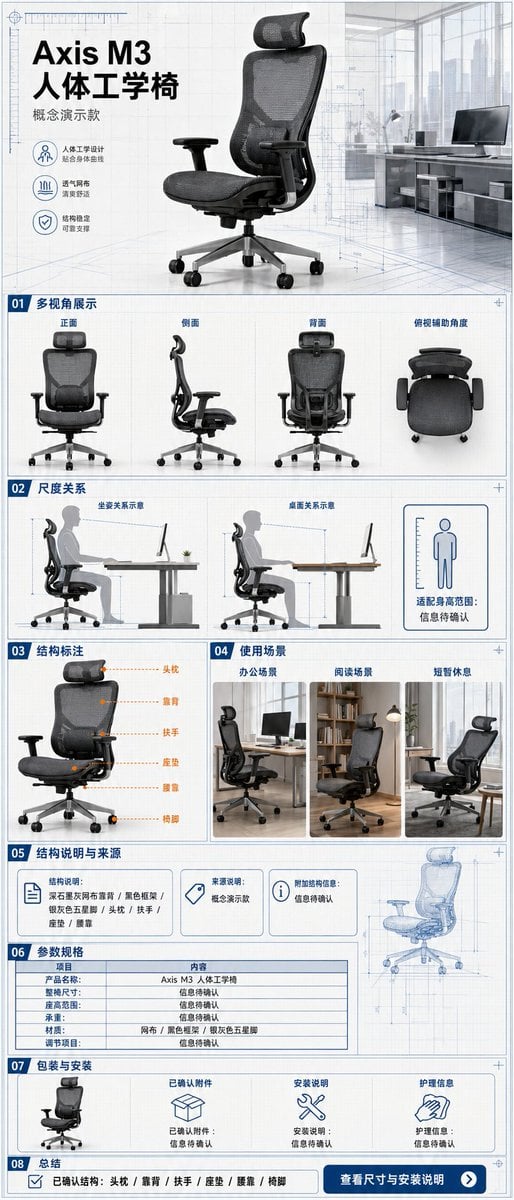
Ergonomic Office Chair E-commerce Mobile Detail Page
More image prompts
Fresh picks from across the catalog.

Nano Banana Pro Safety Filter Bypass and Safe Prompting Strategy
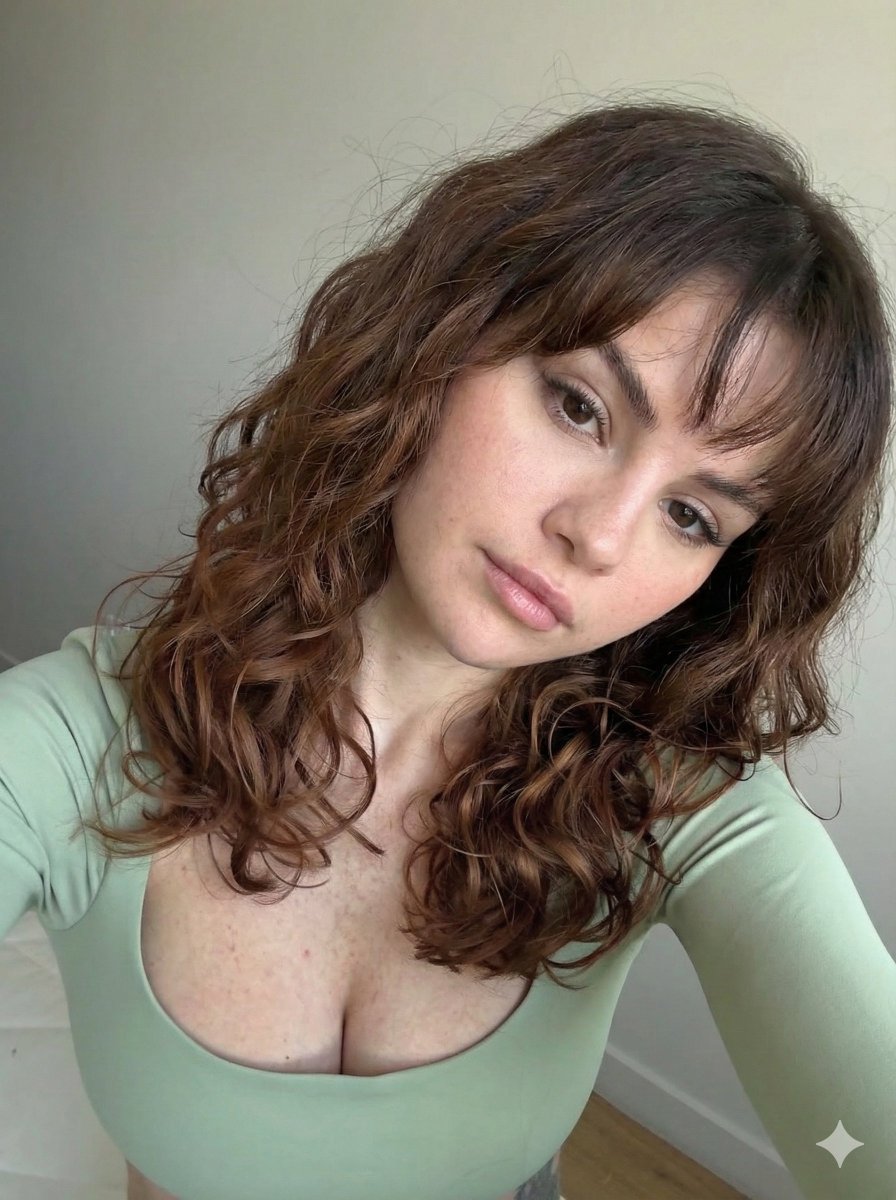
Ultra Photorealistic Selfie with Auburn Hair and Freckles

Vintage Cookbook Food Scene

Aesthetic Cozy Coffee Photography for Social Media

Modern Webinar Promotional Banner

Photorealistic Scientist in Futuristic AI Lab

3D Construction Safety Icon Set
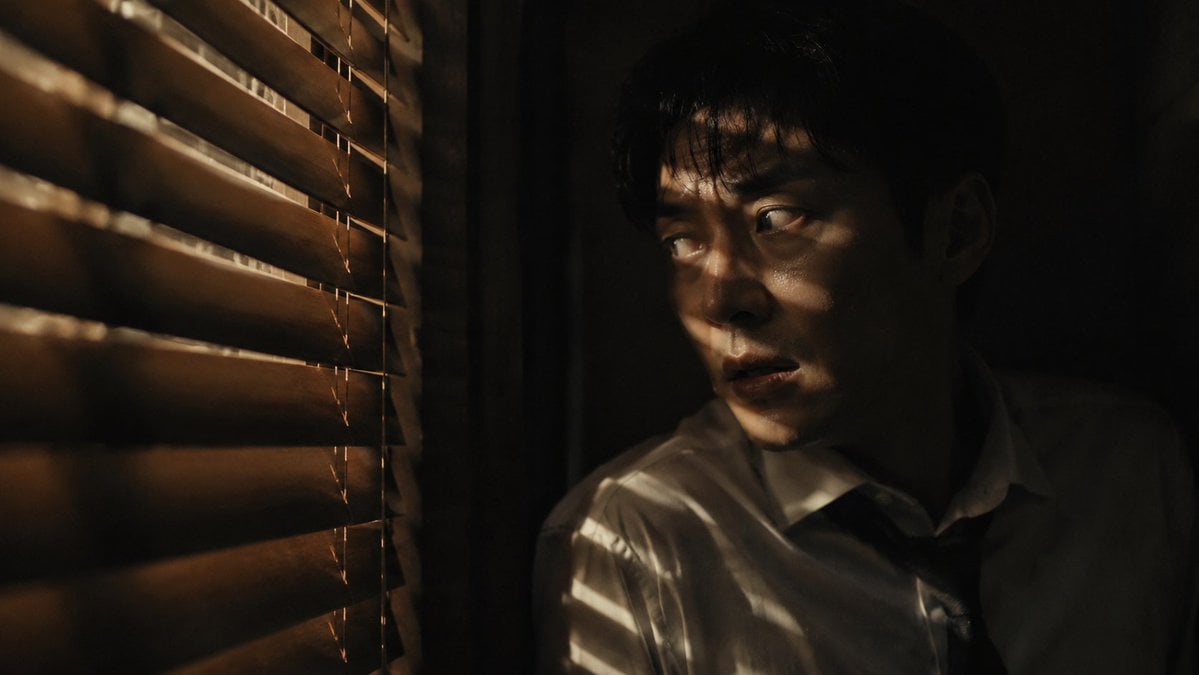
Dark Thriller Cinematic Still
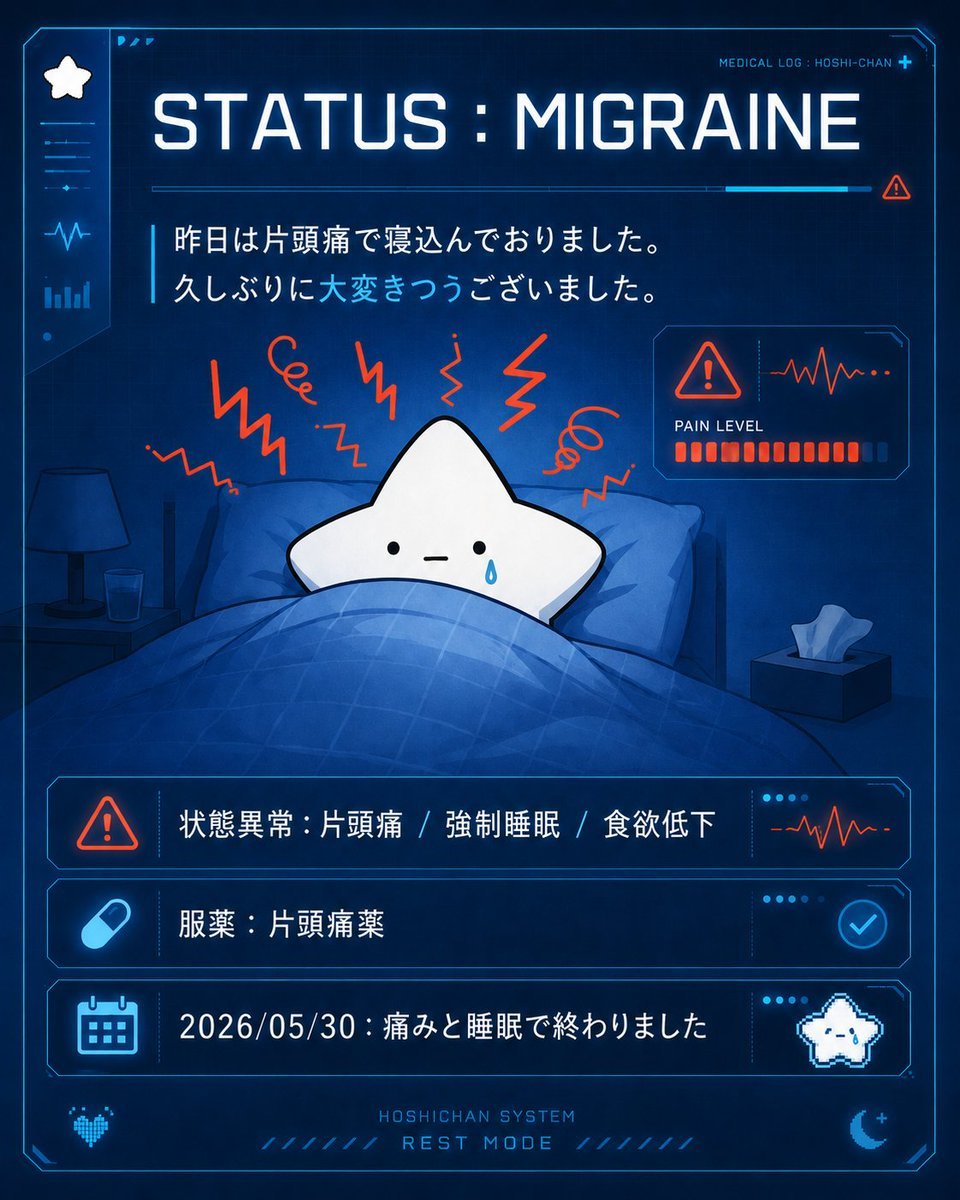
Cute Star Migraine HUD

Miniature Realism Prompt for Restoration Scene
Browse template categories
Realistic iPhone Selfie Portrait with Glass Skin questions
How do I use the Realistic iPhone Selfie Portrait with Glass Skin template?
Add your photo if the template asks for one, edit the prompt if you like — the template's model and format are already selected — and press Generate. Your version opens in PicX Studio.
Can I customize the Realistic iPhone Selfie Portrait with Glass Skin template?
Yes. You can change the subject, setting, lighting, mood, format, and available model controls before creating your image.
Is the Realistic iPhone Selfie Portrait with Glass Skin template free?
Opening and editing this template is free. Generating uses credits, shown on the Generate button when you are signed in.
Which AI model should I use?
Start with Gemini 3 Pro Image Preview, which is the model associated with this template. You can compare another compatible model for a different finish.
Looking for something else? Browse all templates.

Your photo, any look
Thousands of ready templates for every top image and video model, from one credit balance.