
Editorial Hybrid Portrait Illustration
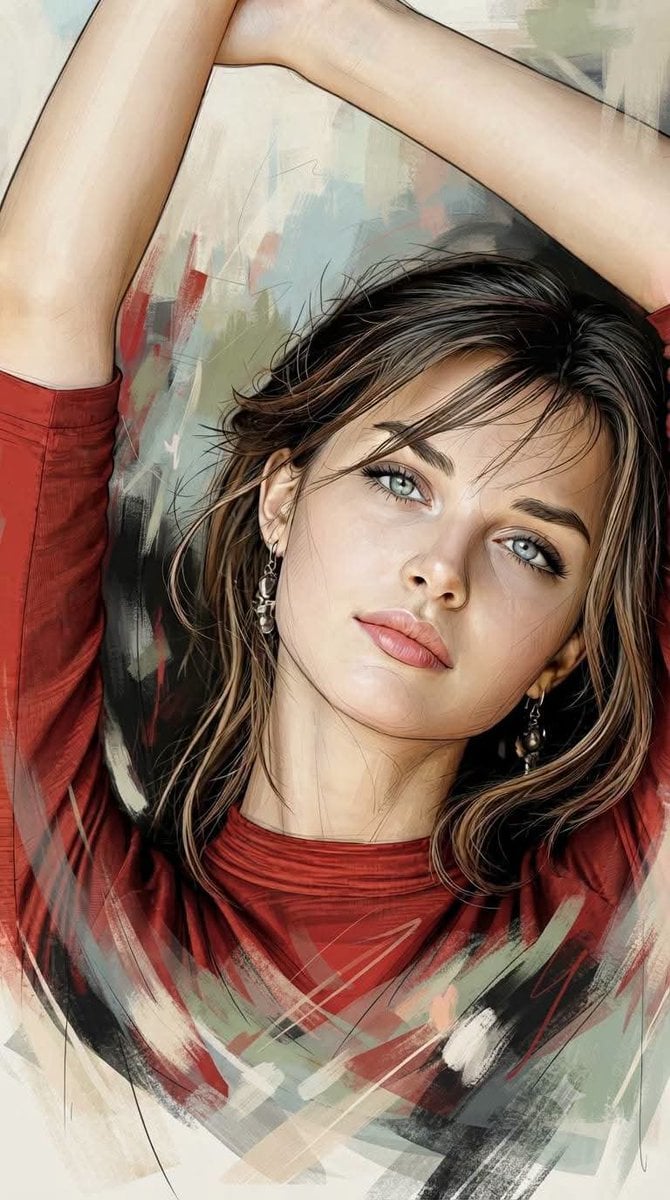
An artistic prompt blending oil painting and graphic novel styles for a hybrid portrait illustration with abstract painterly elements.
- Prompt included
- Model and format preset
- Premium template
The prompt behind this image
Copy the exact prompt behind Editorial Hybrid Portrait Illustration, or open it in the studio and make it yours.
Ultra-detailed editorial hybrid portrait illustration blending expressive oil painting, premium European graphic novel artistry, vintage editorial portraiture, hyper-realistic cinematic realism, and refined abstract mixed-media painting. The {argument name="subject" default="human figure (100% faithfully matching the attached subject)"} is rendered with luminous semi-realistic brushwork, controlled painterly realism, and elegant abstract deconstruction. The upper body features realistic painting with smooth tonal transitions, soft atmospheric highlights, and refined painterly modeling, seamlessly layered with ultra-fine clean monoline sketches, precise contour drawings, delicate ink structure, subtle cross-hatching, engraved pen textures, and refined tonal shading. The underlying linear construction remains clearly visible across the upper form before gradually dissolving into the lower body. The lower portion transitions organically into expressive overlapping abstract brushstrokes, transparent gestural paint layers, feathered dry-brush textures, soft impasto accents, stacked mixed-media pigments, and atmospheric painterly movement. Controlled deconstruction replaces rigid structure with fluid artistic energy while avoiding fractured textures, harsh geometric grids, or chaotic distortion. The composition balances meticulous realism with poetic abstraction, creating a sophisticated editorial fine-art aesthetic. Rich tactile surfaces combine layered oil pigments, organic brush textures, canvas grain, fine film grain, aged-paper undertones, matte painterly finishes, and naturally blended color transitions. Delicate painterly imperfections preserve the handcrafted character while maintaining gallery-quality refinement. Realistic skin textures, expressive eyes, naturally flowing hair, nuanced material rendering, and luminous facial modeling receive the highest level of detail, while surrounding elements remain increasingly loose and expressive. The background merges expressive editorial brushstrokes with classical European oil painting aesthetics, featuring layered atmospheric depth, painterly abstraction, and refined negative space. Bold energy accents of solid crimson red, deep black, charcoal gray, and muted ivory interact harmoniously with timeless cinematic colors including pale blue, faded olive green, warm beige, ivory, soft peach skin tones, muted reds, cool grays, gentle sepia undertones, and subtly desaturated earth pigments. Colors appear richly hand-painted with slightly aged editorial elegance while preserving contemporary sophistication. Lighting is soft, cinematic, and atmospheric, featuring warm ambient illumination, delicate facial shadows, subtle reflected light, luminous skin rendering, and carefully balanced highlights. Smooth tonal gradients produce elegant depth and dimensionality without excessive contrast, reinforcing a calm yet emotionally powerful visual rhythm.
How to use Editorial Hybrid Portrait Illustration in 3 steps
- 1Upload ImagePNG, JPG or paste
Add your photo
Upload the photo the template builds on. The prompt, model and format are already set.
- 2…a portrait of your subject in softgolden-hour light, 85mm…
Personalize
Edit the subject and creative details for your destination.
- 3Generate
Generate
Press Generate — your image is created in PicX Studio, so you can compare it with the original and refine one variable at a time.
More like this
Templates with the same subject, style or setup. Open one to see its prompt.
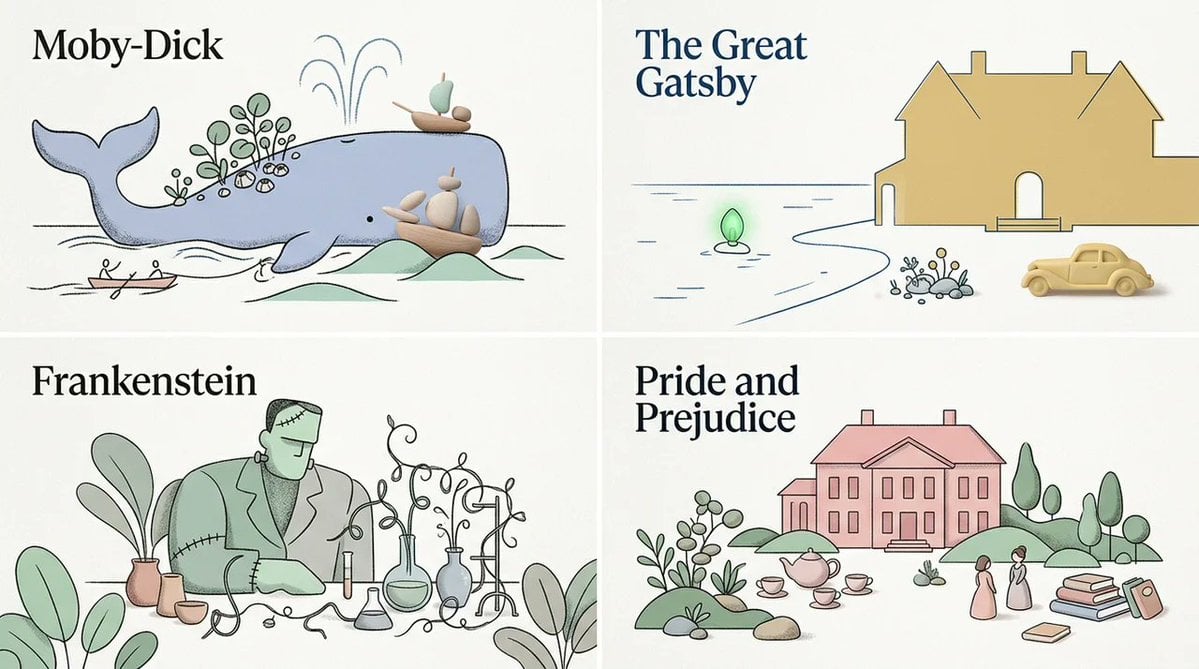
Stylized Editorial Hybrid Composition
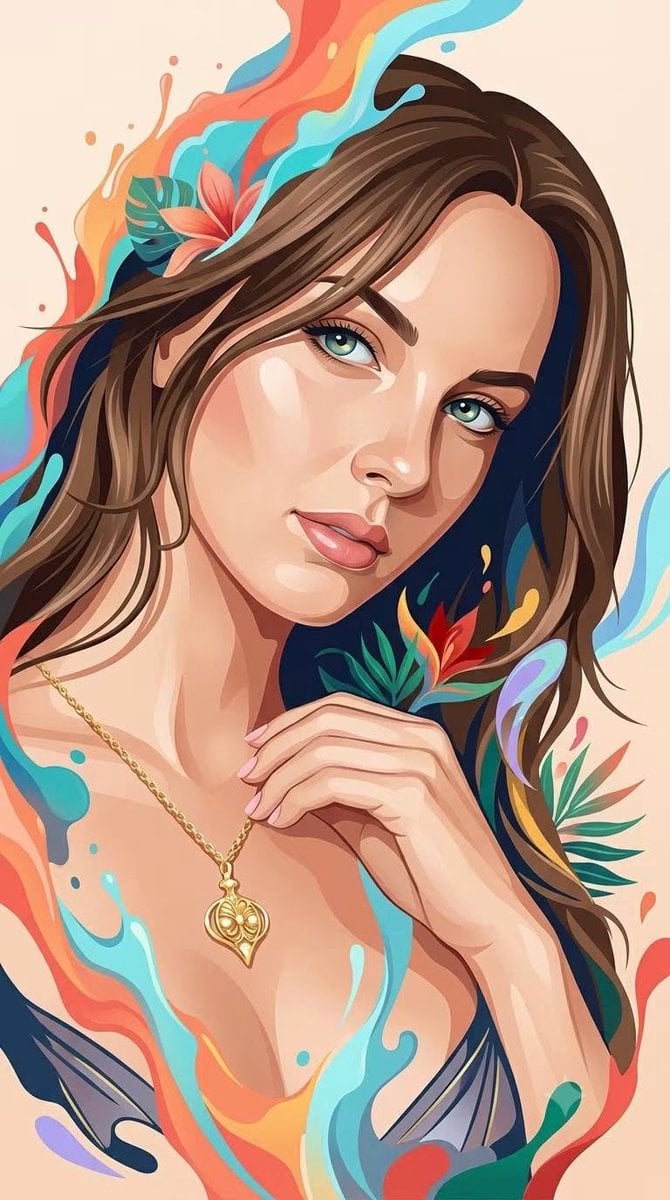
Hybrid 3D Vector Illustration Style
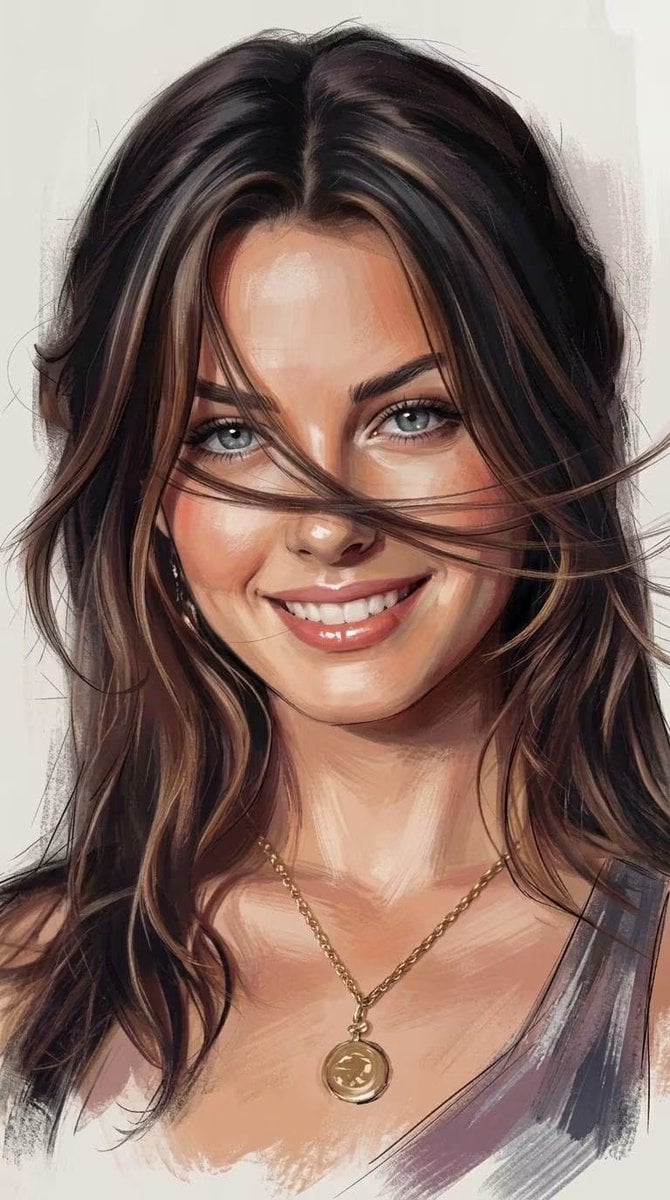
Expressive Painterly Realistic Hybrid Portrait

untitled

Caution Tape Fashion — Industrial Editorial
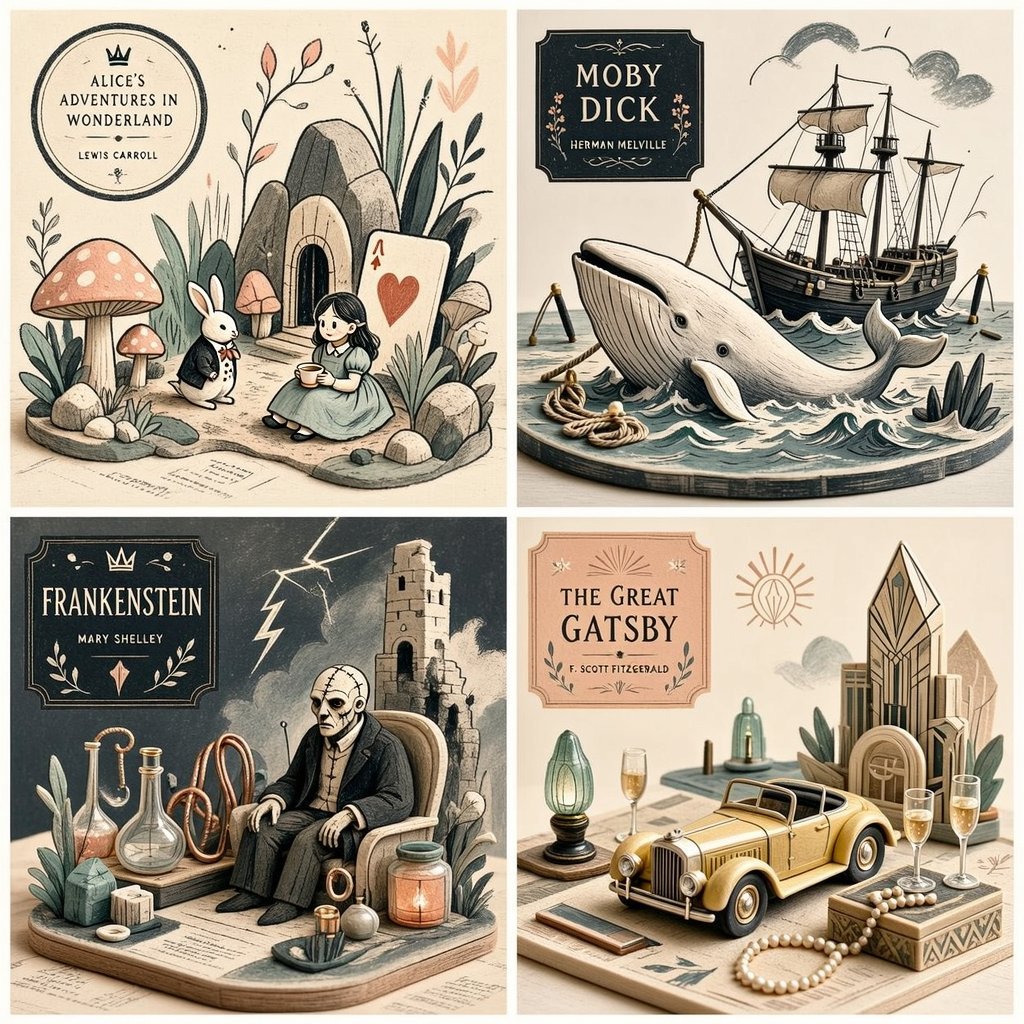
Editorial Miniature Hybrid Illustration Style

Kids Crayon Travel Journal Illustration

Nano Banana Pro Photoreal Playful Couple

Couture Fashion Editorial Woman and Drag

Nano Banana 2 Editorial Fashion Portrait

Found Photograph: Us, 1970

80s Couple Studio Portrait
Make it yours
Editorial Hybrid Portrait Illustration works as-is. These are the safest ways to change it without losing the look.
Change one field
Copy a single group, rewrite it, and generate again so you can see what that field is doing.
Keep the frame, change the subject
Hold the composition and light of Editorial Hybrid Portrait Illustration, then swap wardrobe, props or the person for a new take.
| If the result… | Why | Fix |
|---|---|---|
| The result drifts from the preview | Too many fields changed at once. | Reuse Editorial Hybrid Portrait Illustration as-is first, then change one group — subject, light, or setting. |
| The model over-stylizes the scene | The prose prompt leaves finish and camera underspecified. | Add one camera or lighting sentence and stay on Gemini 3 Pro Image Preview. |
More Gemini 3 Pro Image Preview templates
Other prompts made for Gemini 3 Pro Image Preview.

Underwater Macro Face Portrait

Water-level Bridge Modification

Noir Punk Street Portrait

High Contrast Cinematic Face Portrait

Monochrome Studio Portrait with Colored Lens

Ultra-Realistic Yacht Sunset Portrait

Mushroom Still Life Composition

Whimsical Anthropomorphic Friendly Insect

Cinematic Urban Night Billboard Portrait

Pop Art Summer Fruit Fashion Illustration
More image prompts
Fresh picks from across the catalog.
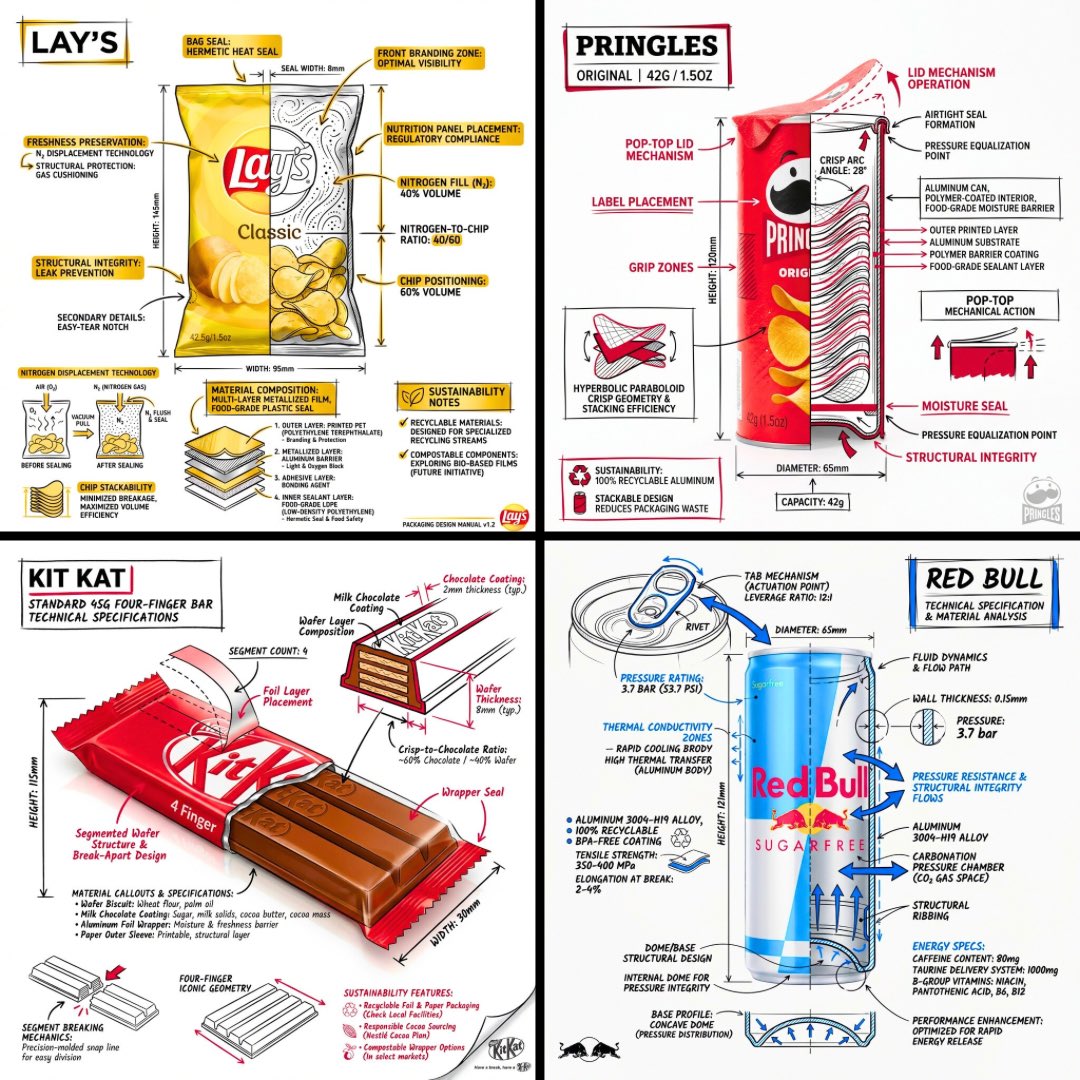
Technical Engineering Product Infographic
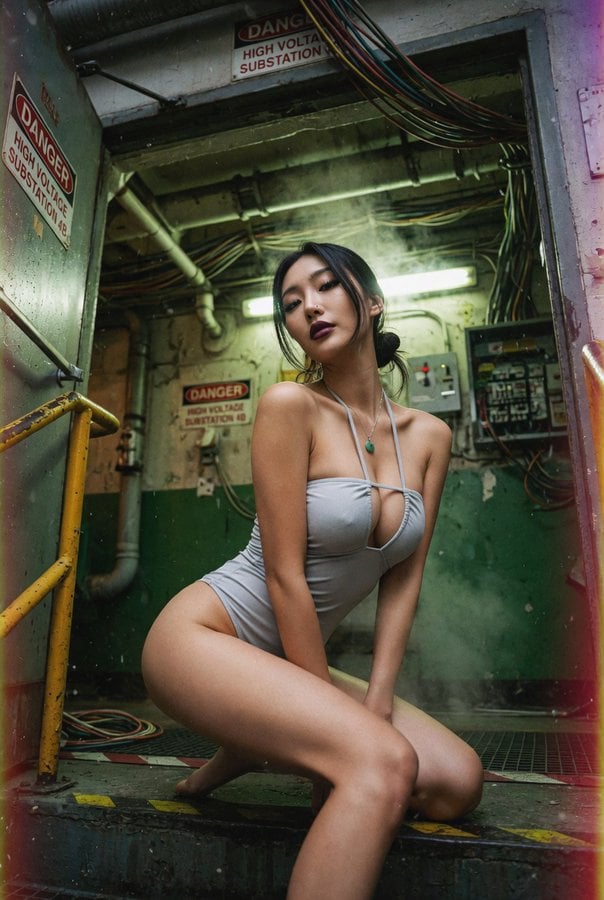
East Asian Woman Underground Film Aesthetic
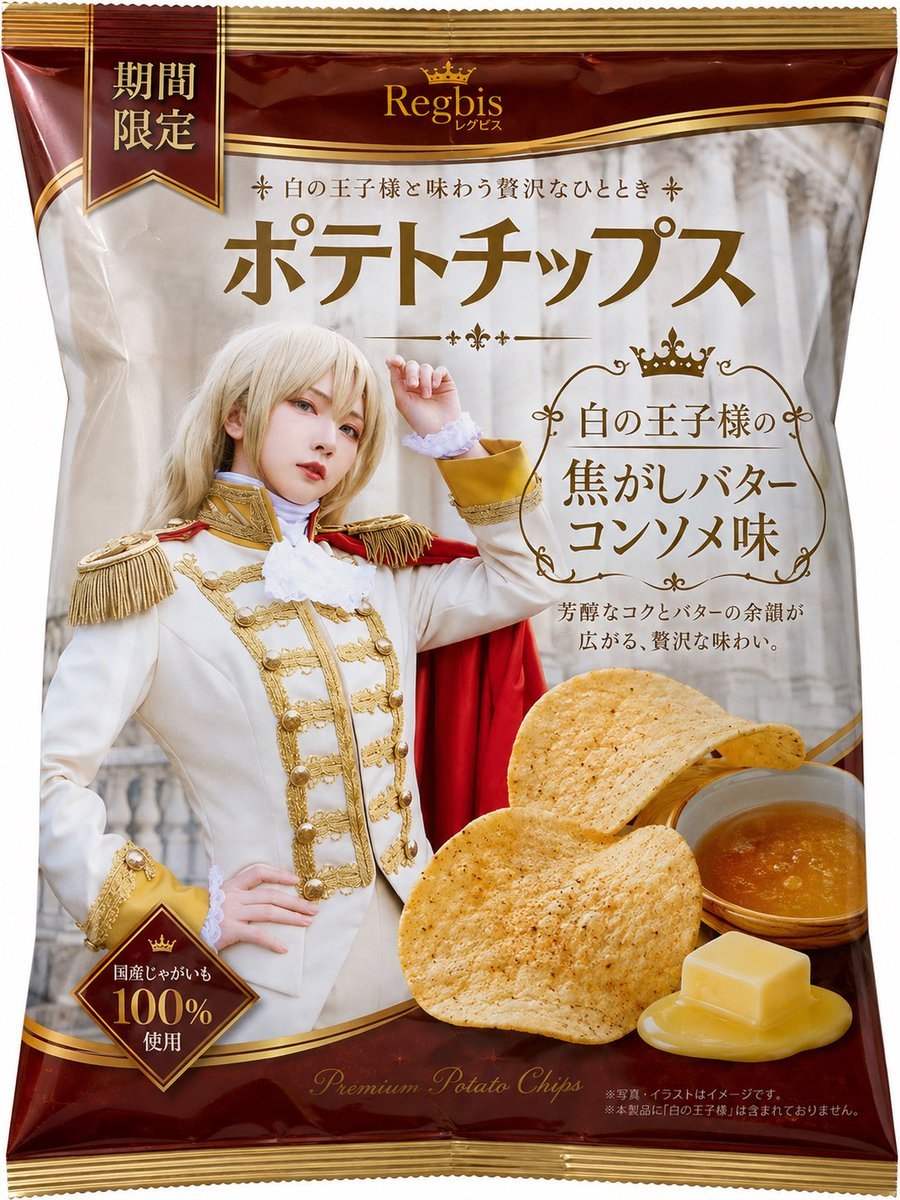
Royal Prince Potato Chips Package
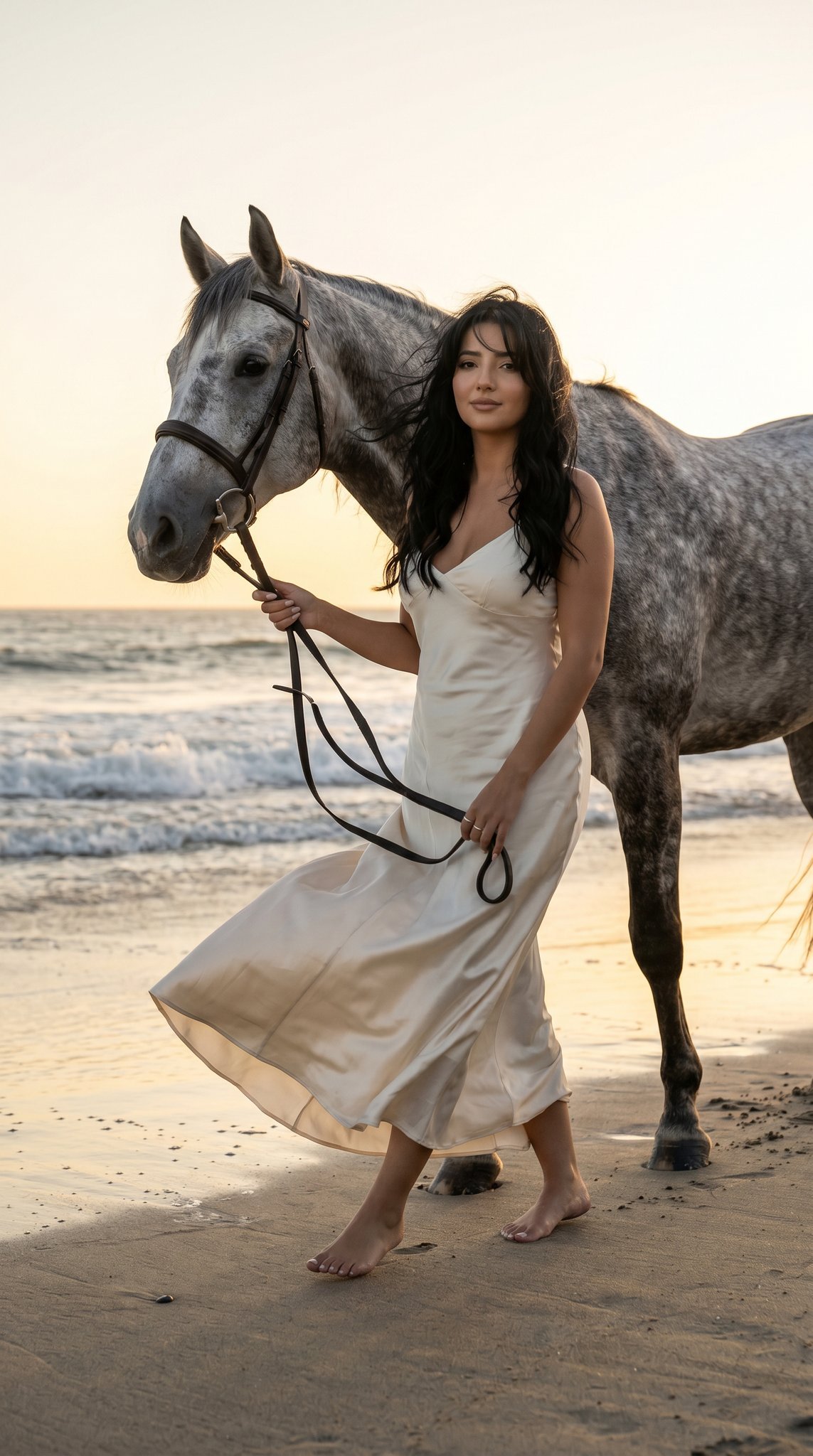
16 Malibu Beach Horse — California Series
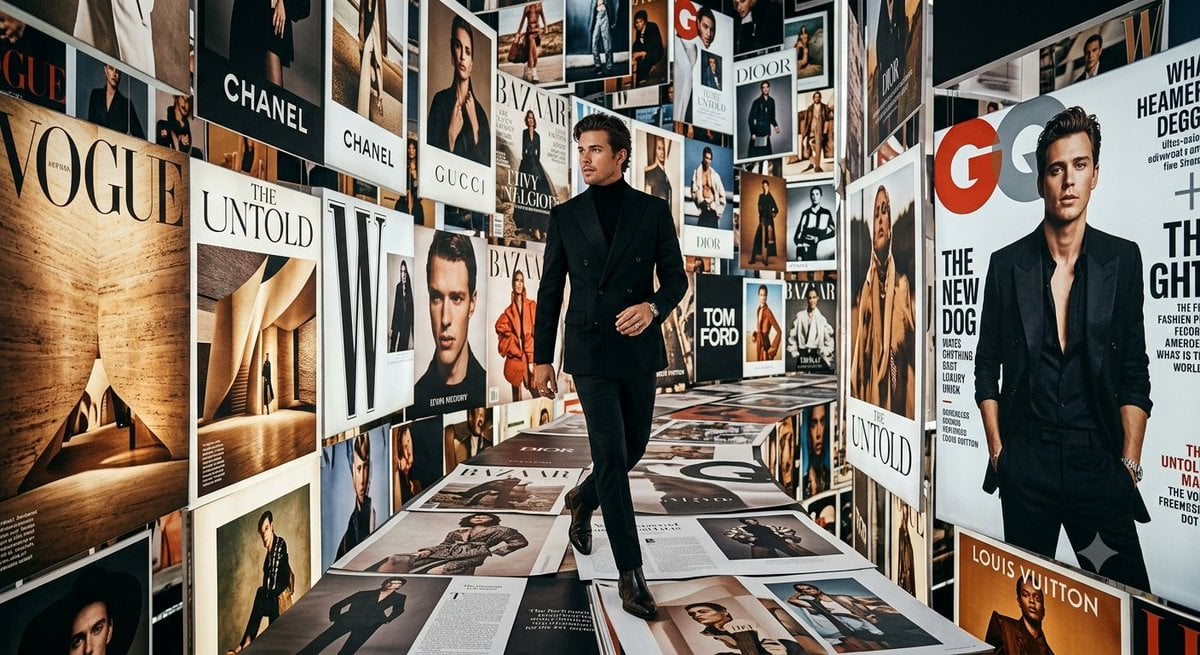
Luxury Fashion Magazine Corridor
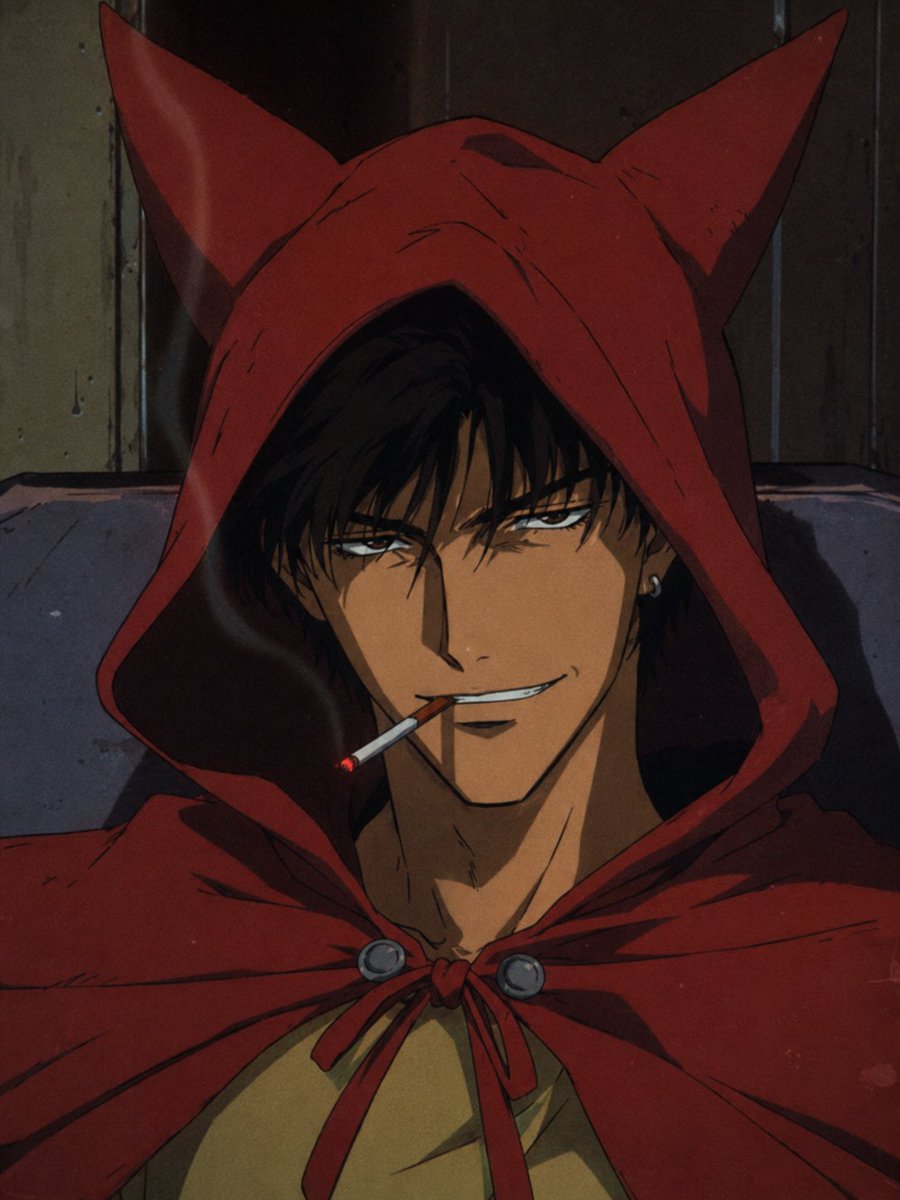
Prompt: Transform the reference photo into an auth
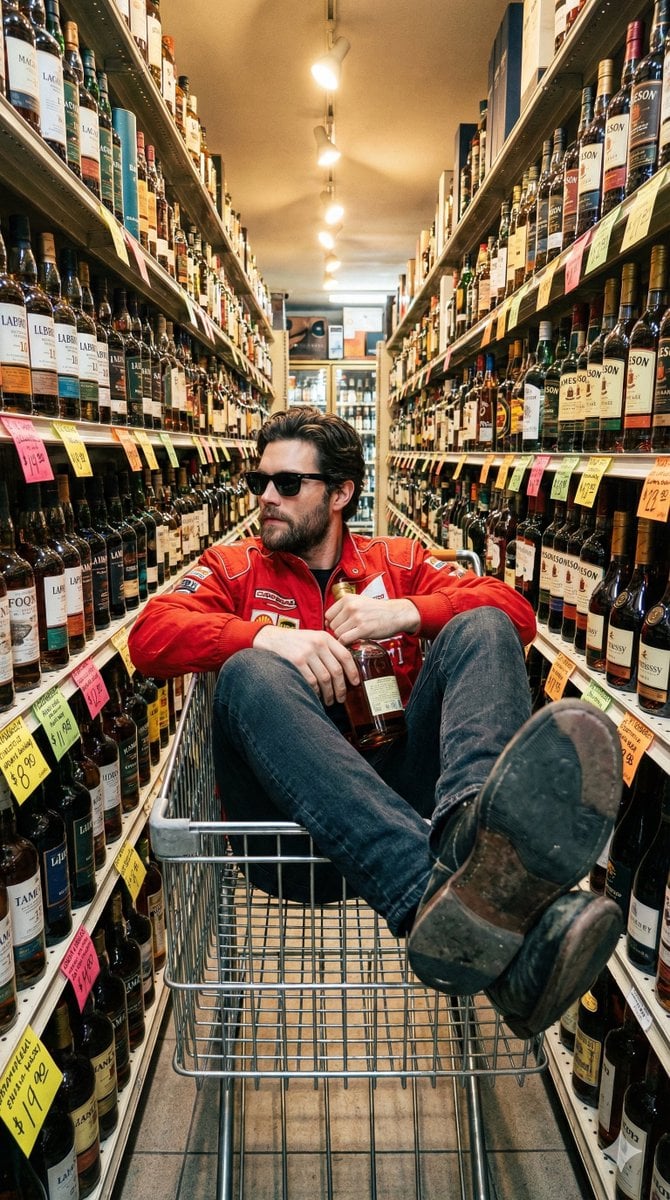
Unfiltered Smartphone Photo of Man in Shopping Cart in Liquor Store
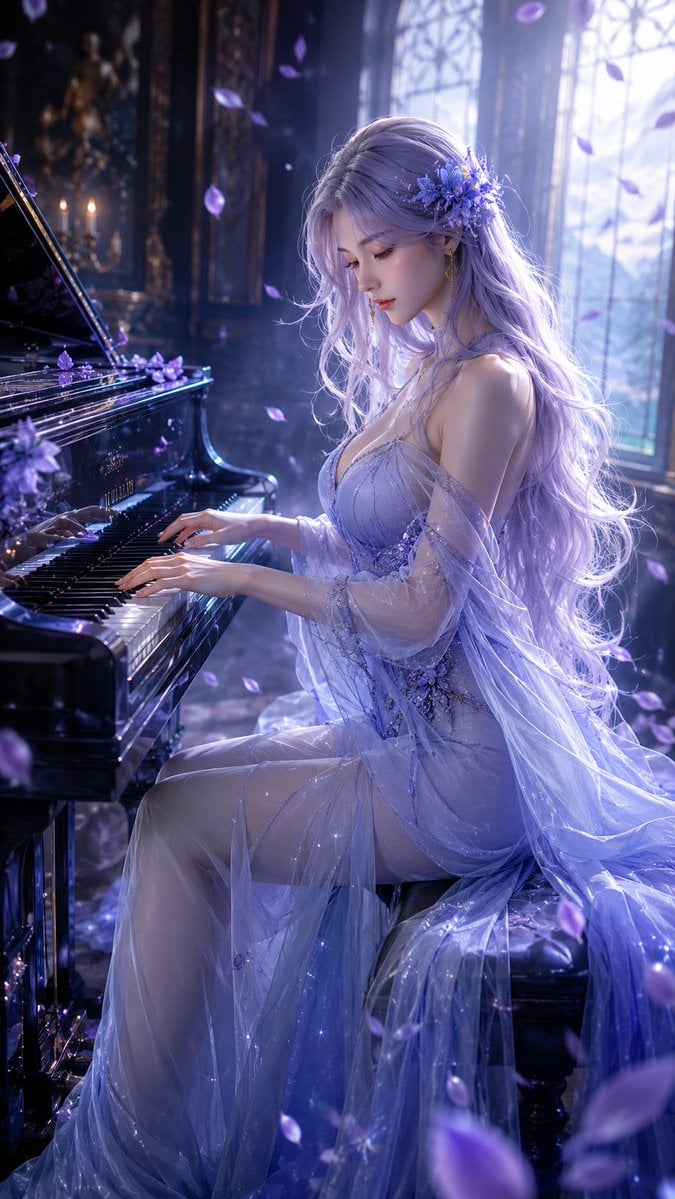
Oriental Fantasy Female Pianist 3D CG
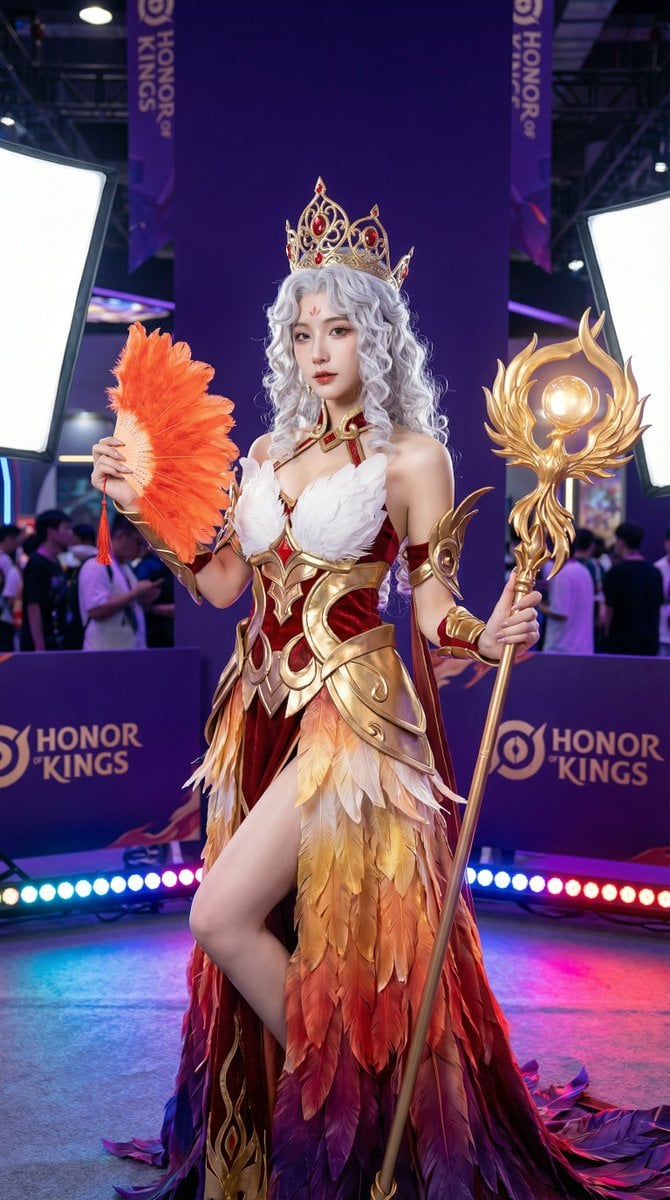
Detailed Photorealistic Cosplay Portrait Prompt: Phoenix Theme
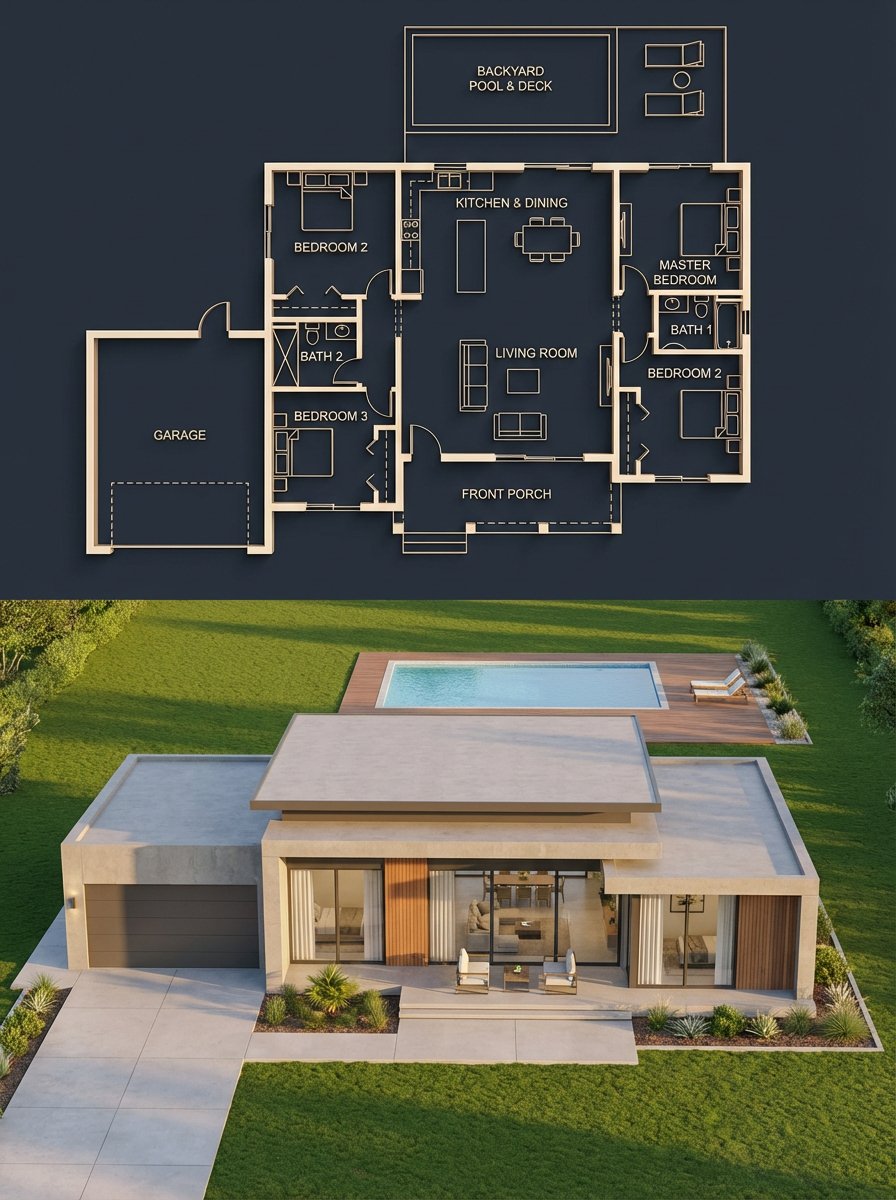
Architectural Blueprint to Render Split
Browse template categories
Editorial Hybrid Portrait Illustration questions
How do I use the Editorial Hybrid Portrait Illustration template?
Add your photo if the template asks for one, edit the prompt if you like — the template's model and format are already selected — and press Generate. Your version opens in PicX Studio.
Can I customize the Editorial Hybrid Portrait Illustration template?
Yes. You can change the subject, setting, lighting, mood, format, and available model controls before creating your image.
Is the Editorial Hybrid Portrait Illustration template free?
Opening and editing this template is free. Generating uses credits, shown on the Generate button when you are signed in.
Which AI model should I use?
Start with Gemini 3 Pro Image Preview, which is the model associated with this template. You can compare another compatible model for a different finish.
Looking for something else? Browse all templates.

Your photo, any look
Thousands of ready templates for every top image and video model, from one credit balance.