
Hybrid 3D Vector Illustration Style
A unique stylistic prompt blending glossy 3D rendering with flat vector simplicity for artistic portraits, featuring vibrant colors and fluid organic elements.
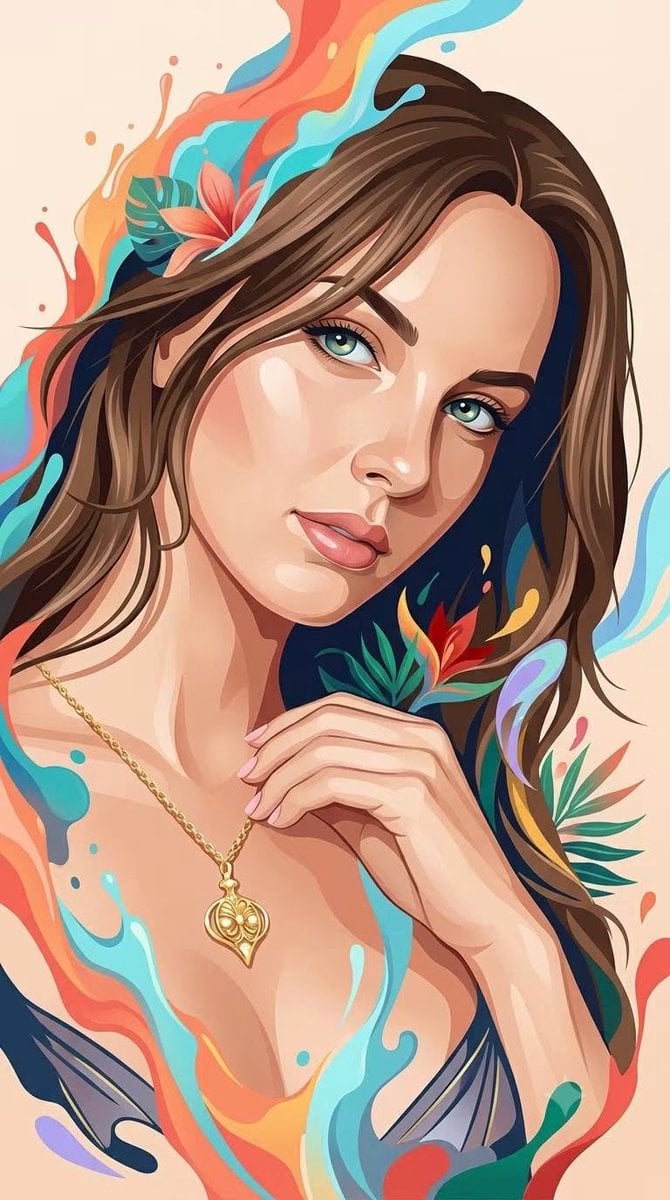
- Prompt included
- Model and format preset
- Premium template
The prompt behind this image
Copy the exact prompt behind Hybrid 3D Vector Illustration Style, or open it in the studio and make it yours.
A sophisticated {argument name="subject" default="hybrid human portrait style"} that seamlessly combines the whimsical, glossy dimensional rendering of a premium 3D fantasy illustration with the clean, elegant simplicity of contemporary flat vector portraiture. Depict the human subject with recognizable anatomy, natural facial proportions, authentic expression, and clearly identifiable features, while transforming the overall appearance into a refined stylized illustration. The face should combine smooth dimensional modeling with simplified graphic planes: softly sculpted skin, subtle volumetric shading, delicate highlights, clean angular shapes, and carefully controlled flat-color regions. Use the visual language of premium digital character illustration: luminous expressive eyes, softly rendered skin, smooth flowing hair with layered strands, polished highlights, gentle depth, tactile surfaces, and subtle painterly transitions. At the same time, simplify the rendering with elegant vector-like shapes, clean silhouettes, controlled linework, minimal visual noise, and clearly defined color planes inspired by modern editorial portrait illustration. Integrate {argument name="artistic elements" default="flowing artistic elements around the human figure, such as fluid paint splashes, soft liquid ribbons, abstract organic shapes"}. These elements should feel energetic and three-dimensional, organically emerging from the portrait rather than appearing as a separate background decoration. Hair should combine clean graphic masses with silky dimensional strands and sweeping flowing shapes. Facial features should remain refined and human, enhanced with subtle geometric simplification rather than exaggerated cartoon distortion. Clothing should use bold simplified silhouettes with restrained geometric detailing, maintaining an elegant contemporary fashion-illustration appearance. Color treatment should merge the warm, restrained palette of modern vector portraiture with the {argument name="color scheme" default="vibrant tropical energy of whimsical fantasy illustration"}: warm coral, orange, cream, peach, turquoise, cyan, sky blue, deep navy, emerald, red, golden yellow, and subtle lavender accents. Use mostly clean saturated color fields, enhanced selectively with soft gradients, glossy highlights, translucent edges, and gentle volumetric illumination. Background should remain clean and uncluttered, preferably a simple warm solid or softly textured backdrop, allowing the human subject and surrounding artistic splashes to remain the primary focus. The final aesthetic should feel like an original fusion of elegant editorial vector portrait, contemporary digital painting, whimsical 3D character illustration, premium fashion artwork, and colorful fluid fantasy art — clean yet richly dimensional, sophisticated yet playful, expressive, polished, tactile, modern, artistic, and visually distinctive.
How to use Hybrid 3D Vector Illustration Style in 3 steps
- 1
Open
The prompt is already in the box next to the preview, with the template's model and format selected.
- 2…a portrait of your subject in softgolden-hour light, 85mm…
Personalize
Edit the subject and creative details for your destination.
- 3Generate
Generate
Press Generate — your image is created in PicX Studio, so you can compare it with the original and refine one variable at a time.
More like this
Templates with the same subject, style or setup. Open one to see its prompt.
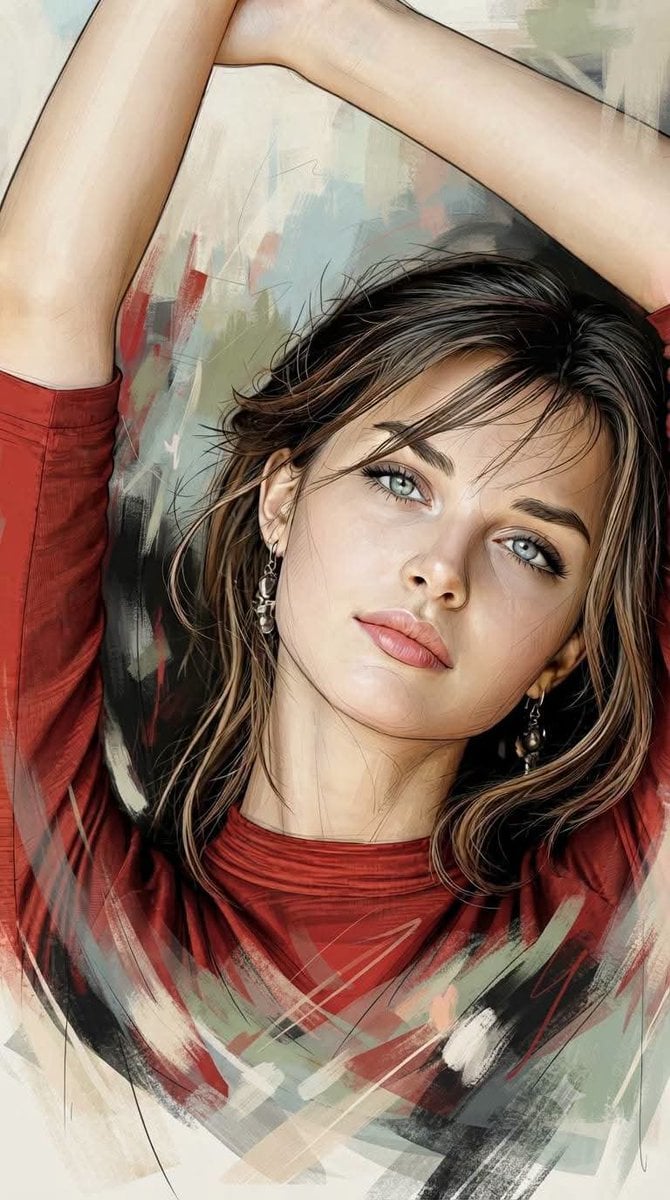
Editorial Hybrid Portrait Illustration

Pop Art Summer Fruit Fashion Illustration
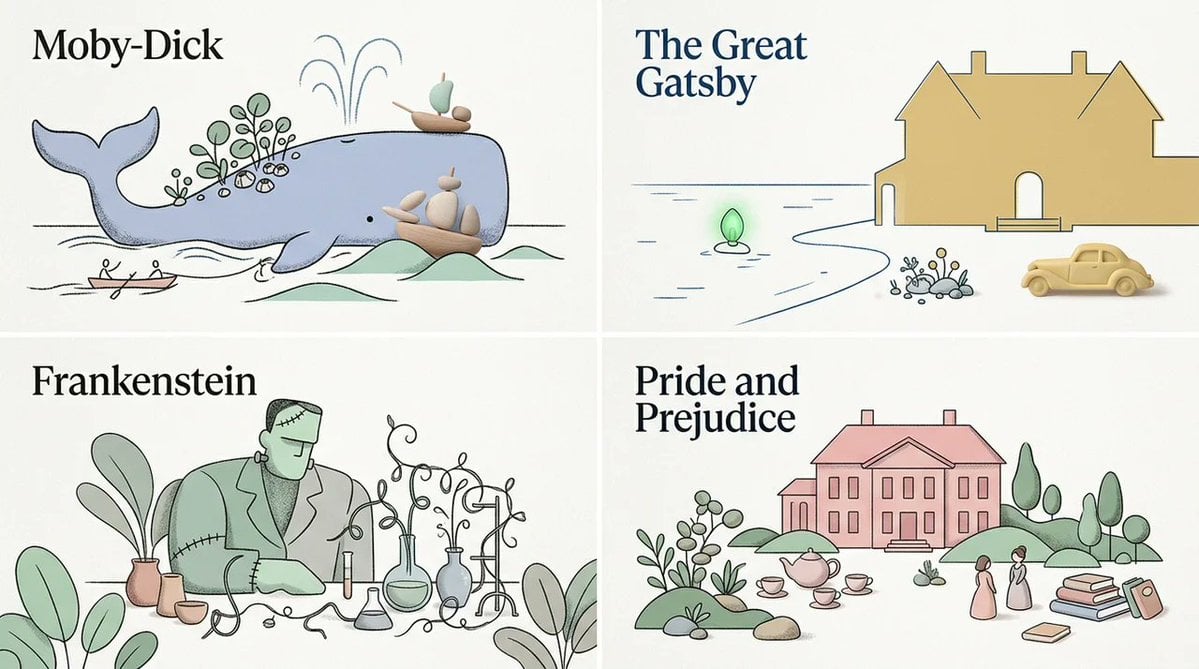
Stylized Editorial Hybrid Composition
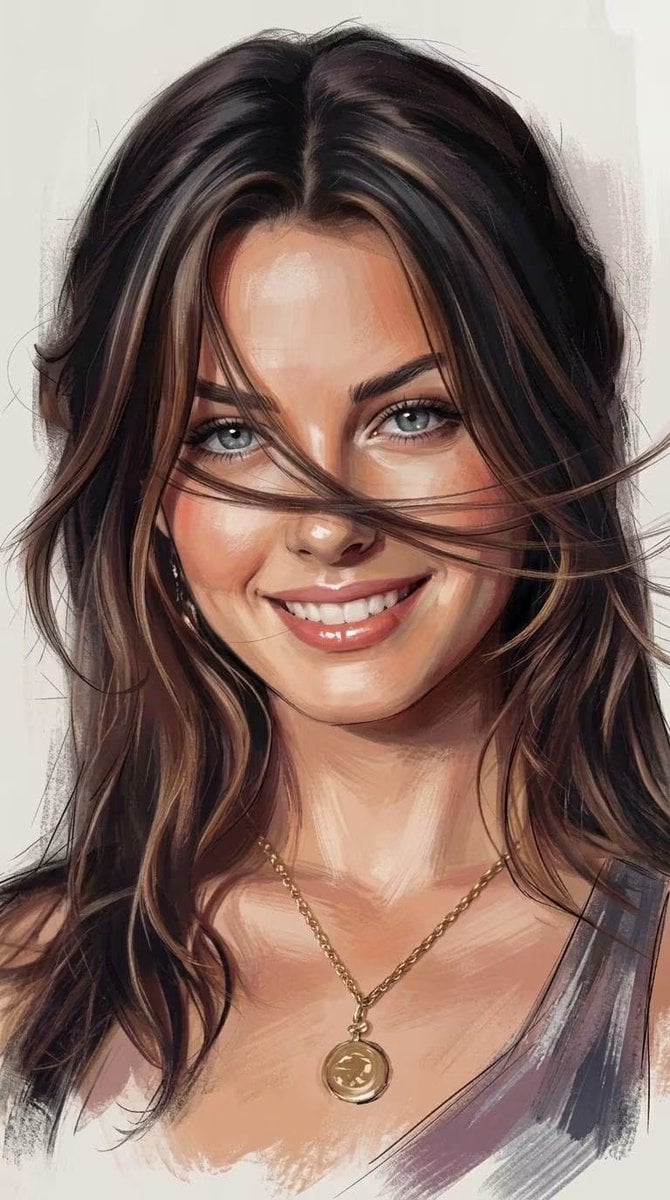
Expressive Painterly Realistic Hybrid Portrait

City Posters by Nano Banana Pro
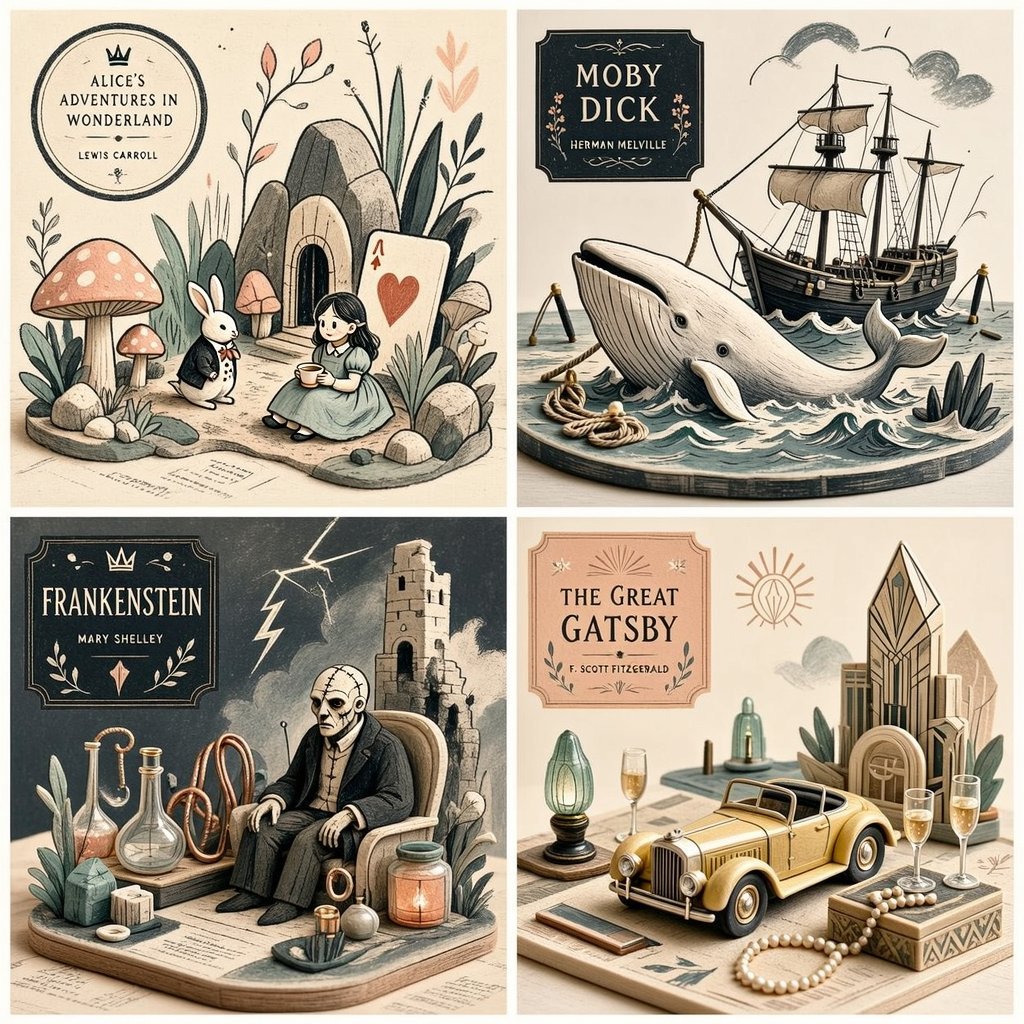
Editorial Miniature Hybrid Illustration Style

Creative Character in Pink Office

Avant-Garde Asian Fashion Model

Underwater Macro Face Portrait

Water-level Bridge Modification

Noir Punk Street Portrait

High Contrast Cinematic Face Portrait
Make it yours
Hybrid 3D Vector Illustration Style works as-is. These are the safest ways to change it without losing the look.
Change one field
Copy a single group, rewrite it, and generate again so you can see what that field is doing.
Keep the frame, change the subject
Hold the composition and light of Hybrid 3D Vector Illustration Style, then swap wardrobe, props or the person for a new take.
| If the result… | Why | Fix |
|---|---|---|
| The result drifts from the preview | Too many fields changed at once. | Reuse Hybrid 3D Vector Illustration Style as-is first, then change one group — subject, light, or setting. |
| The model over-stylizes the scene | The prose prompt leaves finish and camera underspecified. | Add one camera or lighting sentence and stay on Gemini 3 Pro Image Preview. |
More Gemini 3 Pro Image Preview templates
Other prompts made for Gemini 3 Pro Image Preview.

Cinematic Urban Night Billboard Portrait

Ultra-Realistic iPhone Selfie with Motion Blur

Cinematic Mirror Reflection Portrait

Elegant Men's Twilight Editorial

Coastal Freedom Sunset Portrait

Ergonomic Office Chair E-commerce Mobile Detail Page

Macro Guitar Fret Dressing

Cinematic Black and White Studio Portrait

1980s Retro Salon Portrait

Felt Frog Diorama Beach
More image prompts
Fresh picks from across the catalog.

Cinematic Jeep Driver Portrait Prompt with Face Match
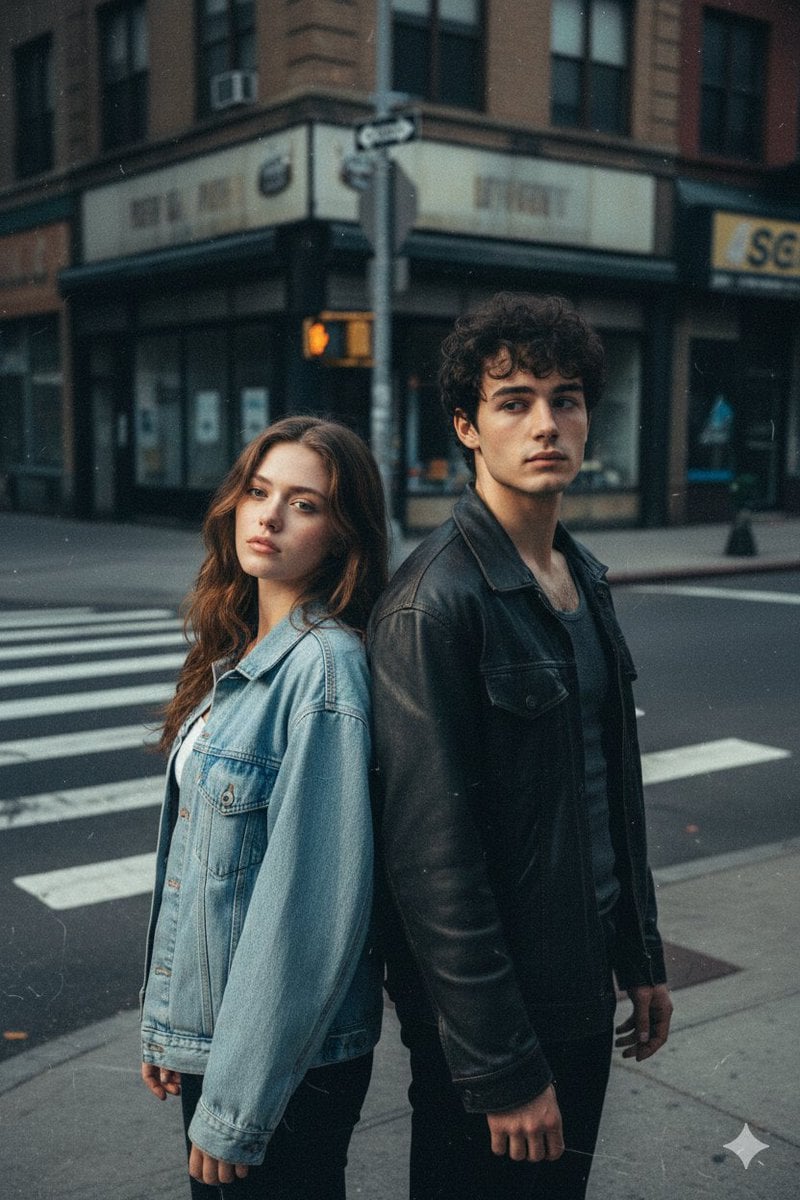
Early 2000s Flash Photo Identity Blend Prompt
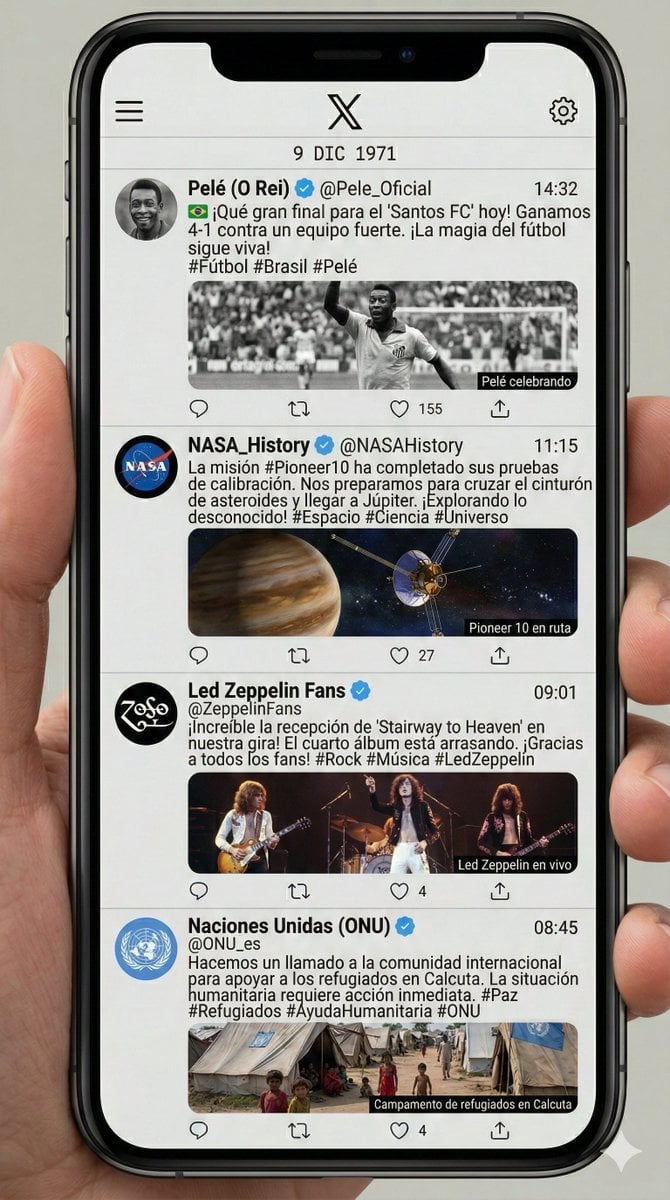
Historical Social Media Feed Generation
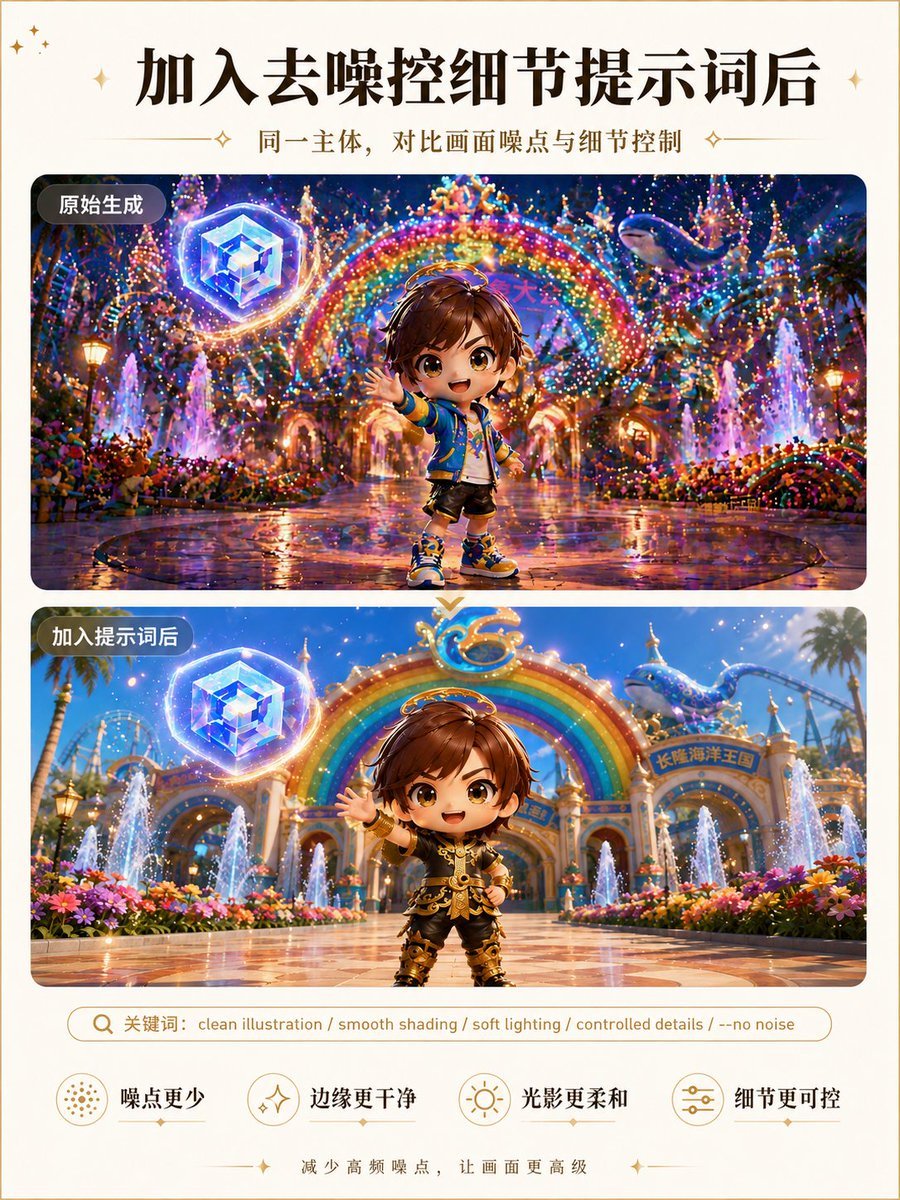
Clean Illustration Smoothing Filter
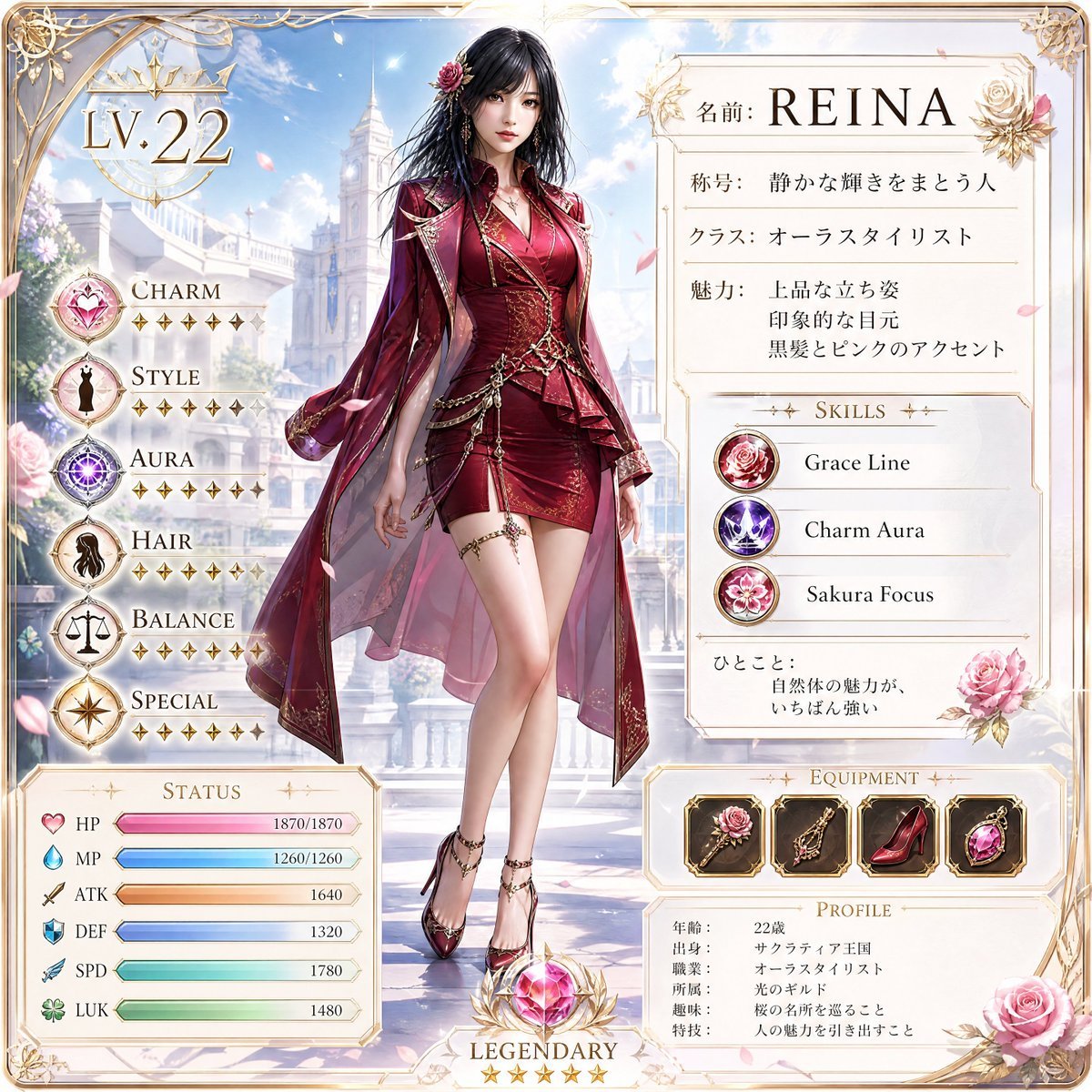
Premium RPG Character Card UI
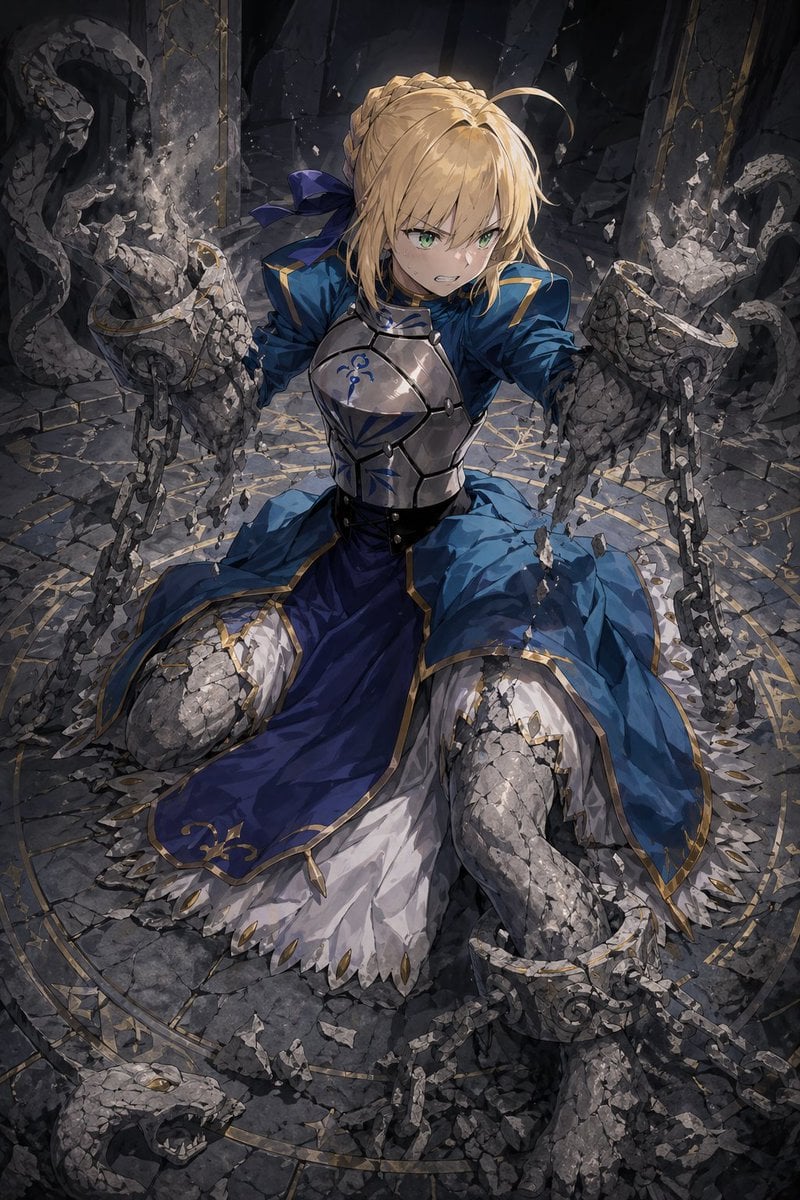
Partial Petrification Knight Card Art
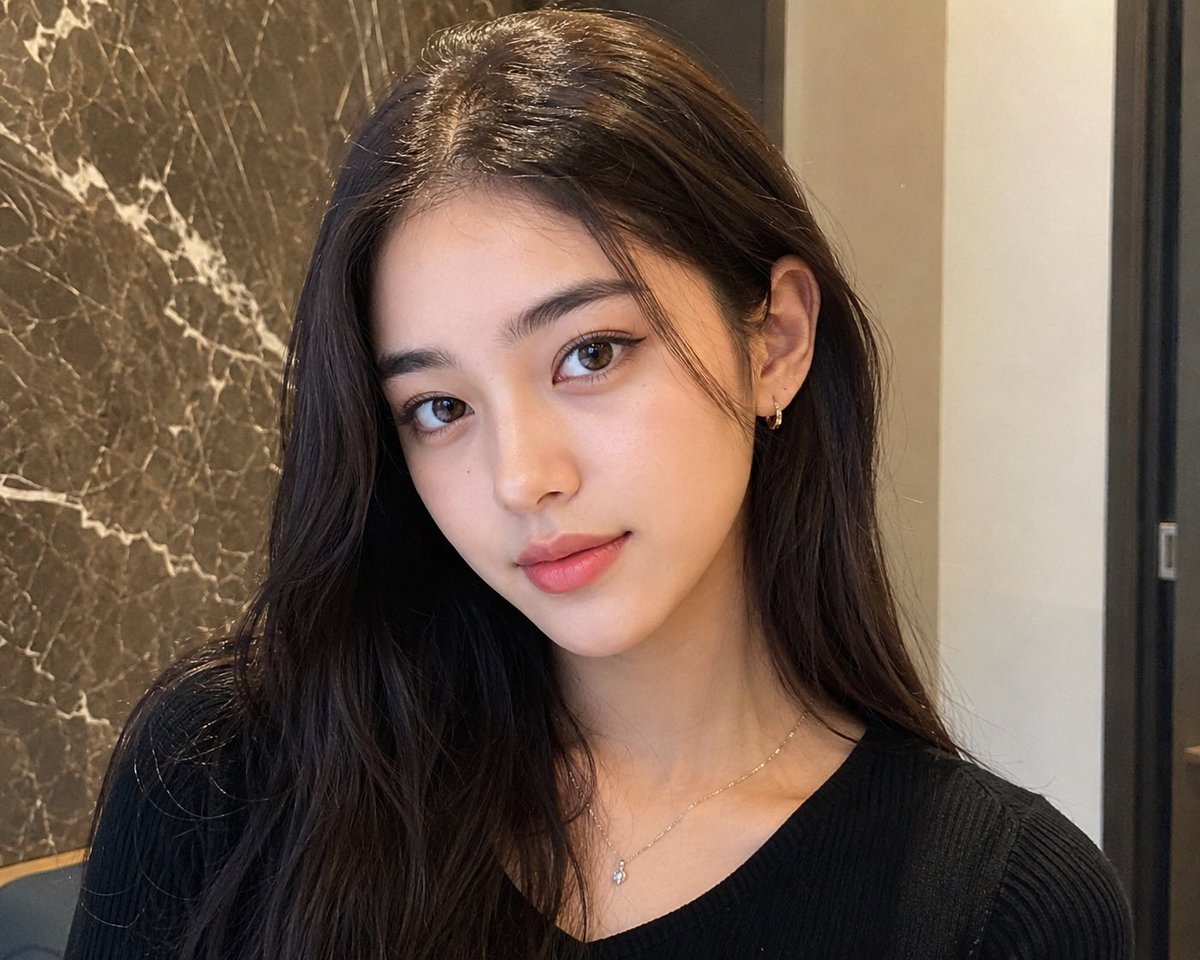
Censored Mixed-Beauty Portrait
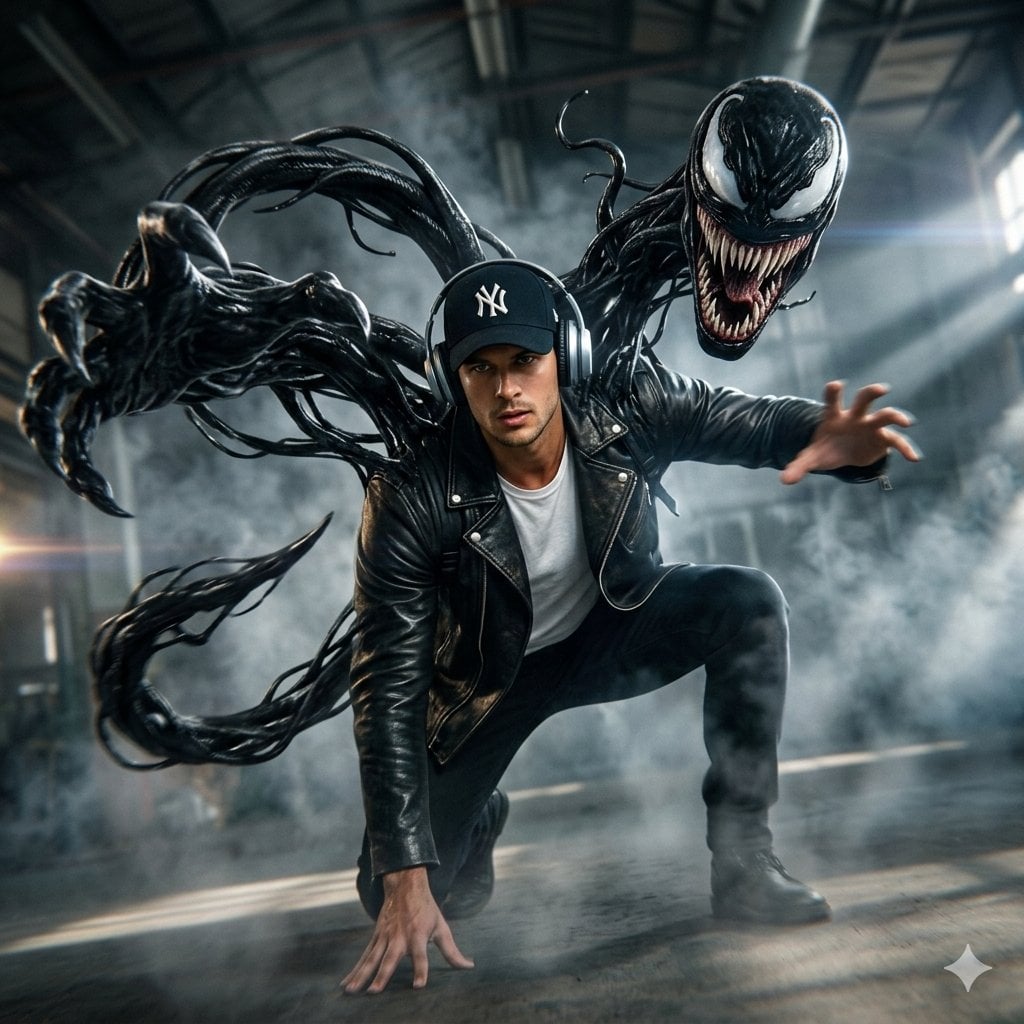
Cinematic Venom Symbiote Action Scene
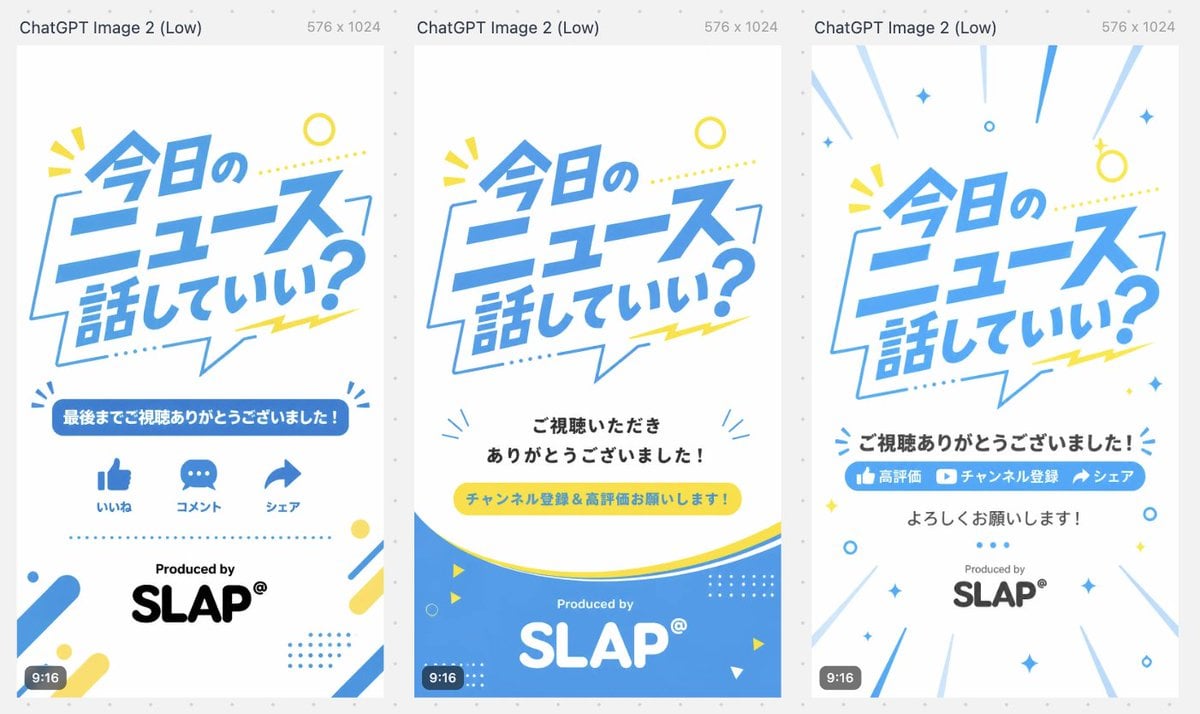
Japanese Short Video Outro Variants
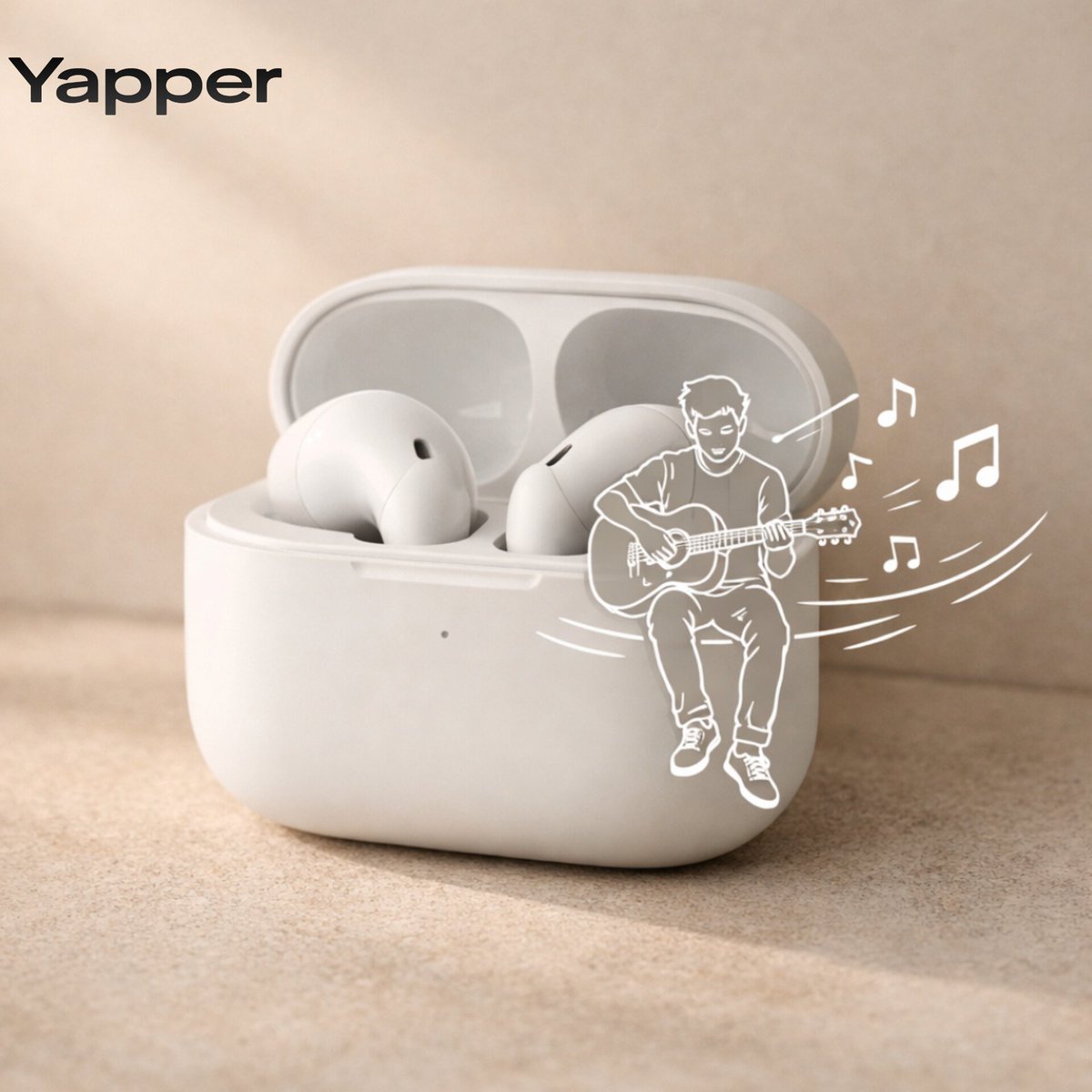
Minimalist Earbuds Product Photography with Line Art
Browse template categories
Hybrid 3D Vector Illustration Style questions
How do I use the Hybrid 3D Vector Illustration Style template?
Add your photo if the template asks for one, edit the prompt if you like — the template's model and format are already selected — and press Generate. Your version opens in PicX Studio.
Can I customize the Hybrid 3D Vector Illustration Style template?
Yes. You can change the subject, setting, lighting, mood, format, and available model controls before creating your image.
Is the Hybrid 3D Vector Illustration Style template free?
Opening and editing this template is free. Generating uses credits, shown on the Generate button when you are signed in.
Which AI model should I use?
Start with Gemini 3 Pro Image Preview, which is the model associated with this template. You can compare another compatible model for a different finish.
Looking for something else? Browse all templates.

Your photo, any look
Thousands of ready templates for every top image and video model, from one credit balance.