
Futuristic Retro Fashion Editorial
A detailed prompt for generating experimental pop-fashion photographs that combine futuristic and retro aesthetics with hand-drawn graphic elements.
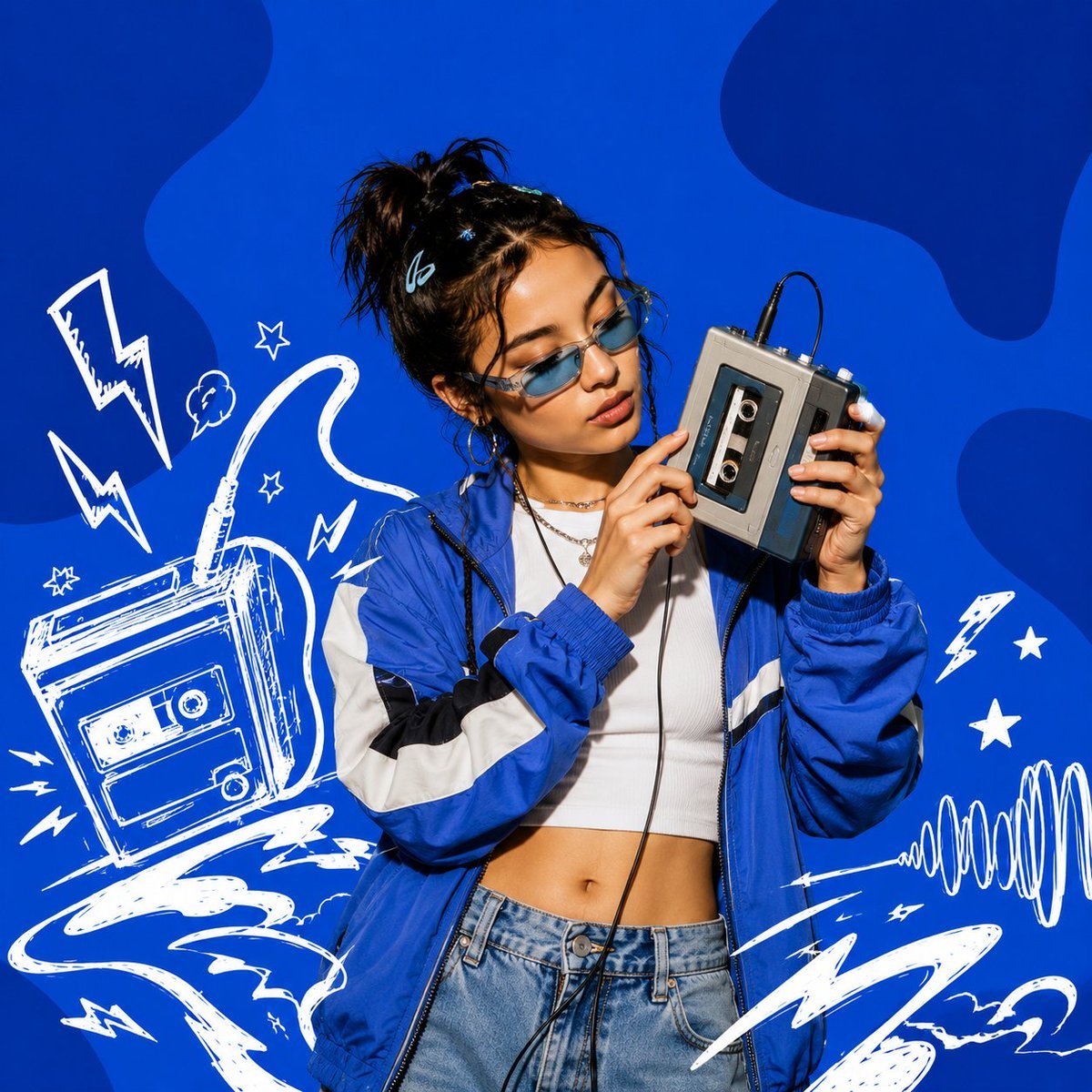
- Prompt included
- Model and format preset
- Premium template
The prompt behind this image
Copy the exact prompt behind Futuristic Retro Fashion Editorial, or open it in the studio and make it yours.
Design a square 1:1 visual artwork for {argument name="brand name" default="[BRAND NAME]"} that feels like an experimental pop-fashion photograph from a futuristic retro archive. Let {argument name="hero color" default="[HERO COLOR]"} dominate the scene, but avoid a simple flat backdrop. Create a layered studio environment using tonal gradients, soft cast shadows, floating geometric fragments, and subtle paper-print imperfections. The main subject is a single adult fashion model styled in a distinctive look that complements {argument name="brand name" default="[BRAND NAME]"}. Capture an energetic candid moment, with the subject turning toward a handheld retro digital camera and photographing something outside the frame. Make the camera an important storytelling element rather than a decorative prop. Show its small display clearly enough to suggest a captured image, while keeping the scene photorealistic. Add expressive white (#FFFFFF) hand-drawn artwork throughout the scene: loose geometric sketches, tiny stars, camera-interface-inspired symbols, sweeping lines, imperfect circles, and abstract gestures. Integrate these marks into the environment at different depths so some appear behind the subject while others float around the foreground. Give the image a late-1990s/early-2000s experimental magazine mood with contemporary fashion photography, crisp details, subtle analog grain, realistic skin texture, dimensional lighting, and energetic editorial framing. Use approximately 5500K neutral studio lighting. Maintain strong separation between photographic elements and graphic artwork while making them feel intentionally designed as one composition. Absolutely no readable text, typography, slogans, captions, logos, watermarks, or written brand names. The final result should resemble a rare experimental fashion editorial discovered in a futuristic design archive—confident, playful, tactile, unconventional, and visually memorable.
How to use Futuristic Retro Fashion Editorial in 3 steps
- 1
Open
The prompt is already in the box next to the preview, with the template's model and format selected.
- 2…a portrait of your subject in softgolden-hour light, 85mm…
Personalize
Edit the subject and creative details for your destination.
- 3Generate
Generate
Press Generate — your image is created in PicX Studio, so you can compare it with the original and refine one variable at a time.
More like this
Templates with the same subject, style or setup. Open one to see its prompt.

80s College Gate

1988 Mall Style

80s Polka Dot Saree
High Fashion Editorial Portrait
21 Glass Floor Skyscraper — California Series

19 Luxury Helicopter Travel — California Series

08 Rodeo Drive Luxury Exit — California Series
03 Beverly Hills Convertible — California Series

Caution Tape Fashion — Industrial Editorial
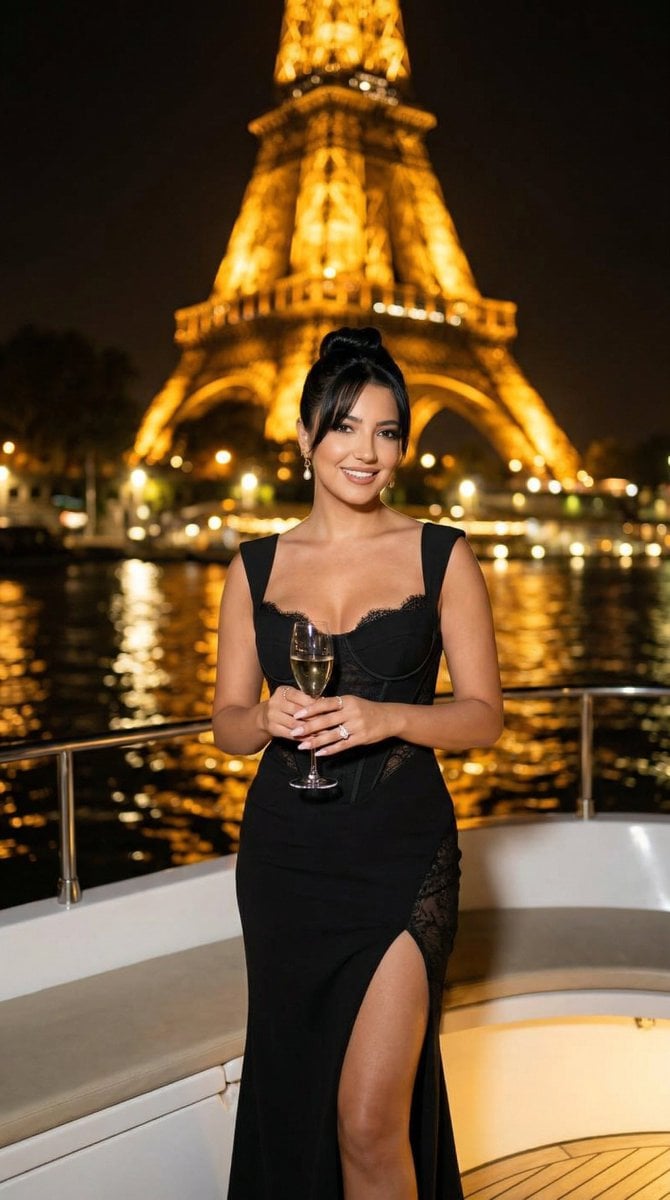
Nano Banana - Paris Cafe Editorial
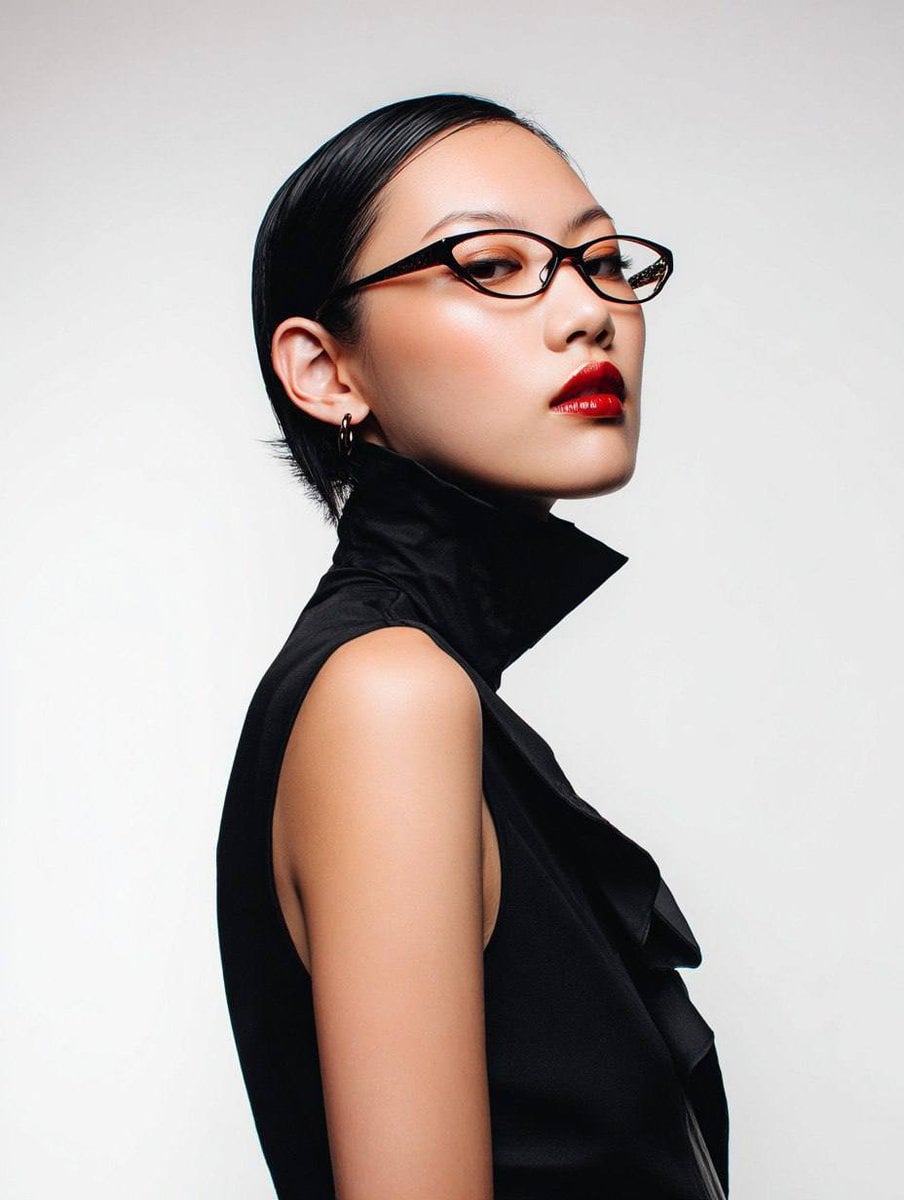
Avant-Garde Asian Fashion Model
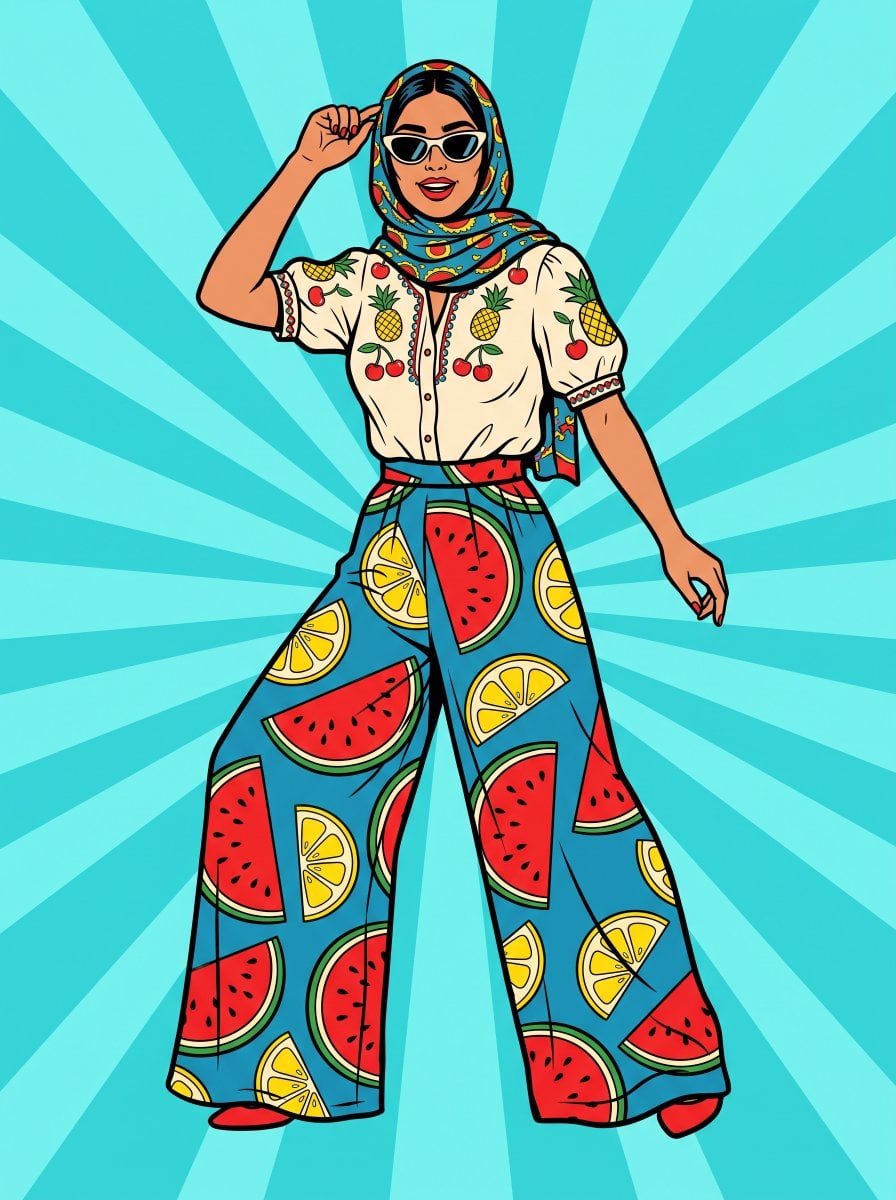
Pop Art Summer Fruit Fashion Illustration
Make it yours
Futuristic Retro Fashion Editorial works as-is. These are the safest ways to change it without losing the look.
Change one field
Copy a single group, rewrite it, and generate again so you can see what that field is doing.
Keep the frame, change the subject
Hold the composition and light of Futuristic Retro Fashion Editorial, then swap wardrobe, props or the person for a new take.
| If the result… | Why | Fix |
|---|---|---|
| The result drifts from the preview | Too many fields changed at once. | Reuse Futuristic Retro Fashion Editorial as-is first, then change one group — subject, light, or setting. |
| The model over-stylizes the scene | The prose prompt leaves finish and camera underspecified. | Add one camera or lighting sentence and stay on Gemini 3 Pro Image Preview. |
More Gemini 3 Pro Image Preview templates
Other prompts made for Gemini 3 Pro Image Preview.
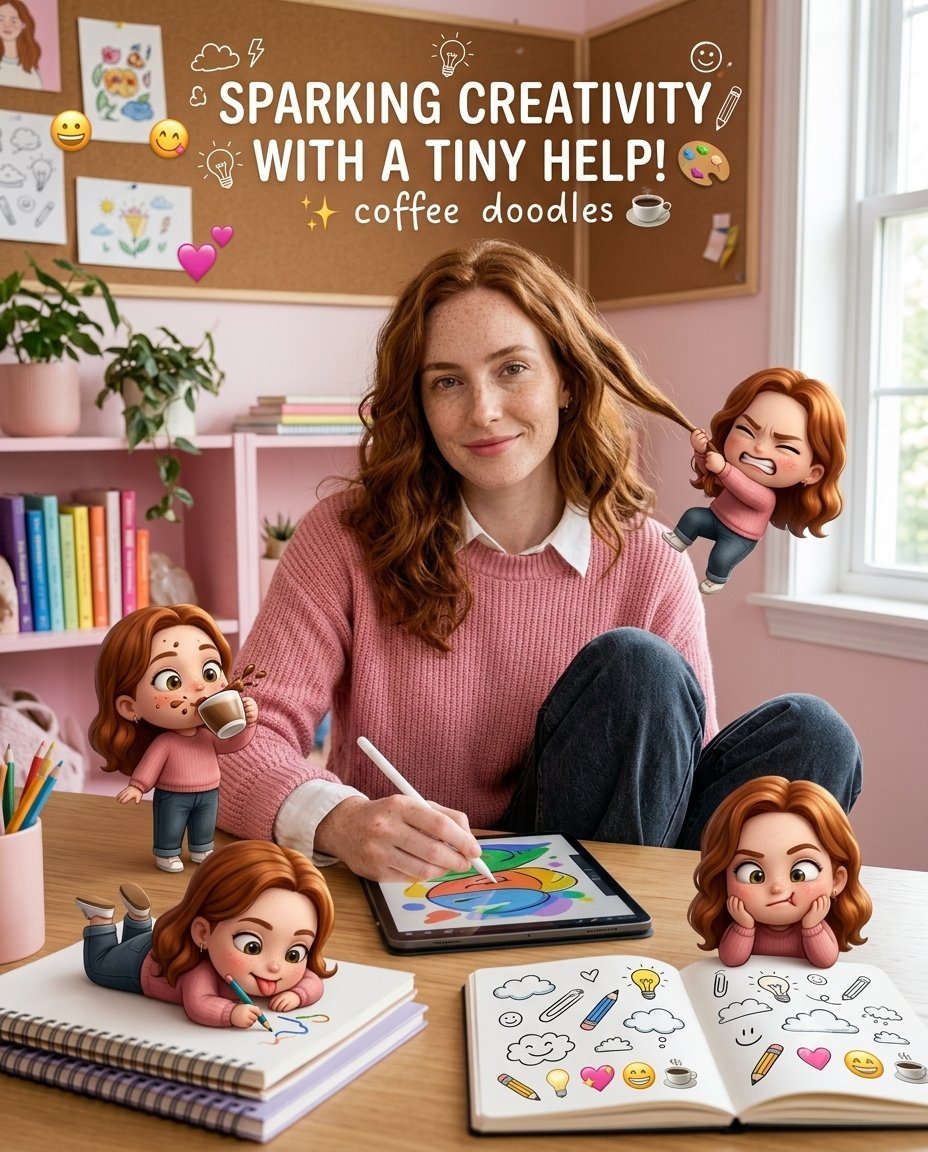
Creative Character in Pink Office

Underwater Macro Face Portrait
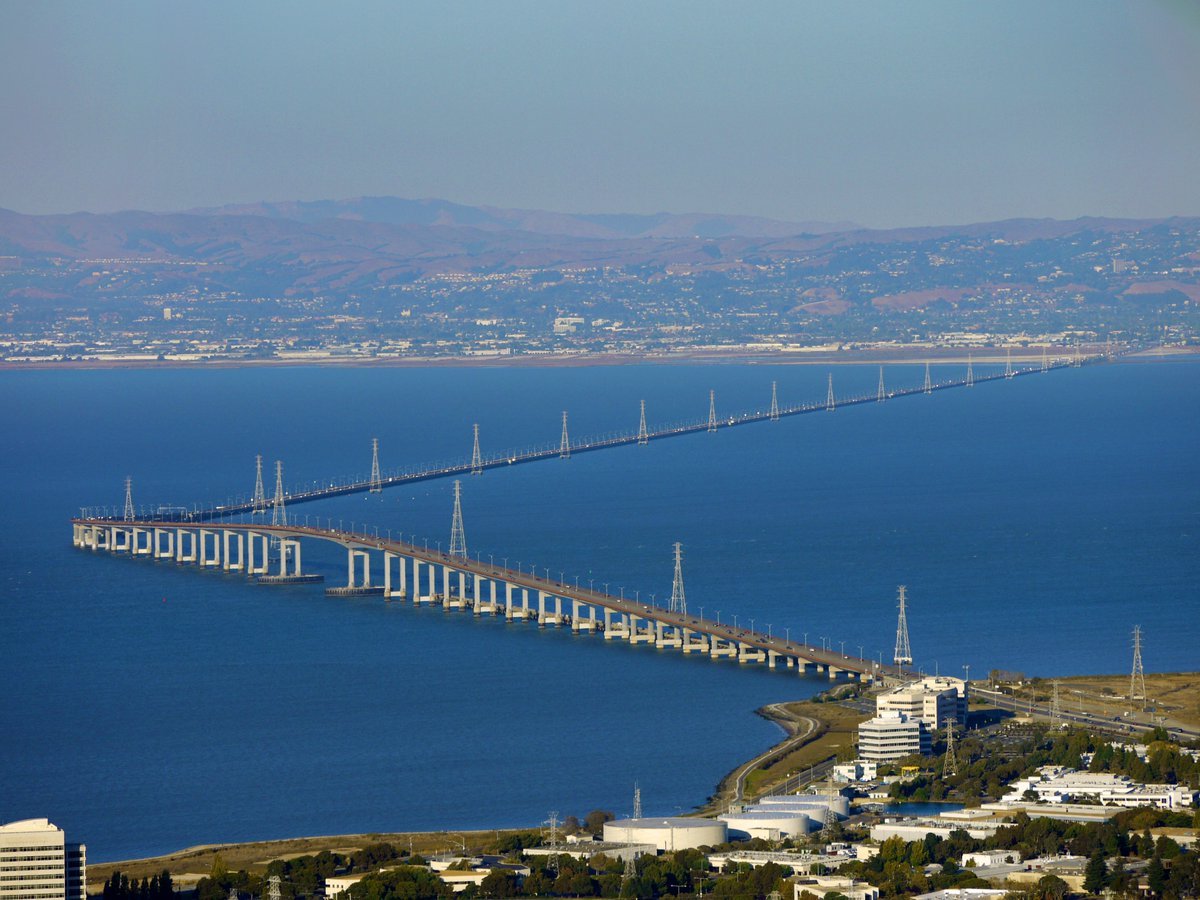
Water-level Bridge Modification
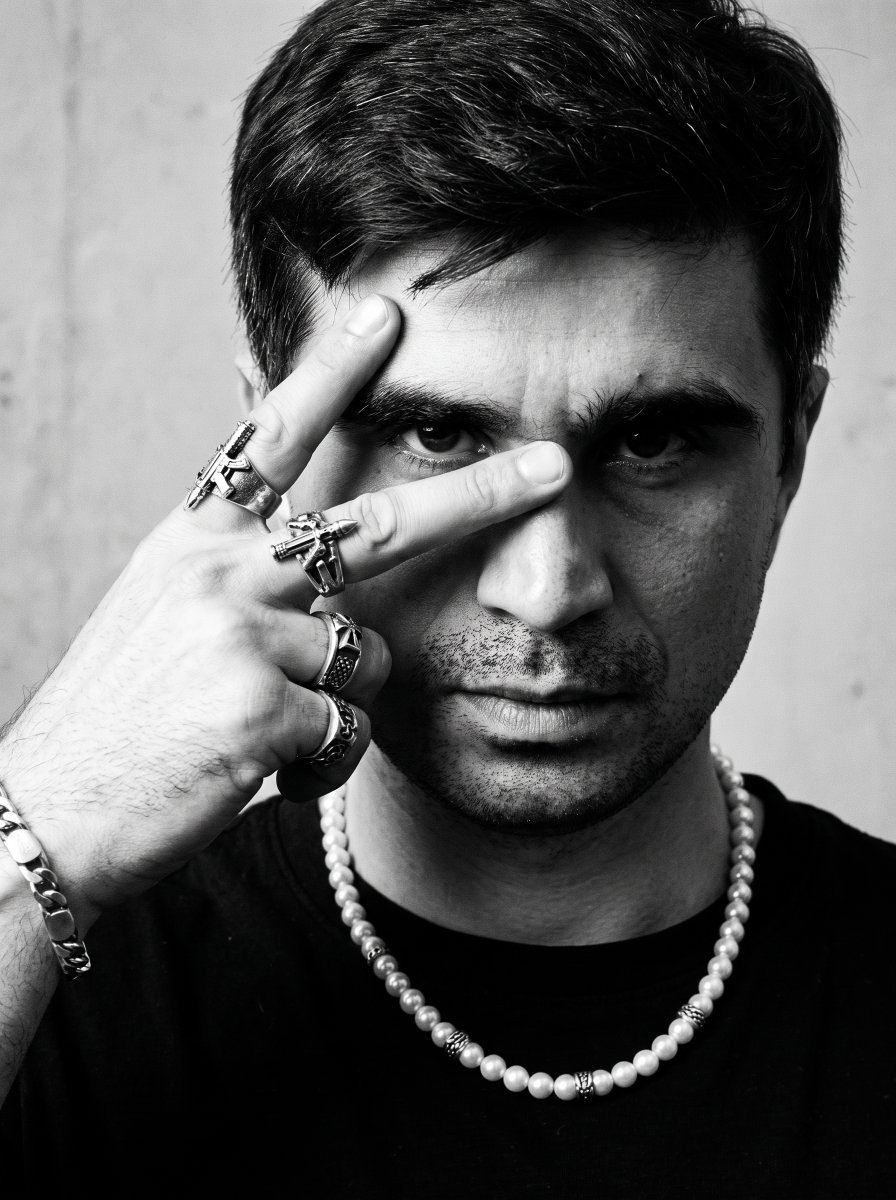
Noir Punk Street Portrait
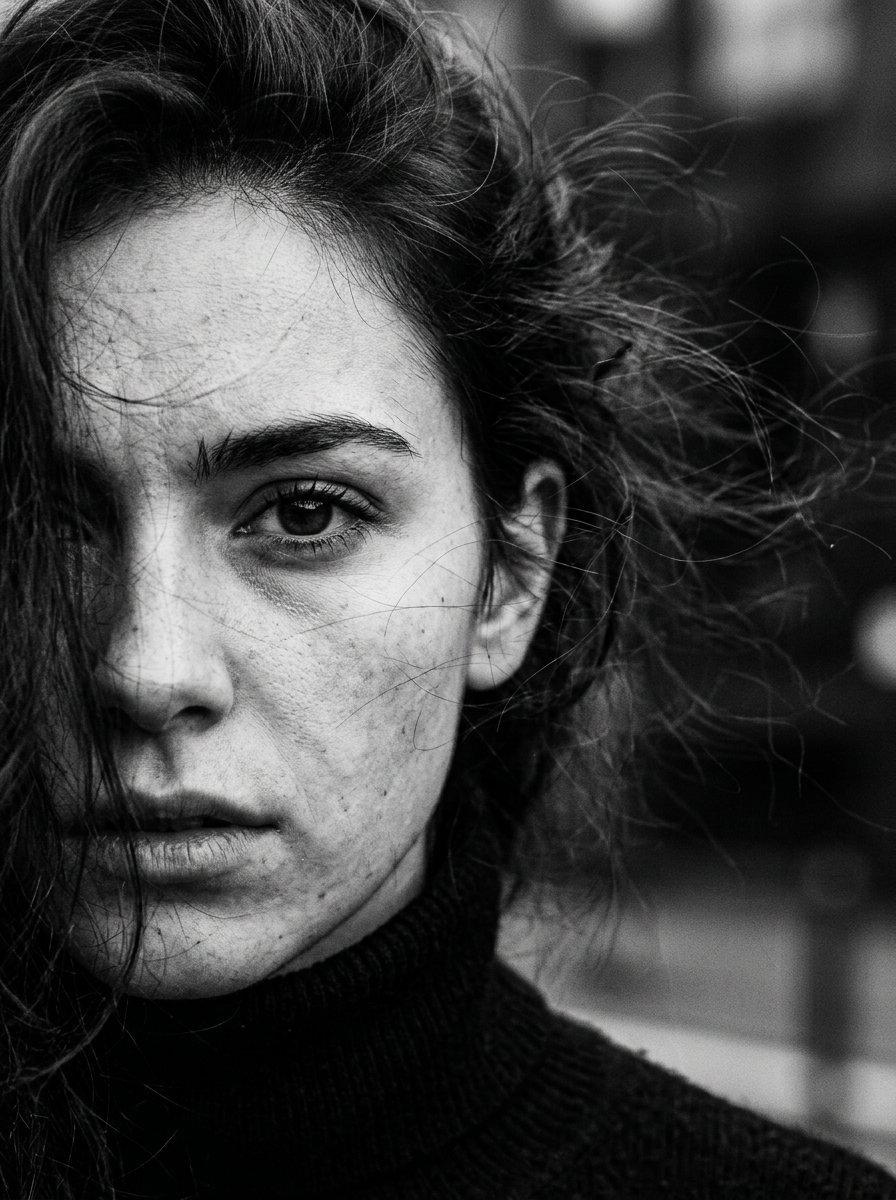
High Contrast Cinematic Face Portrait
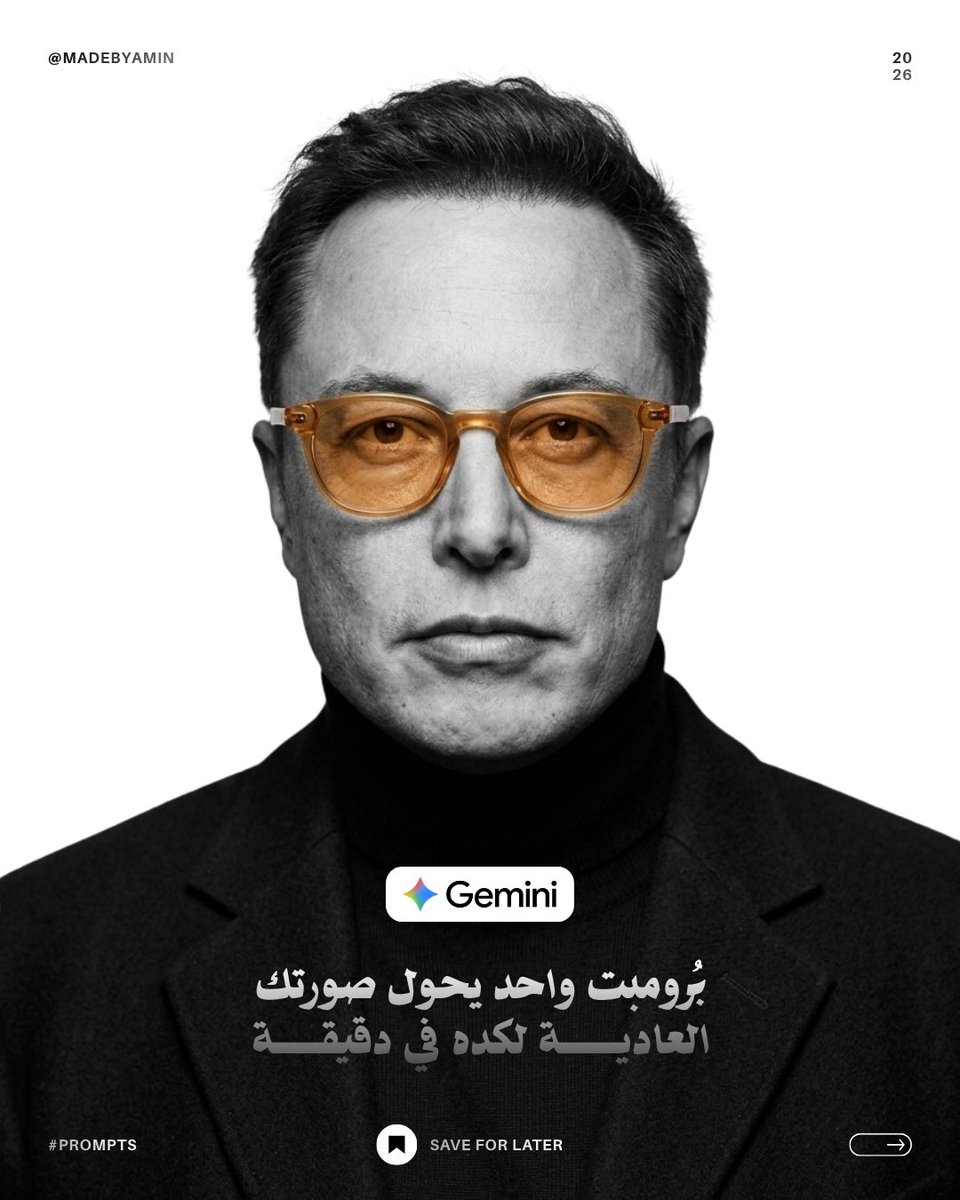
Monochrome Studio Portrait with Colored Lens
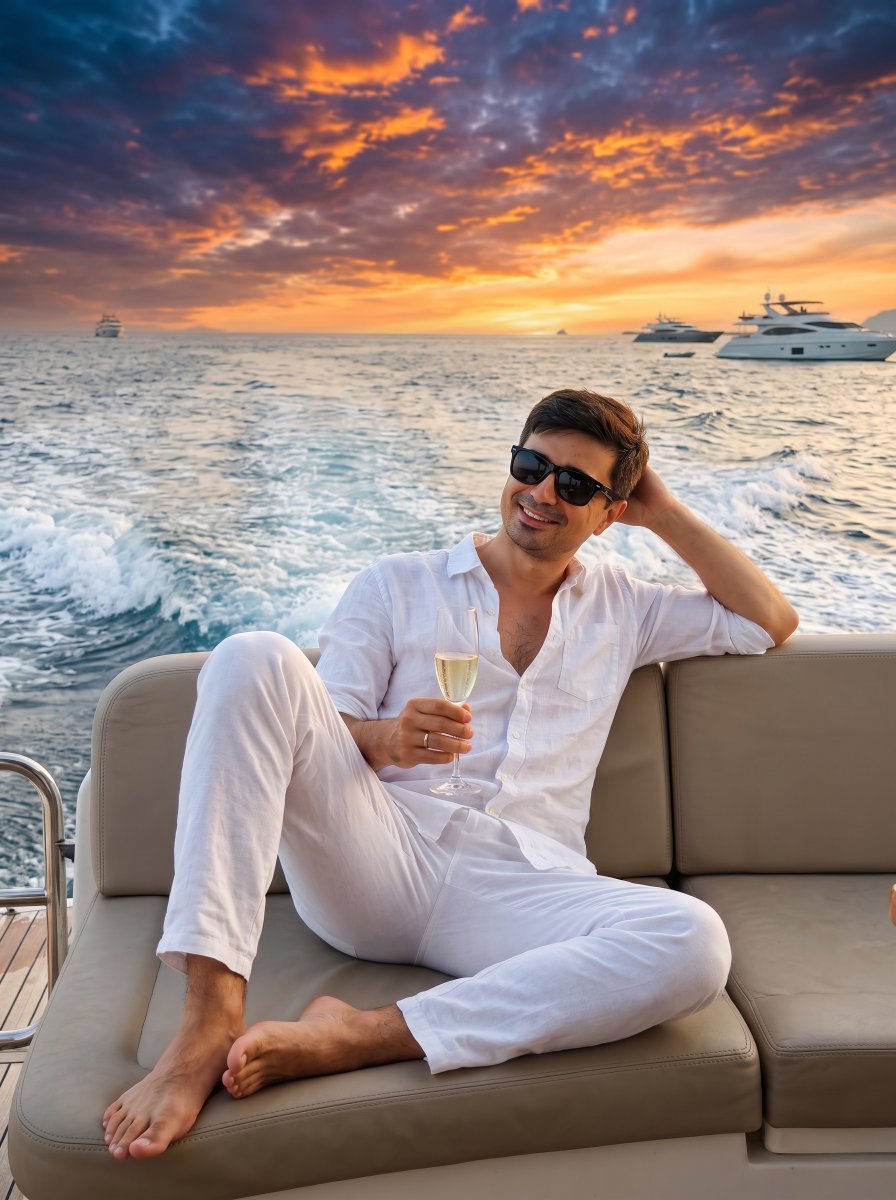
Ultra-Realistic Yacht Sunset Portrait

Mushroom Still Life Composition
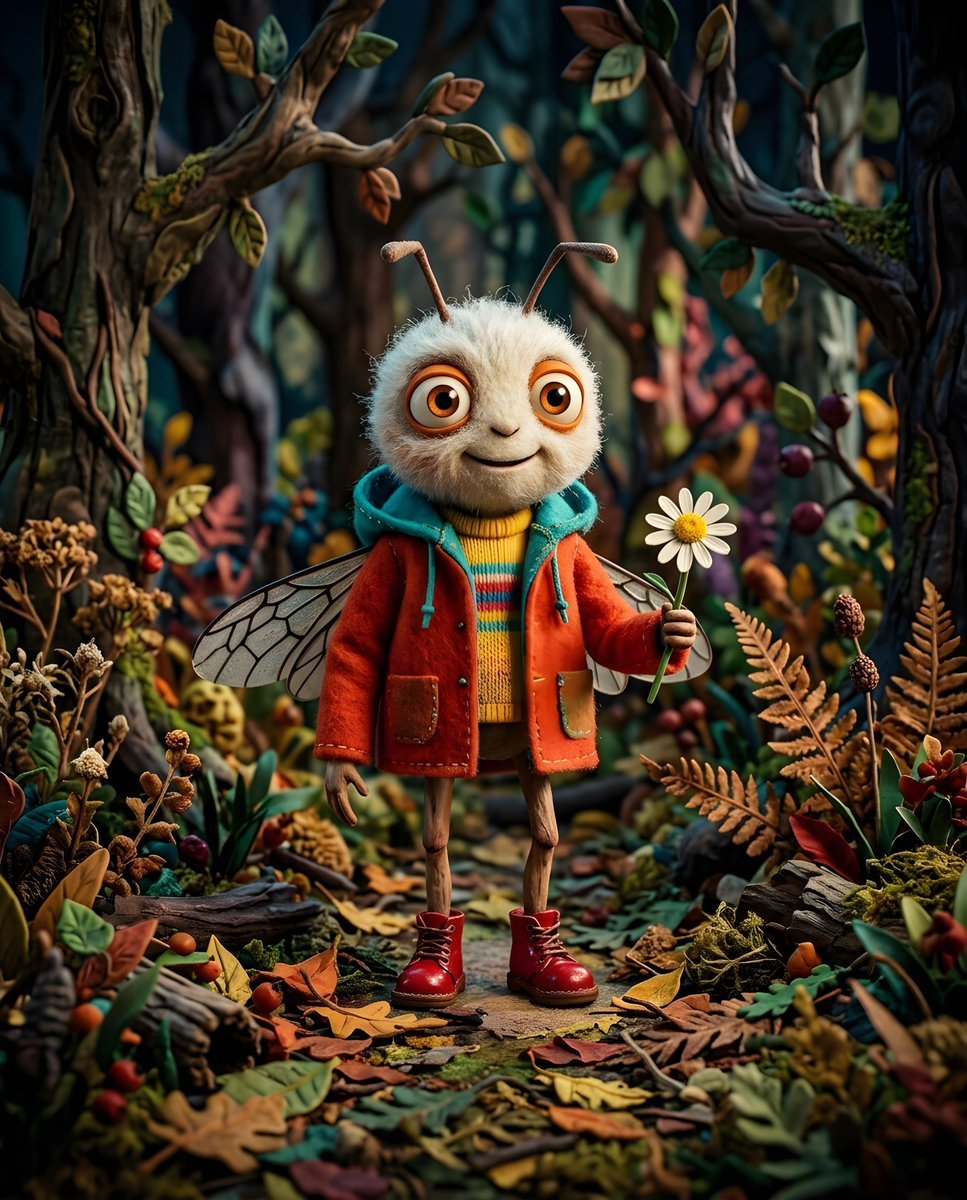
Whimsical Anthropomorphic Friendly Insect
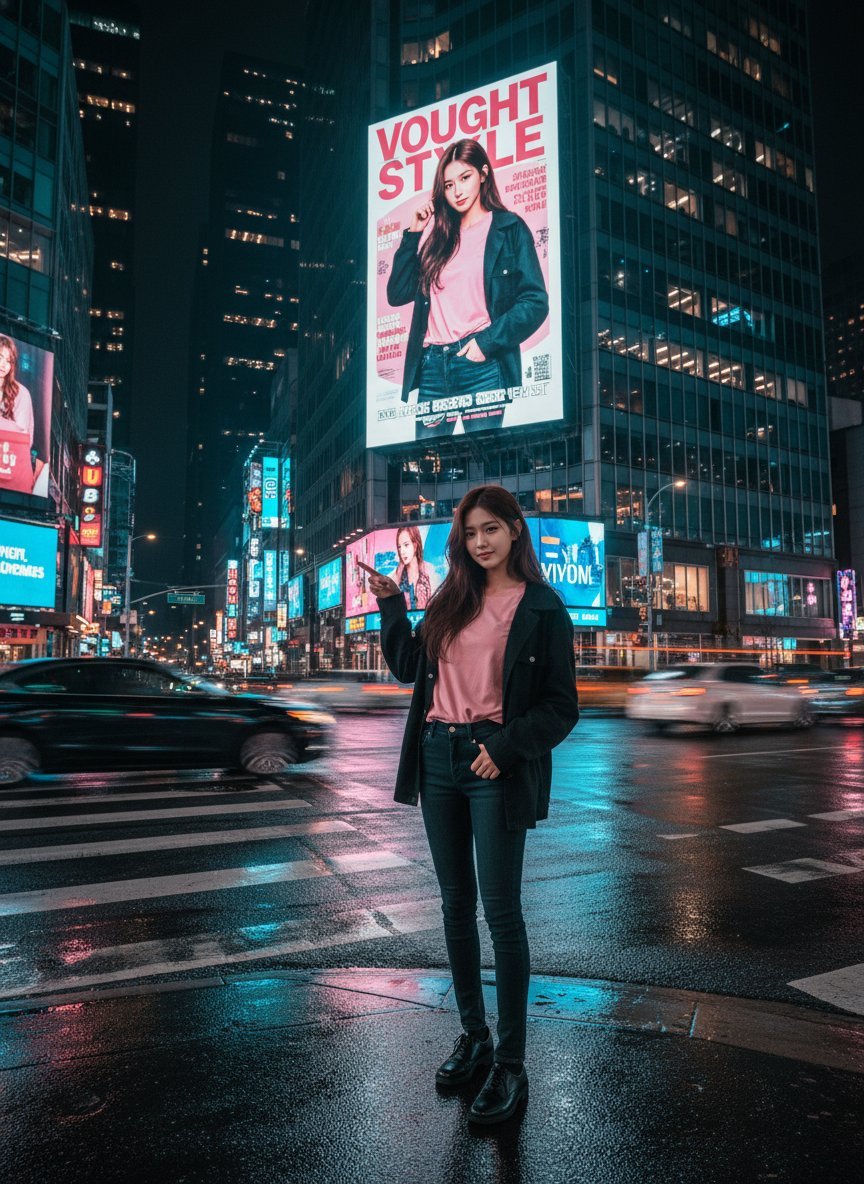
Cinematic Urban Night Billboard Portrait
More image prompts
Fresh picks from across the catalog.
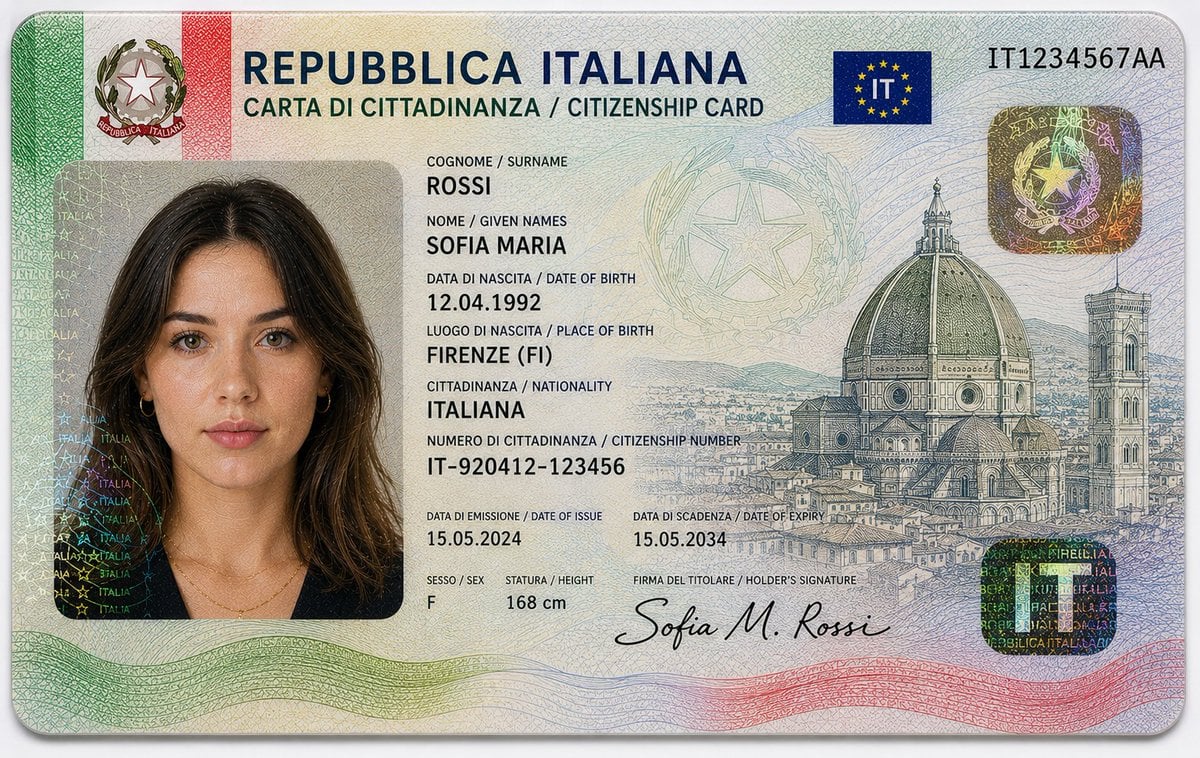
Realistic Identity Card Macro Photography
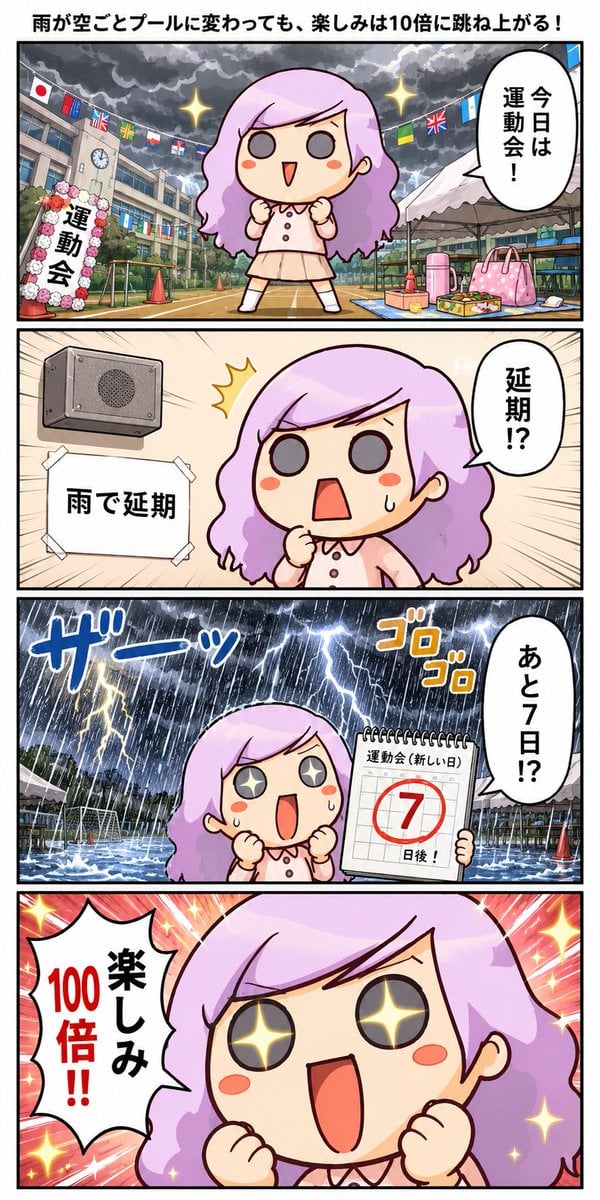
Rainy Sports Day Chibi Manga
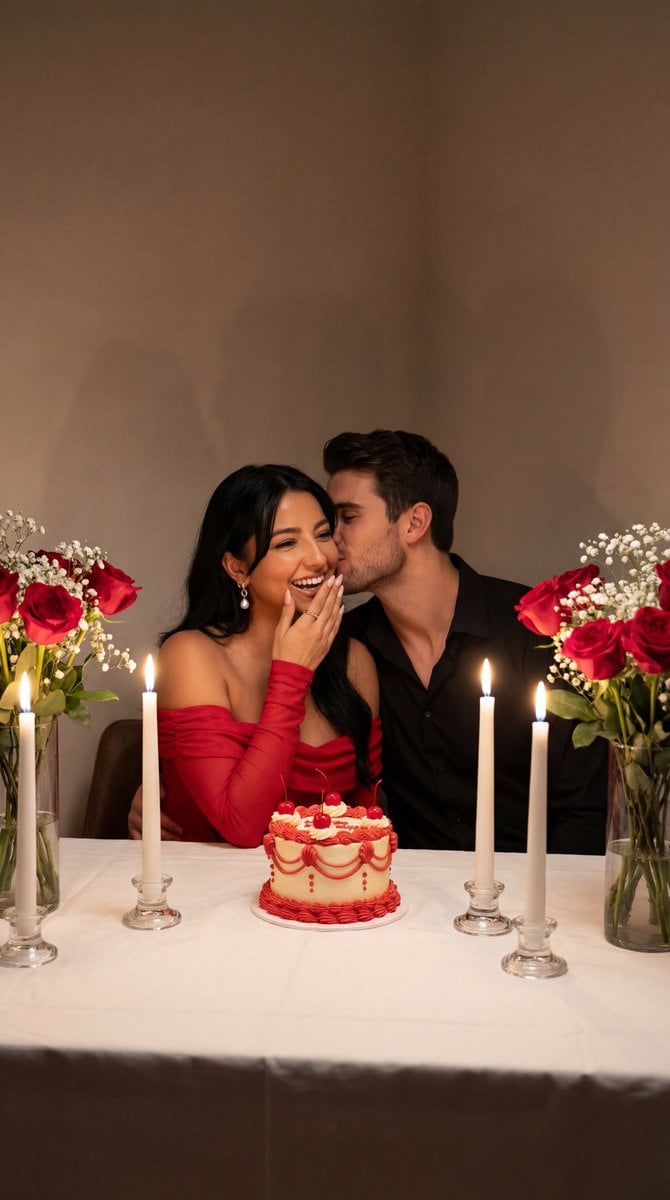
Ultra-Photoreal Candlelight Dinner Scene with Couple
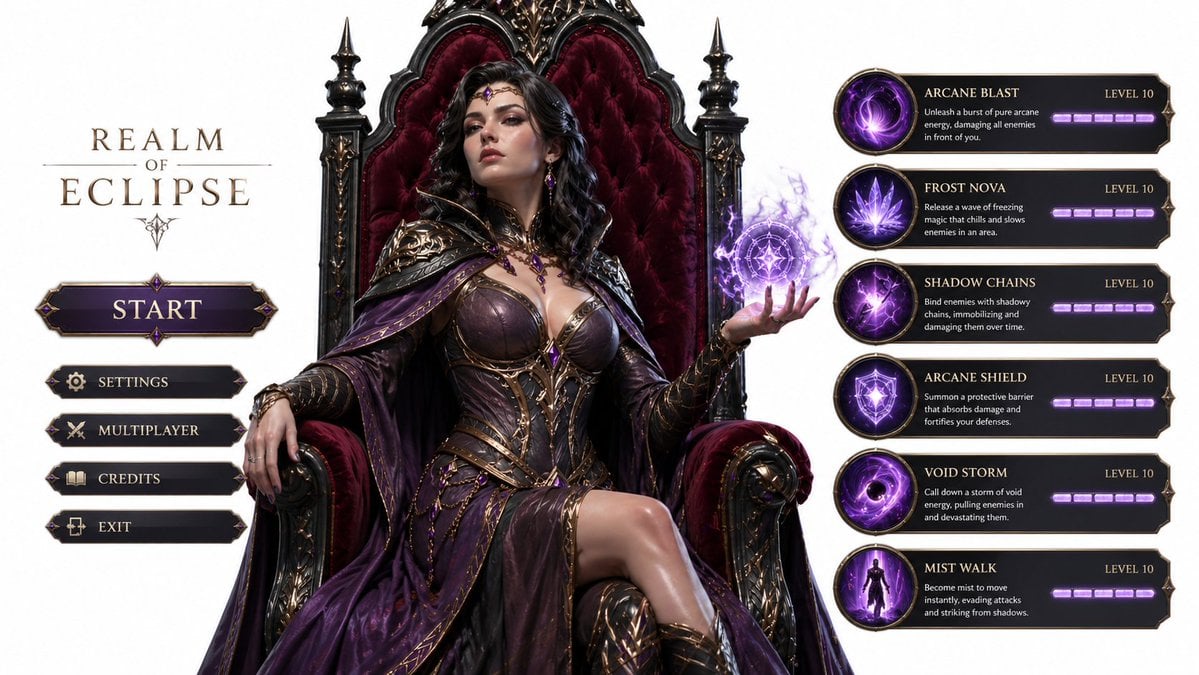
3D Gaming Sorceress Character
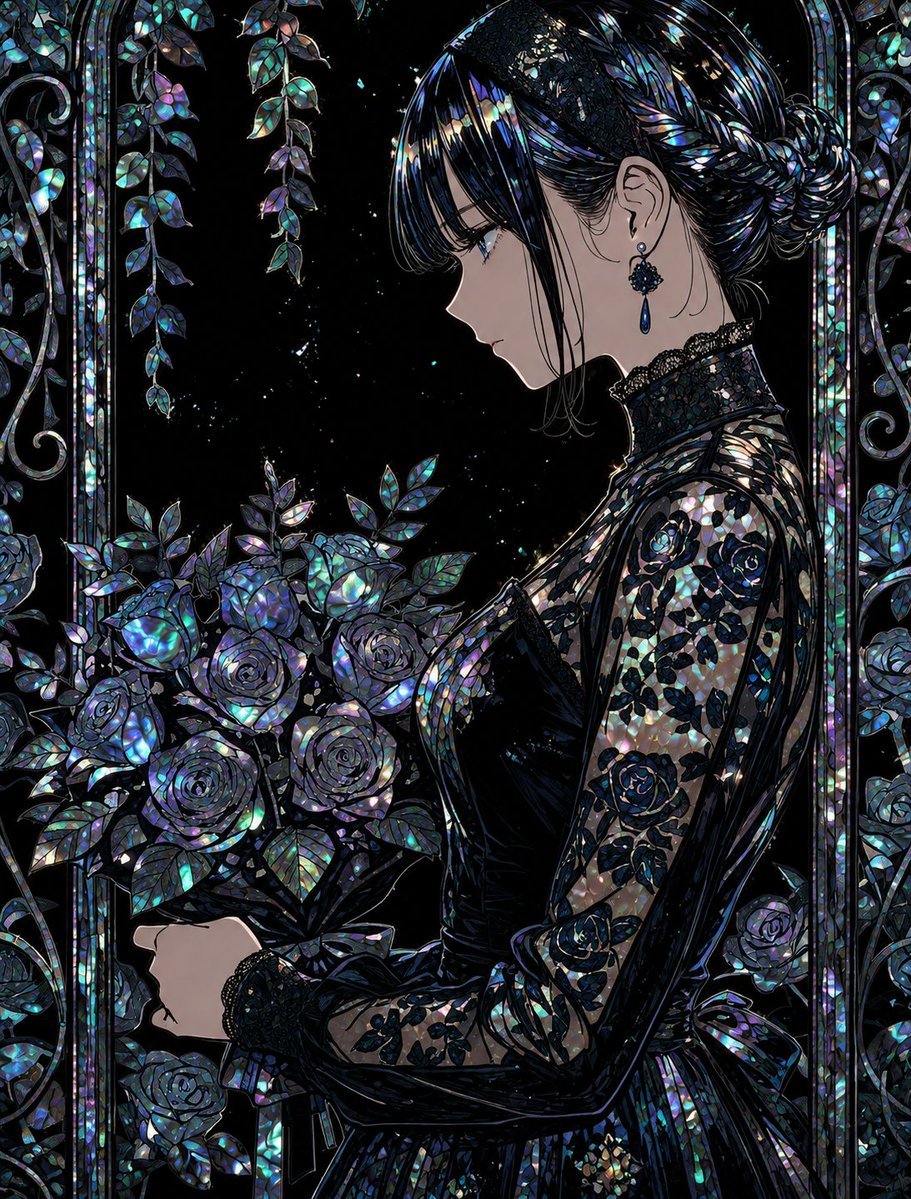
Raden Lacquerware Style Transformation
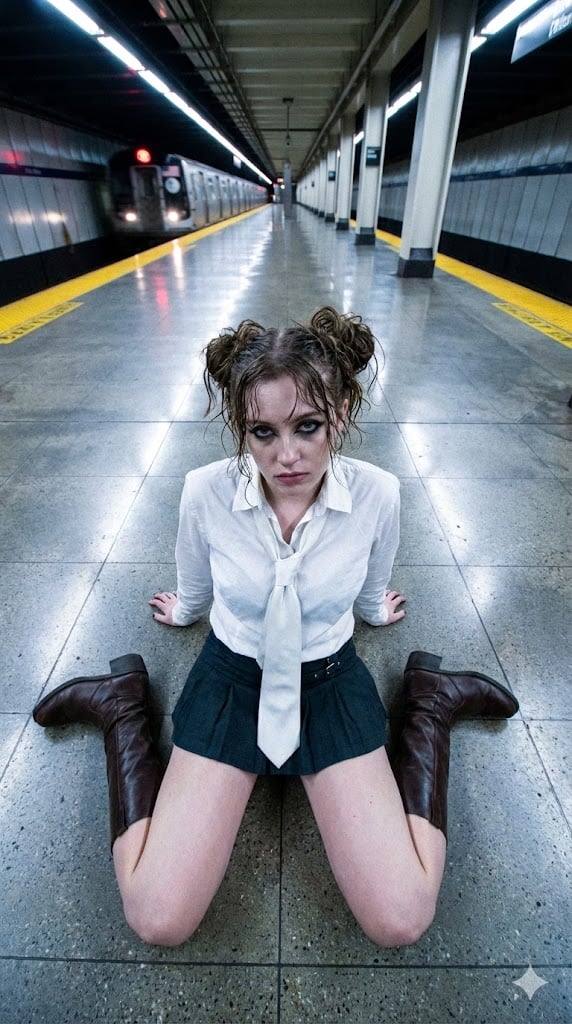
Liminal Transit Aesthetic Portrait
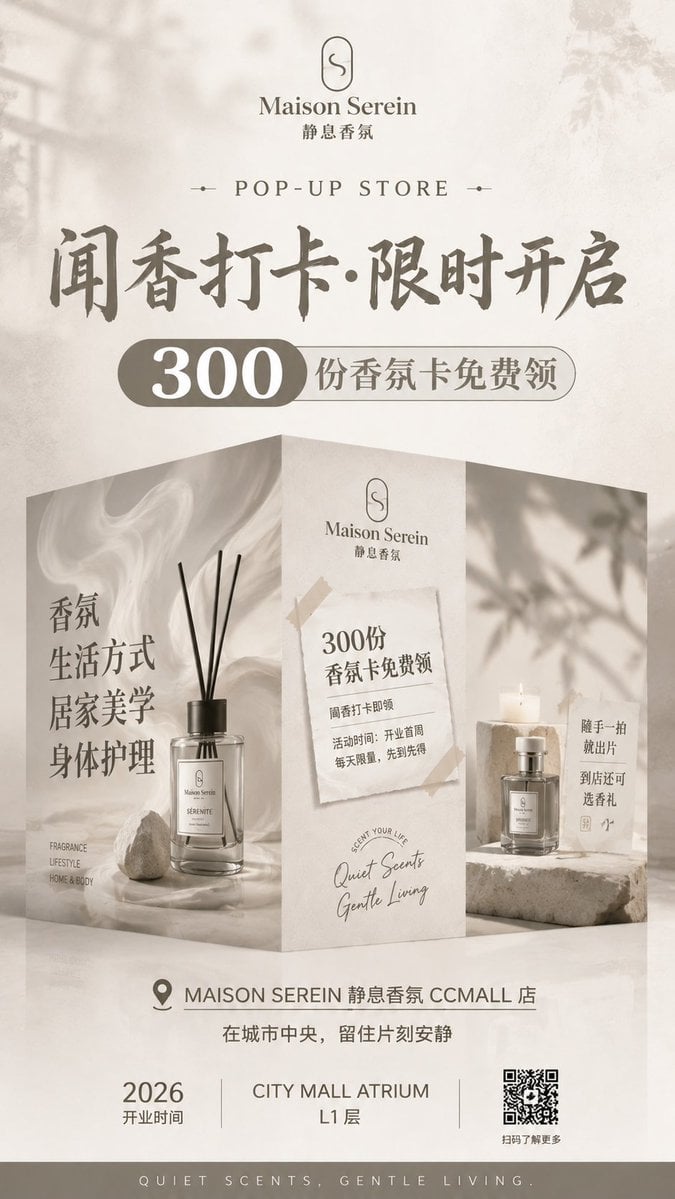
Luxury Fragrance Pop-Up Poster
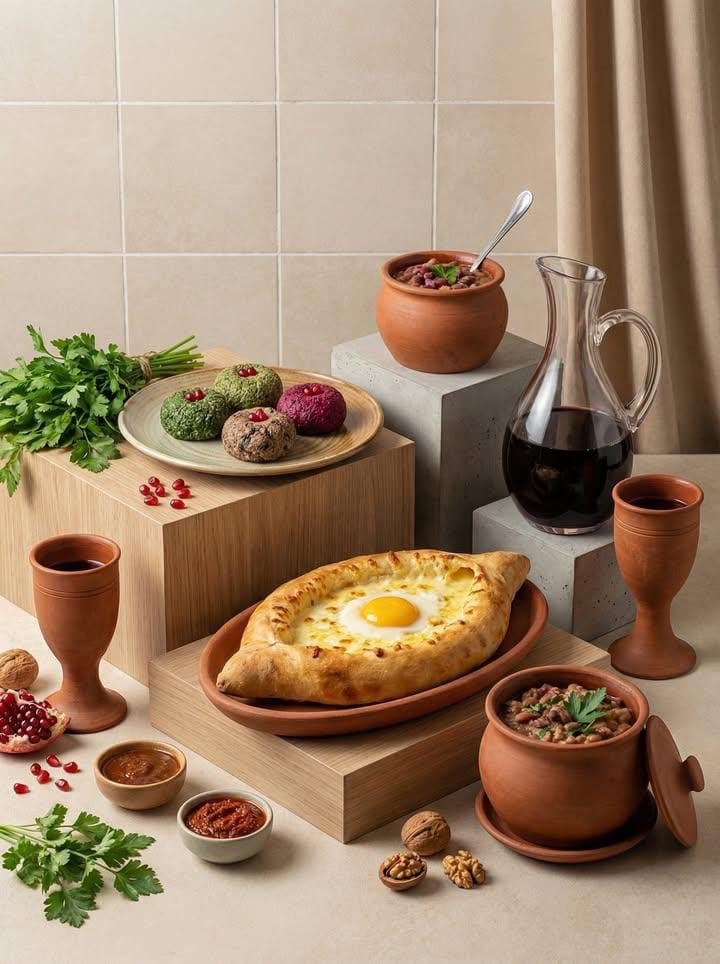
Minimalist Editorial Food Still-Life Photography
3D Dance Game Screen Prompt for Nano Banana Pro
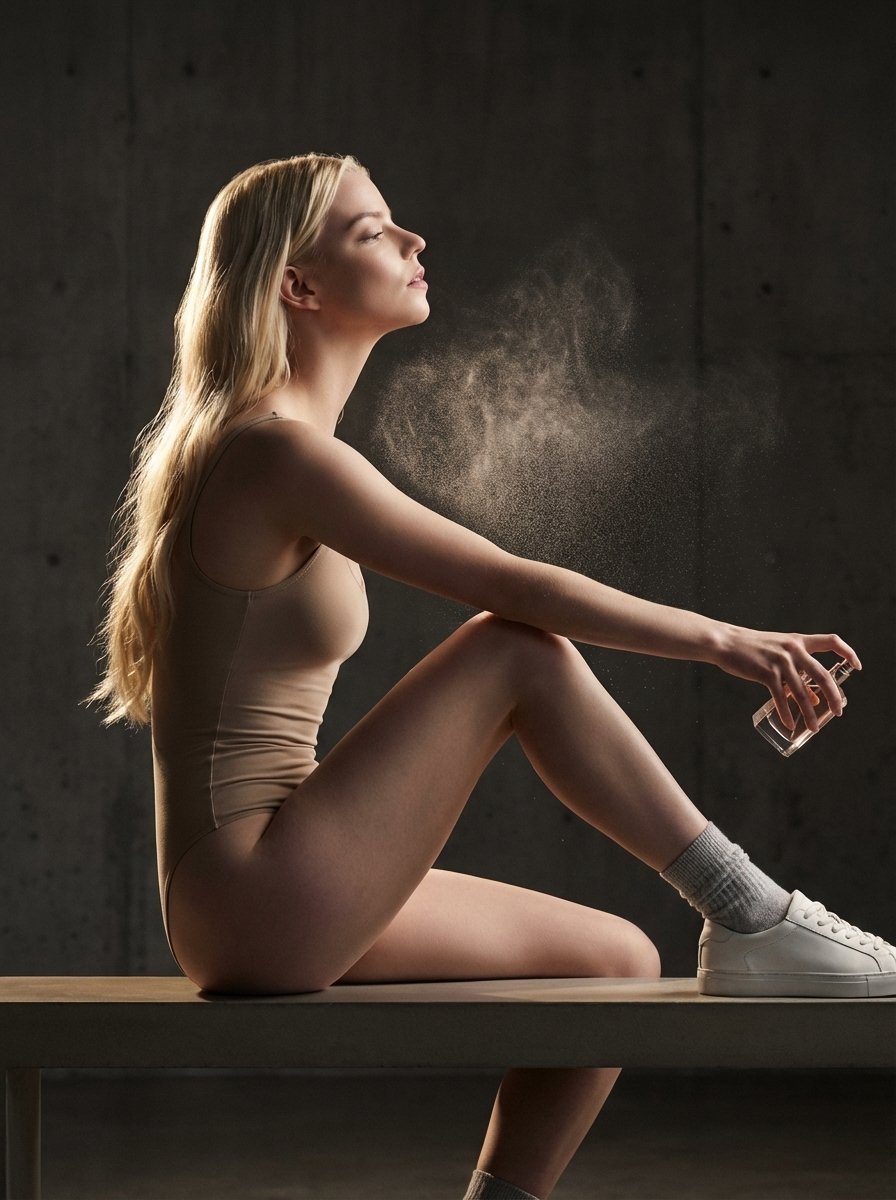
High-Fashion Perfume Campaign Prompt with Side Lighting
Browse template categories
Futuristic Retro Fashion Editorial questions
How do I use the Futuristic Retro Fashion Editorial template?
Add your photo if the template asks for one, edit the prompt if you like — the template's model and format are already selected — and press Generate. Your version opens in PicX Studio.
Can I customize the Futuristic Retro Fashion Editorial template?
Yes. You can change the subject, setting, lighting, mood, format, and available model controls before creating your image.
Is the Futuristic Retro Fashion Editorial template free?
Opening and editing this template is free. Generating uses credits, shown on the Generate button when you are signed in.
Which AI model should I use?
Start with Gemini 3 Pro Image Preview, which is the model associated with this template. You can compare another compatible model for a different finish.
Looking for something else? Browse all templates.

Your photo, any look
Thousands of ready templates for every top image and video model, from one credit balance.