How do I use the East Asian Woman Selfie Portrait template?
Choose the primary action to open PicX Studio with the available template settings. Review the model and format, personalize the creative direction, and generate when ready.
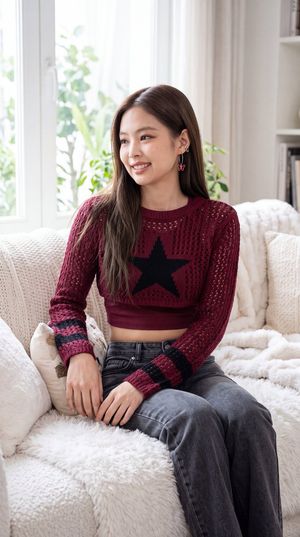
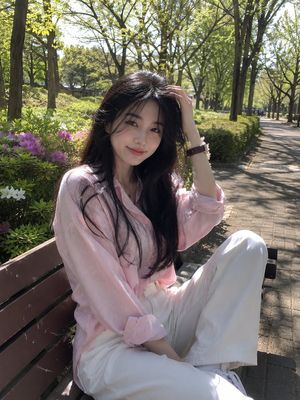
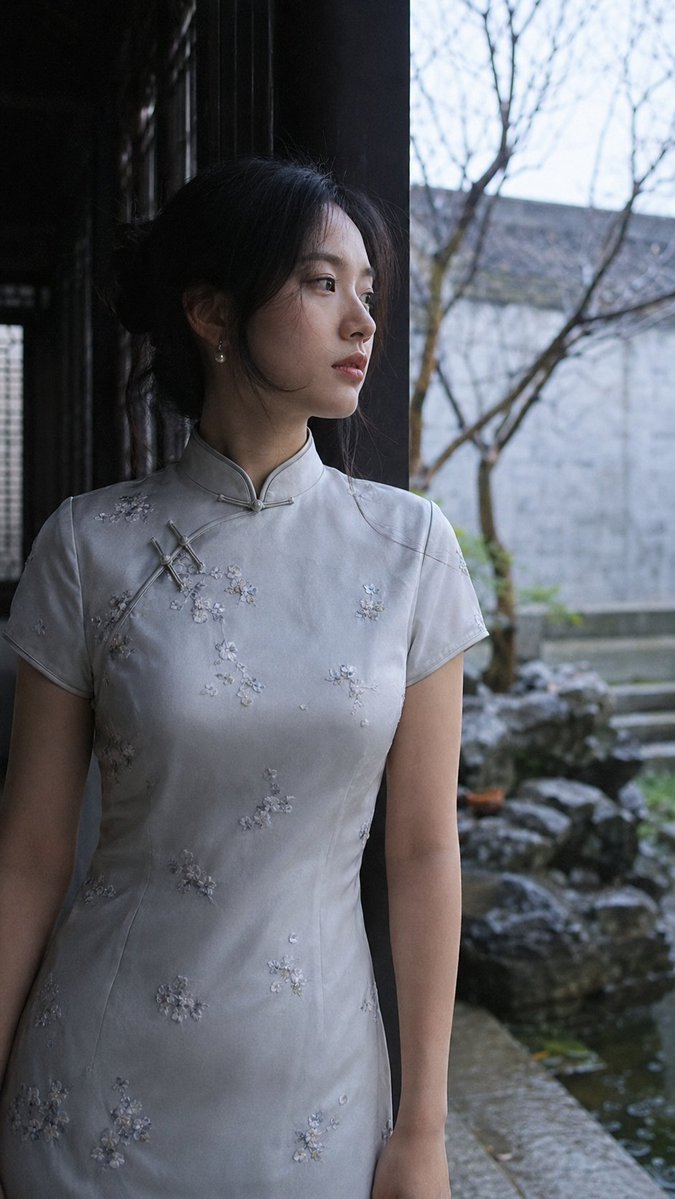
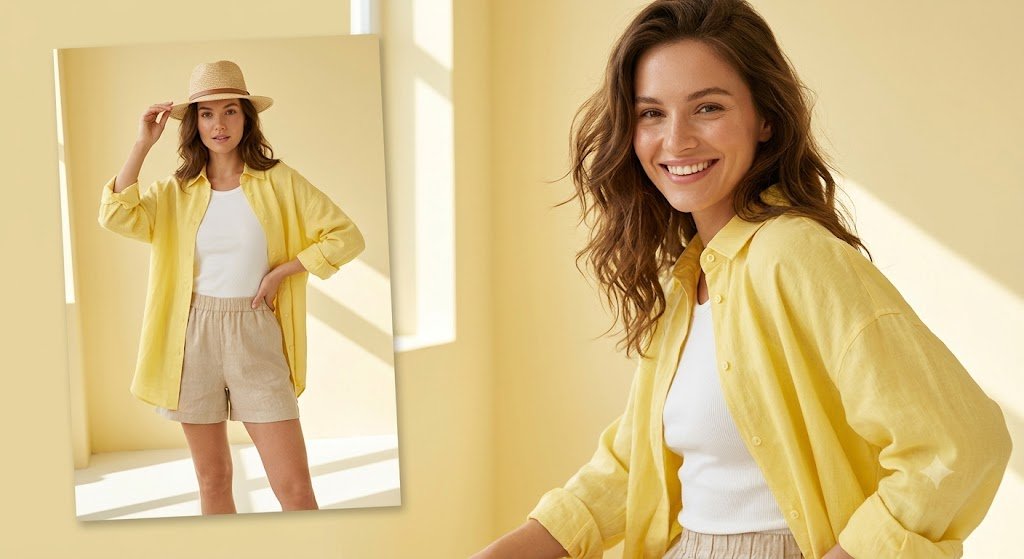
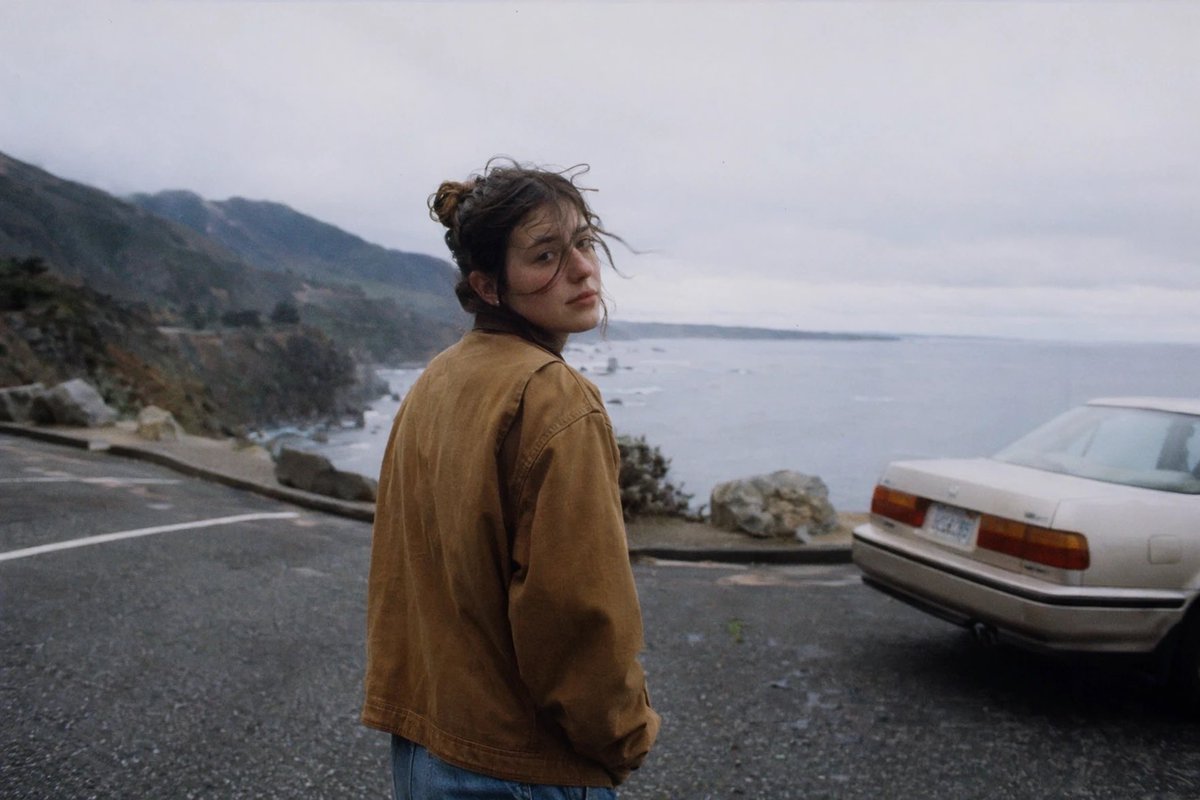
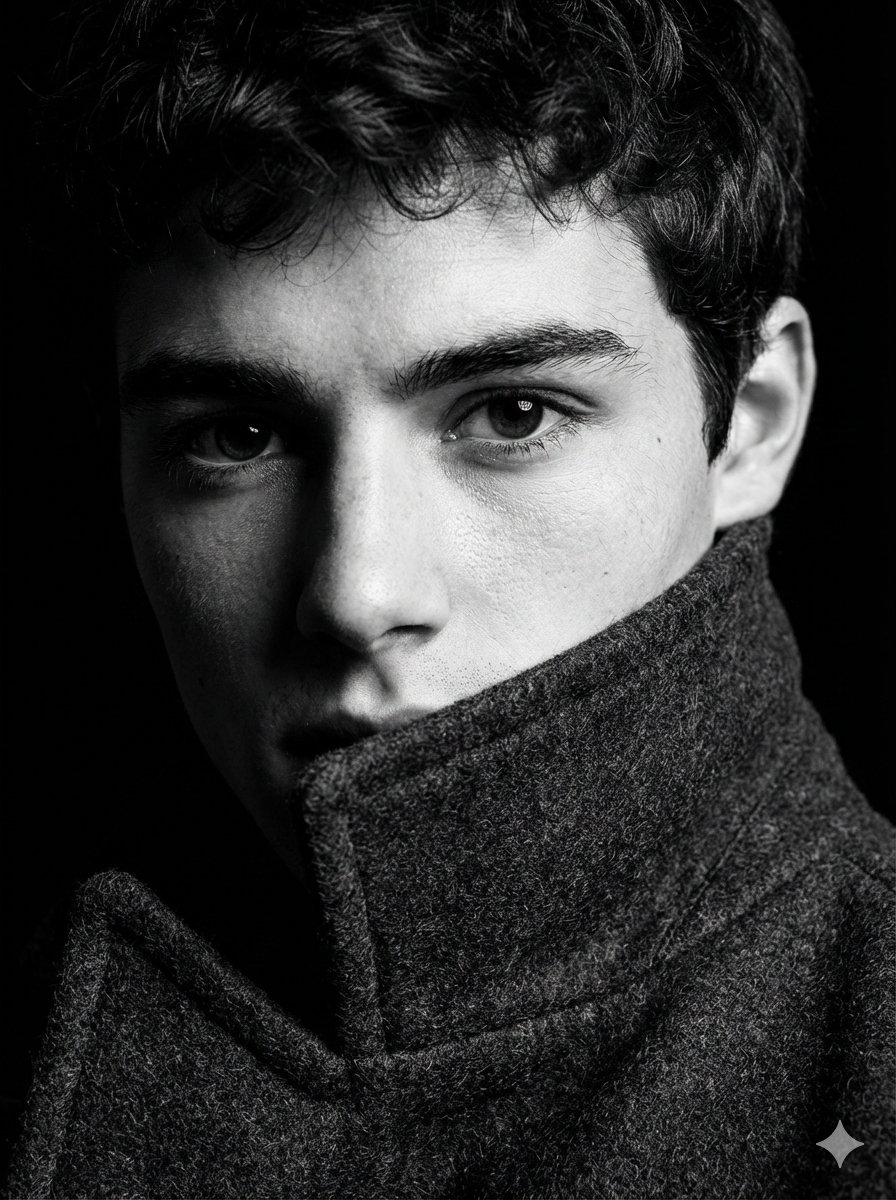
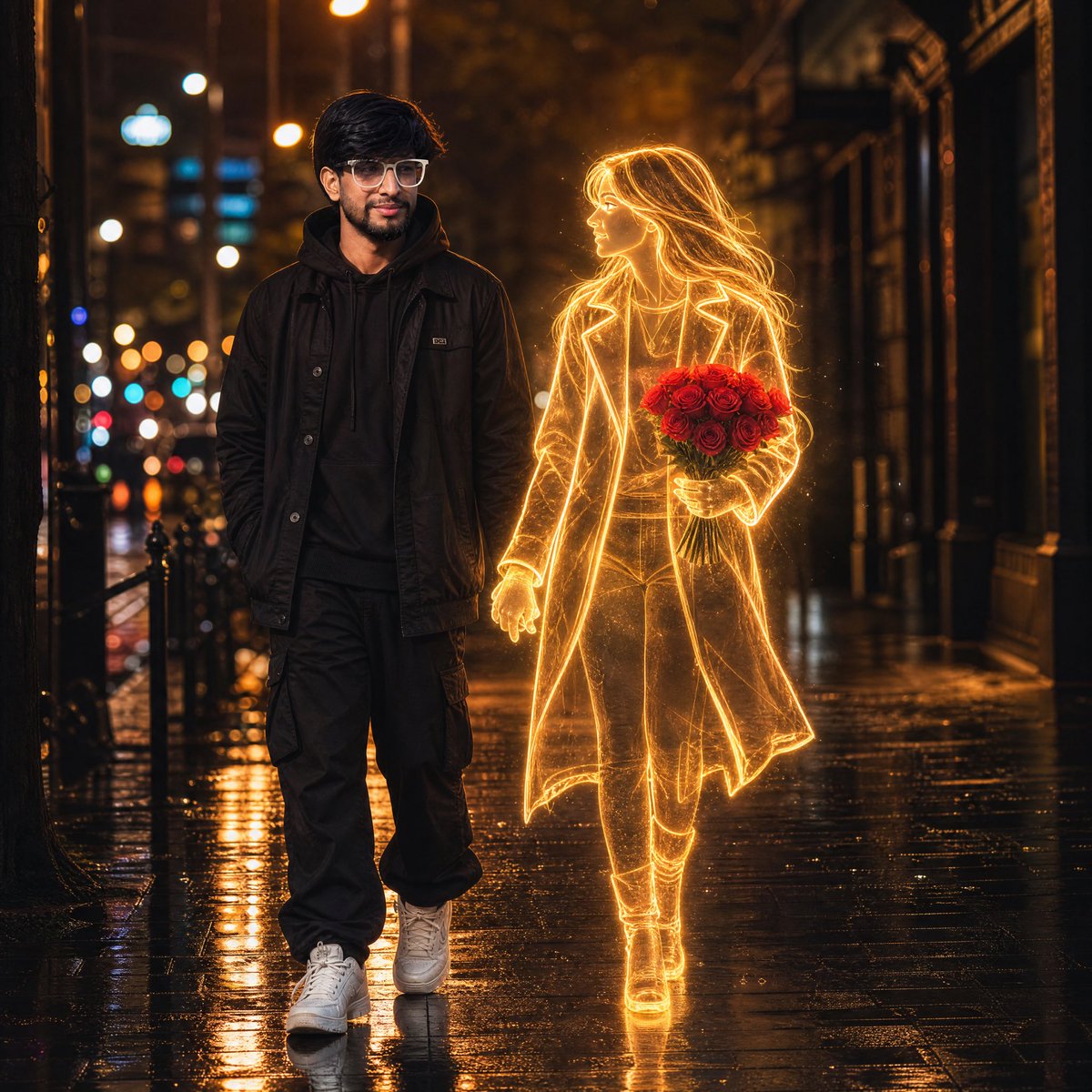
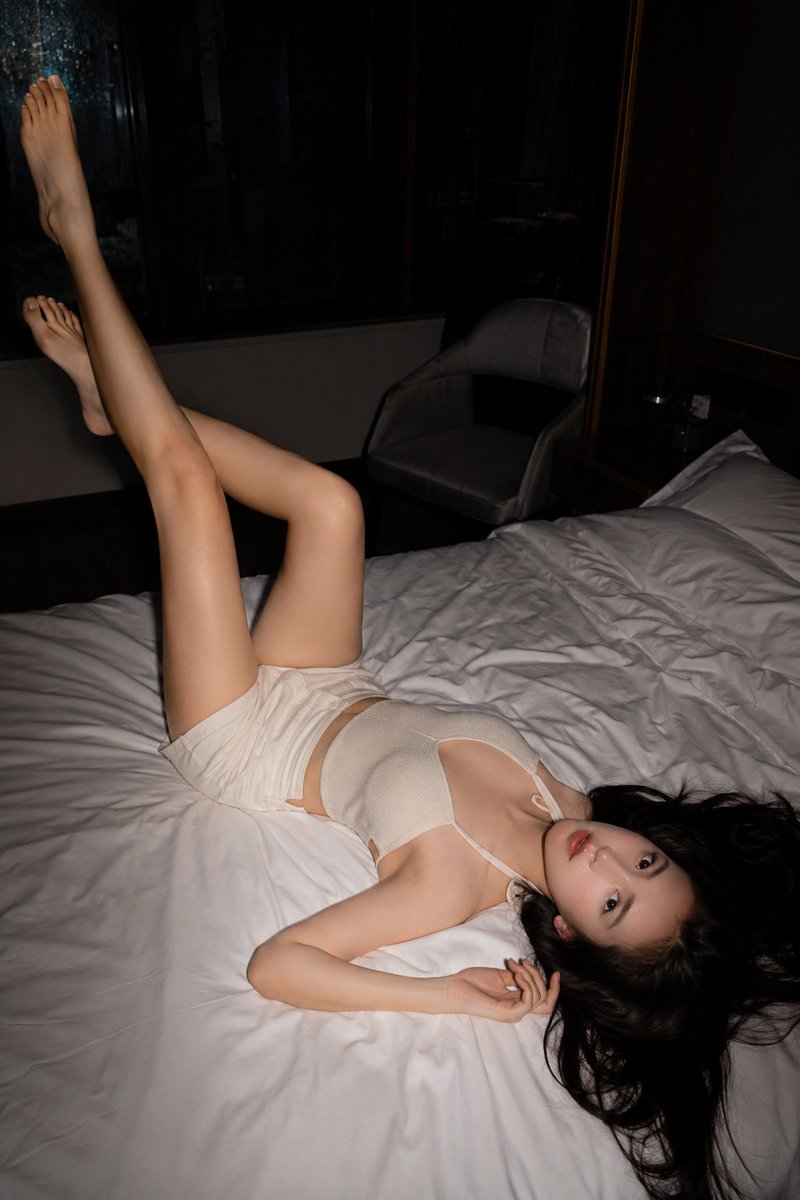
A realistic close-up selfie portrait of a young East Asian woman with wavy brown hair, featuring soft indoor lighting and a natural photography style.
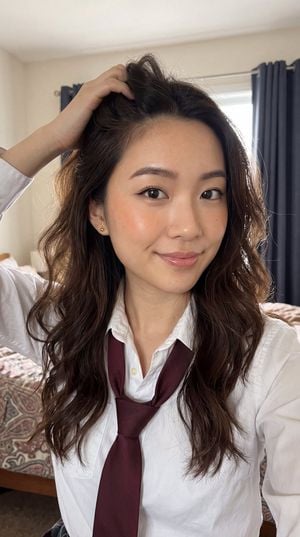
A close-up selfie portrait of a {argument name="subject" default="young East Asian woman"} with {argument name="hair" default="long, wavy dark brown hair"} cascading over her shoulders. She is playfully running her right hand through her hair near the top of her head, looking directly at the camera with a soft, gentle smile and slightly parted glossy lips. She has large dark eyes with subtle eyeliner and mascara, well-groomed arched eyebrows, and light natural makeup with a soft glow on her cheeks. She is wearing a {argument name="outfit" default="white collared button-up shirt with a maroon/burgundy necktie"} loosely draped around her neck. The lighting is soft and warm indoor lighting, creating gentle highlights on her face and hair. Background is slightly blurred, showing a patterned fabric surface (like a bed or couch) and dark curtains. Shot from a high selfie angle, realistic photography style, high detail, natural skin texture, soft bokeh.
Choose the primary action to open PicX Studio with the available template settings. Review the model and format, personalize the creative direction, and generate when ready.
Yes. You can change the subject, setting, lighting, mood, format, and available model controls before creating your image.
This template is free to open and customize. Generation usage is shown in PicX Studio before you create.
Start with gemini-3-pro-image-preview, which is the model associated with this template. You can compare another compatible model for a different finish.
Follow a topic to a crawlable collection of related PicX Studio templates.