How do I use the Male Winter Portrait at Ice Rink template?
Choose the primary action to open PicX Studio with the available template settings. Review the model and format, personalize the creative direction, and generate when ready.
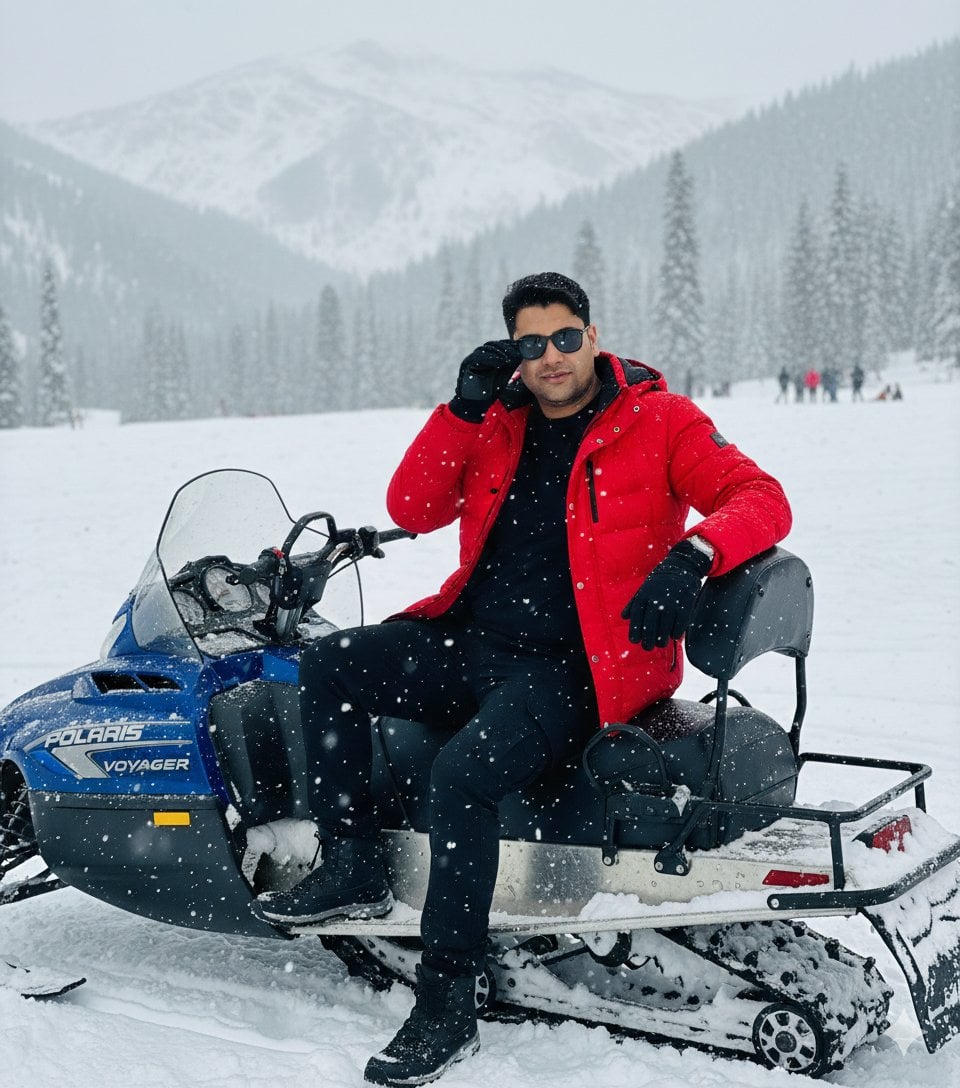
A detailed cinematic portrait of a man in winter attire at a brightly lit outdoor ice skating rink at night.
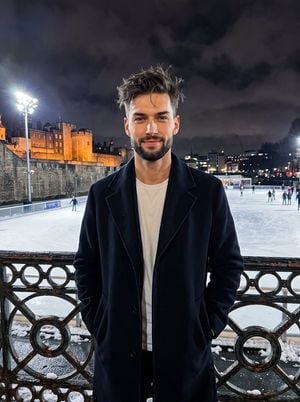
A realistic, high-contrast portrait of a {argument name="subject" default="handsome young adult male"} positioned in the center and has messy hair with subtle natural imperfections. He projects a genuine, happy demeanor with a warm closed smile and relaxed eyes, standing naturally with relaxed shoulders and his hands tucked warmly inside the pockets of his {argument name="coat color" default="heavy, deep navy-black overcoat"} layered over a crisp white t-shirt. Directly in front of him in the foreground is a weathered, ornate dark metal railing featuring intricate circular patterns, its surface slightly frosted and wet with small patches of piled snow resting just behind it. Beyond the railing, the deep midground opens up to a massive, {argument name="location" default="brightly illuminated outdoor ice skating rink"}, its icy blue-white surface heavily scratched and scored from skate blades, highly reflective and dotted with small distant figures skating. The deep background reveals a historic, aged stone castle building on the left, featuring rough stone masonry, large arched windows, and a pointed tower roof entirely washed in warm amber-gold architectural uplighting. A tall stadium light pole with fiercely bright, blown-out white LED floodlights stands on the left edge, alongside bare, weathered deciduous trees against a dark cloudy night sky reflecting the ambient cloudy night gray city glow. The crisp, energetic winter atmosphere is sculpted by hard, highly directional mixed artificial lighting, producing harsh, deep black shadows under the chin, within the heavy folds of the coat, and cast behind the subject, while specular highlights gently illuminate his forehead and nose. Shot straight on with a 35mm lens at f/2.8 and 1/125s to keep the subject tack sharp against a slightly soft but readable background, the image is rendered with a split-complementary color palette, enhanced contrast, and an ISO of 1600 that introduces organic digital noise and grain into the sky, framed in a 3:4 aspect ratio.
Choose the primary action to open PicX Studio with the available template settings. Review the model and format, personalize the creative direction, and generate when ready.
Yes. You can change the subject, setting, lighting, mood, format, and available model controls before creating your image.
This template is free to open and customize. Generation usage is shown in PicX Studio before you create.
Start with gemini-3-pro-image-preview, which is the model associated with this template. You can compare another compatible model for a different finish.
Follow a topic to a crawlable collection of related PicX Studio templates.